
Click Journal
Camera, Postcards & Journals
Được thiết kế cho iPhone
Miễn phí · Mua hàng trong ứng dụng
- Độ tuổi4+
- Danh mụcLối Sống
- Nhà phát triển幸 陈
- Ngôn ngữTiếng Anh+ 4 ngôn ngữ khác
- Kích thước350,8 MB
Liên kết đến trang App Store chính thức
Download.org không lưu trữ tệp nào của Click Journal. Nút này mở trang ứng dụng trên App Store, nơi 幸 陈 phát hành ứng dụng. Trang được kiểm tra lần cuối: 07/11/2026.
Ảnh chụp màn hình
Giới thiệu
Nhà phát triển chưa cung cấp nội dung này bằng ngôn ngữ của bạn.
Click Journal brings photography, photo creation and journaling together.
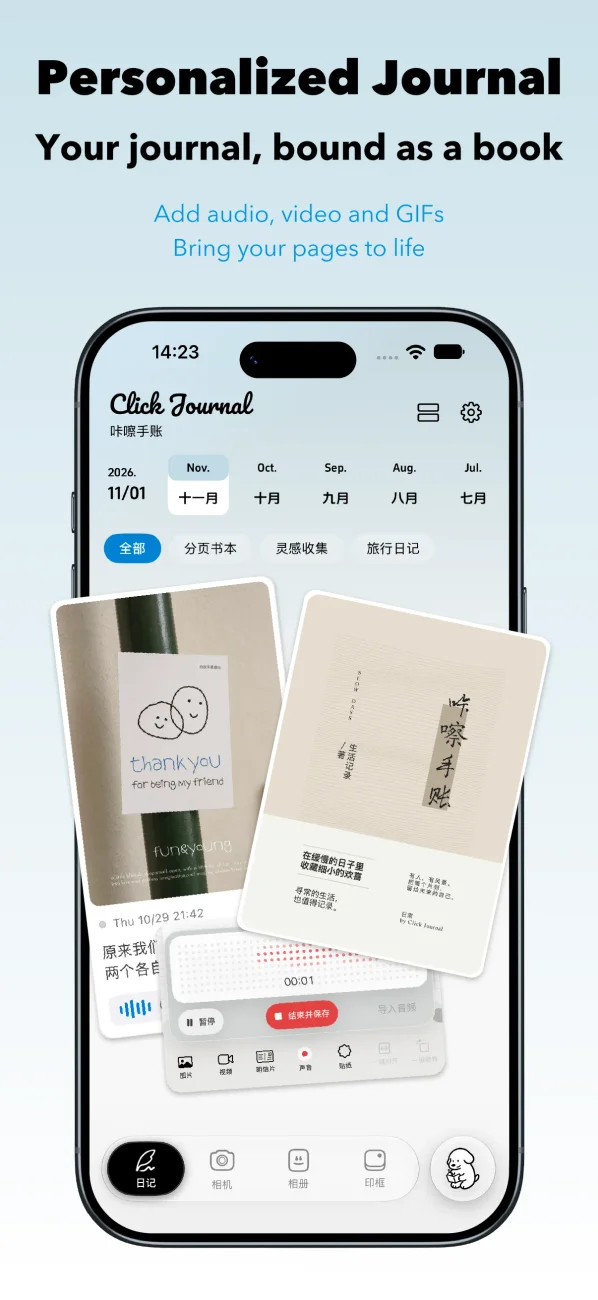
Start with a photo, a few words or a voice recording. Arrange images, text, stickers and widgets to collect everyday moments in your own way.
YOUR LIFE, ONE PAGE AT A TIME
Create continuous journals or paginated books with text, photos, videos, GIFs and audio. Add a cover and bookmarks to paginated journals, jump between pages, or use the slideshow with your preferred page interval.
MAKE EACH PAGE YOUR OWN
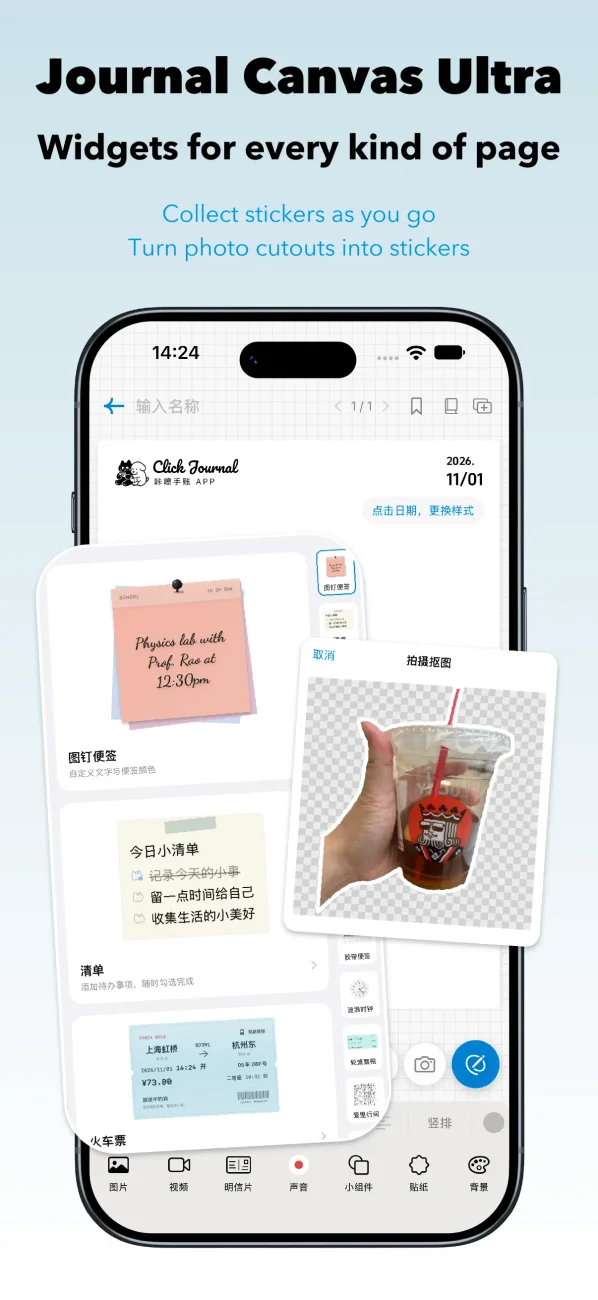
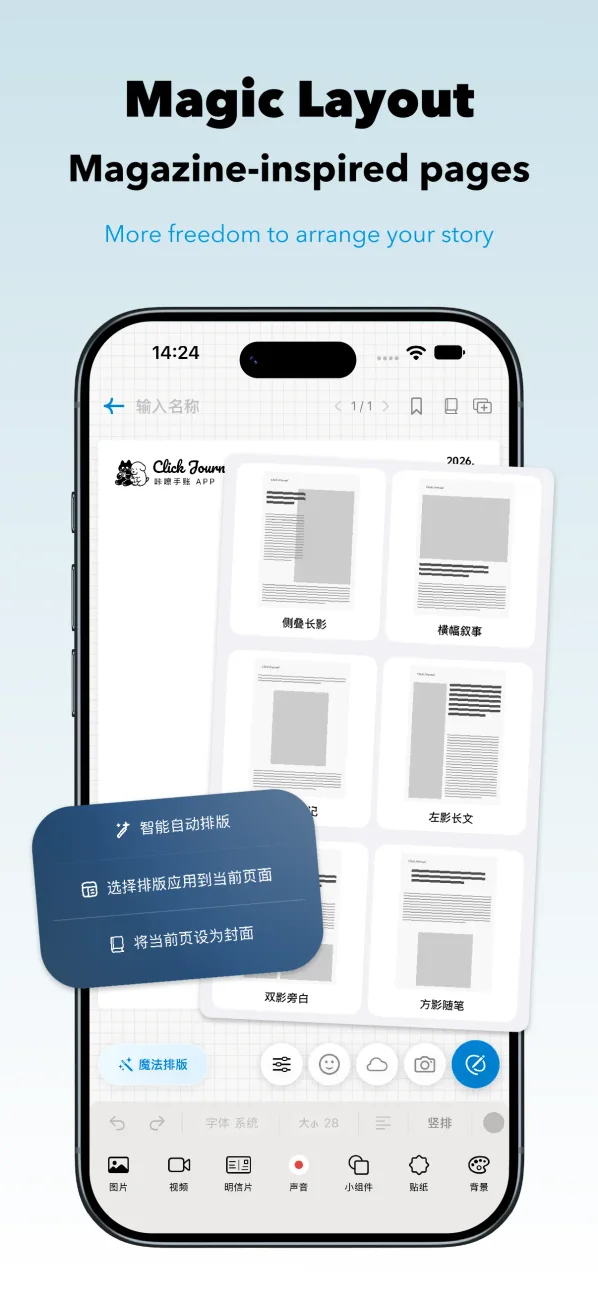
Try Magic Layout and magazine-inspired templates. Adjust the position, size, rotation, corners and shadows of page elements. Canvas widgets for paginated journals offer paper-based writing areas with adjustable fonts, text sizes and colors.
COLLECT LITTLE DETAILS
Add notes, checklists, tickets, stamps, music cards, vinyl records and calendars. Turn photo cutouts into stickers and combine them with your own images and materials.
FIND YOUR COLORS
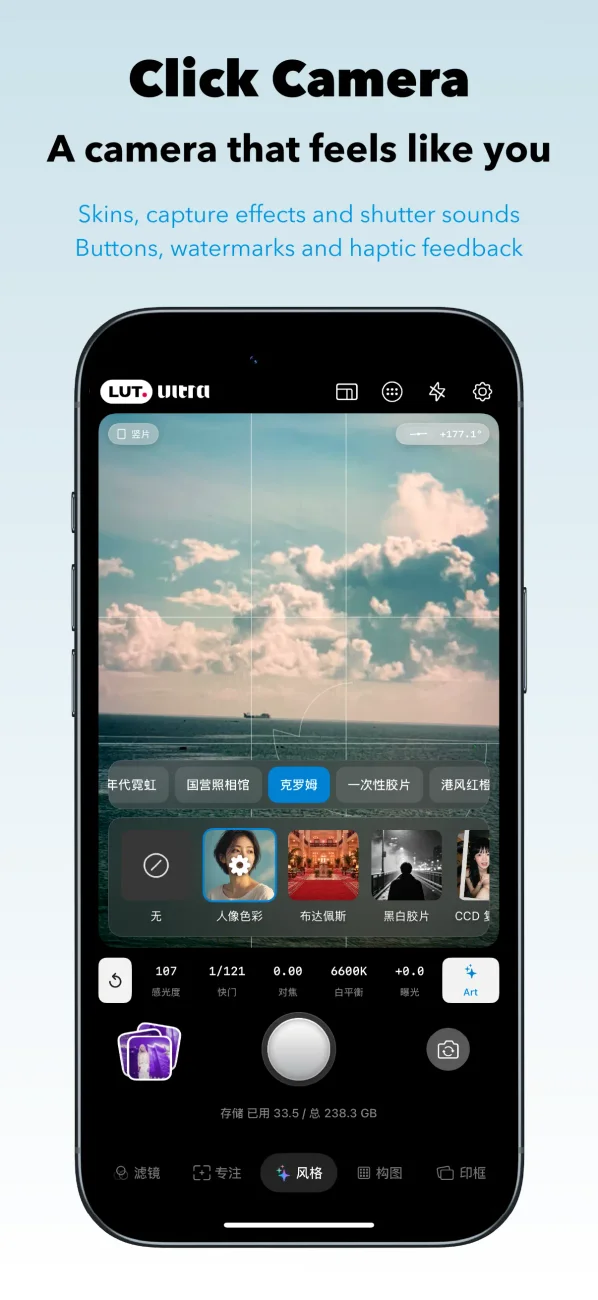
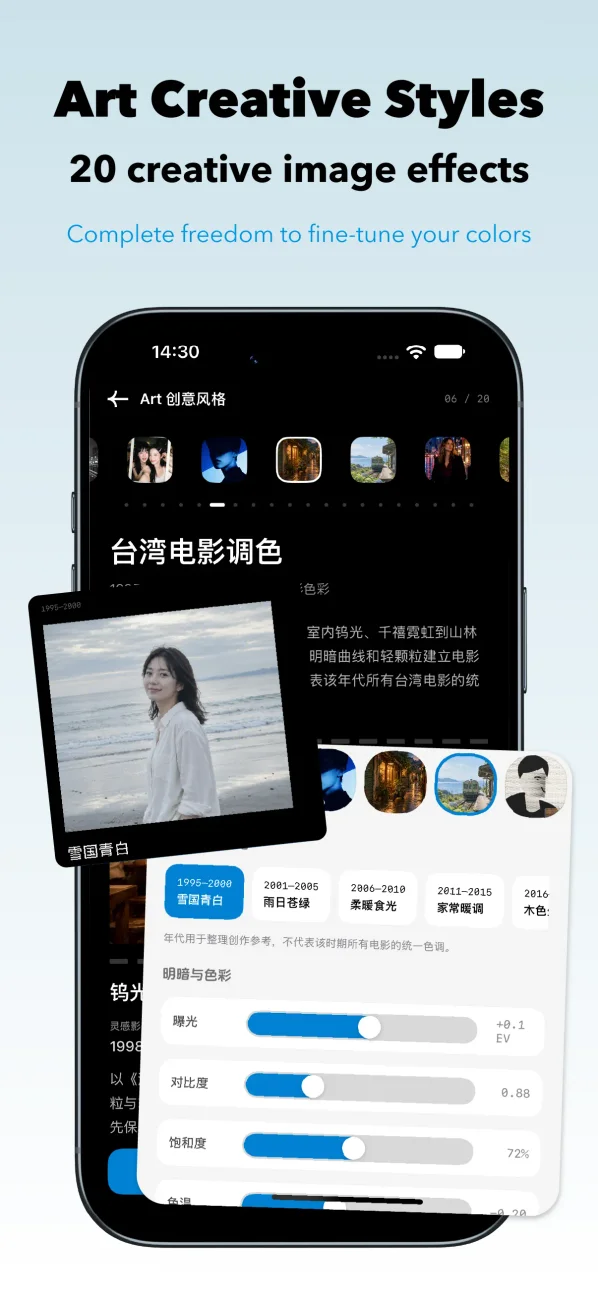
Explore adjustable Art effects inspired by cinema, film, nature, street photography, glass and retro video. Selective Portrait Color processes people on your device and lets you grade the subject and background separately. Customize filter and Art style order, camera appearance, shutter controls, animations, sounds and haptics.
CREATE PHOTO POSTCARDS
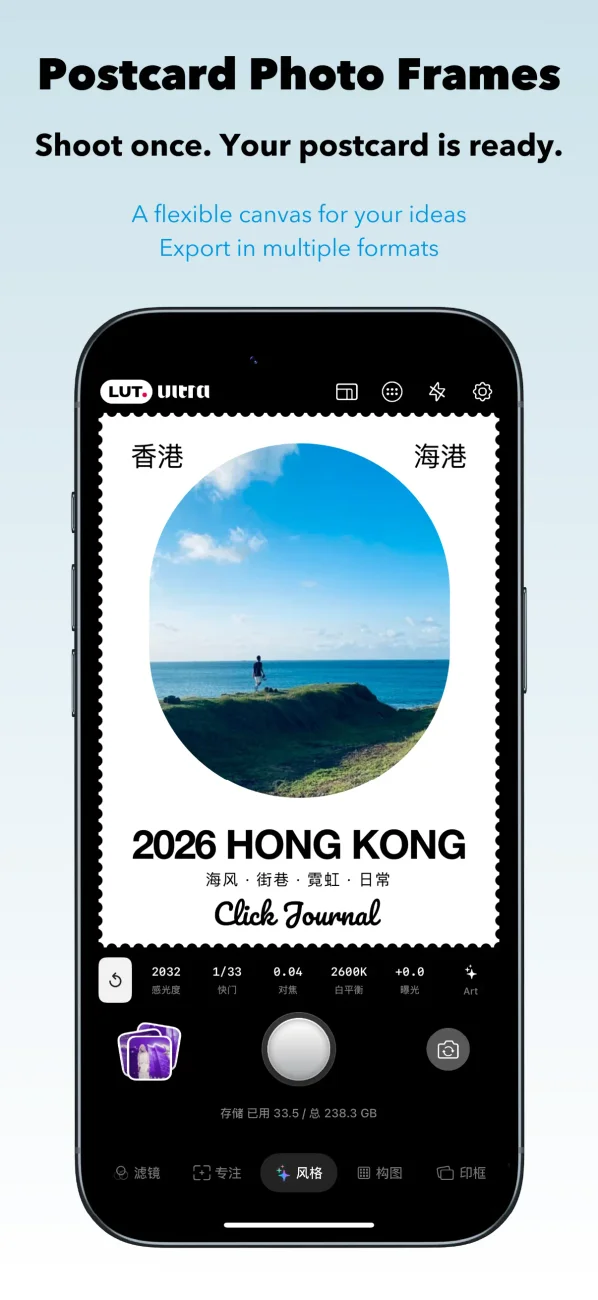
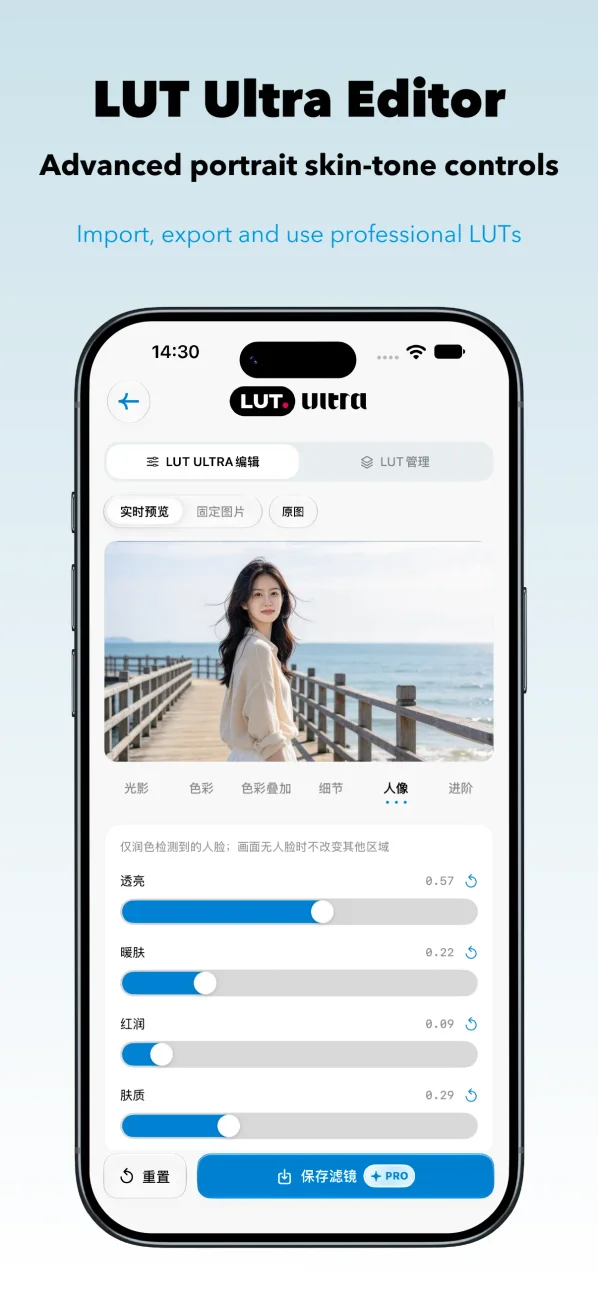
Design and edit photo frames with custom card backgrounds, photo areas and text. Use LUT Ultra to adjust light, color, detail and portrait skin tones, and manage compatible LUTs.
DESIGN COLLAGE WALLPAPERS
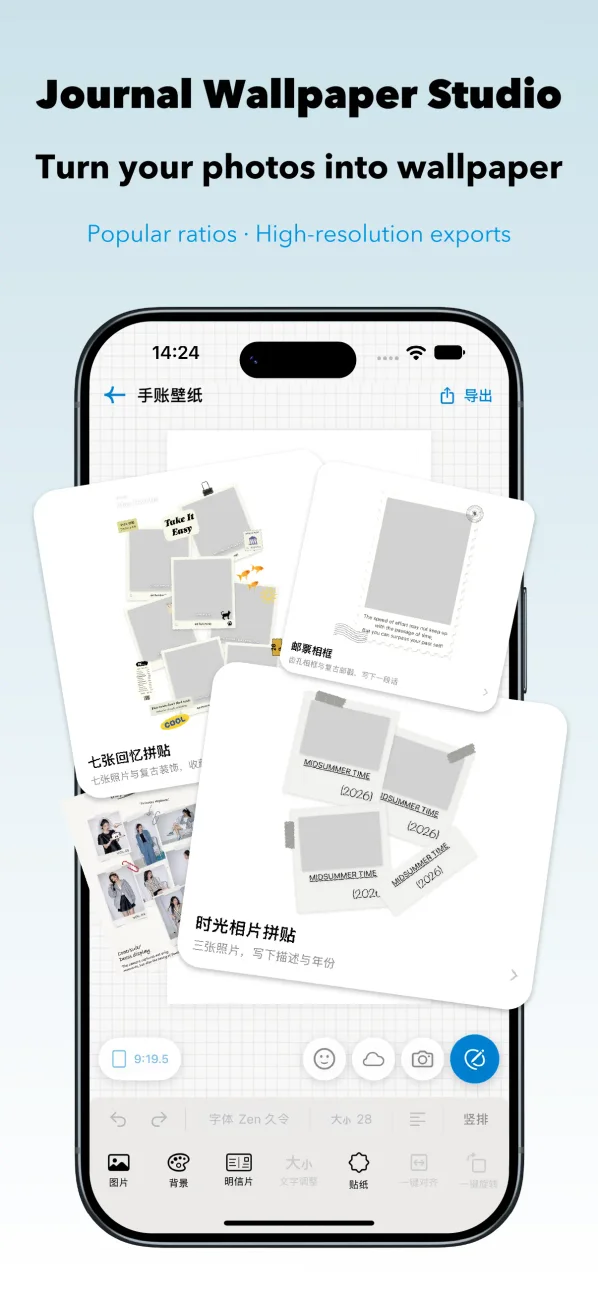
Combine photos, stickers and text on a wallpaper canvas. Choose an aspect ratio and a background color or image, then export your design. The 9:19.5 canvas includes a lock-screen clock guide that is excluded from exports.
Some creative features require Pro. Journals and creative content are primarily stored on your current device. Save important content before changing devices or deleting the app.
Support: https://axingultra.com/kaicha-support.html
Privacy: https://axingultra.com/kaicha-privacy.html
Contact: chenloe@foxmail.com
Terms of Use (EULA): https://www.apple.com/legal/internet-services/itunes/dev/stdeula/
Có gì mới
Phiên bản 1.0.3 · 03/11/2026
What’s new in 1.0.3
JOURNAL CREATION
• Added an airmail canvas with red-and-blue borders, postal-code boxes, a replaceable photo stamp and a multiline writing area with dashed rules.
• Expanded canvas widgets, including spiral grid paper, angled notes, clipped ruled paper and layered paper. Improved paper placement, removed unnecessary white gradients, and kept the brand and date visible above the content.
• Canvas writing supports multiple lines, font selection, text size and color. Input stops as the writing area fills and prompts you to use a new canvas. Canvas widgets are available in paginated journals.
• Added a grid calendar widget with custom year and month or the current month. Dates follow the selected calendar month. Choose a background image or color; text and grid lines automatically use black or white to suit the background.
• Expanded free widgets with tickets, music cards and vinyl records, including photo replacement and editable fields.
• Improved text draft retention, multiline display, backgrounds and element resizing. Wallpaper size controls sit outside the canvas; frame editing also offers size controls.
MOOD AND WEATHER
• Redesigned mood icons with brighter gradients and expressive faces, including calm, surprise, shyness, speechless and thinking.
• Redrew weather icons and added drizzle, heavy rain, sleet, hail, rainbow, clear night and starry night options.
CAMERA AND ART
• Customize filter and Art style order in camera settings. Sub-effects retain their existing order. Original and None remain pinned at the beginning of their selection bars.
• Expanded cinema, film, nature and street-inspired looks. Glass Art offers adjustable coverage, direction and glass textures.
• Added retro video and Selective Portrait Color effects. TV static uses animated black-and-white noise at a default strength of 30%. Portrait processing takes place on the device, with separate color controls for the person and background.
• Fixed glass blur settings affecting Black & White Film, Duotone and other styles. Improved repeated style switching and preview stability.
• Choose whether filters and Art styles can be combined. Unified thumbnail corner rendering.
READING AND FIXES
• Improved opening, page turns and closing back to the journal list, with smoother transitions and lighting. Refined covers, bookmark navigation and slideshow intervals.
• Added a white rounded cardstock frame background with semicircular side notches. Fixed a possible freeze while naming a frame after choosing Save on exit.
• Improved stability when creating journal wallpapers, switching camera previews and scrolling.
Quyền riêng tư của ứng dụng
Những gì 幸 陈 khai báo trên App Store về cách ứng dụng này xử lý dữ liệu.
-
Dữ liệu không được thu thập
Nhà phát triển không thu thập bất kỳ dữ liệu nào từ ứng dụng này.
Phương thức đảm bảo quyền riêng tư có thể khác nhau, chẳng hạn như tuỳ theo các tính năng bạn sử dụng hoặc độ tuổi của bạn.
Thông tin
- Người bán
- 幸 陈
- Danh mục
- Lối Sống
- Phiên bản
- 1.0.3
- Cập nhật
- 03/11/2026
- Phát hành
- 28/10/2026
- Kích thước
- 350,8 MB
- Yêu cầu
- iOS 18.0 trở lên
- Độ tuổi
- 4+
- Giá
- Miễn phí
- Mua hàng trong ứng dụng
- Có
- Ngôn ngữ
- Tiếng Anh, Tiếng Nhật, Tiếng Hàn, Tiếng Trung Giản thể, Tiếng Trung Phồn thể
- Bản quyền
- © 2026 陈幸