
- Độ tuổi4+
- Danh mụcẢnh & Video
- Nhà phát triểnplasq LLC
- Ngôn ngữTiếng Anh+ 8 ngôn ngữ khác
- Kích thước97,0 MB
Liên kết đến trang App Store chính thức
Download.org không lưu trữ tệp nào của Comic Life 3. Nút này mở trang ứng dụng trên App Store, nơi plasq LLC phát hành ứng dụng. Trang được kiểm tra lần cuối: 12/11/2026.
Ảnh chụp màn hình

Giới thiệu
Nhà phát triển chưa cung cấp nội dung này bằng ngôn ngữ của bạn.
The Most Powerful Photo Comic Creation App Available.
"Of the comic book apps I’ve used, Comic Life, [...], has the most features and works best on an iPad because of the bigger screen... I love the way the app allows you to edit tiny details, from the shape and style of word bubbles to the size and placement of each story cell." - Kit Eaton, The New York Times
- Introducing an integrated Script Editor*, next generation image filters and built in Instant Alpha tool.
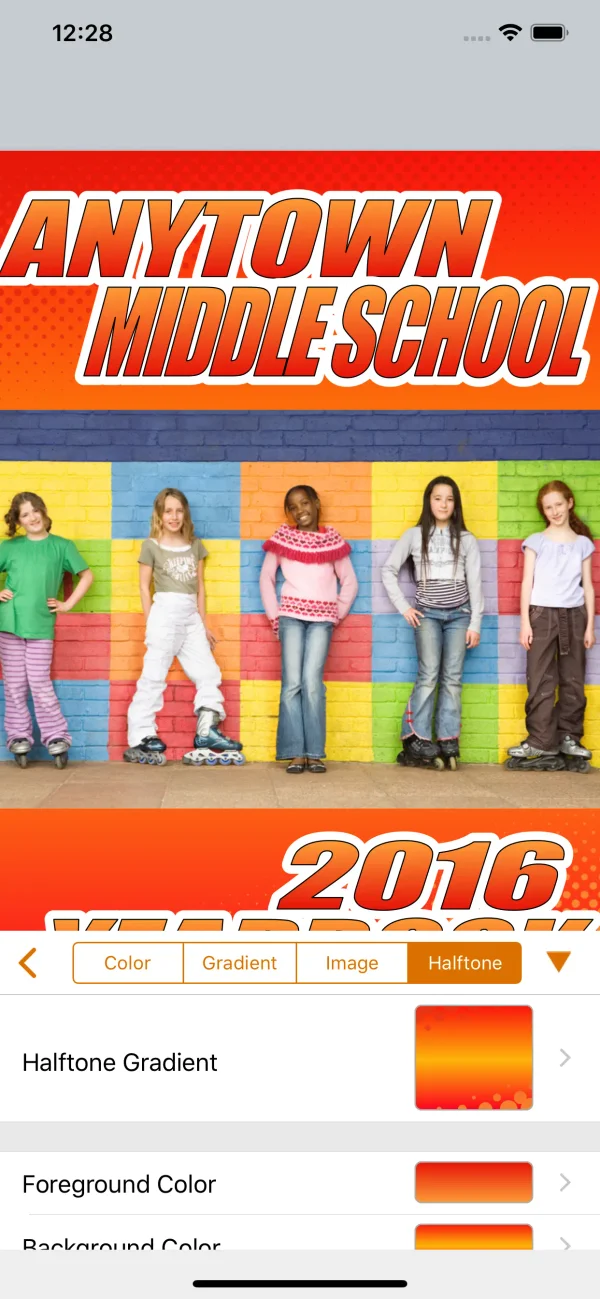
- New graphics features include speedlines, halftones, updated stroke options and more!
- Dozens of fully customizable templates.
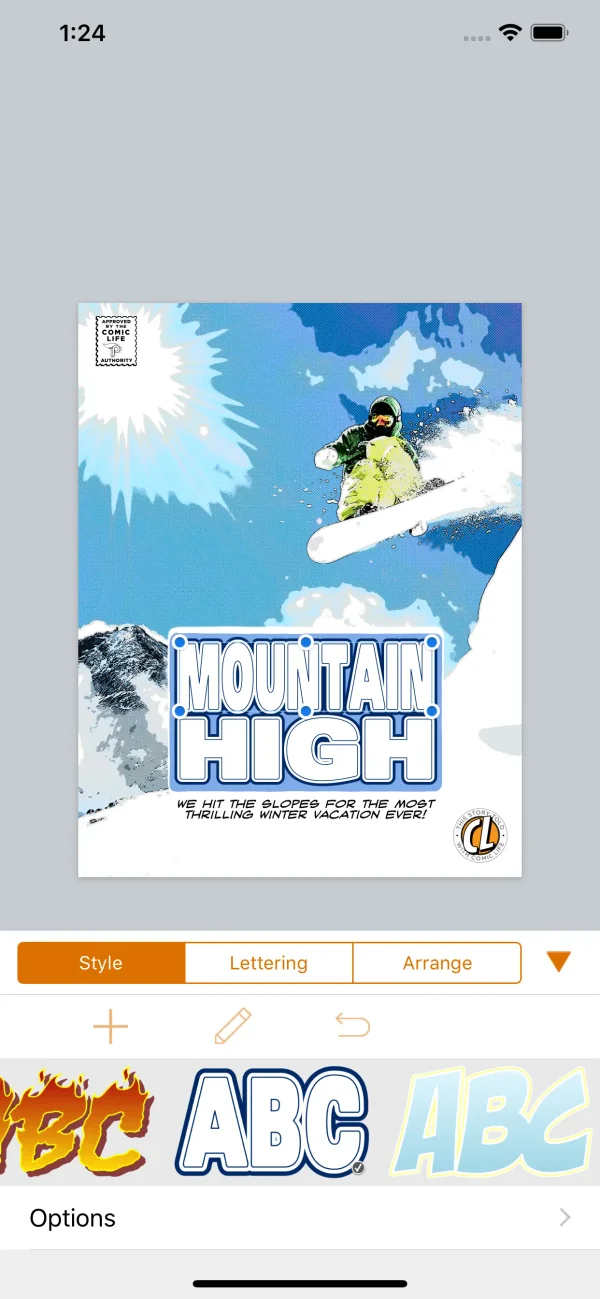
- Everything you need at your fingertips: speech balloons, photo filters, comic lettering, templates, shapes, shadows and effects.
Download Comic Life 3 to create dynamic comics with your photos.
Packed with fonts, templates, balloons, captions, and lettering art, Comic Life is a fun, powerful and easy-to-use app that makes creating comics easier than ever. And now you can build your comics anywhere you like!
Easily go from taking photos to creating full comics all on one device with full page templates and panel layouts. Create original stories with the integrated Script Editor then drag and drop your words to the comic page when you're done.
Bring in photos from your photo library or access web photos via Flickr integration, and the app’s powerful editing and design tools to get exactly the look you want.
When your work of art is complete, use the integrated reader to review pages on your device. Or share with your friends and family. Choose from Facebook, Twitter, email or open your comic in another app as a PDF.
New Tools and Features in Comic Life 3
Script Editor* that recognizes elements as you type
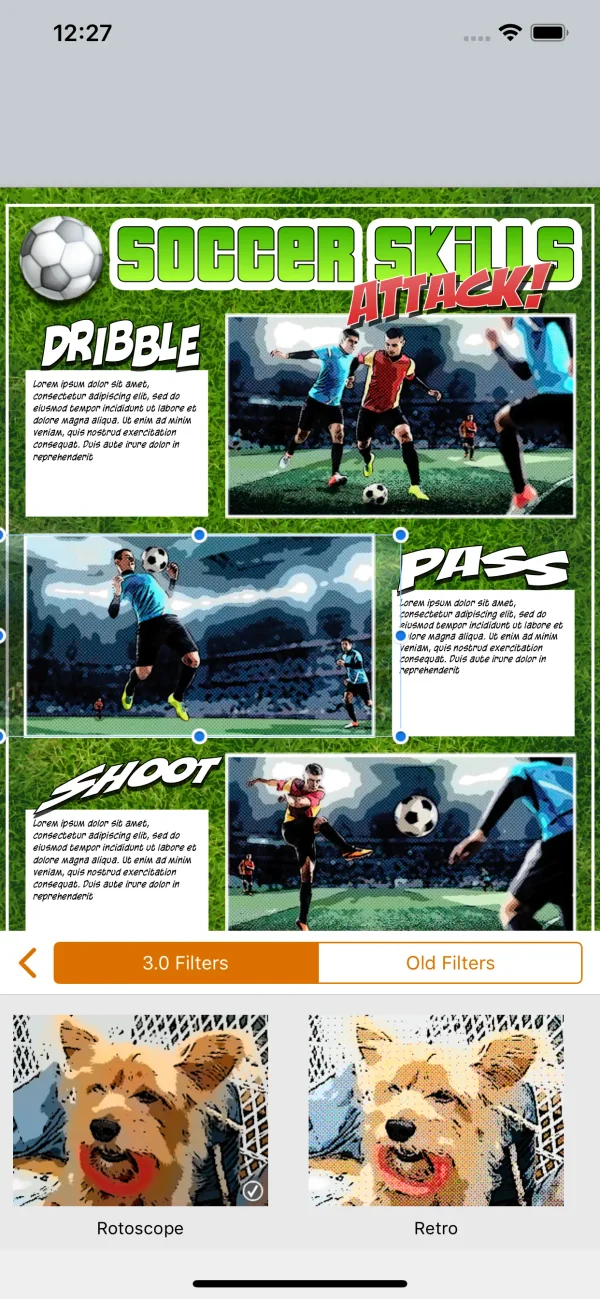
17 Advanced parametric image filters
Dozens of full templates with hundreds of panel layout options.
Instant Alpha tool built in so you can knock out image backgrounds
Speedlines, halftones, and textures
Fully customizable fill and borders for balloons, lettering, captions, panels and shapes
New balloon variety slider for even more customization
Customizable gradient builder
Draw shapes
Over 60 font options
Load photos directly from photo library
Integrated camera feature to instantly add photos to your comic
Supports multi-page comics
Using Comic Life you can:
- Read your comics with the integrated e-reader.
- Create photo comics in the full featured comic editor.
- Share your comics on Facebook, Twitter, via Mail, AirDrop and iTunes File Share.
- Transfer your comics to Mac or Windows and keep working with Comic Life 3 on your desktop or laptop.
- Send your comics to a printer on your wireless network.
- Choose from full page layouts including panels, titles and captions along with complimentary styles for a high end look.
- Drag and Drop elements anywhere in your comic page.
- Easily add photos from your library with the Place Photo button in panels.
- Curve and place balloon tails precisely with advanced tail controls.
- Resize and rotate images, clip them in panels along with balloons, captions, and lettering.
- Create multilayered color gradients to design the perfect style for lettering, captions or background.
- Use smart shapes to add common shapes and the free form shape drawing tool to create any line or shape you can imagine.
- Work without worry of losing your creation as documents are automatically saved whenever a change is made.
* This feature is available on iPad only
Có gì mới
Phiên bản 3.5.15 · 23/02/2024
Import from iCloud Drive now supported
PNG export options
Various bug fixes and improvements
Quyền riêng tư của ứng dụng
Những gì plasq LLC khai báo trên App Store về cách ứng dụng này xử lý dữ liệu.
-
Dữ liệu không được thu thập
Nhà phát triển không thu thập bất kỳ dữ liệu nào từ ứng dụng này.
Phương thức đảm bảo quyền riêng tư có thể khác nhau, chẳng hạn như tuỳ theo các tính năng bạn sử dụng hoặc độ tuổi của bạn.
Thông tin
- Người bán
- plasq LLC
- Danh mục
- Ảnh & Video
- Phiên bản
- 3.5.15
- Cập nhật
- 23/02/2024
- Phát hành
- 23/09/2014
- Kích thước
- 97,0 MB
- Yêu cầu
- iOS 11.0 trở lên
- Độ tuổi
- 4+
- Giá
- 149.000đ
- Ngôn ngữ
- Tiếng Anh, Tiếng Hà Lan, Tiếng Pháp, Tiếng Đức, Tiếng Ý, Tiếng Nhật, Tiếng Trung Giản thể, Tiếng Tây Ban Nha, Tiếng Trung Phồn thể
- Bản quyền
- © 2005-2024 plasq LLC
Có thể bạn cũng thích
-
 Strip DesignerẢnh & Video
-
 Comic Caption Meme MakerẢnh & Video
-
 ComicBook!Ảnh & Video
-
 Balloon Stickies PlusẢnh & Video
-
 Comic Caption Meme Maker LiteẢnh & Video
-
 Comic Bubble Text OverlayAdd funny pic talking quotes
-
 Previs Pro - Storyboard FastẢnh & Video
-
 Procreate DreamsẢnh & Video
-
 Toon Photo Editor: Clip2ComicẢnh & Video
-
 LumaFusionẢnh & Video