
Convio
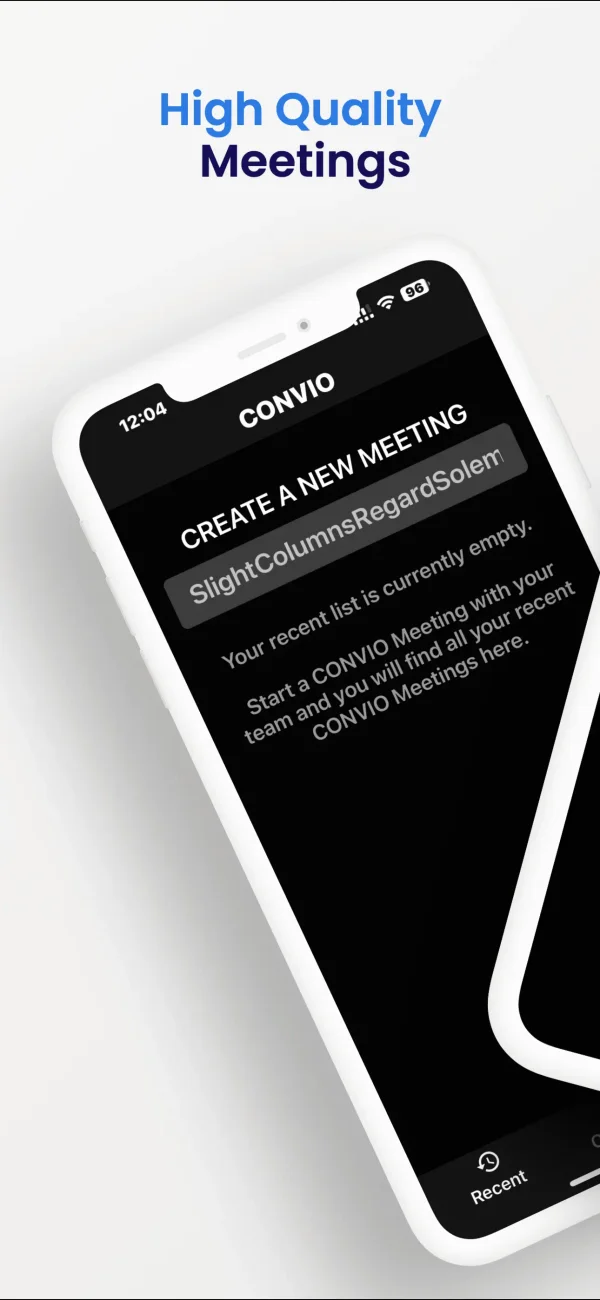
High Quality Video Meetings
Được thiết kế cho iPhone, iPad, iPod touch
Miễn phí
- Độ tuổi4+
- Danh mụcKinh Doanh
- Nhà phát triểnTensai Computers Private Limited
- Ngôn ngữTiếng Anh
- Kích thước47,2 MB
Liên kết đến trang App Store chính thức
Download.org không lưu trữ tệp nào của Convio. Nút này mở trang ứng dụng trên App Store, nơi Tensai Computers Private Limited phát hành ứng dụng. Trang được kiểm tra lần cuối: 21/11/2026.
Ảnh chụp màn hình



Giới thiệu
Nhà phát triển chưa cung cấp nội dung này bằng ngôn ngữ của bạn.
SECURITY:
To begin with, all meeting rooms are ephemeral: they only exist while the meeting is actually taking place. They get created when the first participant joins and they are destroyed when the last one leaves.
Any information the participants choose to enter, such as their name or email address is purely optional and is only shared with other meeting participants. We do not retain this information after the meeting.
Other pieces of data such as the chat, or speaker stats, or profile picture for example, are stored for the duration of the meeting and then destroyed when it ends.
As a company who strives for data security and user privacy, We don't indulge in the practice of selling, using, analyzing or monetizing your data.
CONVIO CLOUD PLATFORM:
Our leading collaboration tools allow you and your colleagues to collaborate on the same documents and share changes with just one click. Not just collaboration, it allows you to create whiteboard and design flowchart to make an impact on your meeting and clients.
UNLIMITED MEETINGS / NO-LIMIT ON CALL DURATION:
You can create unlimited number of meetings with absolutely no limit on calls, you can conference for day(s).
WEBINAR / PRESENTER MODE:
Simultaneous screen and camera sharing is now available in same subscription, no need to purchase different software just for Webinars.
HIGH DEFINITION AUDIO / VIDEO:
See and listen everything in detail and never miss a word! we are HD equipped.
FULL HD HIGH QUALITY CLOUD RECORDINGS:
For daily lectures or follow up meetings, Record your meetings in crisp detail with FHD 1080 and unlimited recordings. Store in your Convio Cloud account as long as your want and just share the link to others to download or view the recordings and create a library of lectures / presentations and just share them.
STREAM THE CONFERENCE WITH YOUTUBE LIVE:
Do you have a huge meeting / conference and there are hundreds or thousands of attendees?
Now, you can directly show them live on YouTube, there is no limit on how many people can attend.
SCREEN SHARING (3 MODES) AND OPTION TO SHARE AUDIO:
Yes, you read that right! Convio Meetings comes equipped with 3 modes for screen sharing, so you only share what you want to! #PrivacyMatters
Your Entire Screen: As the name says, it shares your entire screen
Application Window: Suppose you want to share a PPT you have running in background you can just select the PPT window and share only the PPT with the conference participants.
Browser Tab: Similar to the 'Application Window' option you can choose to share Browser only to the participants.
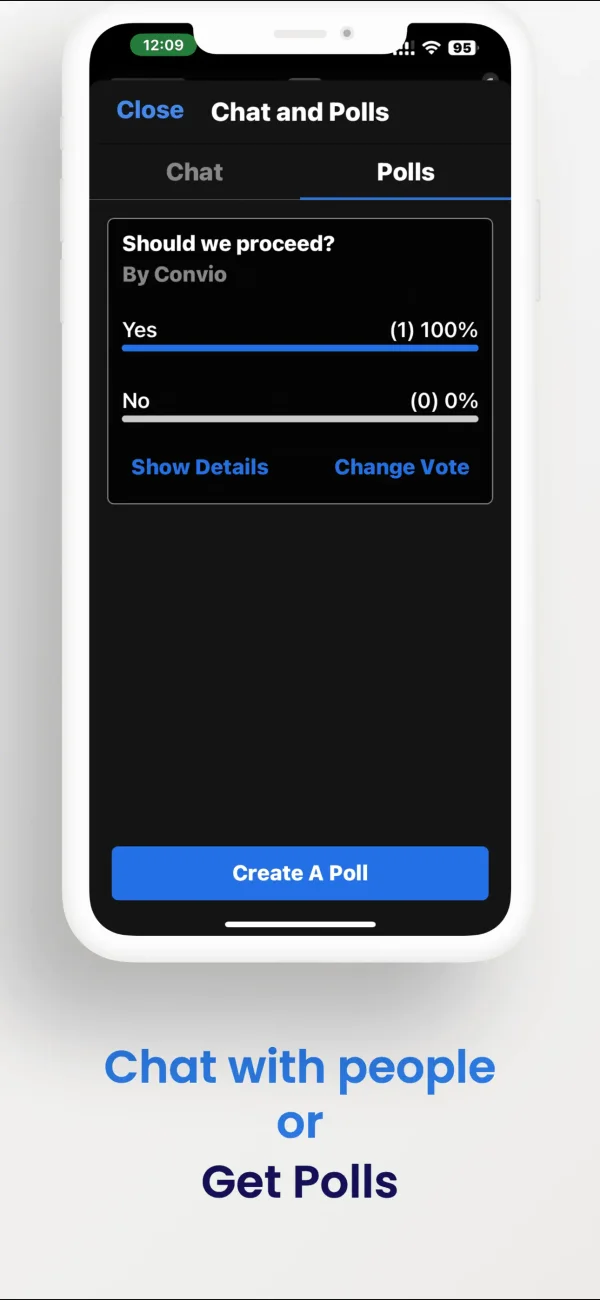
CREATE POLLS IN ONGOING MEETING:
Polling feature allows you to create multiple choice polling questions for your Meeting / Conference / Webinar. You will be able to launch the poll during your meeting and gather the responses from your attendees.
BREAKOUT ROOMS:
It allows a single meeting room and its participants to be split in different sub rooms for group discussions. And reallocate all of them in the main room as moderator requires.
RAISE YOUR HAND FEATURE:
It lets everyone and the host know that you want to speak or have a question. You can also lower the hand manually.
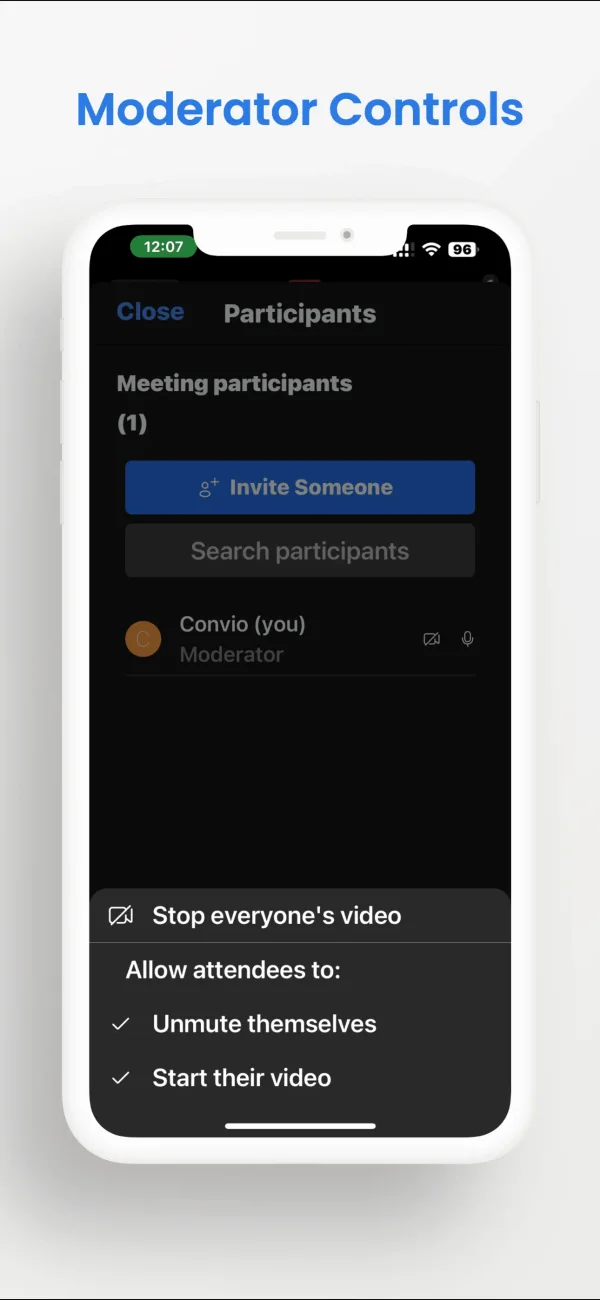
LOBBY MODE:
It let's you protect your meeting by only allowing people to enter after a formal approval by a moderator.
STREAM YouTube VIDEO TO PARTICIPANTS WITH VOICE OVER:
If you have any educational video or a video related to your topic of discussion on YouTube, you can just paste the video URL and share it with everyone with your voice in the background. Interesting eh?
SET PASSWORD ON THE MEETING ROOM:
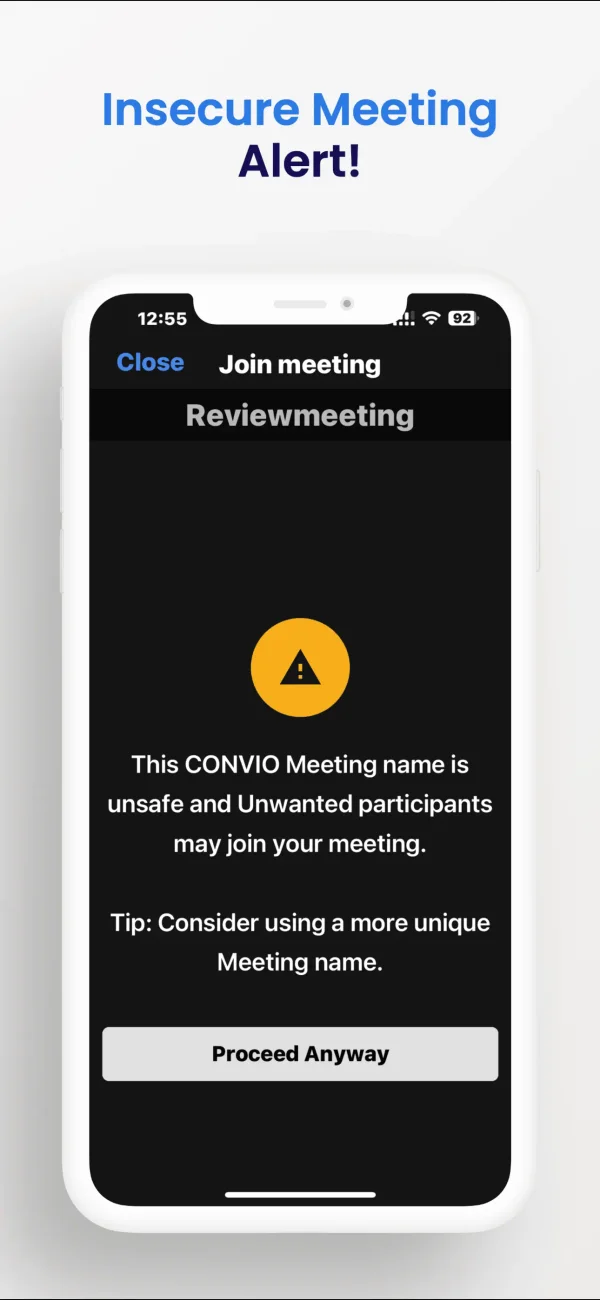
Ever sent the meeting link to someone by mistake? don't worry mistakes happen! You can set a password to your meeting room and share it with only the people you want to invite.
TEXT GROUP CHAT / PARTICIPANT PRIVATE CHAT:
Type messages to whole Conference group or Send a Private message to a single participant.
Có gì mới
Phiên bản 1.4 · 14/04/2025
Minor Bug Fixes!
Quyền riêng tư của ứng dụng
Những gì Tensai Computers Private Limited khai báo trên App Store về cách ứng dụng này xử lý dữ liệu.
-
Dữ liệu không được thu thập
Nhà phát triển không thu thập bất kỳ dữ liệu nào từ ứng dụng này.
Phương thức đảm bảo quyền riêng tư có thể khác nhau, chẳng hạn như tuỳ theo các tính năng bạn sử dụng hoặc độ tuổi của bạn.
Thông tin
- Người bán
- Tensai Computers Private Limited
- Danh mục
- Kinh Doanh
- Phiên bản
- 1.4
- Cập nhật
- 14/04/2025
- Phát hành
- 17/06/2024
- Kích thước
- 47,2 MB
- Yêu cầu
- iOS 13.4 trở lên
- Độ tuổi
- 4+
- Giá
- Miễn phí
- Ngôn ngữ
- Tiếng Anh
- Bản quyền
- © 2022 - Present, Tensai Computers Private Limited
Có thể bạn cũng thích
-
 Convio: Construction OversightKinh Doanh
-
 AudioQuill TranscriberHiệu Suất
-
 notebook-transcriber-aiHiệu Suất
-
 3DmeetSecure 3D video meetings
-
 Skryf | Handwriting JournalHiệu Suất
-
 Steno paperHiệu Suất
-
 Optimal ParticipantHiệu Suất
-
 Macro AppHiệu Suất
-
 Kommodo Screen RecorderHiệu Suất
-
 Conveo InterviewKinh Doanh