- Độ tuổi4+
- Danh mụcDẫn Đường
- Nhà phát triểnJustin Time
- Ngôn ngữTiếng Anh
- Kích thước18,4 MB
Liên kết đến trang App Store chính thức
Download.org không lưu trữ tệp nào của CoordCalc. Nút này mở trang ứng dụng trên App Store, nơi Justin Time phát hành ứng dụng. Trang được kiểm tra lần cuối: 06/11/2026.
Ảnh chụp màn hình

Giới thiệu
Nhà phát triển chưa cung cấp nội dung này bằng ngôn ngữ của bạn.
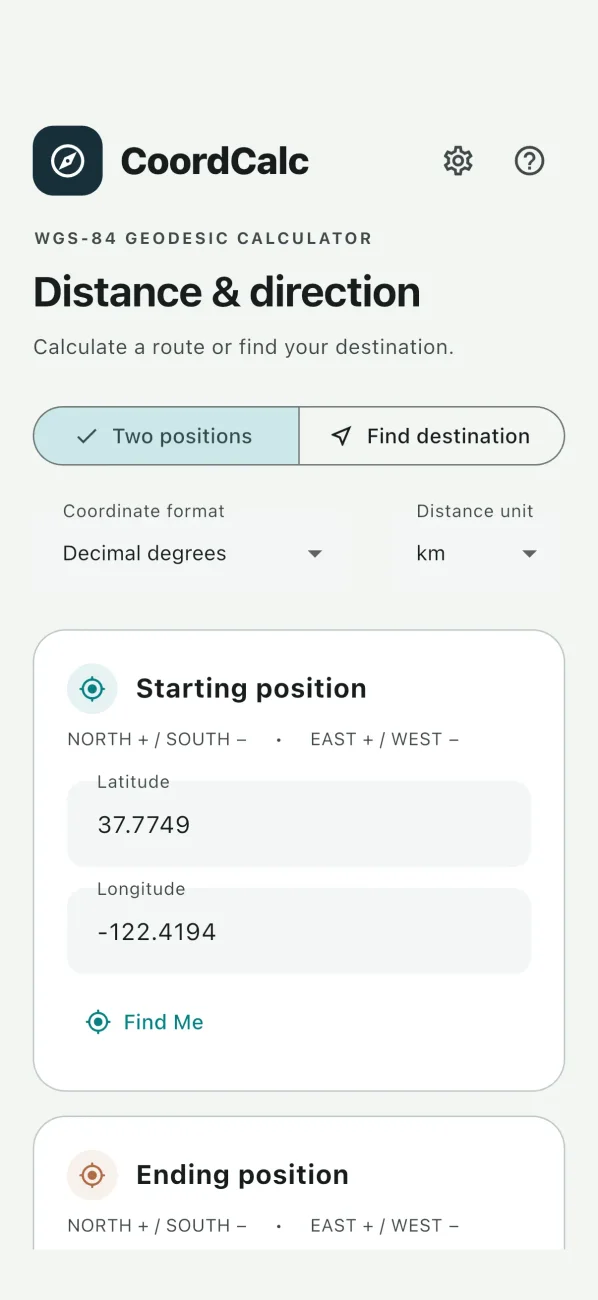
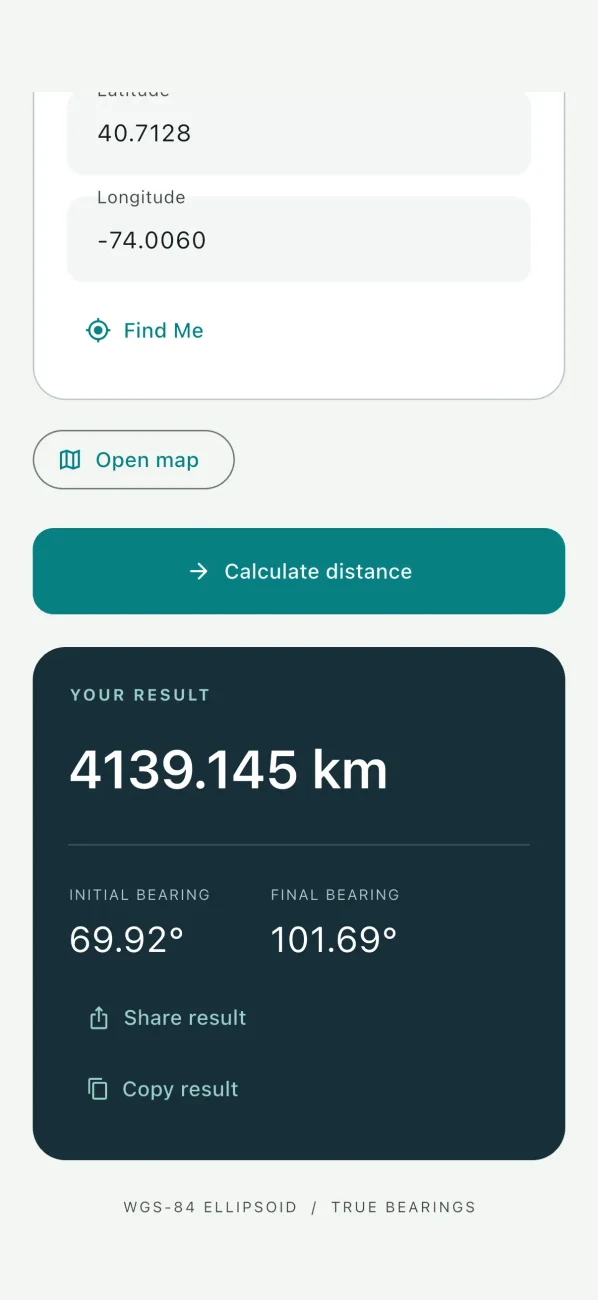
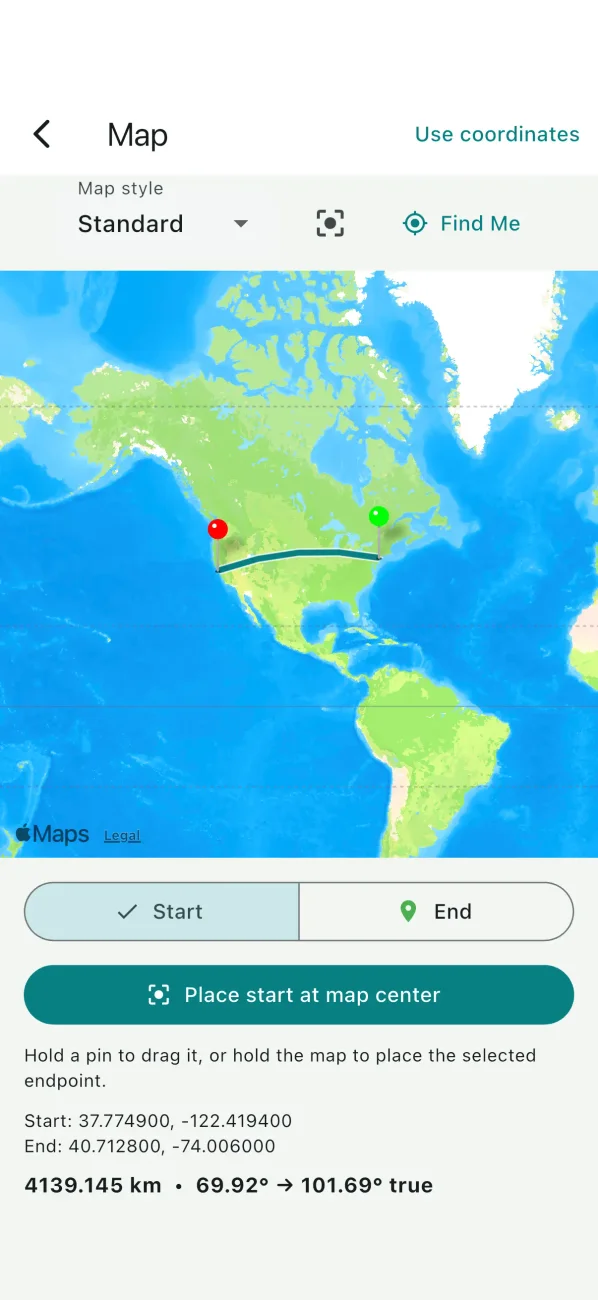
A coordinate utility app that calculates the distance and initial/final bearings between two points on Earth specified either manually by latitude and longitude or automatically using the built-in map. It can also calculate a final position given an initial position, distance, and bearing.
################################
Limited time sale, get it now before the
price increase to $4.99
################################
The final distance can be calculated in miles, kilometers, nautical miles, yards, meters, or feet. Coordinates can be specified in and converted to and from decimal degrees, decimal minutes or decimal seconds. Bearing is returned in degrees true. Uses WGS84 for improved great circle distance calculation accuracy.
NOTES:
Coordinate messages can only be sent to other CoordCalc users and are available only within the app.
Additional Features:
-Can use internal GPS to find the lat/lon coordinates of your current location
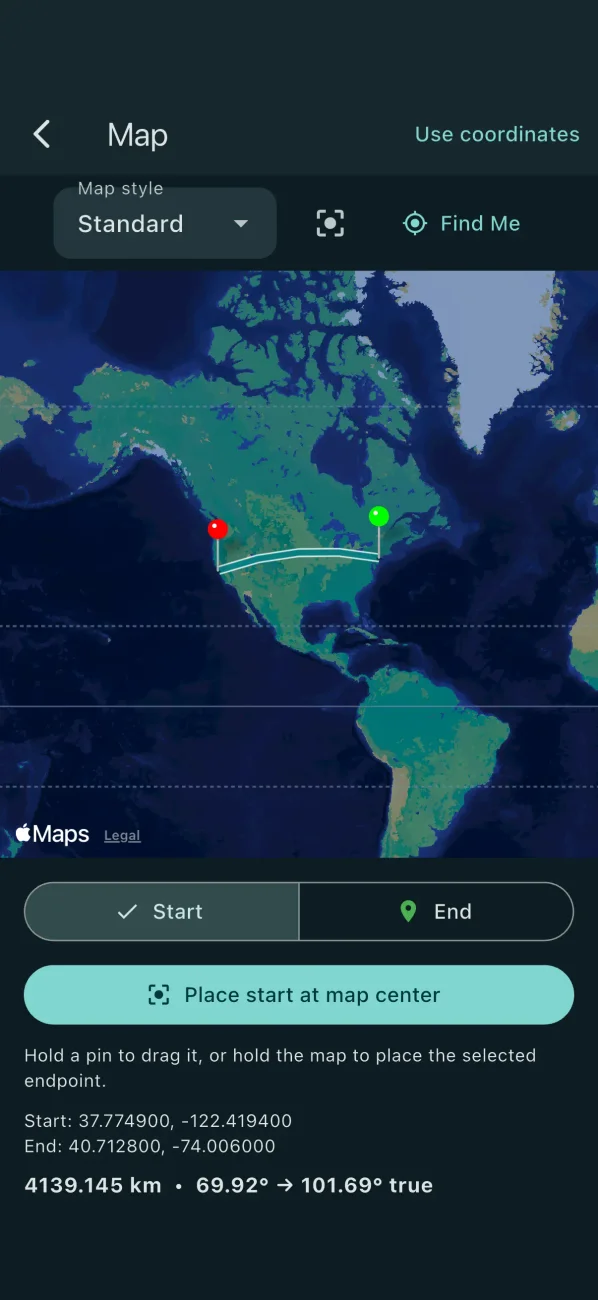
-Can use and drag the points around on the built-in map and get distance/bearing updates continuously.
-Shows starting and ending positions on a map
-Saves the previous set of starting and ending positions
-Maps can display satellite imagery, and labeled roads, highways, cities, oceans, etc.
-Can send coordinate messages with short notes to other CoordCalc users.
- Built-in HD version for iPad
Example use cases:
-Navigation tool for aircraft, boats, etc.
-Measure walking distance
-Finding your exact position in order to mark points of interest/landmarks or meeting places.
-Visualize and edit starting and ending locations using the map feature.
-Calculate the size of various landmarks if they are visible via satellite.
-Save the position of your parked car
-Convert coordinates between different formats
Checkout the revamped website and video at:
www.justintimeapps.com
iOS 4.0 Tested
A video demo of how to move the pins is located here:
http://www.justintimeapps.com/ts.html
This pin jumping issue has been fixed in iOS 4.0, but for iOS 3.0 users, the difficulty of this depends alot on your screen protector. If the protector has a rough surface and causes your finger to jump around, the pin will be dropped often. You will get a better response if you move your finger slowly. Although, you should still be able to move a pin from the top to the bottom of the screen within 2 seconds without losing track. In iOS 4.0, this is not an issue.
Có gì mới
Phiên bản 3.0.0 · 31/10/2026
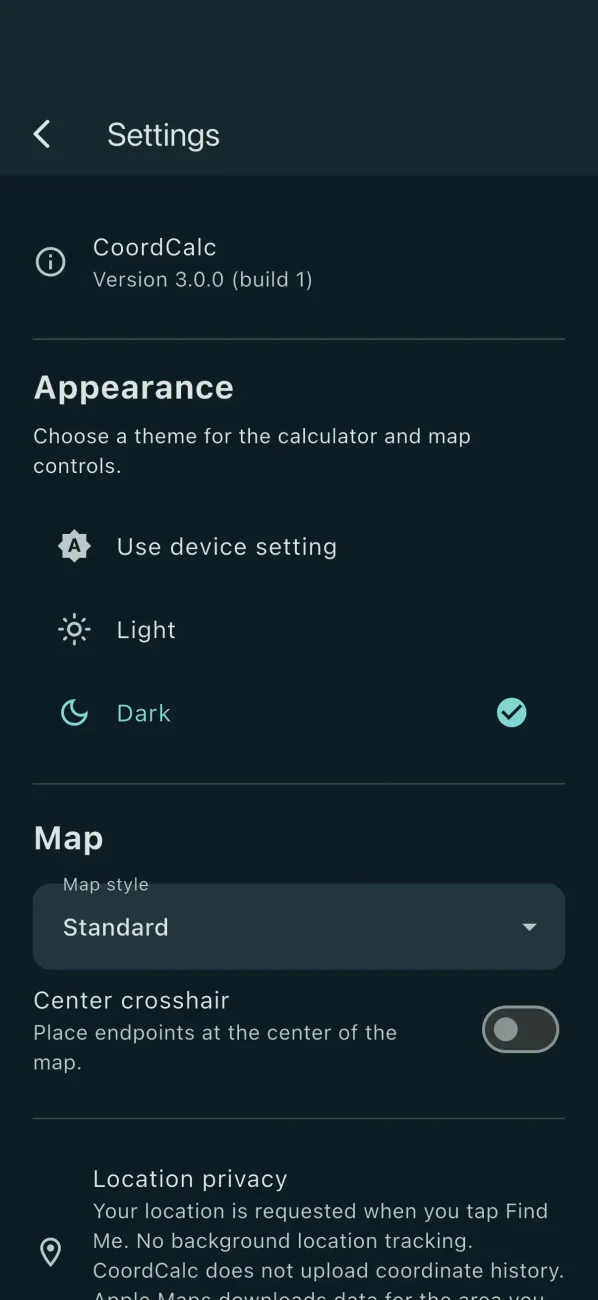
Redesigned GUI
Quyền riêng tư của ứng dụng
Những gì Justin Time khai báo trên App Store về cách ứng dụng này xử lý dữ liệu.
-
Dữ liệu không được thu thập
Nhà phát triển không thu thập bất kỳ dữ liệu nào từ ứng dụng này.
Phương thức đảm bảo quyền riêng tư có thể khác nhau, chẳng hạn như tuỳ theo các tính năng bạn sử dụng hoặc độ tuổi của bạn.
Thông tin
- Người bán
- Justin Graham
- Danh mục
- Dẫn Đường
- Phiên bản
- 3.0.0
- Cập nhật
- 31/10/2026
- Phát hành
- 27/03/2009
- Kích thước
- 18,4 MB
- Yêu cầu
- iOS 15.0 trở lên
- Độ tuổi
- 4+
- Giá
- 99.000đ
- Ngôn ngữ
- Tiếng Anh
- Bản quyền
- © 2009-2014 TornadoSpy,LLC