Create PDF - Camera Scanner
Scan To PDF - PDF Doc Scanner
Được thiết kế cho iPhone, iPad, iPod touch
Miễn phí · Mua hàng trong ứng dụng
- Độ tuổi4+
- Danh mụcTiện Ích
- Nhà phát triểnJogani Bhavesh Keshubhai
- Ngôn ngữTiếng Anh
- Kích thước5,7 MB
Liên kết đến trang App Store chính thức
Download.org không lưu trữ tệp nào của Create PDF - Camera Scanner. Nút này mở trang ứng dụng trên App Store, nơi Jogani Bhavesh Keshubhai phát hành ứng dụng. Trang được kiểm tra lần cuối: 15/11/2026.
Ảnh chụp màn hình


Giới thiệu
Nhà phát triển chưa cung cấp nội dung này bằng ngôn ngữ của bạn.
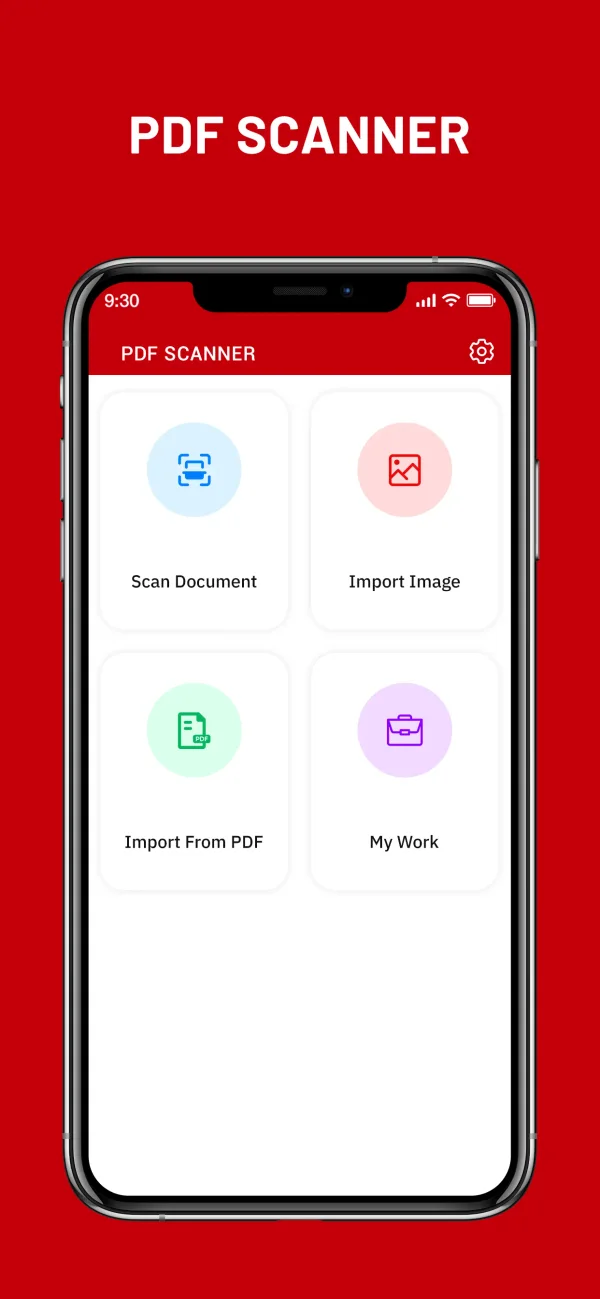
Create PDF - Camera Scanner is a tool that lets you convert any printed document to a PDF file, all on your iPhone, iPad.
Camera Scanner comes with a lightweight, clean, and easy-to-use interface that makes this app feel like a breeze.
PDF Creator is the best scanner app that will turn your phone into a PDF scanner. Convert images to pdf in a simple tap. Download it for FREE!
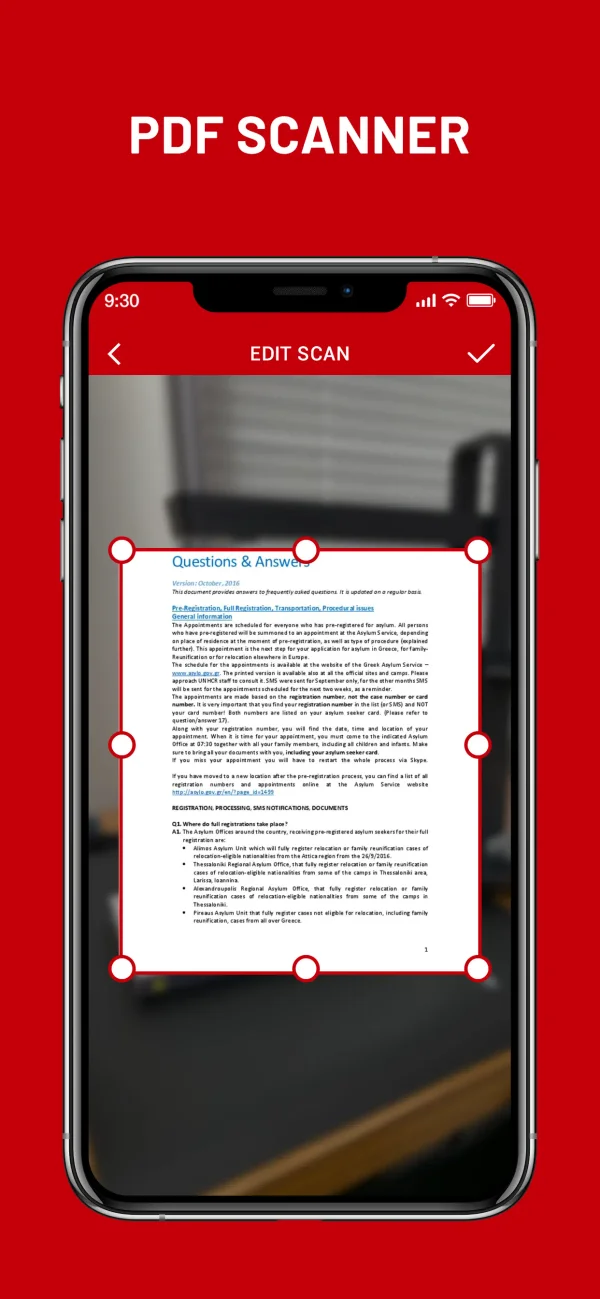
The only thing you have to do is take a photo of the document in question, using the Free iScanner that is part of PDF Creator! Of course, the photo needs to be somewhat cantered and well-lit. Scan app will then process the photo in question, and in a matter of seconds it will have converted it to a PDF document.
Once you have the PDF document saved to your iPhone, you can work with it just like you would with any other file of this type. In addition, before saving the document, you can apply different filters to it to see if it looks better; depending on the quality of light in the photo, you might be able to obtain better results with a filter.
Camera Scanner - PDF Creator is an interesting tool for users who normally tend to work with printed documents, but who also want to be able to bring those documents anywhere.
Camera Scanner allows users to 'scan' documents (by taking a photo with the device's camera) and share the photo as either a JPEG or PDF.
• Scan Documents
Camera Scanner - PDF allows user to scan documents by taking a picture with the phone camera. Feature recognises texts in images and extract them from images for later searching, editing or sharing.
• PDF Conversion
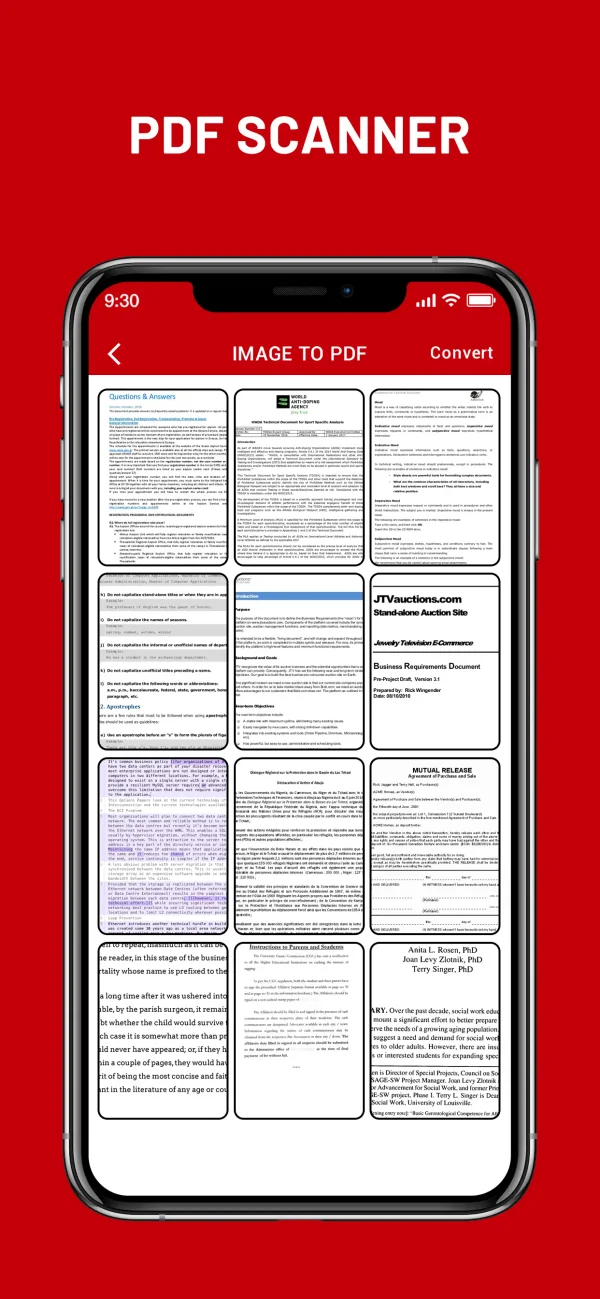
Camera Scanner support a variety of format conversion including converting PDF to JPG and vice versa.
* Features *
• Easy to scan ID-Card, Passport, any documents
• Document Scanner - Scan documents, Scan PDF
• iScanner - Document Scan & Edit with OCR
• Mobile PDF Scanner -Create pdf from a website, convert document files (doc, docx, ppt, pptx) to PDF
• Scaner - Scan documents and photos to PDF or PNG
• Easily scan multiple pages into one document using Scanner app
• Scan documents free
• Share PDF/JPEG Files
Scanner App for iPhone use your smartphone camera to scan multi-page of documents, card, whiteboards, receipts, notes and other text. using scanner for ipad free you can quickly scan your documents and share!
PDF Scanner App is easier, faster scanning with cs scan. PDF Scanner App lets you scan and create PDF files. PDF scanner is the best free scanner app for iphone. Scanner App: PDF Document Scan.
Photo scanner is completely offline and requires no internet connection. Along with scanning, features like cropping and filters improve the visibility of your documents using scan.app
In Scanner PDF generation is completely offline and requires no internet connection. It saves your PDF file in history and in the list of recently used documents.
Scanner app is not just easy to use but also completely secure scanner app. The camera scanner App is the best scan app, doc scanner & a must have application for those people who are always travelling for business purposes.
ABOUT SUBSCRIPTIONS
• Payment will be charged to iTunes Account at confirmation of purchase
• Subscription automatically renews unless auto-renew is turned off at least 24-hours before the end of the current period
• Account will be charged for renewal within 24-hours prior to the end of the current period, and identify the cost of the renewal
• Subscriptions may be managed by the user and auto-renewal may be turned off by going to the user's Account Settings after purchase
• Any unused portion of a free trial period, if offered, will be forfeited when the user purchases a subscription to that publication, where applicable
Terms of Use : https://joganibhavesh.home.blog/terms-condition/
Privacy Policy : https://joganibhavesh.home.blog/
Có gì mới
Phiên bản 1.1 · 30/06/2026
Solve some minor bug fix.
Performance Improvement.
Quyền riêng tư của ứng dụng
Những gì Jogani Bhavesh Keshubhai khai báo trên App Store về cách ứng dụng này xử lý dữ liệu.
-
Dữ liệu không được thu thập
Nhà phát triển không thu thập bất kỳ dữ liệu nào từ ứng dụng này.
Phương thức đảm bảo quyền riêng tư có thể khác nhau, chẳng hạn như tuỳ theo các tính năng bạn sử dụng hoặc độ tuổi của bạn.
Thông tin
- Người bán
- Jogani Bhavesh Keshubhai
- Danh mục
- Tiện Ích
- Phiên bản
- 1.1
- Cập nhật
- 30/06/2026
- Phát hành
- 23/08/2021
- Kích thước
- 5,7 MB
- Yêu cầu
- iOS 13.0 trở lên
- Độ tuổi
- 4+
- Giá
- Miễn phí
- Mua hàng trong ứng dụng
- Có
- Ngôn ngữ
- Tiếng Anh
- Bản quyền
- © Asmiab@2021
Có thể bạn cũng thích
-
 PDF: Scanner, converterTiện Ích
-
 Power PDF - PDF ManagerTiện Ích
-
 Scan PDF - Create PDFTiện Ích
-
 Image To PDF : Image CompresorTiện Ích
-
 MergePDF: PDF EditorGộp, quét và ký tài liệu
-
 Compress PDF: Reduce File SizeTiện Ích
-
 PDF Password Protector,CreatorTiện Ích
-
 Cuspart: Convert to PDFTiện Ích
-
 Bus Master PTiện Ích
-
 Hỗ trợ PDFQuét, in và chỉnh sửa tài liệu