cronstable
your jobs in your hand
Được thiết kế cho iPhone, iPad
Miễn phí · Mua hàng trong ứng dụng
- Độ tuổi4+
- Danh mụcCông Cụ Nhà Phát Triển
- Nhà phát triểnParker Loflin
- Ngôn ngữTiếng Anh
- Kích thước25,1 MB
Liên kết đến trang App Store chính thức
Download.org không lưu trữ tệp nào của cronstable. Nút này mở trang ứng dụng trên App Store, nơi Parker Loflin phát hành ứng dụng. Trang được kiểm tra lần cuối: 22/11/2026.
Ảnh chụp màn hình

Giới thiệu
Nhà phát triển chưa cung cấp nội dung này bằng ngôn ngữ của bạn.
Cronstable is the on-call companion and full native dashboard for cronstable, the open-source job scheduler. Built for production servers and homelabs alike.
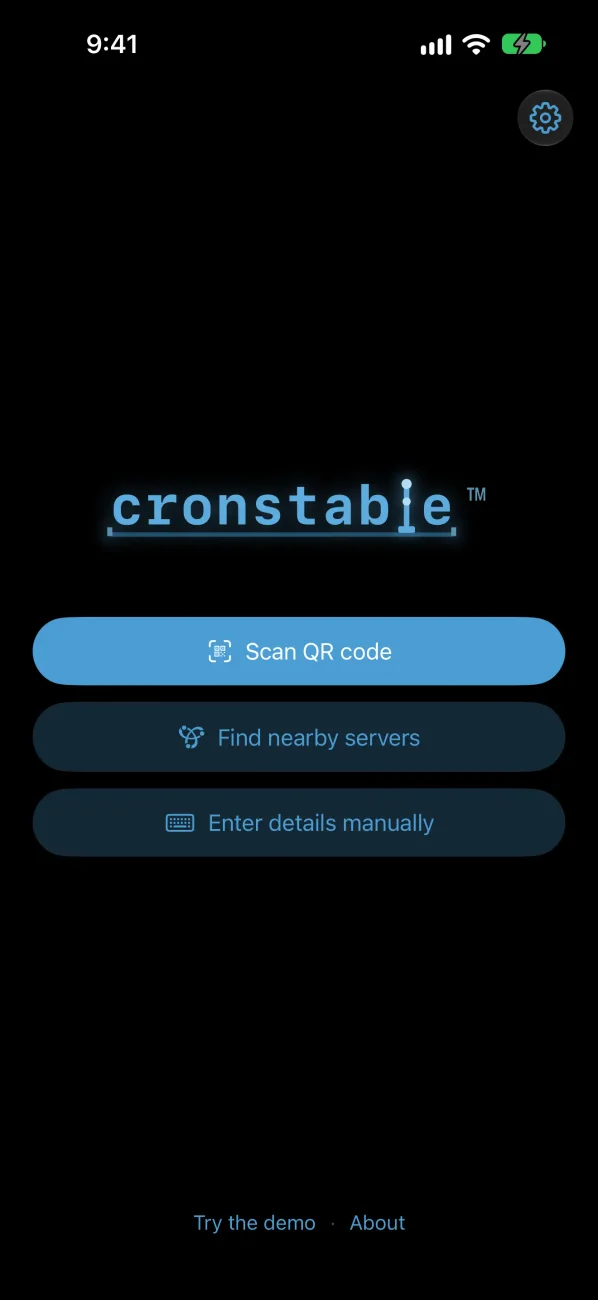
Pair the app with your servers by scanning a QR code.
ALERTS
• Push notifications for failed runs, workflow failures, approval gates, and SLA breaches, including late, stale, or long-running jobs
• End-to-end encrypted: every alert is encrypted for your device before it leaves your server; the relay in between can never read it
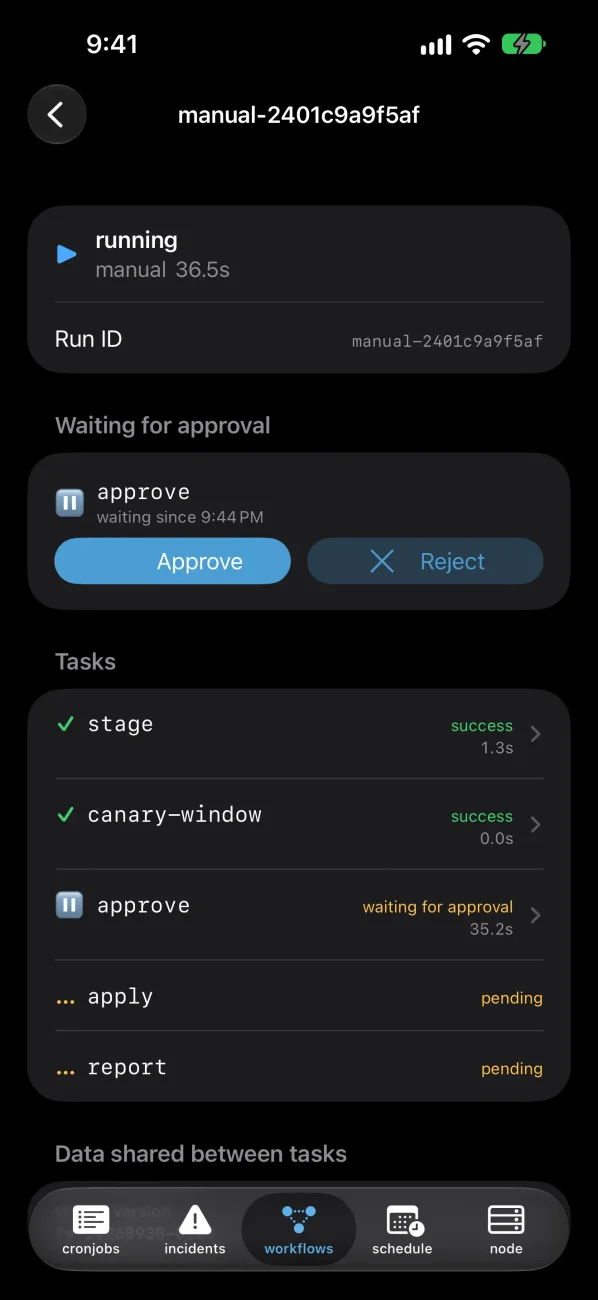
• Approve or reject gated jobs right from the Lock Screen
• Fully usable without push: the app can poll your servers directly, with a refresh interval you choose, from 1 to 300 seconds
A NATIVE DASHBOARD
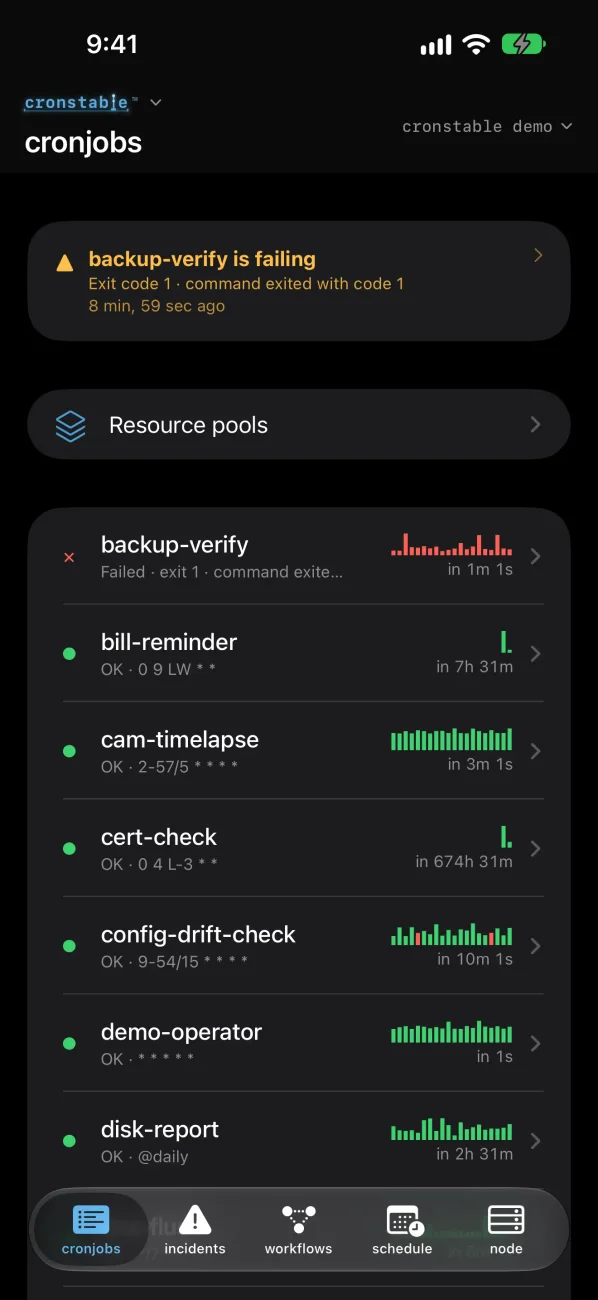
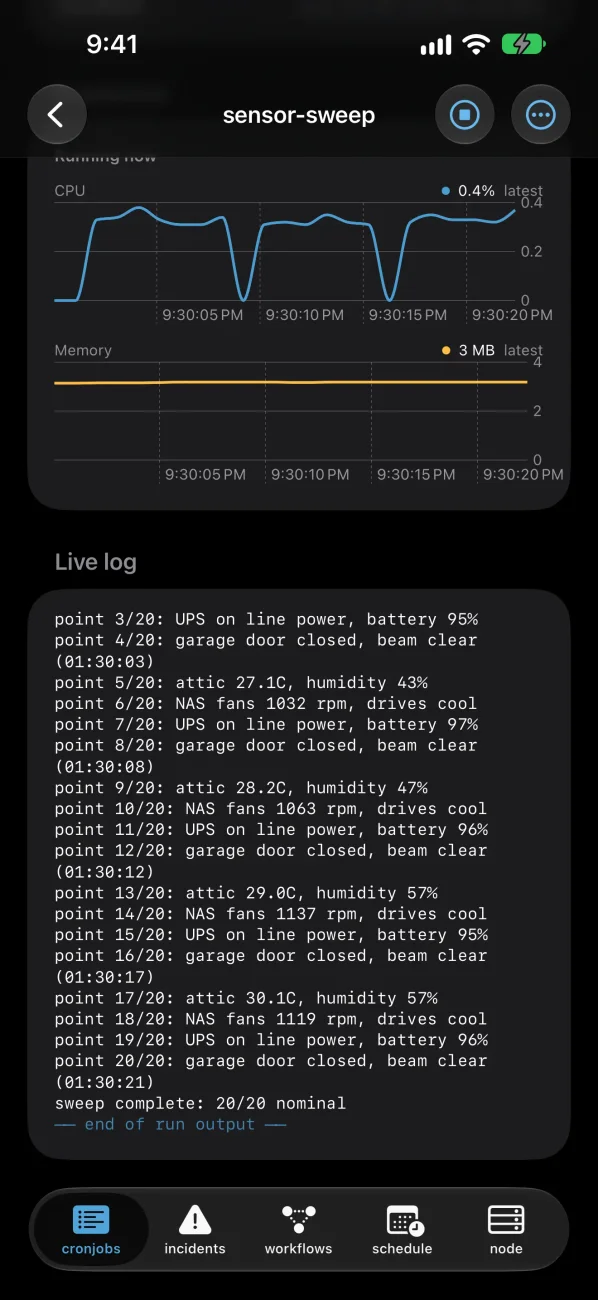
• Jobs board with live status, run history, and logs streamed in real time
• Track workflow runs, individual tasks, and approval gates
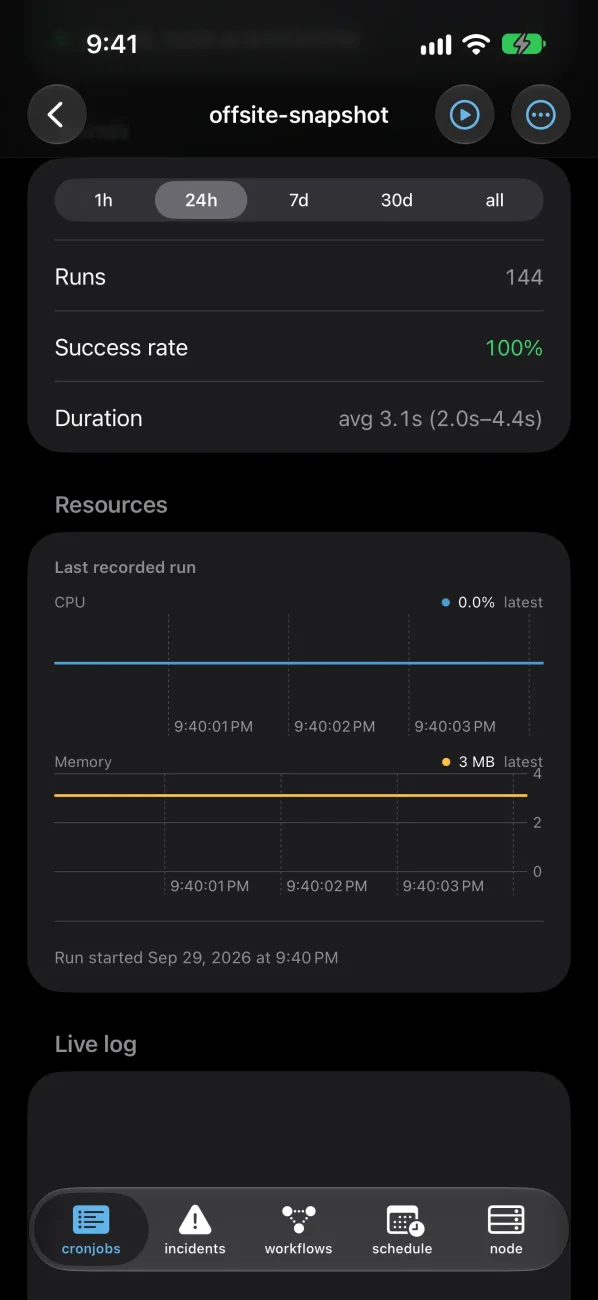
• Run trends for every job, plus interactive CPU and memory charts for the jobs you monitor
• Node and cluster views for multi-server fleets
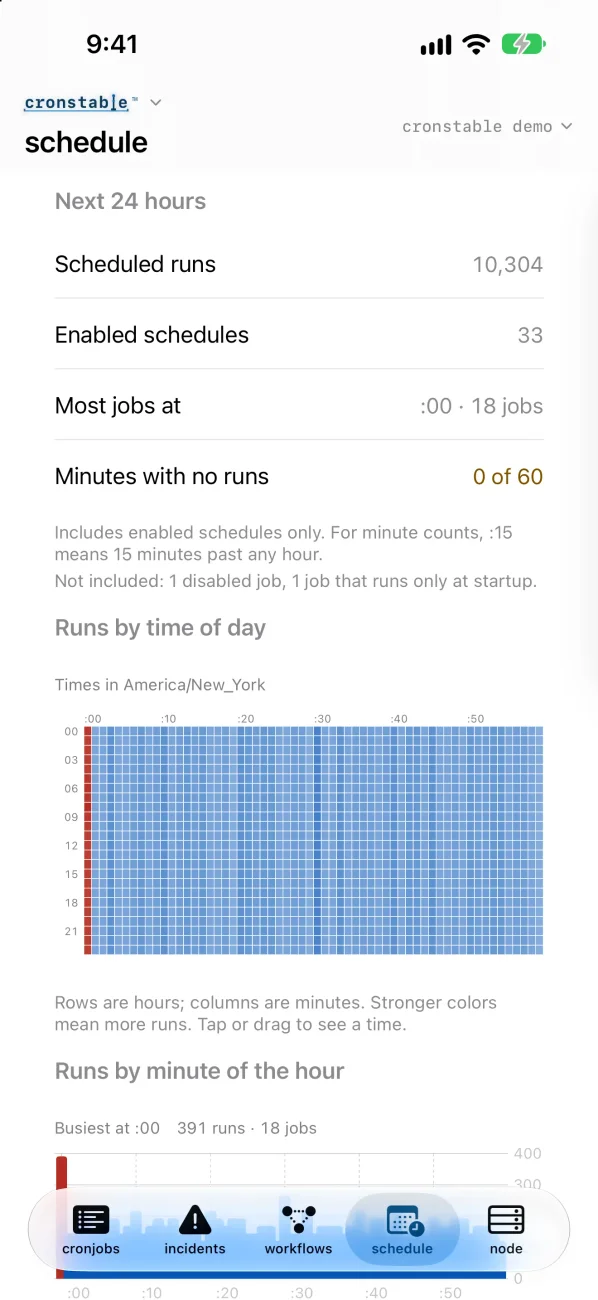
• Schedule tools: heatmaps of job activity, duplicate detection, a cron expression sandbox, and plain answers to "why did this run?"
AT A GLANCE
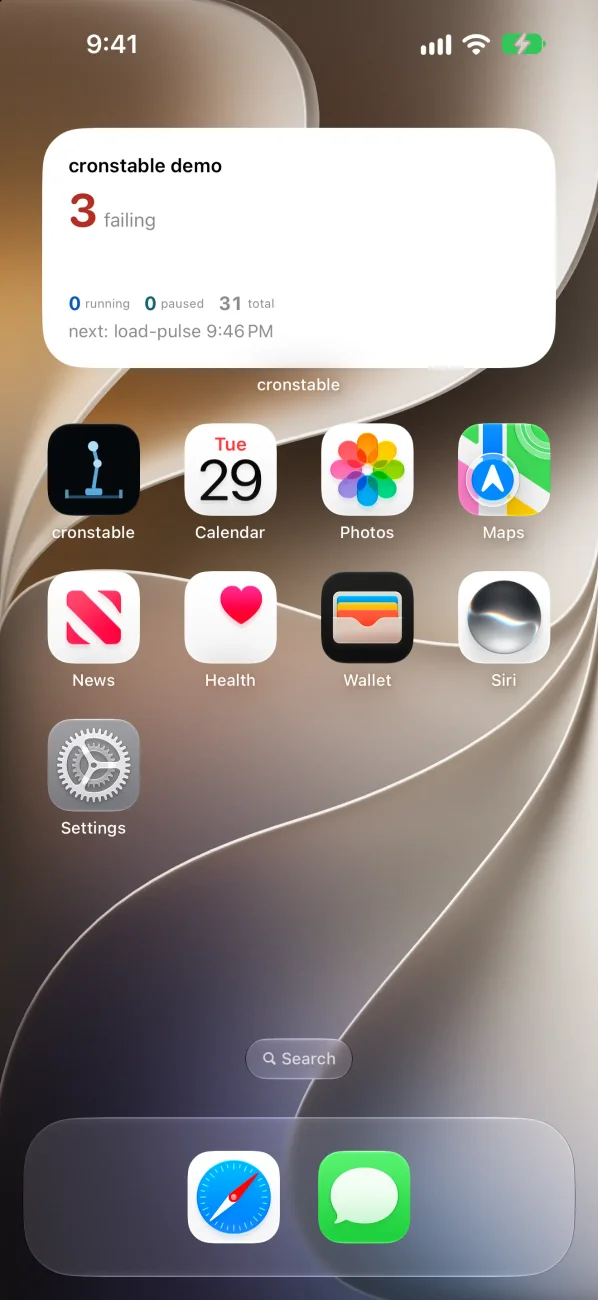
• Home Screen widgets for fleet health
• Add your job schedule to your calendar
YOUR DATA IS ALWAYS YOURS
• No account or sign-up required. No analytics. No ads.
• Tokens stay in the device Keychain; the app talks to your servers over LAN, Tailscale, or HTTPS.
• Works with the free, MIT-licensed cronstable daemon: github.com/ptweezy/cronstable
FREE AND PRO
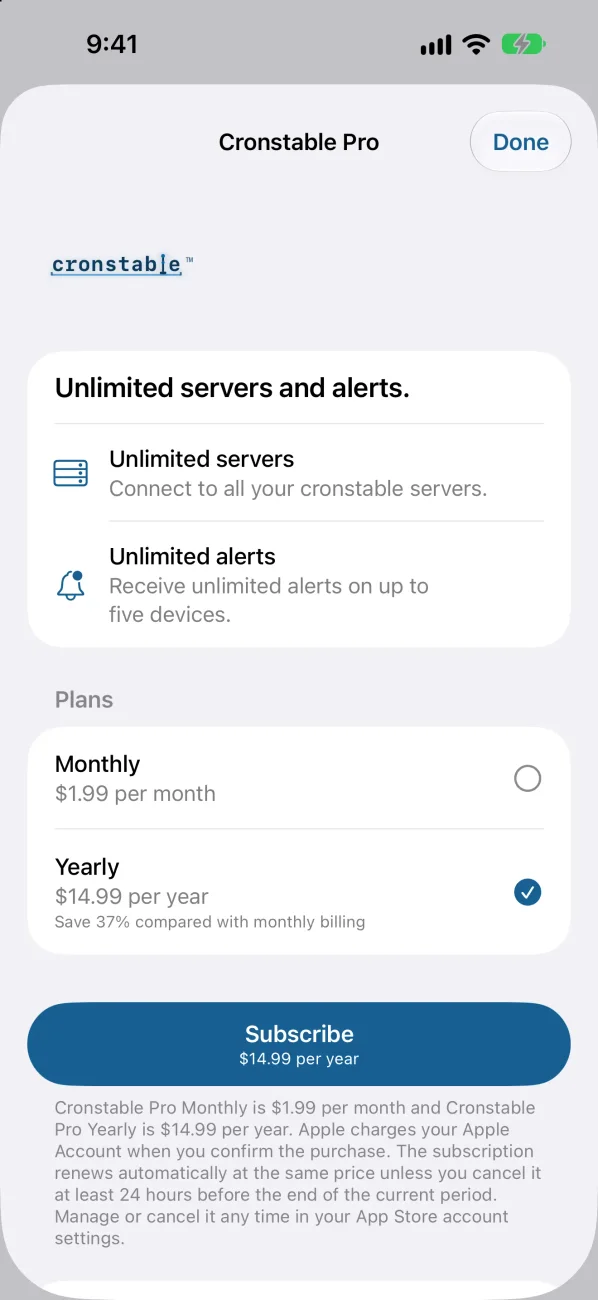
Cronstable is free and includes one saved server and up to 500 push alerts per month per device. Cronstable Pro, an optional subscription, adds unlimited saved servers and unlimited push alerts on up to five devices. All monitoring features are free.
Try it in seconds: the built-in demo connects to a live sample fleet, so you can explore every screen before you set up a server.
Keep your daemons close.
Terms of Use (EULA): https://www.apple.com/legal/internet-services/itunes/dev/stdeula/
Có gì mới
Phiên bản 1.0.8 · 28/10/2026
This update introduces workflow graphs, a saved-state inspector, log search, multi-job live logs, and a run activity heatmap, along with deeper metrics across jobs, workflows, and nodes.
WORKFLOWS
• View any workflow or run as a graph. Tap a task to view logs, approve or reject a gate, or recover the run from that point.
• Workflow lists and run details now display outcome bars, fan-out progress, sensor pokes, retry times, and task-level CPU and memory usage.
• Tap an approval or workflow-failure alert to go directly to that run.
• Every workflow state now uses a distinct icon instead of relying on color alone.
JOBS
• Job lists and details now show retries, overdue SLA checks, interrupted runs, live CPU and memory usage, resource limits, and cluster ownership.
• Run history lists the newest runs first and includes a stats summary and duration chart.
• Resource charts can display any active instance or any of the last 20 runs.
• Success rates match server logic: only succeeded and failed runs are counted, while skipped, cancelled, and interrupted runs are excluded.
• Job, workflow, and approval actions display the server’s response on screen, including the reason if a request is rejected.
• Filter the job board by status, sort by duration, and view fleet totals at the top.
LOGS
• Search using plain text or regex, filter to matching lines, and toggle line wrapping, line numbers, timestamps, and terminal colors. Export any log as a text file.
• Stream up to four jobs simultaneously in a single live view. Logs retain up to 5,000 lines.
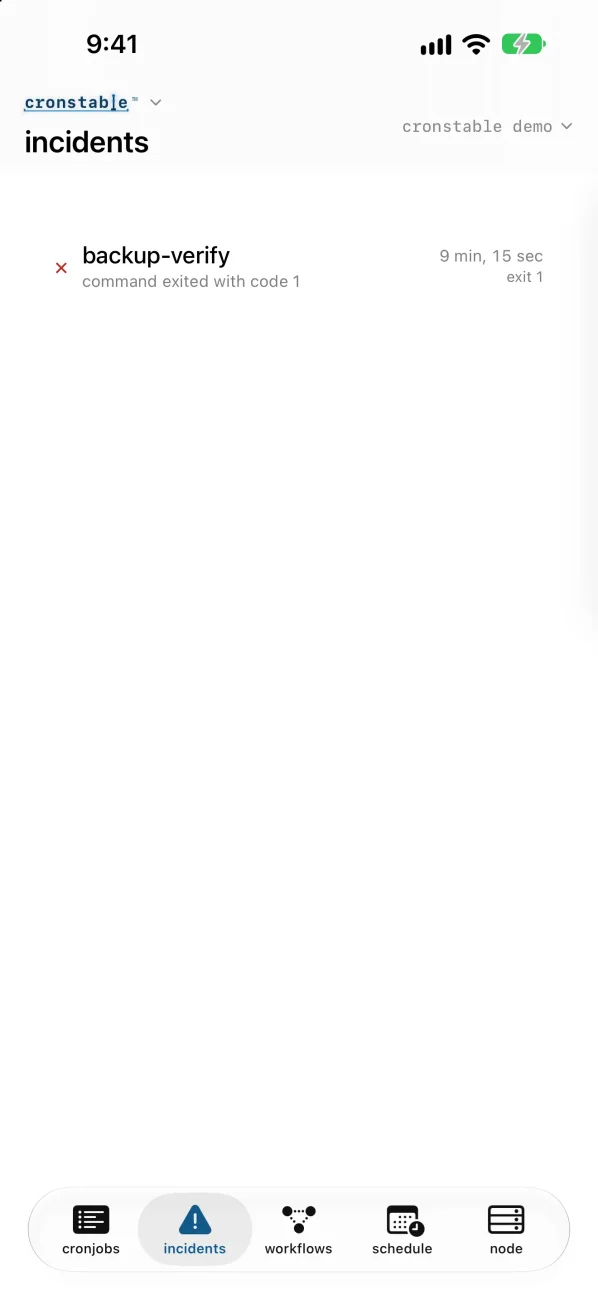
INCIDENTS
• View job outcomes across 6-hour, 24-hour, or 7-day windows with the new run activity heatmap.
• Use Review actions to restart failing jobs or cancel active ones individually, and share incident summaries.
SCHEDULE
• Up Next displays live countdowns for the next eight scheduled runs across all jobs.
• Job details warn you about potential overlapping runs, back-to-back schedules, or multiple jobs starting in the same minute.
• The cron sandbox shows which existing jobs use the expression you are testing.
SERVERS AND CLUSTERS
• The Node tab displays the server version, job set ID, cluster peers, leases, and assigned jobs. Job details also show the job's state on each node.
• Inspect a server's saved state—including retries, slots, leases, documents, and records—directly from the Node tab.
• Resource pools now show queue limits and completion times for each entry.
• An eye icon on the server button indicates a view-only token.
This update also includes minor bug fixes and improvements.
Quyền riêng tư của ứng dụng
Những gì Parker Loflin khai báo trên App Store về cách ứng dụng này xử lý dữ liệu.
-
Dữ liệu không liên kết với bạn
Có thể được thu thập nhưng không liên kết với danh tính của bạn.
- Mục mua
- Mã định danh
Phương thức đảm bảo quyền riêng tư có thể khác nhau, chẳng hạn như tuỳ theo các tính năng bạn sử dụng hoặc độ tuổi của bạn.
Thông tin
- Người bán
- Parker Loflin
- Danh mục
- Công Cụ Nhà Phát Triển
- Phiên bản
- 1.0.8
- Cập nhật
- 28/10/2026
- Phát hành
- 23/09/2026
- Kích thước
- 25,1 MB
- Yêu cầu
- iOS 26.0 trở lên
- Độ tuổi
- 4+
- Giá
- Miễn phí
- Mua hàng trong ứng dụng
- Có
- Ngôn ngữ
- Tiếng Anh
- Bản quyền
- © 2026 Parker Loflin