Cuadrito
Seamless carousels and stories
Được thiết kế cho iPhone, iPad
Miễn phí · Mua hàng trong ứng dụng
- Độ tuổi4+
- Danh mụcẢnh & Video
- Nhà phát triểnDaniel Puente
- Ngôn ngữTiếng Anh
- Kích thước38,2 MB
Liên kết đến trang App Store chính thức
Download.org không lưu trữ tệp nào của Cuadrito. Nút này mở trang ứng dụng trên App Store, nơi Daniel Puente phát hành ứng dụng. Trang được kiểm tra lần cuối: 12/11/2026.
Ảnh chụp màn hình




Giới thiệu
Nhà phát triển chưa cung cấp nội dung này bằng ngôn ngữ của bạn.
Cuadrito arranges your photos into Instagram story and carousel layouts, by hand, on your phone or iPad.
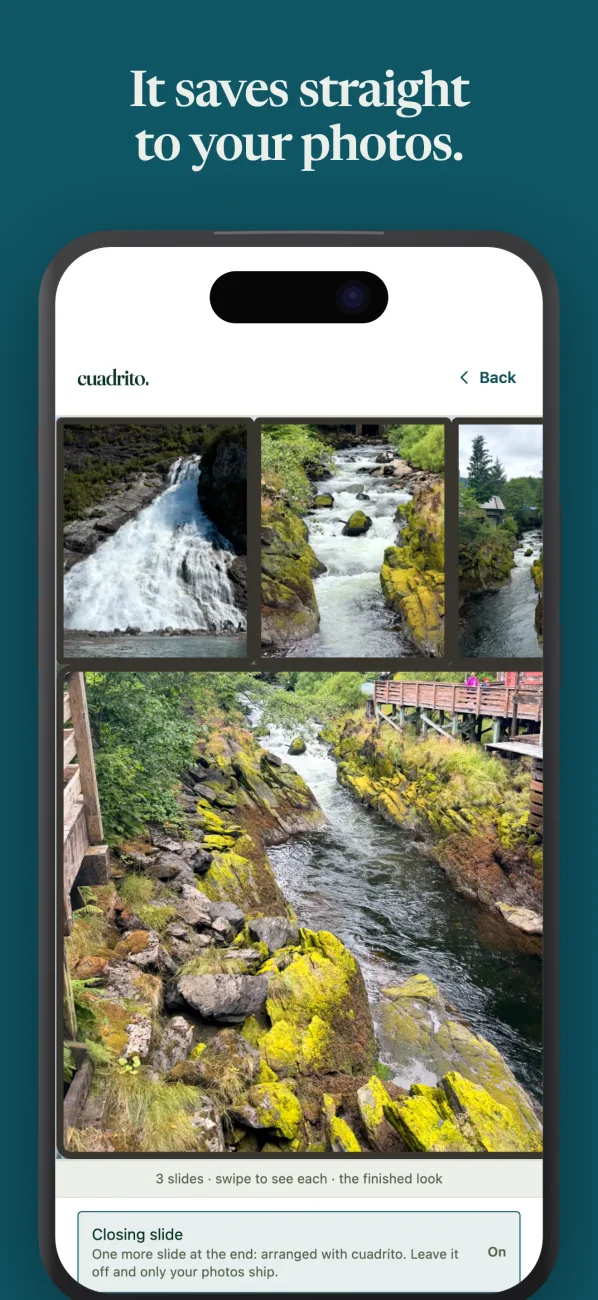
Pick a few photos. Cuadrito lays them out across slides, and you push the frames around until it looks the way you want. Put words on a slide, or a sticker from a search, and they move, turn and scale like any other frame. When it looks right, the finished slides go straight to your photo library at full resolution, ready to post.
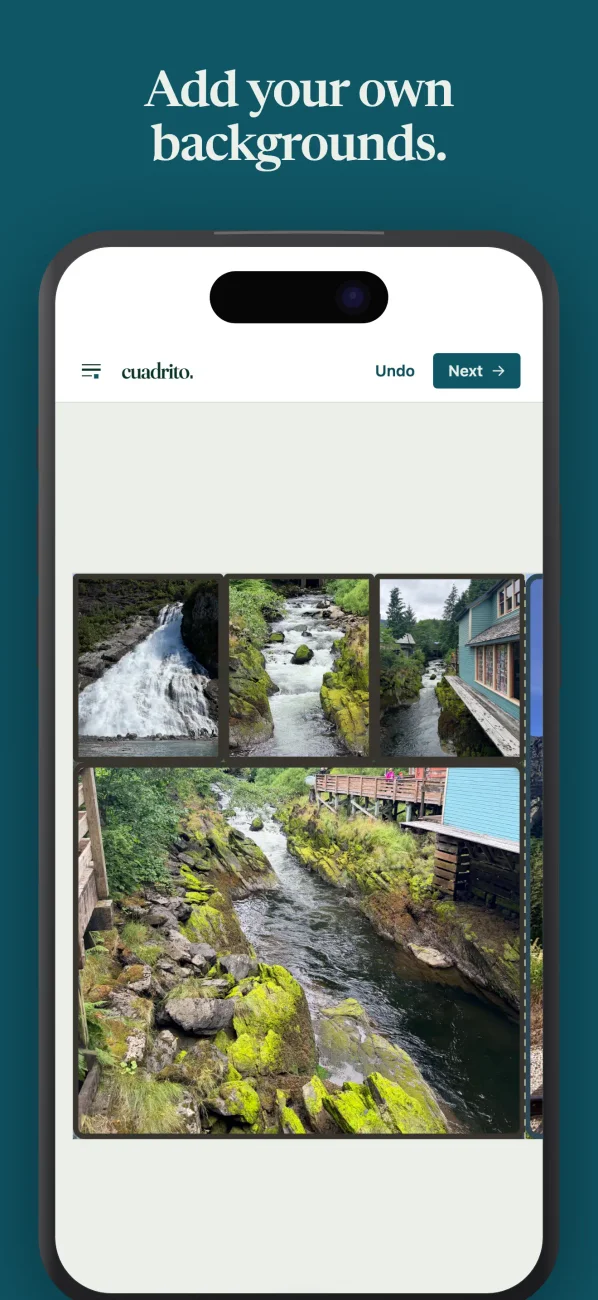
The seamless strip is the layout it was built for: one photo, or several, carried across slides so they continue edge to edge. Someone swiping through sees one picture, not a row of separate posts.
YOUR PHOTOS STAY ON YOUR PHONE
There is no account and no upload. Cuadrito reads your photos, arranges them and writes the slides back, all on the device, and there is no server to send them to. Laying out a set and saving the slides work with the network off. The two searches are the one thing that does leave: looking for a sticker or a background sends the words you type to the service that answers them, and nothing else goes with it. Your photos are never part of that.
WHAT YOU GET
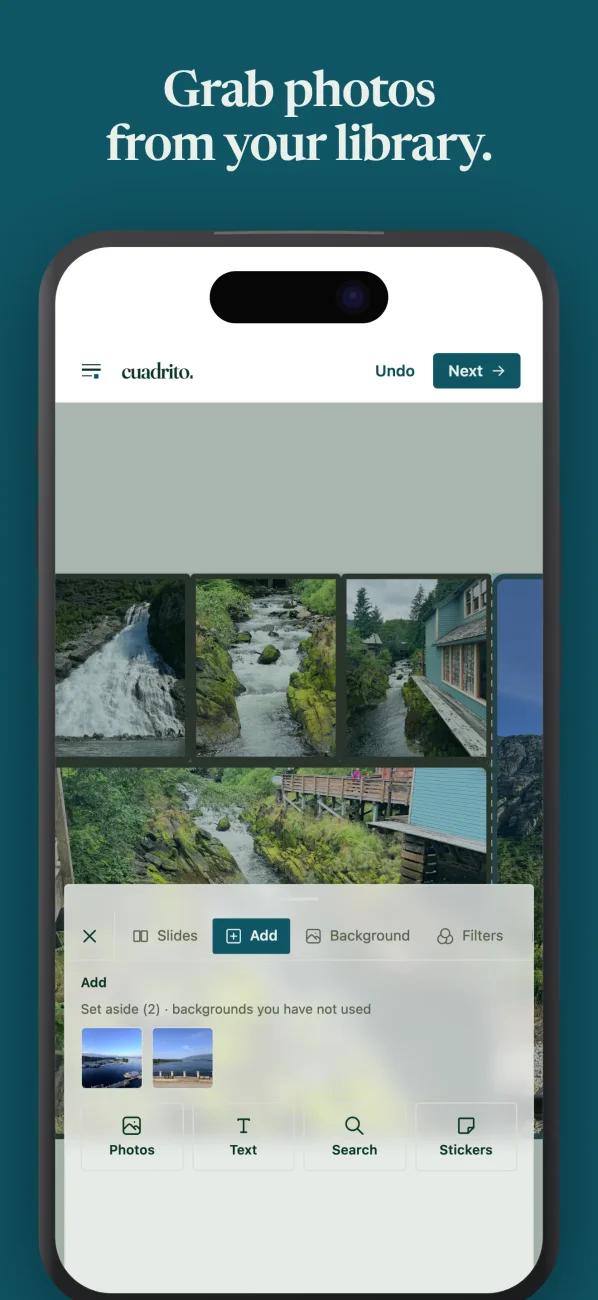
Grab photos from your library, or share them to Cuadrito from Photos and they wait on a shelf until the project that wants them.
Layouts for any number of photos, from one across three slides to a wall of twelve.
Frames you move, resize, crop, rotate and mirror by hand on one continuous canvas.
Words on a slide, in the phone's own four looks or three faces the app carries, at a size, an ink, an alignment and an outline you set.
Stickers from a search, landing on the slide at their own size and moving like any other frame.
Backgrounds behind the photos: a print ink, a color you pick, a photo of your own stretched across the slides, or one from the background search.
Cropping that finds the subject, so a face near an edge survives the first crop instead of being cut in half.
Filters and a one-light warmth pass, kept quiet enough that the photo still looks like your photo.
Stories at 9:16 and carousels at 4:5, switchable after the fact.
Projects that survive closing the app, so you can put one down and come back.
On an iPad the board opens wider, with more slides in view at once, so a long strip can be arranged against itself instead of a slide at a time.
If something breaks, the report form inside the app reaches a person.
CUADRITO PRO
Cuadrito is free to use. The first slide of any project always saves to your photo library free, at full resolution, with nothing written on it. Saving every slide of a project, and keeping every project you have made rather than only your last, is Cuadrito Pro.
Cuadrito Pro is 19.99 US dollars a year, as an auto-renewing subscription, or 49.99 US dollars once. A subscription renews automatically at the end of each year unless it is cancelled at least 24 hours before the year is up, and it can be cancelled in the Settings app. Payment is charged to your Apple Account at confirmation. Prices in other countries are set by the App Store and shown in the app before anything is bought.
There is no watermark on a free export, and there never will be.
Terms of Use (EULA): https://www.apple.com/legal/internet-services/itunes/dev/stdeula/
Privacy Policy: https://cuadrito.app/privacy
Có gì mới
Phiên bản 1.7 · 19/10/2026
A new start screen: nine story slides run across one stretch of sea, with the words in a card on top, on every iPhone, iPad, and Mac. Continue project, when you have a saved project, sits at the top right.
New: iPhone Duo. Cuadrito fits the closed screen, the screen on its side, and the opened screen, and the start screen opens out with the phone when you open it sideways.
Also: on iPad, Mac, and the opened Duo, the toolbar is a compact bar centered at the bottom of the screen, and its panels open from it. Headlines are now set in Newsreader, and text you saved in the old face shows in the new one.
Quyền riêng tư của ứng dụng
Những gì Daniel Puente khai báo trên App Store về cách ứng dụng này xử lý dữ liệu.
-
Dữ liệu không liên kết với bạn
Có thể được thu thập nhưng không liên kết với danh tính của bạn.
- Thông tin liên hệ
- Nội dung của người dùng
- Dữ liệu sử dụng
- Chẩn đoán
Phương thức đảm bảo quyền riêng tư có thể khác nhau, chẳng hạn như tuỳ theo các tính năng bạn sử dụng hoặc độ tuổi của bạn.
Thông tin
- Người bán
- Daniel Puente
- Danh mục
- Ảnh & Video
- Phiên bản
- 1.7
- Cập nhật
- 19/10/2026
- Phát hành
- 13/08/2026
- Kích thước
- 38,2 MB
- Yêu cầu
- iOS 17.0 trở lên
- Độ tuổi
- 4+
- Giá
- Miễn phí
- Mua hàng trong ứng dụng
- Có
- Ngôn ngữ
- Tiếng Anh
- Bản quyền
- © 2026 Daniel Puente
Có thể bạn cũng thích
-
 Weave: Collage MakerẢnh & Video
-
 Daily Photo Journal - toruẢnh & Video
-
 Clamshot: Retro Pixel CameraẢnh & Video
-
 PhotoStrip - Batch Photo ToolẢnh & Video
-
 DuoFrame ProẢnh & Video
-
 Whole CrewẢnh & Video
-
 Snapling: Digital Photo AlbumsẢnh & Video
-
 Slids: Carousel liền mạchBài đăng, ghép ảnh, story
-
 LivePlus: Live Photo CameraẢnh & Video
-
 Lumencam | B&W СameraẢnh & Video