- Độ tuổi4+
- Danh mụcKinh Doanh
- Nhà phát triểnDataman
- Ngôn ngữTiếng Anh
- Kích thước10,7 MB
Liên kết đến trang App Store chính thức
Download.org không lưu trữ tệp nào của Dataman_MIS. Nút này mở trang ứng dụng trên App Store, nơi Dataman phát hành ứng dụng. Trang được kiểm tra lần cuối: 07/11/2026.
Ảnh chụp màn hình
Giới thiệu
Nhà phát triển chưa cung cấp nội dung này bằng ngôn ngữ của bạn.
MIS
The steps that will be required to use the MIS application are as follows:
Step1:
The first & foremost will be the Login screen, where the user will be required to enter the credentials like “Serial key & Site Code”.
Only on providing the above credentials the user will be forwarded to the Registration Page.
Step 2:
After the Login is made the screen which appears to be in front is the registration page, here to be make a user as a registered user the user will be needed to provide the Serial Key, Site Code, Name, Email, Phone number & then will click on the Sign In button.
Step 3:
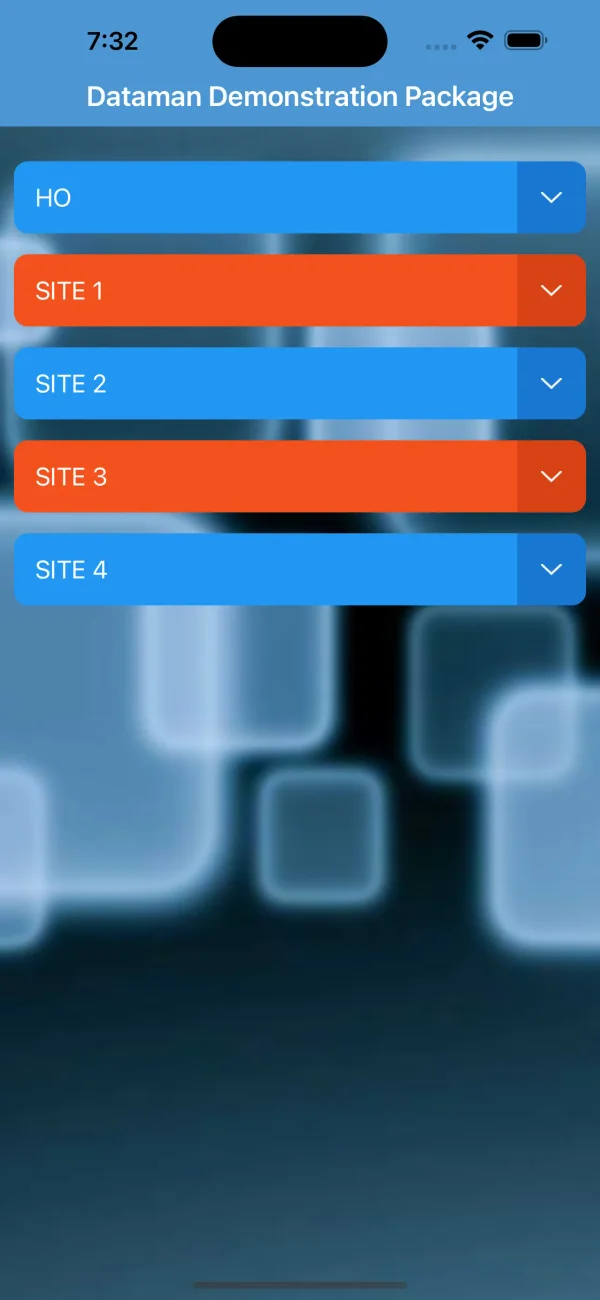
Once the registration is made the Dashboard screen appears on the top of which the company name will be displayed & this page will show the branches related to that company. There is no restriction on the limit of branches the company have it will display all of them.
Step 4:
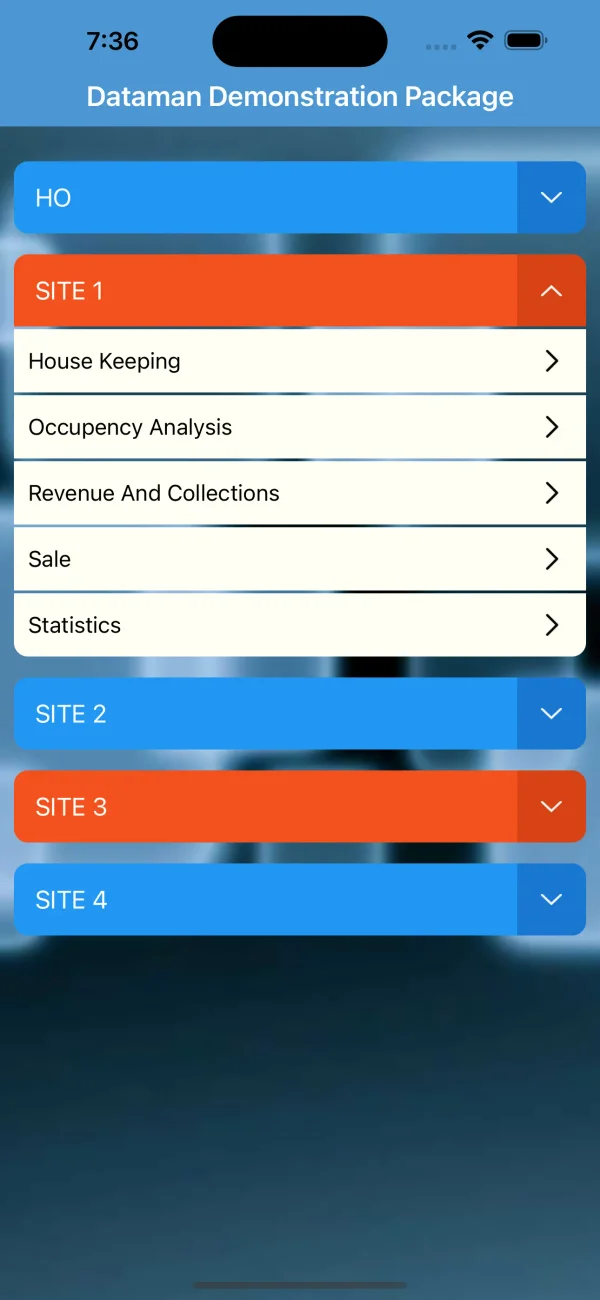
On the Dashboard screen itself the branches are displayed by clicking on any of them the department of respective branch will be shown.
Step 5:
To view the details of any department click on the respective department i.e. to view the details of the sales department click on the sales department icon.
Here the details that will be shown as like net cash, net payment & many more.
In the details page there is also a refresh option available present on the top right of the screen by clicking on which the user will be able to view the latest updated information.
Quyền riêng tư của ứng dụng
Những gì Dataman khai báo trên App Store về cách ứng dụng này xử lý dữ liệu.
-
Dữ liệu không được thu thập
Nhà phát triển không thu thập bất kỳ dữ liệu nào từ ứng dụng này.
Phương thức đảm bảo quyền riêng tư có thể khác nhau, chẳng hạn như tuỳ theo các tính năng bạn sử dụng hoặc độ tuổi của bạn.
Thông tin
- Người bán
- Dataman Computer Systems Private Limited
- Danh mục
- Kinh Doanh
- Phiên bản
- 1.0
- Cập nhật
- 28/08/2024
- Phát hành
- 28/08/2024
- Kích thước
- 10,7 MB
- Yêu cầu
- iOS 12.4 trở lên
- Độ tuổi
- 4+
- Giá
- Miễn phí
- Ngôn ngữ
- Tiếng Anh
- Bản quyền
- © Dataman