
Date Countdown Widget
On Home Screen & Today View
Được thiết kế cho iPhone, iPad, iPod touch
29.000đ
- Độ tuổi4+
- Danh mụcTiện Ích
- Nhà phát triểnFrancis Bonnin
- Ngôn ngữTiếng Anh+ 7 ngôn ngữ khác
- Kích thước12,9 MB
Liên kết đến trang App Store chính thức
Download.org không lưu trữ tệp nào của Date Countdown Widget. Nút này mở trang ứng dụng trên App Store, nơi Francis Bonnin phát hành ứng dụng. Trang được kiểm tra lần cuối: 18/11/2026.
Ảnh chụp màn hình
Giới thiệu
Nhà phát triển chưa cung cấp nội dung này bằng ngôn ngữ của bạn.
Thanks to this application (and the other Widget apps from PacoLabs), you can now customize the Home screen and the Today view of your device, by adding custom widgets for some specific purposes.
From anywhere in your device, you'll have access to your own information and actions.
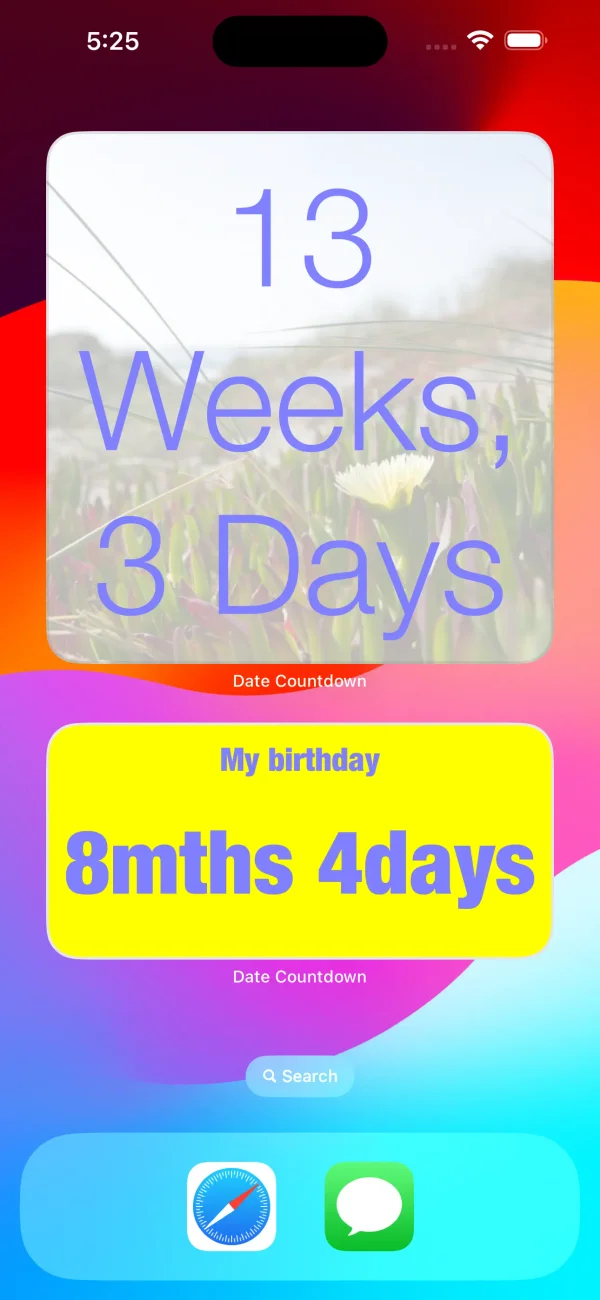
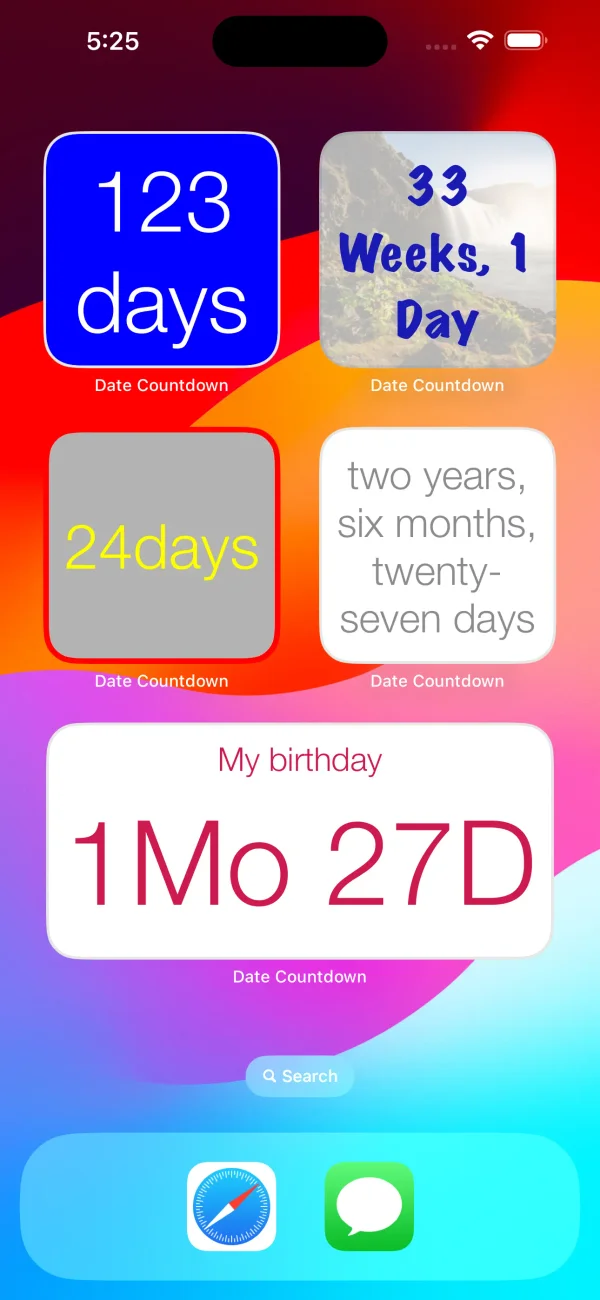
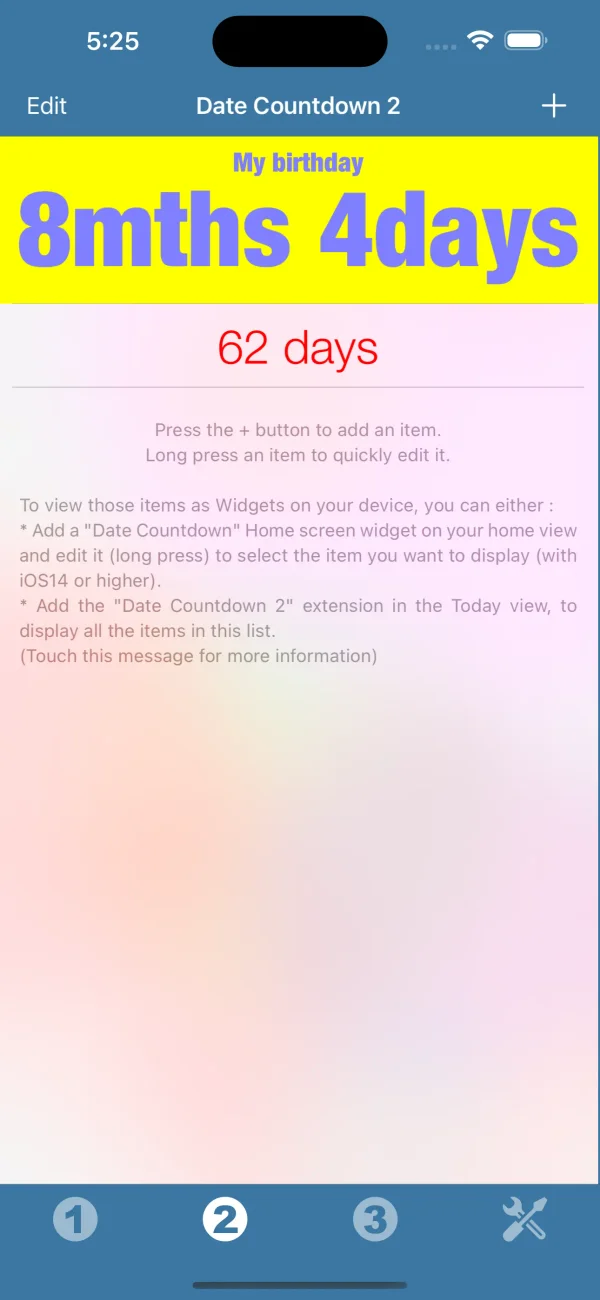
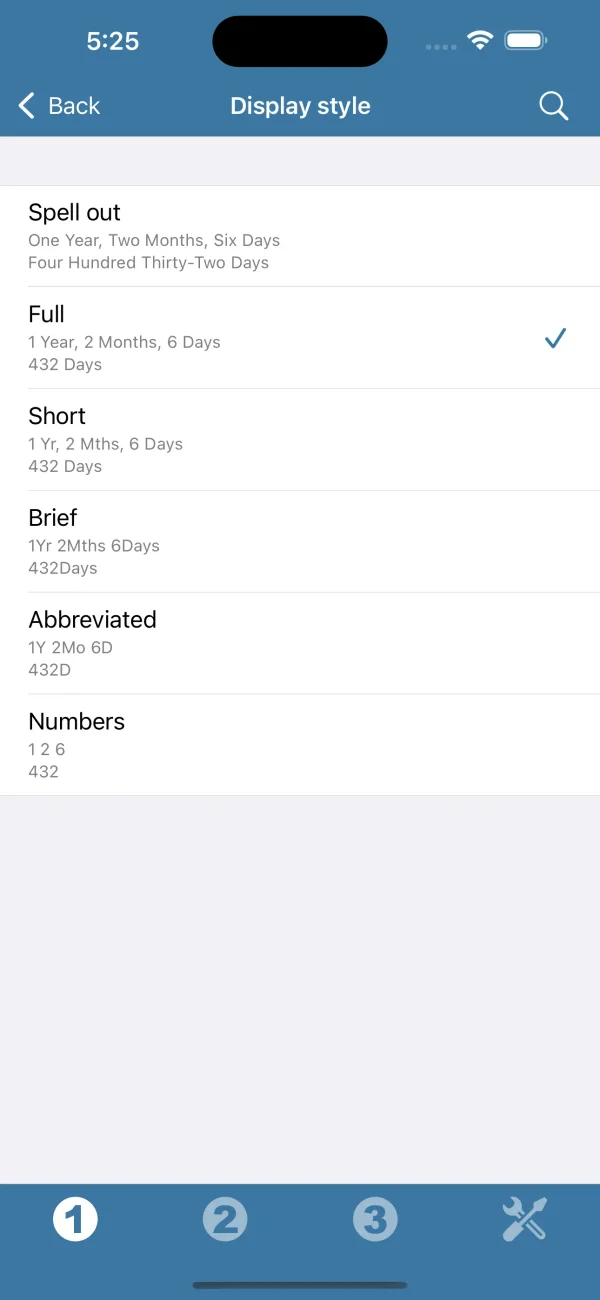
Each Date Countdown widget allows to display the number of years / months / days remaining until a given target date.
It is also possible to display the number of days elapsed since a given date.
See how many days you have left until your birthday, or how long ago an important event in your life happened!
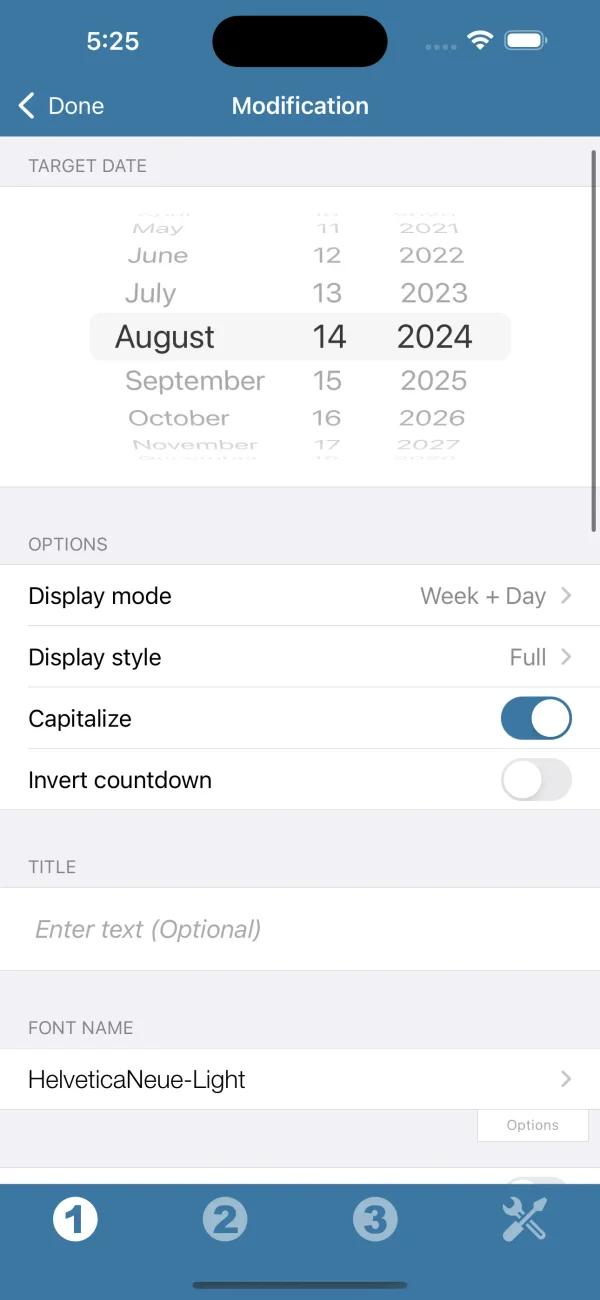
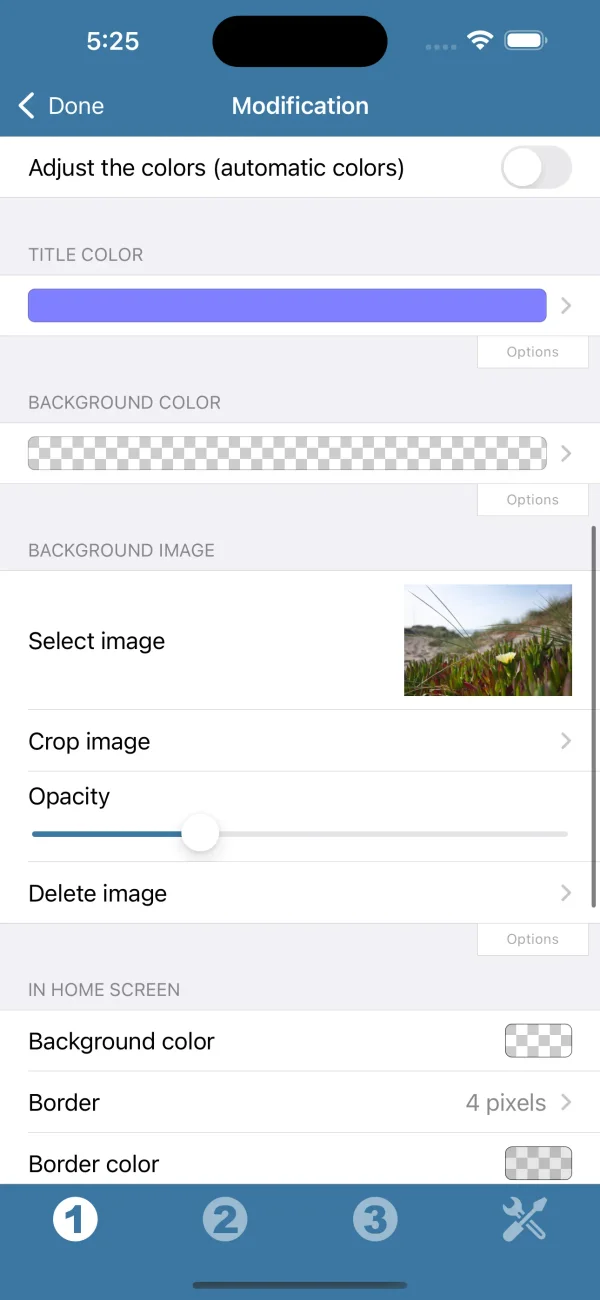
A custom name can be displayed and the look can be customized.
Those Widgets are compatible with the new iOS 14 Home Screen Widgets.
The application is really easy to use and is adapted to the fresh look of your device.
Dark mode of iOS13 is supported.
In Today view:
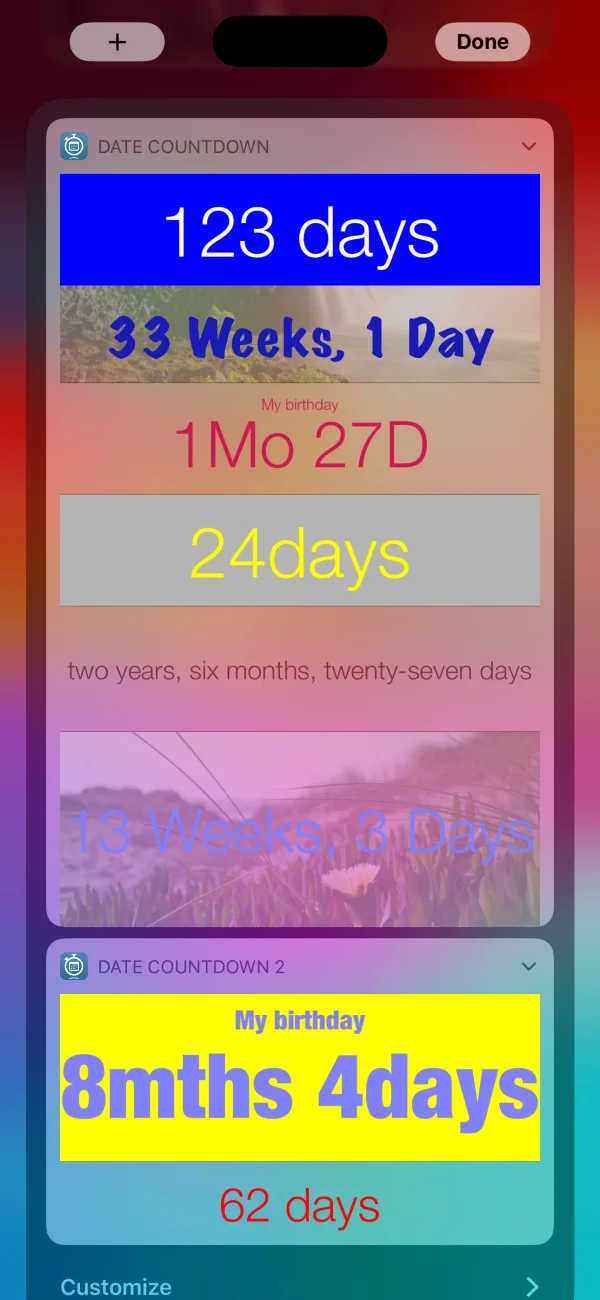
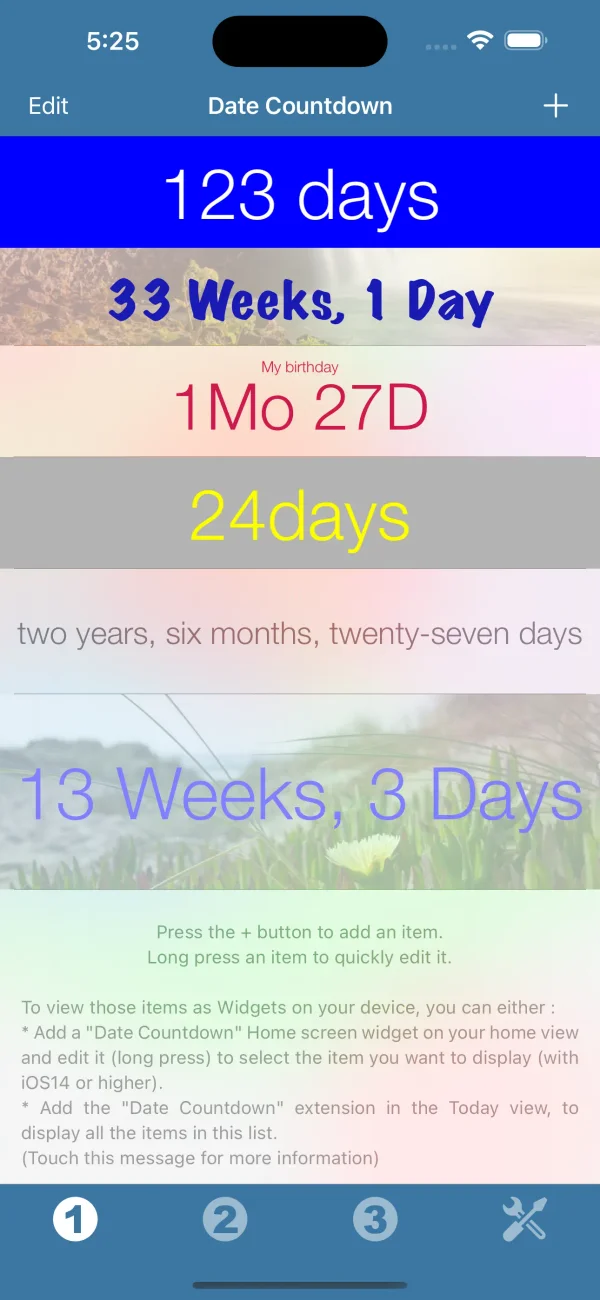
You can add as many widgets as you want and they will be displayed in up to 3 different lists. Those same lists will be available in the Today view and in the application (although it is possible, if you want, to hide some widgets in the Today view).
To avoid overloading the Today view, when too many widgets are displayed, an intuitive control will allow you to navigate from one widget to another.
Even if the main purpose of the app is to view the widgets in the Today view, it can also be very handy to view them directly in the application (a long press on a widget in the Today view will open it directly in the main application).
Có gì mới
Phiên bản 6.2 · 02/07/2025
* Ability to select the system font in the font picker.
* Minor fixes and improvements.
Quyền riêng tư của ứng dụng
Những gì Francis Bonnin khai báo trên App Store về cách ứng dụng này xử lý dữ liệu.
-
Dữ liệu không được thu thập
Nhà phát triển không thu thập bất kỳ dữ liệu nào từ ứng dụng này.
Phương thức đảm bảo quyền riêng tư có thể khác nhau, chẳng hạn như tuỳ theo các tính năng bạn sử dụng hoặc độ tuổi của bạn.
Thông tin
- Người bán
- Francis Bonnin
- Danh mục
- Tiện Ích
- Phiên bản
- 6.2
- Cập nhật
- 02/07/2025
- Phát hành
- 13/05/2024
- Kích thước
- 12,9 MB
- Yêu cầu
- iOS 12.0 trở lên
- Độ tuổi
- 4+
- Giá
- 29.000đ
- Ngôn ngữ
- Tiếng Anh, Tiếng Pháp, Tiếng Đức, Tiếng Ý, Tiếng Nhật, Tiếng Nga, Tiếng Trung Giản thể, Tiếng Tây Ban Nha
- Bản quyền
- © PacoLabs
Có thể bạn cũng thích
-
 Motick - Flip ClockTiện Ích
-
 SetStack: Brick Set TrackerTiện Ích
-
 LaXpro mobileTiện Ích
-
 Speech to Text : Whisper AITiện Ích
-
 Sober Drive: When Can I DriveTiện Ích
-
 URMA S.M.A.G.Tiện Ích
-
 xBricker - Lego CollectorTiện Ích
-
 Task Note - ColorsTiện Ích
-
 Important Dates - CountdownTiện Ích
-
 IP Scanner UltraNetwork Scanner WiFi/LAN Mạng