
- Độ tuổi4+
- Danh mụcGiáo Dục
- Nhà phát triểnDesmos
- Ngôn ngữTiếng Anh
- Kích thước5,8 MB
Liên kết đến trang App Store chính thức
Download.org không lưu trữ tệp nào của Desmos Test Mode. Nút này mở trang ứng dụng trên App Store, nơi Desmos phát hành ứng dụng. Trang được kiểm tra lần cuối: 17/11/2026.
Ảnh chụp màn hình
Giới thiệu
Nhà phát triển chưa cung cấp nội dung này bằng ngôn ngữ của bạn.
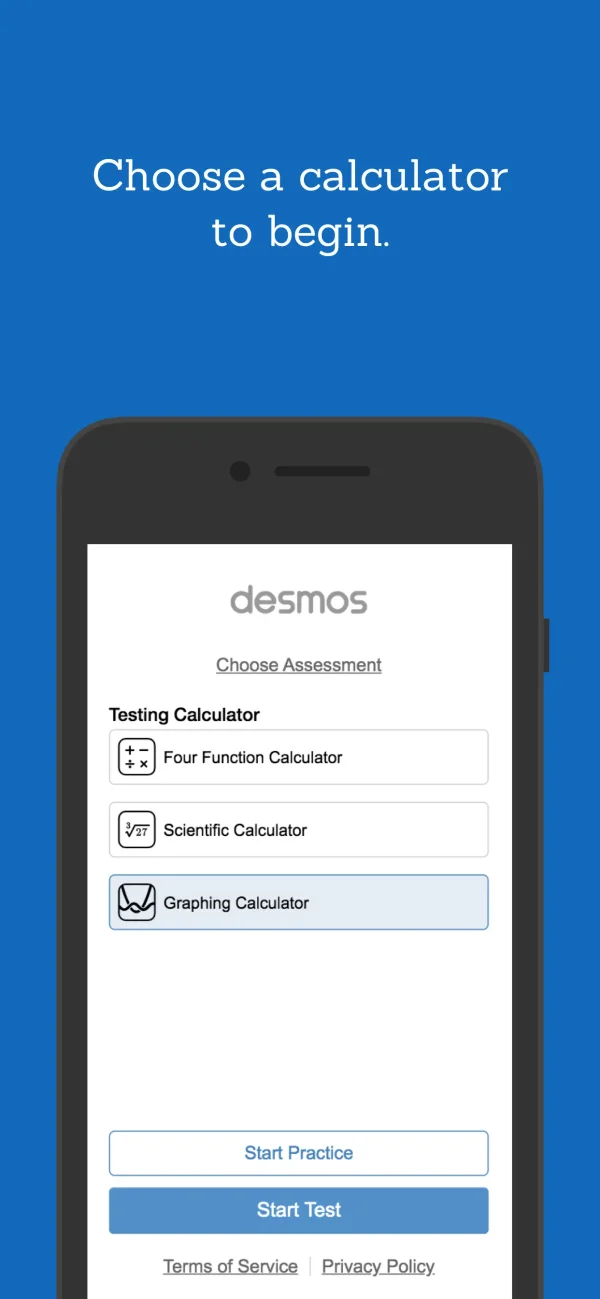
** These are restricted versions of the Desmos Calculators that comply with exam requirements. To prepare for specific state or national assessments, select the corresponding test from the menu in the app. Find out whether Desmos is used for your test at www.desmos.com/testing.
If you’d like to use full, unrestricted versions of the calculators, download the Scientific or Graphing Calculator apps or visit www.desmos.com. **
At Desmos, we imagine a world of universal math literacy where math is accessible and enjoyable for all students. To that end, we’ve built simple yet powerful calculators. They’re intuitive, beautiful, and completely free.
- - -
Graphing Calculator Features:
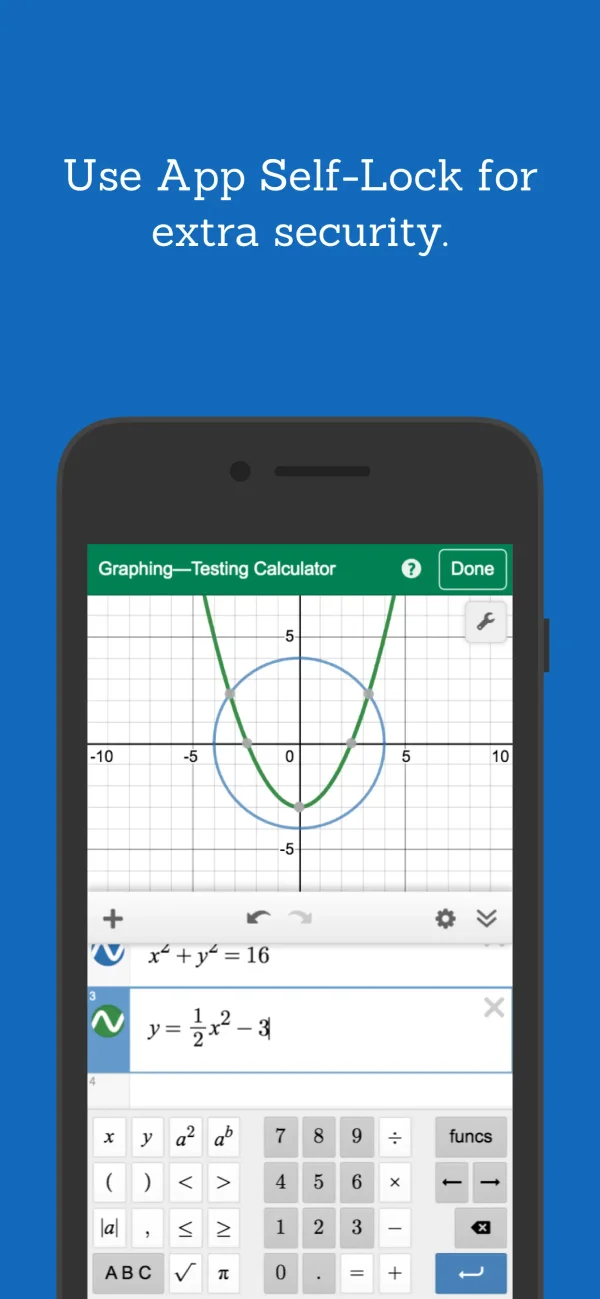
Graphing: Plot polar, Cartesian, and parametric graphs. There’s no limit to how many expressions you can graph at one time—and you don’t even need to enter expressions in y= form!
Sliders: Adjust values interactively to build intuition, or animate any parameter to visualize its effect on the graph.
Tables: Input and plot data, or create an input-output table for any function.
Statistics: Use regressions to find the lines (or other curves!) that best fit your data.
Zooming: Scale the axes independently or at the same time with the pinch of two fingers, or edit the window size manually to get the perfect view of your graph.
Points of Interest: Touch a curve to show its maximum and minimum values, intercepts, and points of intersection with other curves. Tap any of these points of interest to see their coordinates. Hold and drag along a curve to see the coordinates change under your finger as you trace.
- - -
Scientific Calculator Features:
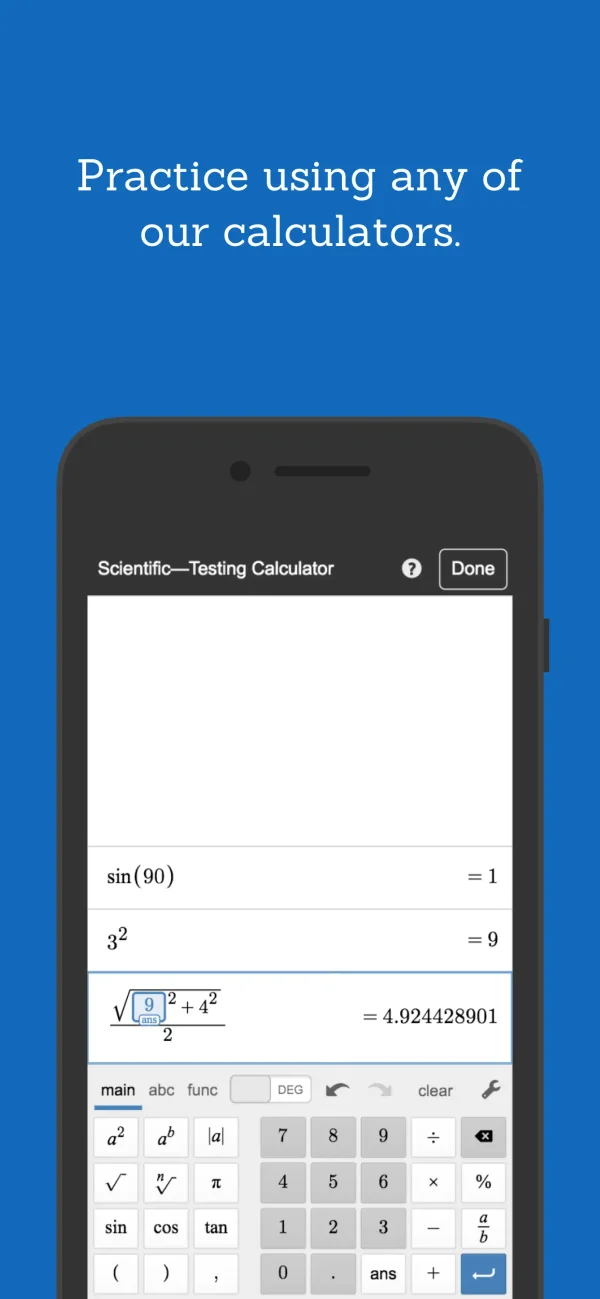
Variables: Assign values to variables that you can use in other expressions. Since all of your work is held in the expressions list, you can compute a value once and use it in many places simultaneously. Take advantage of the “ans” key, which always stores the value of the previous expression.
Arithmetic: Beyond the four basic operations, the scientific calculator also supports exponentiation, radicals, absolute value, logarithms, rounding, and percentages.
Trigonometry: Evaluate the fundamental trigonometric functions and their inverses using either radians or degrees for angle measure.
Statistics: Compute the mean and standard deviation (sample or population) of a list of data.
Combinatorics: Count combinations and permutations and calculate factorials.
- - -
Four-Function Calculator Features:
Simple and Beautiful: Just the basics done right. Add, subtract, multiply, divide, and take square roots.
Multiple Expressions: Unlike many four-function calculators, all of your previous work remains visible on the screen. The special “ans” key always holds the value of the previous computation (and updates automatically!), so you never have to remember or copy a result.
Có gì mới
Phiên bản 7.60.0 · 06/11/2026
Select testing calculator configurations got an update. Learn more at desmos.com/testing.
Quyền riêng tư của ứng dụng
Những gì Desmos khai báo trên App Store về cách ứng dụng này xử lý dữ liệu.
-
Dữ liệu không liên kết với bạn
Có thể được thu thập nhưng không liên kết với danh tính của bạn.
- Mã định danh
- Dữ liệu sử dụng
- Chẩn đoán
Phương thức đảm bảo quyền riêng tư có thể khác nhau, chẳng hạn như tuỳ theo các tính năng bạn sử dụng hoặc độ tuổi của bạn.
Thông tin
- Người bán
- Desmos, Inc.
- Danh mục
- Giáo Dục
- Phiên bản
- 7.60.0
- Cập nhật
- 06/11/2026
- Phát hành
- 04/04/2015
- Kích thước
- 5,8 MB
- Yêu cầu
- iOS 16.0 trở lên
- Độ tuổi
- 4+
- Giá
- Miễn phí
- Ngôn ngữ
- Tiếng Anh
- Bản quyền
- © 2025 Desmos Studio PCB