DICOM Camera
Your DICOM Imaging Solution
Được thiết kế cho iPhone, iPad
Miễn phí · Mua hàng trong ứng dụng
- Độ tuổi17+
- Danh mụcY Tế
- Nhà phát triểnRaster Images
- Ngôn ngữTiếng Pháp+ 7 ngôn ngữ khác
- Kích thước26,6 MB
Liên kết đến trang App Store chính thức
Download.org không lưu trữ tệp nào của DICOM Camera. Nút này mở trang ứng dụng trên App Store, nơi Raster Images phát hành ứng dụng. Trang được kiểm tra lần cuối: 14/11/2026.
Ảnh chụp màn hình

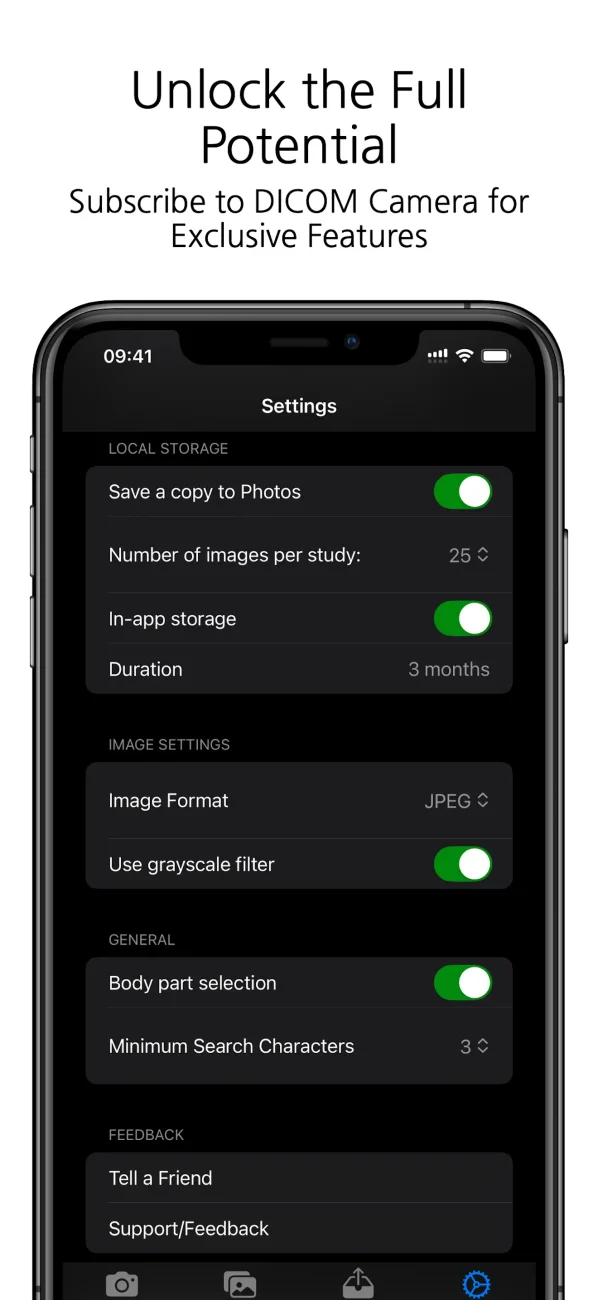
Giới thiệu
Nhà phát triển chưa cung cấp nội dung này bằng ngôn ngữ của bạn.
DICOM Camera: The Ultimate Medical Imaging Companion
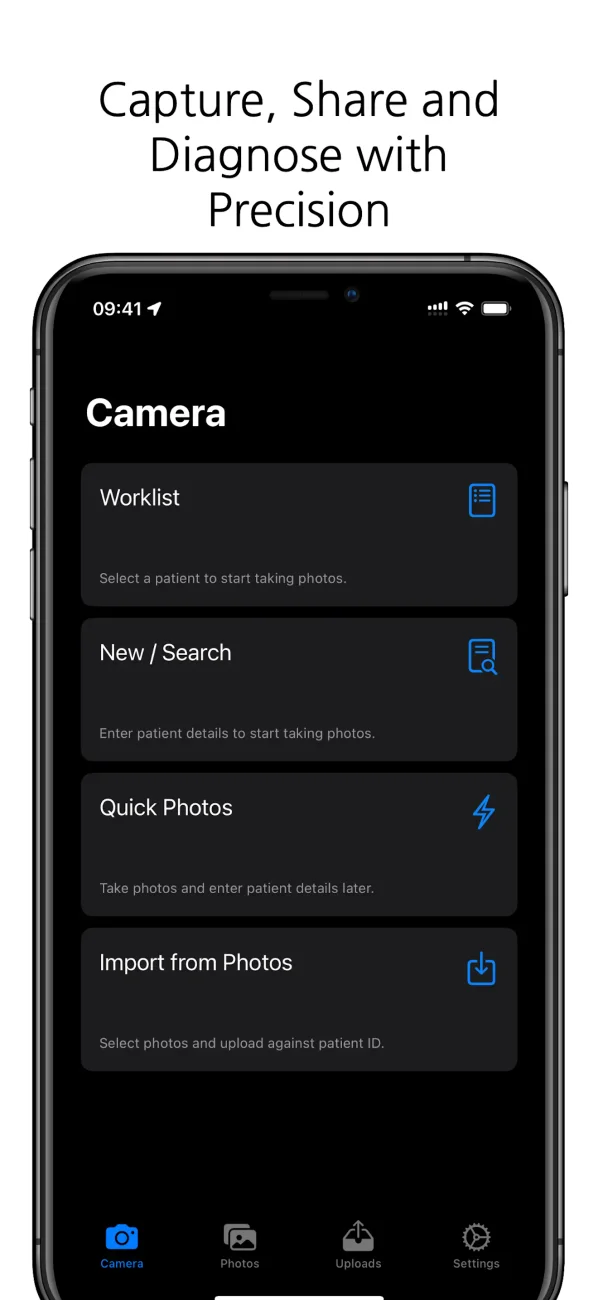
The DICOM Camera app is a cutting-edge solution for medical professionals who need to capture, store, and manage medical images and videos with ease. Designed to integrate seamlessly into any medical workflow, DICOM Camera offers powerful features to streamline medical imaging while ensuring compliance with DICOM standards. With its advanced features, DICOM Camera enables easy capture, storage, and sharing of high-quality medical images.
Key Features:
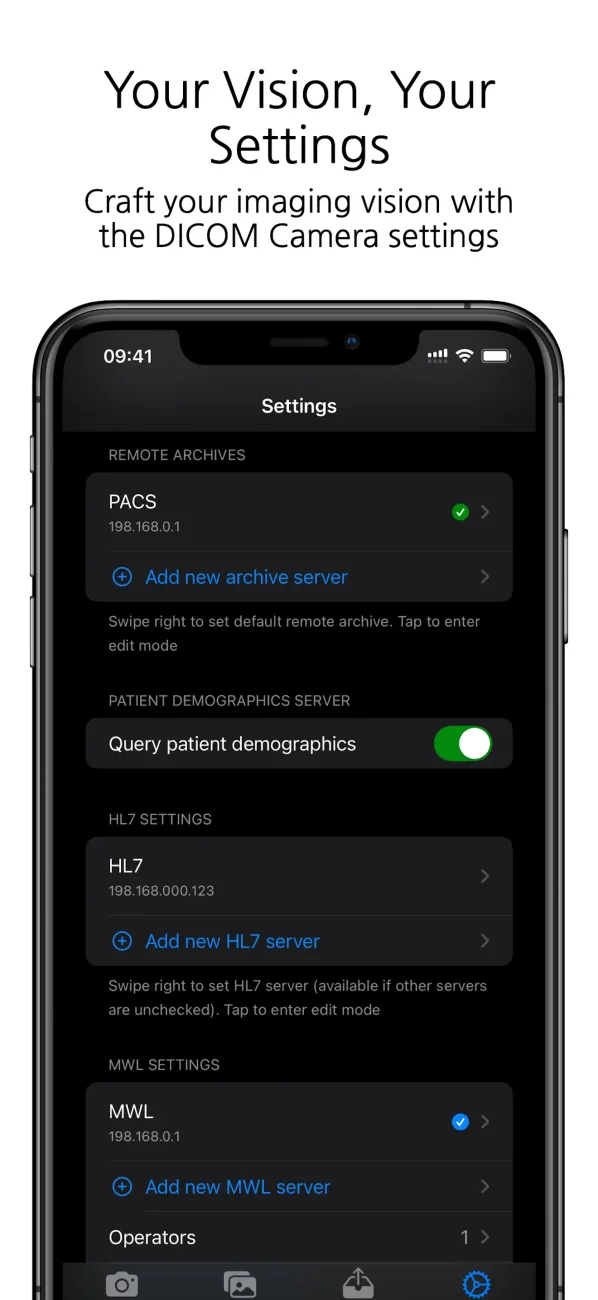
1. Configure Multiple Remote Archive Servers
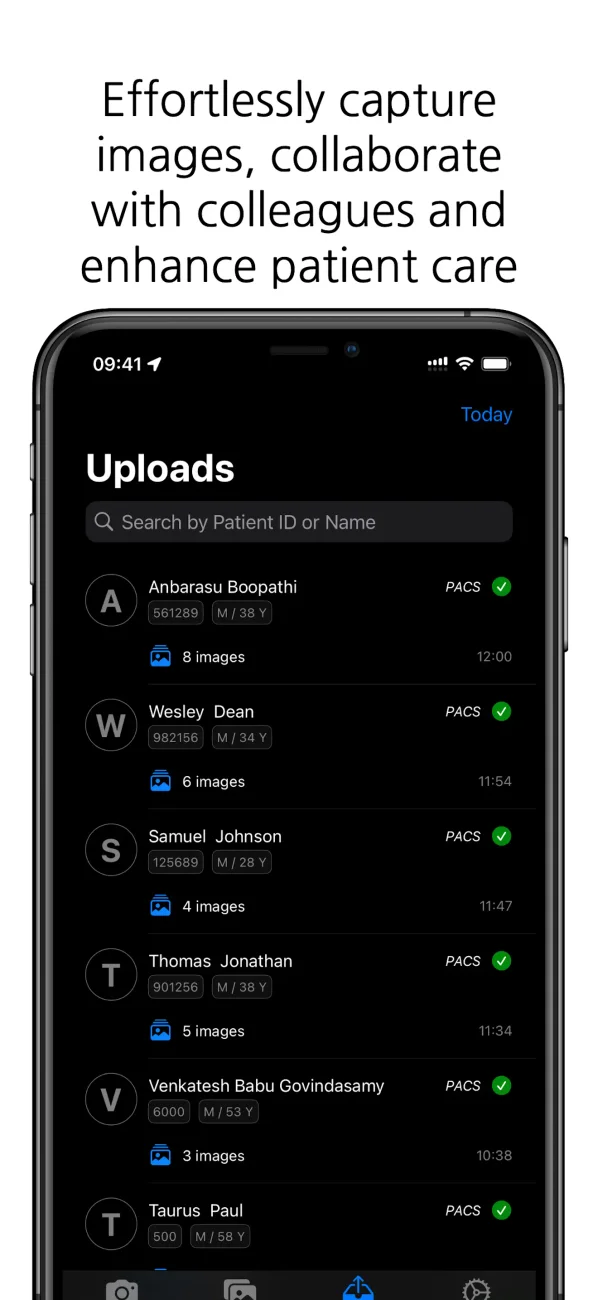
Effortlessly connect and configure multiple remote DICOM archive servers (PACS). This feature allows users to store and retrieve studies across various servers, ensuring scalability and secure access to imaging data.
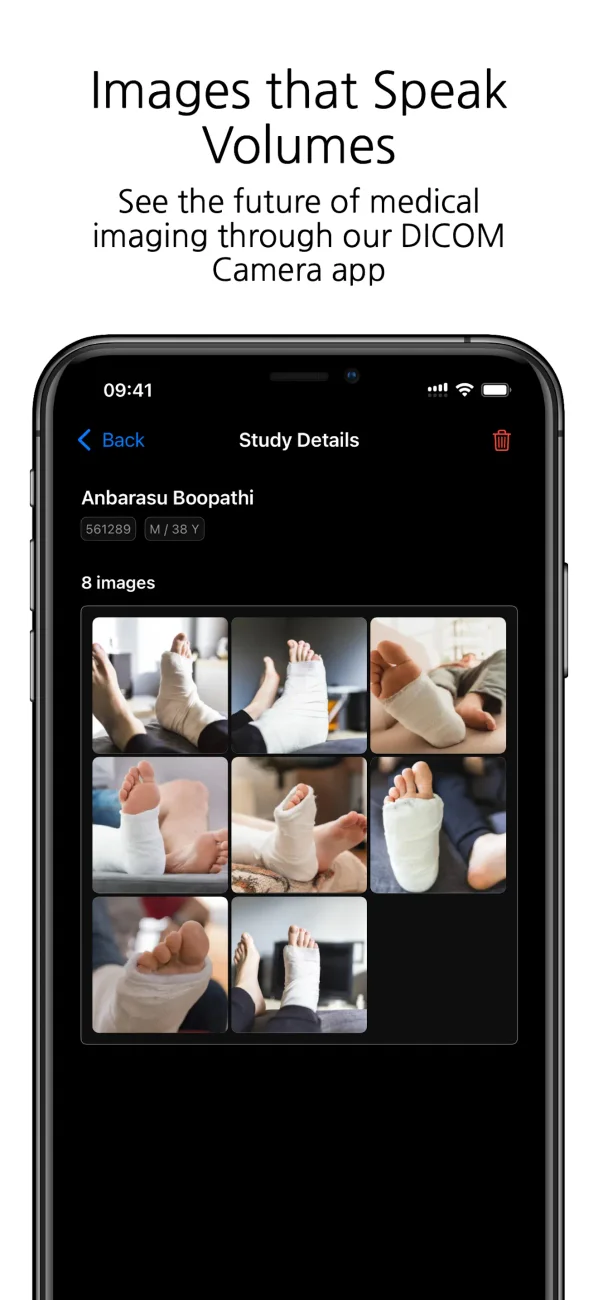
2. Capture Up to 25 Photos per Study
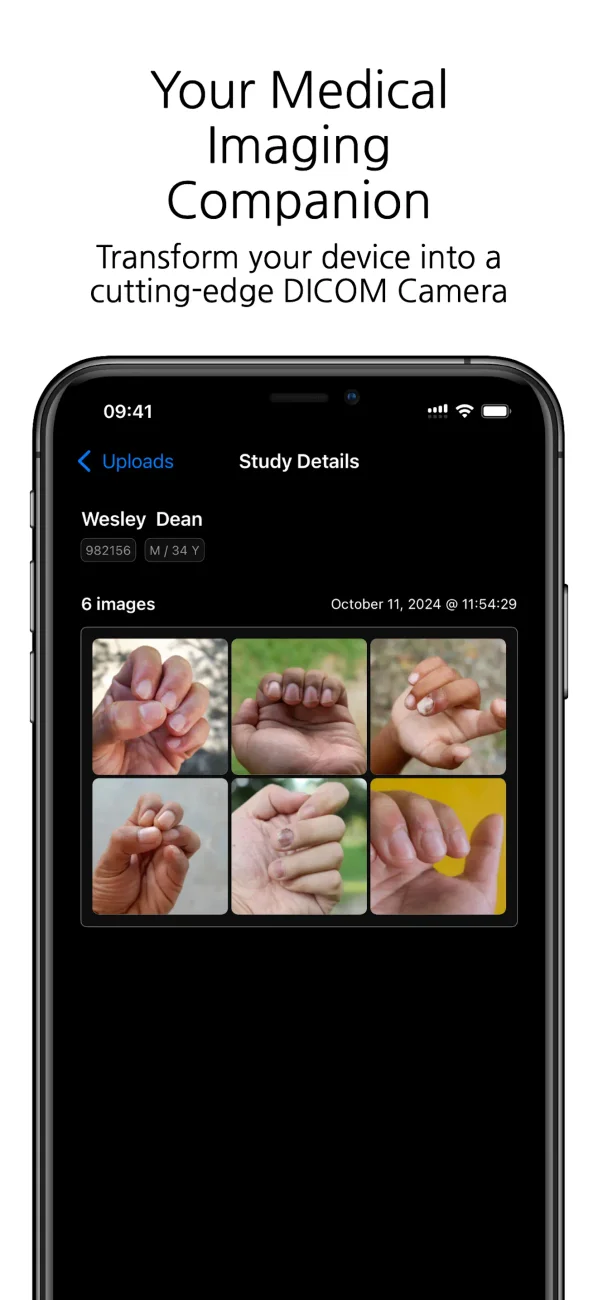
With DICOM Camera, you can capture up to 25 high-quality medical images per study. This is ideal for documenting comprehensive cases where multiple images are required to fully capture the clinical details.
3. Record Up to 5 Minutes of Video per Study
The app supports video recording of up to 5 minutes per study, making it perfect for capturing dynamic or procedural data, endoscopic procedures, or surgical documentation.
4. Configure Multiple HL7 Servers
DICOM Camera allows users to integrate multiple HL7 servers for seamless communication with hospital information systems (HIS) and electronic medical record (EMR) systems, ensuring smooth data flow between systems.
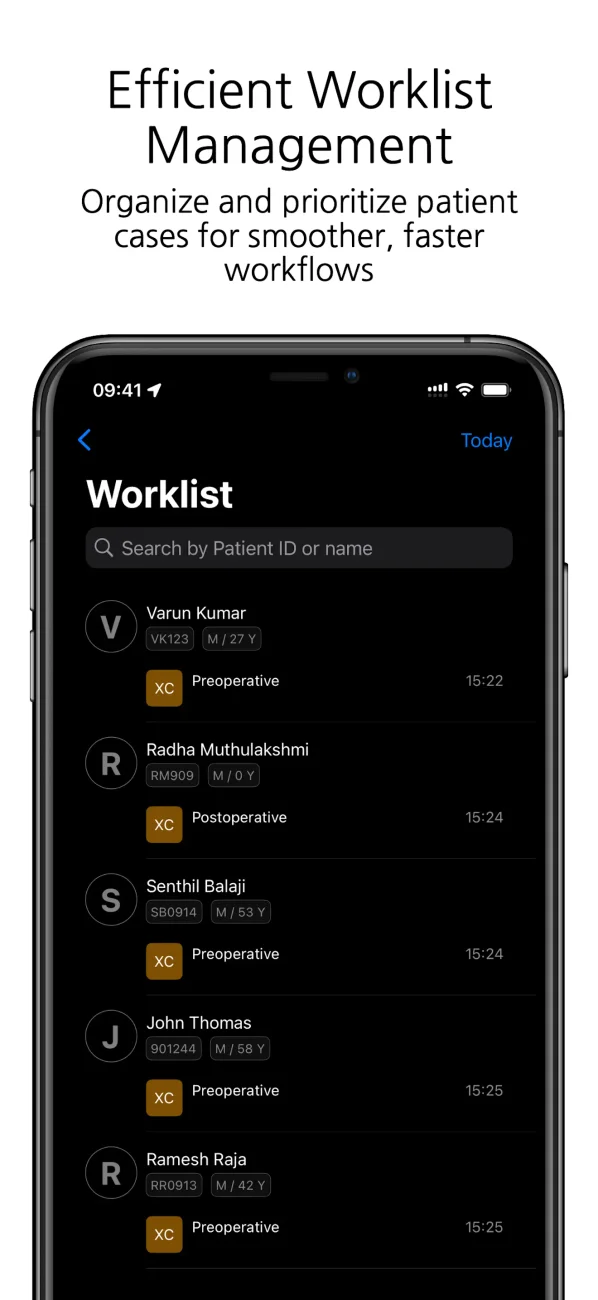
5. Configure Multiple MWL Servers
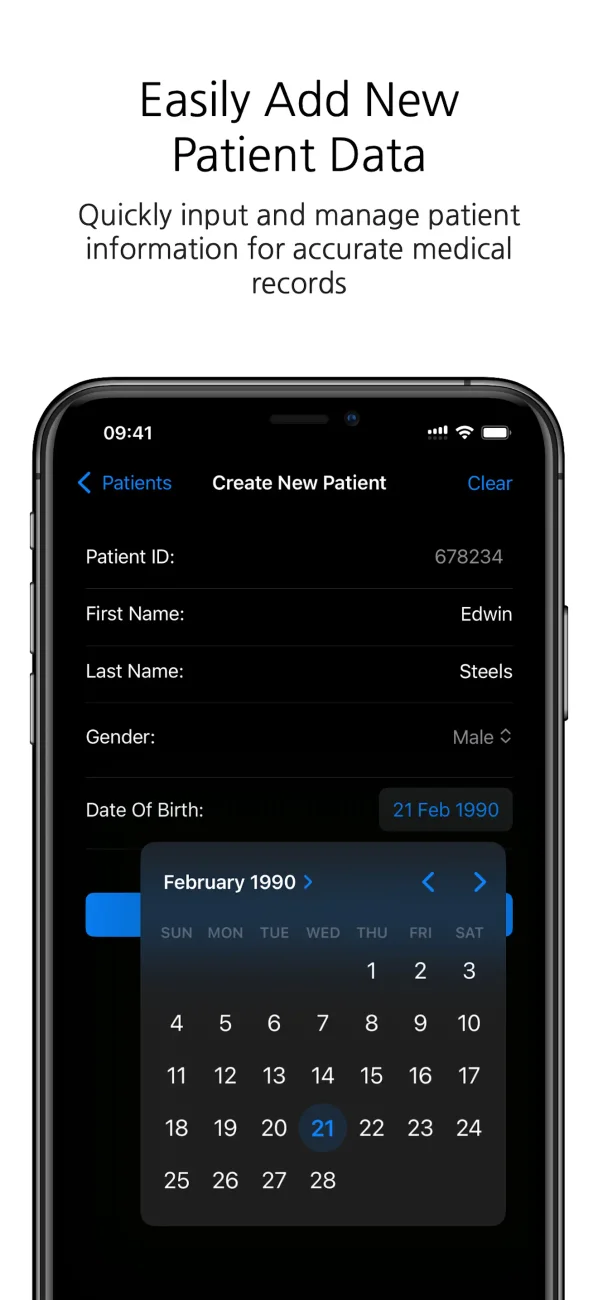
Integration with multiple Modality Work list (MWL) servers ensures efficient and accurate workflow management. You can configure several MWL servers to pull patient data, ensuring proper association of captured images and videos with patient records.
6. In-App Storage of Photos
The app provides secure, in-app storage of captured photos, allowing users to manage and organise their studies locally before transferring them to the archive or external servers.
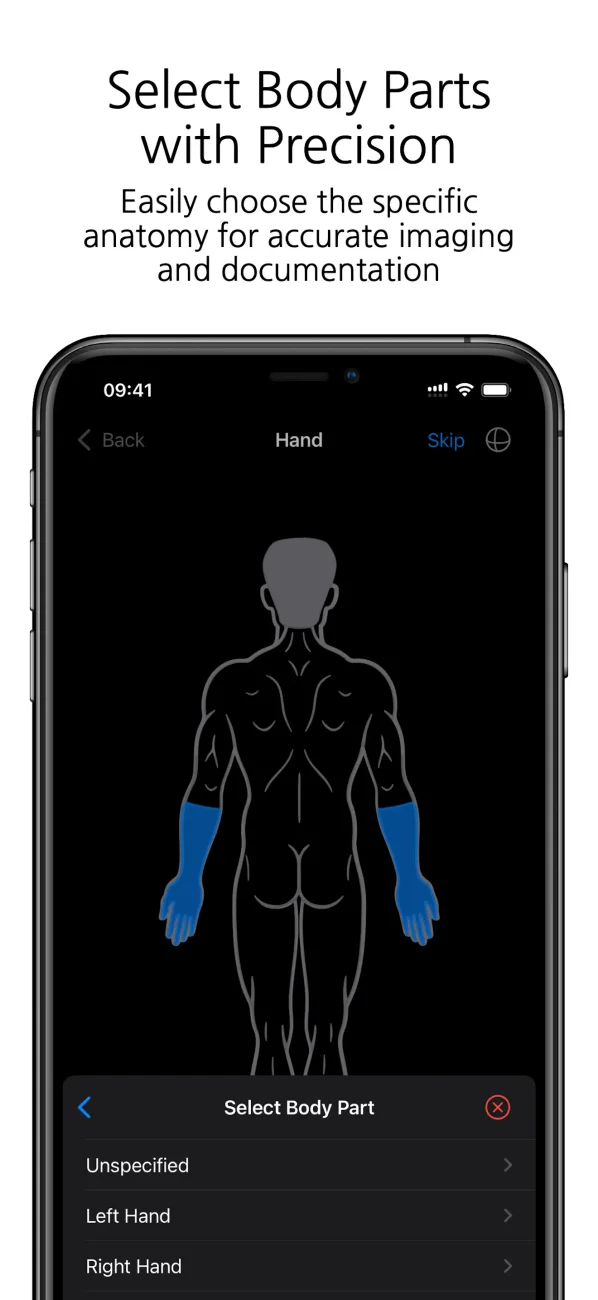
7. Body Part Selection for Photos
Enhance the clinical accuracy of your imaging documentation by selecting the specific body part being imaged. This feature helps in ensuring that the medical images are properly annotated and categorised.
8. Capture Photos in Multiple Formats
Capture and store photos in various formats such as JPEG, JPEG-Lossless, or JPEG2000 to accommodate different clinical needs or institutional requirements.
9. Grayscale Filters for Image Processing
Apply grayscale filters to captured images to enhance contrast and visualisation, particularly useful in medical imaging where grayscale is preferred for clinical assessment.
10. Add Multiple Operators for MWL Technicians
Easily manage multiple operators or technicians within the app, especially in larger facilities where different users might be handling the imaging process. This ensures that the correct operator is associated with each study.
11. Activity Log
Track all actions performed within the app through an integrated activity log. This feature provides an audit trail for every study captured, helping to maintain compliance and accountability.
12. MPPS Log (Modality Performed Procedure Step)
Monitor and log all MPPS events, ensuring accurate tracking of completed imaging procedures. This feature is essential for institutions that need to log procedural information in real time.
13. Support for Multiple Languages
DICOM Camera is built for a global audience with support for multiple languages. Users can easily switch between languages, making the app accessible to a diverse range of medical professionals worldwide.
14. Custom App Icon
Personalise the look of your DICOM Camera app with a custom app icon, allowing users to choose the visual appearance that suits their preferences.
DICOM Camera is designed to simplify the process of capturing and managing medical images and videos, ensuring compliance with healthcare standards and delivering a robust solution for medical professionals.
Có gì mới
Phiên bản 3.0.1 · 05/12/2024
This update introduces powerful enhancements and fixes to streamline your workflow and improve usability:
• Modality Worklist (MWL) Enhancements: The MWL now displays the full list of scheduled patients for the current day, extending until midnight. You can also accommodate early arrivals by conducting tests for patients who walk in before their scheduled time, ensuring efficient management and reduced wait times.
• Patient Query in PACS: The query system has been upgraded to a patient-level approach. Now, you can retrieve patient demographic details even if no studies are available for that patient. Additionally, all associated studies can be accessed with ease, simplifying the process of managing patient records and ensuring no critical information is missed.
• Expanded Language Support: We’ve added new languages to make the app accessible to more users around the globe, fostering inclusivity and convenience.
• Bug Fixes: A variety of issues reported in previous versions have been resolved, enhancing app reliability and delivering a smoother experience.
These updates are designed to optimise performance, improve flexibility, and make the app even more user-friendly. Update now to experience these enhancements!
Quyền riêng tư của ứng dụng
Những gì Raster Images khai báo trên App Store về cách ứng dụng này xử lý dữ liệu.
-
Dữ liệu không được thu thập
Nhà phát triển không thu thập bất kỳ dữ liệu nào từ ứng dụng này.
Phương thức đảm bảo quyền riêng tư có thể khác nhau, chẳng hạn như tuỳ theo các tính năng bạn sử dụng hoặc độ tuổi của bạn.
Thông tin
- Người bán
- Raster Images Pvt. Ltd
- Danh mục
- Y Tế
- Phiên bản
- 3.0.1
- Cập nhật
- 05/12/2024
- Phát hành
- 18/08/2023
- Kích thước
- 26,6 MB
- Yêu cầu
- iOS 17.0 trở lên
- Độ tuổi
- 17+
- Giá
- Miễn phí
- Mua hàng trong ứng dụng
- Có
- Ngôn ngữ
- Tiếng Pháp, Hindi, Tiếng Nhật, Tiếng Hàn, Tiếng Nga, Tiếng Trung Giản thể, Tiếng Tây Ban Nha, Tiếng Tamil
- Bản quyền
- © Raster Images Private Limited