
Do Instead: App Blocker
Screen Time Control & Focus
Được thiết kế cho iPhone
Miễn phí · Mua hàng trong ứng dụng
- Độ tuổi4+
- Danh mụcHiệu Suất
- Nhà phát triểnGroei BV
- Ngôn ngữTiếng Anh
- Kích thước18,9 MB
Liên kết đến trang App Store chính thức
Download.org không lưu trữ tệp nào của Do Instead: App Blocker. Nút này mở trang ứng dụng trên App Store, nơi Groei BV phát hành ứng dụng. Trang được kiểm tra lần cuối: 18/11/2026.
Ảnh chụp màn hình

Giới thiệu
Nhà phát triển chưa cung cấp nội dung này bằng ngôn ngữ của bạn.
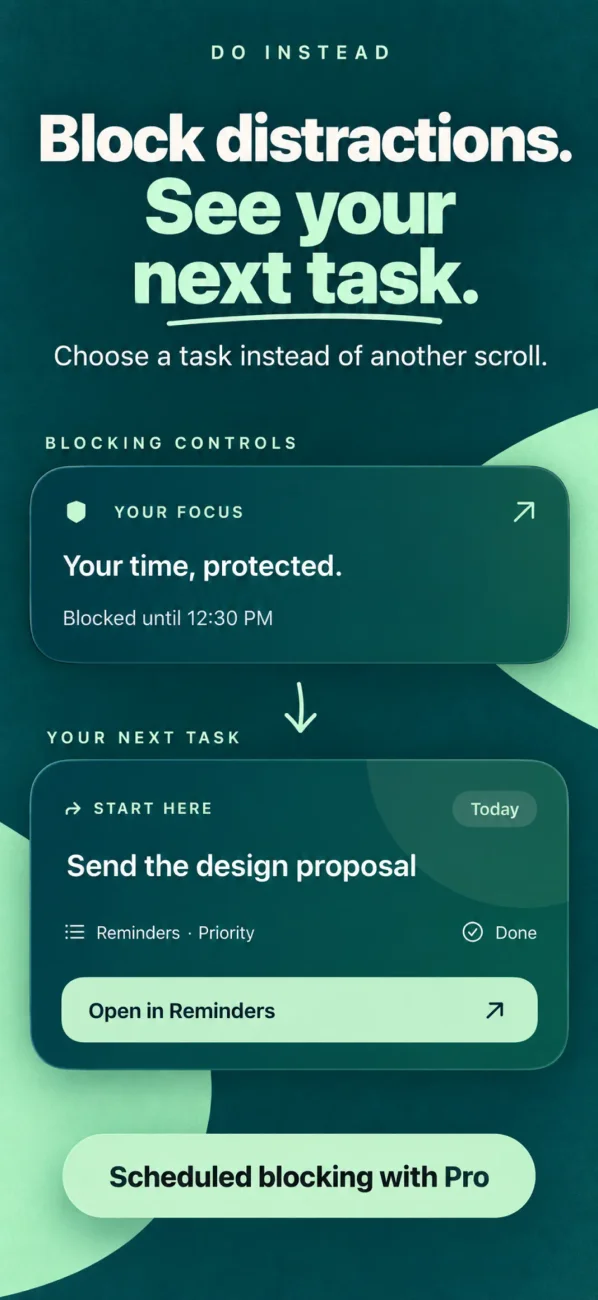
Block distracting apps. Make room for what you'd rather do.
You open a social app to check one thing. Half an hour later, you're still scrolling. Do Instead helps you set a boundary and bring your real tasks back into view.
CHOOSE YOUR BOUNDARIES
In Custom mode, give Social and Work their own apps, websites and allowed times. Add optional reminders before your windows open or close. Turning off protection or widening allowed times takes ten minutes; tightening protection applies immediately.
Or start a digital detox: 14 days with a daily 30-minute window, or 21 days without regular windows. Choose your apps and review the editable website list. New programs pause Custom protection while keeping your saved setup. Track program days, streaks and milestones, then continue with your own rhythm when the program ends.
TEMPORARY ACCESS WITH A PURPOSE
In Custom mode, link a protected app to its English name, then say something like "Unblock Instagram for five minutes." Voice access pauses protection for that one app for 1-30 minutes, without a ten-minute wait. Switch to the app yourself; protection returns when time is up. Each session needs a fresh spoken request. Voice access is unavailable during digital detox or a protected focus session and requires microphone permission and on-device English speech recognition.
You can also choose one app or website, a purpose, and 5 or 10 minutes of access. This option has a ten-minute daily budget and a ten-minute pause between sessions. Digital detox uses its own temporary-access rules.
DO SOMETHING INSTEAD
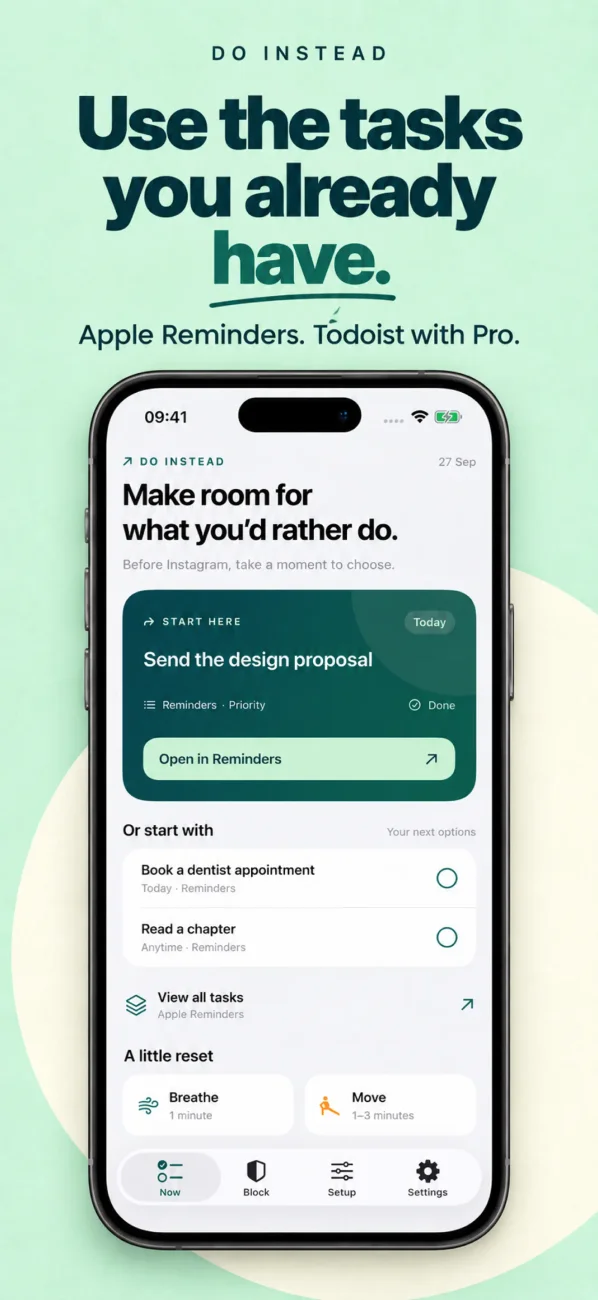
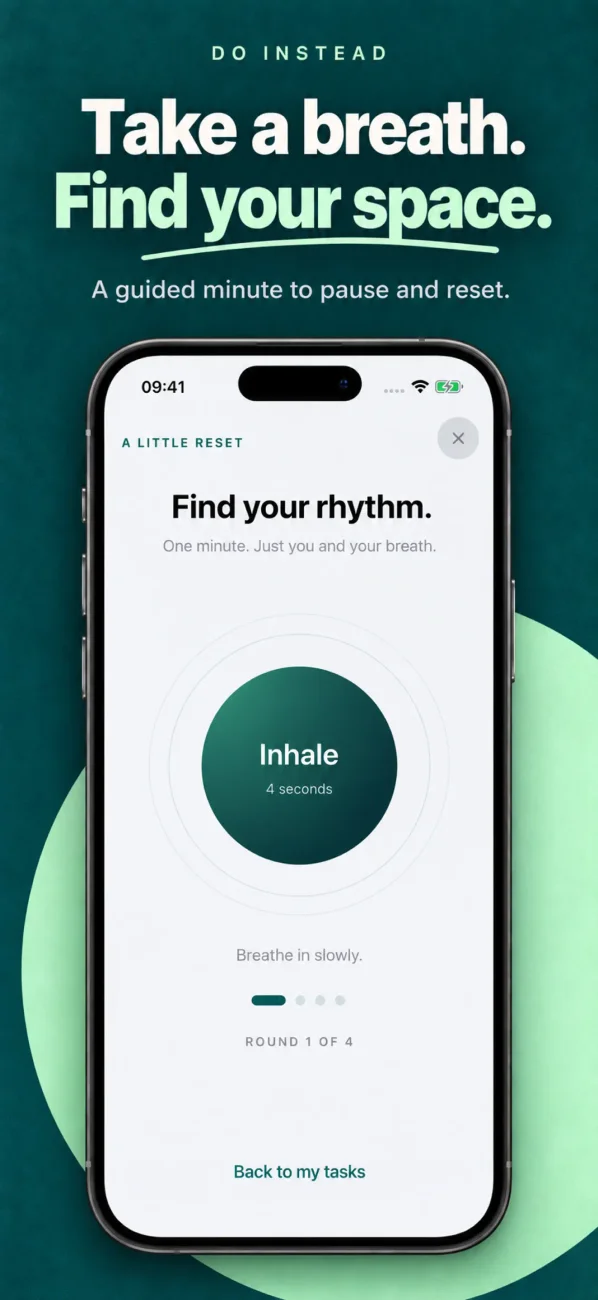
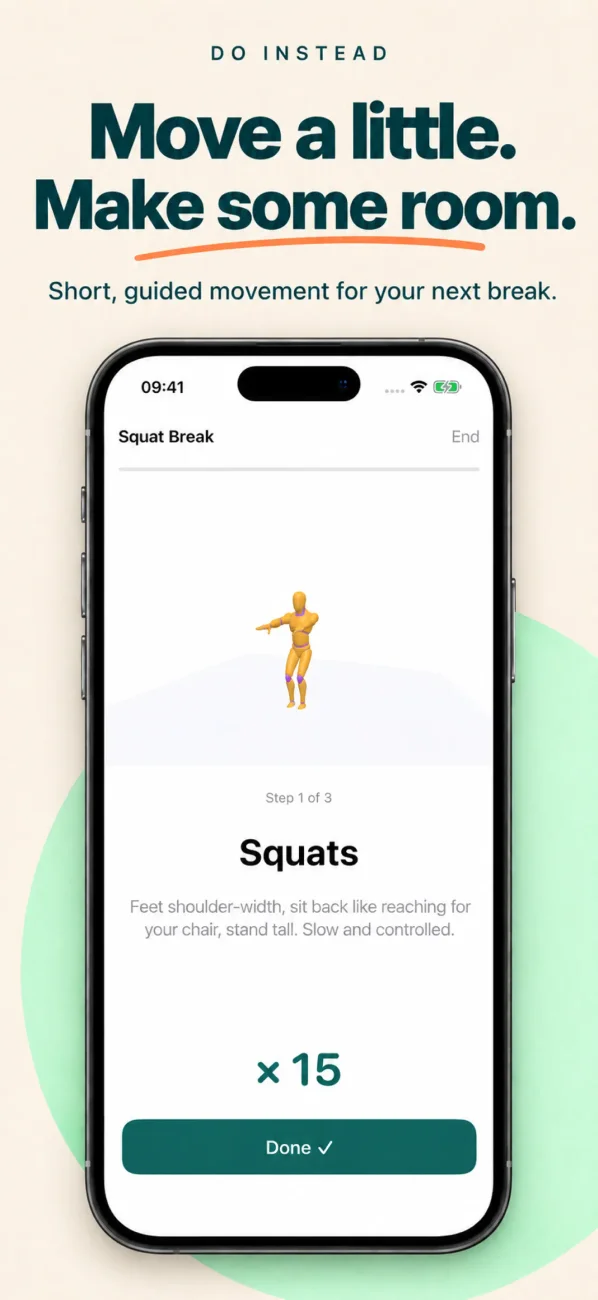
Bring tasks from Apple Reminders into view, or connect Todoist with Pro. Keep your next task nearby with Home and Lock Screen widgets. Start a 25-minute focus session around a task, take a guided breathing break, or try a short desk workout with a 3D coach.
Complete tasks and watch your oak grow from an acorn into a tree. Quiet days don't erase its growth. With Pro and Screen Time permission, focus sessions can keep selected apps and sites blocked even during allowed windows. Completing a task does not unlock blocked apps.
FREE AND PRO
Free: Apple Reminders, widgets, focus timers, oak growth, breathing, desk workouts and the gentler Shortcuts route. Shortcuts needs an automation that opens Do Instead when you open a chosen app.
Pro: Screen Time blocking, separate Social and Work schedules, digital detox programs, temporary access, protection during focus sessions and Todoist integration. Subscription prices and eligible trials are shown before purchase.
HOW PROTECTION WORKS
Blocking requires Screen Time permission. Website coverage varies by browser and iOS version. You can add domains or import a browser history export; imported domains stay on your device. Added websites may show Apple's restriction page instead of the task shield. With Pro, the Safari extension defers to Screen Time; without Pro, it uses its own website list.
On iOS 26.5 and later, open your task manager from the shield through Do Instead. Earlier versions offer a notification shortcut when enabled. Screen Time permission can be revoked, and uninstalling removes protection.
PRIVATE BY DESIGN
No Do Instead account, ads, analytics or tracking. Task integrations connect to the services you choose. Voice recognition runs on your iPhone; audio and transcripts are not saved. Program progress and access reasons stay on your device.
Privacy Policy: https://groei.dev/do-instead/privacy/
Terms of Use: https://www.apple.com/legal/internet-services/itunes/dev/stdeula/
Có gì mới
Phiên bản 1.2.1 · 10/11/2026
Security and privacy updates: stricter validation of website settings and imports, safer Safari extension communication, and more reliable blocking state.
Quyền riêng tư của ứng dụng
Những gì Groei BV khai báo trên App Store về cách ứng dụng này xử lý dữ liệu.
-
Dữ liệu không được thu thập
Nhà phát triển không thu thập bất kỳ dữ liệu nào từ ứng dụng này.
Phương thức đảm bảo quyền riêng tư có thể khác nhau, chẳng hạn như tuỳ theo các tính năng bạn sử dụng hoặc độ tuổi của bạn.
Thông tin
- Người bán
- Groei BV
- Danh mục
- Hiệu Suất
- Phiên bản
- 1.2.1
- Cập nhật
- 10/11/2026
- Phát hành
- 09/09/2026
- Kích thước
- 18,9 MB
- Yêu cầu
- iOS 17.0 trở lên
- Độ tuổi
- 4+
- Giá
- Miễn phí
- Mua hàng trong ứng dụng
- Có
- Ngôn ngữ
- Tiếng Anh
- Bản quyền
- © 2026 Groei B.V.
Có thể bạn cũng thích
-
 Offload: brain dump to tasksHiệu Suất
-
 Offload: Brain Dump & TasksHiệu Suất
-
 Web Curator - Save LinksHiệu Suất
-
 Urgent or Important - MatrixHiệu Suất
-
 Be Like IkeHiệu Suất
-
 Nia: AI AssistantHiệu Suất
-
 FocusFlow: Earn Your ScrollHiệu Suất
-
 Scroll - Daily MicrolearningHiệu Suất
-
 Luma: Thời gian màn hìnhKhóa ứng dụng & Tập trung
-
 ToodayHiệu Suất