
- Độ tuổi17+
- Danh mụcKinh Doanh
- Nhà phát triểnHamada Mohammed Sami Mahmoud
- Ngôn ngữTiếng Anh
- Kích thước64,1 MB
Liên kết đến trang App Store chính thức
Download.org không lưu trữ tệp nào của DocSuite 2FA. Nút này mở trang ứng dụng trên App Store, nơi Hamada Mohammed Sami Mahmoud phát hành ứng dụng. Trang được kiểm tra lần cuối: 18/11/2026.
Ảnh chụp màn hình
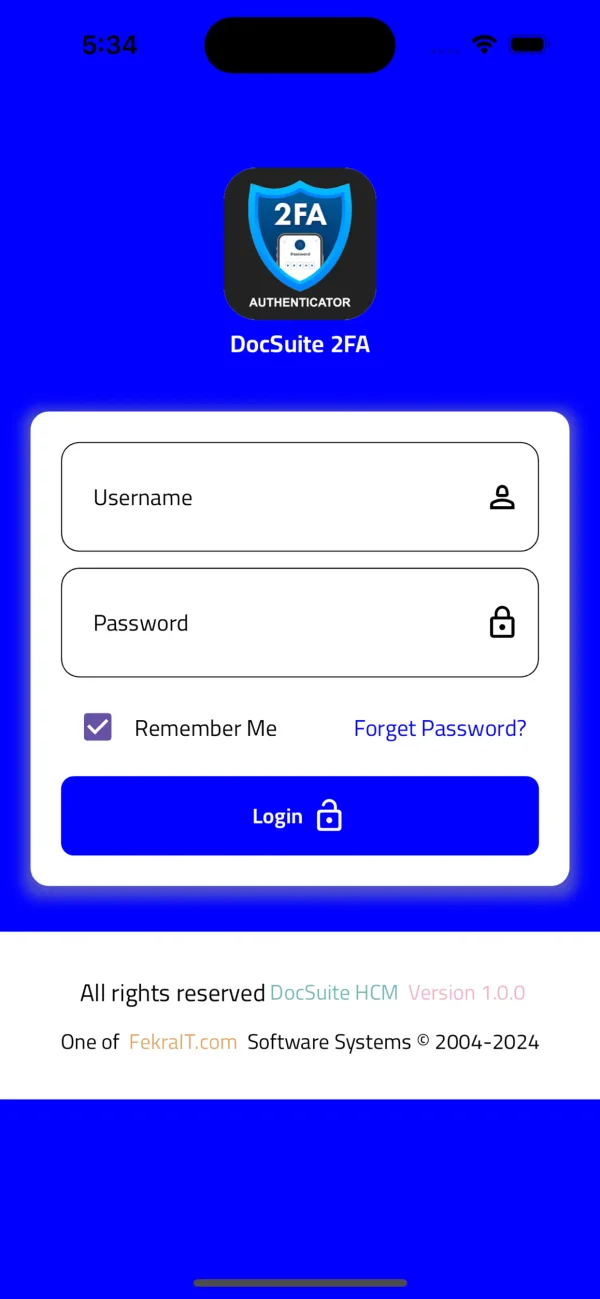
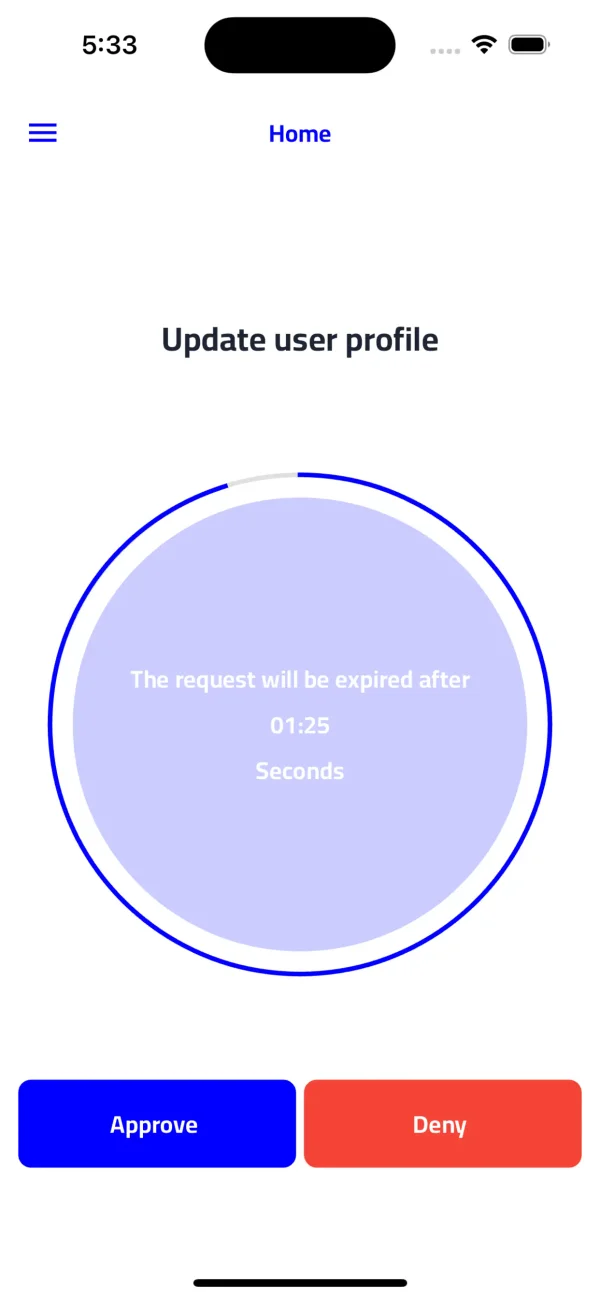
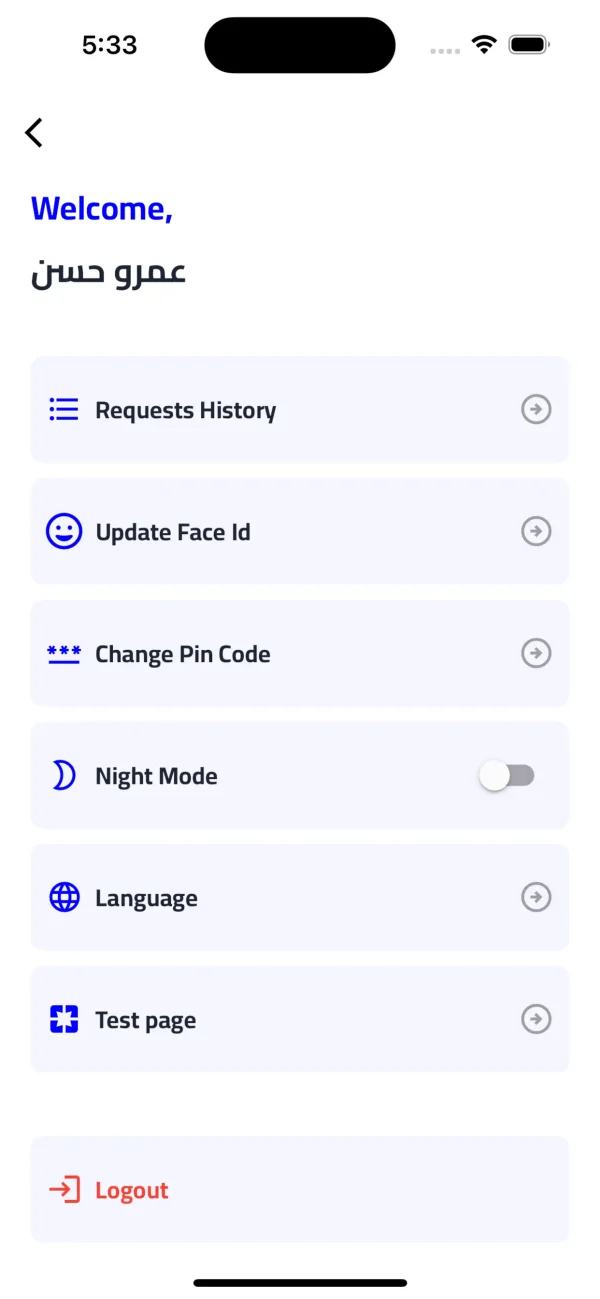
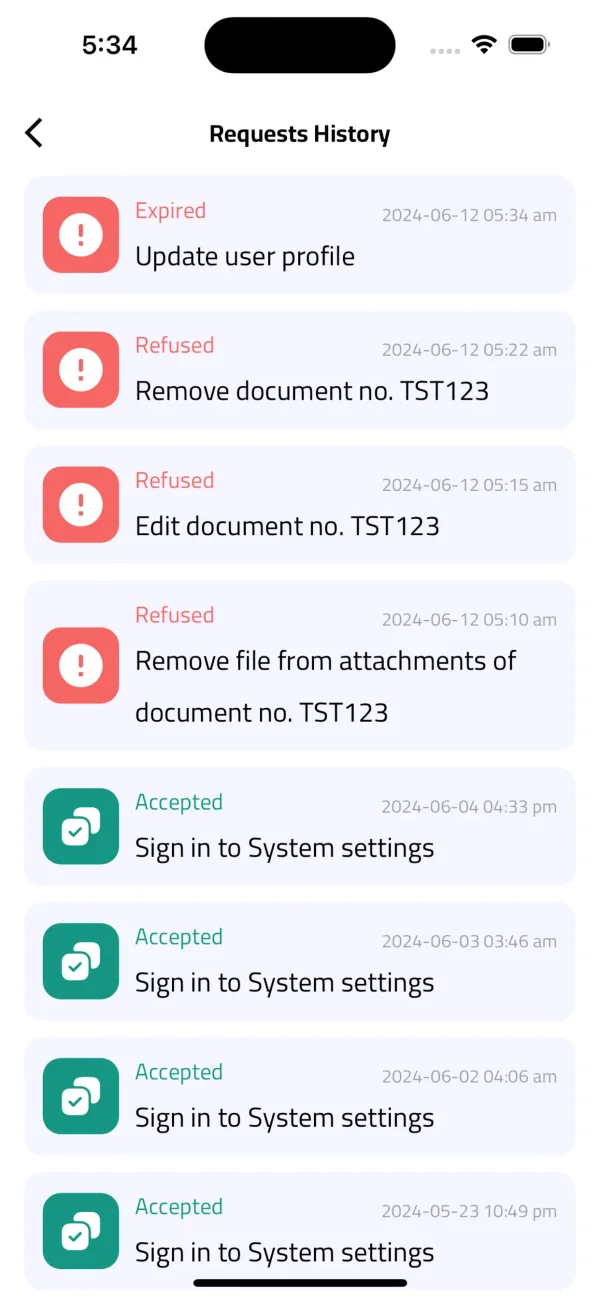
Giới thiệu
Nhà phát triển chưa cung cấp nội dung này bằng ngôn ngữ của bạn.
**زيادة مستوى الحماية**
عزز من أمان حسابك في DocSuite عبر استخدام رموز المصادقة الثنائية للدخول، المصادقة على التوقيعات الإلكترونية، أو عند إجراء التعديلات والحذف للمعاملات. المصادقة الثنائية تضيف طبقة حماية إضافية لأمنك الرقمي، مما يصعب الوصول إلى حسابك في حال تم اختراق كلمة المرور.
**خطوات تفعيل التطبيق**
لتفعيل DocSuite Authenticator لحسابك:
1. احصل على تطبيق DocSuite Authenticator بتنزيله على هاتفك الذكي.
2. على جهاز الكمبيوتر، ادخل إلى حسابك في DocSuite وافتح قسم "إعدادات الحساب" من خلال صفحتك الشخصية.
3. اختر القسم المخصص لـ"المصادقة متعددة العوامل" وأضف DocSuite Authenticator من خلال عرض الرمز الشريطي.
4. باستخدام الهاتف الذكي، قم بمسح الرمز الشريطي عبر التطبيق.
5. قم بتخصيص الإعدادات حسب رغبتك واحفظ التعديلات التي أجريتها.
6. انتقل إلى متجر التطبيقات وقم بتحميل تطبيق DocSuite Authenticator.
7. فتح تطبيق DocSuite Authenticator وقم بتسجيل الدخول باستخدام بيانات حسابك في DocSuite.
8. قم بضبط إعدادات الأمان داخل التطبيق، مثل بصمة الوجه، بصمة الإصبع، وإنشاء كود حماية مكون من 6 أرقام.
9. بعد الانتهاء من الإعداد، سيكون التطبيق جاهزًا لاستقبال ومعالجة طلبات المصادقة.
**كيفية استخدام التطبيق**
عند تلقي إشعار بطلب مصادقة، قم بفتح التطبيق واستخدم بصمة الوجه أو الكود السداسي للموافقة أو الرفض، ضمانًا لتحقق أمني سريع وموثوق.
**الميزات الرئيسية**
- المصادقة تتطلب تطابق بصمة الوجه وإدخال الكود السداسي لضمان الأمان.
- إشعارات فورية للموافقة تسهل عملية التحقق بكل سهولة.
- الإعداد يتم بسهولة عبر مسح رمز الاستجابة السريعة.
- يدعم التطبيق جميع حسابات DocSuite لتوفير تجربة موحدة.
باستخدام DocSuite Authenticator، ستتمتع بالسلام الذهني مع العلم أن حسابك وبياناتك في أمان تام، كل ذلك مع الحفاظ على سهولة الاستخدام.
The DocSuite Two-Factor Authentication makes securing your DocSuite account and supported applications easier than ever before. Thanks to the one-click verification system, you are assured the highest levels of security without any hassle.
**Elevate Your Security**
Enhance the security of your DocSuite account by utilising two-factor authentication codes for logging in, authenticating electronic signatures, or when making amendments and deletions to transactions. Two-factor authentication adds an extra layer of protection to your digital security, making it difficult to access your account if your password is compromised.
**Application Activation Steps**
To activate the DocSuite Authenticator for your account:
1. Download the DocSuite Authenticator app onto your smartphone.
2. On your computer, log into your DocSuite account and open the "Account Settings" from your profile page.
3. Select the "Multi-Factor Authentication" section and add DocSuite Authenticator by displaying the QR code.
4. With your smartphone, scan the QR code through the app.
5. Customise your settings as desired and save the changes you have made.
6. Proceed to the app store and download the DocSuite Authenticator app.
7. Open the DocSuite Authenticator app and log in using your DocSuite account details.
8. Adjust the security settings within the app, such as facial recognition, fingerprint scanning, and creating a 6-digit security code.
9. Once setup is complete, the app will be ready to receive and process authentication requests.
**How to Use the App**
Upon receiving a notification for authentication request, open the app and use facial recognition or the six-digit code to approve or deny, ensuring a fast and reliable security check.
**Key Features**
- Authentication requires matching facial recognition and entering the six-digit code for enhanced security.
- Instant approval notifications make the verification process effortless.
- Easy setup via QR code scanning.
- Supports all DocSuite accounts for a unified experience.
With DocSuite Authenticator, enjoy peace of mind knowing that your account and data are fully secure, all while maintaining user-friendliness.
Có gì mới
Phiên bản 1.0.0+3 · 01/07/2024
Bug fixes
Quyền riêng tư của ứng dụng
Những gì Hamada Mohammed Sami Mahmoud khai báo trên App Store về cách ứng dụng này xử lý dữ liệu.
-
Dữ liệu không được thu thập
Nhà phát triển không thu thập bất kỳ dữ liệu nào từ ứng dụng này.
Phương thức đảm bảo quyền riêng tư có thể khác nhau, chẳng hạn như tuỳ theo các tính năng bạn sử dụng hoặc độ tuổi của bạn.
Thông tin
- Người bán
- Hamada Mohammed Sami Mahmoud
- Danh mục
- Kinh Doanh
- Phiên bản
- 1.0.0+3
- Cập nhật
- 01/07/2024
- Phát hành
- 30/06/2024
- Kích thước
- 64,1 MB
- Yêu cầu
- iOS 13.0 trở lên
- Độ tuổi
- 17+
- Giá
- Miễn phí
- Ngôn ngữ
- Tiếng Anh
- Bản quyền
- Copyrights © 2024 All rights reserved