DraftCode: Code & Text Editor
Markdown, JSON, Python & SSH
Được thiết kế cho iPhone, iPad, Mac
59.000đ
- Độ tuổi4+
- Danh mụcCông Cụ Nhà Phát Triển
- Nhà phát triển献慧 陈
- Ngôn ngữTiếng Anh+ 6 ngôn ngữ khác
- Kích thước19,4 MB
Liên kết đến trang App Store chính thức
Download.org không lưu trữ tệp nào của DraftCode: Code & Text Editor. Nút này mở trang ứng dụng trên App Store, nơi 献慧 陈 phát hành ứng dụng. Trang được kiểm tra lần cuối: 21/11/2026.
Ảnh chụp màn hình
Giới thiệu
Nhà phát triển chưa cung cấp nội dung này bằng ngôn ngữ của bạn.
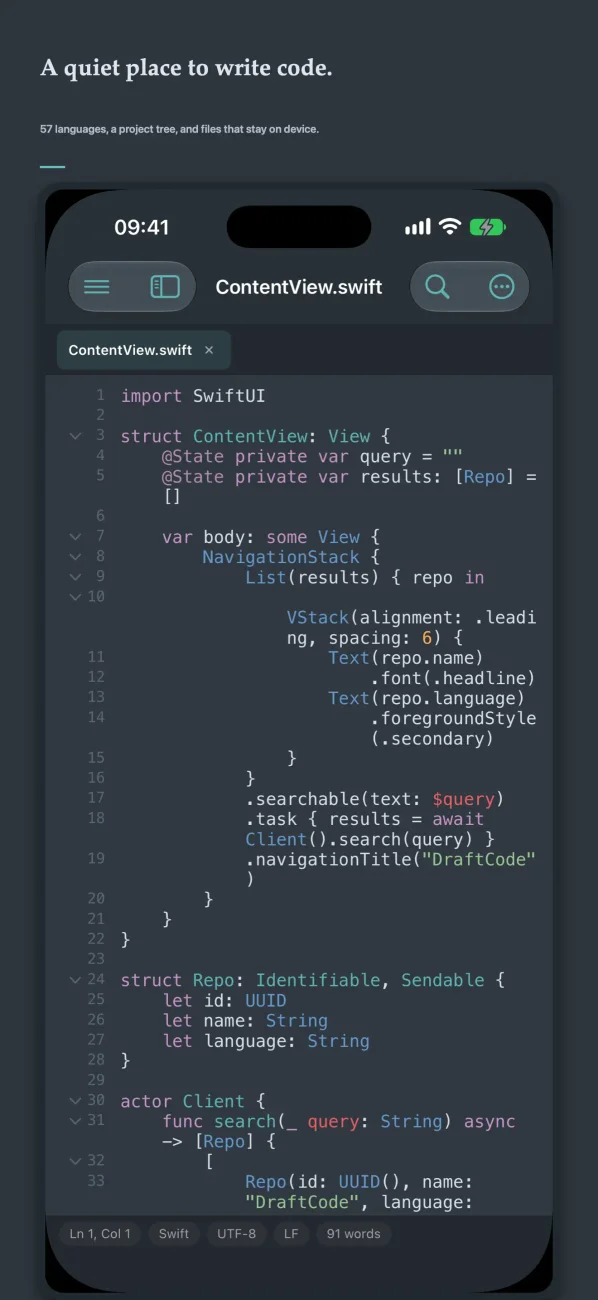
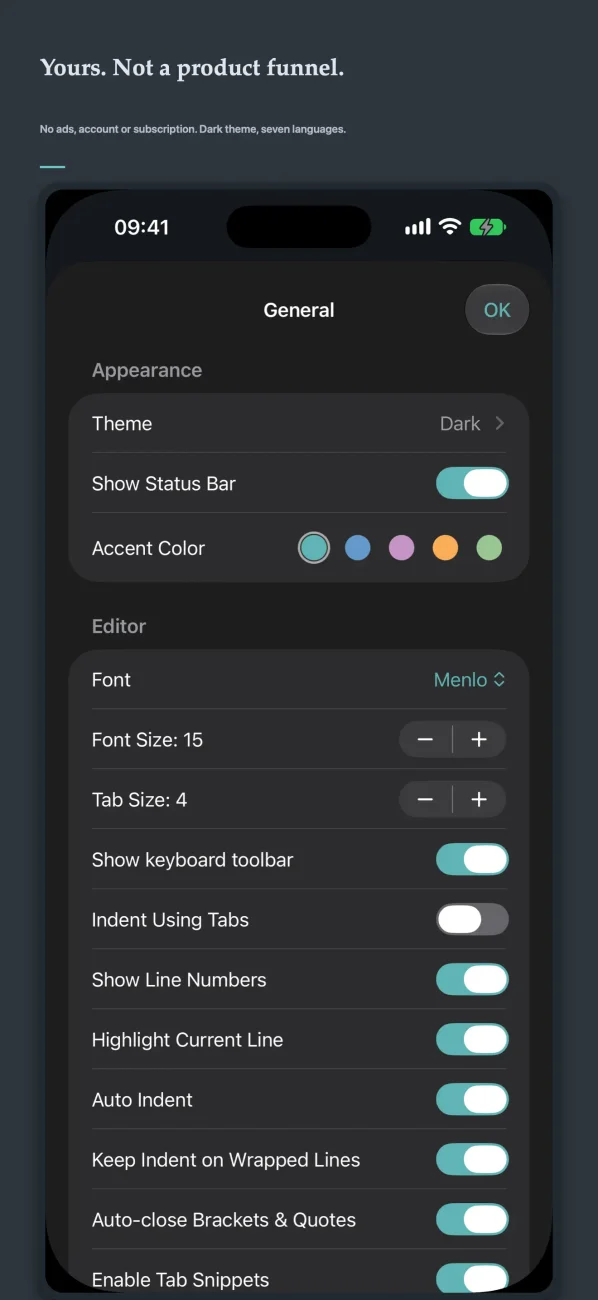
DraftCode is a private code, text and Markdown editor for Mac, iPhone and iPad. Open local files or folders, start typing immediately and keep your work in standard file formats. One-time purchase: no ads, account, tracking, subscription or in-app purchase.
EDIT CODE AND TEXT
• Syntax highlighting and language detection for 57 languages
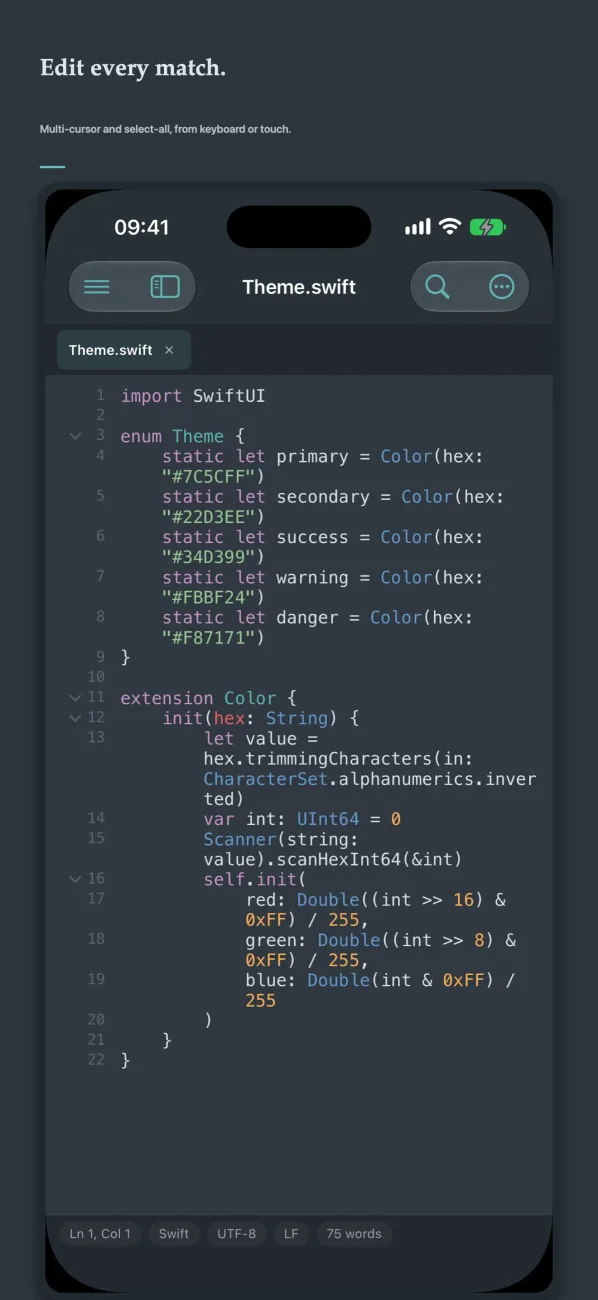
• Tabs, split editing, line numbers, minimap, bookmarks and code snippets
• Multi-cursor editing and select next or all matching occurrences
• Auto-indent, bracket pairing, comments and a scrollable code-key toolbar
• Code folding with bracket and HTML/XML tag matching
• Open files and project folders through Apple system pickers
LANGUAGES AND THEMES
• Built-in engines for Swift, Python, JavaScript, TypeScript, Go, Rust and more
• Import TextMate grammars, language configuration, syntax themes and file-icon themes
• Enable, disable, replace or remove packs, with a safe return to built-in defaults
SEARCH AND NAVIGATE
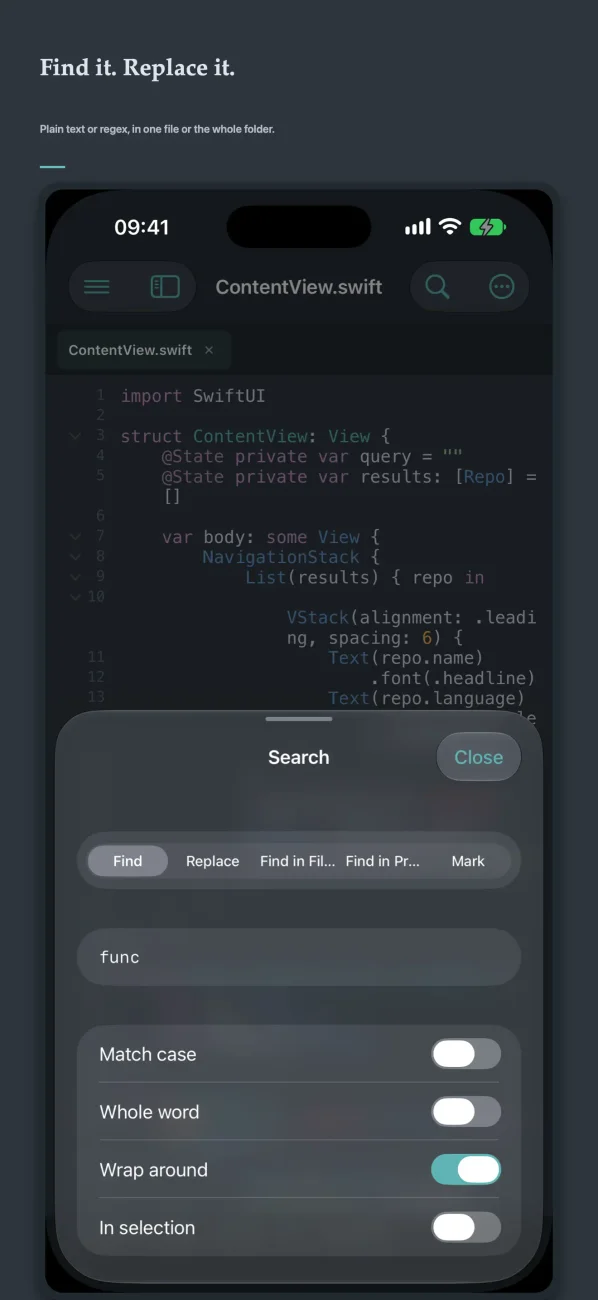
• Plain text, escaped and regular-expression search
• Find and replace across a selected project folder
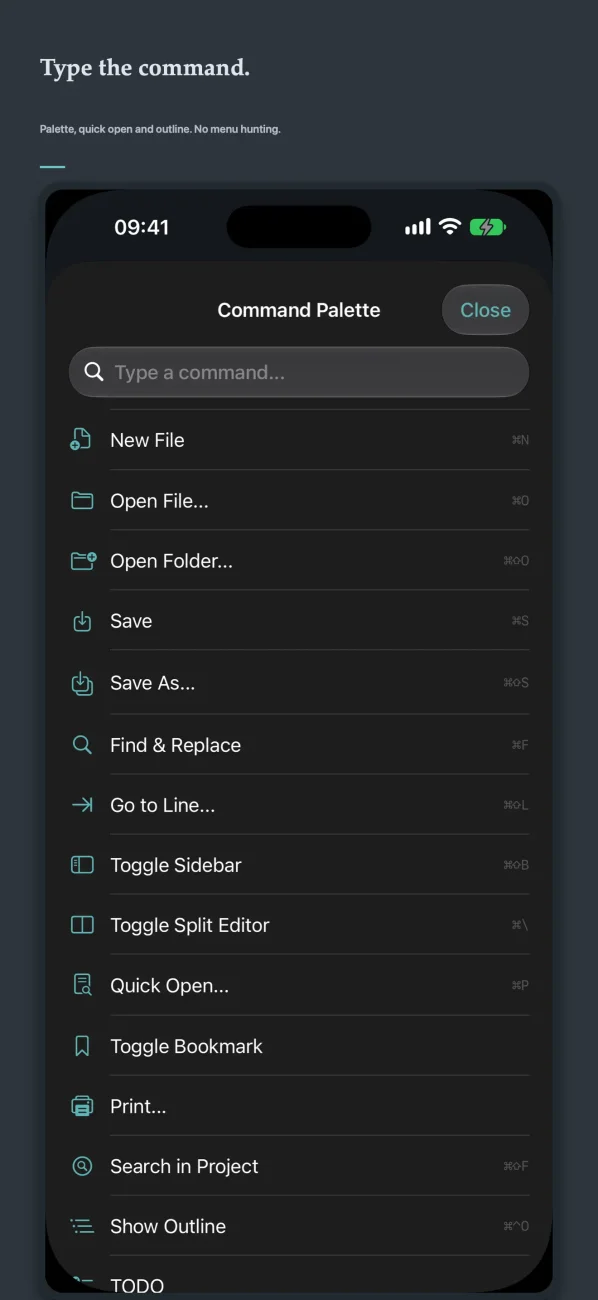
• Command palette, quick open, outline and TODO navigation
FORMAT LOCALLY
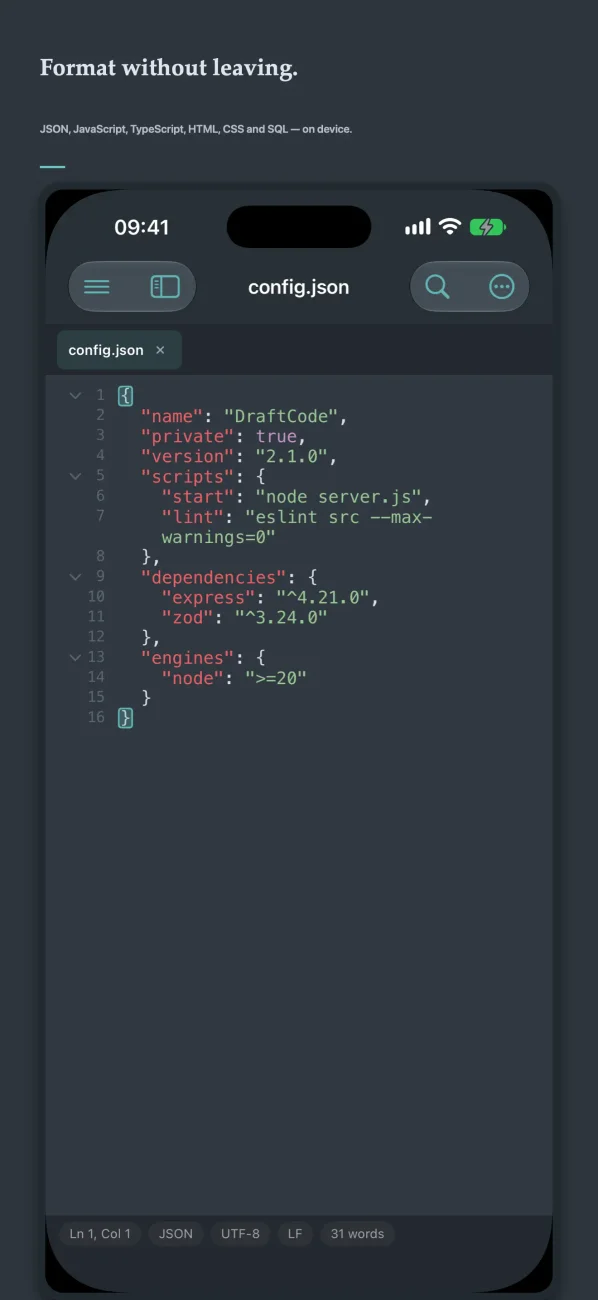
• JSON, JSON5, HTML, CSS, SVG, SQL, YAML, TOML and plist
• JavaScript, TypeScript, JSX and TSX format and compress on device
• Full file or selection, with undo, error locations and large-file protection
REMOTE WORKSPACES
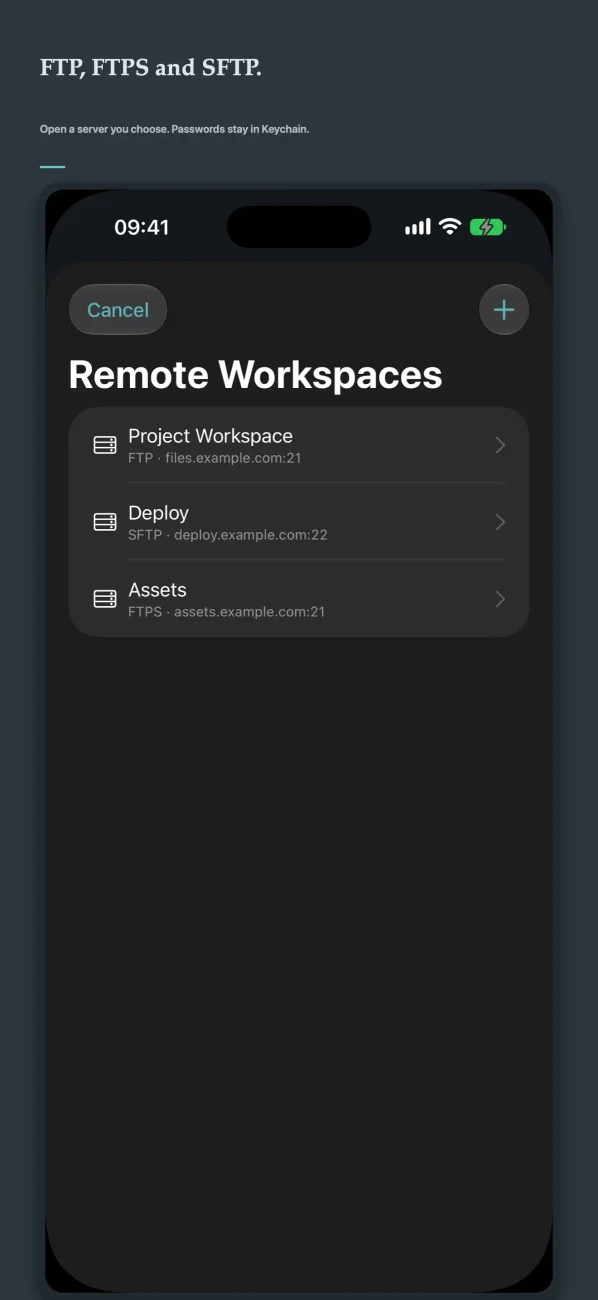
• Connect to FTP, explicit FTPS and SFTP servers
• Open SSH Terminal from the start page or menus without SFTP
• Browse folders, download text files on demand and upload saved changes
• Keep passwords in Keychain, detect server-side conflicts and reconnect automatically
SOURCE CONTROL
• Clone Git repositories over HTTPS or SSH into a folder you choose
• Stage, commit, branch, merge, fetch, pull and push on this device
• Store passwords, tokens and pasted SSH private keys in Keychain; confirm the host fingerprint before saving it. On Mac, authorize local SSH files instead — those private keys are not copied into Keychain
OPTIONAL AI EDITING
• Off by default. Prefers on-device Apple models; otherwise your HTTPS endpoint receives only the current selection when you invoke it
• Failures never change the document
MARKDOWN
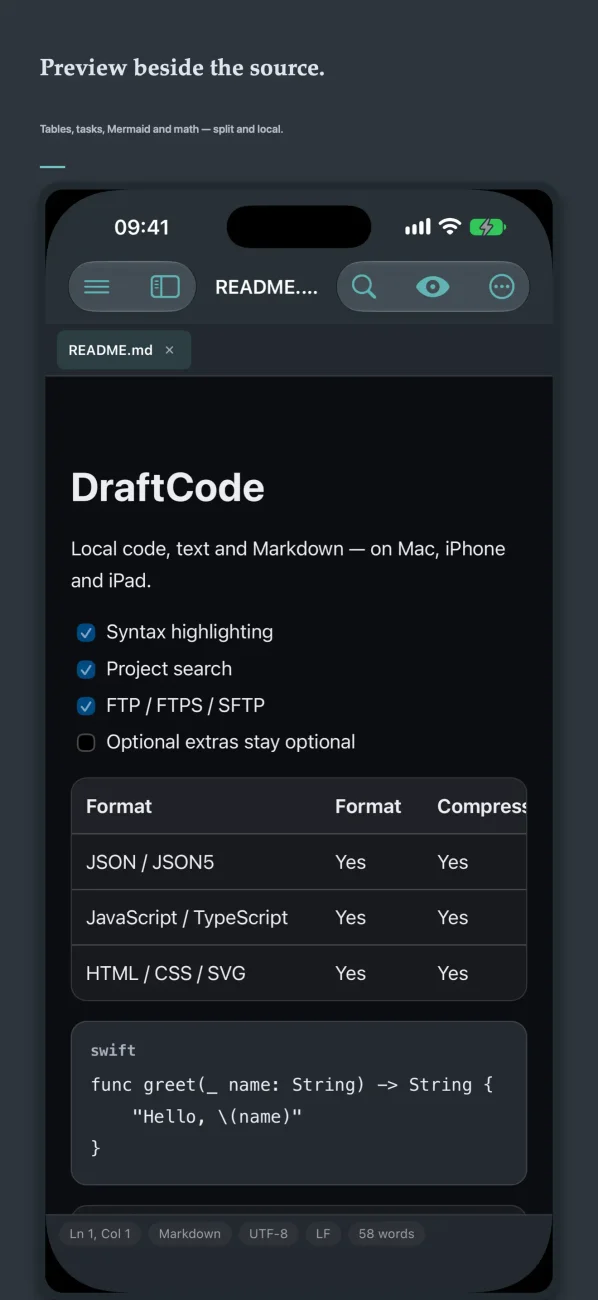
• Local preview with tables, task lists, code, Mermaid and math
• Side-by-side editing on supported layouts
• HTML export on Apple platforms and PDF export on Mac
Local documents are never uploaded automatically. Remote transfers go only to a server you explicitly configure. DraftCode does not collect personal data.
SSH TERMINAL
Open an interactive SSH terminal for your server with password or Ed25519 authentication, host-key verification, control keys and window-size synchronization. Commands run only on your remote server. Backgrounding disconnects the session; reconnect starts a new shell without replaying commands.
Có gì mới
Phiên bản 3.0 · 20/11/2026
This app is independently developed and maintained by an indie developer. Feedback and bug reports are always welcome. For collaboration inquiries, please contact me by email. Enjoy the app.
Email: yemaozi2026@outlook.com
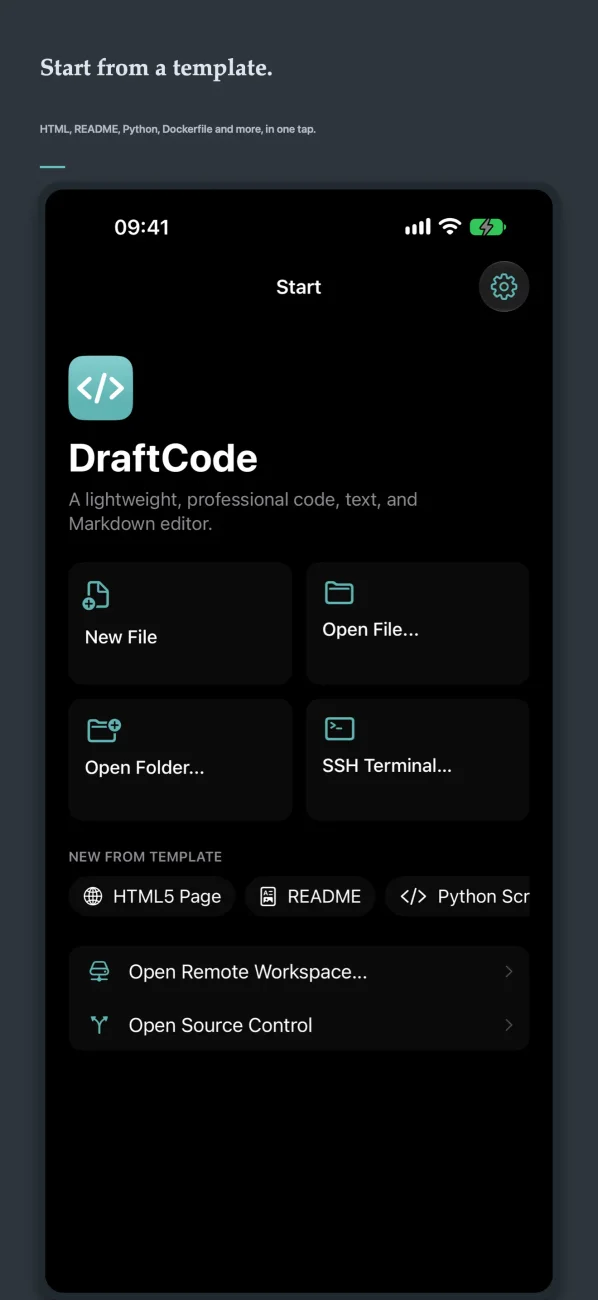
• New start page: create, open a file or folder, or start an SSH terminal in one step, plus 10 file templates.
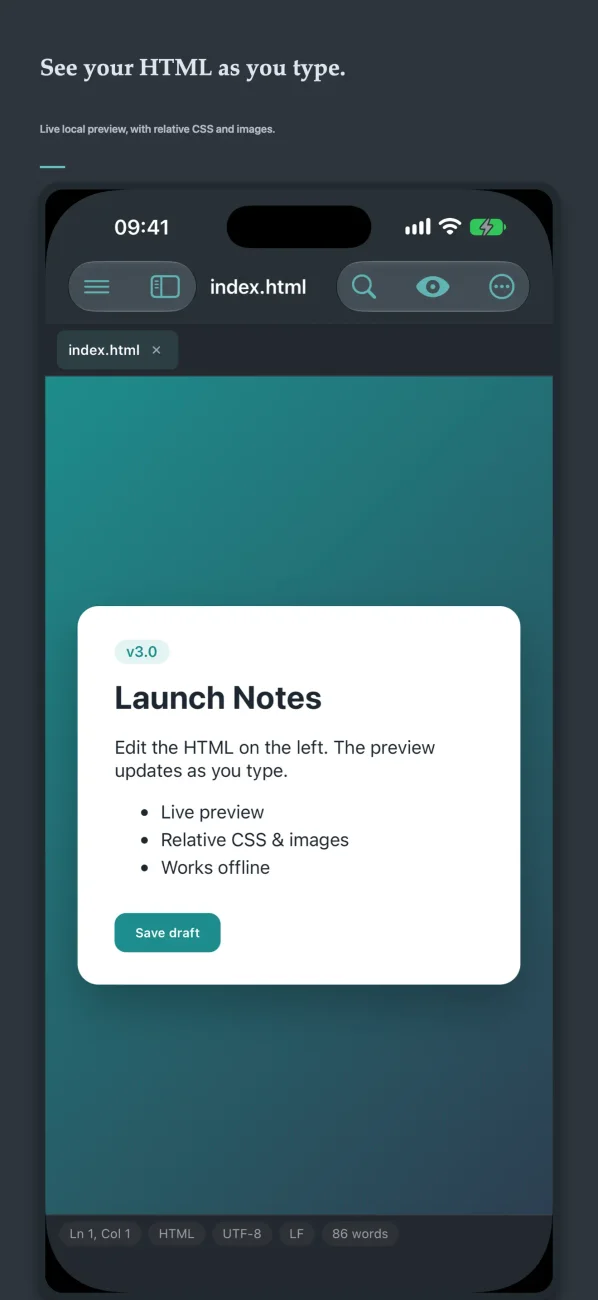
• Live HTML preview as you type, including relative CSS and images in your project. No network access.
• Switch encoding (reopen or convert: GB18030, Big5, Shift-JIS and more) and line endings (LF / CRLF / CR) from the status bar.
• Export Markdown to PDF or print it on iPhone and iPad.
• Wrapped lines keep their indentation.
• Fixes: unsaved edits could be lost on rename or replace-in-files, a failed save could leave a partial file, some encodings were misdetected, Replace All and sort couldn’t be undone, regex ^ and $ didn’t match per line, and JSON formatting reordered keys.
Quyền riêng tư của ứng dụng
Những gì 献慧 陈 khai báo trên App Store về cách ứng dụng này xử lý dữ liệu.
-
Dữ liệu không được thu thập
Nhà phát triển không thu thập bất kỳ dữ liệu nào từ ứng dụng này.
Phương thức đảm bảo quyền riêng tư có thể khác nhau, chẳng hạn như tuỳ theo các tính năng bạn sử dụng hoặc độ tuổi của bạn.
Thông tin
- Người bán
- 献慧 陈
- Danh mục
- Công Cụ Nhà Phát Triển
- Phiên bản
- 3.0
- Cập nhật
- 20/11/2026
- Phát hành
- 26/05/2026
- Kích thước
- 19,4 MB
- Yêu cầu
- iOS 17.0 trở lên
- Độ tuổi
- 4+
- Giá
- 59.000đ
- Ngôn ngữ
- Tiếng Anh, Tiếng Pháp, Tiếng Đức, Tiếng Nhật, Tiếng Trung Giản thể, Tiếng Tây Ban Nha, Tiếng Trung Phồn thể
- Bản quyền
- © 2026&com.yemaozi
Có thể bạn cũng thích
-
 SSH Client – Terminal & SFTPCông Cụ Nhà Phát Triển
-
 GitHubba: GitHub Repo FinderCông Cụ Nhà Phát Triển
-
 DraftCode for PHP IDECông Cụ Nhà Phát Triển
-
 HTTPS Capture Traffic DecryptWeb API Debug & Packet Sniffer
-
 OpsCat - Server Monitor & SSHCông Cụ Nhà Phát Triển
-
 Luma SSHCông Cụ Nhà Phát Triển
-
 Terminal File Manager AdvancedCông Cụ Nhà Phát Triển
-
 AppScreens GoCông Cụ Nhà Phát Triển
-
 CFPanelCông Cụ Nhà Phát Triển
-
 Termini - SSH ClientCông Cụ Nhà Phát Triển