DroidPass: Password Manager
Autofill & 2FA Authenticator
Được thiết kế cho iPhone, iPad, iPod touch
Miễn phí · Mua hàng trong ứng dụng
- Độ tuổi4+
- Danh mụcHiệu Suất
- Nhà phát triểnRakib Joarder
- Ngôn ngữTiếng Anh
- Kích thước87,7 MB
Liên kết đến trang App Store chính thức
Download.org không lưu trữ tệp nào của DroidPass: Password Manager. Nút này mở trang ứng dụng trên App Store, nơi Rakib Joarder phát hành ứng dụng. Trang được kiểm tra lần cuối: 17/11/2026.
Ảnh chụp màn hình


Giới thiệu
Nhà phát triển chưa cung cấp nội dung này bằng ngôn ngữ của bạn.
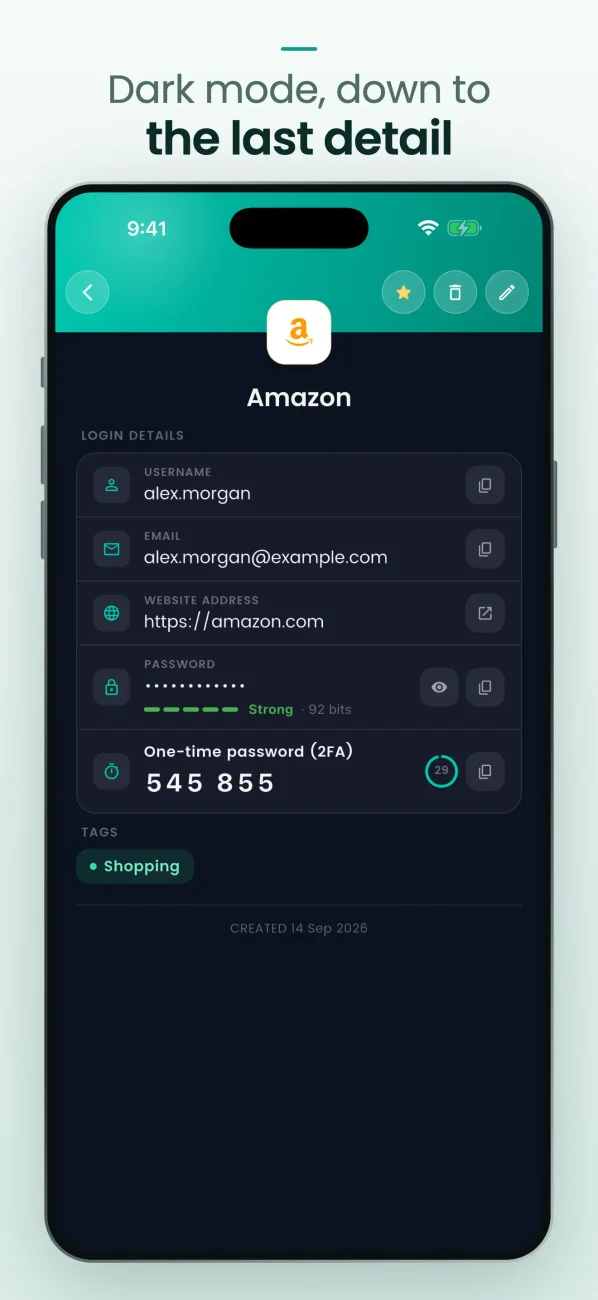
Fill your passwords instead of typing them, use passkeys where sites support them, and keep everything in a vault that opens with your Master PIN.
DroidPass is a straightforward password manager for iPhone and iPad. Passwords, passkeys, credit cards, bank details, Wi-Fi logins, secure notes and contacts all live in one place, encrypted with AES-256 on your device.
SIGN IN WITHOUT A PASSWORD
Use passkeys to sign in without a password on supported sites and apps. Save a passkey once, then sign in with Face ID, Touch ID or your Master PIN — there is nothing to type and nothing to remember. Your passkeys sit beside your passwords in the same vault and sync with it; a new device opens them once you enter your Secret Key from your Emergency Kit.
MOVING FROM ANOTHER PASSWORD MANAGER
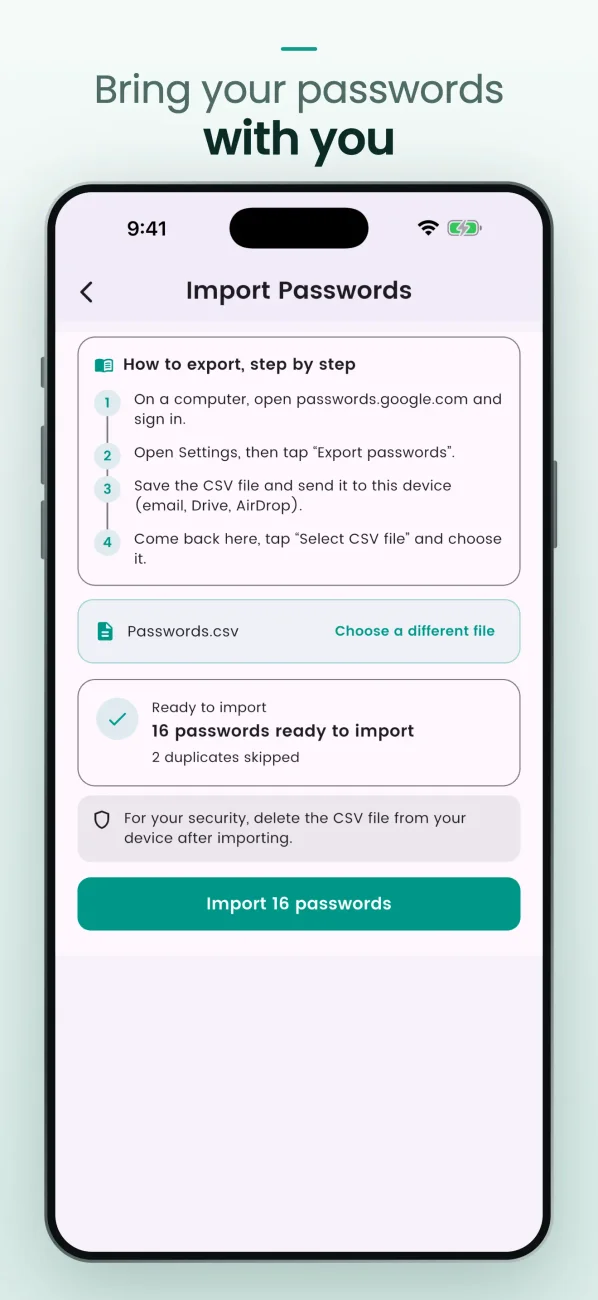
Bring your saved logins straight across from another password manager, with no file to export and no CSV to clean up. Your other app hands them over through the system transfer sheet and DroidPass files them in your vault. This needs iOS 26 or later, and the app you are leaving has to support credential transfer — if it does not, you can still import a CSV file the usual way.
FILL PASSWORDS. SKIP THE TYPING.
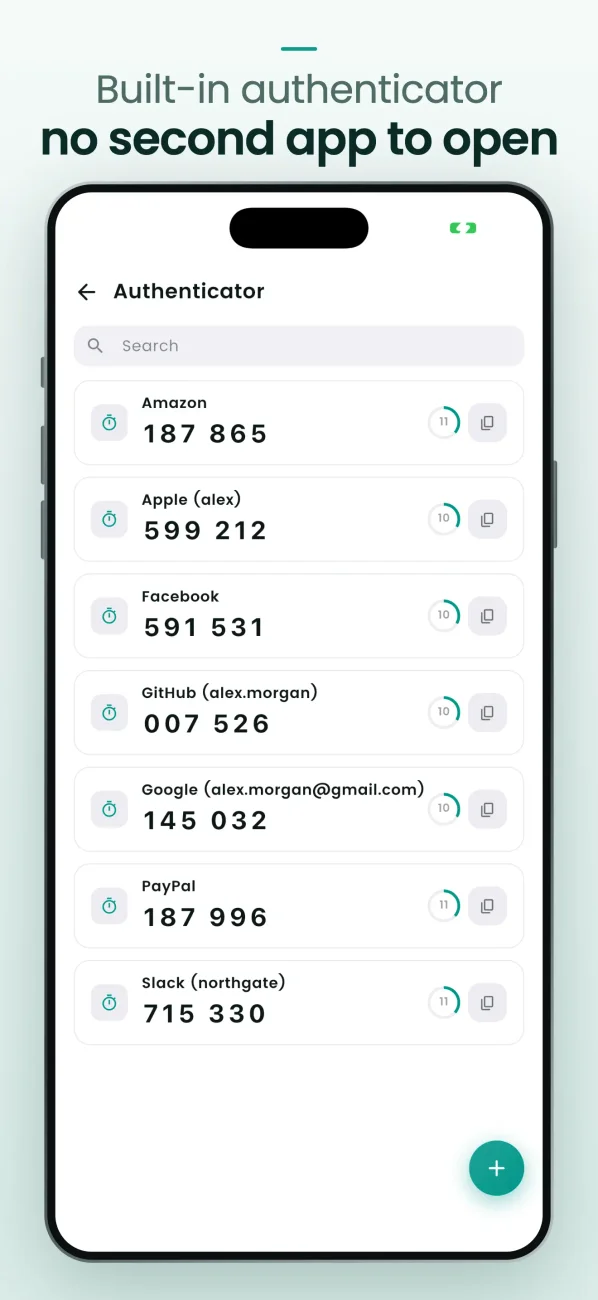
Switch DroidPass on as an AutoFill provider — from inside the app on iOS 18 and later, or in Settings › General › AutoFill & Passwords. Your saved logins then appear above the keyboard in apps and in Safari. Tap one, confirm with Face ID or your device passcode, and DroidPass fills in the username and the password. When a login has a two-factor secret saved with it, DroidPass can hand over the current one-time code the same way.
EVERYTHING IN ONE VAULT
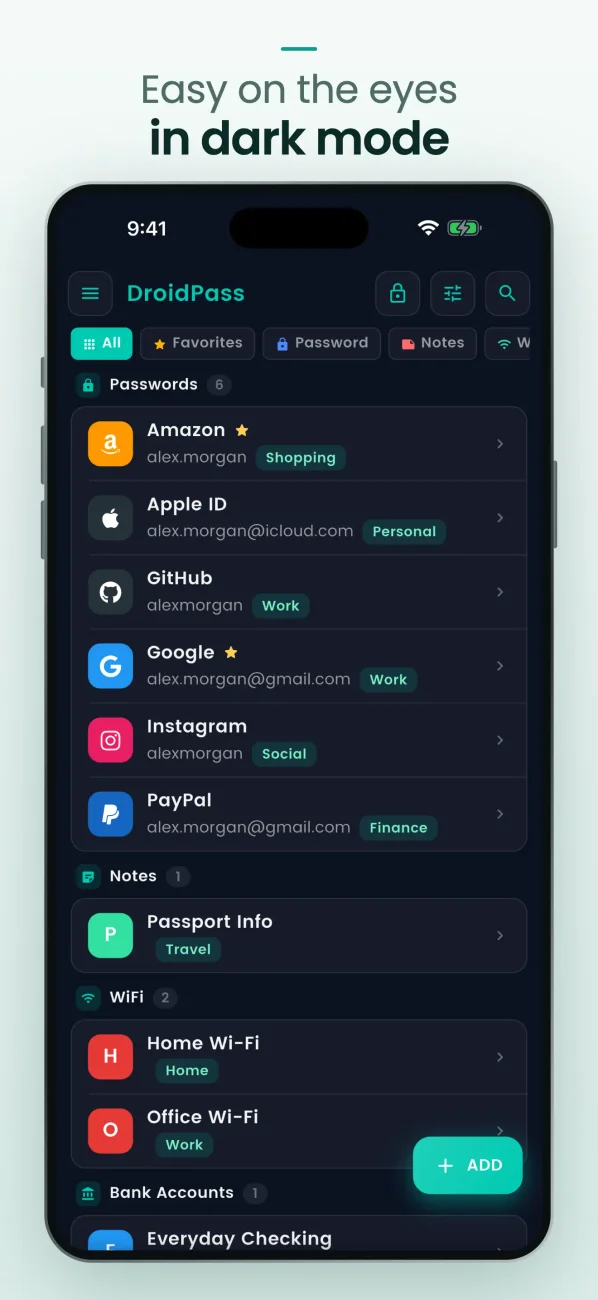
• Passwords and passkeys, organized by category, tag and favorites
• Credit cards, bank details and Wi-Fi passwords
• Secure notes and contacts
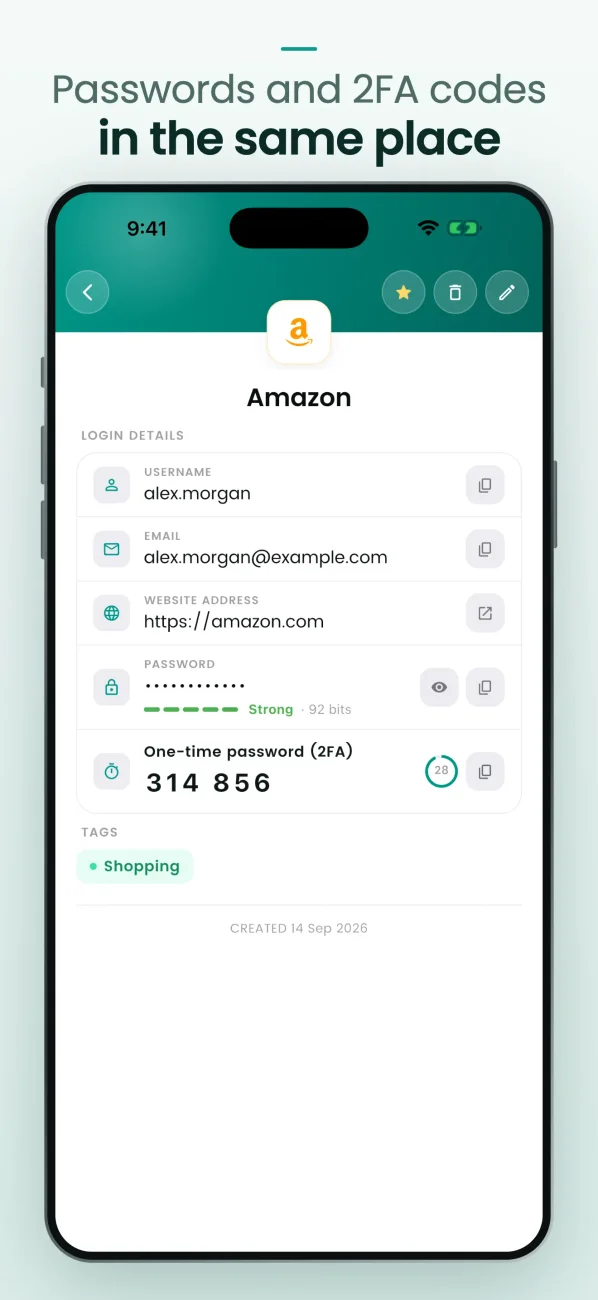
• A built-in two-factor authenticator with live, rotating codes
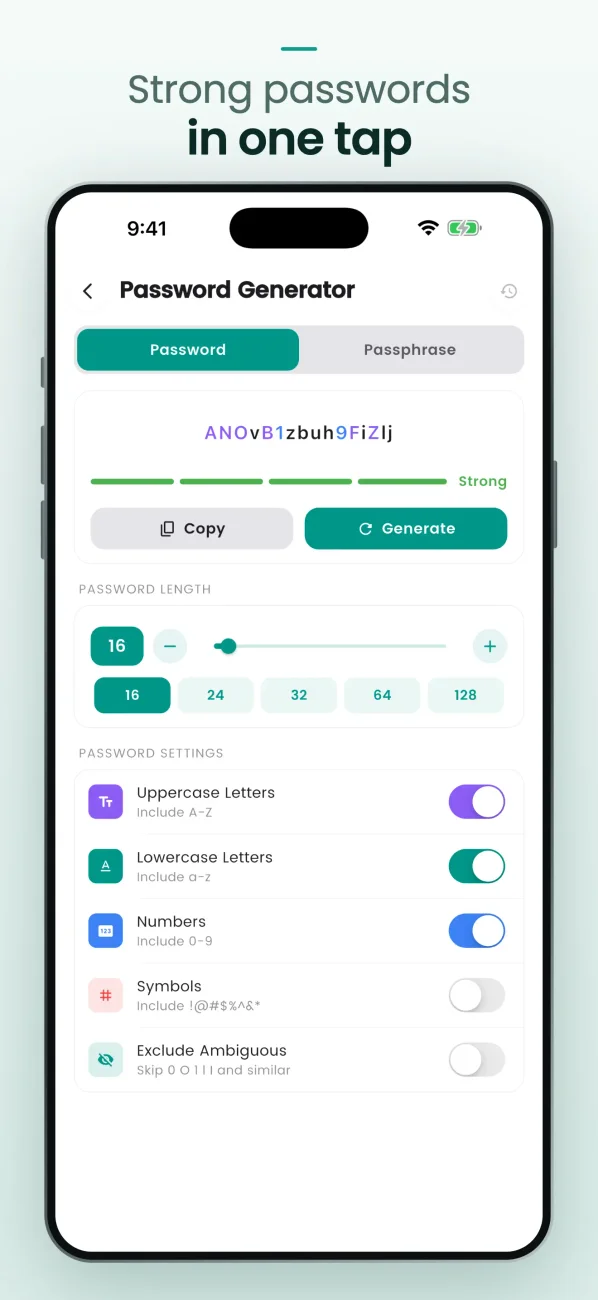
• A password generator that builds long, unguessable passwords in one tap
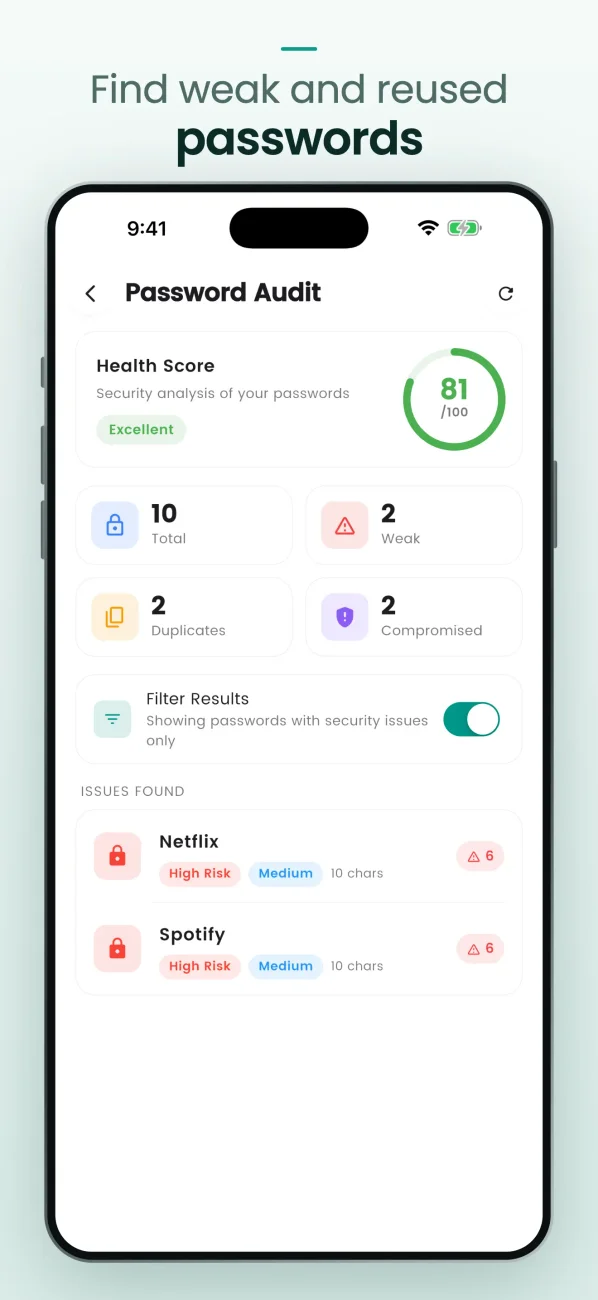
• A password audit that flags weak, reused and short passwords
• Search that finds an entry in a second
BUILT TO STAY PRIVATE
• AES-256 encryption, applied on your device before anything is stored
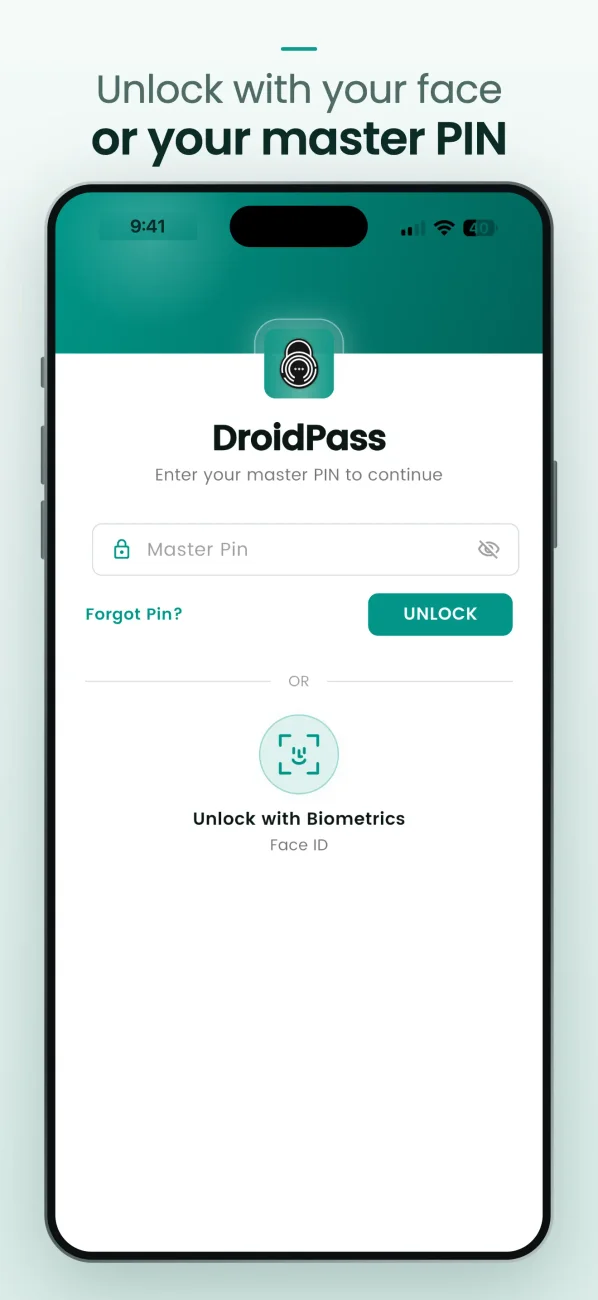
• A Master PIN that opens the vault — set it once, keep it to yourself
• Works offline: your vault opens without a connection
• No ads, and no tracking of what you save
WHAT'S FREE AND WHAT'S PRO
Free: six items in total across every category, one of which can be a two-factor code, plus the password generator and AutoFill.
DroidPass Pro: unlimited items, unlimited two-factor codes, Face ID / Touch ID unlock for the app itself, the password audit, custom themes, and priority support.
Get your logins out of your head and into DroidPass.
— — —
DroidPass Pro (Subscription)
Subscription length and price are shown in the app before you buy. The yearly plan includes a 3-day free trial for new subscribers.
• Payment is charged to your Apple ID at confirmation of purchase.
• Subscriptions renew automatically unless auto-renew is turned off at least 24 hours before the end of the current period.
• Your account is charged for renewal within 24 hours before the period ends.
• Manage or cancel anytime in your App Store account settings.
• Any unused portion of a free trial is forfeited when you buy a subscription.
Privacy Policy: https://droidpass.app/privacy
Terms of Use (EULA): https://droidpass.app/terms
Có gì mới
Phiên bản 1.7.0 · 29/09/2026
• New: passkeys. Use passkeys to sign in without a password on supported sites and apps — save one, then sign in with Face ID, Touch ID or your Master PIN
• Passkeys sit beside your passwords in the same vault and sync with it, showing the site, the account and when you last used it. A new device opens them once you enter your Secret Key
• New: bring your logins over from another password manager without exporting a file. Your other app hands them across through the system transfer sheet and DroidPass files them in your vault. Needs iOS 26, and the other app has to support credential transfer — CSV import still works everywhere else
• Your Emergency Kit now prints your Master PIN, so one sheet opens both your passwords and your passkeys
• Fixed: "Save now" on the Emergency Kit saves it instead of closing the dialog
• Fixed: sharing the Emergency Kit works on iPad
• Fixed: a finished transfer names the app you came from instead of its package id
• Fixed: two-factor secrets are checked before they are saved, so a mistyped secret cannot silently produce wrong codes
• Stability, translation and performance improvements
Quyền riêng tư của ứng dụng
Những gì Rakib Joarder khai báo trên App Store về cách ứng dụng này xử lý dữ liệu.
-
Dữ liệu liên kết với bạn
Có thể được thu thập và liên kết với danh tính của bạn.
- Thông tin liên hệ
- Mã định danh
-
Dữ liệu không liên kết với bạn
Có thể được thu thập nhưng không liên kết với danh tính của bạn.
- Dữ liệu sử dụng
- Chẩn đoán
Phương thức đảm bảo quyền riêng tư có thể khác nhau, chẳng hạn như tuỳ theo các tính năng bạn sử dụng hoặc độ tuổi của bạn.
Thông tin
- Người bán
- Rakib Joarder
- Danh mục
- Hiệu Suất
- Phiên bản
- 1.7.0
- Cập nhật
- 29/09/2026
- Phát hành
- 29/12/2019
- Kích thước
- 87,7 MB
- Yêu cầu
- iOS 15.5 trở lên
- Độ tuổi
- 4+
- Giá
- Miễn phí
- Mua hàng trong ứng dụng
- Có
- Ngôn ngữ
- Tiếng Anh
- Bản quyền
- © 2026 Rakib Joarder
Có thể bạn cũng thích
-
 Authe for Google AuthenticatorHiệu Suất
-
 Be Focused Pro - Focus TimerHiệu Suất
-
 Forms: Spreadsheet IntegrationHiệu Suất
-
 Secrets - Password ManagerHiệu Suất
-
 远程输入法用电脑给手机打字
-
 Habit & To Do List: MotidaytHiệu Suất
-
 Contacts Transfer & Backup ProHiệu Suất
-
 MFA-Authenticatorfafsa mohela castle branch ibm
-
 Mood Board - CreativitHiệu Suất
-
 Grammar AI Keyboard: KeysAIHiệu Suất