Duplicate Bridge Scoring
Easy Duplicate Bridge Scoring
Được thiết kế cho iPhone, iPad
599.000đ
- Độ tuổi4+
- Danh mụcHiệu Suất
- Nhà phát triểnRick Donald
- Ngôn ngữTiếng Anh
- Kích thước4,4 MB
Liên kết đến trang App Store chính thức
Download.org không lưu trữ tệp nào của Duplicate Bridge Scoring. Nút này mở trang ứng dụng trên App Store, nơi Rick Donald phát hành ứng dụng. Trang được kiểm tra lần cuối: 25/11/2026.
Ảnh chụp màn hình

Giới thiệu
Nhà phát triển chưa cung cấp nội dung này bằng ngôn ngữ của bạn.
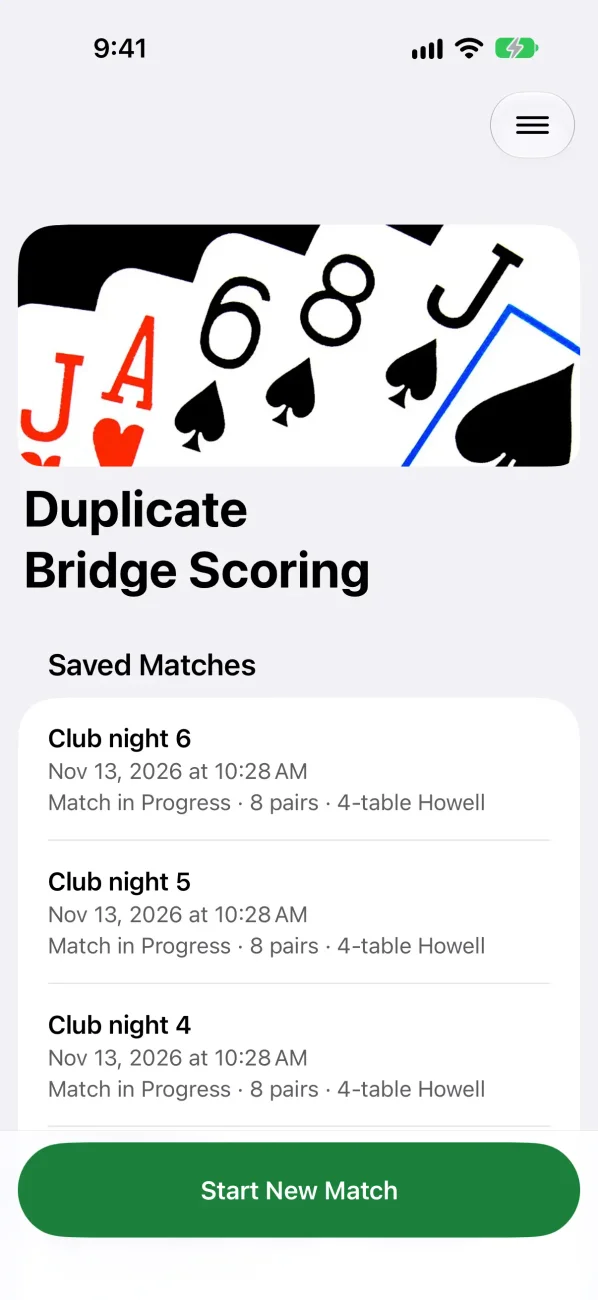
Run a duplicate bridge pairs game at home, from the first table card to the final standings, on your iPhone or iPad.
Set up the match, print the table cards and travelers, enter each table's result as it comes in, and see who won the moment the last board is in. Large buttons and big, clear text make it easy to use at the card table.
MADE FOR HOME GAMES
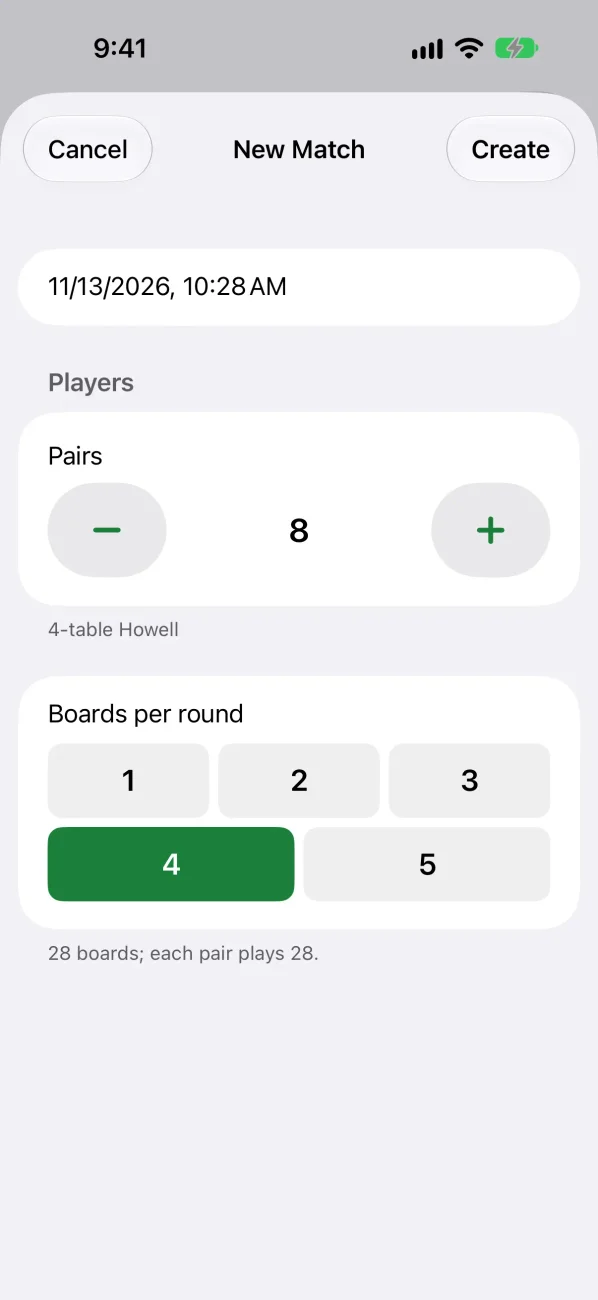
• Start a match in seconds: choose the number of pairs, from 4 to 36, and the app picks the movement.
• Standard Howell movements for 4 to 12 pairs, and Mitchell movements for 9 to 36 pairs.
• An odd number of pairs? The app sits one pair out each round for you.
• Name your pairs once and the names appear everywhere: on screen, on table cards and on results.
PRINT FOR TONIGHT'S GAME
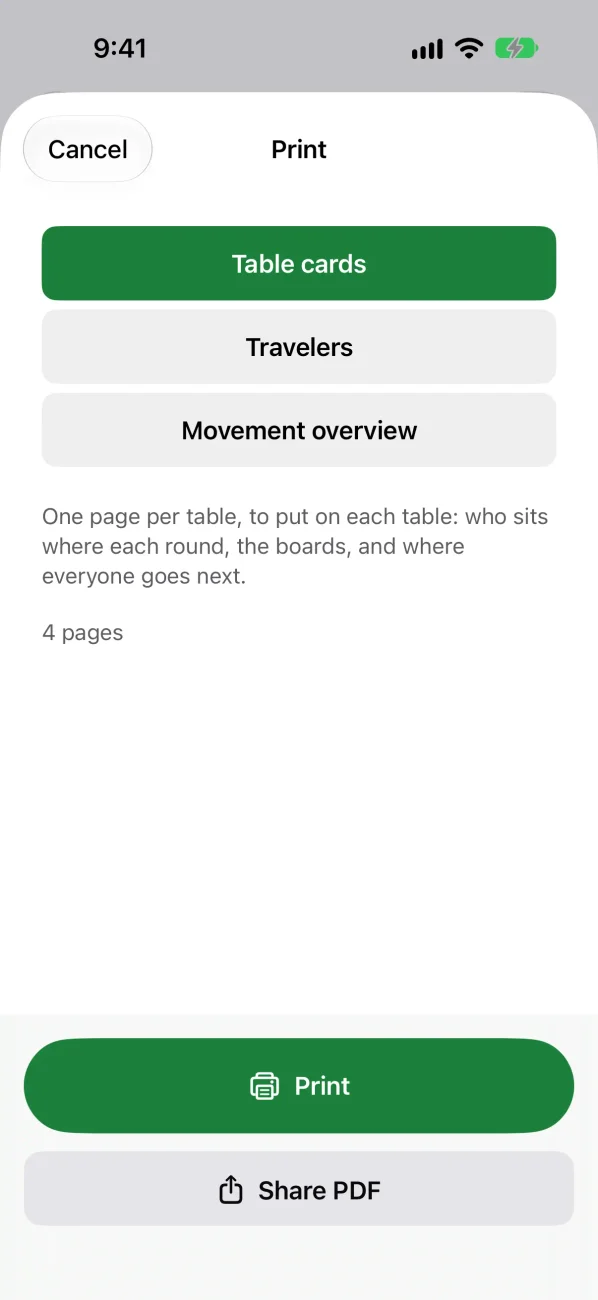
• Table cards: one page per table, showing who plays there each round and where everyone goes next.
• Travelers: one for each board, with your pairs already filled in.
• A movement overview for the organizer: every table and round on one page.
• Print with AirPrint, or share a PDF by Mail, Messages or AirDrop.
QUICK SCORE ENTRY
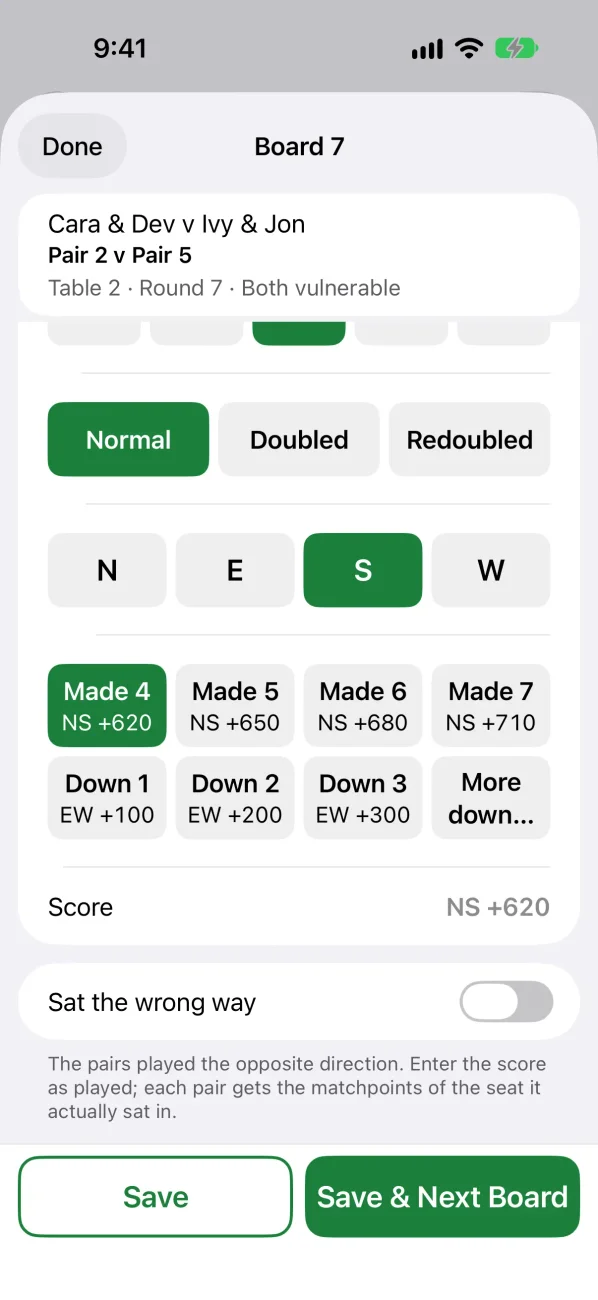
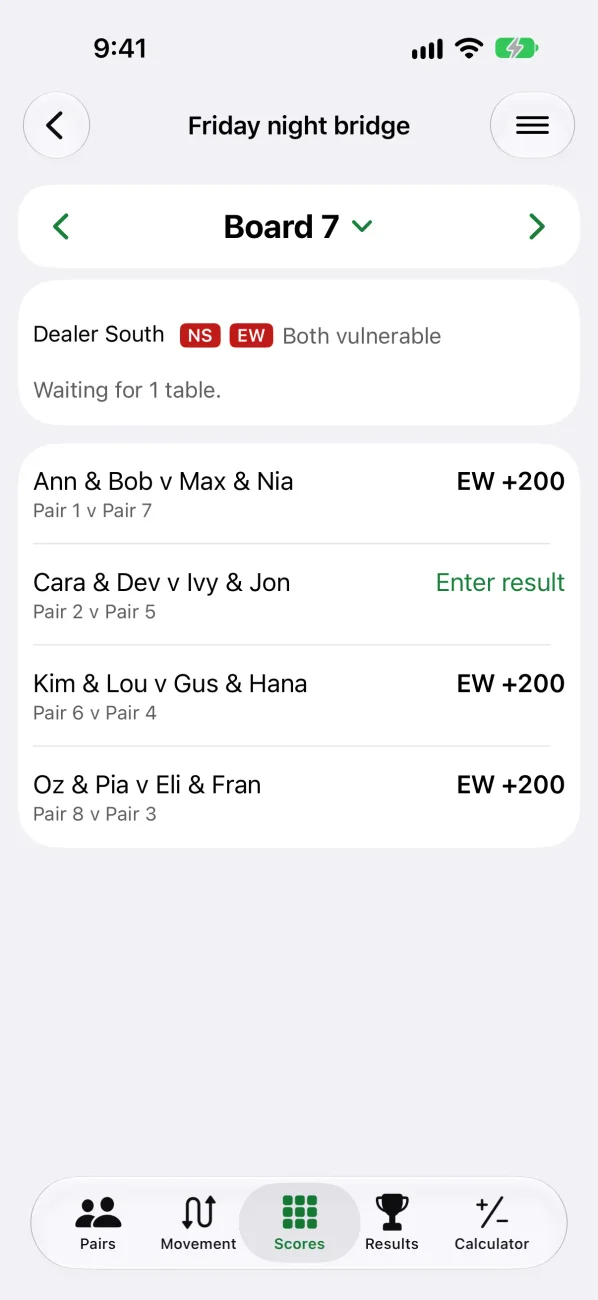
• One board at a time: tap a table, enter its result, then Save & Next Table.
• Type the score, or tap the contract (4 spades by South, Made 5) and the app works out the score, vulnerability included.
• Each board shows its dealer and vulnerability.
• Passed out, Sat the wrong way, and director awards (Average, Average plus, Average minus, Top, Bottom) are a tap away.
• A score no contract can make gets a warning, so typing mistakes are caught.
RESULTS
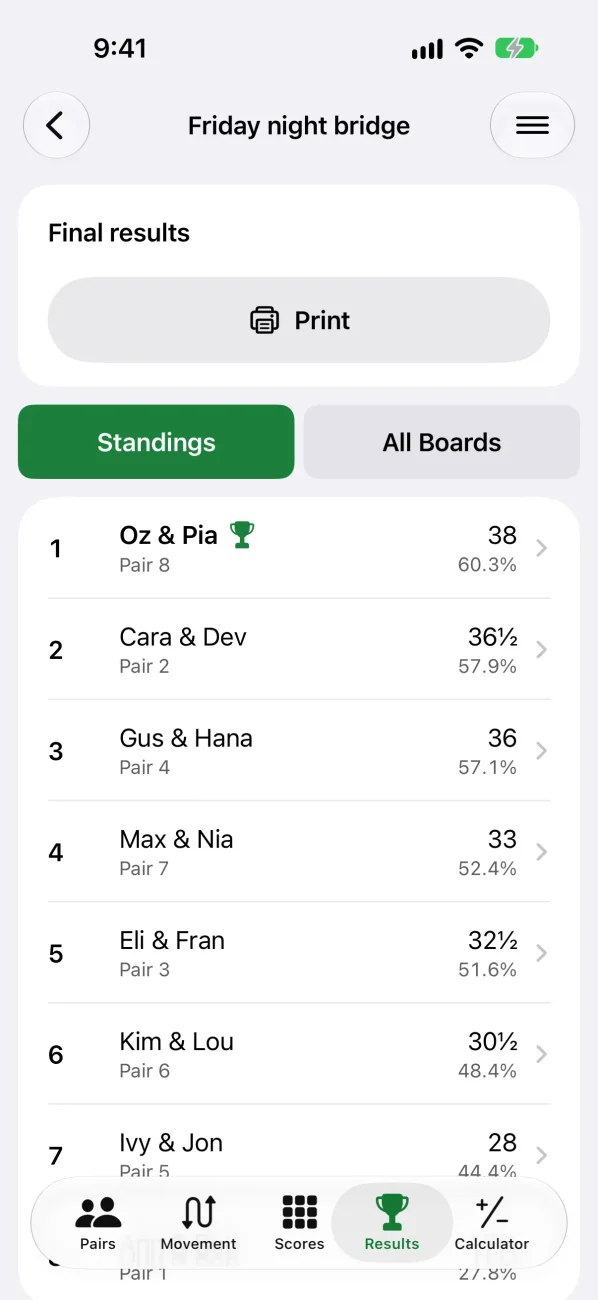
• Standings with percentages update as you go, and ties share a place.
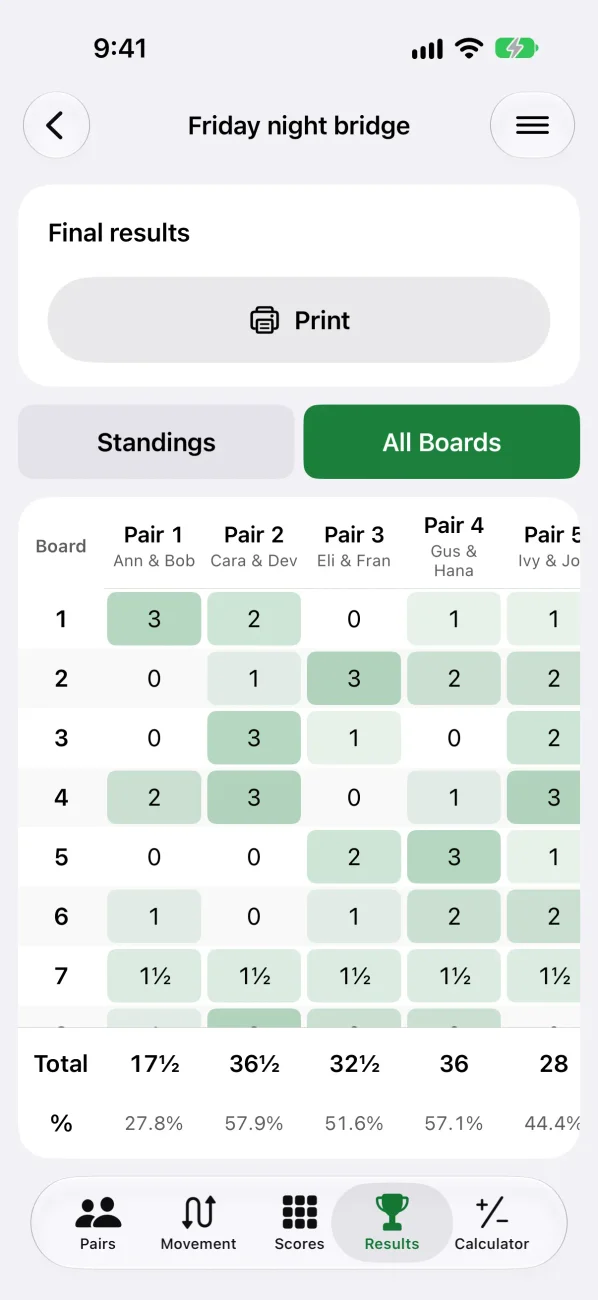
• Tap a pair to see its score on every board, or see every board for every pair in one grid.
• Matchpoint scoring, or IMPs for a four-pair game. Mitchell games rank North-South and East-West separately.
• Print the results, with or without a traveler for every board.
• A scoring calculator for any contract.
EASY TO READ
• Large buttons throughout.
• Text Size right in the app, up to the largest size iOS has.
• Light, Dark, or the same as your iPhone.
• Works with VoiceOver.
BUILT FOR iPAD
• A real iPad layout: your matches on the left and the match on the right, in portrait or landscape.
ONE PRICE, NO SUBSCRIPTION
Buy once. Share with your family.
SUPPORT FROM THE DEVELOPER
Questions or ideas? Tap the menu button (three lines) at the top right, then Settings, then Contact Support, or email bridgescoringapp@gmail.com.
Có gì mới
Phiên bản 2.0.1 · 23/11/2026
Duplicate Bridge Scoring 2.0 is rebuilt from the ground up.
• All your saved matches are still here, newest first.
• Print table cards and travelers for tonight's game, with your pairs already filled in. Results print too, or share them as a PDF.
• Scores, one board at a time: tap a table, then type the score, or tap the contract and Made 4, Down 1 and so on. The app works out the score. Save & Next Table goes straight on to the next one.
• Bigger games: up to 36 pairs, with Mitchell movements. With an odd number of pairs, the app sits a pair out for you.
• Works on iPad, in portrait and landscape.
• Easier to read: large buttons, Text Size in Settings, and Light or Dark appearance.
• Some tabs have new names: Team Names is now Pairs, Table Movement is now Movement, and Input Scores is now Scores.
• Special scores (SP) are buttons now: the Sat the wrong way switch, and Director award under Other.
• The new menu button (three lines) at the top right has New Match, Edit and Settings.
The first time you open 2.0, a welcome page shows what changed. You can see it again any time: What's New is in Settings.
Questions or ideas? In Settings, Contact Support writes straight to the developer.
Quyền riêng tư của ứng dụng
Những gì Rick Donald khai báo trên App Store về cách ứng dụng này xử lý dữ liệu.
-
Dữ liệu không liên kết với bạn
Có thể được thu thập nhưng không liên kết với danh tính của bạn.
- Mã định danh
- Dữ liệu sử dụng
Phương thức đảm bảo quyền riêng tư có thể khác nhau, chẳng hạn như tuỳ theo các tính năng bạn sử dụng hoặc độ tuổi của bạn.
Thông tin
- Người bán
- Rick Donald
- Danh mục
- Hiệu Suất
- Phiên bản
- 2.0.1
- Cập nhật
- 23/11/2026
- Phát hành
- 27/02/2013
- Kích thước
- 4,4 MB
- Yêu cầu
- iOS 26.0 trở lên
- Độ tuổi
- 4+
- Giá
- 599.000đ
- Ngôn ngữ
- Tiếng Anh
- Bản quyền
- © 2013-2026 RicksterWare