- Độ tuổi4+
- Danh mụcHiệu Suất
- Nhà phát triểnDEKORRA OPTICS LLC
- Ngôn ngữTiếng Anh+ 7 ngôn ngữ khác
- Kích thước63,7 MB
Liên kết đến trang App Store chính thức
Download.org không lưu trữ tệp nào của EazyDraw. Nút này mở trang ứng dụng trên App Store, nơi DEKORRA OPTICS LLC phát hành ứng dụng. Trang được kiểm tra lần cuối: 15/11/2026.
Ảnh chụp màn hình


Giới thiệu
Nhà phát triển chưa cung cấp nội dung này bằng ngôn ngữ của bạn.
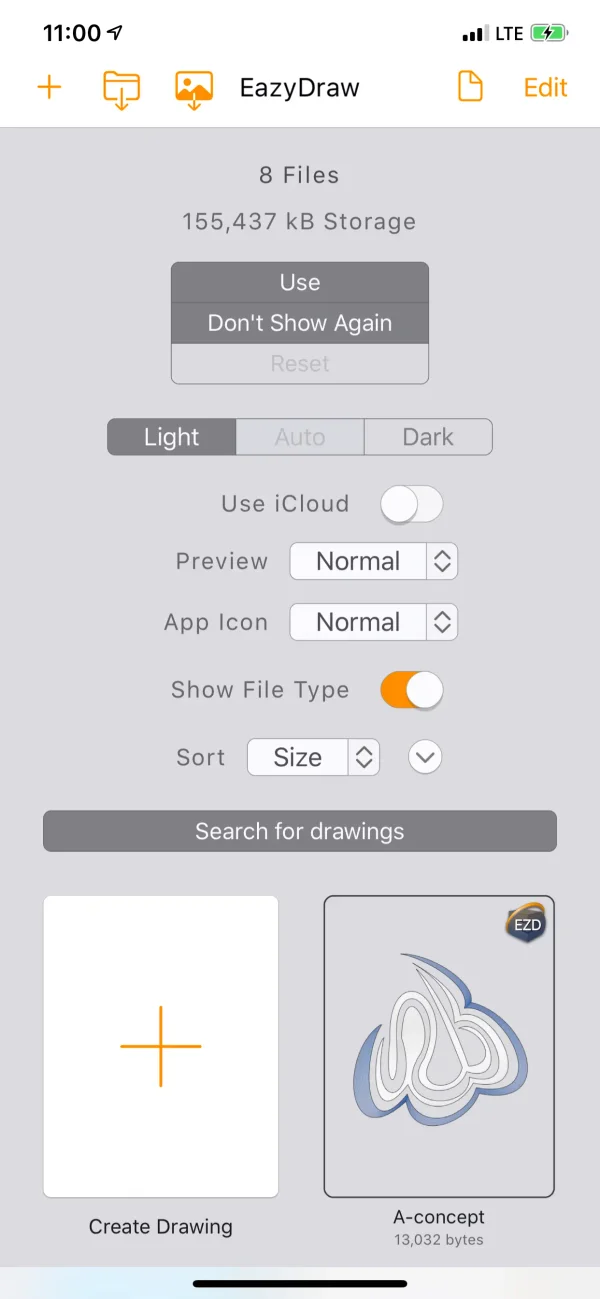
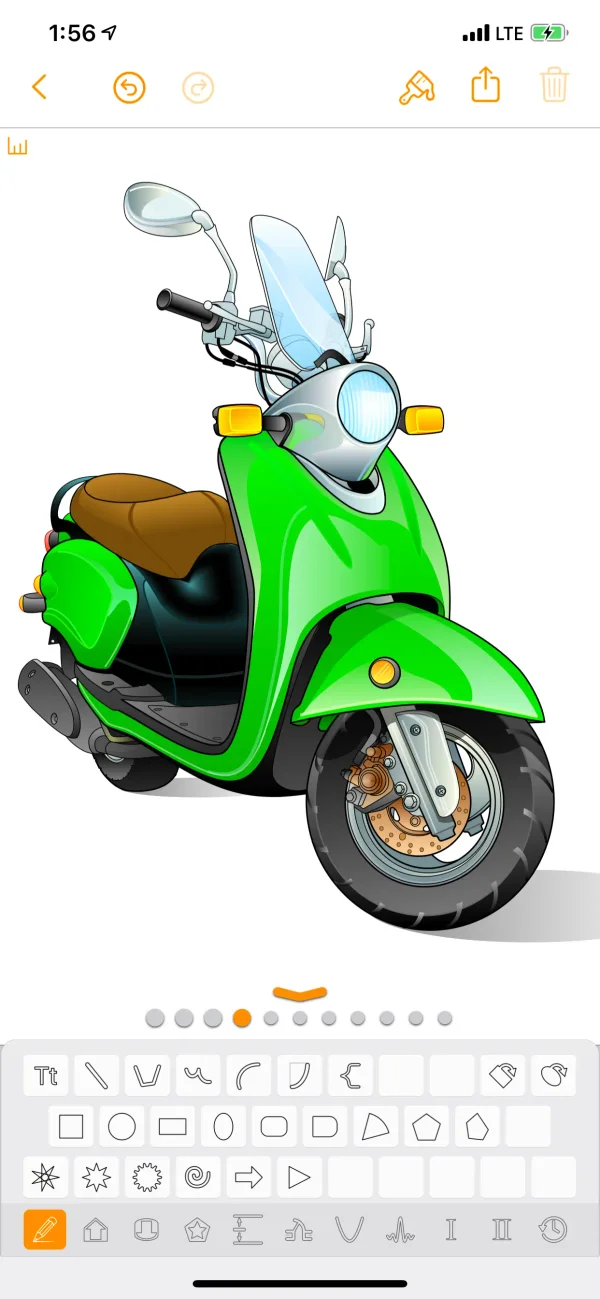
EazyDraw helps you communicate ideas visually. Words alone are often not enough — diagrams, symbols, and drawings make concepts clearer. EazyDraw combines vector drawing, structured text, and symbols so you can express knowledge with precision and clarity.
EazyDraw for iPad and iPhone works seamlessly with EazyDraw for Mac. Use Handoff, copy and paste between devices, or rely on iCloud to create and edit drawings anywhere — on iPad, iPhone, MacBook, or desktop.
Designed for efficient drawing on mobile
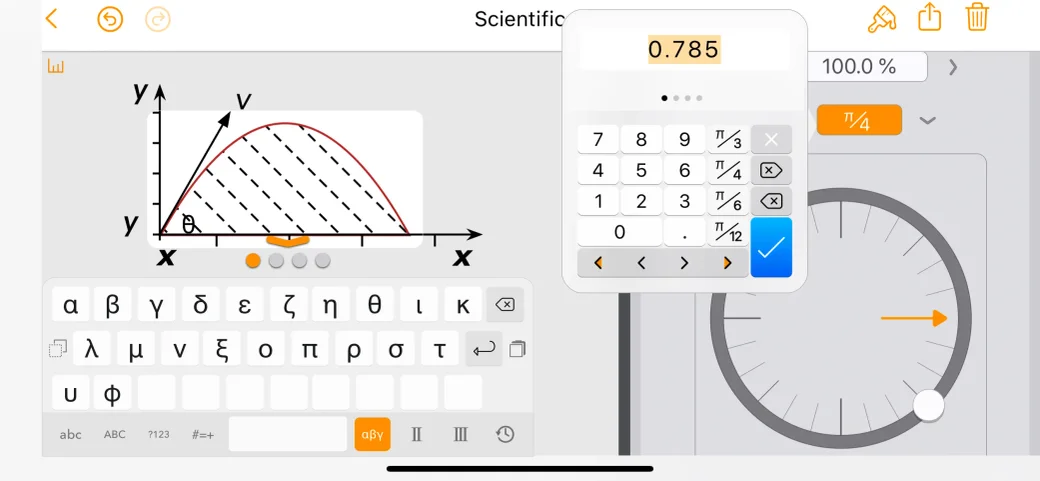
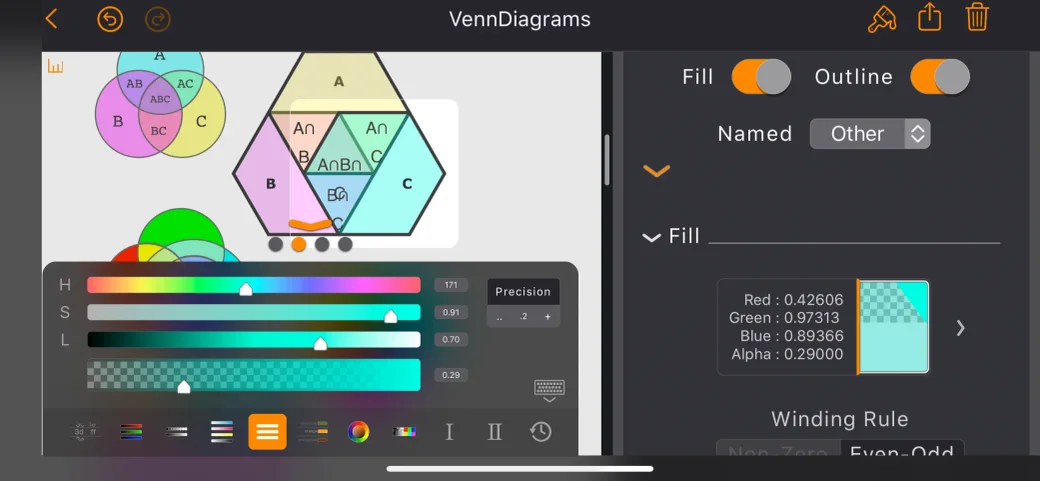
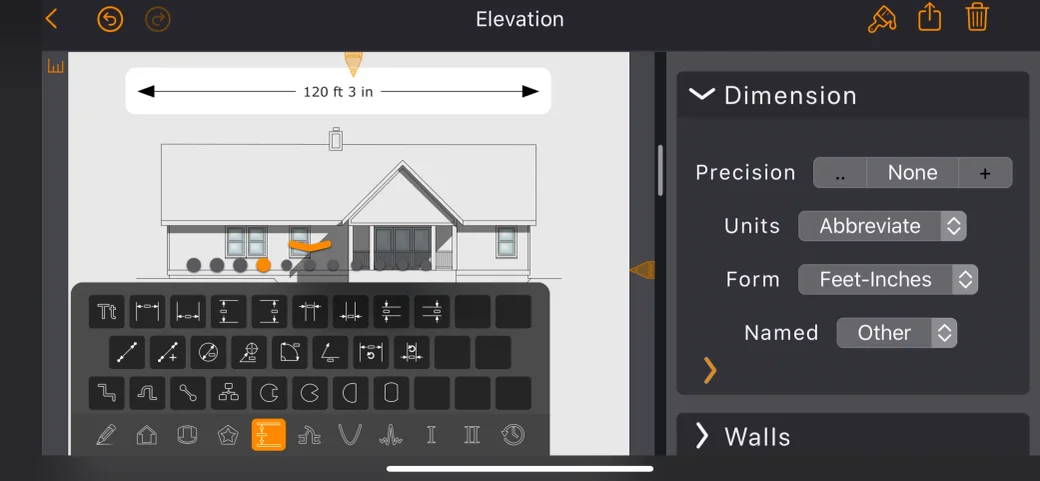
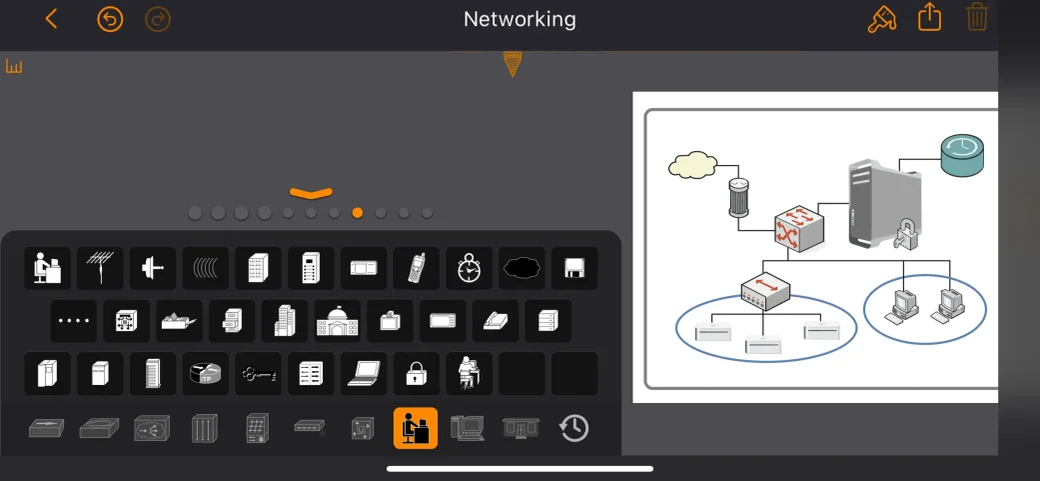
Optimize screen space with the resizable keyboard. Move it to the bottom, left, or right side of the screen. The keyboard integrates text entry, color selection, inspectors, and a large library of ready-to-use tools and symbols.
Choose from seven customizable keyboards with a single tap. Drag and drop keys to rearrange them, or open a keyboard for full editing. Select from collections of scientific symbols, charting tools, emoji, and world languages — or build your own from the complete Unicode character set.
Powerful vector drawing tools
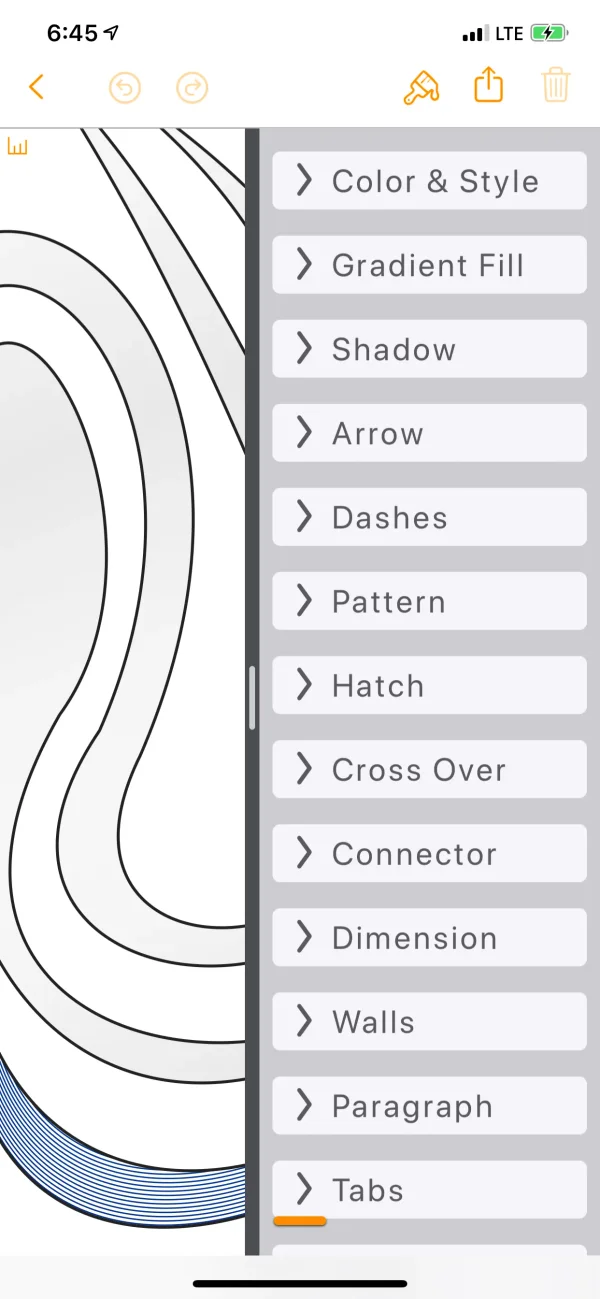
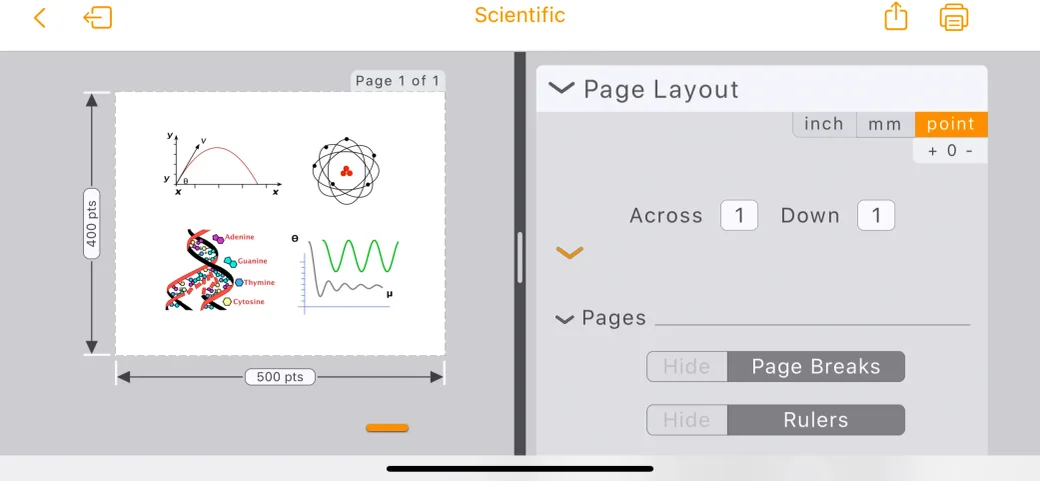
Enhance drawings with gradients, drop shadows, arrows, dashes, textures, and vector hatching. Inspect and select colors using eight integrated color pickers.
Create scaled technical drawings with Auto-Dimensions, grids, guides, rulers, and snapping tools. Build diagrams and flowcharts with integrated typeset text and automatic connectors.
Built for iPadOS workflows
EazyDraw fully supports Split View, multitasking, and drag and drop. Import content from other apps or devices and continue editing instantly.
Flexible export options
Export to PDF, PNG, JPG, or TIFF. Send images directly to Photos or share with other apps.
EazyDraw is fully color-managed and supports both sRGB and P3 wide-gamut color. The color wheel inspector automatically generates complementary palettes to help you design with confidence.
Có gì mới
Phiên bản 4.3.1 · 16/10/2026
• iPhone Duo Compatibility: EazyDraw is now fully iPhone Duo aware! Your canvas, drawing displays, and inspector panels dynamically adapt to screen islands and system safe areas.
• Seamless Display Resizing: Canvas content automatically resizes at full vector resolution whether folded, unfolded, or rotated in any orientation.
• iOS 27 Enhancements: Resolves several stability issues and performance edge cases on iOS 27.
• Updated Visuals: Check out our new App Store screenshots highlighting the updated interface tailored for iPhone Duo!
Quyền riêng tư của ứng dụng
Những gì DEKORRA OPTICS LLC khai báo trên App Store về cách ứng dụng này xử lý dữ liệu.
-
Dữ liệu không được thu thập
Nhà phát triển không thu thập bất kỳ dữ liệu nào từ ứng dụng này.
Phương thức đảm bảo quyền riêng tư có thể khác nhau, chẳng hạn như tuỳ theo các tính năng bạn sử dụng hoặc độ tuổi của bạn.
Thông tin
- Người bán
- DEKORRA OPTICS LLC
- Danh mục
- Hiệu Suất
- Phiên bản
- 4.3.1
- Cập nhật
- 16/10/2026
- Phát hành
- 12/11/2019
- Kích thước
- 63,7 MB
- Yêu cầu
- iOS 27.0 trở lên
- Độ tuổi
- 4+
- Giá
- Miễn phí
- Ngôn ngữ
- Tiếng Anh, Tiếng Hà Lan, Tiếng Pháp, Tiếng Đức, Tiếng Ý, Tiếng Nhật, Tiếng Trung Giản thể, Tiếng Tây Ban Nha
- Bản quyền
- © 2001-2025 Dekorra Optics LLC