Eclipse Navigator
Find your eclipse viewing spot
Được thiết kế cho iPhone, iPad
Miễn phí · Mua hàng trong ứng dụng
- Độ tuổi4+
- Danh mụcDu Lịch
- Nhà phát triểnMarcel Kalse
- Ngôn ngữTiếng Anh+ 3 ngôn ngữ khác
- Kích thước284,7 MB
Liên kết đến trang App Store chính thức
Download.org không lưu trữ tệp nào của Eclipse Navigator. Nút này mở trang ứng dụng trên App Store, nơi Marcel Kalse phát hành ứng dụng. Trang được kiểm tra lần cuối: 20/11/2026.
Ảnh chụp màn hình

Giới thiệu
Nhà phát triển chưa cung cấp nội dung này bằng ngôn ngữ của bạn.
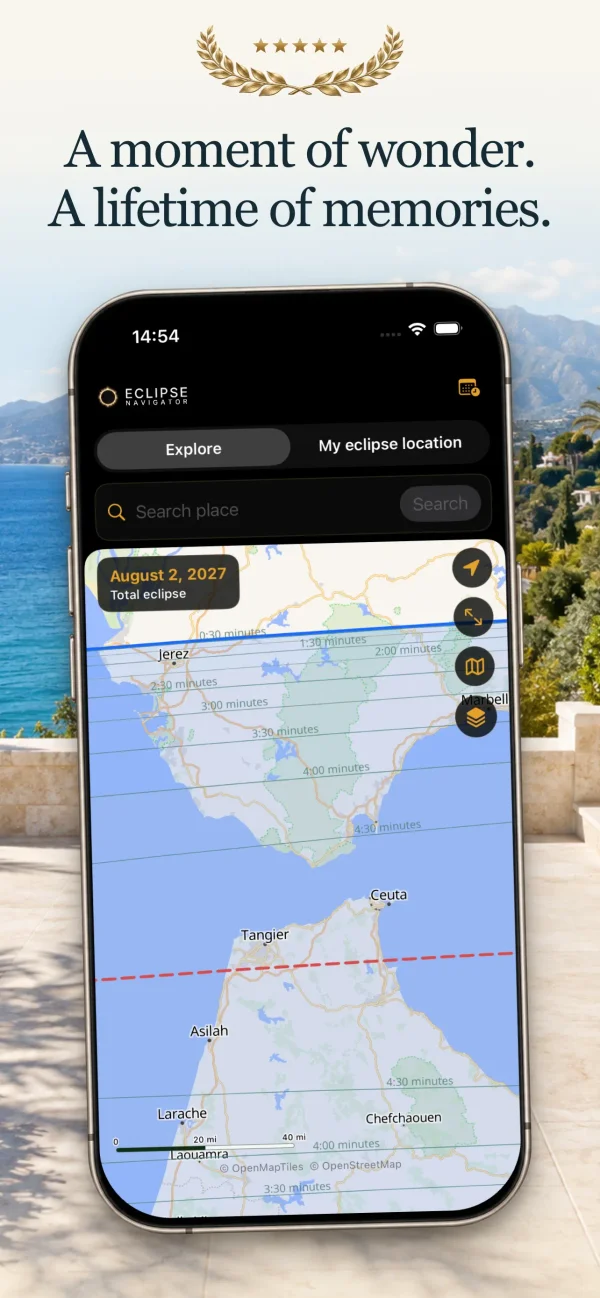
Eclipse Navigator helps you prepare to watch and photograph a solar eclipse. Find a suitable viewing spot, check the local conditions and see how the eclipse will unfold there. Plan your photos and rehearse with spoken alerts, so you can focus on what you want to see and capture during the eclipse.
CHOOSE YOUR VIEWING SPOT
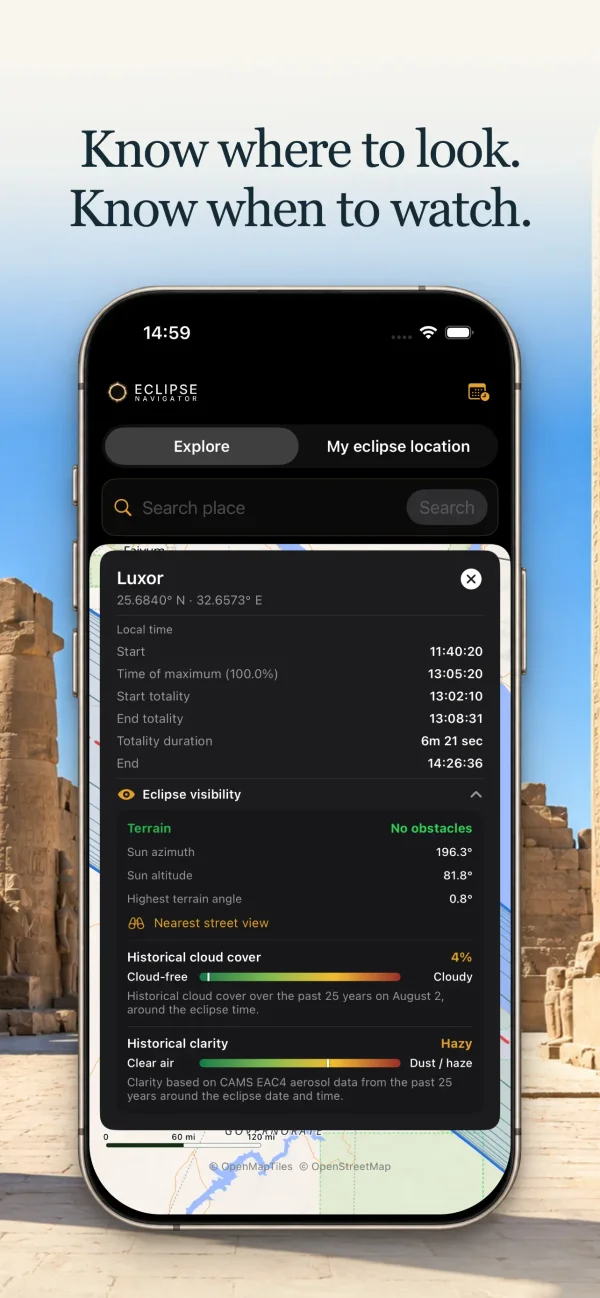
Explore the eclipse path and see where totality lasts longest. For each location, find out when the eclipse begins, how long it lasts and how much of the Sun will be obscured. You can also check the Sun’s position and whether hills will block your view.
COMPARE YOUR CHANCES OF A CLEAR VIEW
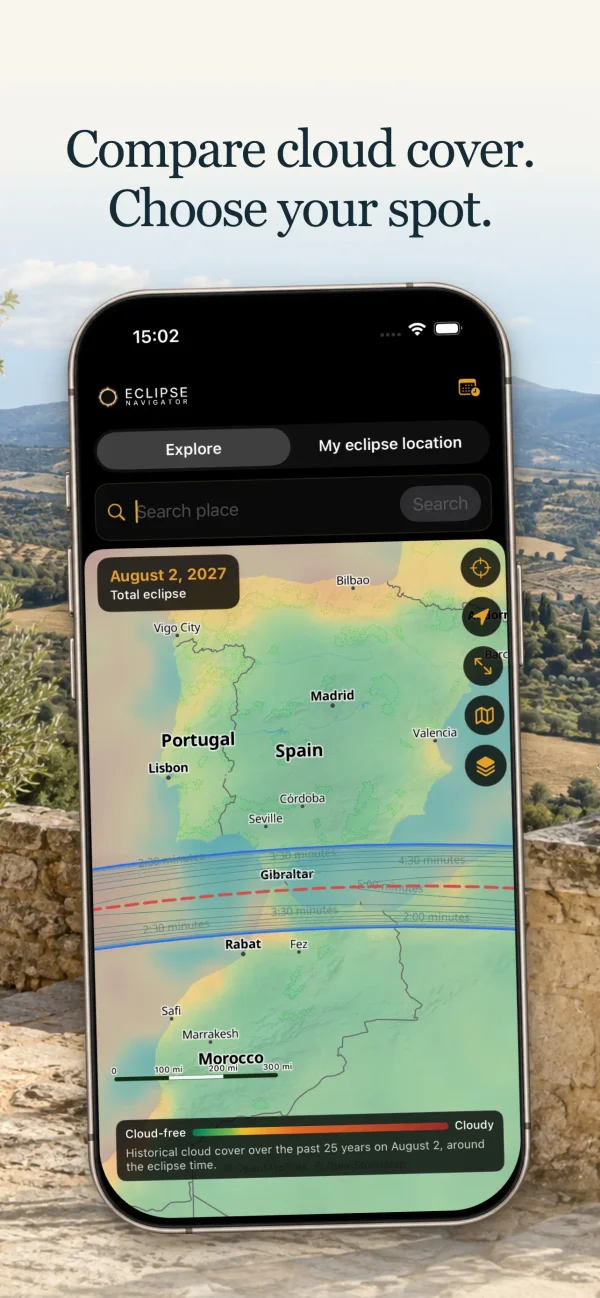
What are conditions usually like at your viewing spot around the time of the eclipse? Eclipse Navigator combines 25 years of cloud cover and aerosol data, including dust and air pollution, to show average conditions for the date and time of the eclipse. This lets you compare locations based on the conditions you would typically expect. You can also view current cloud cover and aerosols on the map.
FOCUS ON YOUR PHOTOGRAPHY
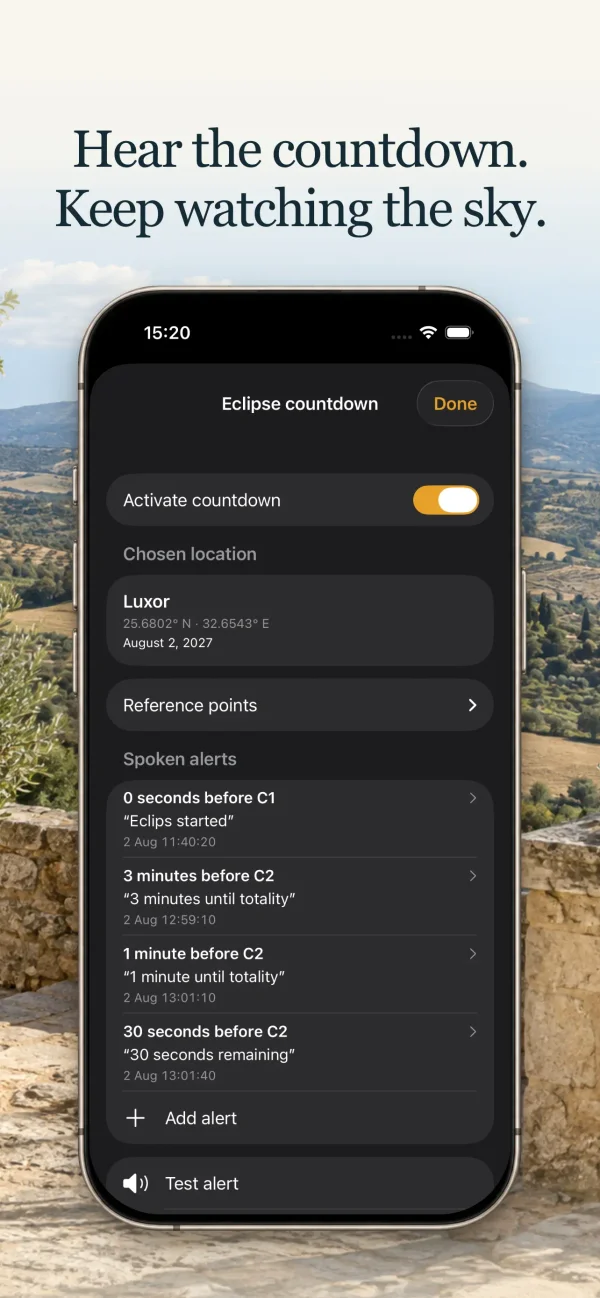
Use the countdown to set spoken alerts for your photography session. For example, set reminders for when you want to remove your camera’s solar filter and put it back on. You choose when each alert sounds and what it says. That way, you can concentrate on taking photos without constantly checking the time.
REHEARSE YOUR PHOTOGRAPHY SESSION
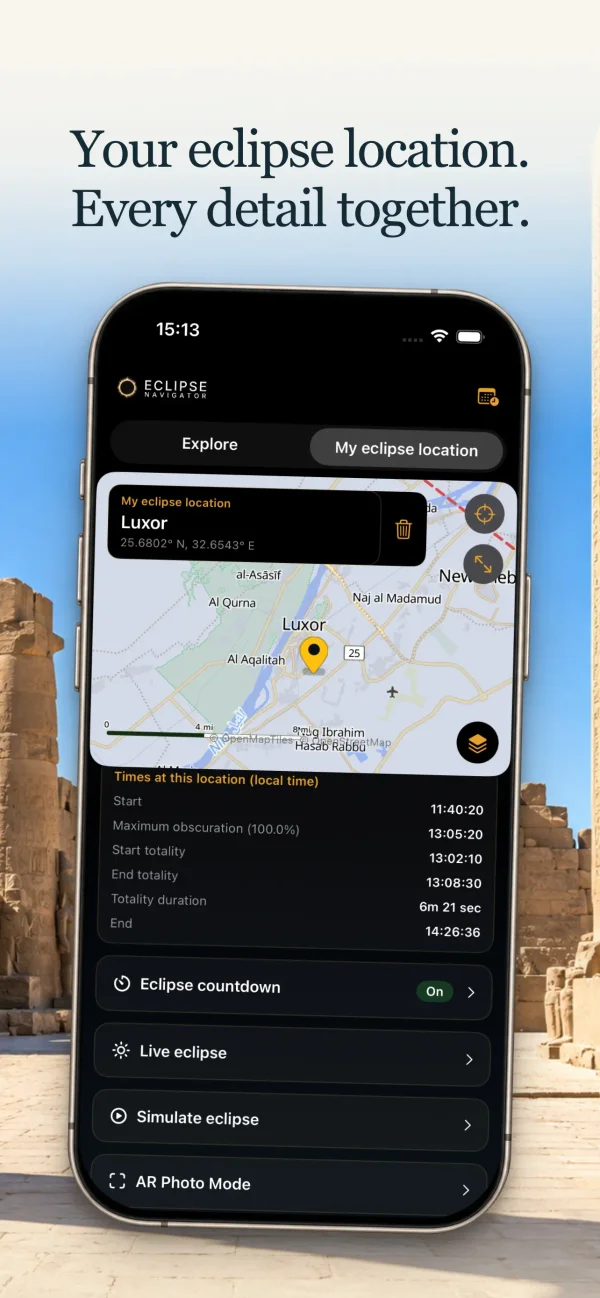
Simulate the entire solar eclipse at your chosen location, including all your spoken countdown alerts. Practise your sequence, check the timing and adjust your alerts as needed. You can speed up or slow down the simulation. On eclipse day, you’ll know what to do and when.
AR PHOTO MODE
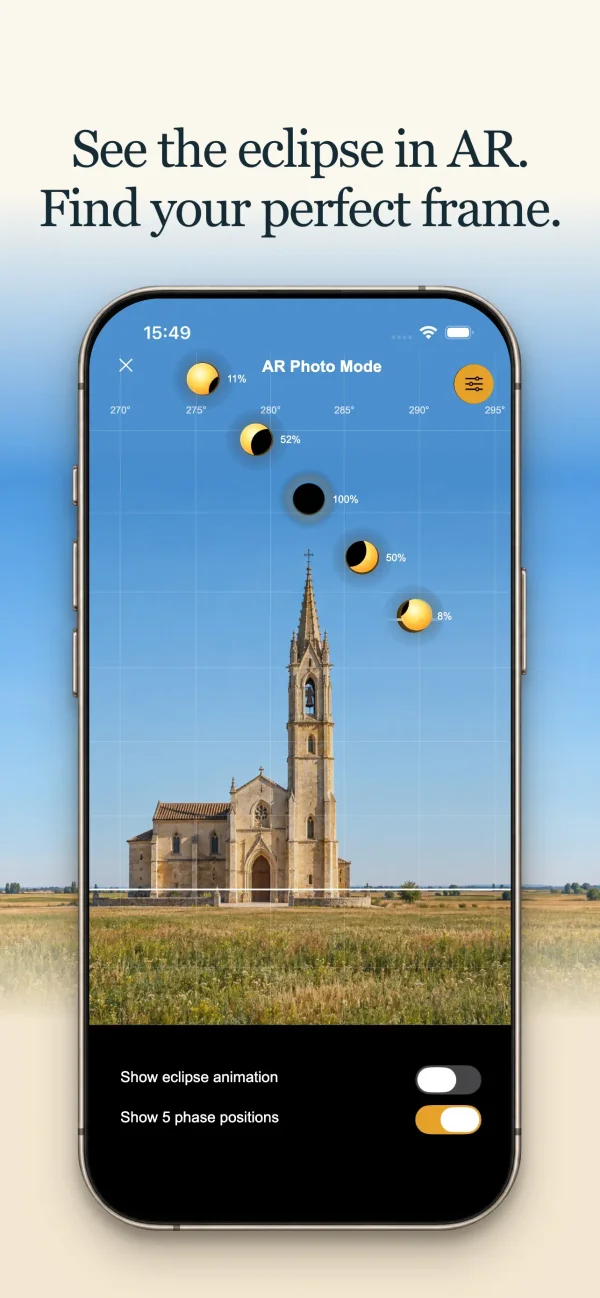
Use augmented reality photo mode on location to see where the Sun will be in the sky during the eclipse. Point your phone at your surroundings: the app overlays the Sun’s positions on the live camera view. Move around to find the right spot, for example where the Sun will sit directly above a church tower during totality. View the five eclipse phases or play through the entire solar eclipse to see how your composition changes as it unfolds.
FOLLOW THE ECLIPSE LIVE
During the eclipse, follow the current phase and the moving Moon’s shadow in the live view, with information for your chosen location.
THE ECLIPSE PASS
Unlock all features for your selected eclipse with a single one-time purchase. No subscription.
Có gì mới
Phiên bản 4.0 · 08/10/2026
New in Eclipse Navigator 4.0
Eclipse Navigator is now free to download. Unlock all features for your selected eclipse with an Eclipse Pass. A single one-time purchase, no subscription.
Quyền riêng tư của ứng dụng
Những gì Marcel Kalse khai báo trên App Store về cách ứng dụng này xử lý dữ liệu.
-
Dữ liệu không liên kết với bạn
Có thể được thu thập nhưng không liên kết với danh tính của bạn.
- Vị trí
Phương thức đảm bảo quyền riêng tư có thể khác nhau, chẳng hạn như tuỳ theo các tính năng bạn sử dụng hoặc độ tuổi của bạn.
Thông tin
- Người bán
- Marcel Kalse
- Danh mục
- Du Lịch
- Phiên bản
- 4.0
- Cập nhật
- 08/10/2026
- Phát hành
- 08/08/2026
- Kích thước
- 284,7 MB
- Yêu cầu
- iOS 18.0 trở lên
- Độ tuổi
- 4+
- Giá
- Miễn phí
- Mua hàng trong ứng dụng
- Có
- Ngôn ngữ
- Tiếng Anh, Tiếng Hà Lan, Tiếng Pháp, Tiếng Tây Ban Nha
- Bản quyền
- © 2026 CasaMikado