Ensemble Stage: Seating Chart
Band & orchestra stage layout
Được thiết kế cho iPhone, iPad
Miễn phí
- Độ tuổi4+
- Danh mụcNhạc
- Nhà phát triểnKohei Ishikawa
- Ngôn ngữTiếng Nhật+ 1 ngôn ngữ khác
- Kích thước3,3 MB
Liên kết đến trang App Store chính thức
Download.org không lưu trữ tệp nào của Ensemble Stage: Seating Chart. Nút này mở trang ứng dụng trên App Store, nơi Kohei Ishikawa phát hành ứng dụng. Trang được kiểm tra lần cuối: 23/11/2026.
Ảnh chụp màn hình

Giới thiệu
Nhà phát triển chưa cung cấp nội dung này bằng ngôn ngữ của bạn.
Do you spend hours every time you make a stage layout?
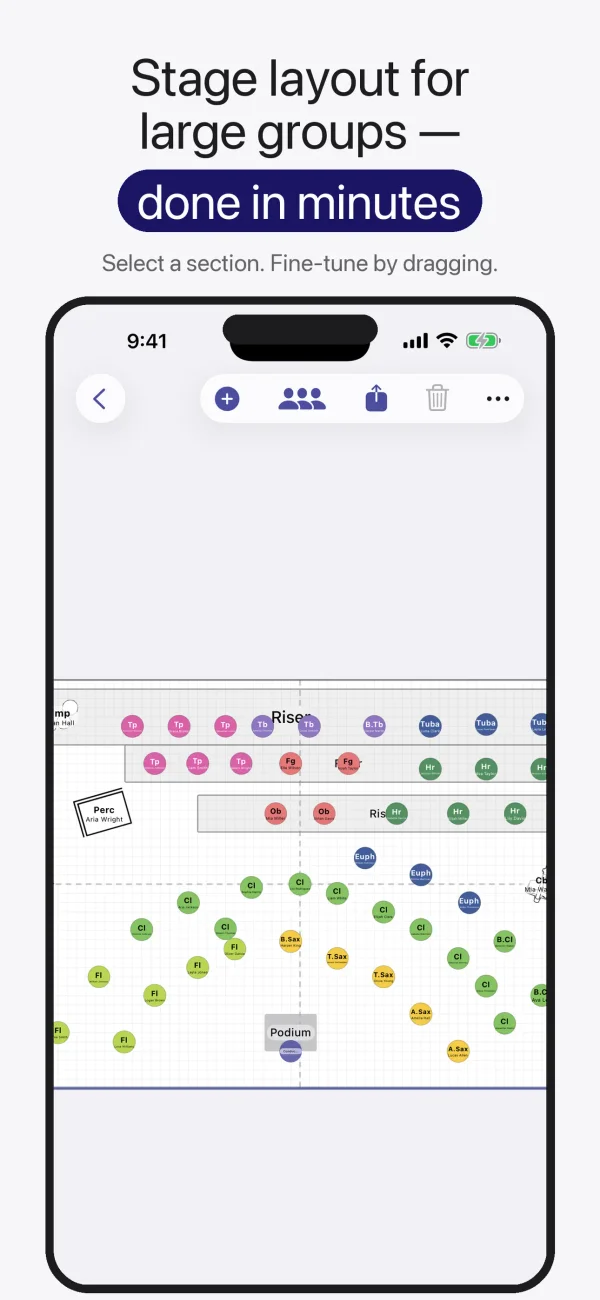
Suisogaku Setting is an iPad and iPhone app for creating stage layouts (seating charts) for school wind bands, orchestras, and community ensembles. Register your members, choose the parts, and let the app place them automatically. Then just drag with your finger to fine-tune. You get a clean layout far faster than with PowerPoint, Excel, or hand drawing.
■ Who it is for
・Student conductors, band officers, section leaders
・Advisors, instructors, stage managers and stage crew
・Anyone who rebuilds a seating chart for every concert and competition
■ A layout in a few minutes
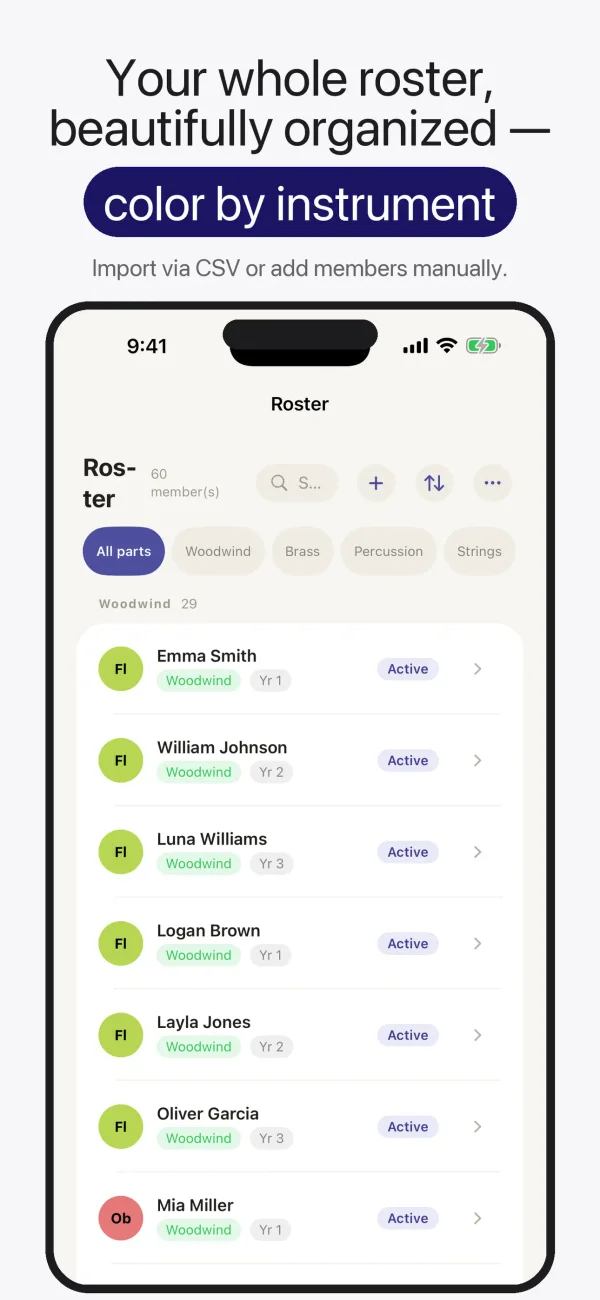
1. Register members (manual entry or CSV import)
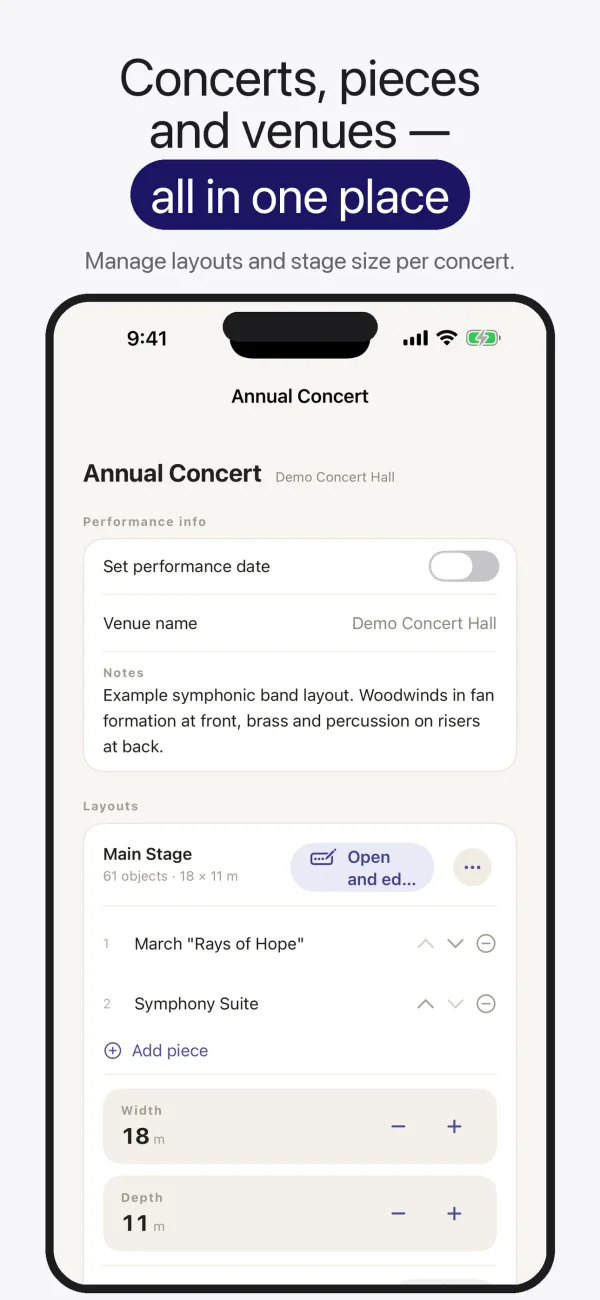
2. Choose the stage (music room, gym, small/medium/large hall, competition stage, and more)
3. Select parts and place them automatically
4. Drag with your finger to adjust
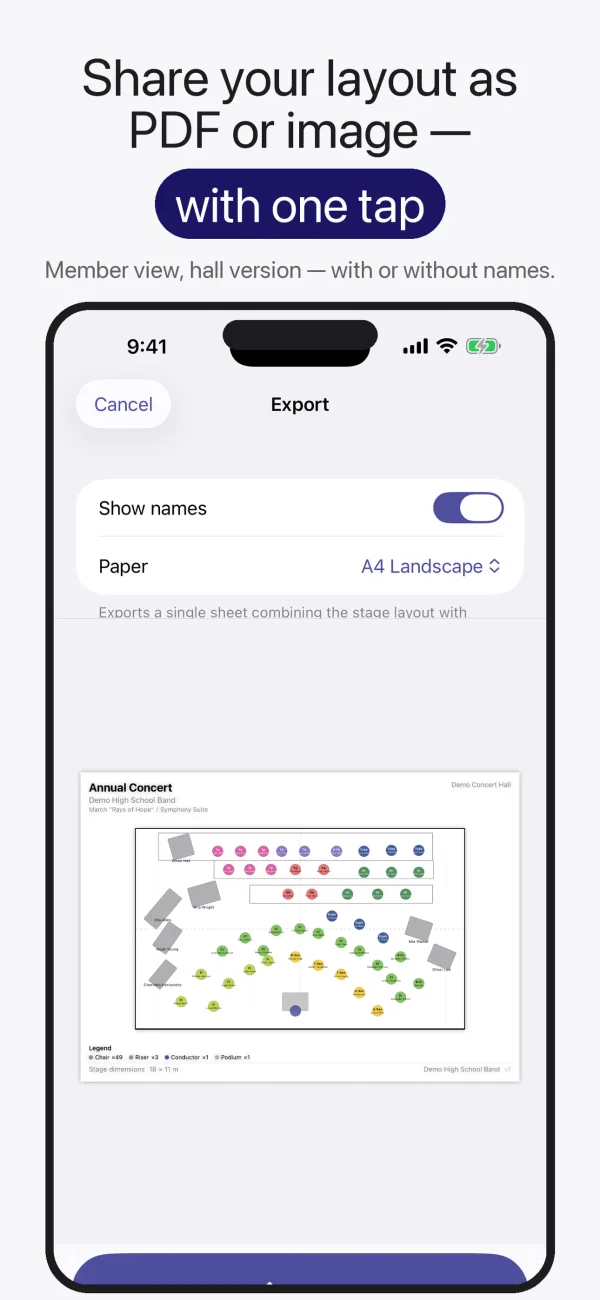
5. Export and share as PDF or image
■ Main features
◎ Automatic placement for large groups
Place parts or members in a straight row, an arc, or multiple rows at once. Set rows, players, spacing, radius, and conductor direction, and check a preview before confirming. With 60 or 120 players, rearranging takes a moment.
◎ Adjust directly with your finger
Move, rotate, align, distribute evenly, group, and lock. Pinch to zoom and pan with two fingers. Every change can be undone.
◎ Designed for real band settings
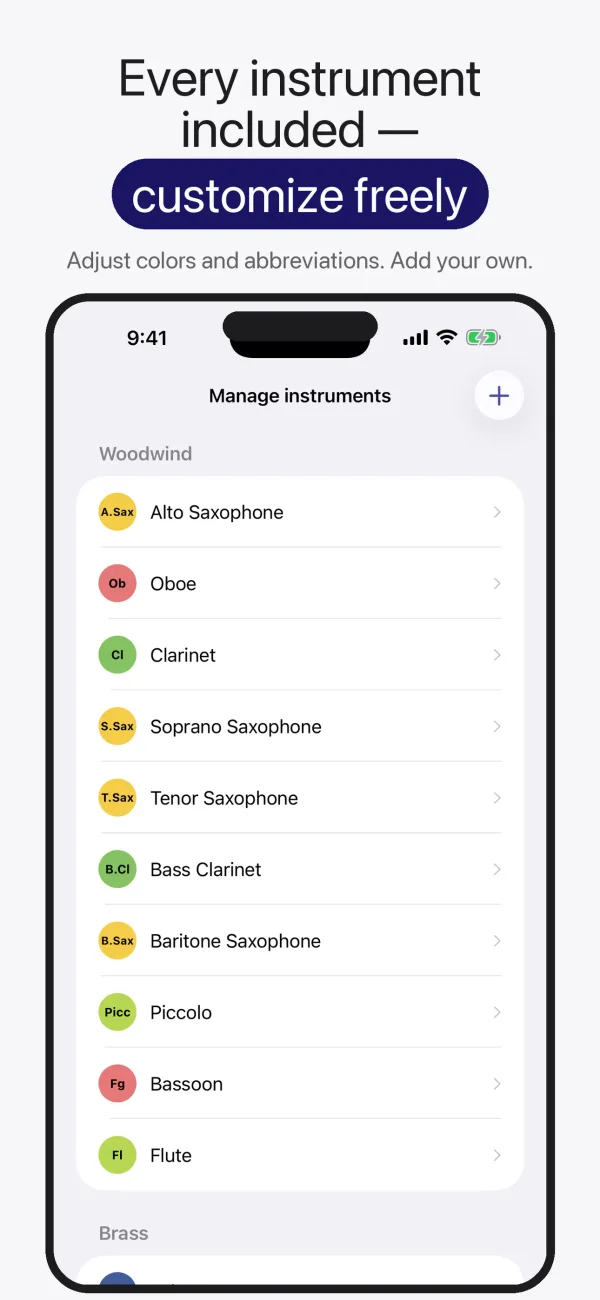
Players appear with an instrument color, abbreviation, and name. Place large instruments such as piano, double bass, timpani, marimba, and drum set, plus chairs, music stands, risers, and the podium. Add guest and extra players not on your member list, and show players who appear in only some pieces with a dotted outline.
◎ Sync between iPad and iPhone
Signed in to the same Apple Account, your groups, members, and layouts are available on both devices. Build on iPad, check on iPhone on concert day.
◎ Member list import via CSV
Import names, readings, grades, instruments, and more at once. The app suggests standard instrument names for abbreviations and English names such as Cl or Trumpet, and you review everything before importing. Your existing list is never overwritten without confirmation.
◎ PDF and image export for each purpose
Create outputs for members, stage crew, or the hall from the same data, with or without names. A4 landscape by default, plus PNG, JPEG, printing, and sharing.
◎ Gentle notices
The app points out objects extending beyond the stage and seats with no member assigned. The final decision is yours.
■ Use it with confidence
・All features are free, with no watermark.
・No account registration required.
・Data is stored on your device and in your own iCloud. The developer never sees it.
・Works offline and syncs when you are back online.
■ Where it helps
Concerts / competitions / ensemble contests / rehearsals / welcome events / graduation concerts / stage meetings / documents for the hall
Spend your limited rehearsal time on music, not on arranging seats. Try it for free.
Designed primarily for iPad. On iPhone, you can view and make light edits to your synced layouts.
Có gì mới
Phiên bản 1.0.7 · 20/11/2026
You can now duplicate an entire performance, including all of its layouts. Tap "Duplicate this performance" at the bottom of the performance screen to start your next concert from a previous one.
Added Electric Bass to the instrument list.
Auto-placement now keeps members who play the same instrument together.
Thank you to everyone who sent us feedback.
Quyền riêng tư của ứng dụng
Những gì Kohei Ishikawa khai báo trên App Store về cách ứng dụng này xử lý dữ liệu.
-
Dữ liệu không được thu thập
Nhà phát triển không thu thập bất kỳ dữ liệu nào từ ứng dụng này.
Phương thức đảm bảo quyền riêng tư có thể khác nhau, chẳng hạn như tuỳ theo các tính năng bạn sử dụng hoặc độ tuổi của bạn.
Thông tin
- Người bán
- Kohei Ishikawa
- Danh mục
- Nhạc
- Phiên bản
- 1.0.7
- Cập nhật
- 20/11/2026
- Phát hành
- 12/08/2026
- Kích thước
- 3,3 MB
- Yêu cầu
- iOS 17 trở lên
- Độ tuổi
- 4+
- Giá
- Miễn phí
- Ngôn ngữ
- Tiếng Nhật, Tiếng Anh
- Bản quyền
- © 2026 Margherita Works by Kohei Ishikawa