
FileBrowser Professional
Advanced File Manager
Được thiết kế cho iPhone, iPad, iPod touch
499.000đ
- Độ tuổi4+
- Danh mụcKinh Doanh
- Nhà phát triểnStratospherix Ltd
- Ngôn ngữTiếng Anh+ 12 ngôn ngữ khác
- Kích thước89,0 MB
Liên kết đến trang App Store chính thức
Download.org không lưu trữ tệp nào của FileBrowser Professional. Nút này mở trang ứng dụng trên App Store, nơi Stratospherix Ltd phát hành ứng dụng. Trang được kiểm tra lần cuối: 24/11/2026.
Ảnh chụp màn hình

Giới thiệu
Nhà phát triển chưa cung cấp nội dung này bằng ngôn ngữ của bạn.
Professional document management for iOS, with bulk rename, backup and sync tasks. Edit your documents in-place, stream your media files and connect to over 20 different network and cloud storage locations.
“Maximize the potential of what you can do with files on iOS” - Cult of Mac
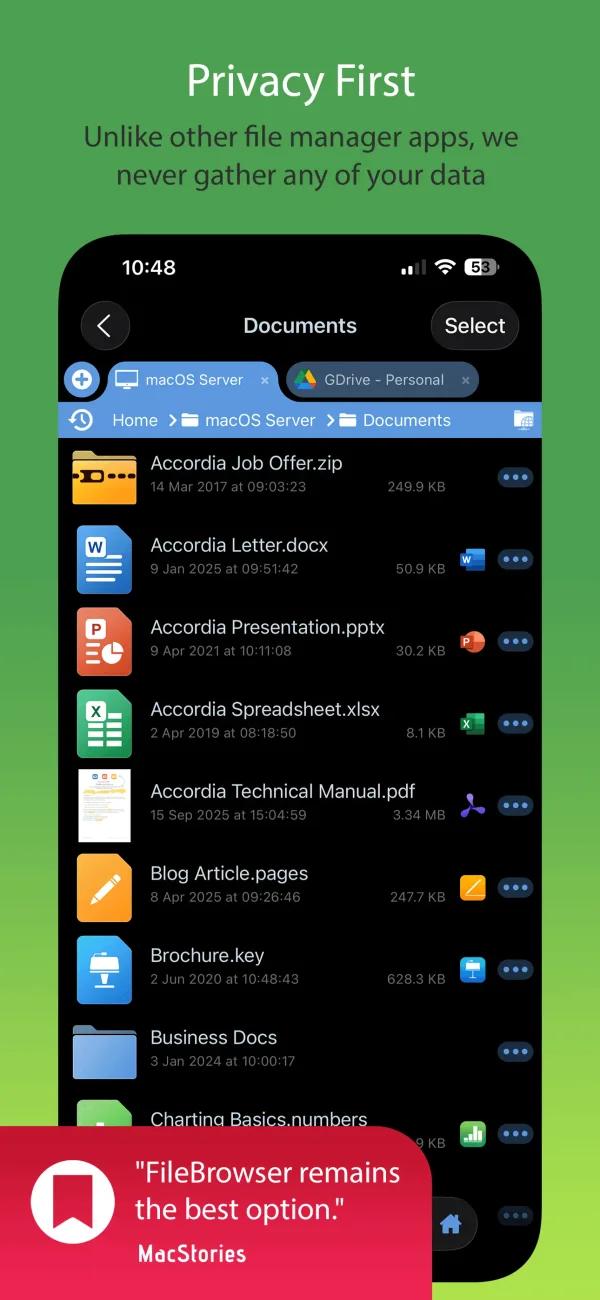
“FileBrowser remains the best option” - MacStories
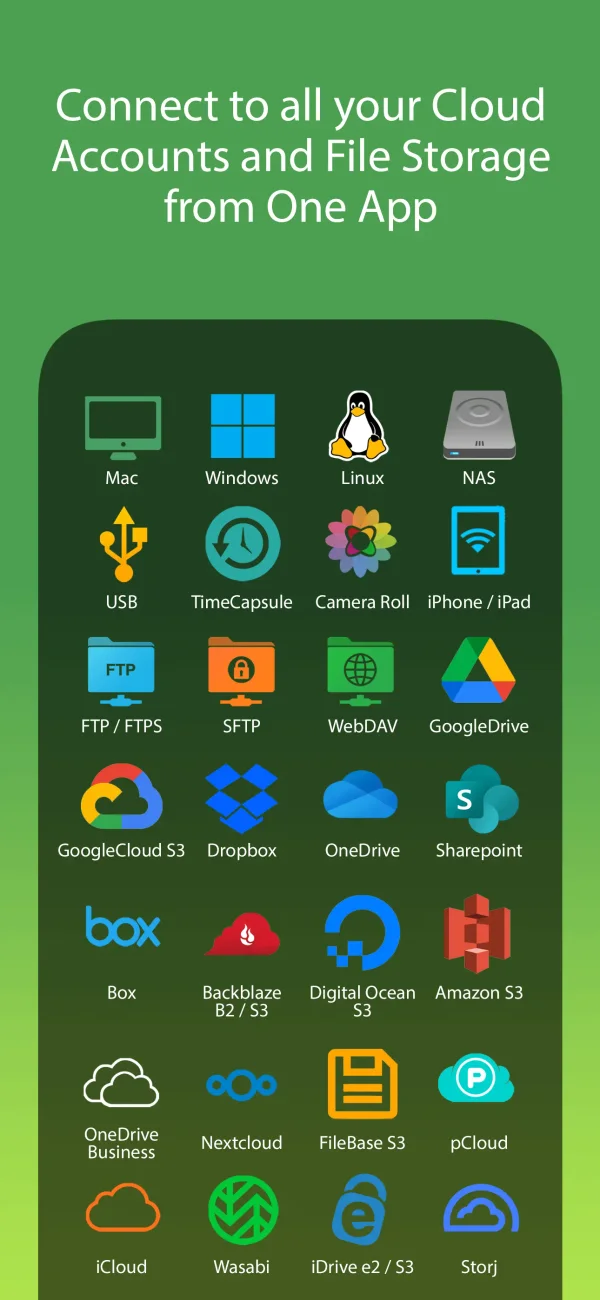
Direct and secure file access to your computers, servers and other storage devices on home or company networks.
Core Features
- Access file servers and cloud storage
- View documents and optionally store them for offline viewing
- Present a video, PowerPoint or Keynote direct from the server
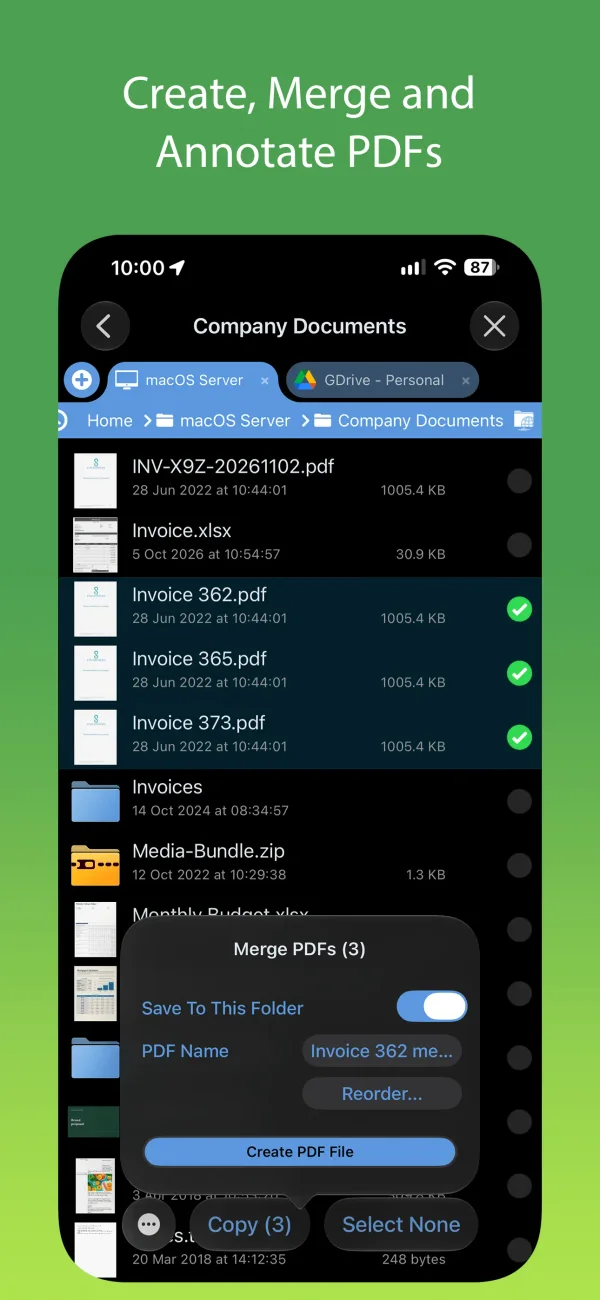
- Copy and move between any type of storage, from single files to whole directories
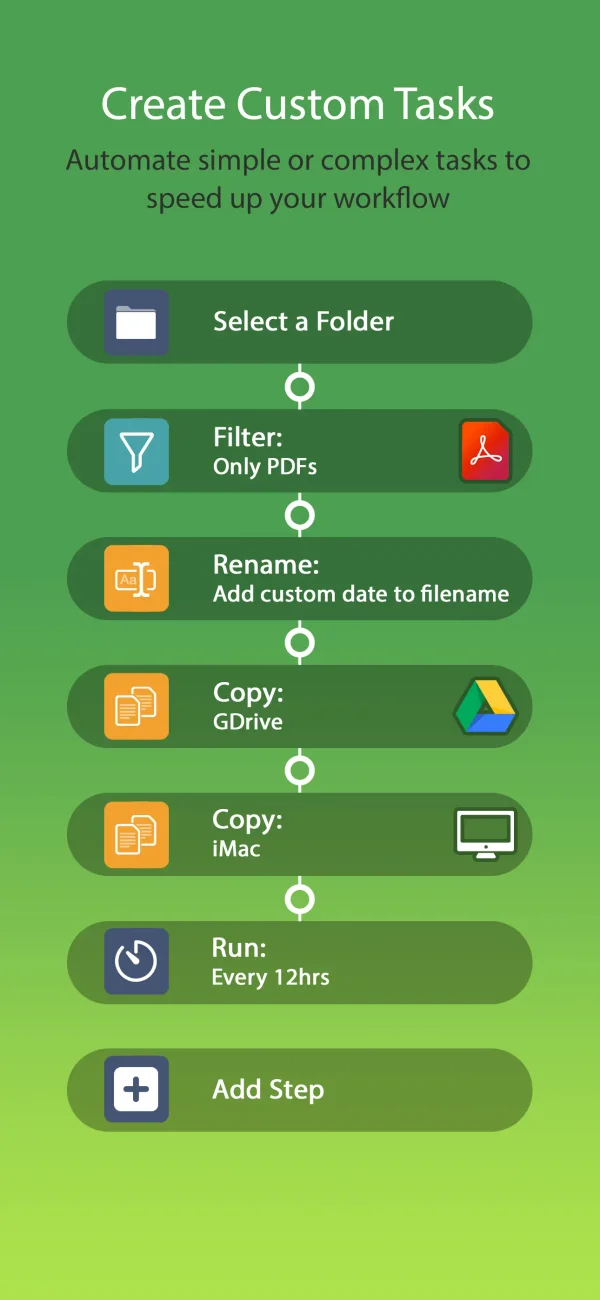
- Bi-directional automatic sync of network folders to your iPad/iPhone
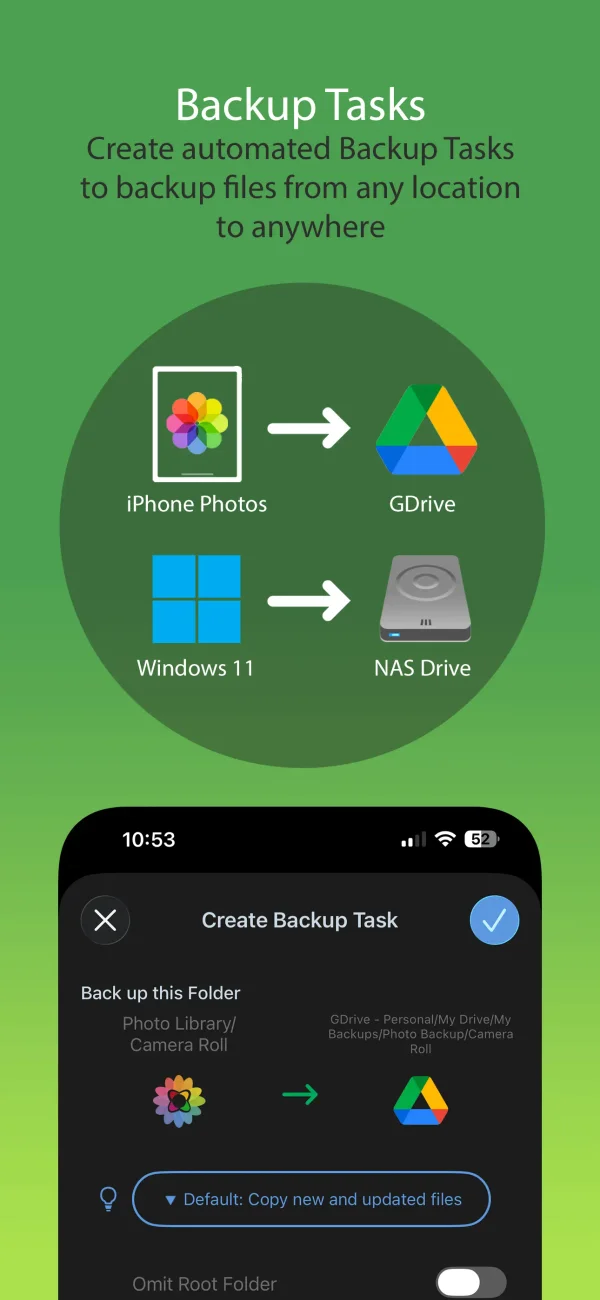
- Backup local files to a network file server or cloud storage
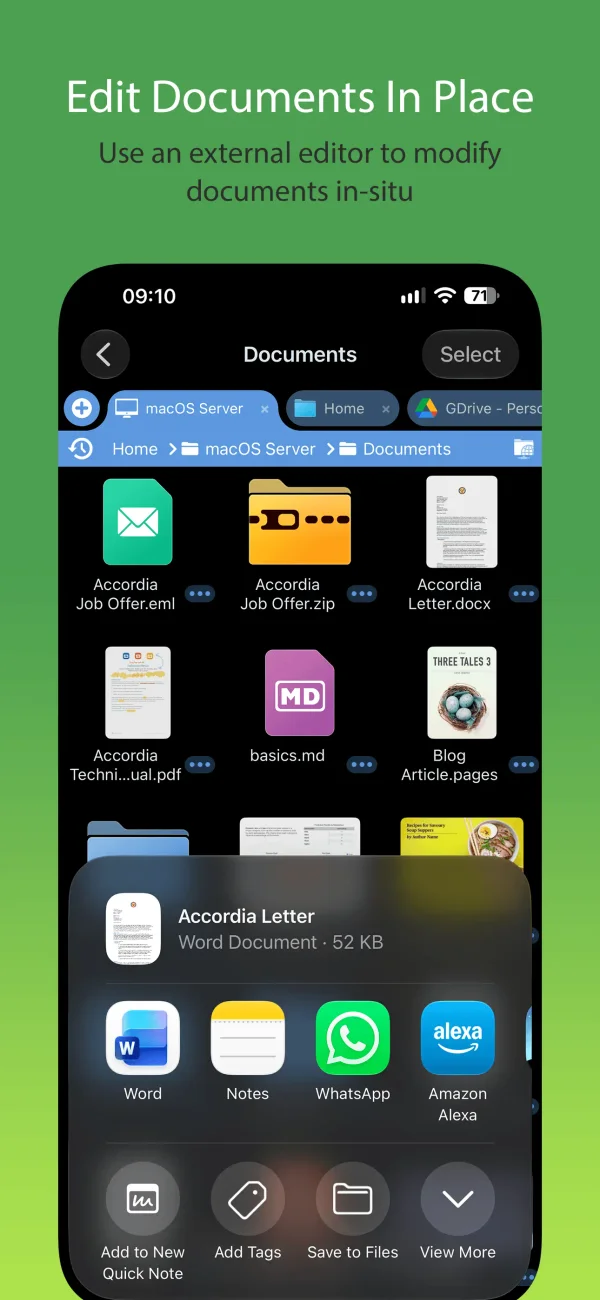
- Integrates with other apps allowing you to edit, save and share files while on the go
- Integrates with your existing infrastructure, including Active Directory
- Integrates with iOS data protection, utilising hardware-based encryption to secure content
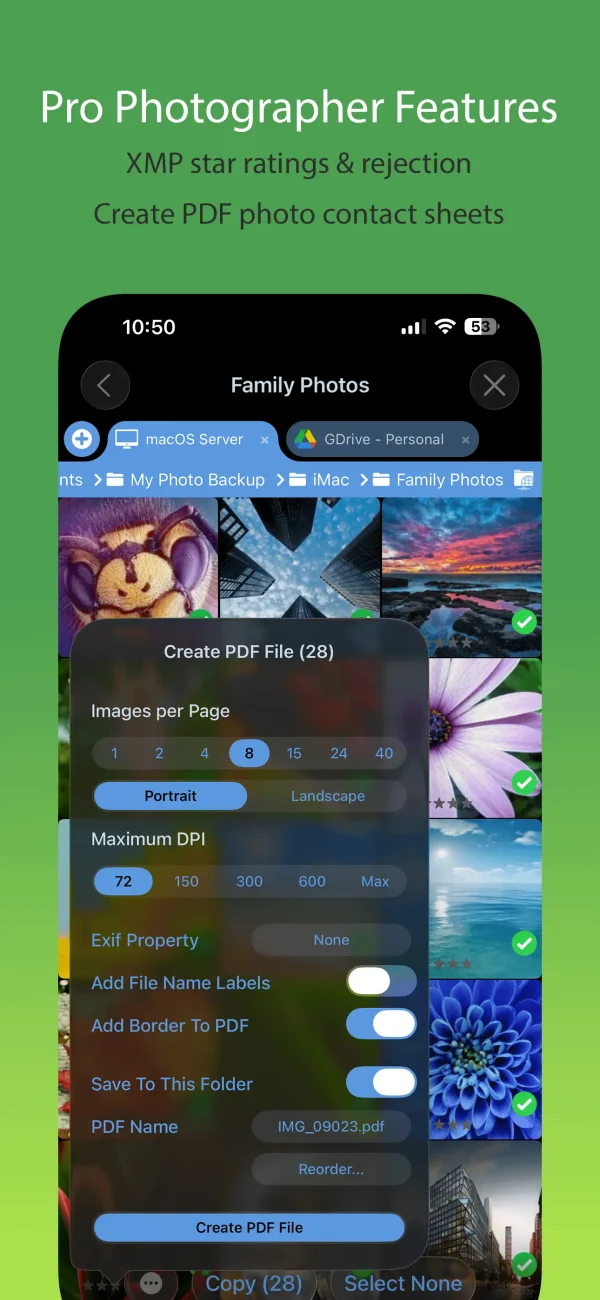
- Pro photographer XMP sidecar file support for rating images
- VPN on-demand support for third-party VPN clients
- Supports Microsoft Distributed File System (DFS)
- Requires no additional software on company servers
Office App Integration
- No more duplication of documents between apps
- Launch an Office app to edit a network document in-place
- Changes are automatically saved to the original document
- Scan documents or images direct to multi page PDF
- Automatic colour and perspective correction of scanned documents
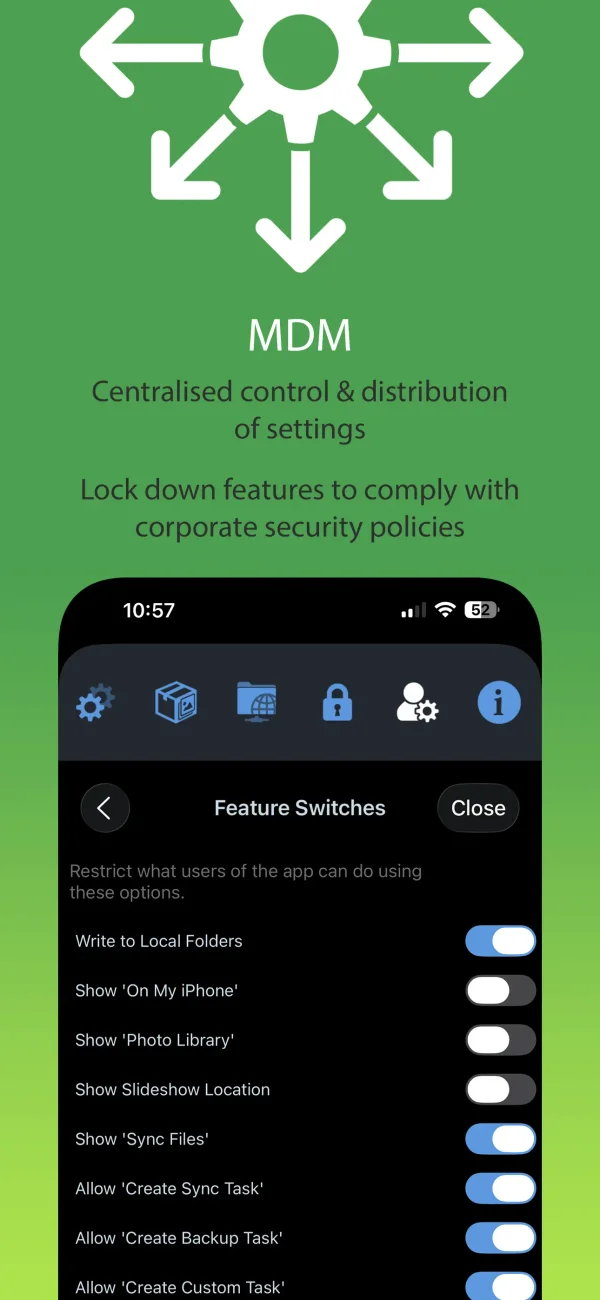
MDM Integration
- Centralised distribution of FileBrowser configuration settings
- Enforced security lockdown
- Conform to corporate Mobile Security Policies
- Prevent users from changing local settings
- Selectively override any local configuration setting
- Distribute file server connection details
- Control whether offline viewing/storage is permitted
- Control whether content can be shared
FileBrowser Professional uses the SMB1, SMB2, and SMB3 network access protocols (also known as CIFS or Windows File Sharing) to connect to:
- Macs
- PCs
- NAS drives
- Windows File Servers (including Windows Server Clusters)
Access local storage
- USB Drives
- SD Cards
- Folders of other apps
- iCloud Drive folders of other apps
- iOS Photo Library
You can also connect to the following cloud storage
- Microsoft OneDrive
- Microsoft OneDrive for Business
- Microsoft SharePoint 2013 or later
- Box.com
- Google Drive (including Shared Team Drives)
- Dropbox (including Dropbox for Business)
- Backblaze B2
- Amazon S3
- Nextcloud
- pCloud
- Digital Ocean S3
- FileBase S3
- Google Cloud S3
- iDrive Cloud S3
- Storj S3
- Wasabi S3
- WebDAV servers
- FTP/FTPS servers
- SFTP servers
Unlike other file manager apps, we never gather any of your data. We also don't require you to create an account or register an email address with us.
For fast friendly support please email support@stratospherix.com. We are happy to receive support emails in any language, but are only able to reply in English.
Có gì mới
Phiên bản 26.9 · 20/11/2026
New Features
* Improved support for iPhone Duo.
* Storage space of thumbnails is now displayed.
* Sync tasks can now optionally delete empty folders.
Bug Fixes
* Fixed iPhone layout issues on rotation.
* Fixed crash when deleting an item in multiple windows.
* Fixed Airplay support for images.
* Fixed delay when clearing Share Sheet history.
* Fixed IPTC properties not updating on screen after change.
* Fixed Share Sheet history paths overflow.
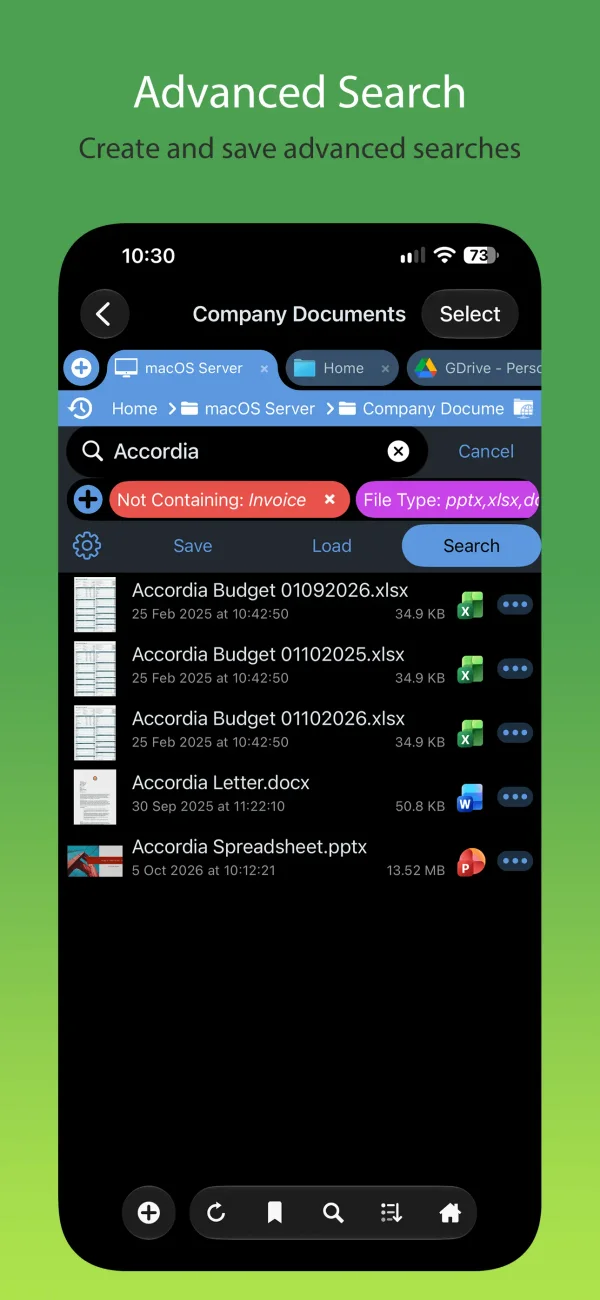
* Fixed custom dates in searches being swapped.
* Fixed Gallery Mode split-screen layout when resizing.
Thank you for helping to make our apps better. If you would like to rate or leave a review on the App Store, we look forward to hearing your feedback.
Unlike other file manager apps, we never gather any of your data. We also don't require you to create an account or register an email address with us.
Quyền riêng tư của ứng dụng
Những gì Stratospherix Ltd khai báo trên App Store về cách ứng dụng này xử lý dữ liệu.
-
Dữ liệu không được thu thập
Nhà phát triển không thu thập bất kỳ dữ liệu nào từ ứng dụng này.
Phương thức đảm bảo quyền riêng tư có thể khác nhau, chẳng hạn như tuỳ theo các tính năng bạn sử dụng hoặc độ tuổi của bạn.
Thông tin
- Người bán
- Stratospherix
- Danh mục
- Kinh Doanh
- Phiên bản
- 26.9
- Cập nhật
- 20/11/2026
- Phát hành
- 18/04/2014
- Kích thước
- 89,0 MB
- Yêu cầu
- iOS 15.0 trở lên
- Độ tuổi
- 4+
- Giá
- 499.000đ
- Ngôn ngữ
- Tiếng Anh, Tiếng Hà Lan, Tiếng Pháp, Tiếng Đức, Tiếng Hy Lạp, Tiếng Ý, Tiếng Nhật, Tiếng Bồ Đào Nha, Tiếng Trung Giản thể, Tiếng Tây Ban Nha, Tiếng Trung Phồn thể, Tiếng Thổ Nhĩ Kỳ + 1 ngôn ngữ khác
- Bản quyền
- © 2014 Stratospherix LTD
Có thể bạn cũng thích
-
 FTPManager ProKinh Doanh
-
 S3 Client - Files locationHiệu Suất
-
 Jump Desktop (RDP, VNC, Fluid)Kinh Doanh
-
 Owlfiles - File ManagerHiệu Suất
-
 iA Writer: Get FocusedHiệu Suất
-
 DEVONthink To Go 4Hiệu Suất
-
 SynctrainHiệu Suất
-
 BusyCal: Calendar & TasksHiệu Suất
-
 FTP Client - Files locationHiệu Suất
-
 Yoink - Improved Drag and DropHiệu Suất