
Flashcards - mobatan2
Flashcards for writing, typing
Được thiết kế cho iPhone, iPad, Mac
Miễn phí
- Độ tuổi4+
- Danh mụcGiáo Dục
- Nhà phát triểnmobatan
- Ngôn ngữTiếng Anh+ 1 ngôn ngữ khác
- Kích thước791,0 KB
Liên kết đến trang App Store chính thức
Download.org không lưu trữ tệp nào của Flashcards - mobatan2. Nút này mở trang ứng dụng trên App Store, nơi mobatan phát hành ứng dụng. Trang được kiểm tra lần cuối: 15/11/2026.
Ảnh chụp màn hình

Giới thiệu
Nhà phát triển chưa cung cấp nội dung này bằng ngôn ngữ của bạn.
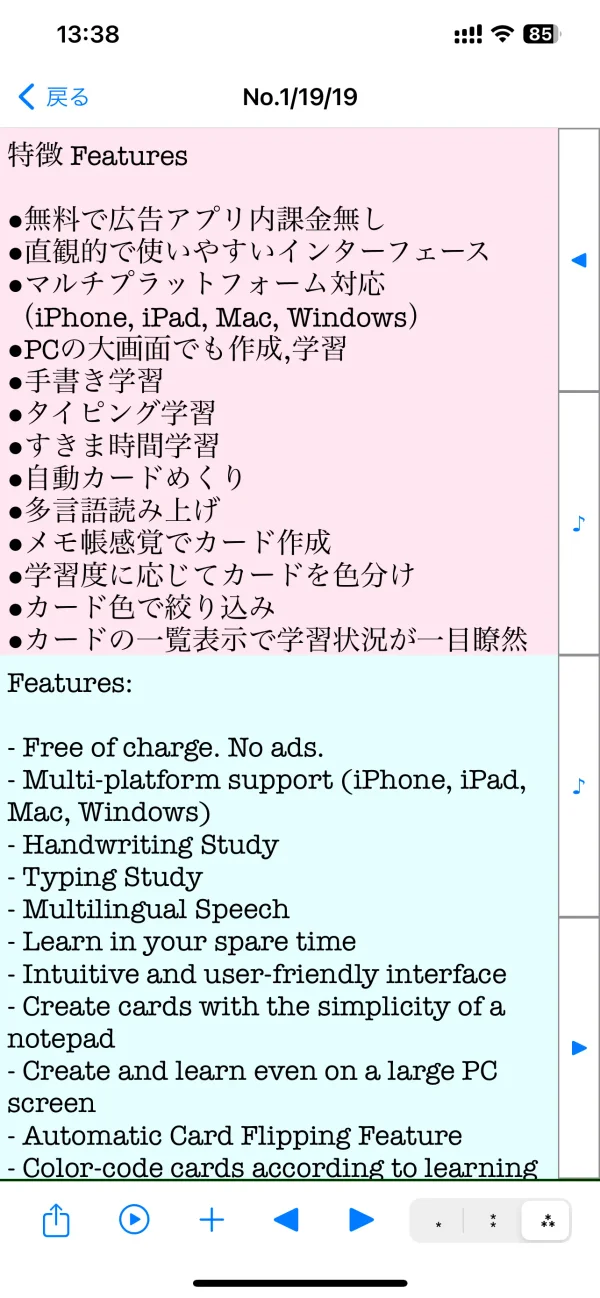
This is the perfect vocabulary book for learning through handwriting, listening, typing, and color-coding cards. It’s intuitive and provides effective learning. It is compatible with iPhone, iPad, Mac, and Windows. You can also use it as a to-do list and notepad.
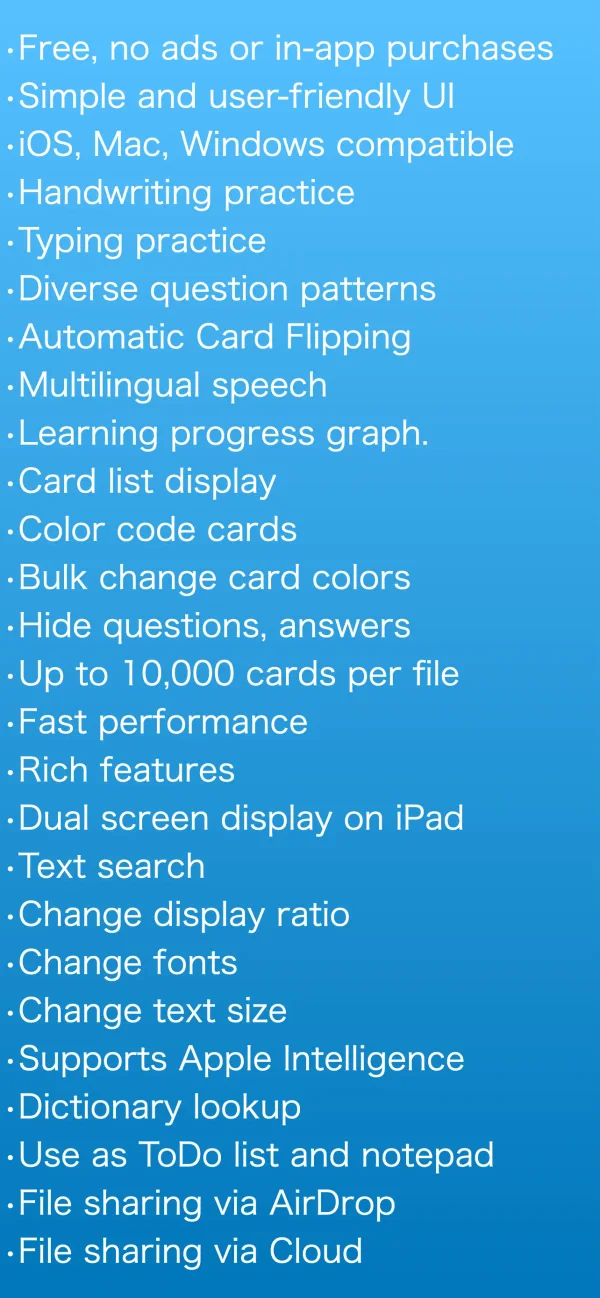
- Free, No ads and no in-app purchases.
- Intuitive and User-Friendly Interface
Simple and extremely easy to use. The learning screen and card creation screen are the same, so it feels just like using a notepad.
- Multi-platform support
Available on iPhone, iPad, Mac, and Windows versions of mobatan. You can create and study cards on the large screens of Mac, iPad, and Windows while referencing other apps and using a familiar keyboard.
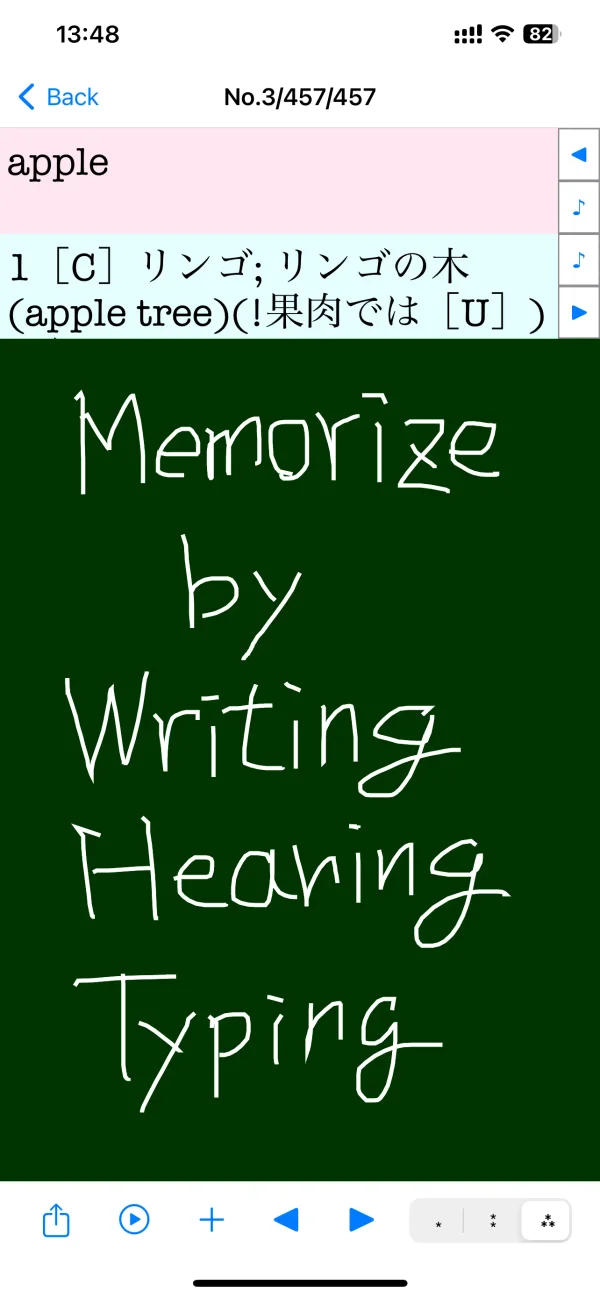
- Handwriting study
Memorize by handwriting on the screen. Written text disappears automatically, allowing repetitive practice without the hassle of manual erasure.
- Typing study
Memorize by typing in the edit screen. Use familiar keyboards on Mac, iPad, and Windows for effective learning.
- Learn in your spare time
You can use your iPhone to learn anytime, anywhere in your spare moments. Display Mobatan in a corner of your iPad, Mac, or Windows screen, and study during breaks from other tasks.
- Diverse Question Formats
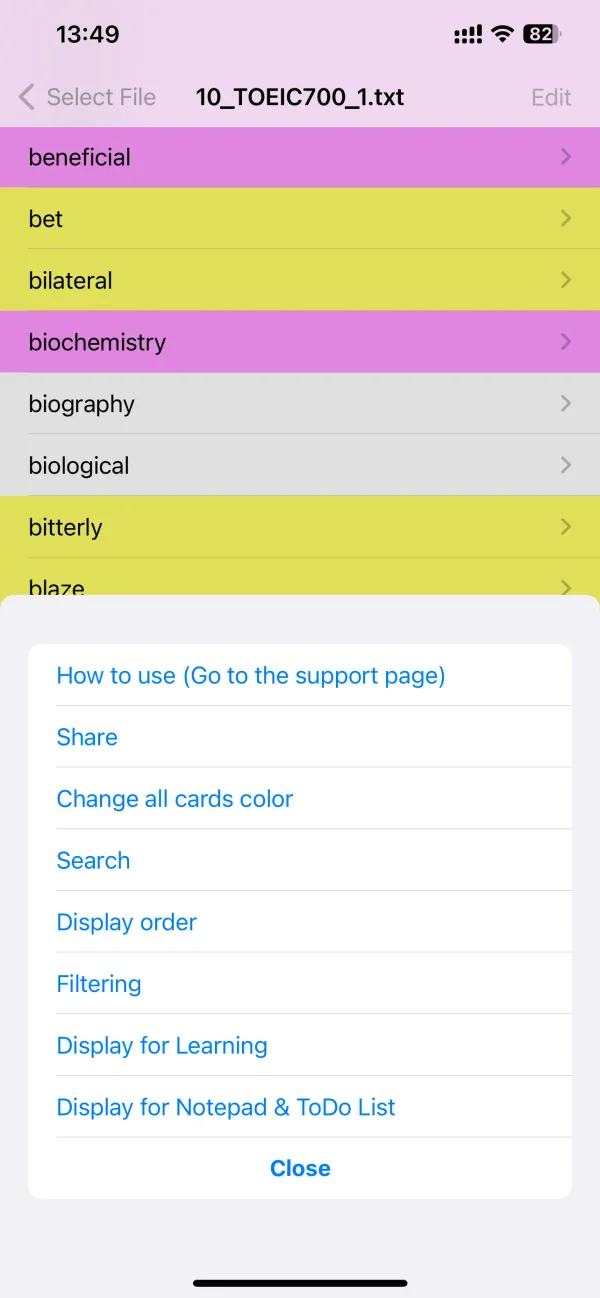
By combining functions such as “Card Filtering”, “Display Order”, “Search”, and “Card Sorting”, you can create a variety of question formats like the following examples:
• Randomly present unmemorized and review-needed cards.
• Randomly present only unmemorized cards.
• Randomly present only memorized cards (to confirm retention).
• Randomly present only cards containing a specific string (e.g., “#important”).
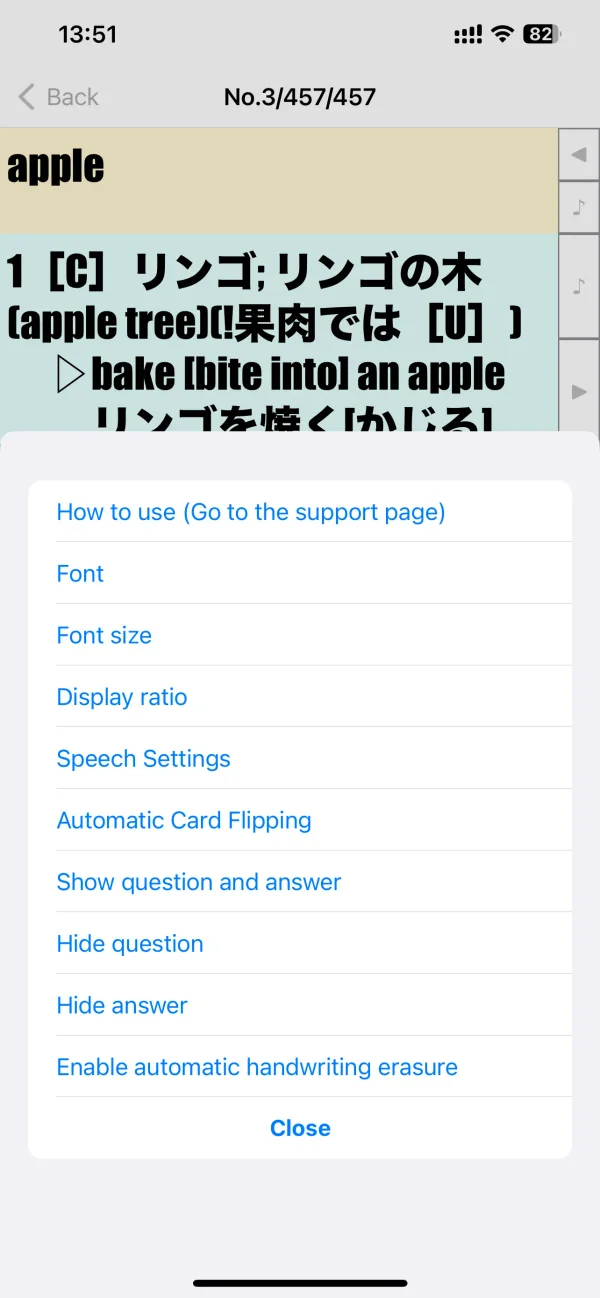
• Hide and display either the question or the answer.
• Display both the question and the answer simultaneously (saving the effort of showing the answer).
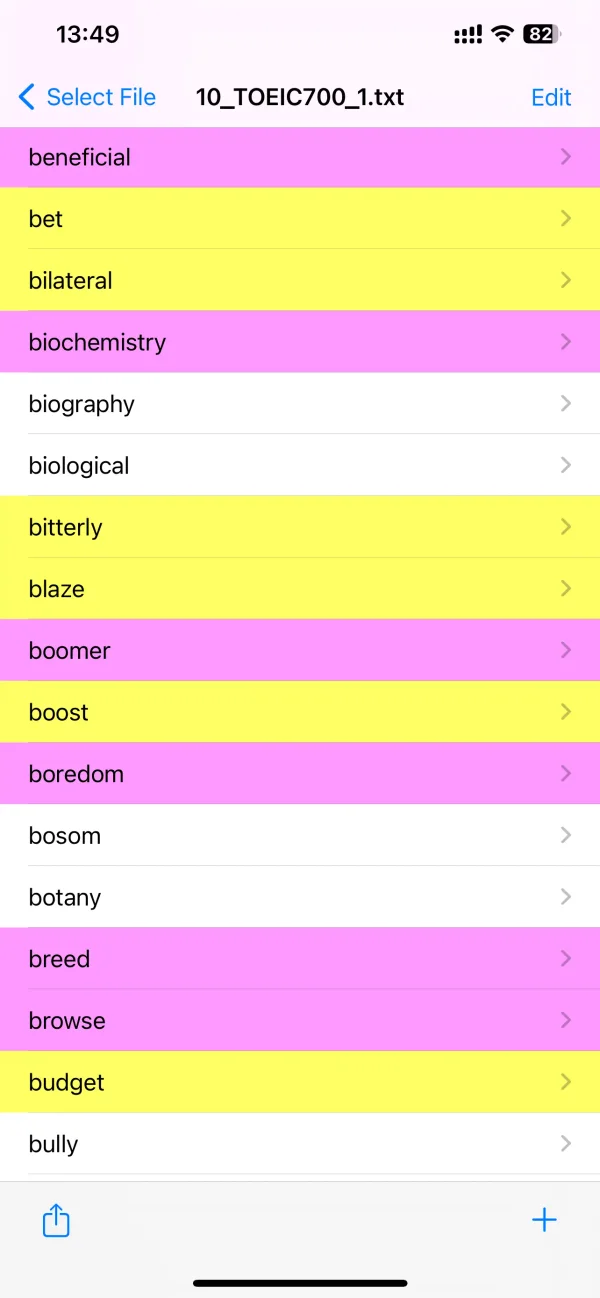
- Color Coding and Filtering Based on Learning Progress
Cards can be color-coded based on your learning progress, and you can also filter by color as follows:
• Unmemorized cards: Red cards
• Review-needed cards: Yellow cards
• Memorized cards: Normal cards
- Split View support on iPad
Study alongside other learning apps (dictionary apps, YouTube, and more) with Split View.
- Automatic Card Flipping Feature
Cards can be flipped automatically at intervals ranging from 0.1 to 300 seconds.
- Up to 10,000 cards per file
Register up to 10,000 cards per file. Unlimited number of files. Smooth performance even with large numbers of cards.
- Search function
Search cards by any string. Tag important cards with “#important” and filter them easily.
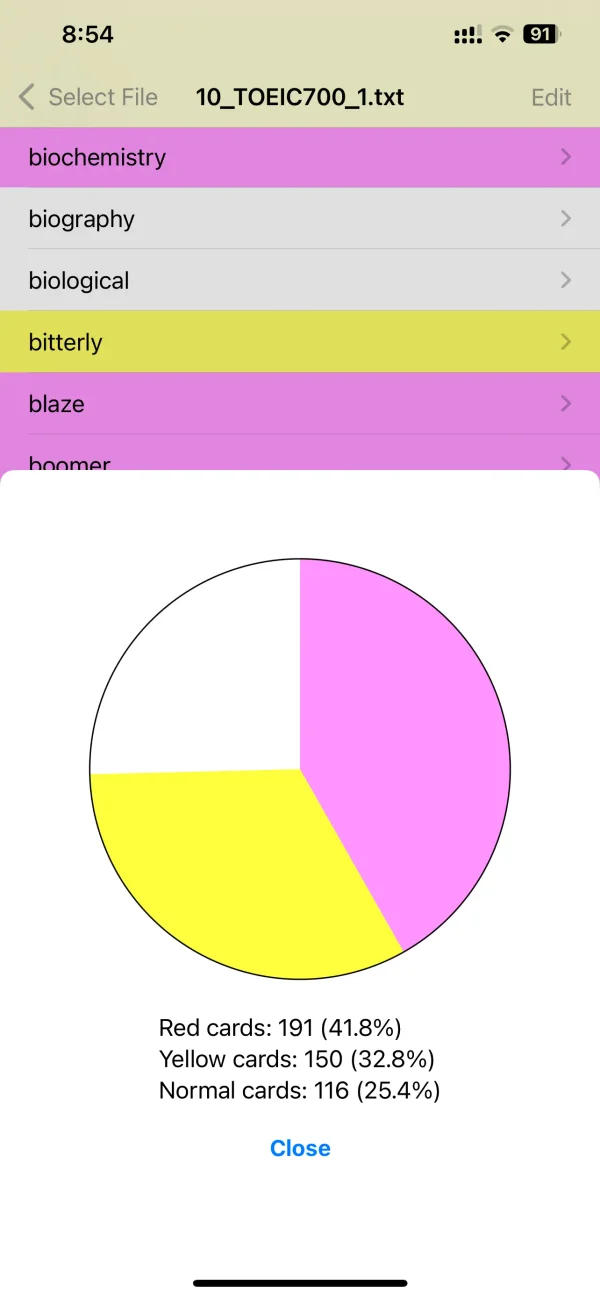
- Learning progress displayed in a graph
Your learning progress is clear at a glance with the pie chart display.
- Card sorting
Move important cards to the front.
- Bulk color change
You can batch change the color of cards in files where learning is complete (all cards have become normal cards) to red or yellow. This is convenient when you want to study them again.
- First line displayed in the list view
The first line of data is shown in the list view, eliminating the need for bothersome titling.
- Multilingual text-to-speech
Use the pop-up menu in the edit screen for text-to-speech and translation.
- Built-in dictionary lookup
Use the pop-up menu in the edit screen to look up words in iOS’s built-in dictionaries.
- Intuitive and user-friendly interface
An easy-to-use interface that requires no manual.
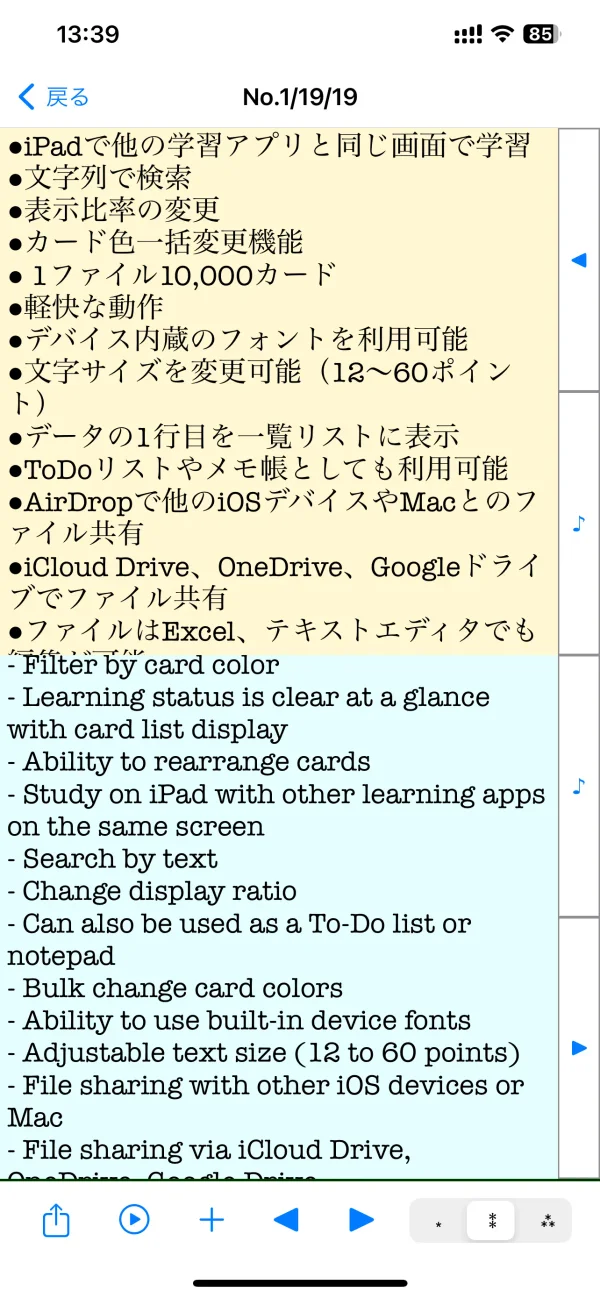
- File sharing via AirDrop
Share files with other iOS and Mac devices using Mobatan.
- Backup and download to cloud storage (iCloud Drive, Google Drive, OneDrive, Dropbox, Box)
Use files on other iOS, Mac, or Windows devices via cloud storage.
- Use device’s built-in fonts
Display with your preferred font for a fresh feel.
- Adjustable text size
Change text size from 12 to 60 points to accurately display complex kanji or fit large amounts of information on one screen.
- Supports Apple Intelligence
Proofread content with the writing tool, for example.
- Editable with Excel or text editor
Có gì mới
Phiên bản 2.1.0 · 19/06/2026
Updated the UI.
Added Auto-Erase Mode ON/OFF buttons in the handwriting area.
Quyền riêng tư của ứng dụng
Những gì mobatan khai báo trên App Store về cách ứng dụng này xử lý dữ liệu.
-
Dữ liệu không được thu thập
Nhà phát triển không thu thập bất kỳ dữ liệu nào từ ứng dụng này.
Phương thức đảm bảo quyền riêng tư có thể khác nhau, chẳng hạn như tuỳ theo các tính năng bạn sử dụng hoặc độ tuổi của bạn.
Thông tin
- Người bán
- 俊之 酒井
- Danh mục
- Giáo Dục
- Phiên bản
- 2.1.0
- Cập nhật
- 19/06/2026
- Phát hành
- 22/08/2011
- Kích thước
- 791,0 KB
- Yêu cầu
- iOS 16.6 trở lên
- Độ tuổi
- 4+
- Giá
- Miễn phí
- Ngôn ngữ
- Tiếng Anh, Tiếng Nhật
- Bản quyền
- © 2024 mobatan