Flowtrac
Track. Manage. Improve.
Được thiết kế cho iPhone, iPad, iPod touch
Miễn phí
- Độ tuổi4+
- Danh mụcKinh Doanh
- Nhà phát triểnFlowtrac
- Ngôn ngữTiếng Anh
- Kích thước40,2 MB
Liên kết đến trang App Store chính thức
Download.org không lưu trữ tệp nào của Flowtrac. Nút này mở trang ứng dụng trên App Store, nơi Flowtrac phát hành ứng dụng. Trang được kiểm tra lần cuối: 12/11/2026.
Ảnh chụp màn hình

Giới thiệu
Nhà phát triển chưa cung cấp nội dung này bằng ngôn ngữ của bạn.
You may use either Cellular or WIFI enabled devices to connect to your registered Flowtrac cloud account. A mobile barcode scanner gun or your smartphone may be used.
Features of this app include:
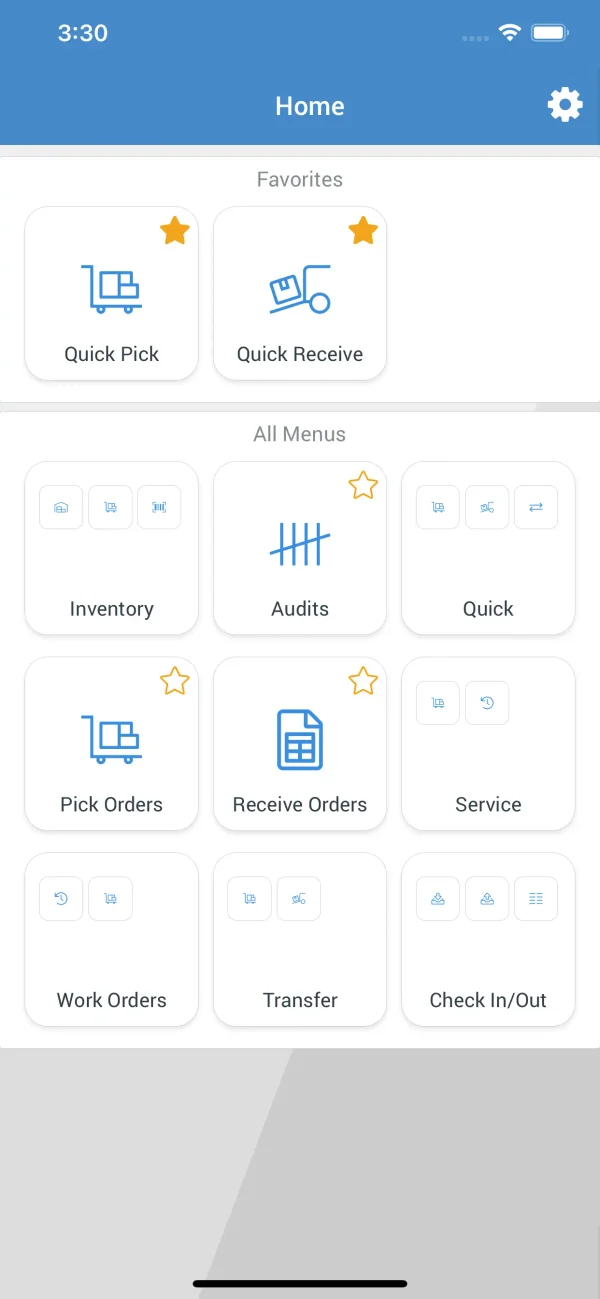
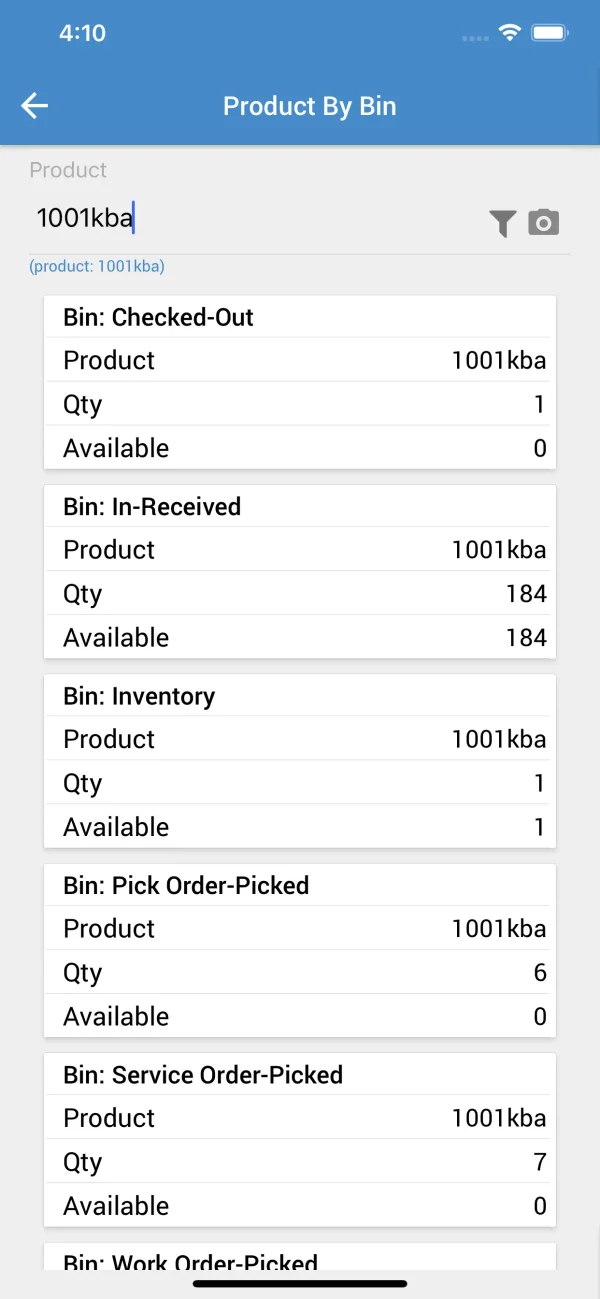
Inventory Lookup – Find warehouse and bin location quantities by entering the Product code or scanning the barcode.
Put Away – Scan Products located in a designated receiving area of the warehouse and be directed to preferred and open bin locations in the warehouse. Scan the To Bin label and move inventory from receiving areas to desired bin location.
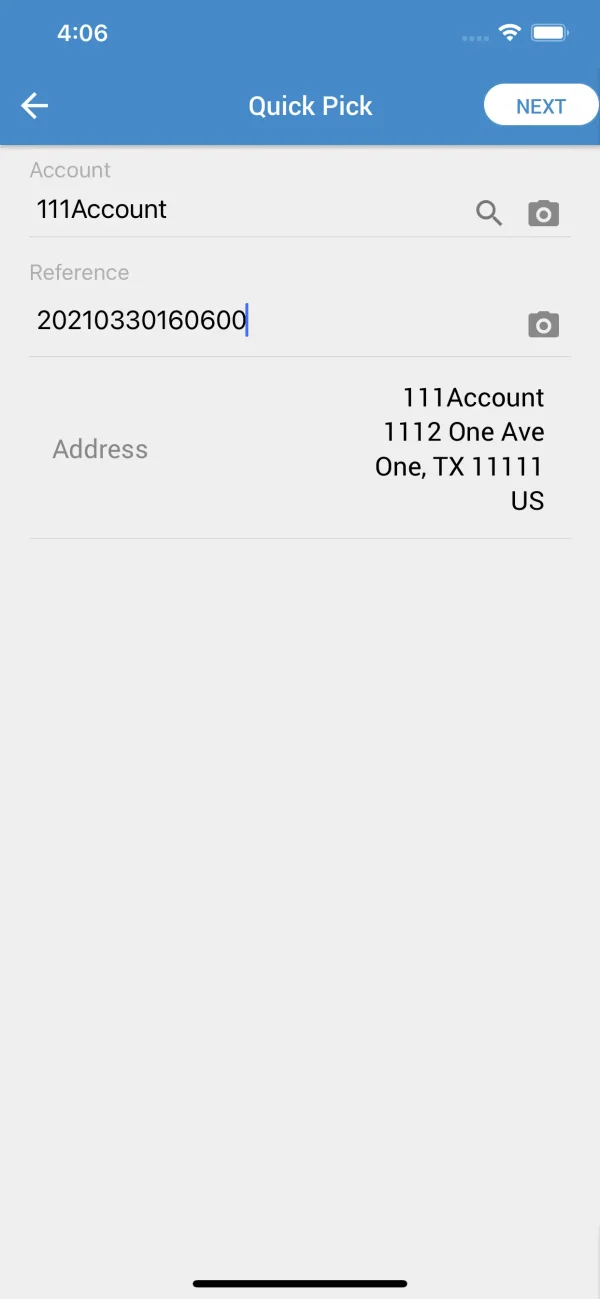
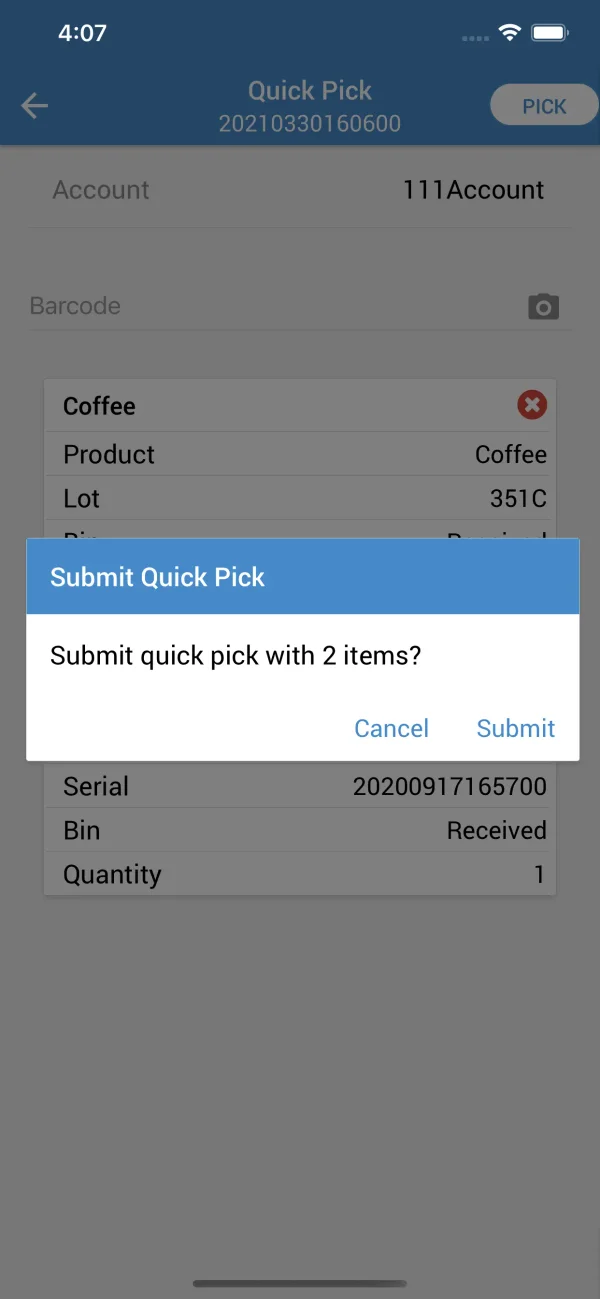
Picking – Reduces quantity on hand through either the Quick (no Order created) or the Pick Order menus. Enter product or Scan barcode, enter or scan the Bin label. Stock is removed from the bin location. Account name and reference fields provide additional information. Picking an actual Order validates and instructs operator what and where to pick products.
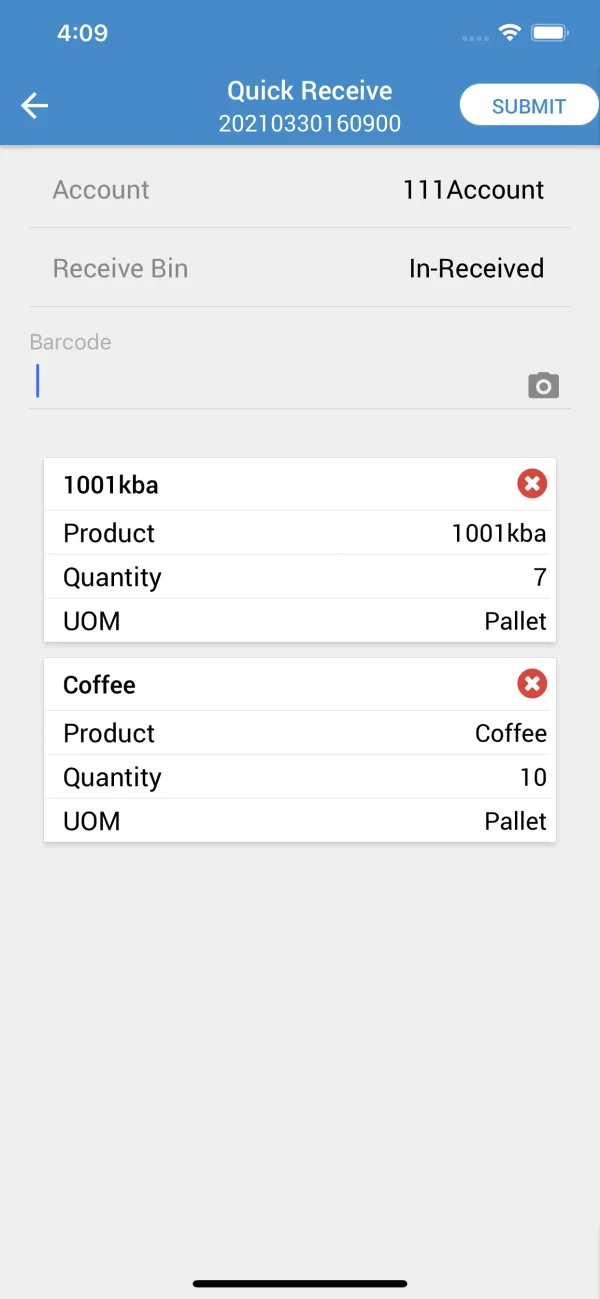
Receiving – Increase quantity on hand through either the Quick (no Order created) or Receive Order menus. Enter product or Scan barcode, then enter or scan the Bin label. Stock is received into a bin location. Account name and reference fields provide additional information. Picking an actual Order validates and instructs operator what and where to pick products.
Transferring – Transfer (move) quantity on hand through either the Quick (no Order created) or Transfer Order menus. Enter From Warehouse/Bin, then product or Scan barcode, then enter or scan theTo Warehouse/Bin label and stock is transferred. Transfer Order require both Picking From a warehouse location and then a separate function to Receive in to another warehouse location.
Auditing – Audit (count) Orders are created at the Flowtrac cloud hosted site via a browser. The app will then prompt operator to choose the Audit Order and quickly move through all the locations and/or products requested on the order to be counted.
Work In Process – Work (production) Orders are created at the Flowtrac cloud hosted site via a browser. The app allows picking of products and quantity as well as logging start/stop times of operators scanning their time. Work Center movement can also be scanned.
Servicing Assets – Service (repair or maintenance) Orders are created at the Flowtrac cloud hosted site via a browser. The app allows picking of products and quantity as well as logging start/stop times of operators scanning their time. The orders are recorded and logged for each asset.
Có gì mới
Phiên bản 2.84.2 · 20/10/2026
Bug fixes and performance enhancements
Quyền riêng tư của ứng dụng
Những gì Flowtrac khai báo trên App Store về cách ứng dụng này xử lý dữ liệu.
-
Dữ liệu liên kết với bạn
Có thể được thu thập và liên kết với danh tính của bạn.
- Nội dung của người dùng
- Mã định danh
-
Dữ liệu không liên kết với bạn
Có thể được thu thập nhưng không liên kết với danh tính của bạn.
- Chẩn đoán
Phương thức đảm bảo quyền riêng tư có thể khác nhau, chẳng hạn như tuỳ theo các tính năng bạn sử dụng hoặc độ tuổi của bạn.
Thông tin
- Người bán
- Distribution Management Company, Inc.
- Danh mục
- Kinh Doanh
- Phiên bản
- 2.84.2
- Cập nhật
- 20/10/2026
- Phát hành
- 06/04/2021
- Kích thước
- 40,2 MB
- Yêu cầu
- iOS 15.6 trở lên
- Độ tuổi
- 4+
- Giá
- Miễn phí
- Ngôn ngữ
- Tiếng Anh
- Bản quyền
- ©2026 Unanet. All rights reserved.