Frames - Device Mockups
Frame Screenshots & Recordings
Được thiết kế cho iPhone, iPad, Mac
Miễn phí · Mua hàng trong ứng dụng
- Độ tuổi4+
- Danh mụcCông Cụ Nhà Phát Triển
- Nhà phát triểnImmanuel Sabwami
- Ngôn ngữTiếng Anh
- Kích thước194,3 MB
Liên kết đến trang App Store chính thức
Download.org không lưu trữ tệp nào của Frames - Device Mockups. Nút này mở trang ứng dụng trên App Store, nơi Immanuel Sabwami phát hành ứng dụng. Trang được kiểm tra lần cuối: 17/11/2026.
Ảnh chụp màn hình


Giới thiệu
Nhà phát triển chưa cung cấp nội dung này bằng ngôn ngữ của bạn.
Your screenshots deserve a frame.
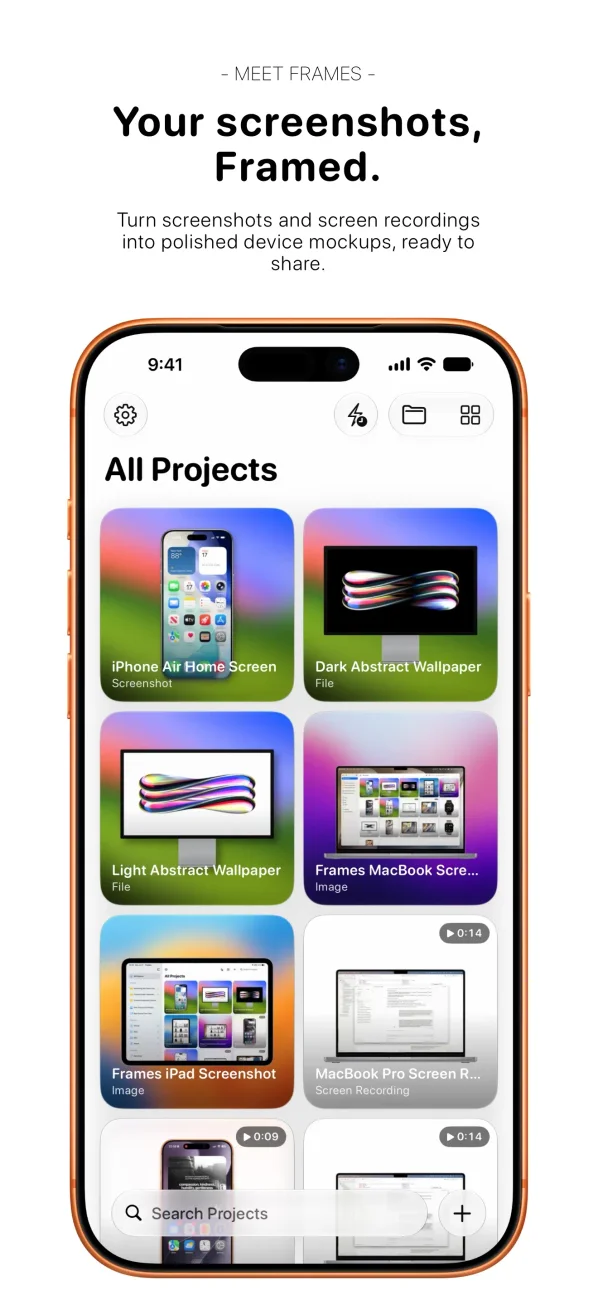
Frames turns screenshots and screen recordings into device mockups, ready for the App Store, social media, presentations, websites and more.
Drop in a screenshot and Frames matches it to the right device. Then make it yours with real device finishes, backgrounds, shadows, custom layouts and more.
FRAME EVERY SCREEN
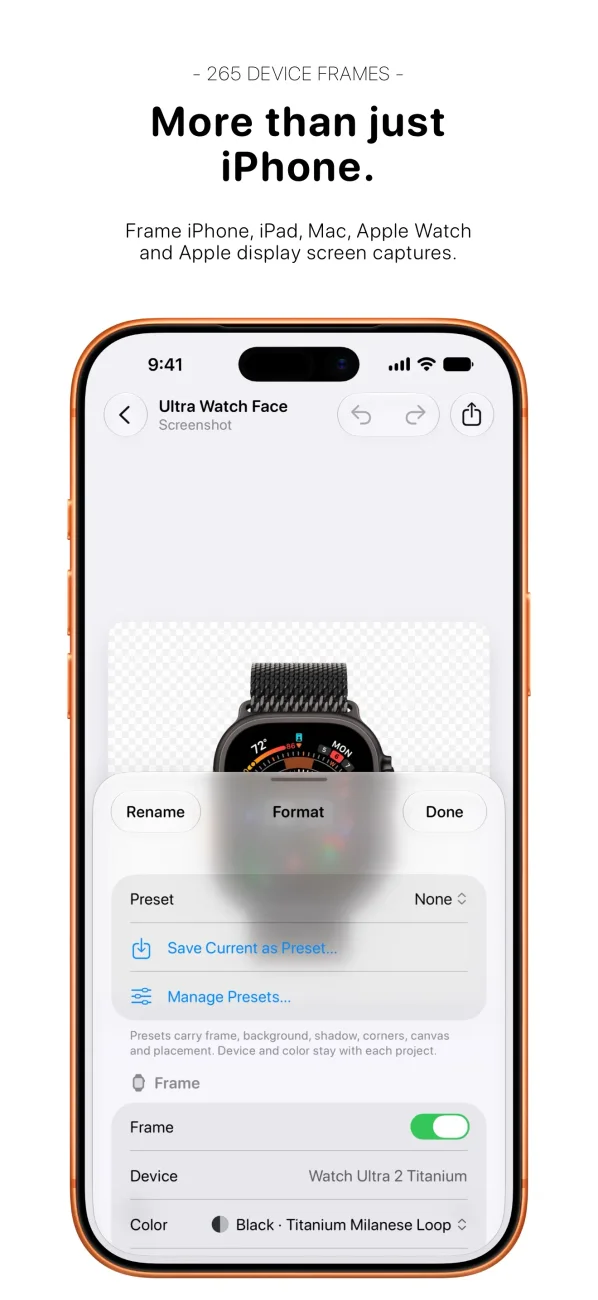
Choose from 265 device frames across 51 models, including iPhone, iPad, MacBook, iMac, Apple Watch and Studio Display. Pick from real hardware finishes, Watch sizes, materials, bands and colors.
MAKE IT YOURS
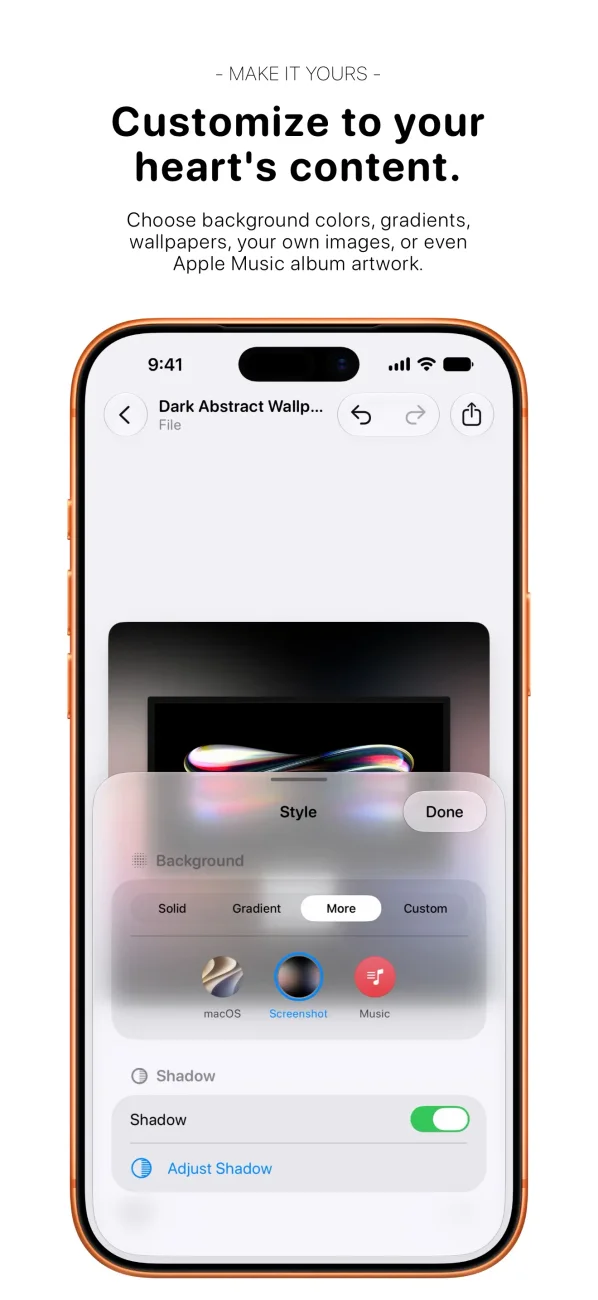
Go beyond putting a bezel around a screenshot. Choose solid colors, built-in gradients, macOS wallpapers or your own images for the background. Blur your screenshot behind itself, add and fine-tune shadows, adjust corner radius, reposition your device, change its scale or create a transparent canvas.
BUILT FOR FULL RESOLUTION
Frames sizes the canvas around the device instead of squeezing every project into the same fixed resolution. With Frames Pro, export at each device frame’s full native resolution, up to 3450px for iPhone 17 Pro Max.
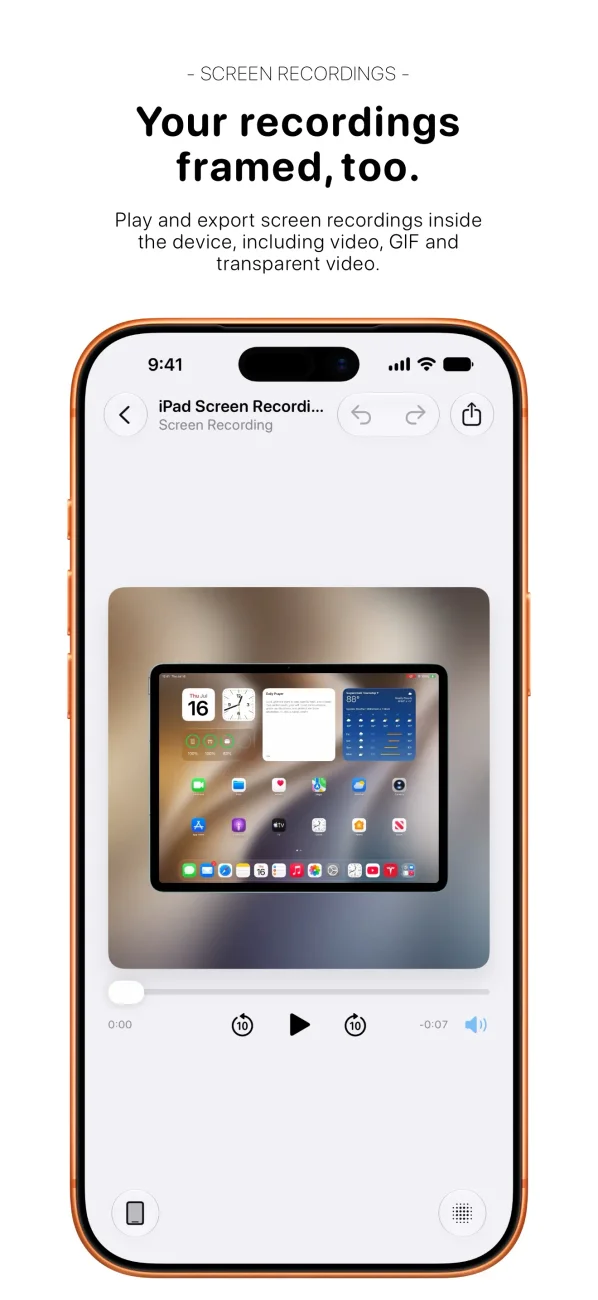
FRAME SCREEN RECORDINGS
Screen recordings work just like screenshots. Play them back inside the device frame, then export with Frames Pro as video, an animated GIF or even HEVC video with a real alpha channel for transparent backgrounds.
SAVE YOUR FAVORITE LOOKS
Turn your setup into a preset and reuse it whenever you want. Presets remember your frame, background, shadow, corners, canvas and placement.
Quick Frame makes things even faster. Frame your latest screenshot from Frames, Control Center or your Lock Screen without going through the editor. You can also frame images from the Share Sheet or build Frames into your own workflows with Shortcuts.
MADE FOR APP STORE SCREENSHOTS
Choose canvas presets matching Apple’s accepted App Store sizes for iPhone, iPad, Mac and Apple Watch. App Store canvas sizes always export at their exact pixels, even without Frames Pro.
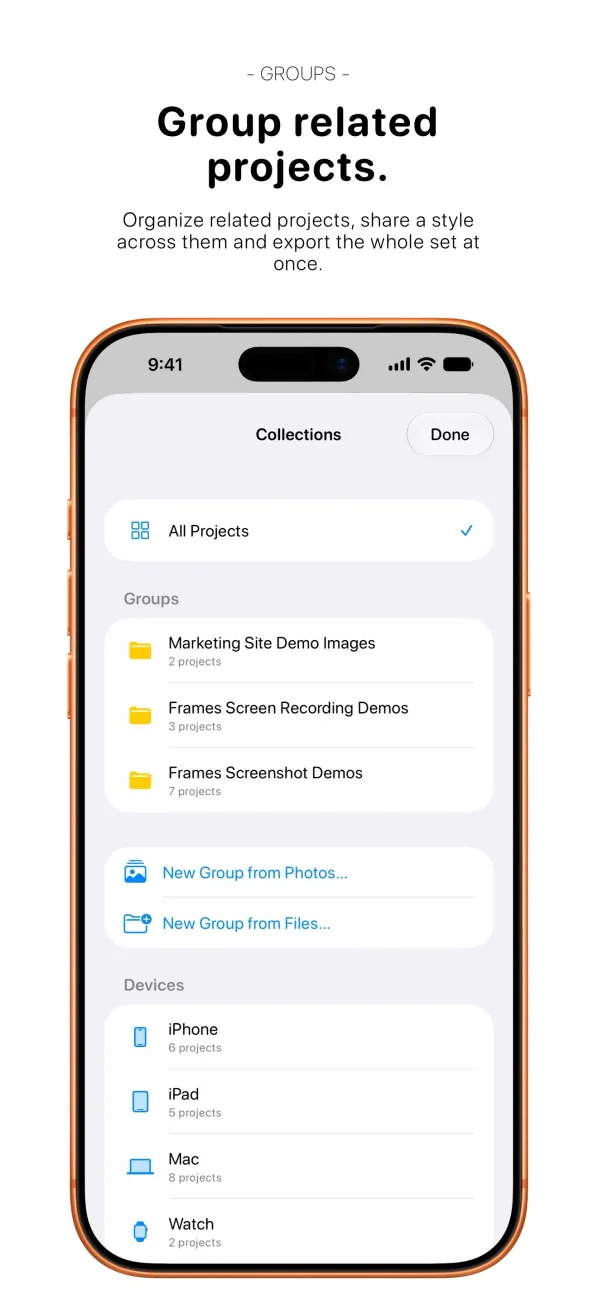
KEEP PROJECTS TOGETHER
Organize related projects into Groups, carry a style across the entire set and, with Frames Pro, import or export them in batches.
Need more than one device? Frames Pro can put two, three or four devices side by side on a single canvas.
IPHONE, IPAD AND MAC
Frames is built for all three. Projects, Groups and presets sync through your iCloud account, so you can start on iPhone and pick up on iPad or Mac.
And the Mac version is a real native Mac app, complete with its own windows, menu bar, file panels, sharing and undo and redo.
A LOT OF FRAMES IS FREE
All 265 device frames and finishes are free, along with backgrounds, shadows, presets, Groups, App Store canvas sizes, Quick Frame, iCloud sync, the Share extension and Shortcuts actions.
Frames Pro is a one-time purchase that unlocks:
• Full-resolution exports
• Video and GIF exports
• Batch importing and Group exports
• Multi-device layouts
You also get 3 free Pro exports before you buy. They never expire.
PRIVATE BY DESIGN
No accounts. No third-party analytics. No advertising or tracking. Your screenshots are processed on your device, and iCloud sync uses your own iCloud account.
Có gì mới
Phiên bản 1.1 · 13/09/2026
- New device frames: iPhone 18 Pro and iPhone 18 Pro Max, in Black, Silver, Glacier, and Burgundy.
- New device frames: iPhone Duo, in Night Sky and Star White, with inner-display, outer-closed, and outer-open layouts.
Quyền riêng tư của ứng dụng
Những gì Immanuel Sabwami khai báo trên App Store về cách ứng dụng này xử lý dữ liệu.
-
Dữ liệu không được thu thập
Nhà phát triển không thu thập bất kỳ dữ liệu nào từ ứng dụng này.
Phương thức đảm bảo quyền riêng tư có thể khác nhau, chẳng hạn như tuỳ theo các tính năng bạn sử dụng hoặc độ tuổi của bạn.
Thông tin
- Người bán
- Immanuel Sabwami
- Danh mục
- Công Cụ Nhà Phát Triển
- Phiên bản
- 1.1
- Cập nhật
- 13/09/2026
- Phát hành
- 17/08/2026
- Kích thước
- 194,3 MB
- Yêu cầu
- iOS 26.0 trở lên
- Độ tuổi
- 4+
- Giá
- Miễn phí
- Mua hàng trong ứng dụng
- Có
- Ngôn ngữ
- Tiếng Anh
- Bản quyền
- © 2026 Immanuel Sabwami
Có thể bạn cũng thích
-
 CoinDing: App Revenue TrackerCông Cụ Nhà Phát Triển
-
 Issues – Project BoardCông Cụ Nhà Phát Triển
-
 SignalBox.shCông Cụ Nhà Phát Triển
-
 PocketSSHCông Cụ Nhà Phát Triển
-
 Appodium – Trình bày ứng dụngMockup ảnh & demo ứng dụng
-
 Protato: 3D Mockup GeneratorCông Cụ Nhà Phát Triển
-
 Screenshot Bro: Mockup MakerẢnh chụp màn hình app & ASO
-
 IconSnapCông Cụ Nhà Phát Triển
-
 UI HandBookCông Cụ Nhà Phát Triển
-
 Status Bar Tidy - Bar941Công Cụ Nhà Phát Triển