Geometrica
Ground breaking symmetry tools
Được thiết kế cho iPhone, iPad
Miễn phí · Mua hàng trong ứng dụng
- Độ tuổi4+
- Danh mụcĐồ Họa & Thiết Kế
- Nhà phát triểnTattooLoyal Inc.
- Ngôn ngữTiếng Anh+ 8 ngôn ngữ khác
- Kích thước18,7 MB
Liên kết đến trang App Store chính thức
Download.org không lưu trữ tệp nào của Geometrica. Nút này mở trang ứng dụng trên App Store, nơi TattooLoyal Inc. phát hành ứng dụng. Trang được kiểm tra lần cuối: 23/11/2026.
Ảnh chụp màn hình


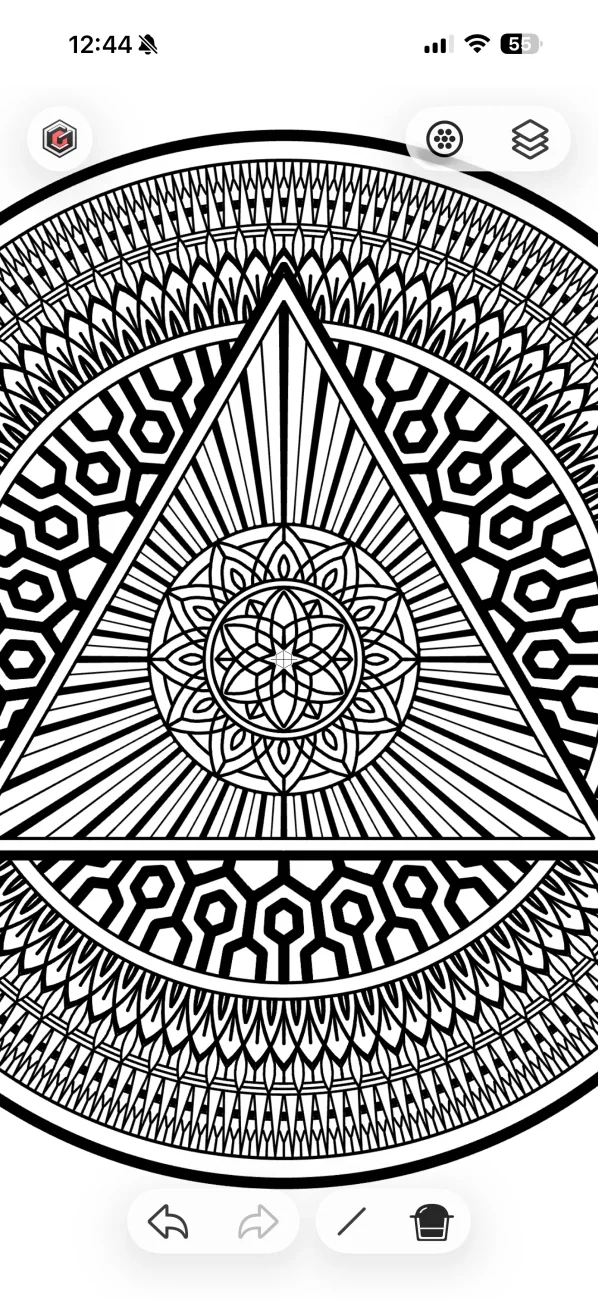
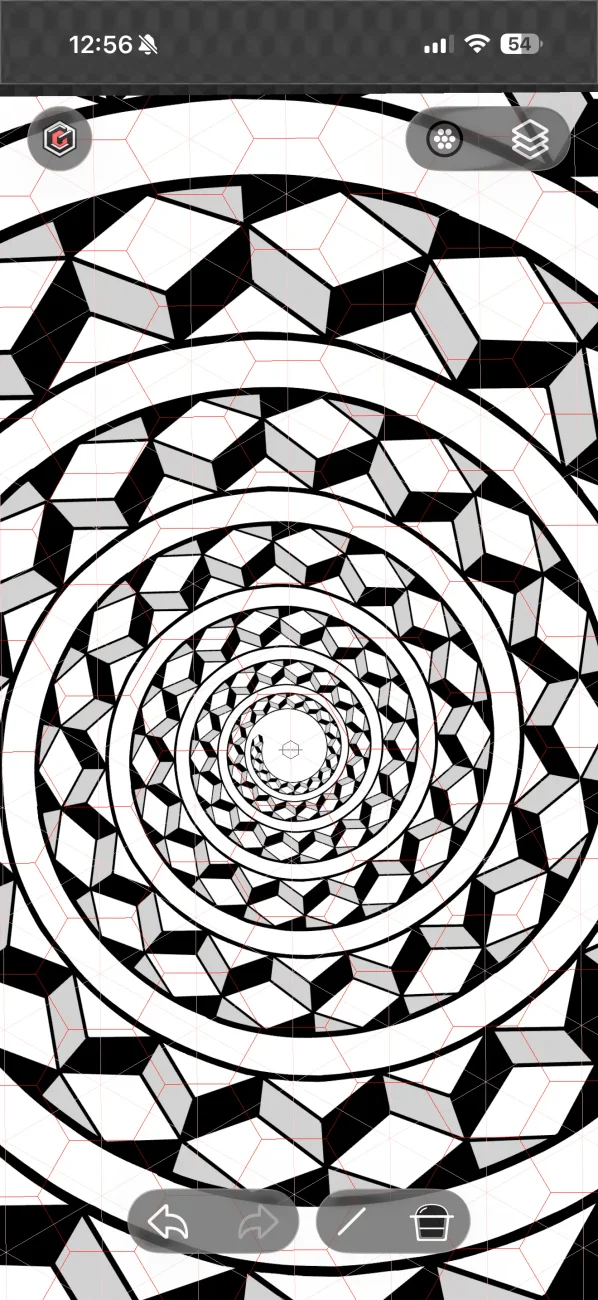

Giới thiệu
Nhà phát triển chưa cung cấp nội dung này bằng ngôn ngữ của bạn.
Geometrica is the first drawing app made for tattooers, by a tattooer. Second generation tattooer and geometric/dotwork pioneer, Cory Ferguson, has built on 30 years in the industry to create a way for tattooers to push their geometric drawing to the next level. Even though we're focused on the needs of tattoo artists and solving problems specific to their workflow, we have been pleasantly surprised to learn that artists from many different disciplines have become fans of Geometrica. From quilters, to illustrators, to tattoo veterans, the power of this fun to use app is undeniable.
[ SYMMETRY AND PATTERN MAKING FEATURES ]
Combine and use these simultaneously:
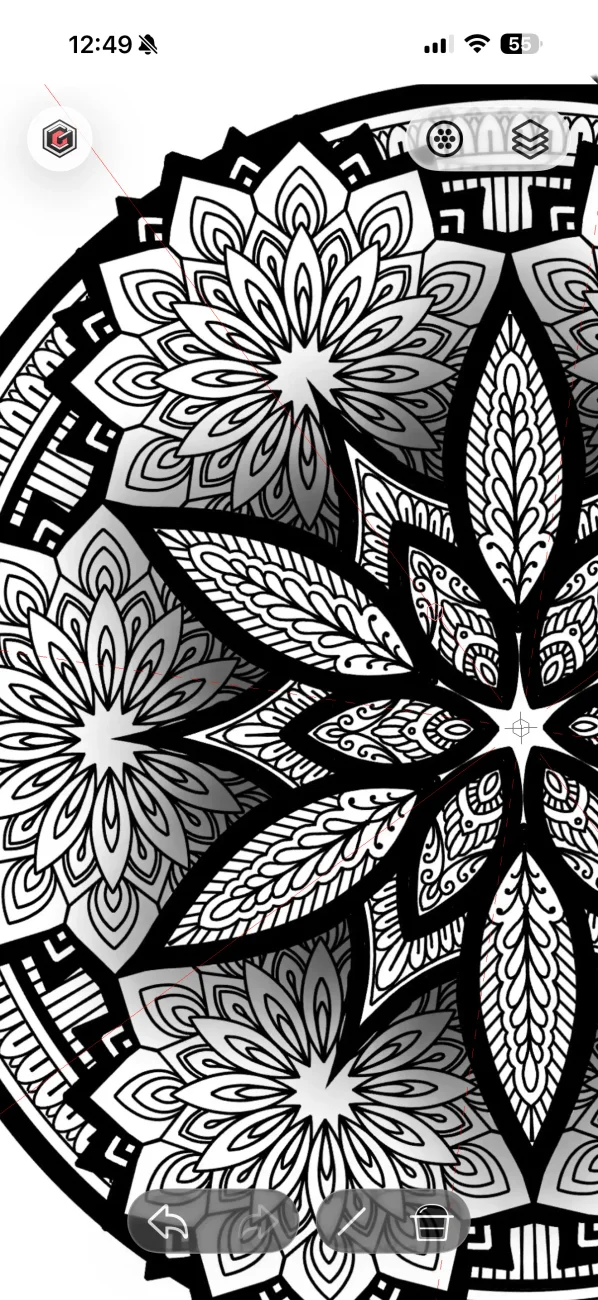
ROTATION EFFECT - AKA the mandala maker. Other apps may have this, but not like ours. With Geometrica your mandala can be a maximum of 200 mirrored segments (so technically 400 segments!).
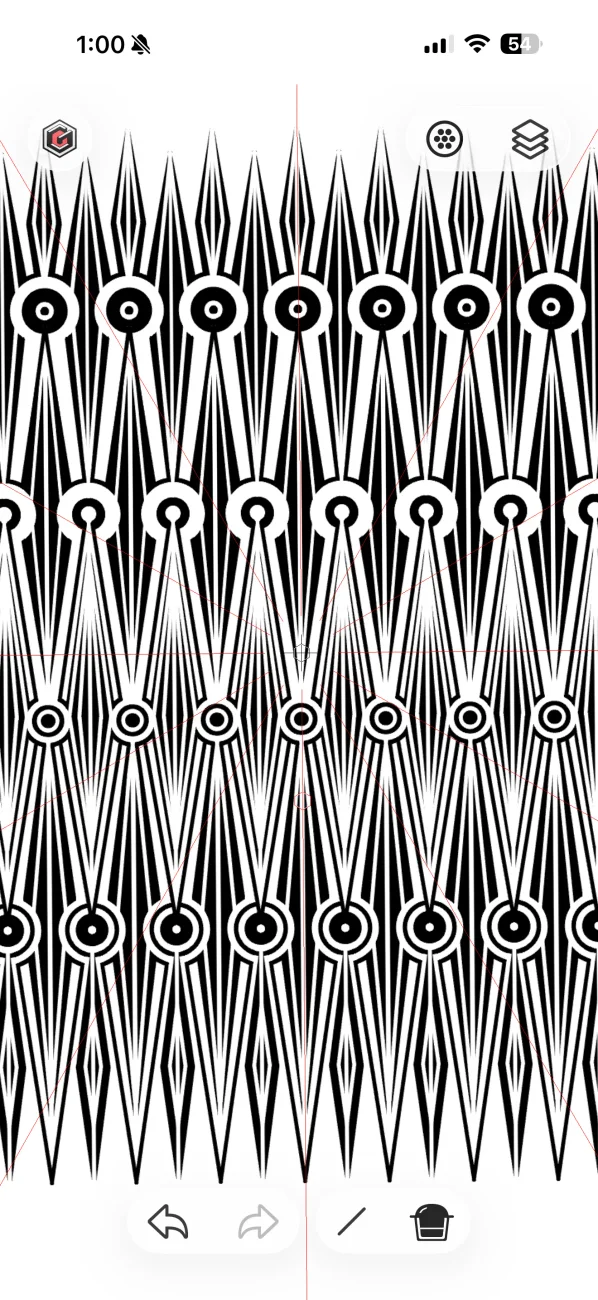
REPEAT EFFECT - Multiplies your drawing and repeats it in a row formation to create a “band” of pattern either vertically or horizontally.
POLAR REPEAT - Combines with the rotation effect to repeat your drawing in rows of concentric circles that get smaller towards the center. Toggle on curve to draw in spirals. That’s right, your drawing curves out in any number of spirals!
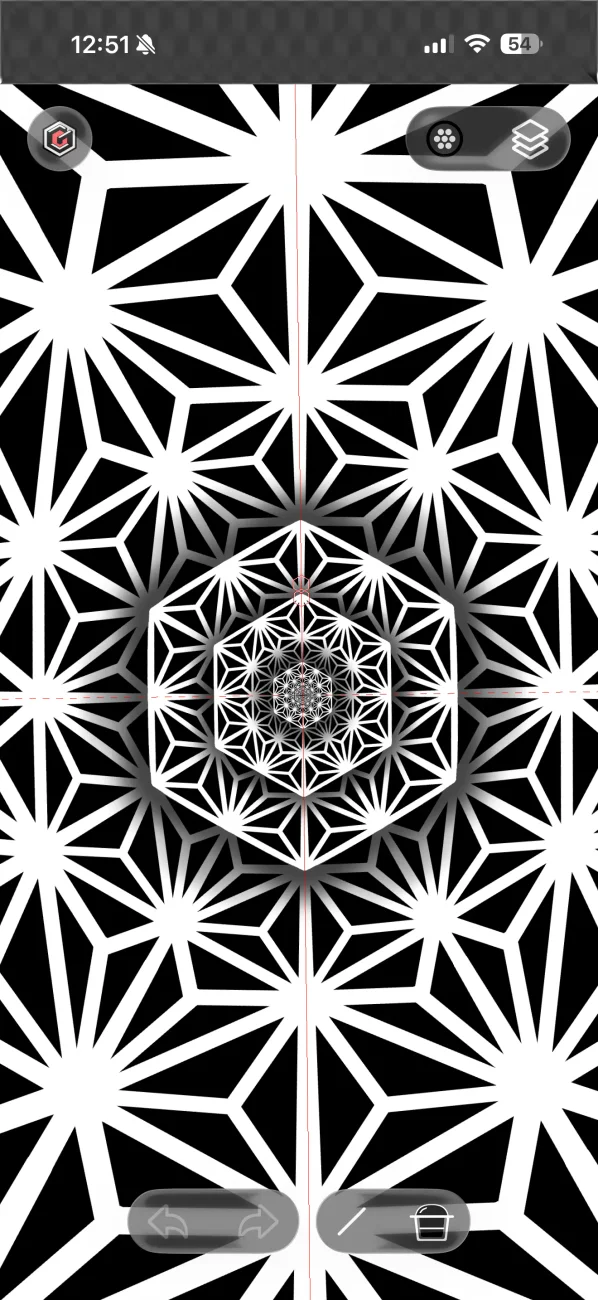
WALLPAPER EFFECT - We took all known symmetry groups used to make full page patterns, and figured out a way to vastly expand them to make them customizable.
GRADIENT THICKNESS - Lines increase from thin to thick on the canvas in the direction that you choose, top to bottom, outward in a circular, left to right in multiple rows. There are dozens of options! Combine it with any of the above symmetry tools for a drawing experience you have to see to believe.
[ DRAWING TOOLS ]
Here’s just a couple of our favourites:
MARKER TOOL - The main drawing tool in the app can be customized in many ways, by turning various functions on. These include tapers, a whip shading option, and a “rope stabilizer” that helps draw the smoothest curves.
STRAIGHT LINE TOOL - Hold the Pencil on screen to draw straight lines. Works well with symmetry effects for sharp, industrial images and unexpected designs. Enable its "continuous" option for a unique drawing experience.
DOTWORK TOOL - We couldn’t release a Cory Ferguson app without a dotwork tool, so we made the most customizable version of pointillism shading we could think of. Change the dot size, density, the brush size, randomize the size of the dots. Personalize it to suit your taste.
[ FOR PROFESSIONAL TATTOOERS ]
- Keep your work organized with folders in the Gallery section.
- Convert To Lines function turns any image into a line drawing with one click, then you can fine tune the image from there.
- Adjustable grids can be turned on in the background such as square, hexagon or isometric.
- Snap Menu allows the straight line tool to "snap" to points on the grid, or place your symmetry tool at the exact centre of your drawing after you’ve moved it. Rotate layers in 5 degree increments when transforming.
- Printing features that EVERY tattooer needs. Print drawings at ANY size! Want a tattoo to measure 28” tall? Enter those numbers into our print system and the app will break the image up into as many pages as needed, and you’re ready to stencil. No more resizing on the photocopier! Various image adjustment tools to make sure you get the cleanest, most accurate stencils.
- Monthly Patterns. Each month you get 6 patterns that show off the possibilities of what Geometrica can do. You are free to make use of them however you wish.
[ SUBSCRIPTION ]
Because Geometrica is focused on a small niche market of working tattoo professionals, it requires a subscription. After the 14 day free trial period ends, the subscription equals approximately 11.50 USD per month when you sign up for the full year. An investment in yourself that is certain to level up your geometric tattooing.
Privacy Policy: http://geometri.ca/privacy
Terms of Use: http://geometri.ca/tou
Có gì mới
Phiên bản 1.47 · 05/08/2026
Tweaked the user interface to fit better on smaller iPads
The Socials menus now links to TattooDay. Check it out!
Added Japanese, Portuguese, German, Korean and Italian localizations. (via AI. Please report any errors to support@geometri.ca)
Bug fix: You can now edit files outside of the Geometrica folder (i.e the “Gallery”)
Quyền riêng tư của ứng dụng
Những gì TattooLoyal Inc. khai báo trên App Store về cách ứng dụng này xử lý dữ liệu.
-
Dữ liệu không được thu thập
Nhà phát triển không thu thập bất kỳ dữ liệu nào từ ứng dụng này.
Phương thức đảm bảo quyền riêng tư có thể khác nhau, chẳng hạn như tuỳ theo các tính năng bạn sử dụng hoặc độ tuổi của bạn.
Thông tin
- Người bán
- TattooLoyal Inc
- Danh mục
- Đồ Họa & Thiết Kế
- Phiên bản
- 1.47
- Cập nhật
- 05/08/2026
- Phát hành
- 25/01/2020
- Kích thước
- 18,7 MB
- Yêu cầu
- iOS 17.6 trở lên
- Độ tuổi
- 4+
- Giá
- Miễn phí
- Mua hàng trong ứng dụng
- Có
- Ngôn ngữ
- Tiếng Anh, Tiếng Pháp, Tiếng Đức, Tiếng Ý, Tiếng Nhật, Tiếng Hàn, Tiếng Bồ Đào Nha, Tiếng Trung Giản thể, Tiếng Tây Ban Nha
- Bản quyền
- © 2019-2026 TattooLoyal Inc
Có thể bạn cũng thích
-
 Mandalas Drawing StudioĐồ Họa & Thiết Kế
-
 Mandala Maker 360Đồ Họa & Thiết Kế
-
 iOrnament Pro – art, fun, calmCreate geometry art & mandalas
-
 PatternDraw by FashionaryĐồ Họa & Thiết Kế
-
 Stencil AI - Scan Hình XămTạo mẫu xăm từ ảnh của bạn
-
 AI Tattoo Design Creator InkAIĐồ Họa & Thiết Kế
-
 Vesica Studio: Sacred GeometryĐồ Họa & Thiết Kế
-
 Inkpad - Graphic DesignĐồ Họa & Thiết Kế
-
 Amadine: Vector Design and ArtĐồ Họa & Thiết Kế
-
 Brushes - for ProcreateĐồ Họa & Thiết Kế