- Độ tuổi4+
- Danh mụcHiệu Suất
- Nhà phát triểnGheorghe Olariu
- Ngôn ngữTiếng Anh
- Kích thước8,8 MB
Liên kết đến trang App Store chính thức
Download.org không lưu trữ tệp nào của GIOTASK. Nút này mở trang ứng dụng trên App Store, nơi Gheorghe Olariu phát hành ứng dụng. Trang được kiểm tra lần cuối: 22/11/2026.
Ảnh chụp màn hình
Giới thiệu
Nhà phát triển chưa cung cấp nội dung này bằng ngôn ngữ của bạn.
GioTask – Organise Your Day. Achieve Your Goals.
GioTask is a personal productivity app designed to help you stay organised, focused and motivated every day.
Whether you’re managing daily responsibilities, working towards important goals or tracking your personal growth, GioTask brings everything together in one place.
KEY FEATURES
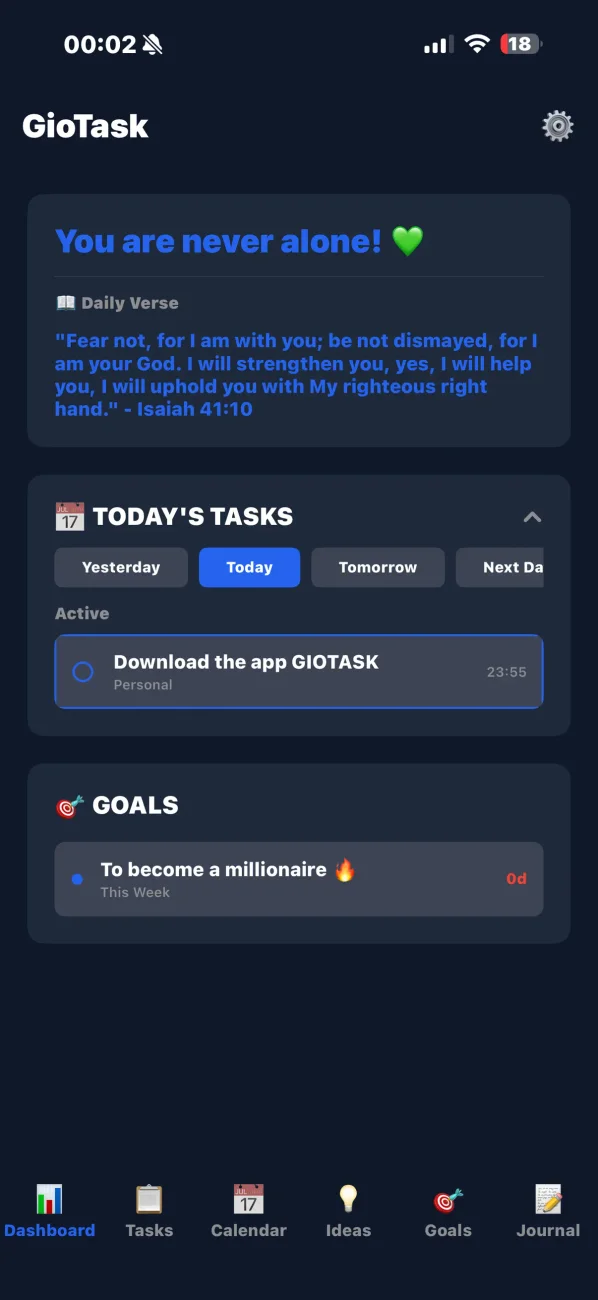
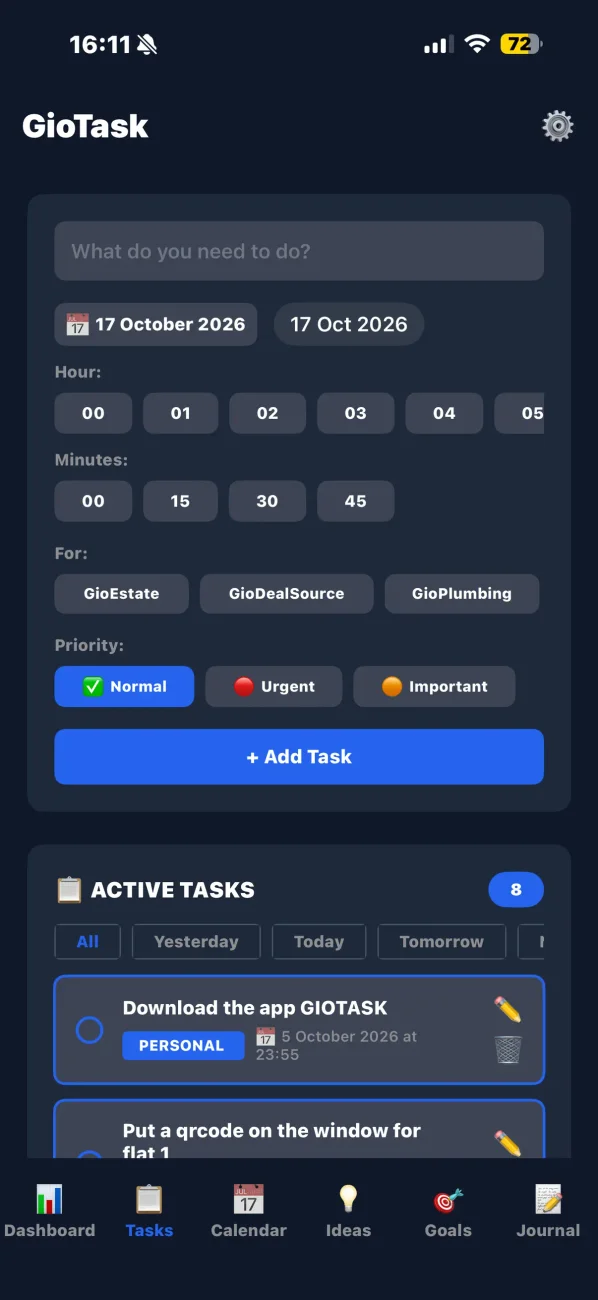
Daily Tasks – Create, organise and prioritise your daily to-do lists.
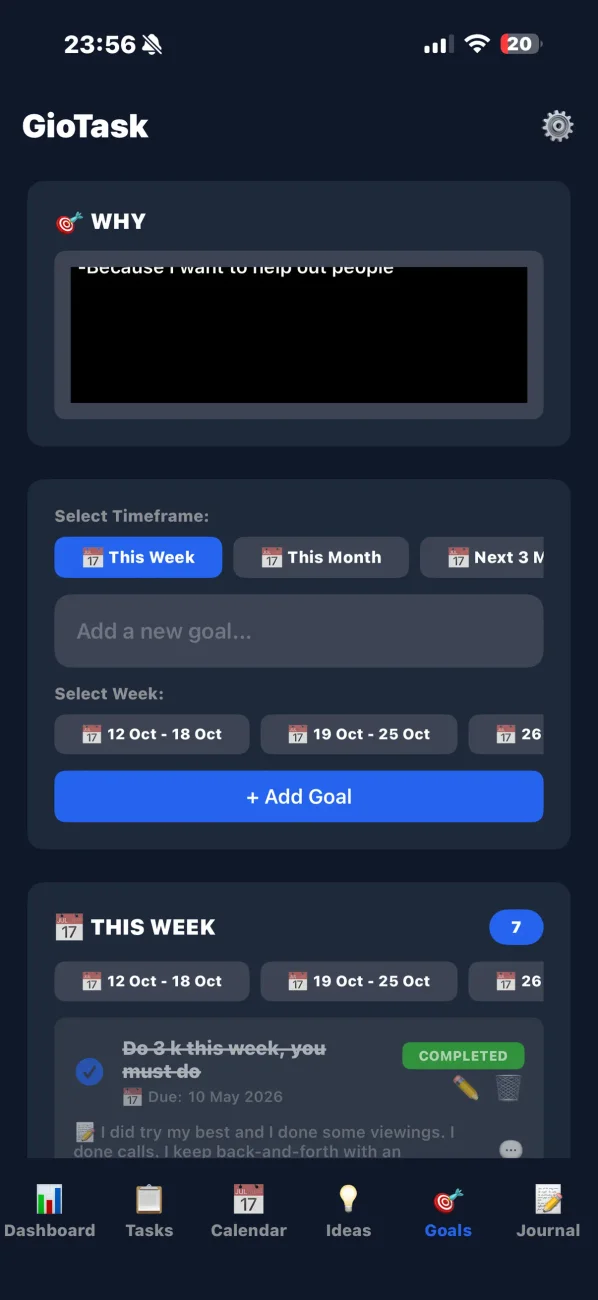
Goal Setting – Set weekly, monthly and long-term goals and track your progress.
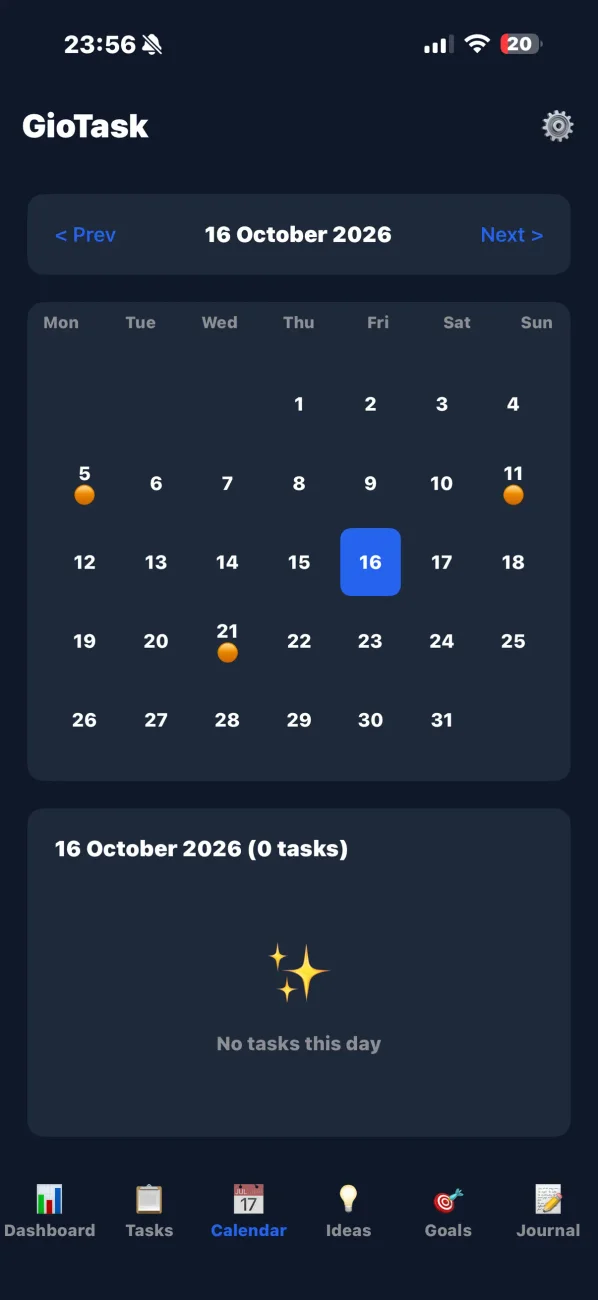
Calendar – Plan your schedule and see your upcoming tasks.
Ideas – Capture your thoughts and ideas whenever inspiration strikes.
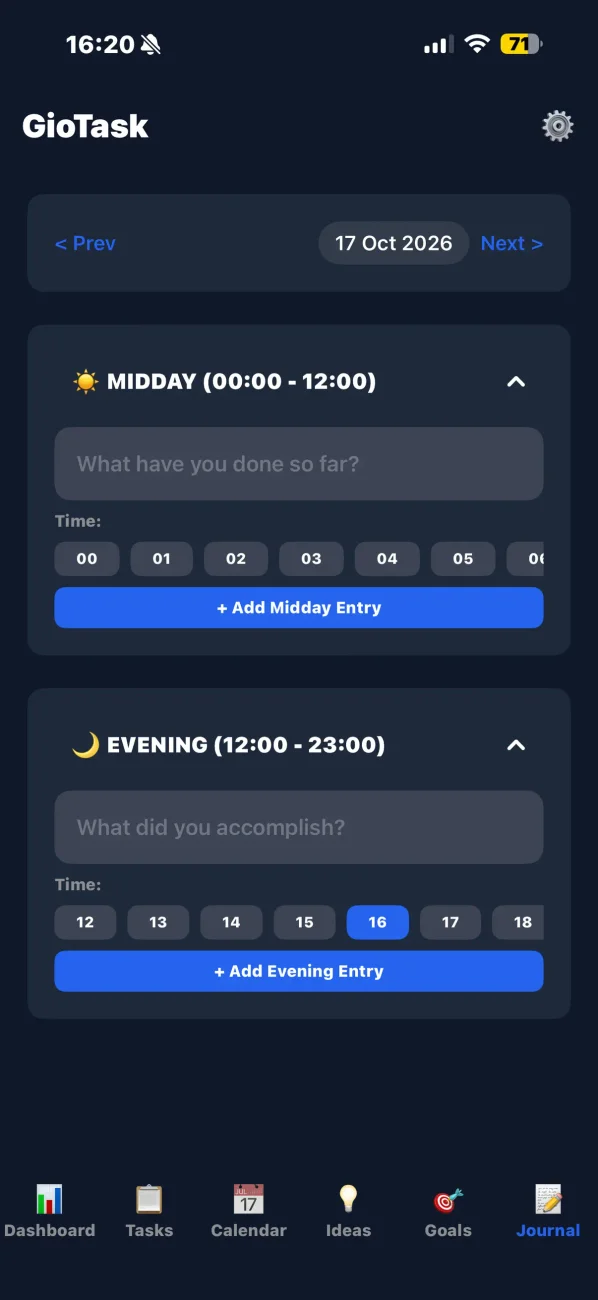
Daily Journal – Reflect on your day, record achievements and monitor your personal development.
Daily Inspiration – Start your day with motivational messages and Bible verses.
GioTask helps you turn your plans into action, stay focused and make progress towards what matters most.
Plan your day. Stay focused. Achieve your goals with GioTask.
Quyền riêng tư của ứng dụng
Những gì Gheorghe Olariu khai báo trên App Store về cách ứng dụng này xử lý dữ liệu.
-
Dữ liệu không được thu thập
Nhà phát triển không thu thập bất kỳ dữ liệu nào từ ứng dụng này.
Phương thức đảm bảo quyền riêng tư có thể khác nhau, chẳng hạn như tuỳ theo các tính năng bạn sử dụng hoặc độ tuổi của bạn.
Thông tin
- Người bán
- Gheorghe Olariu
- Danh mục
- Hiệu Suất
- Phiên bản
- 1.0
- Cập nhật
- 01/11/2026
- Phát hành
- 01/11/2026
- Kích thước
- 8,8 MB
- Yêu cầu
- iOS 18.6 trở lên
- Độ tuổi
- 4+
- Giá
- Miễn phí
- Ngôn ngữ
- Tiếng Anh
- Bản quyền
- © 2026 Gheorghe Olariu Use this if you’re publishing personally and that’s the correct legal name of the copyright owner. Otherwise, use the correct company or rights-holder name.