GMT Time
Talking clock & watch journal
Được thiết kế cho iPhone, iPad
Miễn phí · Mua hàng trong ứng dụng
- Độ tuổi4+
- Danh mụcTiện Ích
- Nhà phát triểnMingChun Chien
- Ngôn ngữTiếng Nhật+ 10 ngôn ngữ khác
- Kích thước26,0 MB
Liên kết đến trang App Store chính thức
Download.org không lưu trữ tệp nào của GMT Time. Nút này mở trang ứng dụng trên App Store, nơi MingChun Chien phát hành ứng dụng. Trang được kiểm tra lần cuối: 21/11/2026.
Ảnh chụp màn hình
Giới thiệu
Nhà phát triển chưa cung cấp nội dung này bằng ngôn ngữ của bạn.
1.3: TIME ANNOUNCEMENTS AND ALARMS
• A new Spoken time switch under Settings → Voice lets you choose whether the time is spoken during automatic announcements.
• Tap the alarm time before changing it, reducing accidental changes while scrolling.
• Choose a snooze interval for each alarm: 1, 3, 5, 9, 10, 15, 20 or 30 minutes.
• A Delete time window button is now available in the time-window editor. Time-window scheduling requires Pro.
SIMPLE MODE AND MINUTE REPEATER
Tap the accessibility icon at the top right of Settings to switch to Simple mode. Local time, manual announcements and related settings are on one screen, so people who are blind or have low vision can find the controls they need more easily. Schedule time windows by weekday with half-hourly or hourly announcements.
MINUTE REPEATER GUIDE
1. Choose vibration separately for normal and Silent modes, and whether voice should play in Silent mode.
2. Set Vibration frequency and try the preview. Hourly is the default. Start the announcer to run vibration on its own schedule.
3. Count hours, quarters and remaining minutes, in that order, using a 12-hour clock. At 3:37: 3 long pulses, 2 long-short pairs, 7 short pulses. Each quarter represents 15 minutes. Bell previews use low tones for hours, high-low pairs for quarters and high tones for remaining minutes.
Vibration requires a supported iPhone; the feel varies by device and foreground/background state. Background patterns use strong-weak pairs. Background use requires Pro Lock Screen announcements and depends on system and app state. Stopping announcements or entering quiet hours stops scheduled vibration; in-app mute stops sound only. Foreground manual announcements and bell previews can play in Silent mode.
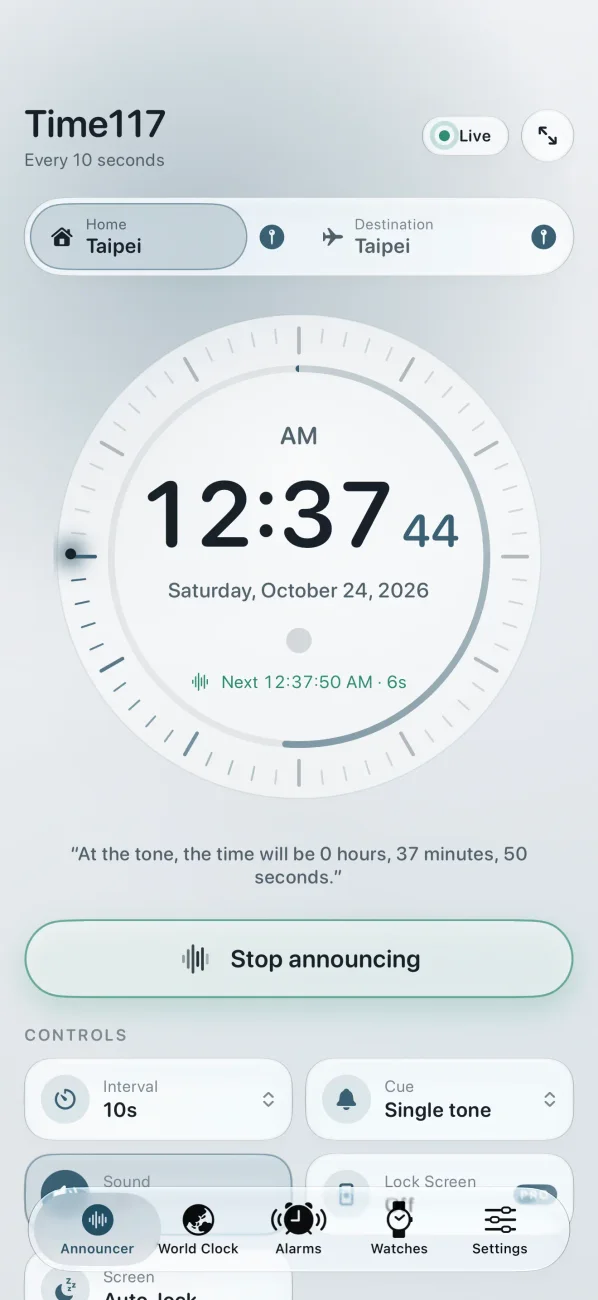
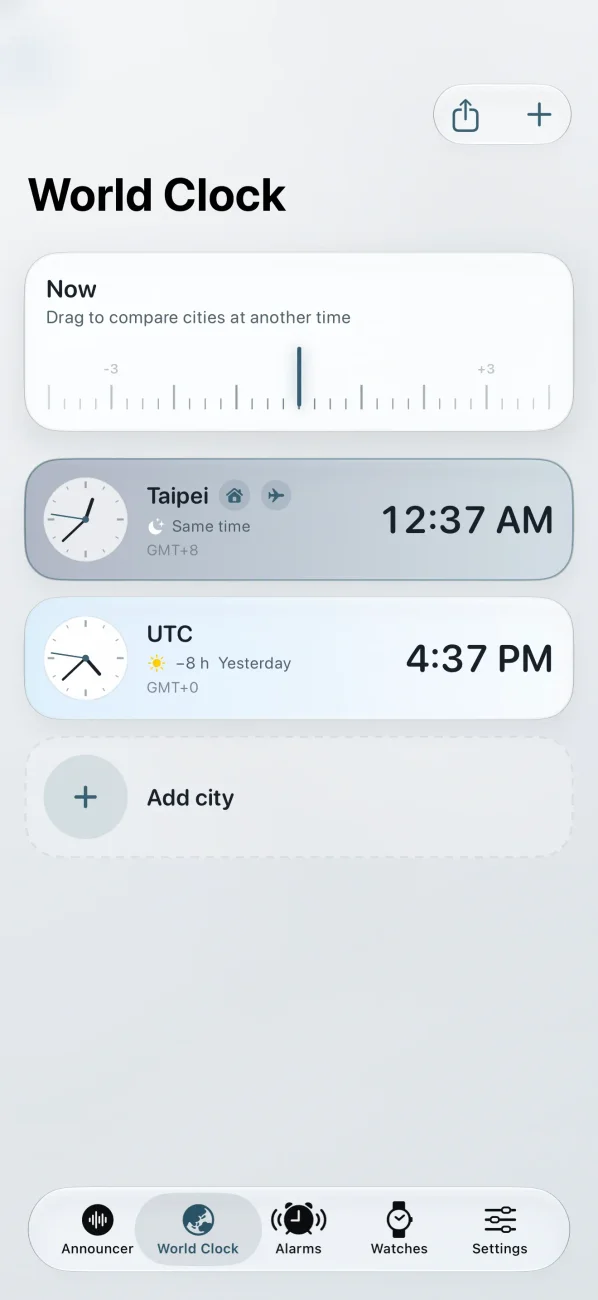
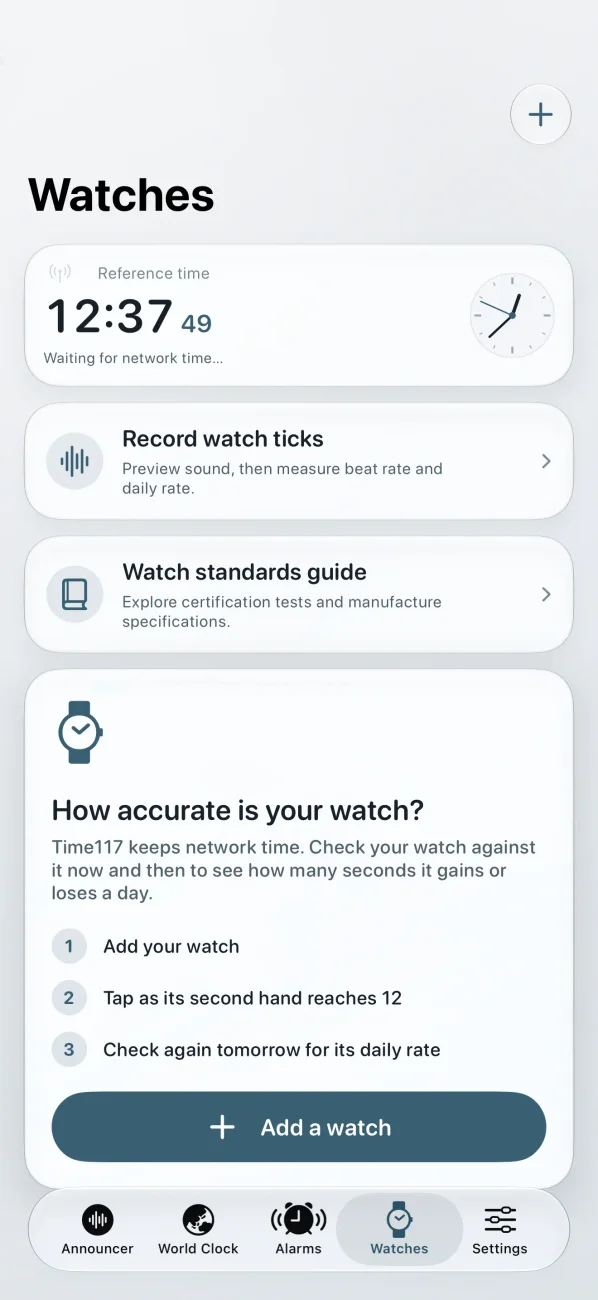
Time117 brings network time synchronization, spoken announcements, world clocks and watch records together for everyday timekeeping, travel and collecting.
• Spoken time: start or stop announcements, adjust speech speed and signal sounds, and set quiet hours.
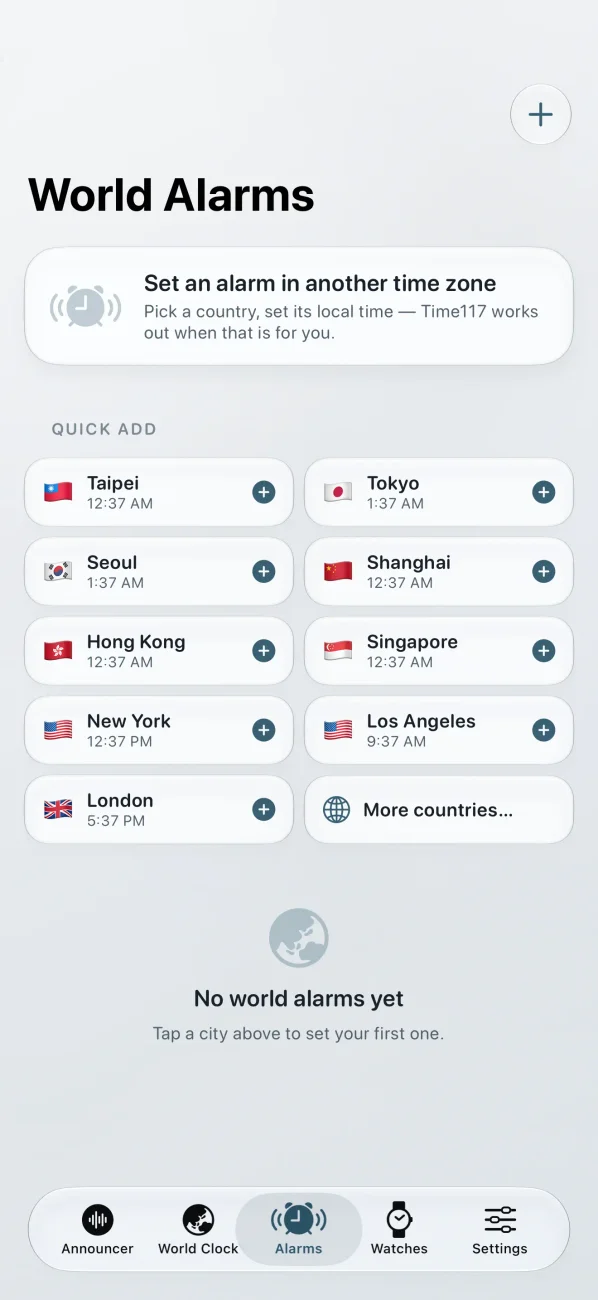
• World time: choose home and destination zones, share times and set alarms.
• Clock views: themes, a large desk clock, widgets and Siri shortcuts.
• Watch accuracy: track one watch for free, record offsets and view daily-rate trends.
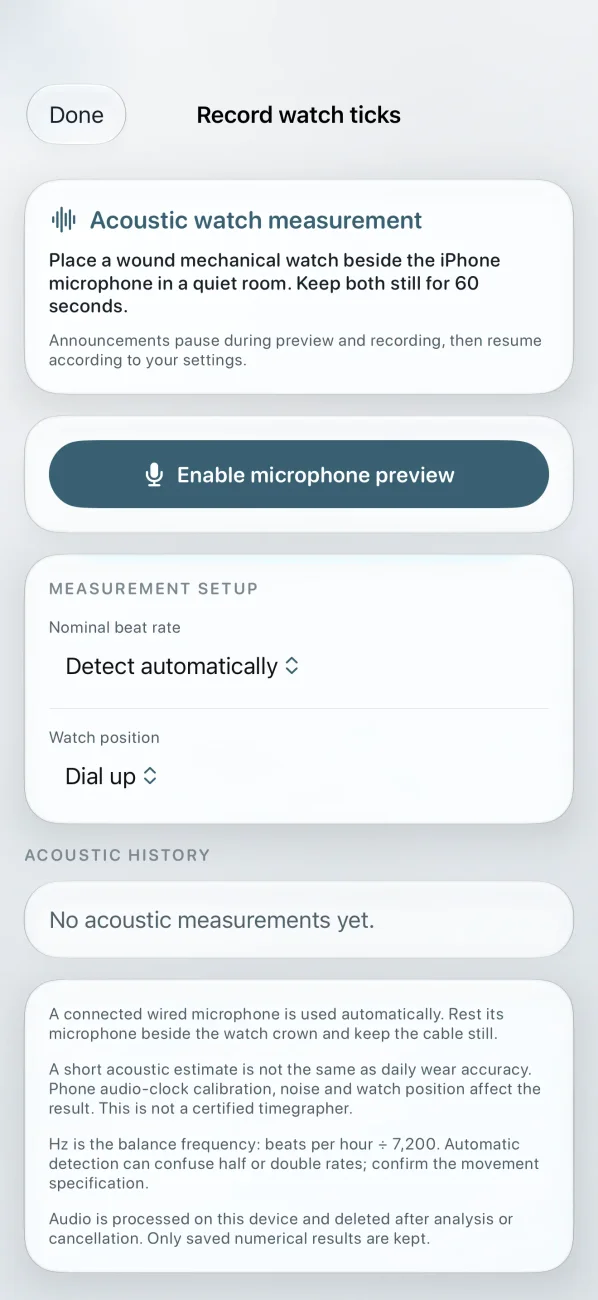
• Acoustic estimates: record mechanical watch ticks with the microphone. When the signal is sufficient, see beat-rate and daily-rate estimates during recording, then confirm and save the full measurement.
• Watch standards: explore reference information and official source links.
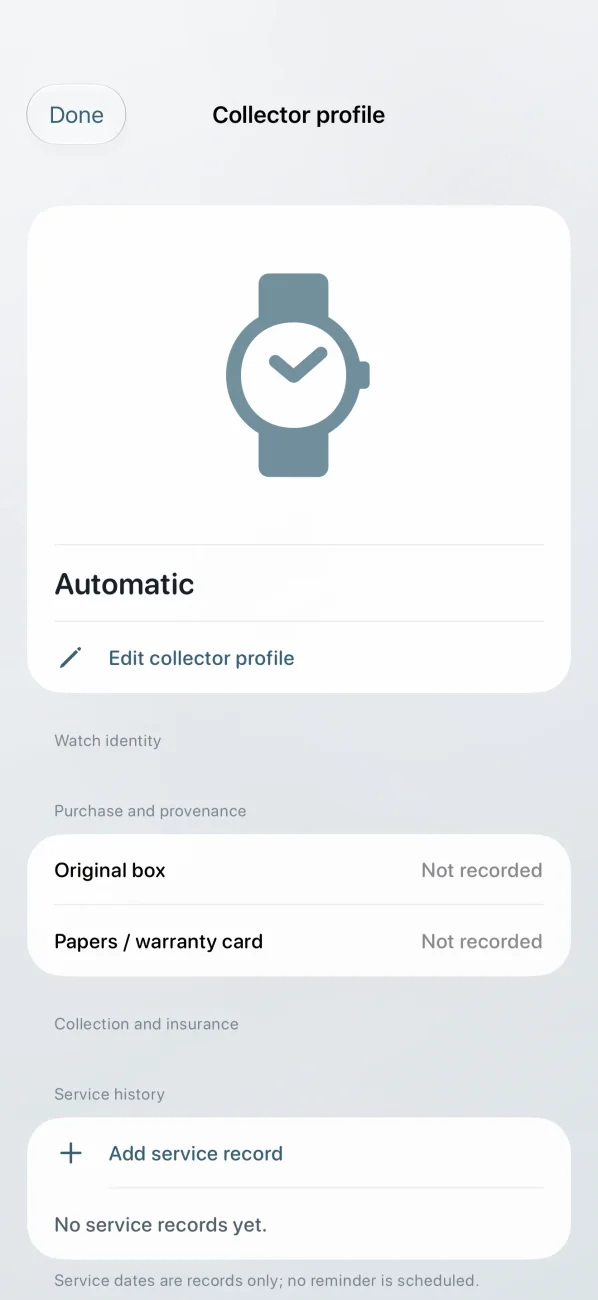
Time117 Pro is a one-time lifetime purchase. It unlocks background and Lock Screen announcements, hourly and custom intervals, ad removal, multiple-watch tracking, and editing collection photos, purchase details and service records. Purchases can be restored. Background announcements support Live Activities and the Dynamic Island on compatible iPhone models.
Available in English, Japanese, Traditional and Simplified Chinese, Korean, Spanish, French, German, Brazilian Portuguese, Russian and Indonesian.
Collection records and photos stay on your device; there is no built-in cloud sync. Service dates do not schedule reminders. Network time accuracy depends on network and device conditions. Acoustic results are estimates affected by the environment, placement and phone audio clock; they do not replace a professional timegrapher or certification.
Có gì mới
Phiên bản 1.3.1 · 20/11/2026
• The hands and digital time in the medium clock widget now update together at minute precision.
• Improved how Lock Screen time signals resume after audio interruptions.
Quyền riêng tư của ứng dụng
Những gì MingChun Chien khai báo trên App Store về cách ứng dụng này xử lý dữ liệu.
-
Dữ liệu liên kết với bạn
Có thể được thu thập và liên kết với danh tính của bạn.
- Mục mua
- Vị trí
- Mã định danh
- Dữ liệu sử dụng
-
Dữ liệu không liên kết với bạn
Có thể được thu thập nhưng không liên kết với danh tính của bạn.
- Chẩn đoán
Phương thức đảm bảo quyền riêng tư có thể khác nhau, chẳng hạn như tuỳ theo các tính năng bạn sử dụng hoặc độ tuổi của bạn.
Thông tin
- Người bán
- MingChun Chien
- Danh mục
- Tiện Ích
- Phiên bản
- 1.3.1
- Cập nhật
- 20/11/2026
- Phát hành
- 06/03/2022
- Kích thước
- 26,0 MB
- Yêu cầu
- iOS 17.0 trở lên
- Độ tuổi
- 4+
- Giá
- Miễn phí
- Mua hàng trong ứng dụng
- Có
- Ngôn ngữ
- Tiếng Nhật, Tiếng Indonesia, Tiếng Tây Ban Nha, Tiếng Đức, Tiếng Pháp, Tiếng Bồ Đào Nha, Tiếng Nga, Tiếng Trung Giản thể, Tiếng Trung Phồn thể, Tiếng Anh, Tiếng Hàn
- Bản quyền
- © 2026 MingChun Chien