Half Frame: Retro Film Camera
Analog & Vintage Photo Filters
Được thiết kế cho iPhone
Miễn phí
- Độ tuổi4+
- Danh mụcẢnh & Video
- Nhà phát triểnHarald Schubert
- Ngôn ngữTiếng Anh+ 3 ngôn ngữ khác
- Kích thước8,5 MB
Liên kết đến trang App Store chính thức
Download.org không lưu trữ tệp nào của Half Frame: Retro Film Camera. Nút này mở trang ứng dụng trên App Store, nơi Harald Schubert phát hành ứng dụng. Trang được kiểm tra lần cuối: 24/11/2026.
Ảnh chụp màn hình
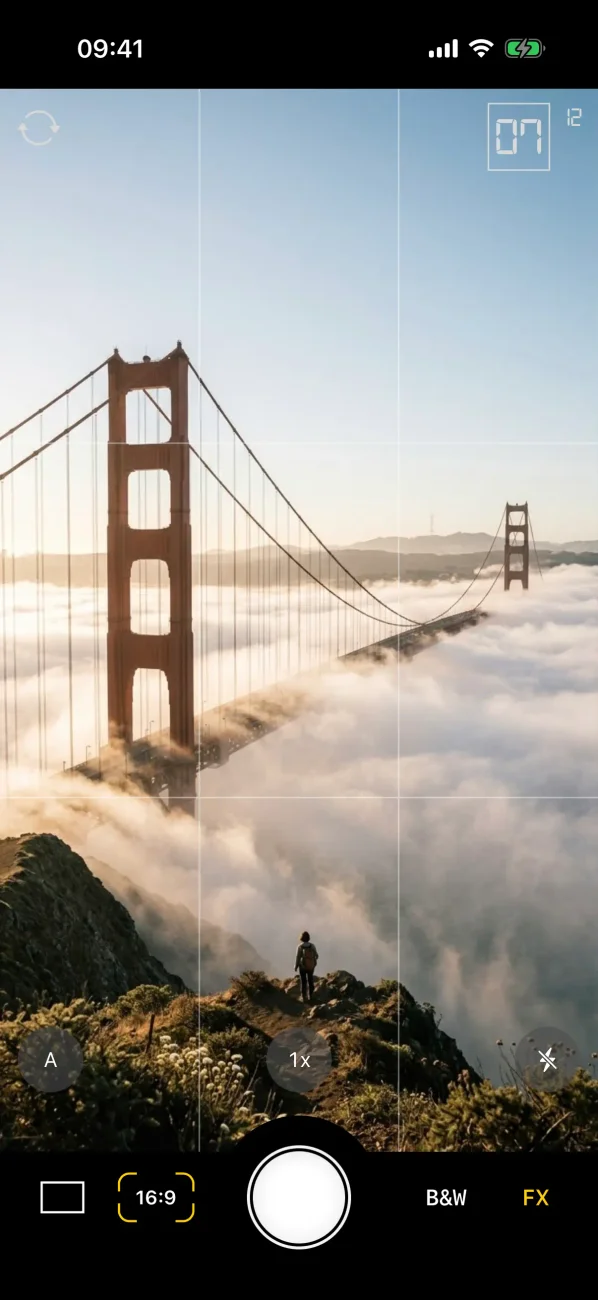
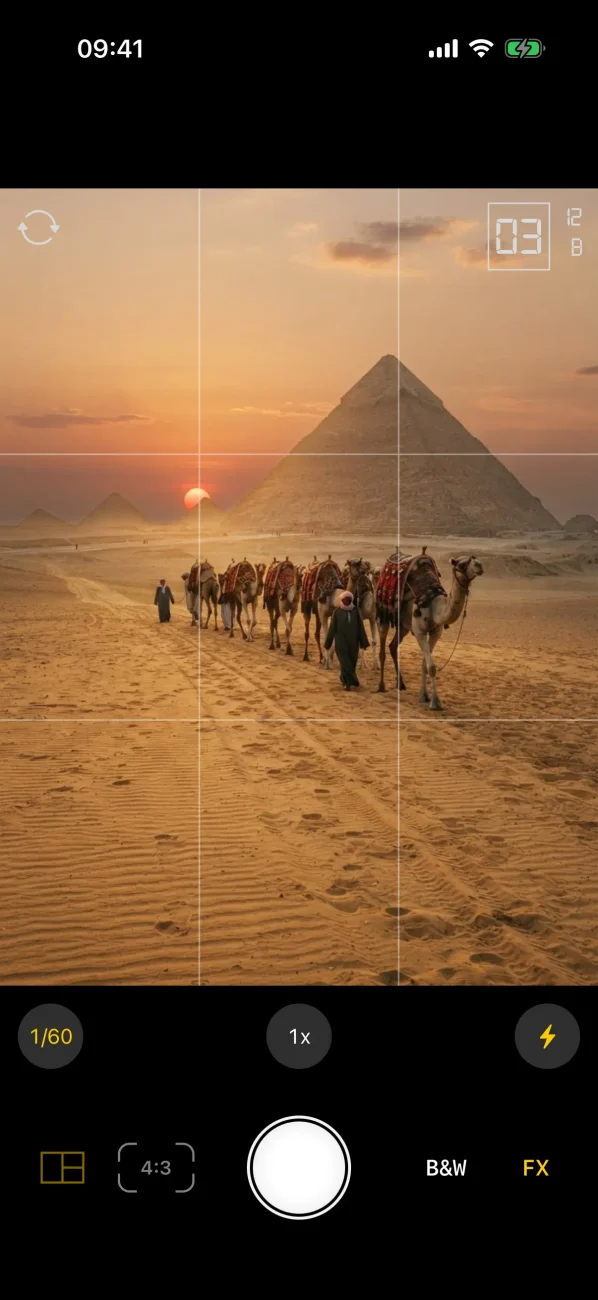
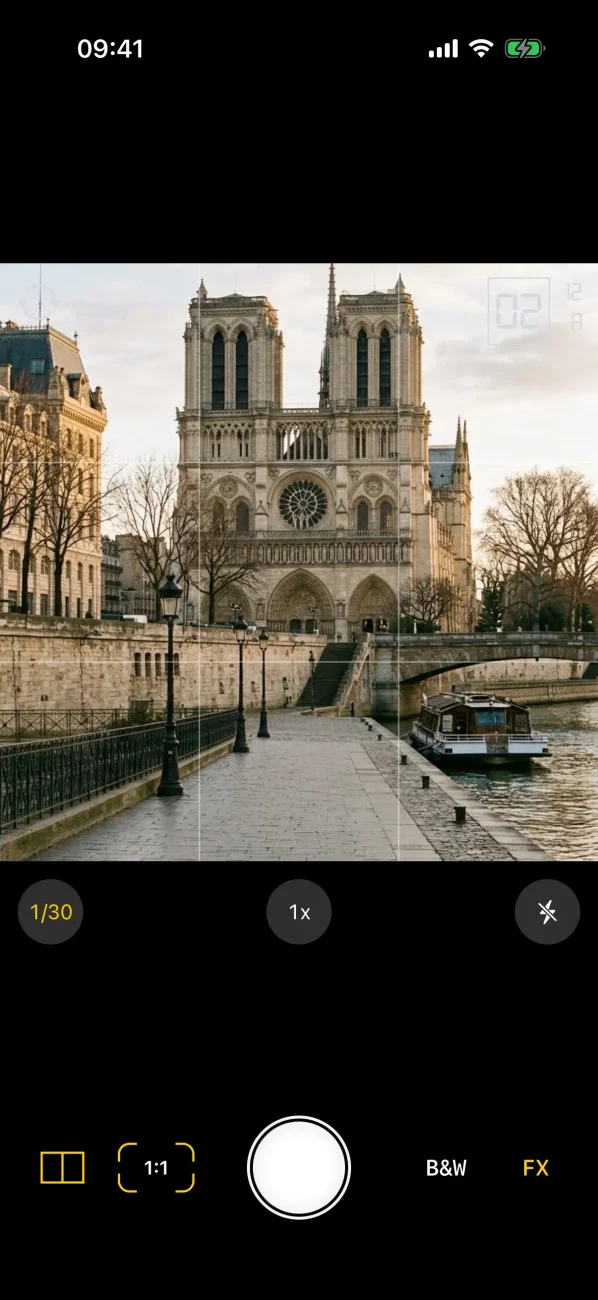
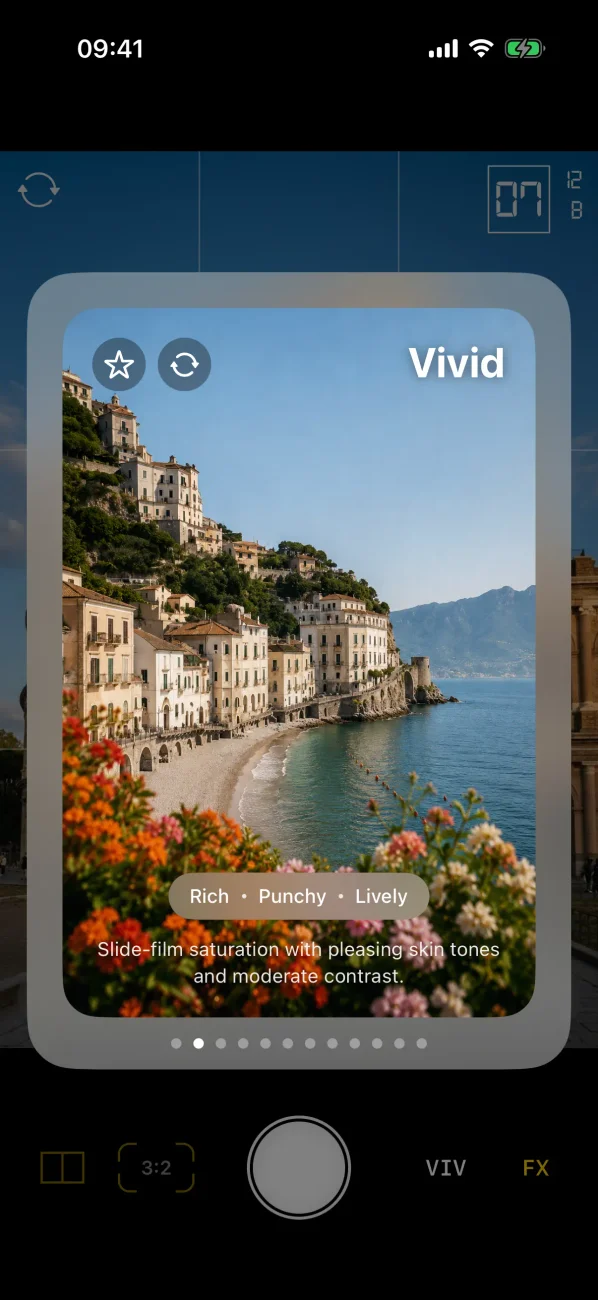
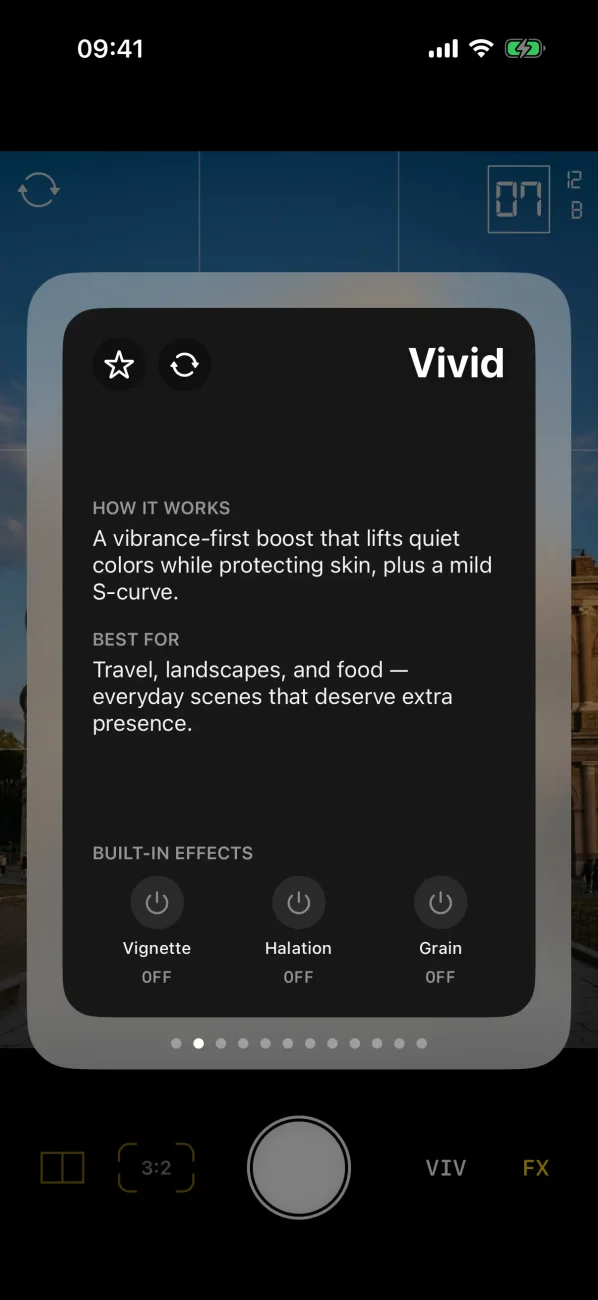
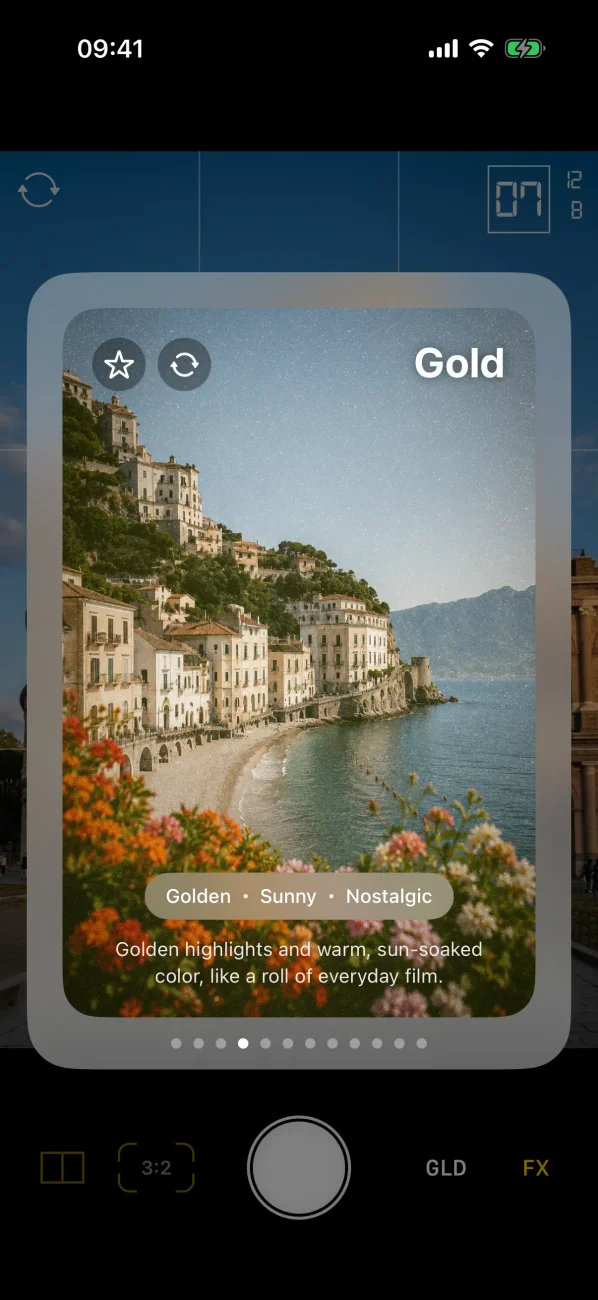
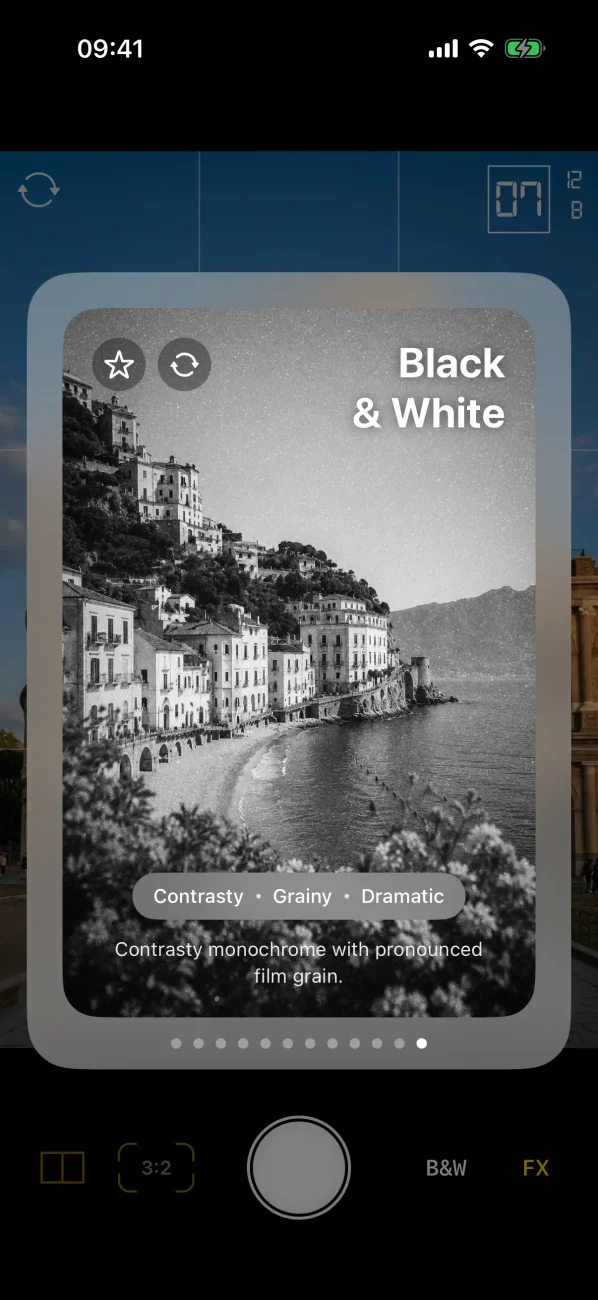
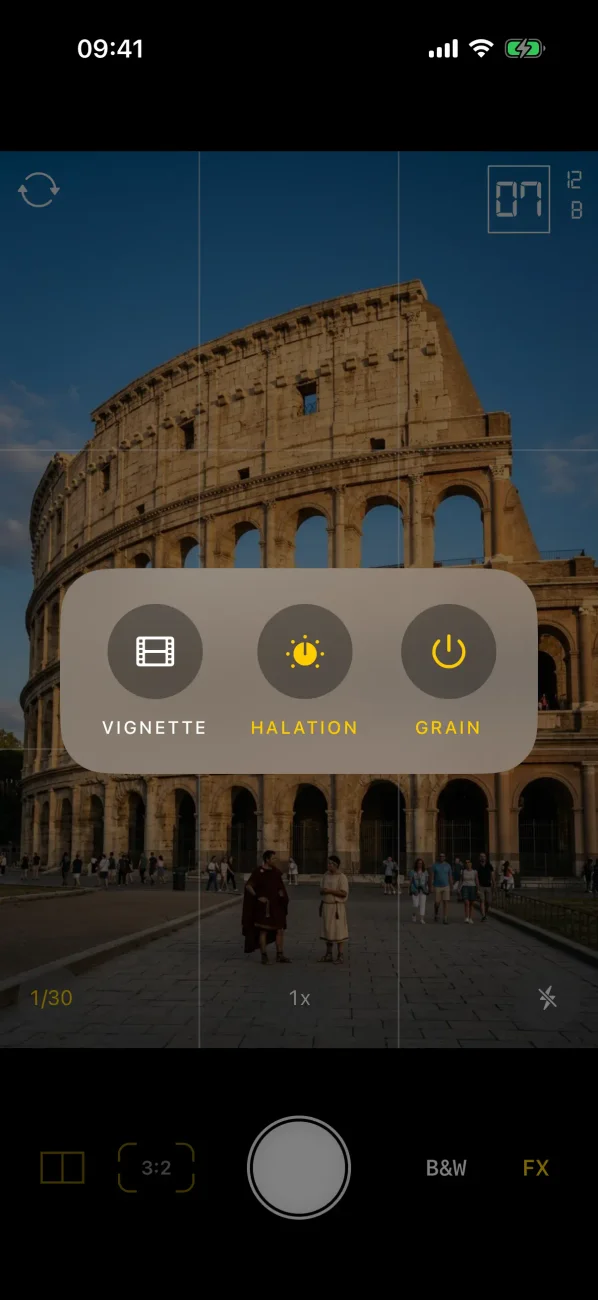
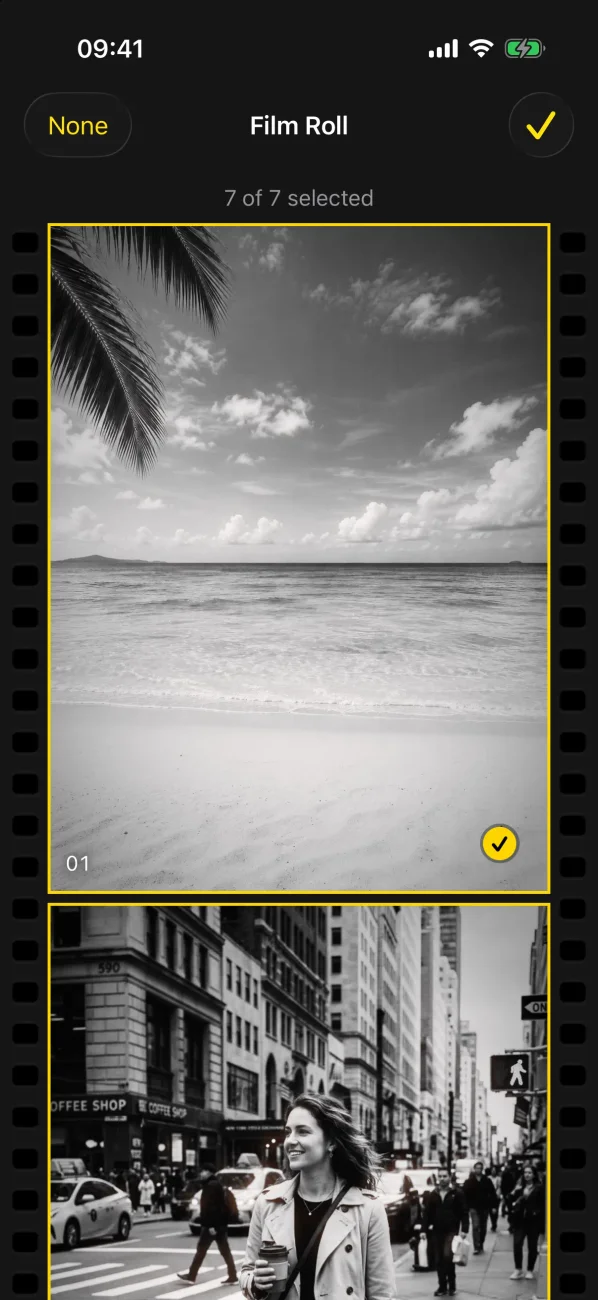
Giới thiệu
Nhà phát triển chưa cung cấp nội dung này bằng ngôn ngữ của bạn.
Half Frame — Shoot Like It's a Roll of Film
Half the frame. Twice the story.
You've seen those retro digital half-frame cameras everywhere. You've watched the reviews, added one to your cart, hovered over "buy" — and winced at the price of what is, let's be honest, a small sensor in a nostalgic shell. Put your wallet away. That camera you've been dreaming about? It's already in your pocket.
Half Frame turns your iPhone into a true half-frame film camera experience — the anticipation, the discipline, the happy accidents — without the overpriced hardware and without ever pretending your photos need to look worse to feel analog.
Shoot a roll, not a feed
Pick your roll length — 6, 12, 24, 36, 48, or 72 exposures — and commit. There's no gallery to obsess over mid-roll. You frame, you shoot, you move on. Only when the roll is finished (or you cut it early, like rewinding mid-roll) do you get to review your shots, pick the keepers, and develop them to your photo library. If you like, every finished roll becomes its own numbered album — Roll 001, Roll 002, ….
One frame, two frames, three
True to the half-frame spirit, you don't have to shoot alone:
Single — one full frame, all yours.
Diptych — two shots, side by side, one story, the half-frame classic.
Triptych — a big frame plus two stacked companions. Sequences, contrasts, before-and-after.
Choose your format: 3:2, 4:3, cinematic 16:9, or square 1:1.
Twelve films in your pocket
Swap "film stock" with one tap:
Natural — No makeup, just your sensor at its honest best.
Vivid — Slide film: punchy, saturated colors that pop off the screen.
Classic — 90s negative film with green-shifted foliage and punchy contrast.
Gold — Warm everyday film with golden, sun-soaked highlights.
Sepia — Warm, faded film for photos that feel like memories.
Magenta — The unmistakable color shift of expired film.
Faded — Matte retro with softly lifted, blue-tinted blacks.
Chrome — Muted, documentary color: cool and restrained, staying out of the way.
Cool — A crisp teal-and-orange cinema look for daylight scenes.
Tungsten — Night film: glowing lights, teal shadows, bold grain.
Silver — Soft monochrome with gentle, quiet tones — the calm counterpart to Black & White.
Black & White — Classic monochrome with real film contrast and grain.
Star your favorites and they stay at the front of the shelf.
Dial in the look
Every film brings its own character — you get the knobs anyway. Vignette, halation, and grain, each in three strengths or off. Or leave any of them on Auto and let the film decide.
Vignette — darkened corners, from subtle to full retro tunnel.
Halation — the red-orange glow film casts around bright lights.
Grain — the speckled texture of film, from barely-there to heavy and gritty.
Manual soul, modern brain
Shutter control — cap your shutter at 1/30 up to 1/2000, or leave it on smart Auto that speeds up as you zoom in. No blurry shots, no exposure homework.
Real photographic metadata — every developed picture carries its lens, ISO, shutter speed, aperture, exposure bias, and focal length in EXIF.
Full-quality captures — computational photography stays on. You get the film workflow, not the film-era image quality.
Tap to focus, pinch to zoom — with a zoom badge that snaps back to 1x on tap.
Flash included — one tap, clearly badged when armed.
Your dividers, your rules — white or black frame dividers in diptychs and triptychs, from none to extra bold.
Keep the originals — optionally save every full exposure alongside the finished diptych or triptych.
Available in English, German, Spanish, and French.
Who this is for
For everyone who fell in love with the idea of half-frame photography — the thrift, the rhythm, the diptychs — but couldn't justify spending premium money on a fashion-forward point-and-shoot with yesterday's internals. Scratch the itch. Keep the money. Shoot the roll.
Half Frame. Load a roll. See what develops.
Có gì mới
Phiên bản 1.3.0 · 23/11/2026
Features
- Give each film more or less character: a new Intensity dial on the film card switches between low, medium and high. Medium is the film as you know it. Your choice is kept for each film and also applies when you shoot from the Lock Screen. Natural has no dial.
- Make a shot brighter or darker by swiping up or down on the preview, in third stops up to two stops either way. A ruler at the top shows the setting; tap it to go back to zero. On iPhones with Camera Control, you can also adjust exposure there.
- Swipe sideways on the preview to move through your favorite films; the film's name shows briefly on the preview. This is paused while the film roll keeps the film fixed.
- With the film roll off, a miniature of your last saved photo takes the frame counter's place; tap it to open Photos. Turning the film roll on clears it, so an old photo never comes back later. On the Lock Screen it shows only photos taken there and opens Photos once you unlock.
Bug Fixes
- On first launch, the frame counter and camera switch no longer slide into place; they appear right where they belong.
Usability Improvements
- On the Lock Screen, tap the frame counter to unlock and open your film roll in Half Frame.
- Sharper photos with richer color: Capture Quality now starts at High, and photos keep the full color range of your iPhone's camera instead of being limited to standard colors.
- Tidier top controls: in 1:1 and 4:3 they move into the black bar above the preview when there is room, the frame counter is a little smaller to match the other controls, and the camera switch lines up exactly with the frame counter.
Quyền riêng tư của ứng dụng
Những gì Harald Schubert khai báo trên App Store về cách ứng dụng này xử lý dữ liệu.
-
Dữ liệu không được thu thập
Nhà phát triển không thu thập bất kỳ dữ liệu nào từ ứng dụng này.
Phương thức đảm bảo quyền riêng tư có thể khác nhau, chẳng hạn như tuỳ theo các tính năng bạn sử dụng hoặc độ tuổi của bạn.
Thông tin
- Người bán
- Harald Schubert
- Danh mục
- Ảnh & Video
- Phiên bản
- 1.3.0
- Cập nhật
- 23/11/2026
- Phát hành
- 22/09/2026
- Kích thước
- 8,5 MB
- Yêu cầu
- iOS 18.4 trở lên
- Độ tuổi
- 4+
- Giá
- Miễn phí
- Ngôn ngữ
- Tiếng Anh, Tiếng Pháp, Tiếng Đức, Tiếng Tây Ban Nha
- Bản quyền
- © 2026 Harald Schubert
Có thể bạn cũng thích
-
 Half-Frame JoinerẢnh & Video
-
 moment. | Enjoy the moment.Ảnh & Video
-
 Yunli-Film CameraẢnh & Video
-
 HalfFilm -ハーフカメラ/多重露光/AIドット絵変換Ảnh & Video
-
 PaperCam - Retro Film Camera -Ảnh & Video
-
 TOTIMẢnh & Video
-
 CardRunner - Image TransferẢnh & Video
-
 PixelGen: Image UpscalerẢnh & Video
-
 Color Precision CameraẢnh & Video
-
 KIRO CamẢnh & Video