- Độ tuổi4+
- Danh mụcNhạc
- Nhà phát triểnZOOM Corporation
- Ngôn ngữTiếng Anh+ 5 ngôn ngữ khác
- Kích thước25,2 MB
Liên kết đến trang App Store chính thức
Download.org không lưu trữ tệp nào của HandyRecorder. Nút này mở trang ứng dụng trên App Store, nơi ZOOM Corporation phát hành ứng dụng. Trang được kiểm tra lần cuối: 12/11/2026.
Ảnh chụp màn hình


Giới thiệu
Nhà phát triển chưa cung cấp nội dung này bằng ngôn ngữ của bạn.
The HandyRecorder app allows you to record high-quality audio with your iOS device. Use it with a ZOOM iQ series mic, which are designed to capture audio of the best quality with iOS devices, and record using the high-fidelity linear PCM and space-saving AAC formats. This app includes normalize and divide functions that can be used on recorded files. In addition, it has compressor, EQ and reverb effects. Moreover, you can directly upload your recordings from Handy Recorder to the iCloud and SoundCloud file-sharing site, allowing you to bring your creations to the world over the Internet.
Features
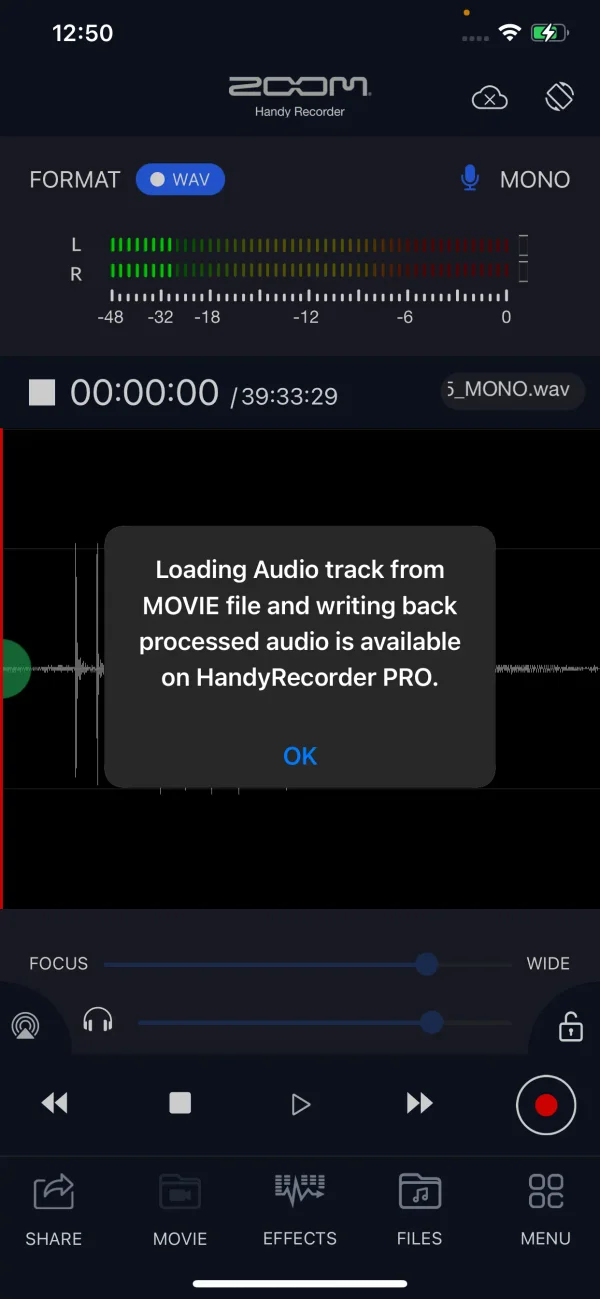
■ Stereo linear PCM and AAC recording
-You can record files using either high-quality linear PCM format or AAC format at a bit rate of 64, 128 or 160 kbps.
-The AUTO REC function can be used to start and stop recording automatically in response to the input signal level.
■ Works like a hardware recorder
-The operation screen was designed to simulate a ZOOM hardware Handy Recorder, so this app is as easy to operate as these products.
■ Effects
-Recorded files can be processed using the included effects.
•6 BAND EQ
•REVERB (ROOM, JAZZ CLUB, CONCERT HALL, ARENA, STADIUM)
•MASTERING (MAXIMIZE, ULTRA MAXIMIZE, CLEAR & POWER, WIDE, MONO)
-Pro+C8cessed recordings can also be saved as separate files.
-Use the NORMALIZE function to optimize the volume.
■File editing
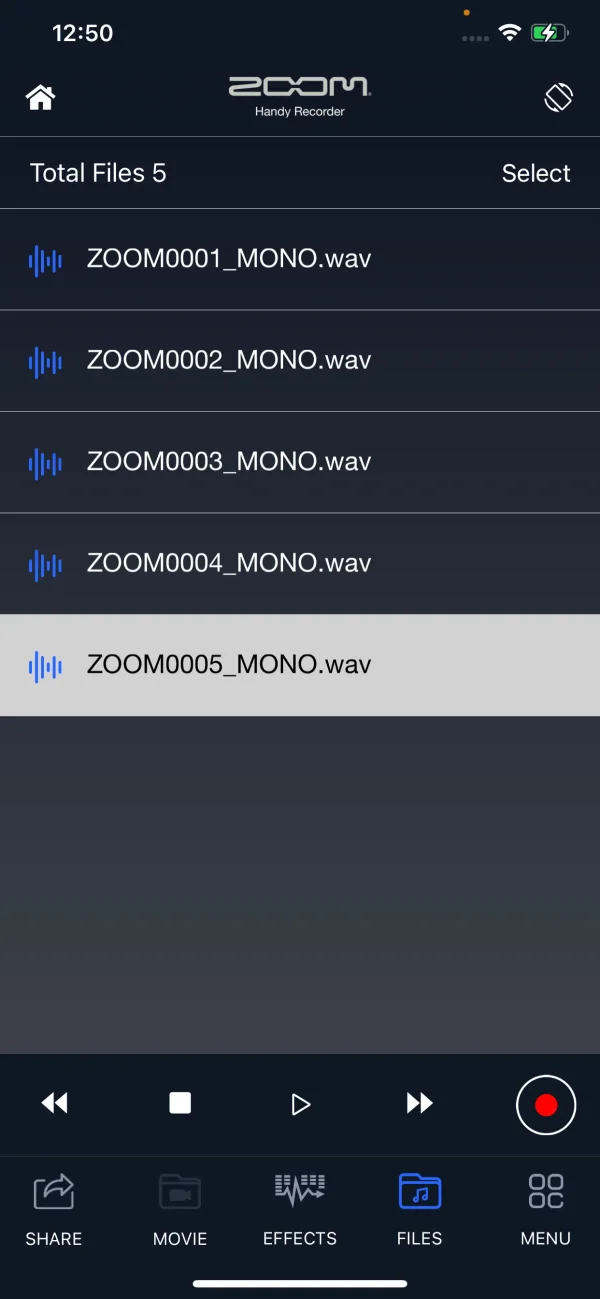
-In addition to deleting files, you can use the divide function to split files at the point that you want.
■Uploading to Cloud Services
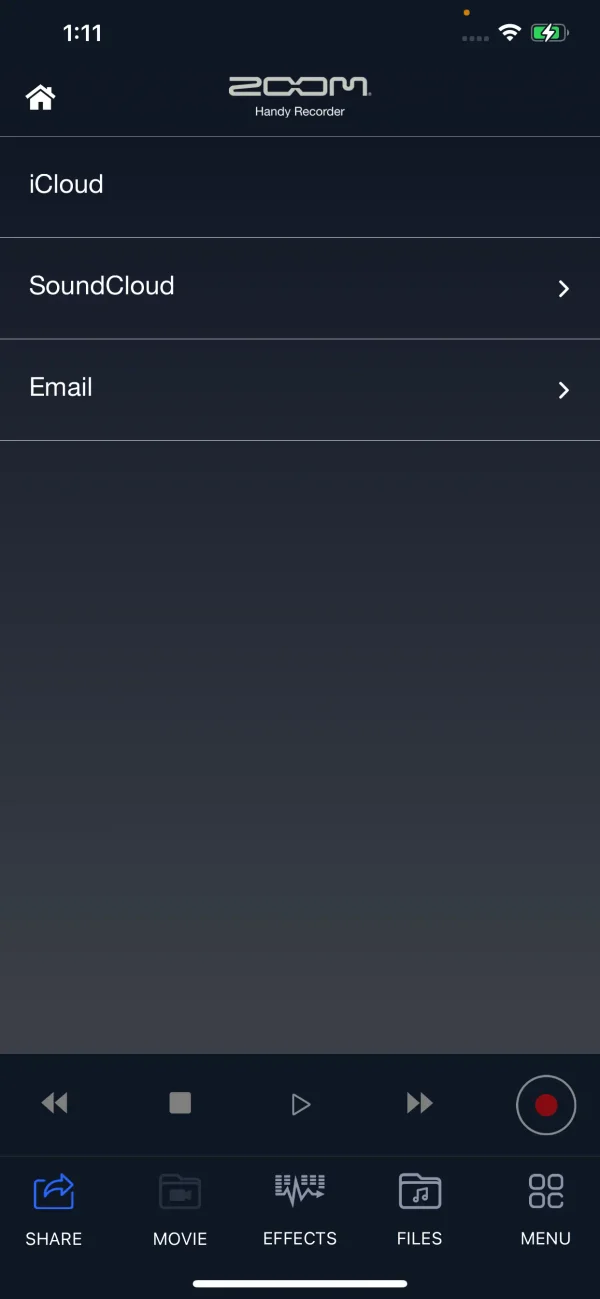
-The app includes a function that allows you to upload your recordings directly to the SoundCloud audio-sharing site. You can name your recordings and make sharing settings in the Handy Recorder app.
-iCloud drive is supported. Not only uploading selected file manually, but also “Auto Sync” function allows you to upload automatically soon after REC finished.
■Optimized for the iQ series
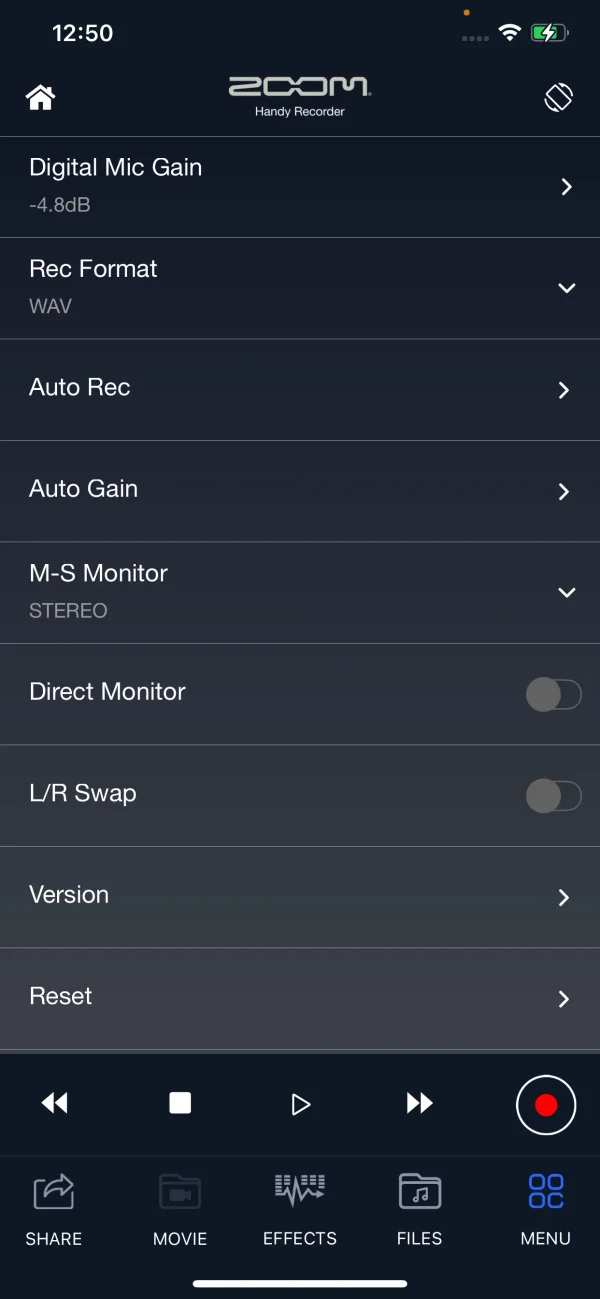
-By using the iQ5/iQ7 in MS recording mode, you can adjust the stereo width.
-Select from three iQ5's AUTO GAIN settings (CONCERT, SOLO, MEETING) according to the application.*
-Use the DIRECT MONITOR function to monitor the input signal through the headphones jack on the iQ series without latency
-The left and right channels of the iQ series input signal can be reversed.*
*These setting are saved in the iQ series mic itself and will be applied when using it with other apps.
For more information, please visit our website.
www.zoomcorp.com
Có gì mới
Phiên bản 5.7.0 · 27/11/2025
Uploading to Soundcloud was not possible. This has been fixed.
Quyền riêng tư của ứng dụng
Những gì ZOOM Corporation khai báo trên App Store về cách ứng dụng này xử lý dữ liệu.
-
Dữ liệu không được thu thập
Nhà phát triển không thu thập bất kỳ dữ liệu nào từ ứng dụng này.
Phương thức đảm bảo quyền riêng tư có thể khác nhau, chẳng hạn như tuỳ theo các tính năng bạn sử dụng hoặc độ tuổi của bạn.
Thông tin
- Người bán
- ZOOM CORPORATION
- Danh mục
- Nhạc
- Phiên bản
- 5.7.0
- Cập nhật
- 27/11/2025
- Phát hành
- 25/09/2013
- Kích thước
- 25,2 MB
- Yêu cầu
- iOS 9.0 trở lên
- Độ tuổi
- 4+
- Giá
- Miễn phí
- Ngôn ngữ
- Tiếng Anh, Tiếng Pháp, Tiếng Đức, Tiếng Ý, Tiếng Nhật, Tiếng Tây Ban Nha
- Bản quyền
- © 2020 ZOOM Corporation