
- Độ tuổi4+
- Danh mụcCông Cụ Nhà Phát Triển
- Nhà phát triểnGyuman Kim
- Ngôn ngữTiếng Anh
- Kích thước1,3 MB
Liên kết đến trang App Store chính thức
Download.org không lưu trữ tệp nào của HeaderX. Nút này mở trang ứng dụng trên App Store, nơi Gyuman Kim phát hành ứng dụng. Trang được kiểm tra lần cuối: 12/11/2026.
Ảnh chụp màn hình
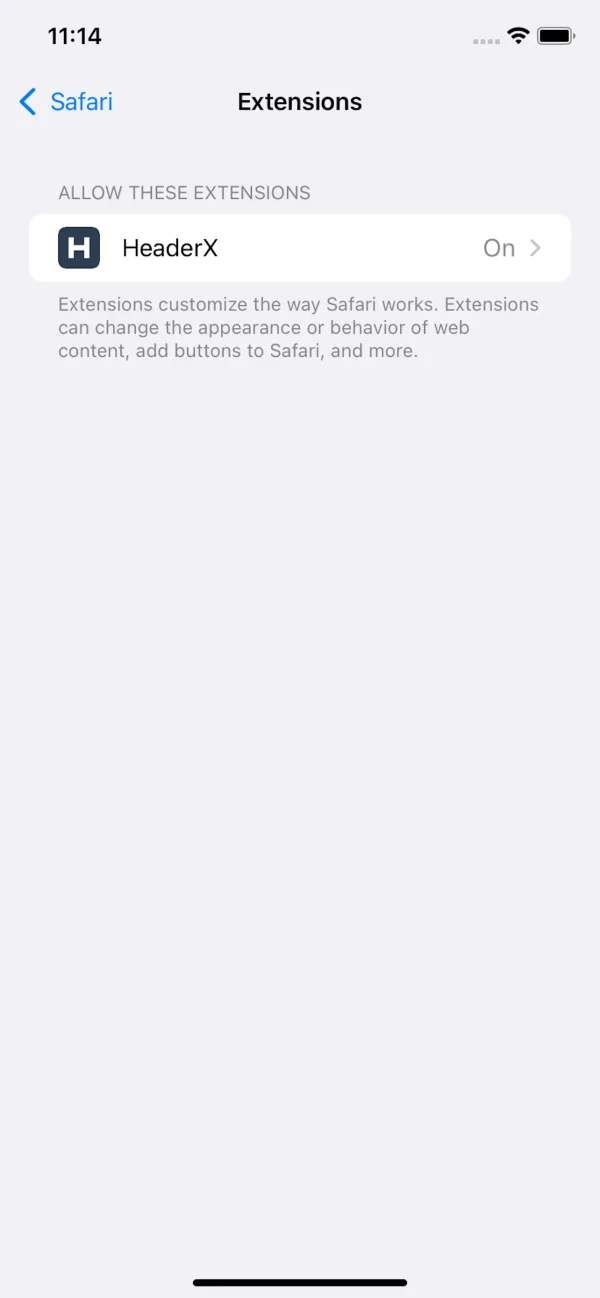

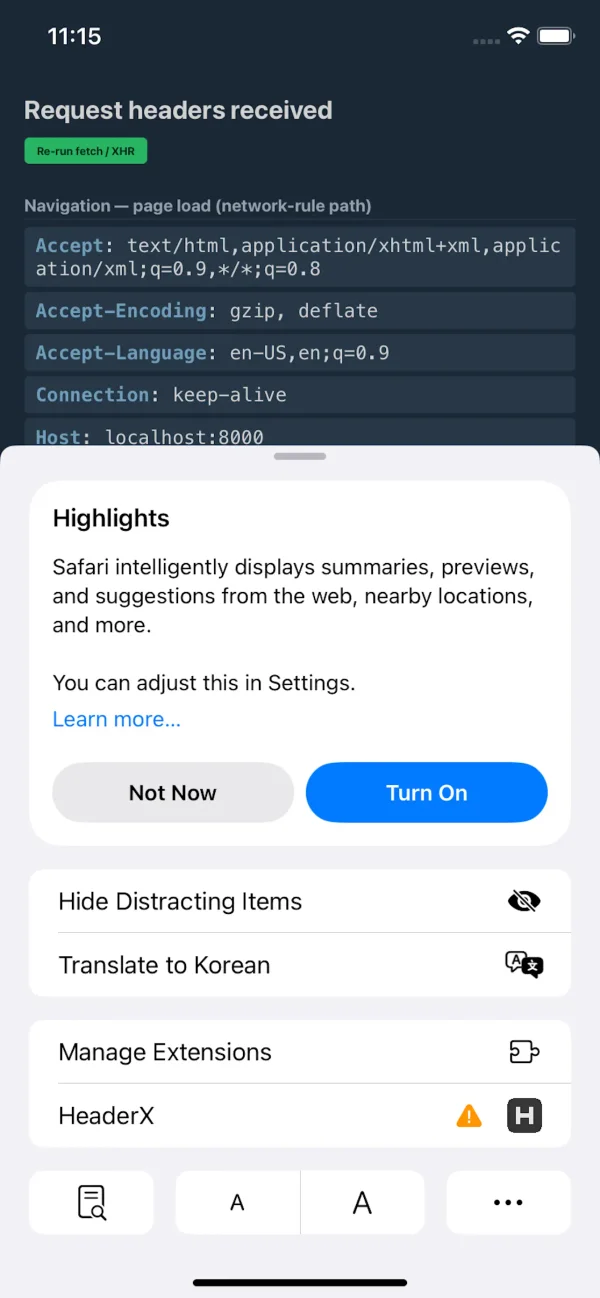

Giới thiệu
Nhà phát triển chưa cung cấp nội dung này bằng ngôn ngữ của bạn.
HeaderX injects custom HTTP request headers into your Safari browsing session — the essential companion for web developers, API testers, and QA engineers.
Point HeaderX at your development environment, define your headers once, and flip them on whenever you need them. No proxy setup, no configuration files, no leaving the browser.
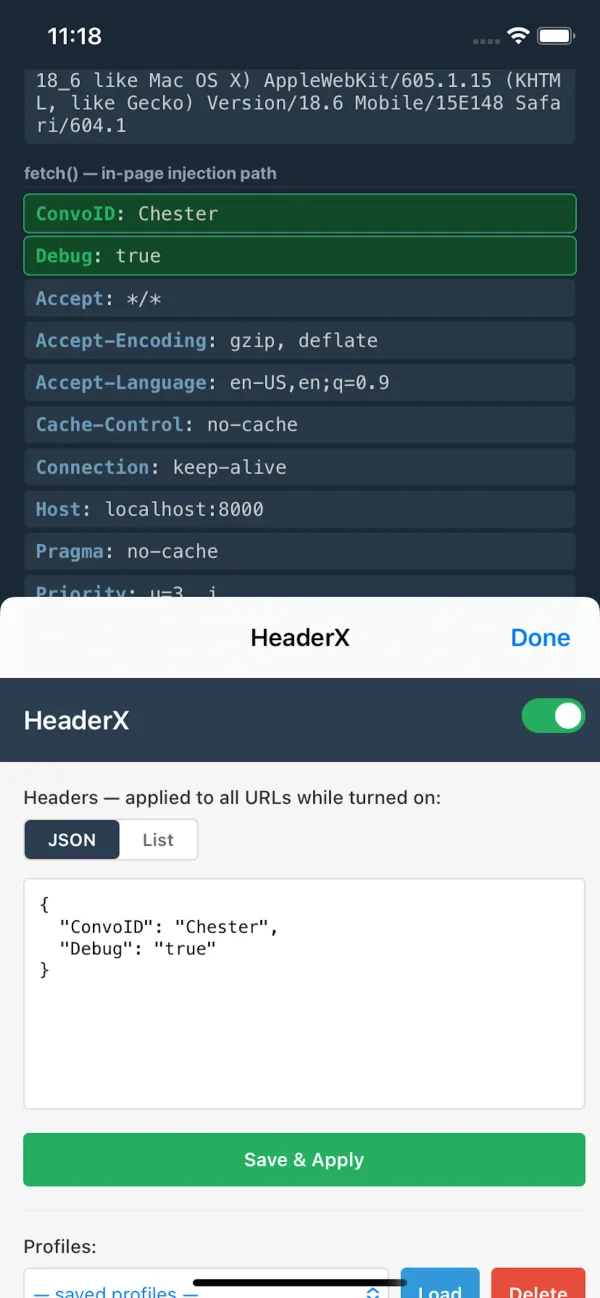
DEFINE HEADERS AS JSON
Describe your headers in a simple JSON editor — paste an entire set at once:
{"X-Debug-Mode": "enabled", "Authorization": "Bearer dev-token"}
Or use the array format to keep headers saved but individually switched off.
TWO VIEWS, ONE TOGGLE
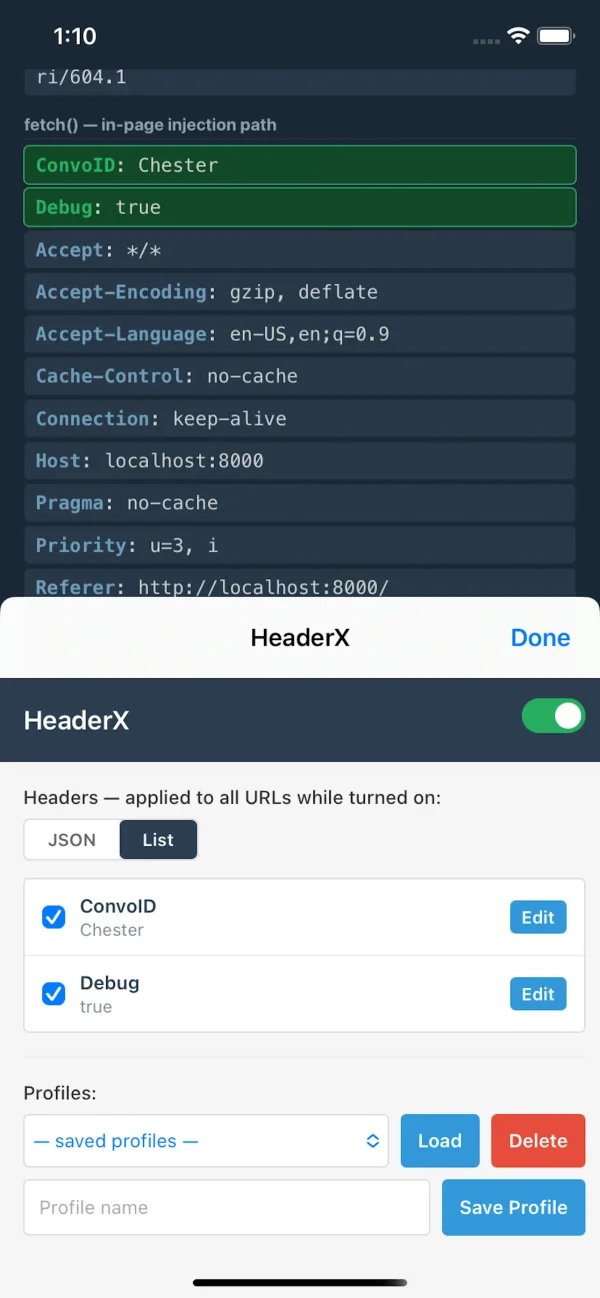
Edit as raw JSON or flip to List view, where every header gets its own checkbox. The master toggle in the corner turns everything on or off instantly — your configuration stays saved either way.
REUSABLE PROFILES
Save named header sets — one per project, environment, or test scenario — and switch between them in two clicks.
FEATURES
• One-tap master toggle
• JSON editor and checkbox list views
• Per-header enable/disable
• Named profiles for quick switching
• Settings persist across browser restarts
• Works in Private Browsing (optional)
GOOD TO KNOW
Standard header names (Authorization, Accept-Language, User-Agent, and other HTTP-spec headers) are applied to all requests through Safari's native rule engine. Custom header names (X-My-Header and similar) are applied to fetch and XHR requests made by web pages — a Safari platform constraint on custom names in network rules. For typical API-debugging workflows, this covers exactly the requests you care about.
Headers apply to every site while the toggle is on — remember to switch off when you're done testing, especially with authentication headers.
PRIVACY FIRST
Everything stays on your device. HeaderX collects no data, phones home to no one, and contains no analytics. What you configure is nobody's business but yours.
Có gì mới
Phiên bản 1.5 · 28/08/2026
What's New
Profile Improvements
- Fixed profile text handling to ensure profile names and content load correctly
Better List View
- Replaced modal dialogs with a more reliable deletion method that works better with Safari's interface
- Improved add/remove header UI with inline fields and icon buttons for cleaner interaction
Bug Fixes
- Fixed version sync issue between Safari 1.4 host app and extension
- Refined icon button styling for better visual consistency
UI Refinements
- Enhanced ghost icon button sizing for improved touchability
- Updated list view edit button to icon-only style for a more compact interface
- Improved visual feedback for header removal with consistent delete styling
Quyền riêng tư của ứng dụng
Những gì Gyuman Kim khai báo trên App Store về cách ứng dụng này xử lý dữ liệu.
-
Dữ liệu không được thu thập
Nhà phát triển không thu thập bất kỳ dữ liệu nào từ ứng dụng này.
Phương thức đảm bảo quyền riêng tư có thể khác nhau, chẳng hạn như tuỳ theo các tính năng bạn sử dụng hoặc độ tuổi của bạn.
Thông tin
- Người bán
- Gyuman Kim
- Danh mục
- Công Cụ Nhà Phát Triển
- Phiên bản
- 1.5
- Cập nhật
- 28/08/2026
- Phát hành
- 15/07/2026
- Kích thước
- 1,3 MB
- Yêu cầu
- iOS 15.0 trở lên
- Độ tuổi
- 4+
- Giá
- Miễn phí
- Ngôn ngữ
- Tiếng Anh
- Bản quyền
- © 2026 Chester Kim
Có thể bạn cũng thích
-
 Custom Headers For SafariCông Cụ Nhà Phát Triển
-
 SignetoCông Cụ Nhà Phát Triển
-
 NovatoolsCông Cụ Nhà Phát Triển
-
 hubHub — Repo StatsCông Cụ Nhà Phát Triển
-
 Pastura - Local LLMs simulatorCông Cụ Nhà Phát Triển
-
 Murmur BLE ShellCông Cụ Nhà Phát Triển
-
 ChewCode: Learn Python CodingCông Cụ Nhà Phát Triển
-
 HTTrailCông Cụ Nhà Phát Triển
-
 MarkGitCông Cụ Nhà Phát Triển
-
 Pingta - Network DiagnosticCông Cụ Nhà Phát Triển