HOLD: Timer & Countdown
Add time from the Lock Screen
Được thiết kế cho iPhone, iPod touch
Miễn phí · Mua hàng trong ứng dụng
- Độ tuổi4+
- Danh mụcTiện Ích
- Nhà phát triểnJason Fraser
- Ngôn ngữTiếng Anh
- Kích thước23,1 MB
Liên kết đến trang App Store chính thức
Download.org không lưu trữ tệp nào của HOLD: Timer & Countdown. Nút này mở trang ứng dụng trên App Store, nơi Jason Fraser phát hành ứng dụng. Trang được kiểm tra lần cuối: 14/11/2026.
Ảnh chụp màn hình



Giới thiệu
Nhà phát triển chưa cung cấp nội dung này bằng ngôn ngữ của bạn.
The timer you can extend from your Lock Screen. Start one for the parking meter, the laundry or the oven, then add time with one tap: no unlocking, and the alert moves with it. On iOS 26 it rings even on Silent. And count down to any date on your Home Screen, free.
FREE, WITH 5 AD-FREE HOLDS
Your first 5 ad-free holds hold nothing back — every pad, the keypad, the Lock Screen controls, the alarm, all of it. After that HOLD stays free: each new hold plays at most one short ad, never before it starts. HOLD Pro removes the ads with one purchase, not a subscription.
ADD TIME WITHOUT UNLOCKING
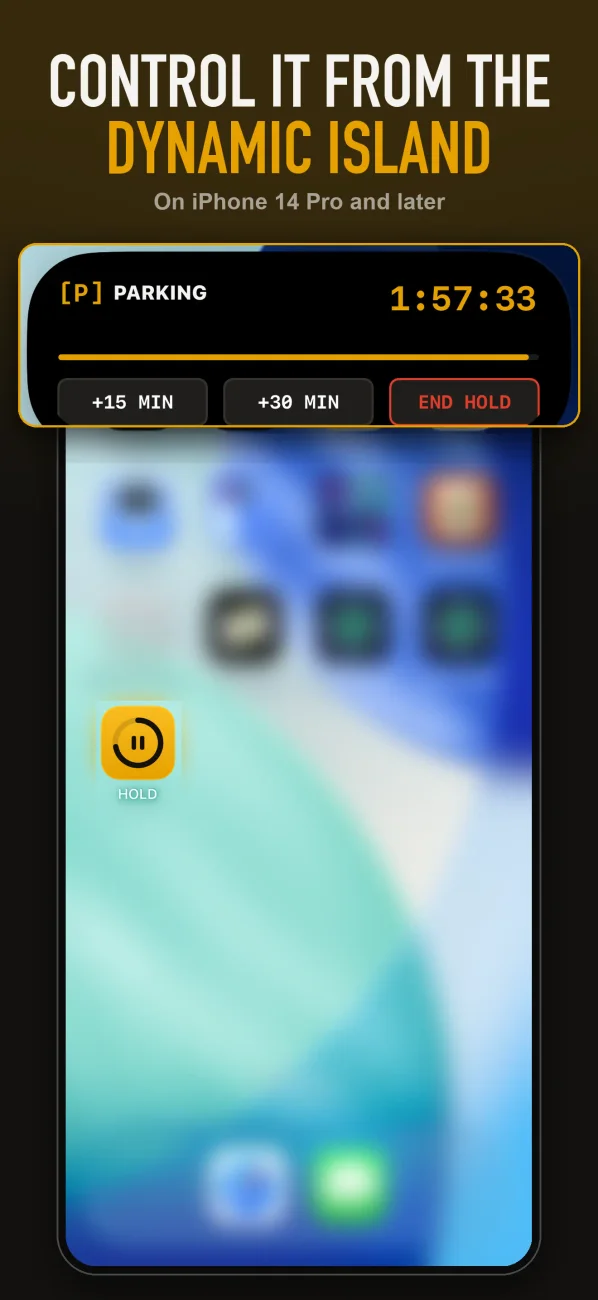
This is the button you actually need at a meter. While a hold is running, its Live Activity carries real controls: two extend buttons and END. Press +15 MIN on a PARKING hold and the countdown and the alert both move to the new time. No unlock. No app. No Face ID with a bag of groceries in your other hand.
START WITHOUT OPENING THE APP
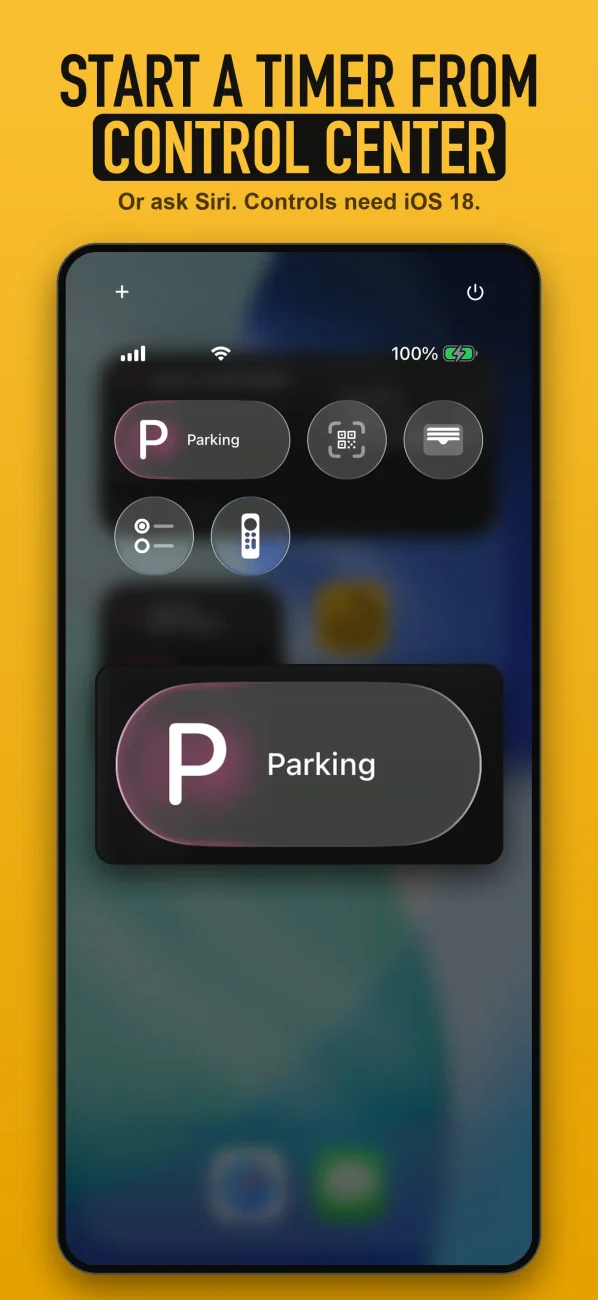
Put the Start a Hold control in Control Center, on the Lock Screen or on the Action button and choose its pad: PARKING in place of the flashlight. Or ask Siri: "Start Parking in HOLD". The Quick Start widget keeps four pads on your Home Screen. Controls need iOS 18.
IT RINGS THROUGH SILENT
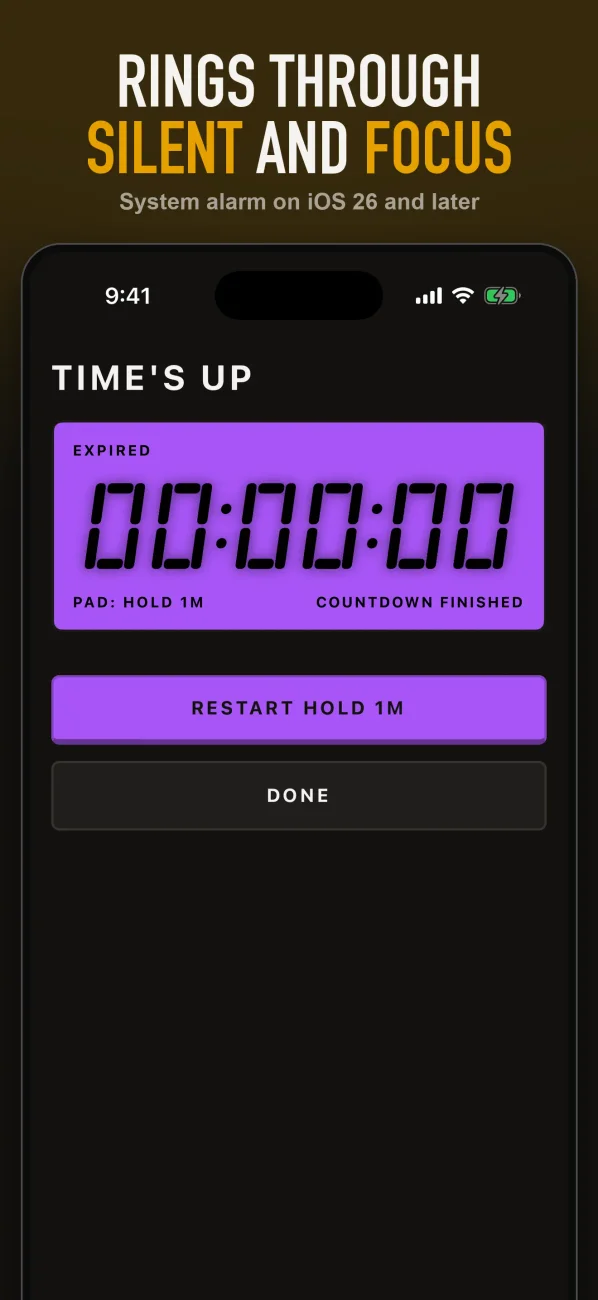
On iOS 26, HOLD uses AlarmKit — the same system alarms the built-in Clock uses. Your hold sounds even if the phone is on Silent or sitting in a Focus. A timer you might not hear is not a timer.
EIGHT PADS AND A KEYPAD
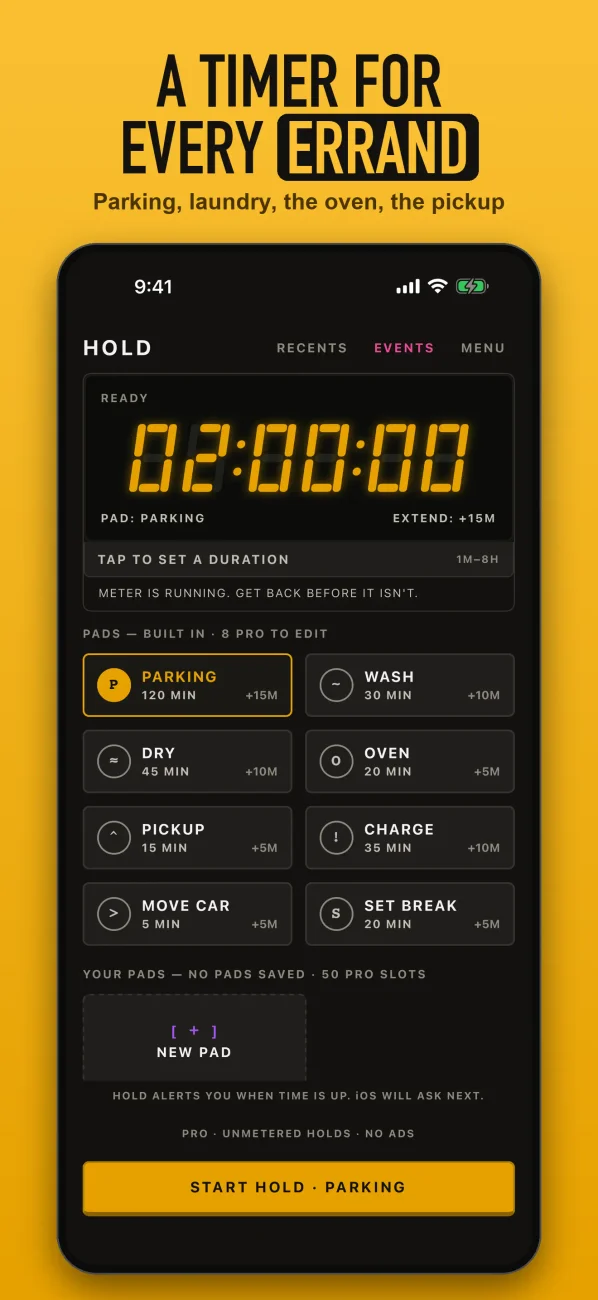
PARKING 2h · WASH 30m · DRY 45m · OVEN 20m · PICKUP 15m · CHARGE 35m · MOVE CAR 5m · SET BREAK 20m.
One tap picks a pad, one tap starts it. For any other wait, tap the big LCD readout and type a length from 1 minute to 8 hours.
ON THE LOCK SCREEN AND IN THE DYNAMIC ISLAND
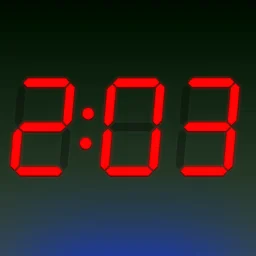
• High-contrast LCD digits, sized to be read at arm's length in daylight.
• Two extend buttons and END on the Lock Screen banner and in the expanded Dynamic Island, in the pad's own amounts (PARKING: +15 and +30 MIN).
• The compact Dynamic Island shows the pad's glyph and a live countdown; long-press to expand.
• Extensions stop at 8 hours from the moment the hold began.
Live Activities and their buttons need iOS 17 or later. On older iPhones the hold runs normally inside the app.
COUNT DOWN TO A DATE, TOO
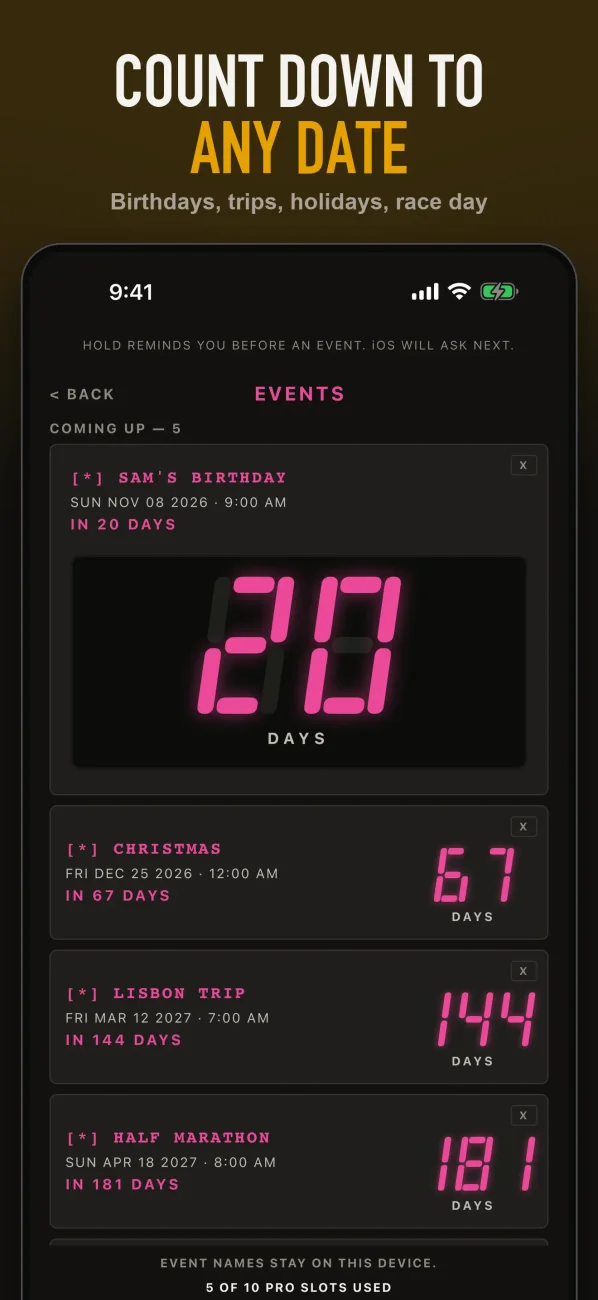
Some waits are months long. Name a date you are counting down to — a trip, a birthday, a move — up to 10 years ahead, add reminders, and put the Event Countdown widget on your Home Screen or Lock Screen. Six sizes in all. Birthdays and anniversaries can repeat every year, with the years counted; add birthdays from Contacts without giving HOLD your address book. Christmas, New Year and Halloween are one tap away. Share any countdown as a link: it opens in HOLD, or in any browser. Widgets need iOS 17 or later.
WHAT PRO ADDS
• No ads, on any hold.
• Run up to 3 holds at once (free runs 1): the laundry, the oven and the meter, each with its own Lock Screen controls and alarm.
• Room for 10 date countdowns instead of 1, each with its own reminders, widget and colour; the large widget shows four.
• Edit the grid: your own name, length, colour, mark and Lock Screen extends on any of the 8 preset pads. Reverting one is always free.
• End at a clock time. Some waits are a deadline, not a length: the meter expires at 4:30, the gate closes at 6. Type the time and HOLD works out the rest.
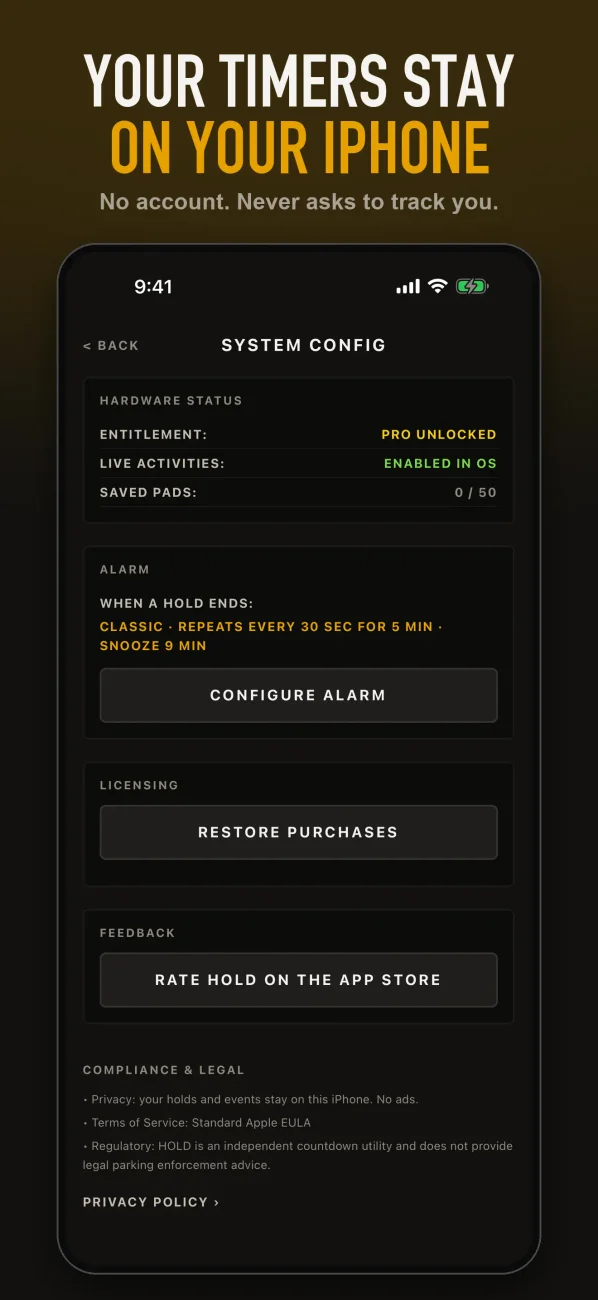
• Save up to 50 of your own pads, each with its own name, length and colour.
Nothing is taken back: what you made stays yours if Pro lapses; only creating a new one is refused.
PRIVATE WHERE IT MATTERS
• No account and no sign-in. Your holds, pads, events and last 8 sessions stay in a sandboxed database on your iPhone. Nothing is sent anywhere unless you share it yourself.
• Ads on free holds come from Google and are never personalized, and HOLD never asks to track you. For Pro users the ad software never starts.
HOLD is an independent countdown utility. It does not provide parking-enforcement advice and makes no medical claims.
Có gì mới
Phiên bản 1.5.2 · 01/11/2026
NEW IN 1.5.2
• HOLD's App Store page now reads in French, in Spanish for Spain and in British English. Nothing in the app has changed.
FIXED IN 1.5.1
• On iOS 26, extending a hold from the Lock Screen now moves its alarm too. Before, the alarm could still go off at the old end time, and HOLD could end the hold early.
NEW IN 1.5
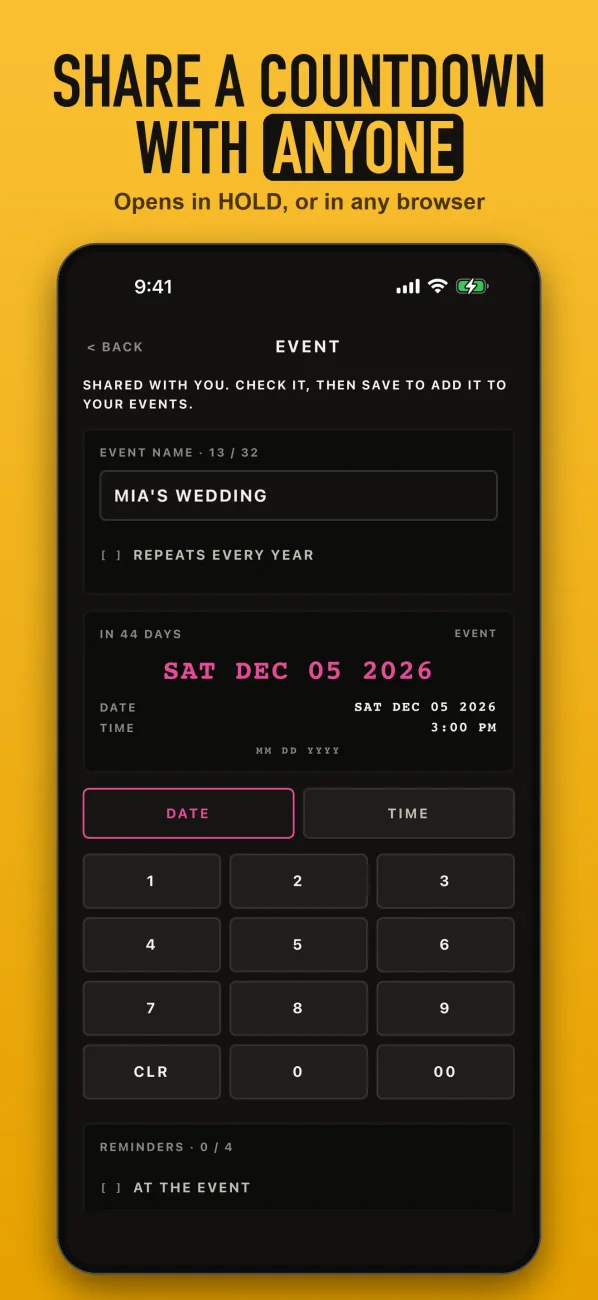
• Share a countdown. Send any countdown as a link: on an iPhone with HOLD it opens ready to save, and anywhere else it shows the days left in the browser.
• Share when a hold ends. From a running hold, send "Parking ends at 3:40 PM." with one tap.
• Birthdays from Contacts. Pick people, and their birthdays become countdowns that repeat every year. HOLD sees only the people you pick and never asks for access to your contacts.
• A large Event Countdown widget, with up to four of your countdowns.
• With Pro, each countdown can have its own colour.
• Fewer ads, at better moments: at most one per hold, none within 2 minutes of the last one, and no more than 8 a day. And a free hold can run alongside another if you watch a short video.
HOLD IS FREE TO KEEP USING.
Your first 5 holds are ad-free; after that, each new hold plays at most one short ad, and HOLD Pro removes the ads.
Quyền riêng tư của ứng dụng
Những gì Jason Fraser khai báo trên App Store về cách ứng dụng này xử lý dữ liệu.
-
Dữ liệu liên kết với bạn
Có thể được thu thập và liên kết với danh tính của bạn.
- Vị trí
- Mã định danh
- Dữ liệu sử dụng
-
Dữ liệu không liên kết với bạn
Có thể được thu thập nhưng không liên kết với danh tính của bạn.
- Chẩn đoán
Phương thức đảm bảo quyền riêng tư có thể khác nhau, chẳng hạn như tuỳ theo các tính năng bạn sử dụng hoặc độ tuổi của bạn.
Thông tin
- Người bán
- Jason Fraser
- Danh mục
- Tiện Ích
- Phiên bản
- 1.5.2
- Cập nhật
- 01/11/2026
- Phát hành
- 18/09/2026
- Kích thước
- 23,1 MB
- Yêu cầu
- iOS 15.1 trở lên
- Độ tuổi
- 4+
- Giá
- Miễn phí
- Mua hàng trong ứng dụng
- Có
- Ngôn ngữ
- Tiếng Anh
- Bản quyền
- © 2026 Jason Fraser