HomeSense
Command center for your home
Được thiết kế cho iPhone, iPad
Miễn phí · Mua hàng trong ứng dụng
- Độ tuổi4+
- Danh mụcLối Sống
- Nhà phát triểnRevery Codes
- Ngôn ngữTiếng Anh
- Kích thước25,0 MB
Liên kết đến trang App Store chính thức
Download.org không lưu trữ tệp nào của HomeSense. Nút này mở trang ứng dụng trên App Store, nơi Revery Codes phát hành ứng dụng. Trang được kiểm tra lần cuối: 14/11/2026.
Ảnh chụp màn hình

Giới thiệu
Nhà phát triển chưa cung cấp nội dung này bằng ngôn ngữ của bạn.
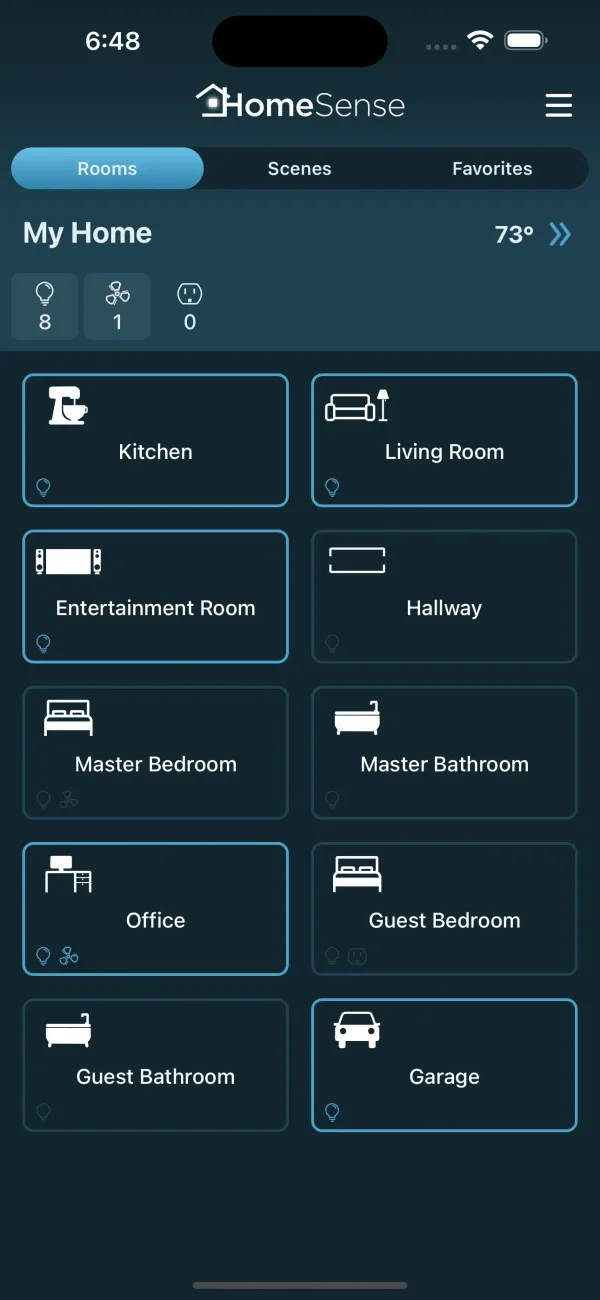
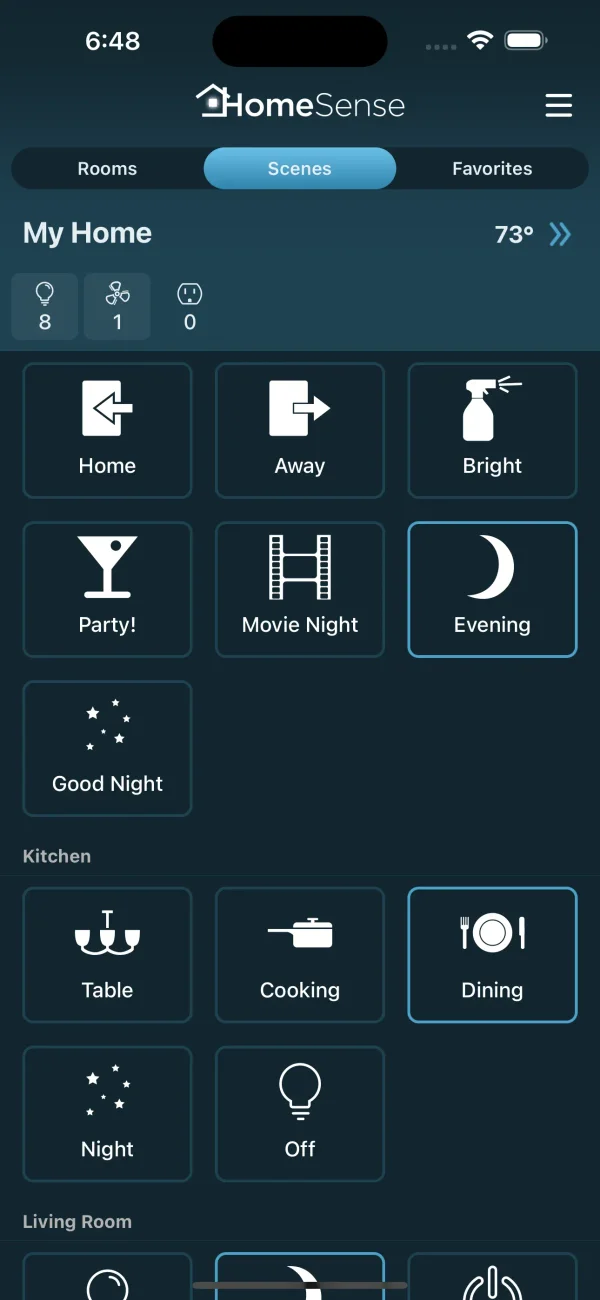
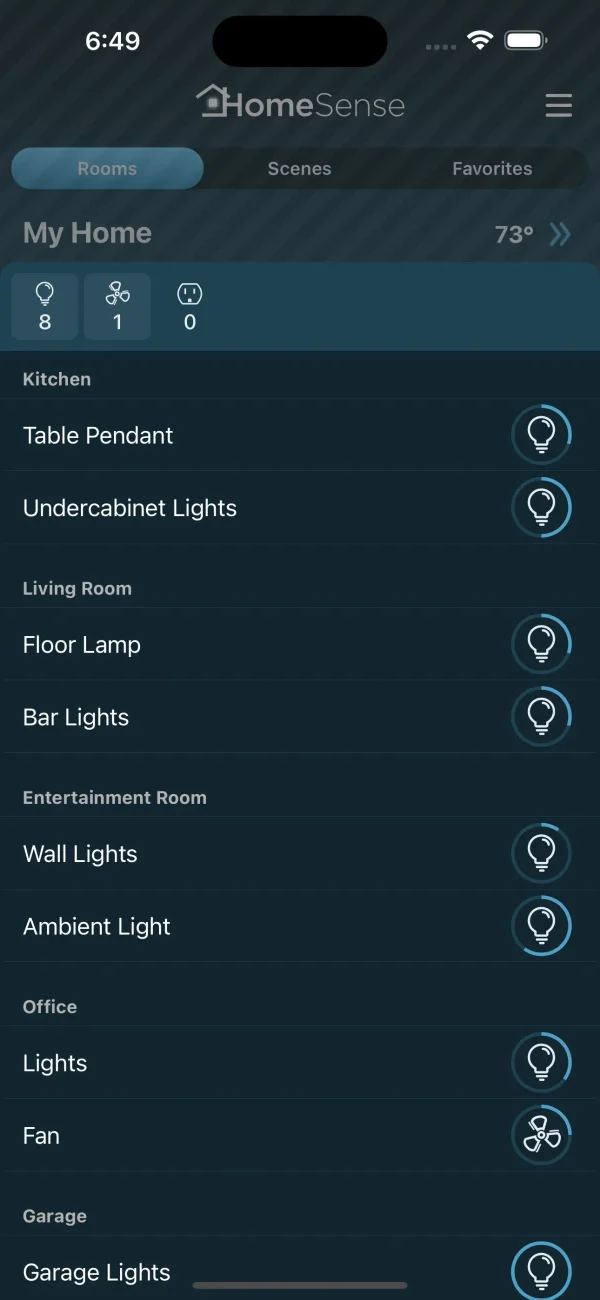
HomeSense turns your iPhone or iPad into a command center for your automated home. HomeSense supports Caséta Wireless, Lutron RadioRA 2, Lutron RadioRA 3, Lutron HomeWorks QS, Philips Hue Personal Wireless Lighting, Sonos speakers, Honeywell Lyric Thermostat and HomeKit, providing seamless integration between these systems. See the state of your connected devices, rooms, and convenient summary of your whole home with the base version, and upgrade to control lights, fans, shades, thermostats, edit schedule and more. With Notification Center widget, favorites, home and room scenes, HomeSense is flexible, convenient and easy to use.
Please note that device control and editing for scenes and schedules requires a purchase.
Common Features
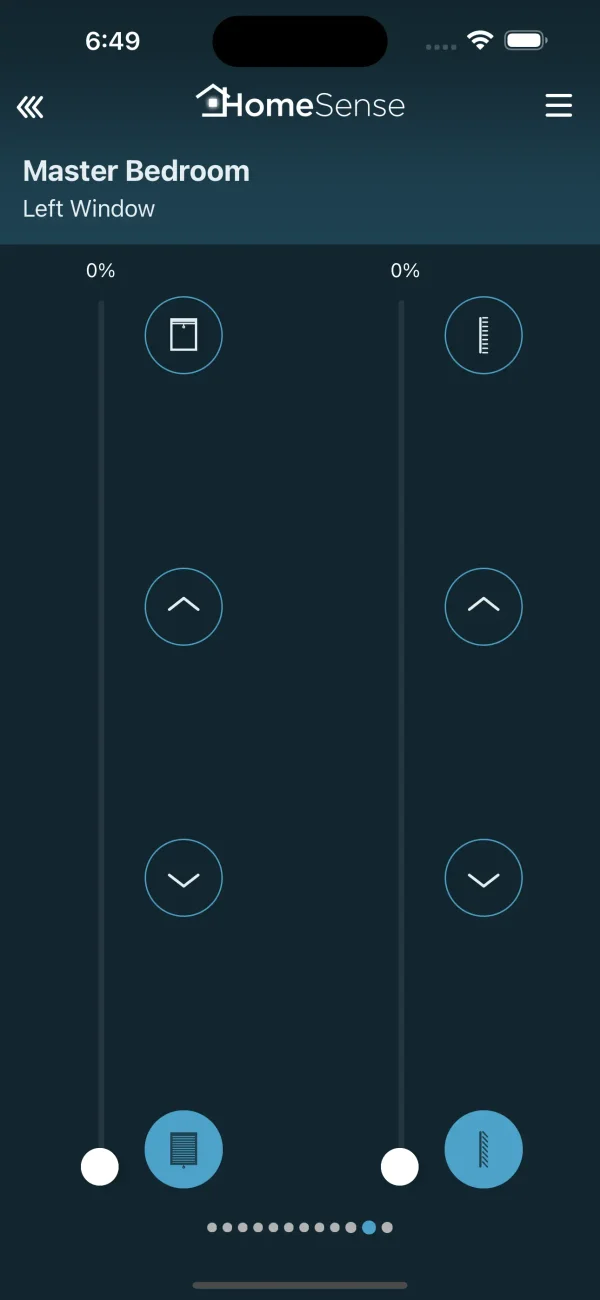
- See and control lights, ceiling fans, shades, blinds and thermostats from the application.
- Home overview shows the state of every room and makes it easy to see what rooms have lights or fans on.
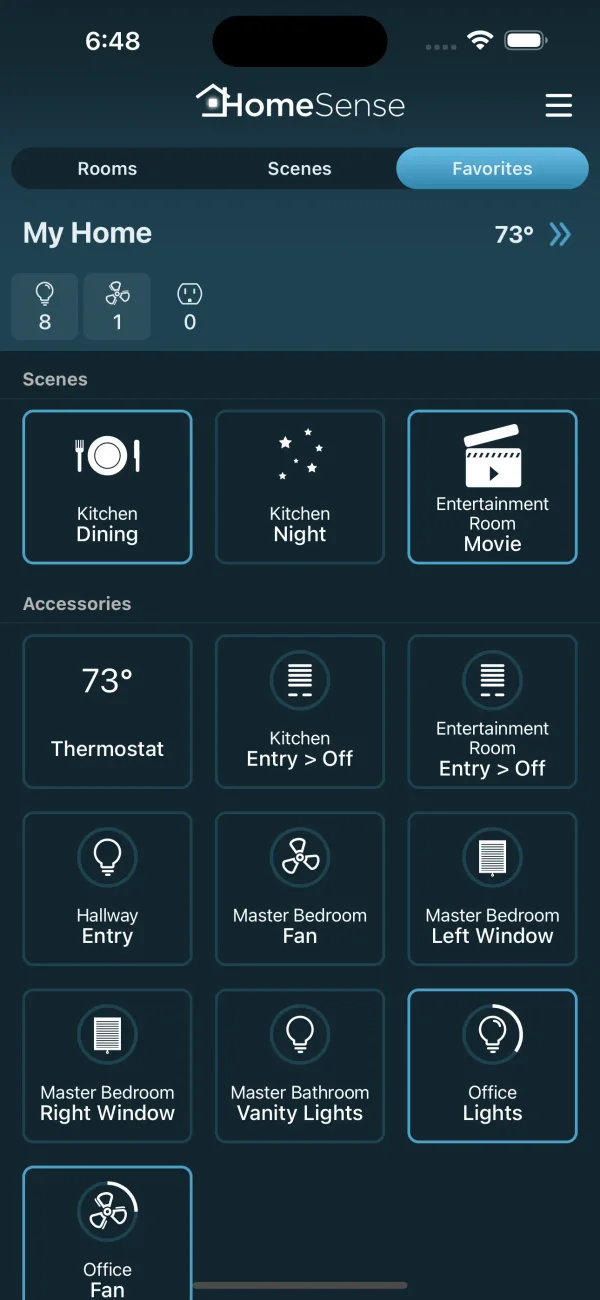
- Add often used controls or scenes to the Favorites. Any light, fan, shade, or even individual keypad button can be added to Favorites to appear on a separate screen. Tap to toggle, or tap and hold to open the detail view.
- Create your own home and room scenes that can combine devices from different systems.
- Turn off all lights and fans in a room with a single gesture - just choose “All Off” action on the room.
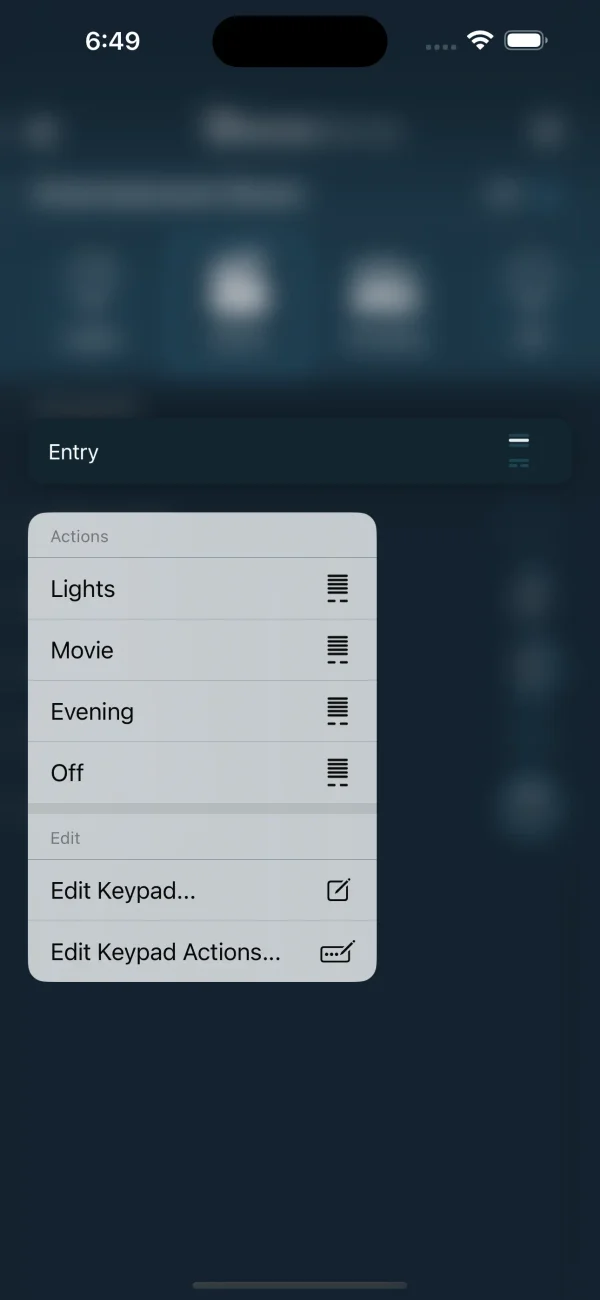
- Set up additional actions for a room to be recalled quickly from actions menu.
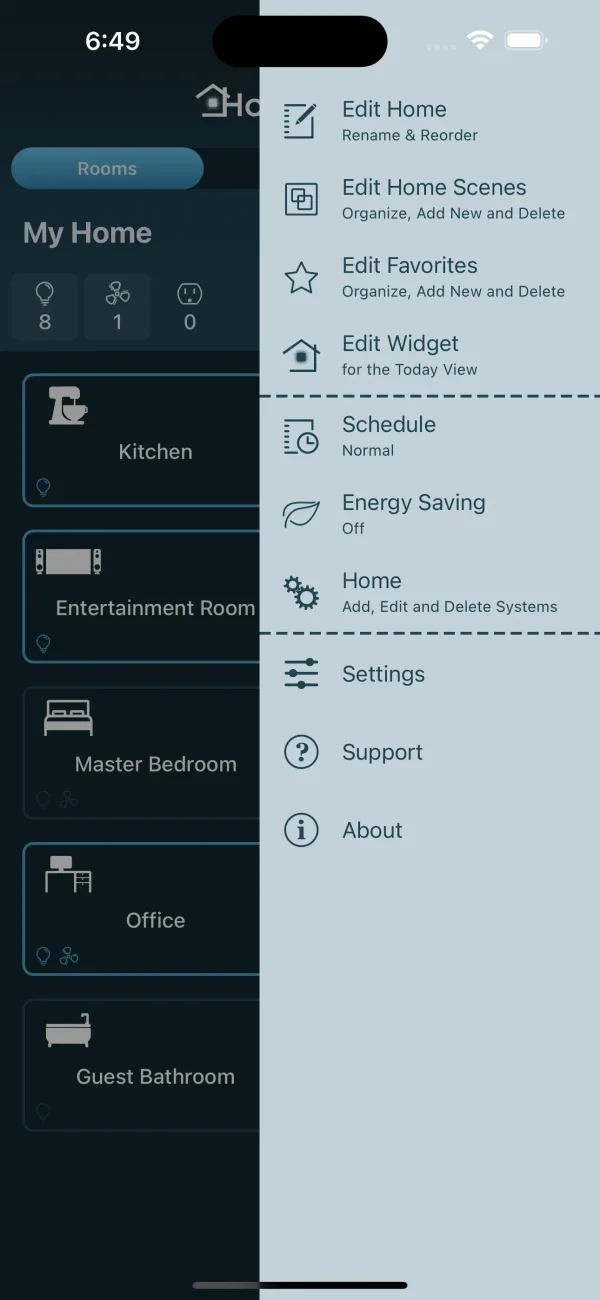
- Organize your home: manage rooms, rename controls and keypad buttons, hide unwanted devices.
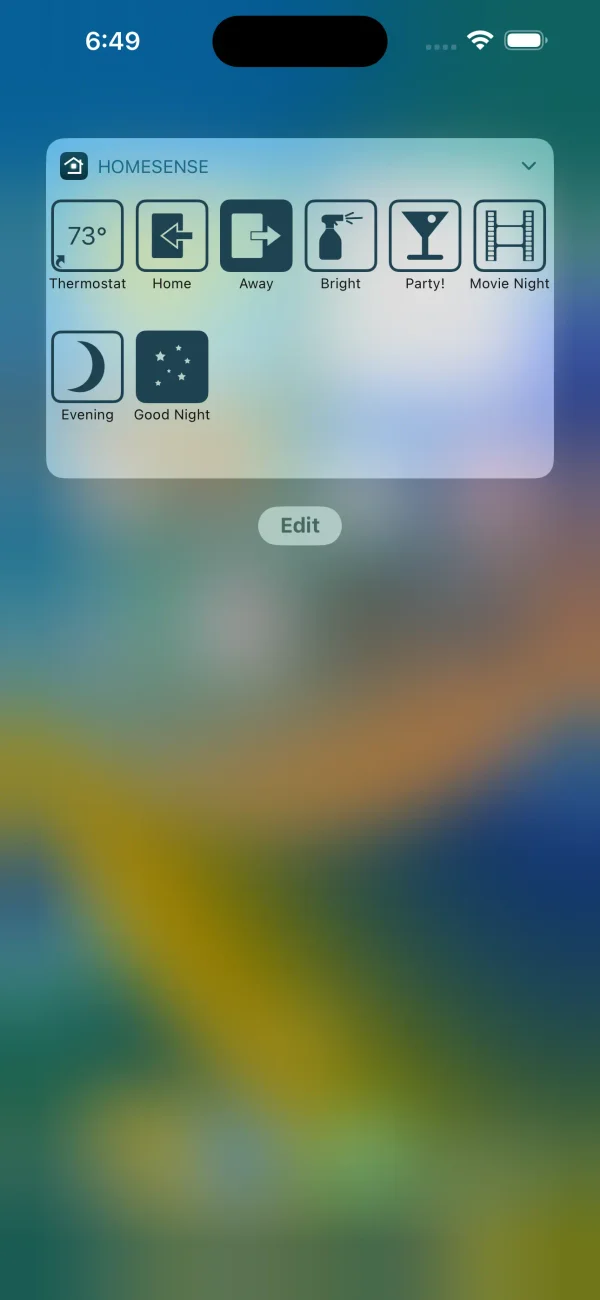
- Today widget lets you access selected controls or scenes without launching the app.
- Change switch type - choose if switch controls an outlet, light or fan.
- Adjust device defaults - set default brightness, fade-in and fade-out time for dimmers, set default speed for fans.
- iCloud sync keeps your home configuration up-to-date on all of your devices.
Caséta Wireless Features
- View and edit Pico button programming and scheduled events.
Lutron RadioRA 2 and HomeWorks QS Features
- View and edit keypad button programming, scheduled events and thermostat schedules.
- Change schedule and energy saving (“Green”) mode.
Philips Hue Features
- View and edit scheduled events, including events relative to sunrise or sunset.
HomeKit Features
- Supported devices include outlets, switches, lights, fans, shades, blinds, thermostats, door locks, garage door openers, faucets, and sensors.
- Scheduled events support both weekly events, as well as time triggers with repeat intervals, from 5 minutes up to one month.
Sonos Features
- Play, pause, and control volume.
- Select a playlist or a station to play from your Sonos favorites.
- Group speakers to play music to more than one rooms.
Requirements
- For Caséta Wireless, Smart Bridge or Smart Bridge Pro connected to home WiFi network.
- For Lutron, professionally installed system connected to home WiFi network.
- For Philips Hue, Philips Hue lights with bridge connected to home WiFi network.
- For Lyric, Lyric Round Wi-Fi Thermostat, Lyric T5 or Lyric T6 Pro Wi-Fi Thermostat with working Internet connection.
Terms Of Use
https://www.apple.com/legal/internet-services/itunes/dev/stdeula/
Trademarks
Lutron, HomeWorks, RadioRA are trademarks of Lutron Electronics Co., Inc registered in the US and other countries.
Caséta, RadioRA 2, RadioRA 3, GRAFIK RA are trademarks of Lutron Electronics Co., Inc.
Lyric, Lyric Round are trademarks of Honeywell International Inc.
PHILIPS is a registered trademark of Koninklijke Philips N.V.
Sonos and Sonos product names are either trademarks or registered trademarks of Sonos, Inc.
Có gì mới
Phiên bản 3.8.0 · 12/11/2026
- Fixed connection to the Resideo Honeywell Home Thermostats,
- Updated the app to the iOS 26 SDK.
Quyền riêng tư của ứng dụng
Những gì Revery Codes khai báo trên App Store về cách ứng dụng này xử lý dữ liệu.
-
Dữ liệu không được thu thập
Nhà phát triển không thu thập bất kỳ dữ liệu nào từ ứng dụng này.
Phương thức đảm bảo quyền riêng tư có thể khác nhau, chẳng hạn như tuỳ theo các tính năng bạn sử dụng hoặc độ tuổi của bạn.
Thông tin
- Người bán
- Revery Codes LLC
- Danh mục
- Lối Sống
- Phiên bản
- 3.8.0
- Cập nhật
- 12/11/2026
- Phát hành
- 15/06/2016
- Kích thước
- 25,0 MB
- Yêu cầu
- iOS 17.0 trở lên
- Độ tuổi
- 4+
- Giá
- Miễn phí
- Mua hàng trong ứng dụng
- Có
- Ngôn ngữ
- Tiếng Anh
- Bản quyền
- © 2024 Revery Codes LLC