HyperCam: Lightning Camera
Motion & Sound Auto Shutter
Được thiết kế cho iPhone
Miễn phí · Mua hàng trong ứng dụng
- Độ tuổi4+
- Danh mụcẢnh & Video
- Nhà phát triểnHighRoad Software
- Ngôn ngữTiếng Anh+ 14 ngôn ngữ khác
- Kích thước11,9 MB
Liên kết đến trang App Store chính thức
Download.org không lưu trữ tệp nào của HyperCam: Lightning Camera. Nút này mở trang ứng dụng trên App Store, nơi HighRoad Software phát hành ứng dụng. Trang được kiểm tra lần cuối: 18/11/2026.
Ảnh chụp màn hình
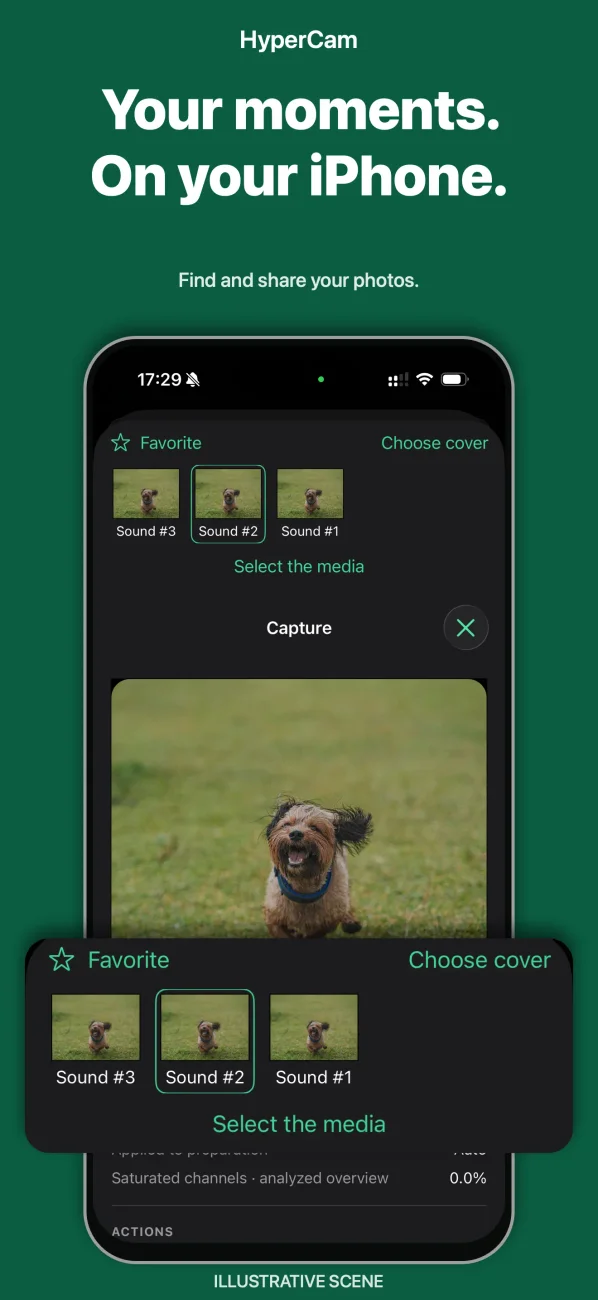
Giới thiệu
Nhà phát triển chưa cung cấp nội dung này bằng ngôn ngữ của bạn.
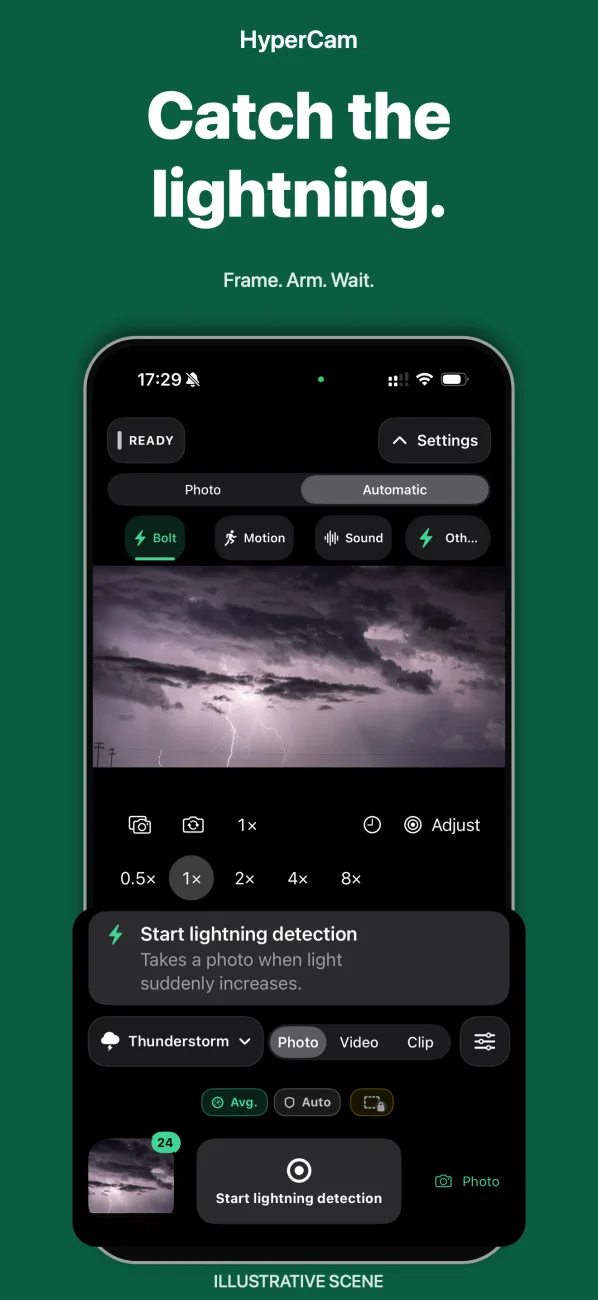
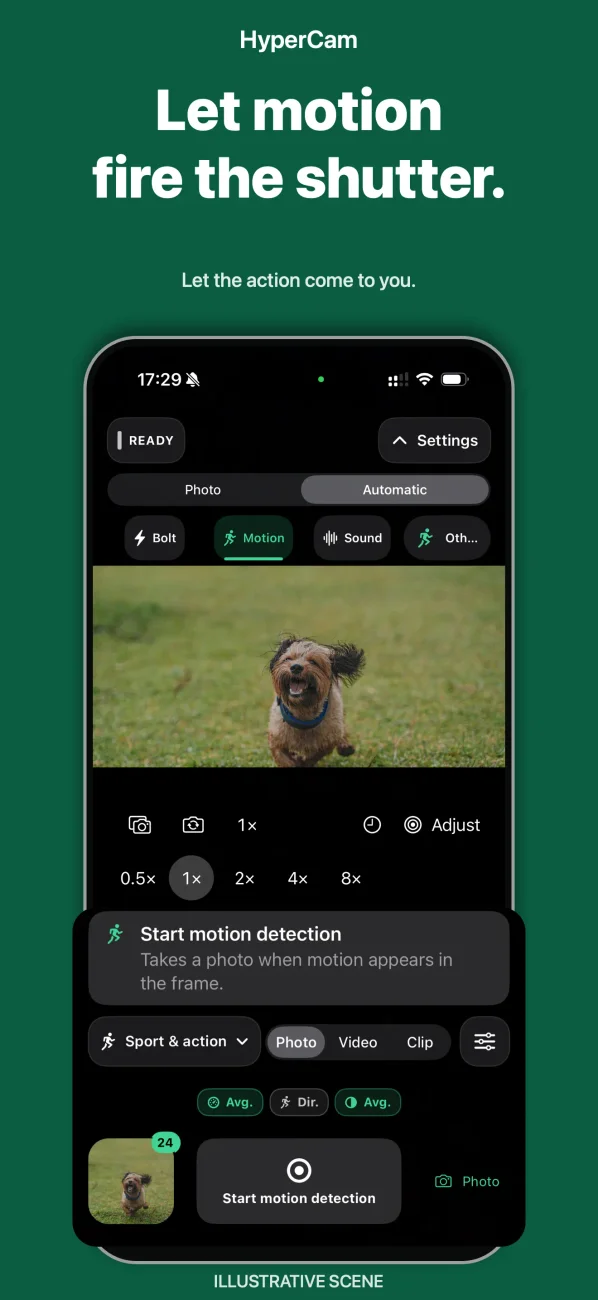
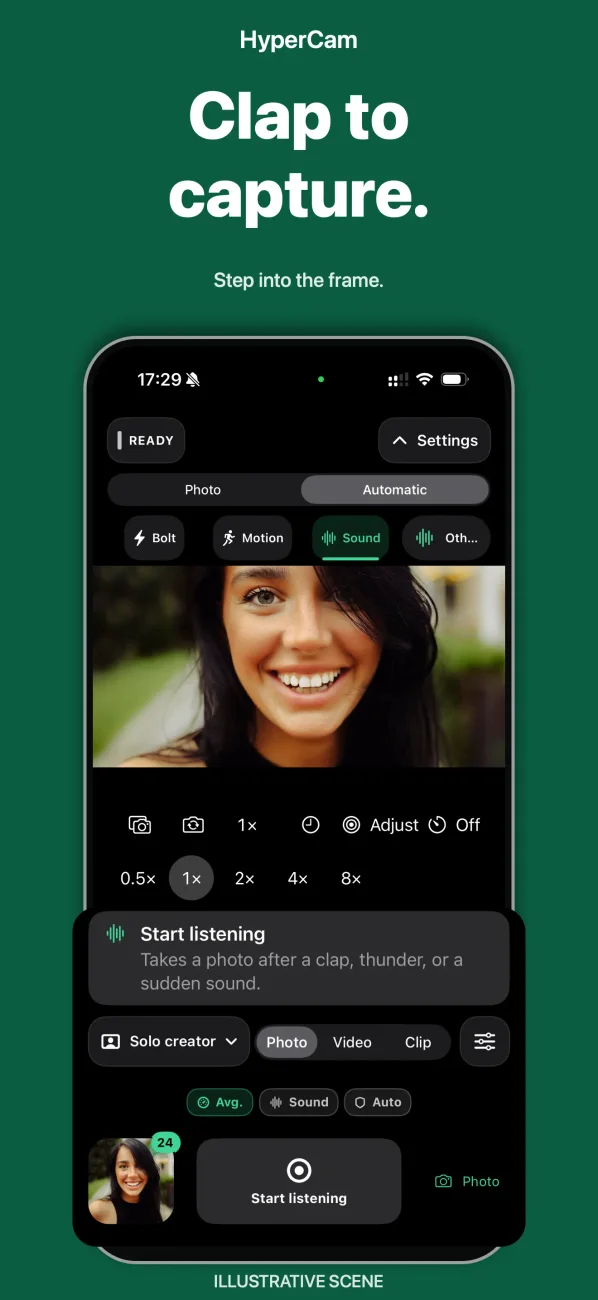
Set your iPhone down and get in the frame. Choose Sound, Motion or Lightning, then arm HyperCam to take a photo when the selected trigger is detected.
NEW IN 1.2: A GUIDED FIRST SHOT
Choose what you want to photograph: a group photo or a photo of yourself, a moving subject, or lightning. HyperCam sets up the right trigger, you frame and arm, and the guide stays with you until the photo is saved in the gallery. In a hurry? The regular shutter is always one tap away. Zoom with a pinch or a drag, down to 0.5× on iPhones with an Ultra Wide camera.
WHAT CAN FIRE THE SHUTTER
• Lightning: a sudden jump in brightness. Aim at the storm from somewhere sheltered and wait.
• Motion: movement inside the frame, like the cat jumping on the counter or a bird landing on the feeder.
• Sound: a clap, a bang, a thunderclap, or a word you pick.
• Shake: the iPhone moves, tilts or takes a knock.
• Stable: the photo waits until the iPhone is still on its tripod.
• Time-lapse: shots as light and movement change.
• Smile (Pro): a smile or a look into the lens.
In the gallery, mark favorites and restore anything from Trash. When you are the subject, frame with the front camera and add a self-timer.
Guided calibration sets the sensitivity for Sound and Lightning before you arm, and for Motion with a Pro detection zone. The manual shutter stays on screen the whole time.
NEW IN 1.2: DUAL CAMERA
On iPhones that support simultaneous capture, use the front and rear cameras together for a photo or a video: Picture in Picture, vertical split or horizontal split. Choose which camera leads, move the inset to any corner, and save to HyperCam or to Photos.
QUICK TO REACH
Open HyperCam from a Home Screen widget and, on iOS 18, from Control Center or the Lock Screen.
CAPTURES STAY ON YOUR IPHONE
No account to create. Photos and videos stay in HyperCam's gallery until you export or share them, or send them to an upscaling service you configured yourself.
HyperCam watches the scene while it is open and armed. For a long wait, put the iPhone on a stand and plug it in.
FREE AND PRO
The free version includes Lightning, Motion, Sound, Shake, Stable and Time-lapse triggers, plus Dual Camera on supported iPhones. The gallery shows up to 24 captures. HyperCam Pro adds Smile and subject filters (people, animals, vehicles), short event videos with precise frame extraction, detection zones, a longer pre-trigger buffer, longer bursts, RAW/ProRAW, TIFF, HDR bracketing, Night Boost, Ultra Detail, Focus Stack, Super Resolution, document scanning and a gallery showing up to 120 captures. Some formats need a compatible iPhone.
Pro is offered as a monthly or yearly subscription, or as a one-time Lifetime purchase. Payment is charged to your Apple Account when you confirm. Subscriptions renew automatically unless canceled at least 24 hours before the end of the current period, and renewal is charged within the 24 hours before it ends. Manage or cancel in your Apple Account settings.
Privacy Policy: https://www.highroadsoftware.com/apps/hypercam-trigger/privacy
Terms of Use (EULA): https://www.apple.com/legal/internet-services/itunes/dev/stdeula/
Có gì mới
Phiên bản 1.2 · 17/11/2026
A guided first shot. Choose what you're waiting for (a group photo, a moving subject or lightning), frame and arm: the guide stays with you until the photo is saved. If nothing happens, help appears, and you can replay the guide from Settings.
Dual Camera: on iPhones that support it, shoot with the front and rear cameras at the same time, as a photo or a video, in Picture in Picture or split screen, then save to HyperCam or straight to Photos.
Faster zoom: tap a lens preset, pinch the preview or drag the zoom badge, down to 0.5× on iPhones with an Ultra Wide camera.
Quyền riêng tư của ứng dụng
Những gì HighRoad Software khai báo trên App Store về cách ứng dụng này xử lý dữ liệu.
-
Dữ liệu liên kết với bạn
Có thể được thu thập và liên kết với danh tính của bạn.
- Nội dung của người dùng
Phương thức đảm bảo quyền riêng tư có thể khác nhau, chẳng hạn như tuỳ theo các tính năng bạn sử dụng hoặc độ tuổi của bạn.
Thông tin
- Người bán
- COBI Management
- Danh mục
- Ảnh & Video
- Phiên bản
- 1.2
- Cập nhật
- 17/11/2026
- Phát hành
- 15/10/2026
- Kích thước
- 11,9 MB
- Yêu cầu
- iOS 17.0 trở lên
- Độ tuổi
- 4+
- Giá
- Miễn phí
- Mua hàng trong ứng dụng
- Có
- Ngôn ngữ
- Tiếng Anh, Tiếng Ả Rập, Tiếng Hà Lan, Tiếng Pháp, Tiếng Đức, Tiếng Indonesia, Tiếng Ý, Tiếng Nhật, Tiếng Hàn, Tiếng Bồ Đào Nha, Tiếng Nga, Tiếng Trung Giản thể + 3 ngôn ngữ khác
- Bản quyền
- © 2026 Highroad Software
Có thể bạn cũng thích
-
 Grain: Câmera de FilmeẢnh & Video
-
 Memocam : Event CameraẢnh & Video
-
 Portal FrameẢnh & Video
-
 Emulsion: RAW Film CameraẢnh & Video
-
 GR8 CamẢnh & Video
-
 PixelGen: Image UpscalerẢnh & Video
-
 PhotoCream Pro: Màu phim retroMáy ảnh film & bộ lọc vintage
-
 RetroRoll: Vintage Film CameraẢnh & Video
-
 Lumen - AI CameraẢnh & Video
-
 Markepi: Watermark, EXIF FrameẢnh & Video