- Độ tuổi4+
- Danh mụcẢnh & Video
- Nhà phát triểnLiveSkills Menssen & Ebelt GbR
- Ngôn ngữTiếng Anh
- Kích thước36,6 MB
Liên kết đến trang App Store chính thức
Download.org không lưu trữ tệp nào của HyperSlow Pro. Nút này mở trang ứng dụng trên App Store, nơi LiveSkills Menssen & Ebelt GbR phát hành ứng dụng. Trang được kiểm tra lần cuối: 18/11/2026.
Ảnh chụp màn hình





Giới thiệu
Nhà phát triển chưa cung cấp nội dung này bằng ngôn ngữ của bạn.
HyperDeck instant replay and sport streaming instant replay with HyperSlow Pro App v. 1.0, the next generation of the popular HyperSlow app.
Successor to popular HyperSlow app!
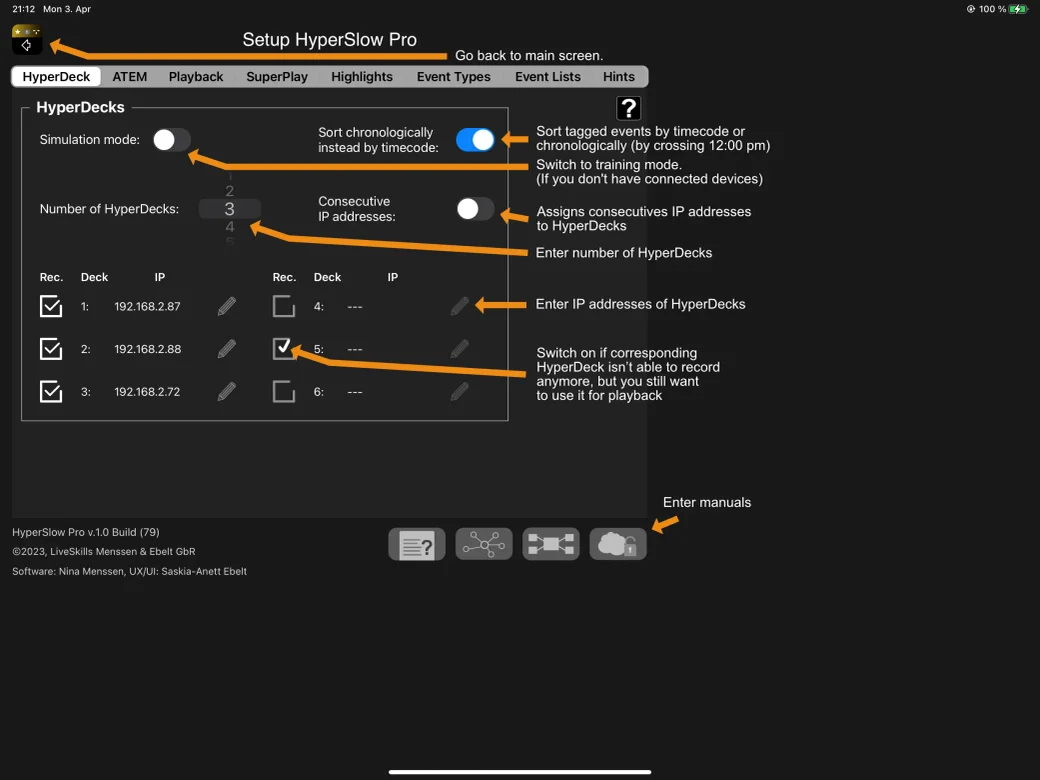
When combining up to 6 Blackmagic HyperDecks (and optionally an ATEM switcher) with an Apple iPad running HyperSlow Pro, users get a powerful, low cost live instant replay solution, suitable for sports events of all kind.
The easy way to do instant replay!
With 2x Highlight Cut, Multi angle replay, 2x Quick replay and 2x Quick highlight cut.
With Mark In, Mark reset and 10 event buttons to mark events.
Every event can be trimmed and edited afterwards with an integrated jog tool for single events as also to edit events in the multi angle and highlight mode.
You have the ability to edit and rename every event afterwards, if you want an addend like „Goal-player-free kick“.
With the 4 column Excel import of event tagging items, e.g. all player names, you can rename your events uniquely and precisely.
The app multi deck display shows the remaining disk duration of the connected HyperDecks as well as the number of tagged and favorited events.
It also shows the expected duration of Highlight Cuts and the accumulated event duration from „Mark In“ until you touch an event button.
Use your Blackmagic Hyperdeck Studio, Studio Pro, HyperDeck Studio Mini or one of the 4 new HyperDecks to generate stunning slow motion playbacks with HyperSlow Pro!
HyperSlow Pro can be used to control up to 6 HyperDecks simultaneously from your iPad.
Use up to 10 “event buttons” to mark important events and play back these events synchronously or sequentially from all decks.
You can customize the name of every event button and save it as new event template.
Use 2 quick replay buttons for super fast multi angle replay of unexpected events with 2 predefined durations, you can rename them later.
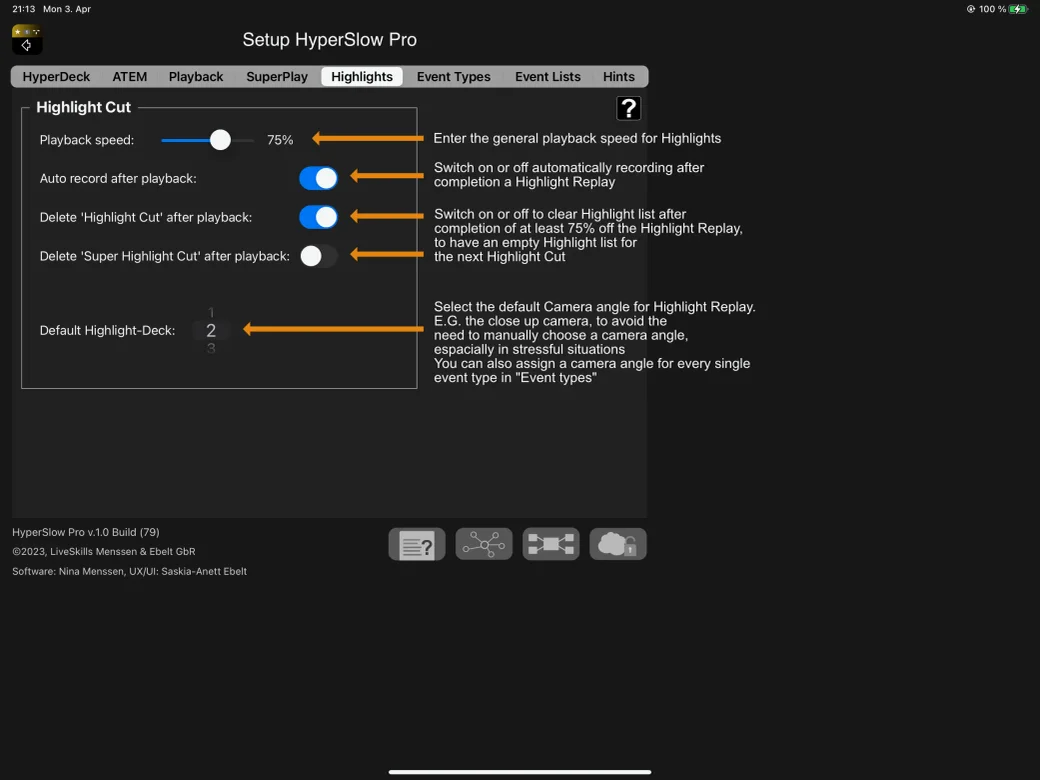
Use the “Highlight Cut” functionality to play back a series of interesting scenes automatically, e.g. the summary of a match half. When an ATEM switcher is connected, HyperSlow will handle channel switching as well as start/end transition (e.g. stinger) automatically.
A highlight cut can be deleted (not the events itself) after playback to start over with an empty highlight timeline for the next event.
The “SuperHighlight Cut” is intended to playback the highlights of a whole event independently from highlight cuts of e.g. a goal.
Use the 2 Quick Highlight buttons for super fast replay of multi events like the goal and the excitement of the public, fully automated as 2 or 3 events highlight cut.
HyperSlow Pro will playback your last 2 or 3 tagged events as short Highlight cut fully automated to relieve you in a stressful situation.
You can assign in advance every connected HyperDeck to an event button, so that e.g. the camera for the audience and it’s recording deck is assigned to the event button „audience“.
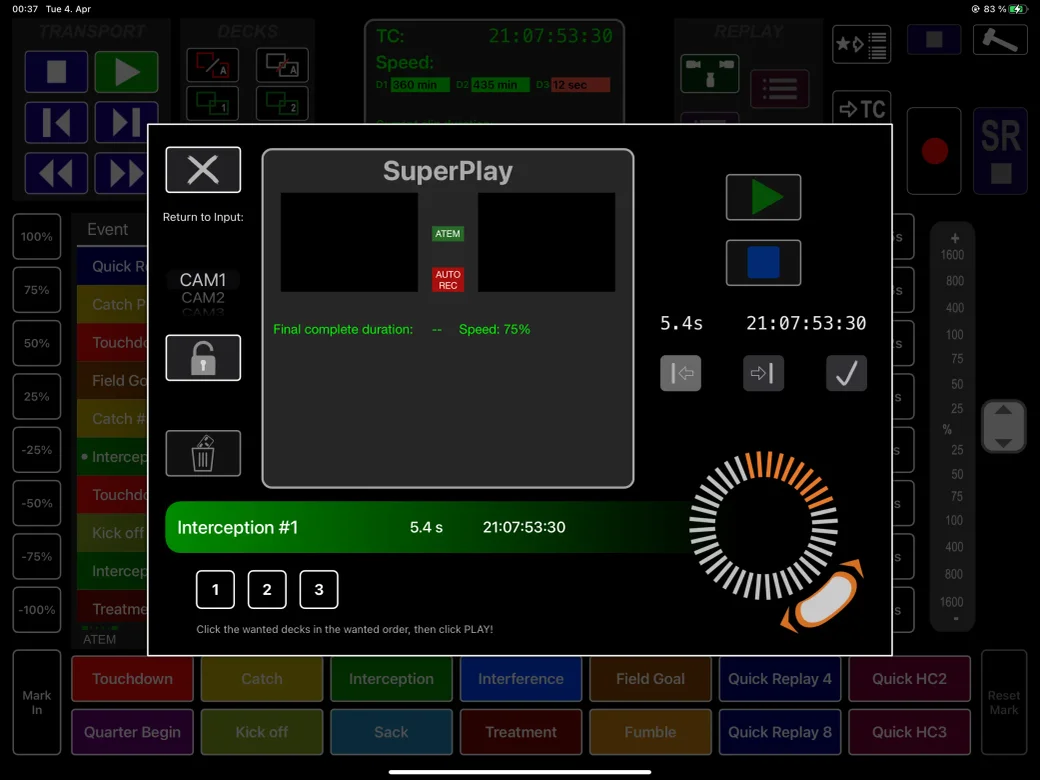
You can also playback your camera angles sequentially one after another - SuperPlay - as multi angle replay, with fully automated ATEM control.
So you can show an event from different perspectives, e.g. a goal from all cameras.
Or play back your instant replay manually synchronously from all your HyperDecks and control your switcher manually.
You can set replay speed to all possible HyperDeck replay rates, e.g. 25%, 50%, 75%, 100%.
We recommend to use instant replay with frame rates of 50/60i with 75% play back speed, or in 50/60p with 50/75 % playback speed to get a good picture quality. Achieve at least acceptable results using 25% playback speed.
Since HyperSlow Pro cannot play back and record at the same time, you may need another HyperDeck or recording device to continue recording your camera or program while playing back slow motion material.
we check our info@liveskills.net email account every day and usually respond very quickly in case you need support on live production.
Best regards, your Liveskills
Có gì mới
Phiên bản 1.2 · 05/04/2026
Support for all new ATEM Constellation switchers
Compatibility to Bitfocus Companion (module available in support section of liveskills.net)
Small fix when not using ATEM switchers.
Quyền riêng tư của ứng dụng
Những gì LiveSkills Menssen & Ebelt GbR khai báo trên App Store về cách ứng dụng này xử lý dữ liệu.
-
Dữ liệu không được thu thập
Nhà phát triển không thu thập bất kỳ dữ liệu nào từ ứng dụng này.
Phương thức đảm bảo quyền riêng tư có thể khác nhau, chẳng hạn như tuỳ theo các tính năng bạn sử dụng hoặc độ tuổi của bạn.
Thông tin
- Người bán
- LiveSkills Menssen & Ebelt GbR
- Danh mục
- Ảnh & Video
- Phiên bản
- 1.2
- Cập nhật
- 05/04/2026
- Phát hành
- 08/04/2023
- Kích thước
- 36,6 MB
- Yêu cầu
- iOS 14.0 trở lên
- Độ tuổi
- 4+
- Giá
- 2.499.000đ
- Ngôn ngữ
- Tiếng Anh
- Bản quyền
- ©2023-2026 LiveSkills Menssen & Ebelt GbR
Có thể bạn cũng thích
-
 LiveApp ProẢnh & Video
-
 MixEffect Pro - Paid Up-FrontẢnh & Video
-
 MovieSlate® 8Ảnh & Video
-
 TopDirectorCam(NDI/SRT Camera)Ảnh & Video
-
 CyberDeck for CompanionẢnh & Video
-
 VidiUẢnh & Video
-
 Staylive BroadcasterẢnh & Video
-
 TopDirector (NDI,SRT,UVC,RTSP)Ảnh & Video
-
 MixEffect (Trial & Pro Unlock)Ảnh & Video
-
 NDI MultiviewẢnh & Video