iAccel
Vehicle Performance Meter
Được thiết kế cho iPhone
Miễn phí · Mua hàng trong ứng dụng
- Độ tuổi4+
- Danh mụcThể Thao
- Nhà phát triểnJoseph G Neades
- Ngôn ngữTiếng Anh+ 20 ngôn ngữ khác
- Kích thước2,3 MB
Liên kết đến trang App Store chính thức
Download.org không lưu trữ tệp nào của iAccel. Nút này mở trang ứng dụng trên App Store, nơi Joseph G Neades phát hành ứng dụng. Trang được kiểm tra lần cuối: 17/11/2026.
Ảnh chụp màn hình

Giới thiệu
Nhà phát triển chưa cung cấp nội dung này bằng ngôn ngữ của bạn.
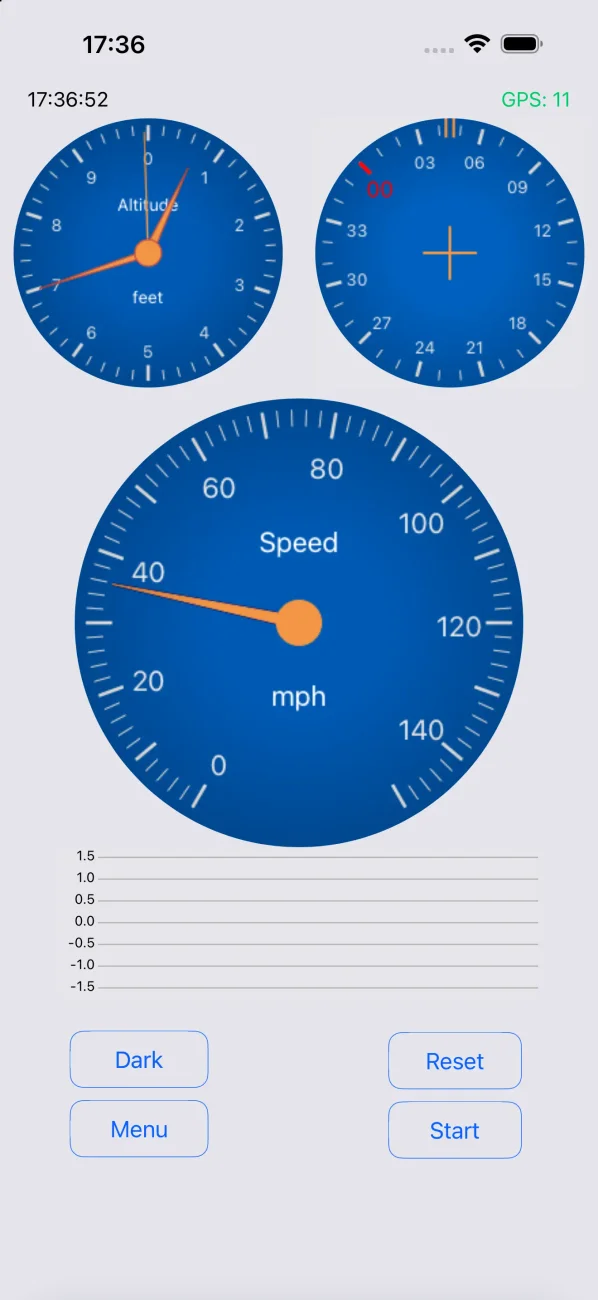
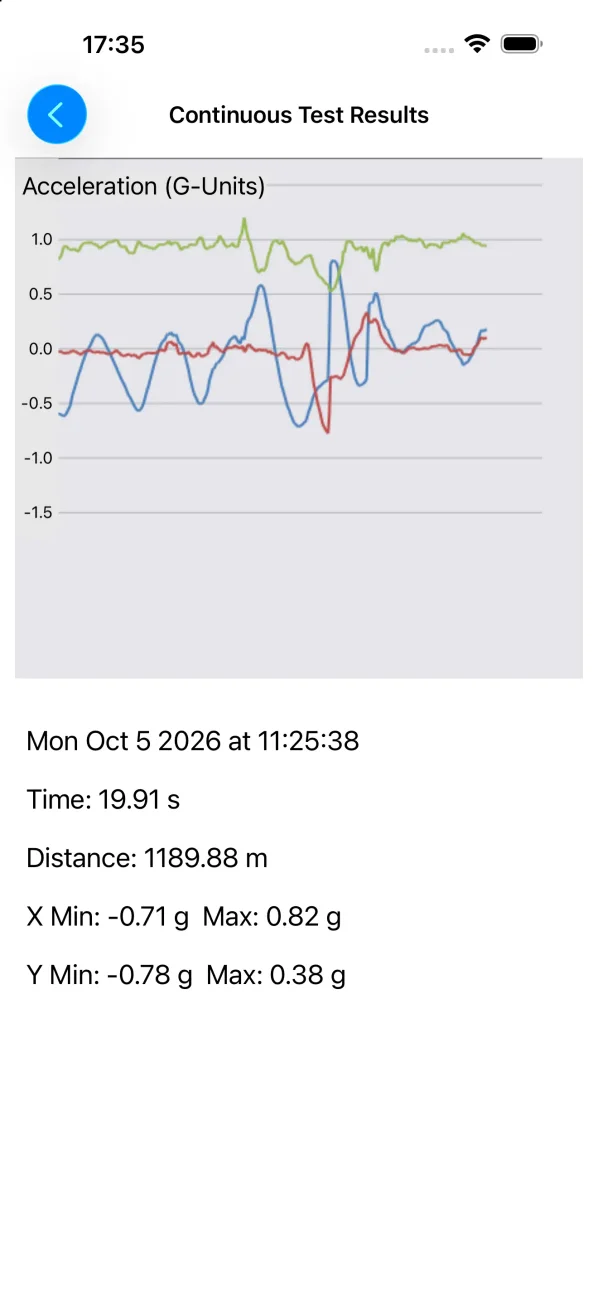
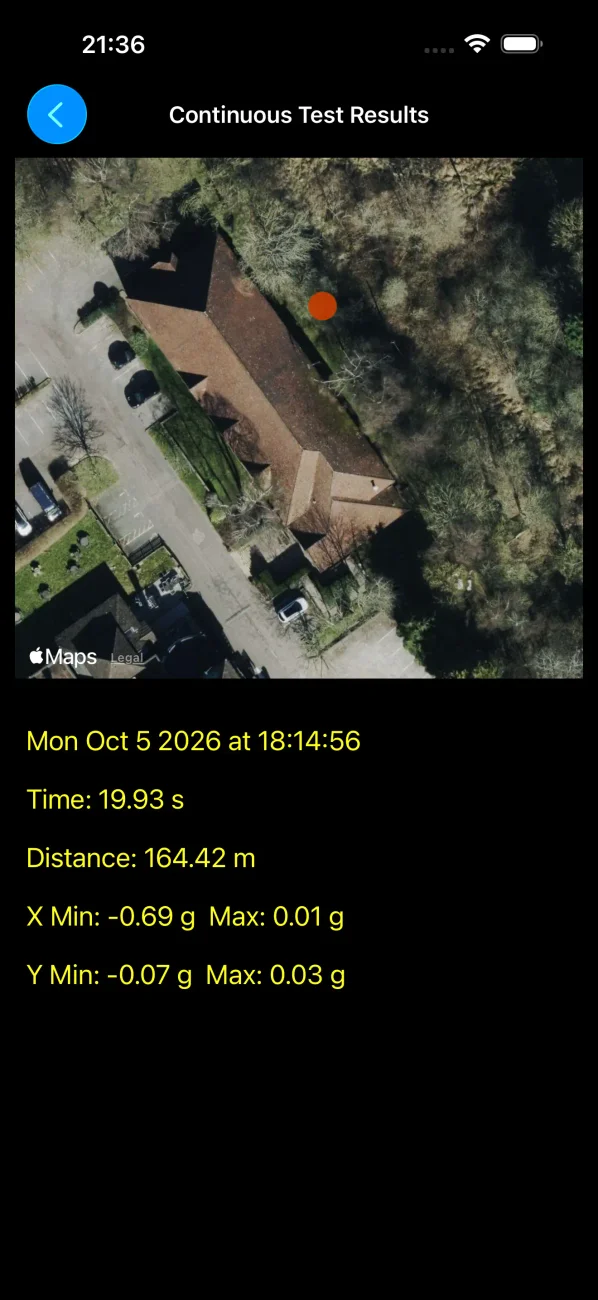
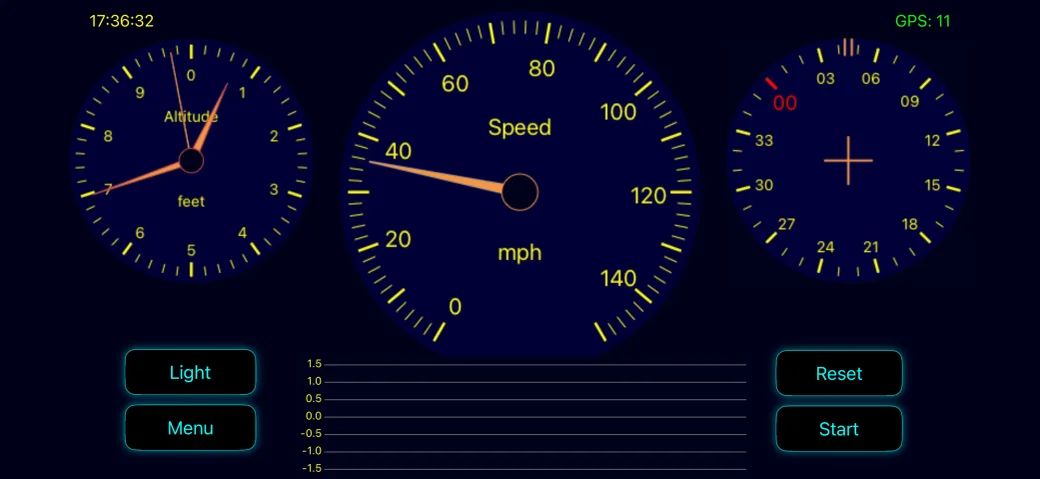
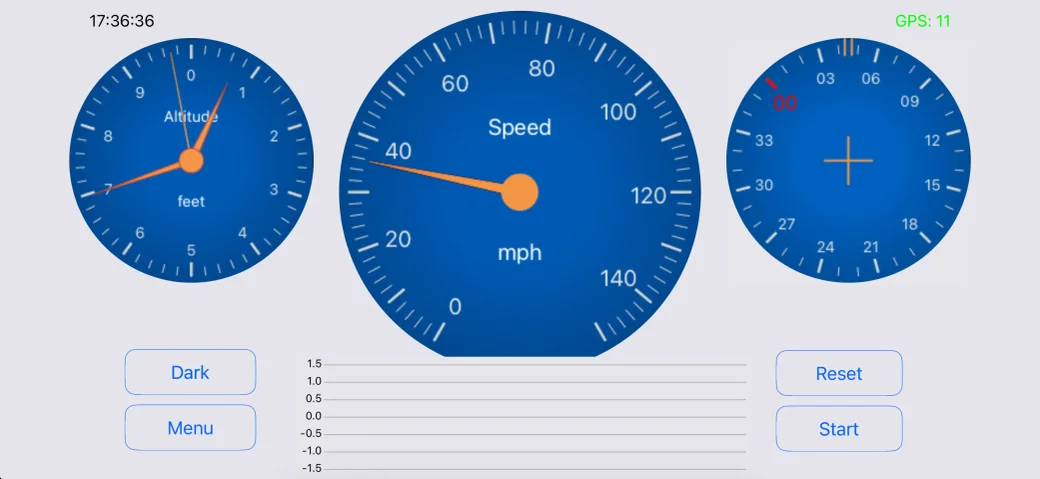
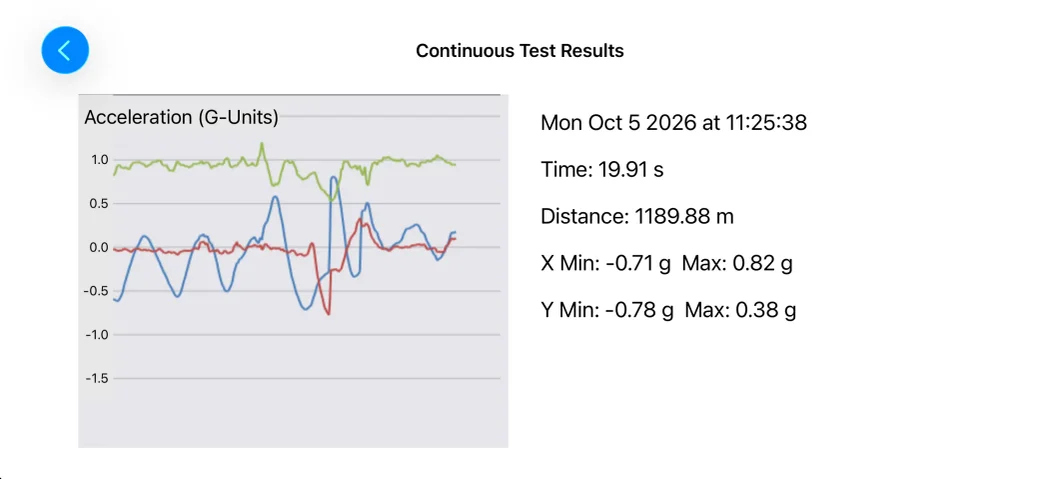
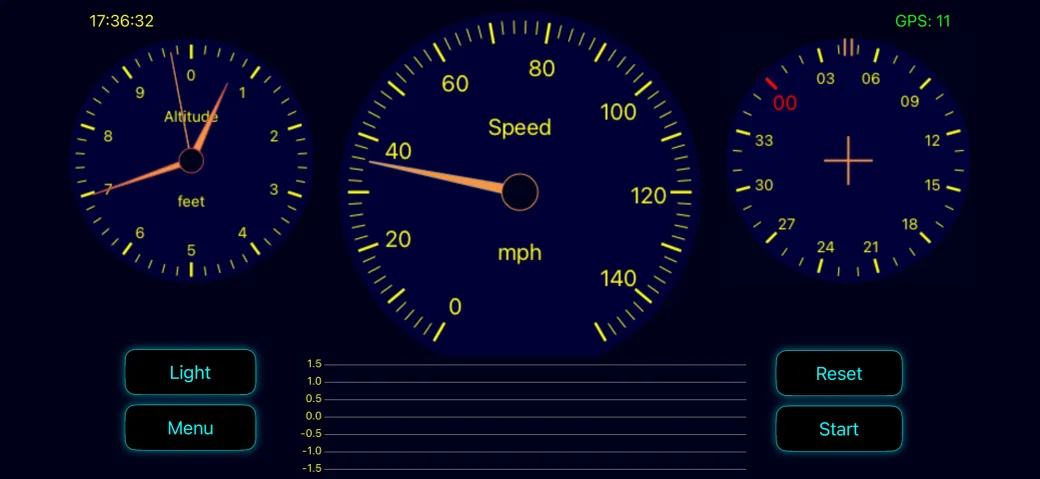
iAccel is a performance meter designed to test the acceleration and braking performance of your vehicle. In use it displays a series of gauges to monitor performance and a continual graph of selected parameters. When performing a test the results can be displayed on screen and are stored in a CSV file for easy export if further analysis is required.
In addition to brake testing, 0-30 and 0-60 mph acceleration tests are available together with their metric equivalents. Standing ¼ mile acceleration, standing 400 m, 0-80 mph and 0-120 km/h tests together with EDR and Crash modes are available as an upgrade to the Pro version. iAccel also has a continual recording mode which simply records the data to a CSV file received while the device is operating. To avoid running of of space continuous recording is limited to 5 minutes in the Pro version and 20 seconds in the Free version. If you run over this time, the device will continue to record the last 5 minutes (20 seconds) of data and delete older data unless the AutoStop option is selected in the settings.
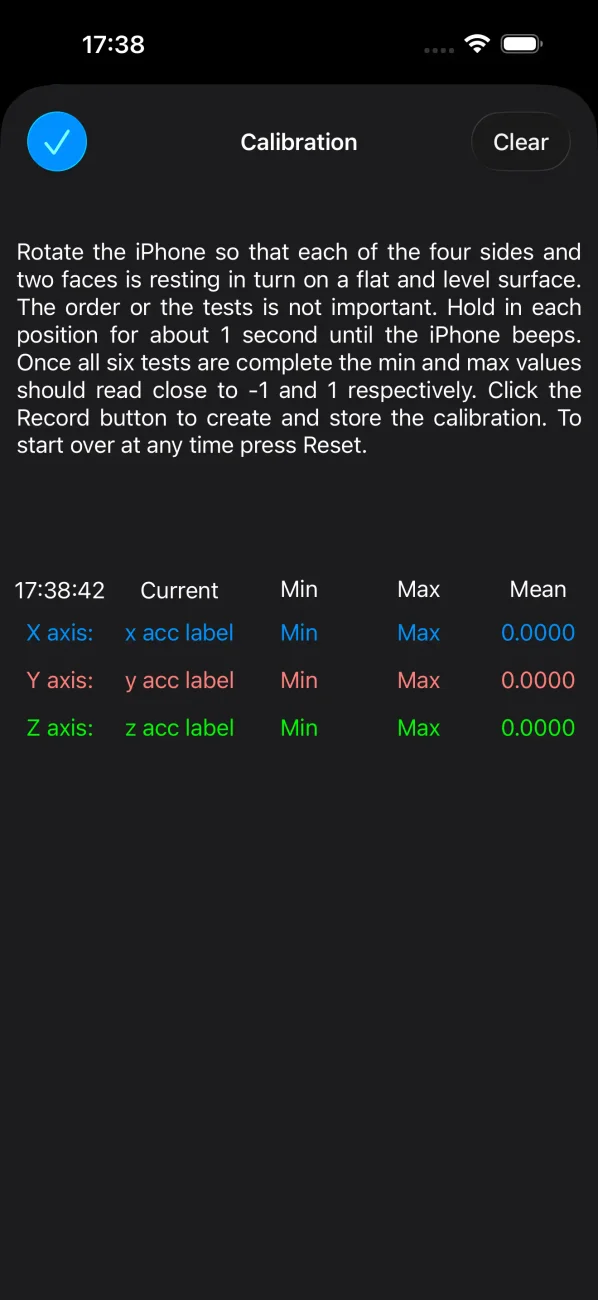
A calibration feature is also available in the Pro version so you can calibrate the accelerometers.
To use the app, your iPhone should be mounted securely in the vehicle with either the long or short edges of the phone perpendicular to the direction of travel. The device doesn't have to be perfectly level, approximately level is fine.
Drive to the area where the test is to be performed and start the app. This launches the test screen and automatically calibrates the device to the gradient at that location. The Reset button can also be used to recalibrate the device at any time and is best performed when the vehicle is stationary. This avoids any bumps in the road distorting the calibration. You can change the type of test you want to perform using the Select Test screen which can be accessed by pressing the Menu button.
For Brake and Acceleration tests press the Arm button when you are ready to begin the test and perform the test. You can press the Arm button at any time, even when the vehicle is in motion. The results will be displayed automatically once the test is complete and includes two seconds of data prior to the start of the test and a short time after the test has finished. The limits of the test are highlighted on the result graphs.
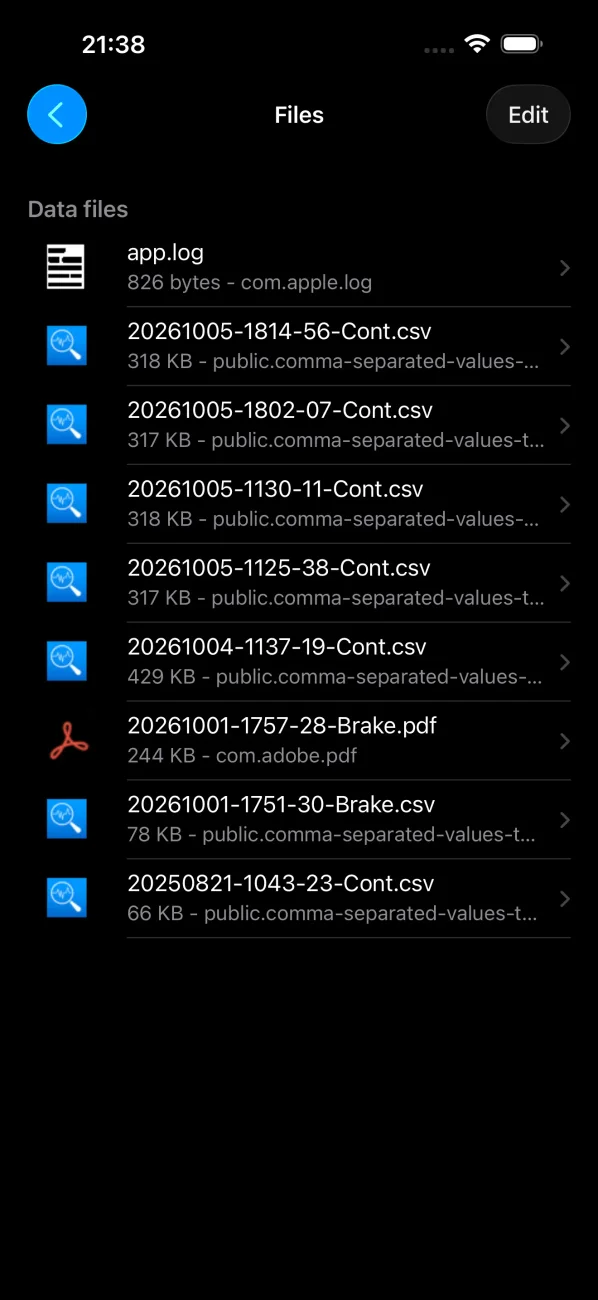
For Continuous type tests, press the Start button to start recording and press the Stop button to stop. Continuous test results are not displayed automatically but results can be displayed from the Files options accessed by pressing the Menu button.
Pressing the Record button in the event data recorder (EDR) mode causes the last five minutes of data to be recorded and stored.
For ease of use, double tapping the Speedometer duplicates the effect of pressing the Start / Stop button. Double-tapping the left-hand gauge duplicates the Day / Night button and double tapping the right-hand gauge duplicates the Reset button.
Tapping on the chart, cycles the chart display between acceleration, speed, orientation, rate of rotation and magnetometer.
More detailed information on the operation of iAccel is available from the Information page in the app.
The app uses a combination of GPS, accelerometer and other sensors and is only accurate when the device is operated correctly and all sensors are receiving suitable signals. Please note that continued use of GPS can dramatically decrease battery life.
This app is designed for use off-road and any performance testing should only be performed off the public road network. At all times you must comply with all traffic regulations applicable to your location. J Neades can accept no liability for any injury, loss or damage which may occur while using this app.
Terms: https://braketest.org/terms-of-service/
Privacy: https://braketest.org/privacy/
Có gì mới
Phiên bản 2.0.2 · 14/10/2026
New portrait mode, dark and light modes, new subscription licensing model
Quyền riêng tư của ứng dụng
Những gì Joseph G Neades khai báo trên App Store về cách ứng dụng này xử lý dữ liệu.
-
Dữ liệu không được thu thập
Nhà phát triển không thu thập bất kỳ dữ liệu nào từ ứng dụng này.
Phương thức đảm bảo quyền riêng tư có thể khác nhau, chẳng hạn như tuỳ theo các tính năng bạn sử dụng hoặc độ tuổi của bạn.
Thông tin
- Người bán
- Joseph G Neades
- Danh mục
- Thể Thao
- Phiên bản
- 2.0.2
- Cập nhật
- 14/10/2026
- Phát hành
- 10/09/2015
- Kích thước
- 2,3 MB
- Yêu cầu
- iOS 16.4 trở lên
- Độ tuổi
- 4+
- Giá
- Miễn phí
- Mua hàng trong ứng dụng
- Có
- Ngôn ngữ
- Tiếng Anh, Tiếng Catalan, Tiếng Croatia, Tiếng Hà Lan, Tiếng Pháp, Tiếng Đức, Tiếng Hy Lạp, Tiếng Hungary, Tiếng Ý, Tiếng Nhật, Tiếng Bokmål Na Uy, Tiếng Ba Lan + 9 ngôn ngữ khác
- Bản quyền
- © 2015 - 2026 J Neades