
iLinux: Linux Command Manual
Bash Shell Terminal Cheatsheet
Được thiết kế cho iPhone, iPad, Mac
49.000đ · Mua hàng trong ứng dụng
- Độ tuổi4+
- Danh mụcCông Cụ Nhà Phát Triển
- Nhà phát triển天从 何
- Ngôn ngữTiếng Anh+ 2 ngôn ngữ khác
- Kích thước71,9 MB
Liên kết đến trang App Store chính thức
Download.org không lưu trữ tệp nào của iLinux: Linux Command Manual. Nút này mở trang ứng dụng trên App Store, nơi 天从 何 phát hành ứng dụng. Trang được kiểm tra lần cuối: 08/11/2026.
Ảnh chụp màn hình

Giới thiệu
Nhà phát triển chưa cung cấp nội dung này bằng ngôn ngữ của bạn.
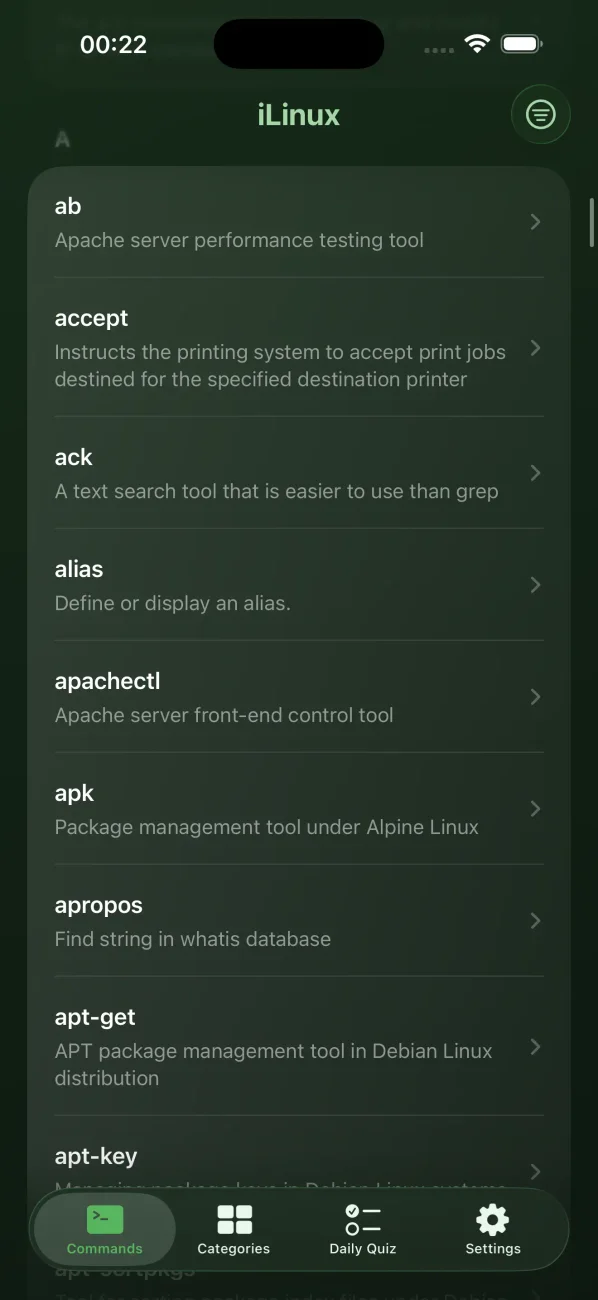
iLinux is a shell command reference and learning app for developers, operators, and terminal enthusiasts. It covers Linux, Windows CMD Batch, and PowerShell. Fully offline, no ads, no tracking. Carry a complete command handbook in your pocket.
Core Features
Command Library
1. 1650+ offline entries: 1050+ Linux CLIs, 300 CMD Batch commands, and 300 PowerShell cmdlets. Topics include filesystem, text, processes, networking, containers (docker, kubectl, helm), version control (git, gh), build tools (cargo, go, cmake), and Windows essentials such as dir, robocopy, netsh, winget, Get-ChildItem, and Get-Process.
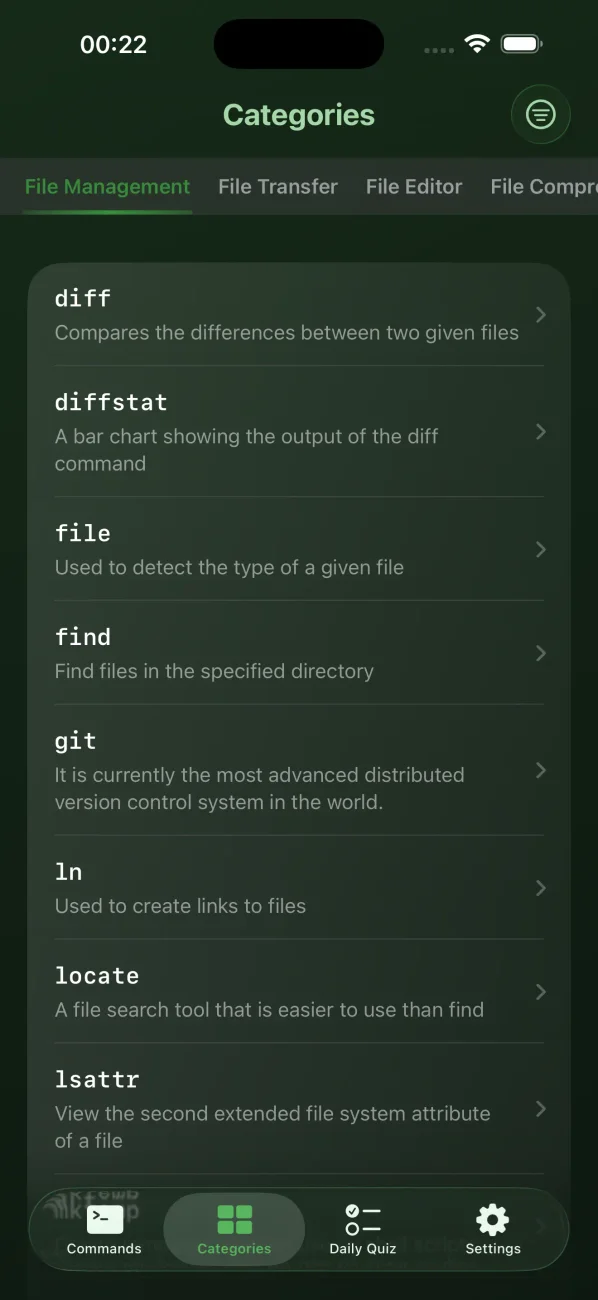
2. Linux uses 14 categories; CMD and PowerShell each have their own layout for clearer cross-platform study.
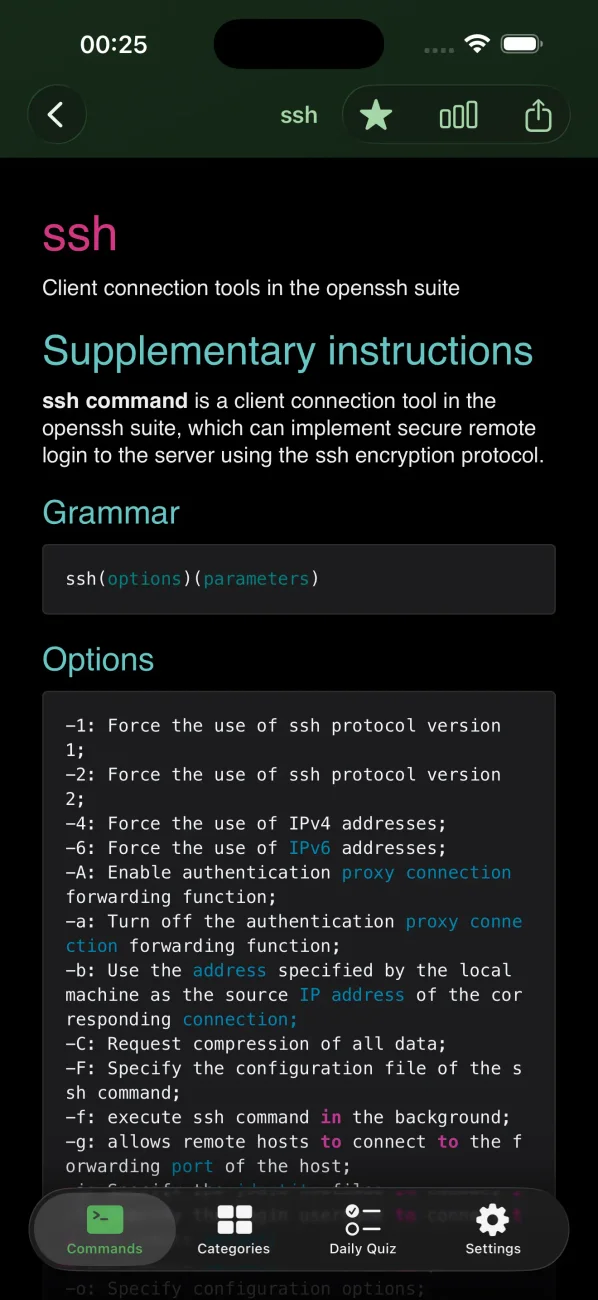
3. Every command includes a concise summary and a Markdown article with syntax, flags, examples, and notes.
Cross-Platform Equivalents
1. 100+ mapped groups across Linux, CMD, and PowerShell. Jump between ls, dir, and Get-ChildItem from the detail screen in one tap.
2. Learn the Windows counterpart while studying Linux, or the Linux side while on Windows.
3. Favorites can link across platforms so your study stays connected.
Shell Platform Switcher
1. Switch among Linux, CMD Batch, or PowerShell from Commands, Categories, or Daily Quiz without extra tabs.
2. Search and browse stay scoped to the active platform.
3. Show all favorites or only favorites from the current platform in Settings.
Fast Lookup
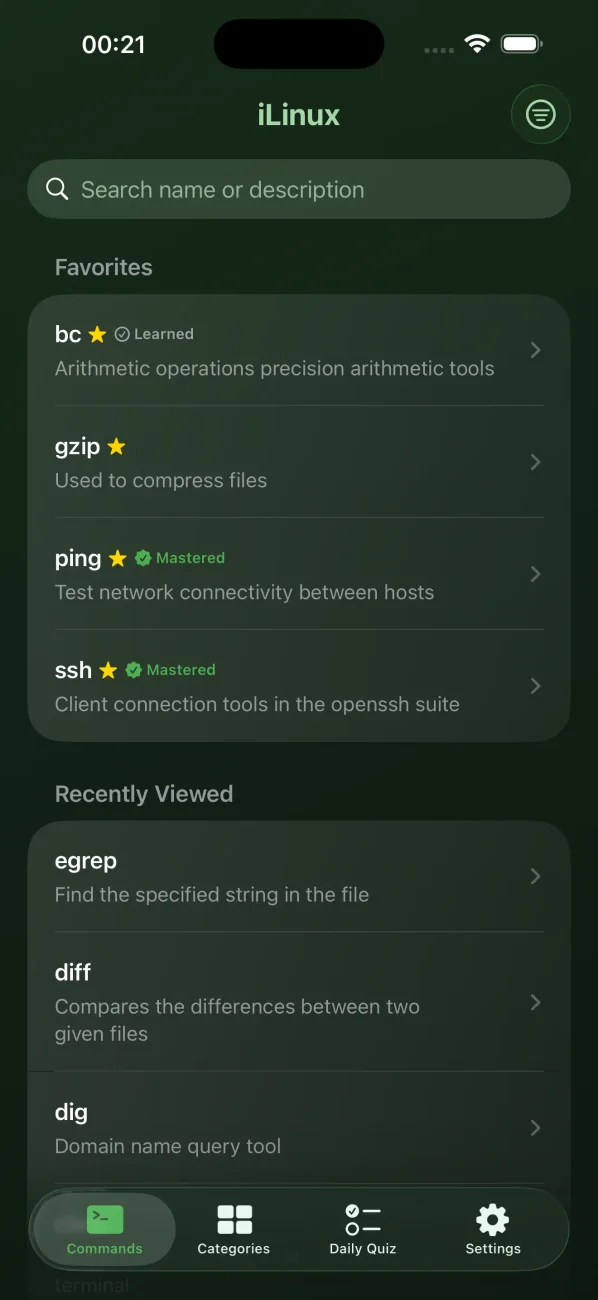
1. A to Z index and category browsing.
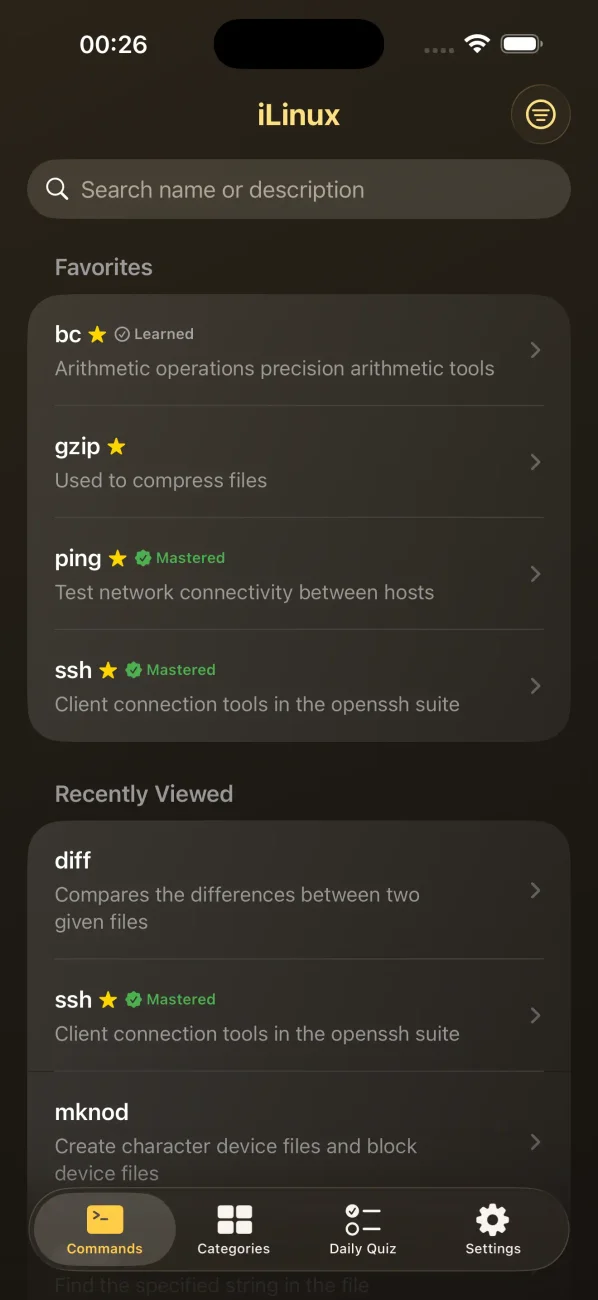
2. Global search across names, summaries, and article text.
3. List or grid layouts with adjustable columns on iPhone and iPad.
4. Copy commands and share polished command cards. An equivalents bar jumps to mapped commands on other platforms.
Daily Quiz and Learning Progress
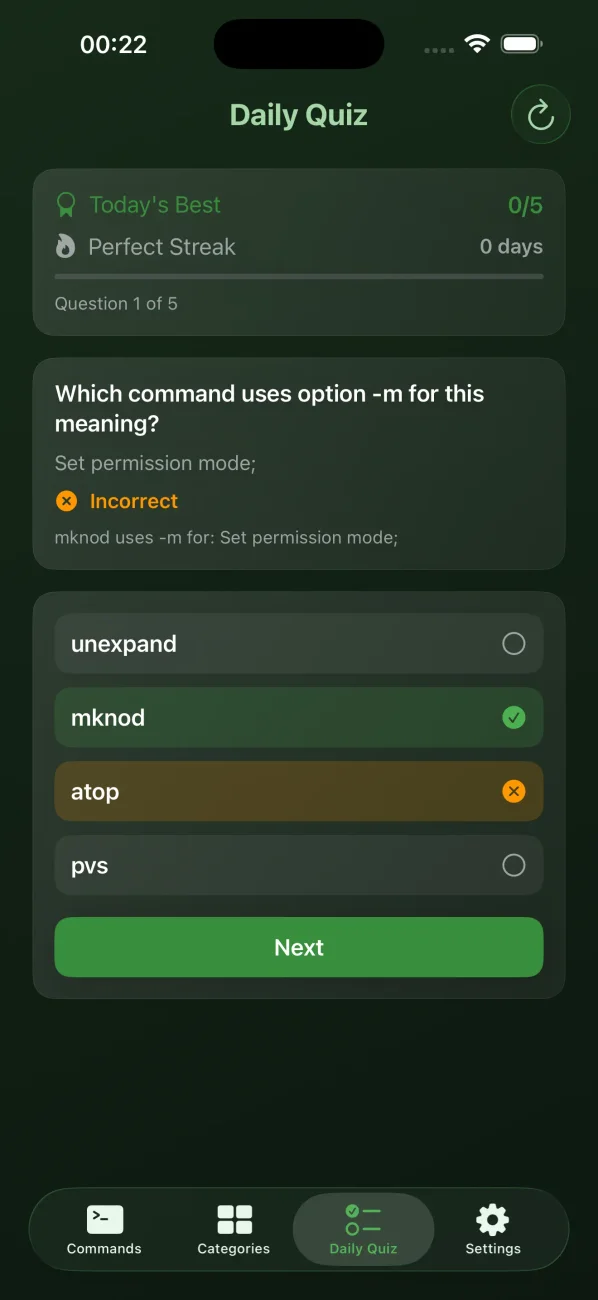
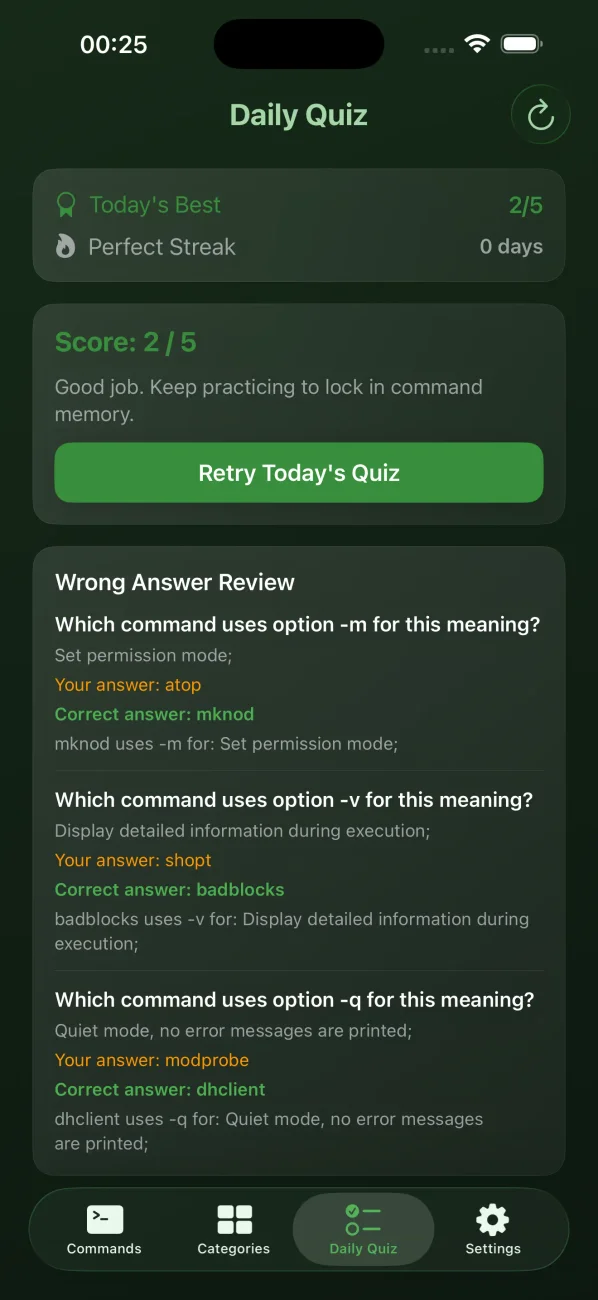
1. Daily quiz with option-meaning questions. Generic flags such as -h and --help are filtered out.
2. Quiz sets and scores are tracked separately per shell platform.
3. Reshuffle, streak tracking, and one-tap review from wrong answers back to command detail.
4. Favorites, recents, and a wrong-answer notebook. All progress stays on device.
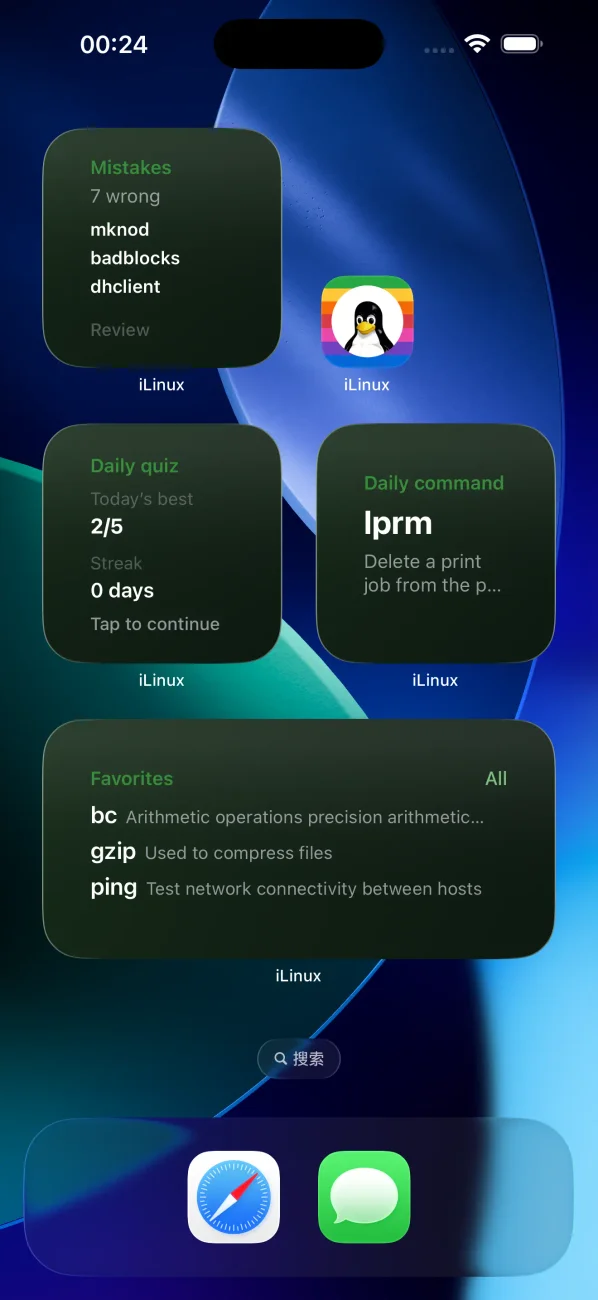
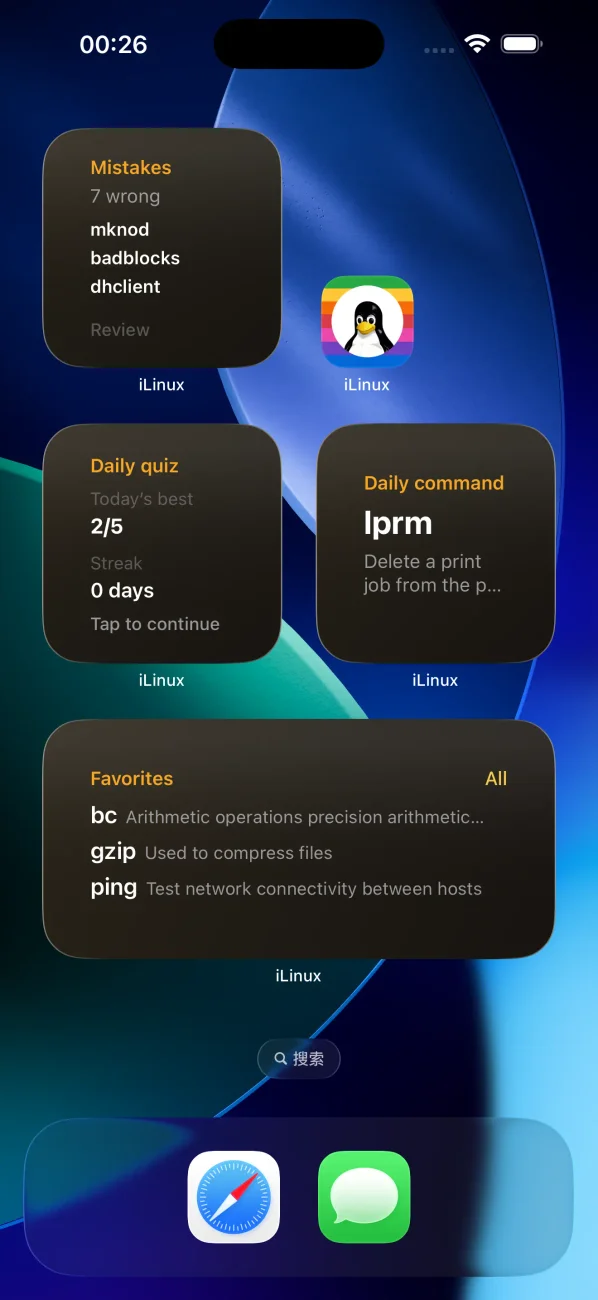
Home Screen Widgets, All Five
1. Daily command with manual shuffle.
2. Category spotlight, quiz glance, favorites glance, and wrong-book glance.
3. Pick the widget command library in Settings: Linux, CMD Batch, or PowerShell.
Themes and Appearance
1. Fifteen curated accent presets, including Mountain Mist, Celadon Jade, Moonlit Blue, Misty Violet, Amber Glow, Aloeswood, and Jade Cream.
2. Custom accent color, light or dark mode, and alternate app icons on iPhone and iPad.
3. Widget titles and icons follow your accent color, with optional theme-matched gradient backgrounds.
Languages
1. UI and command content in Simplified Chinese, Traditional Chinese, and English.
2. Content language can differ from UI language. All three shell libraries include trilingual summaries and articles.
Productivity Shortcuts
1. URL Scheme and Shortcuts support for commands, quiz, and favorites, with an optional platform parameter.
2. Up to four customizable Home Screen quick actions when you long-press the app icon.
3. On iPad with a keyboard, Command+F opens search and Command+1 through 4 switch tabs.
Privacy and Offline
1. The full command library works offline. No network required to read and learn.
2. No personal data collection, no ads, no third-party tracking.
3. The App Store public lookup API is used only when you manually check for updates.
Whether you are new to Linux, a terminal power user, a developer comparing Windows and Linux commands, or an operator who needs a pocket reference on iPhone and iPad, iLinux is your shell command dictionary on the go. Built to teach and reference commands, not to emulate a terminal. Feedback and App Store ratings are welcome.
Có gì mới
Phiên bản 1.6.0 · 28/06/2026
iLinux 1.6.0 Release Notes
- Library grows to 1650+ offline entries: Linux 1050, Windows CMD Batch 300, PowerShell 300, with trilingual summaries and Markdown articles
- Adds modern CLIs such as pipx, atuin, mosh, nushell, and biome. Categories expand to 14, covering cloud-native, security, observability, and build tooling
- List and grid layouts on Commands and Categories tabs, with adjustable columns on iPhone and iPad for faster browsing
- Switch Linux, CMD, or PowerShell from Commands, Categories, or Daily Quiz. Search and browse stay scoped to your active platform
- Cross-platform equivalents on the detail screen: 100+ mapped groups. Jump between ls, dir, and Get-ChildItem in one tap
- Equivalent jumps no longer change your global shell platform, so your browsing context stays intact when you go back
- Daily quiz tracks scores separately per shell platform, with reshuffle, streaks, and wrong-answer review linked to command detail
- Favorites link across platforms, with optional all-platform or current-platform scope
- One-tap clear for recently viewed commands on the Commands tab
- Five Home Screen widgets can use Linux, CMD, or PowerShell libraries, with daily command shuffle
- iCloud sync for favorites, quiz progress, theme, and display preferences across iPhone, iPad, and Mac. Dedicated toggle in Settings. New installs default to off
- Deep links support a platform parameter to open the right command library
- Updated About page and share copy reflecting the three-library catalog
- Fixed equivalent links that failed to open the matching command
- Fixed favorites scope labels not updating immediately after a language change
- Cleaned Chinese text from 115+ English command articles
- Polished Traditional Chinese summaries, categories, and articles for consistent wording
Built to teach and reference commands, not to emulate a terminal. We welcome your feedback, and an App Store rating if iLinux helps you learn.
Quyền riêng tư của ứng dụng
Những gì 天从 何 khai báo trên App Store về cách ứng dụng này xử lý dữ liệu.
-
Dữ liệu không được thu thập
Nhà phát triển không thu thập bất kỳ dữ liệu nào từ ứng dụng này.
Phương thức đảm bảo quyền riêng tư có thể khác nhau, chẳng hạn như tuỳ theo các tính năng bạn sử dụng hoặc độ tuổi của bạn.
Thông tin
- Người bán
- 天从 何
- Danh mục
- Công Cụ Nhà Phát Triển
- Phiên bản
- 1.6.0
- Cập nhật
- 28/06/2026
- Phát hành
- 05/05/2026
- Kích thước
- 71,9 MB
- Yêu cầu
- iOS 16.0 trở lên
- Độ tuổi
- 4+
- Giá
- 49.000đ
- Mua hàng trong ứng dụng
- Có
- Ngôn ngữ
- Tiếng Anh, Tiếng Trung Giản thể, Tiếng Trung Phồn thể
- Bản quyền
- © @iHTCboy
Có thể bạn cũng thích
-
 Linux Command HelperCông Cụ Nhà Phát Triển
-
 Classic BASICCông Cụ Nhà Phát Triển
-
 Lua for Games : Learn and CodeCông Cụ Nhà Phát Triển
-
 HashMe - 专业文本加密解密工具Công Cụ Nhà Phát Triển
-
 闪电口袋Công Cụ Nhà Phát Triển
-
 UDIDitCông Cụ Nhà Phát Triển
-
 CmdDeck: Linux & CLI CommandsCông Cụ Nhà Phát Triển
-
 Assembly Compiler–AI AssistantCông Cụ Nhà Phát Triển
-
 Java Compiler - AI AssistantCông Cụ Nhà Phát Triển
-
 Assembly Lab: 8086 NASM IDECông Cụ Nhà Phát Triển