
- Độ tuổi9+
- Danh mụcTiện Ích
- Nhà phát triểnDilaver Cimhur
- Ngôn ngữTiếng Anh
- Kích thước3,5 MB
Liên kết đến trang App Store chính thức
Download.org không lưu trữ tệp nào của INQ Quant. Nút này mở trang ứng dụng trên App Store, nơi Dilaver Cimhur phát hành ứng dụng. Trang được kiểm tra lần cuối: 07/11/2026.
Ảnh chụp màn hình
Giới thiệu
Nhà phát triển chưa cung cấp nội dung này bằng ngôn ngữ của bạn.
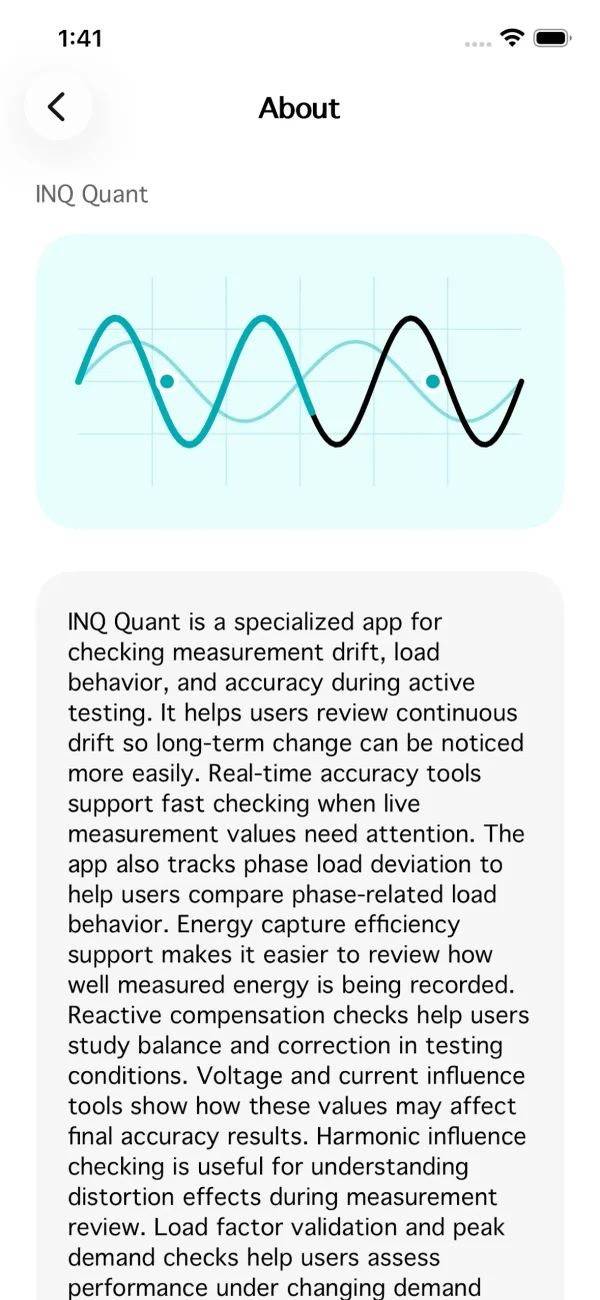
Every reading has a context. Explore what may be changing it.
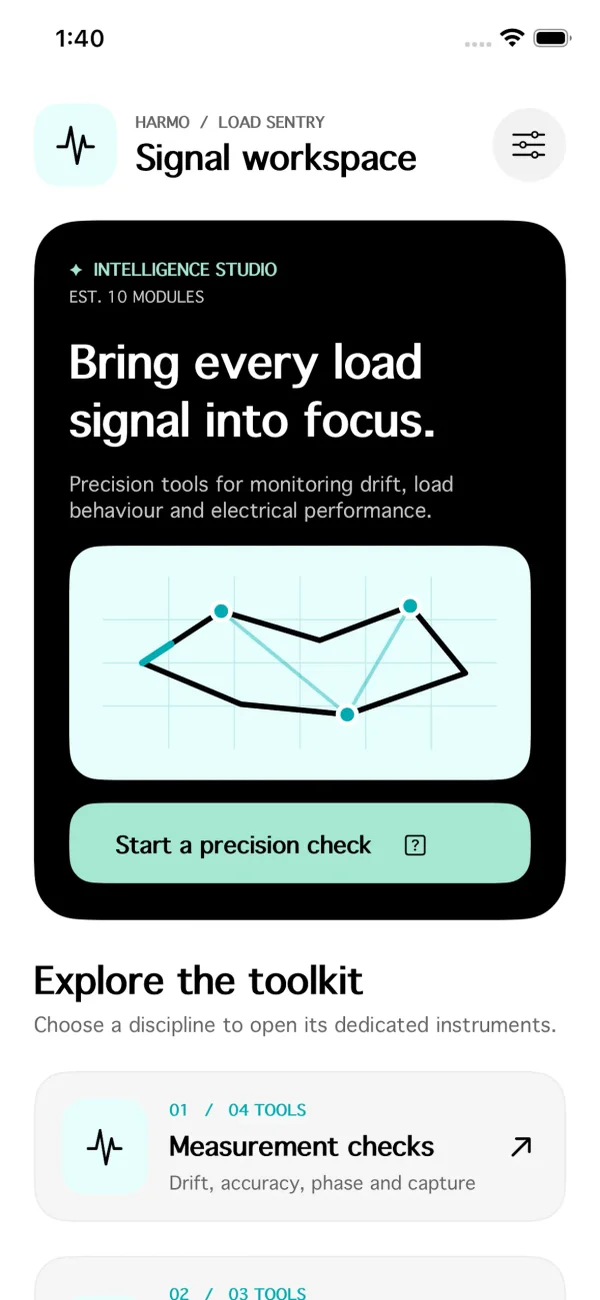
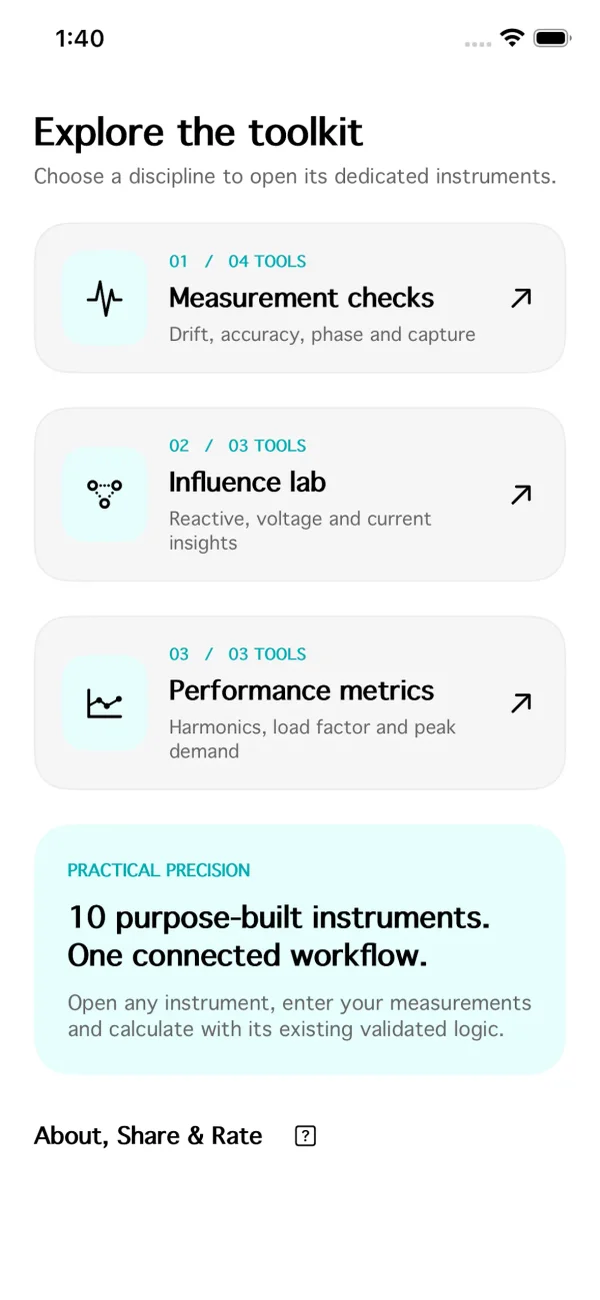
INQ Quant brings drift, accuracy and electrical-load checks into one workspace.
Start with Continuous Drift to examine gradual measurement movement.
Look beyond a single reading to consider change over an extended interval.
Use Real-Time Accuracy checks when current test values need a prompt comparison.
Review an entered live reading against the reference values required by the method.
Examine Phase Load Deviation to explore differences in phase-related loading.
Study Energy Capture Efficiency to assess the proportion of energy accounted for.
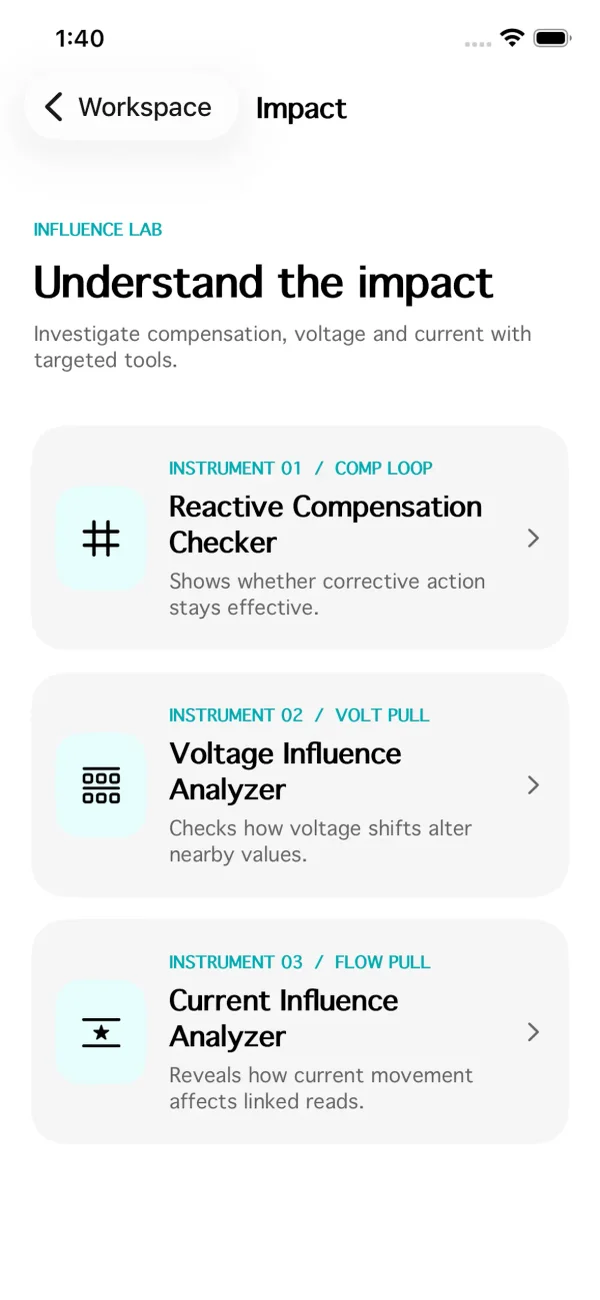
Bring Reactive Compensation into view when electrical balance matters.
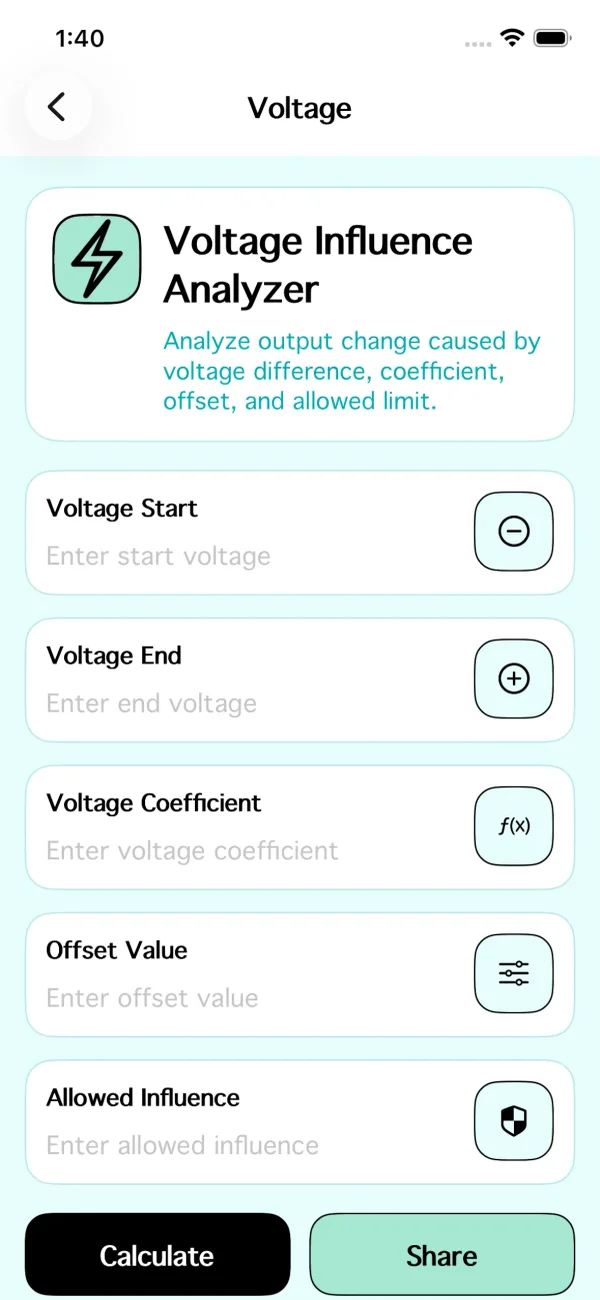
Explore the influence of voltage on a measurement outcome.
Consider current influence separately to understand another source of variation.
Use Harmonic Influence checks to examine the effect of waveform distortion.
Look at Load Factor Validation when operating demand changes.
Review Peak Demand checks to consider higher-load conditions.
Separate a shift in reading from a shift in electrical load.
Compare calculated outputs with the references used to produce them.
Change an input to see how the assessment responds.
Keep individual measurement questions clear rather than mixing their results.
Move between drift, compensation and accuracy checks as needed.
Read each result in the context of its selected method.
Use fast calculations to make technical comparisons more approachable.
Outputs depend on the measurement values and assumptions supplied.
An estimate does not establish a calibrated instrument reading.
Live equipment connectivity and automatic control are not claimed here.
Use qualified testing procedures for electrical and accuracy decisions.
INQ Quant helps make complex measurement behaviour easier to interpret.
Có gì mới
Phiên bản 1.01.1 · 04/11/2026
Bug Fixes
Fixed the problem of incomplete display of details
Quyền riêng tư của ứng dụng
Những gì Dilaver Cimhur khai báo trên App Store về cách ứng dụng này xử lý dữ liệu.
-
Dữ liệu không được thu thập
Nhà phát triển không thu thập bất kỳ dữ liệu nào từ ứng dụng này.
Phương thức đảm bảo quyền riêng tư có thể khác nhau, chẳng hạn như tuỳ theo các tính năng bạn sử dụng hoặc độ tuổi của bạn.
Thông tin
- Người bán
- Dilaver Cimhur
- Danh mục
- Tiện Ích
- Phiên bản
- 1.01.1
- Cập nhật
- 04/11/2026
- Phát hành
- 30/10/2026
- Kích thước
- 3,5 MB
- Yêu cầu
- iOS 15.0 trở lên
- Độ tuổi
- 9+
- Giá
- Miễn phí
- Ngôn ngữ
- Tiếng Anh
- Bản quyền
- © INQ Quant