iWuJing
Bilingual Five Classics Study
Được thiết kế cho iPhone, iPad
29.000đ · Mua hàng trong ứng dụng
- Độ tuổi4+
- Danh mụcGiáo Dục
- Nhà phát triển天从 何
- Ngôn ngữTiếng Anh+ 2 ngôn ngữ khác
- Kích thước44,2 MB
Liên kết đến trang App Store chính thức
Download.org không lưu trữ tệp nào của iWuJing. Nút này mở trang ứng dụng trên App Store, nơi 天从 何 phát hành ứng dụng. Trang được kiểm tra lần cuối: 18/11/2026.
Ảnh chụp màn hình
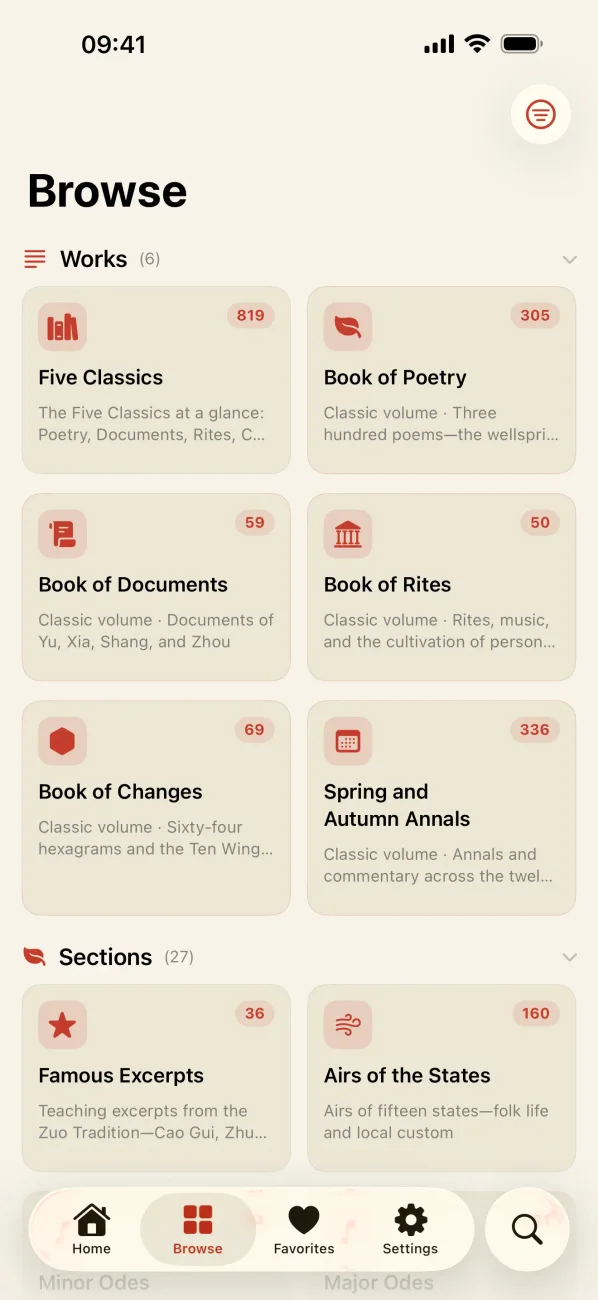
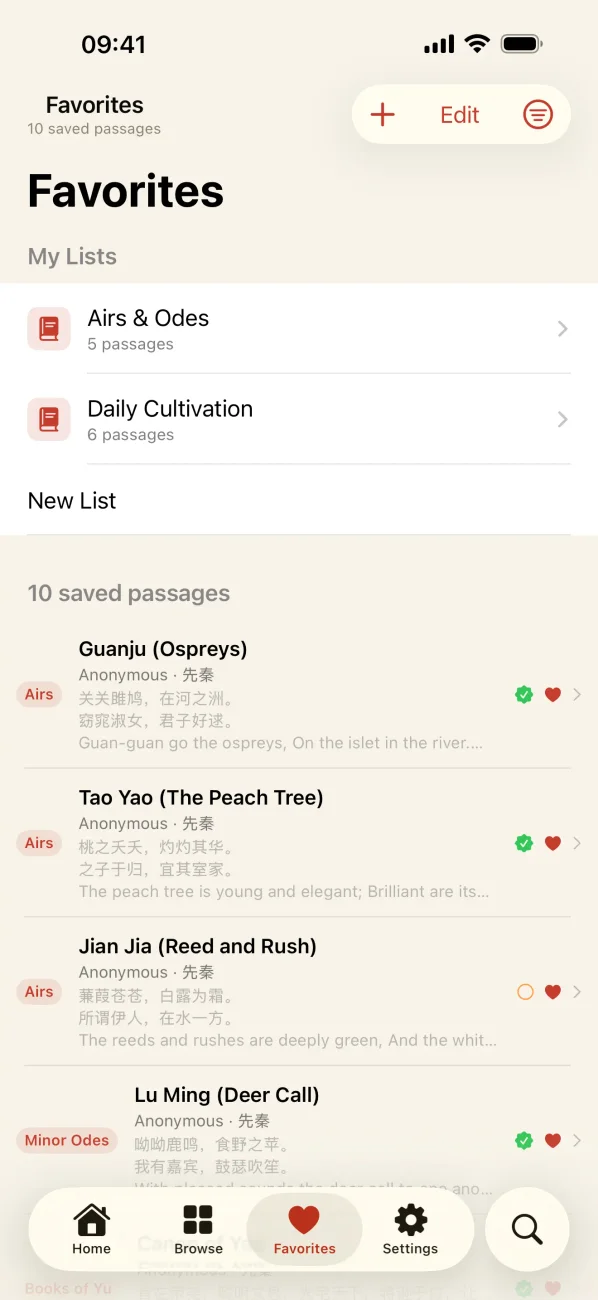
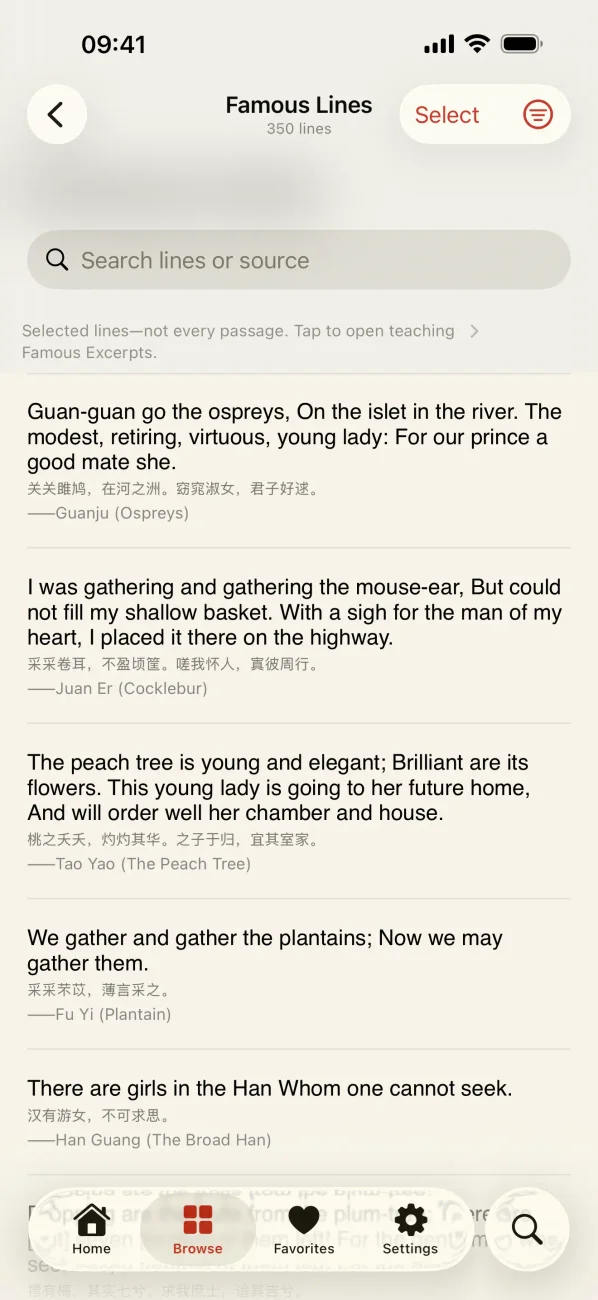
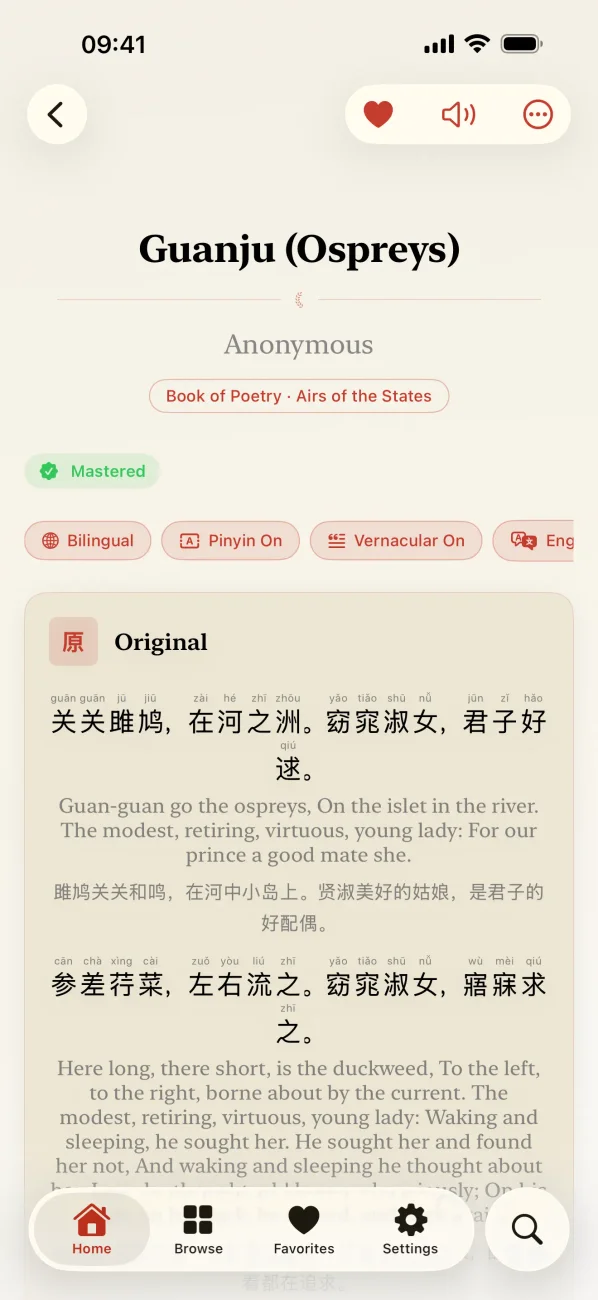
Giới thiệu
Nhà phát triển chưa cung cấp nội dung này bằng ngôn ngữ của bạn.
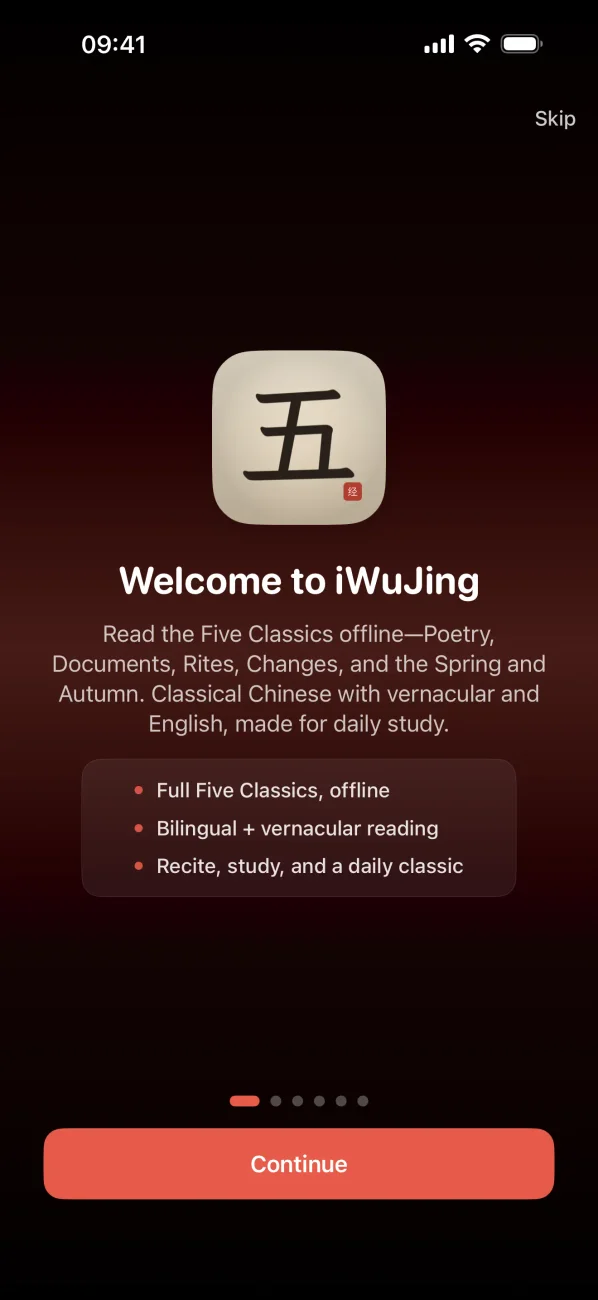
iWuJing is an offline study workbench for the Confucian Five Classics, not another page-turning reader. Close reading, recitation, practice, search, and widgets share one daily path. Start from Today's Classic and read the Book of Songs, Documents, Rites, Zhouyi, and Zuo Tradition in ordinary life. One passage today is enough to begin.
1. Full library, fully offline
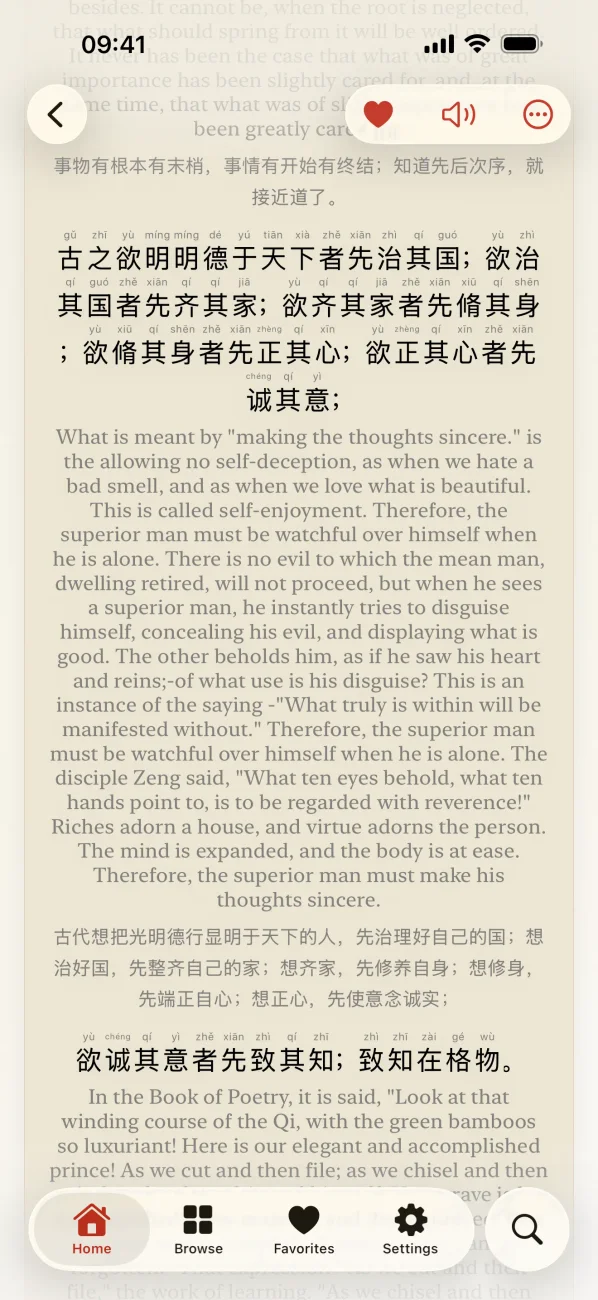
819 passages: Shijing 305, Shujing 59, Liji 50, Zhouyi 69, Zuo Tradition 336, plus about 350 famous lines. Paragraph-level vernacular covers every passage. About 424 items offer verse-aligned public-domain English by James Legge. Documents and Zuo Tradition use labeled study English, never sold as line-by-line translation. All 819 titles have English names. Everything is on device. No account. No network. Browse by classic and section. Lists can keep only verse-aligned English, variant notes, or famous lines.
2. Close reading
Switch bilingual, Chinese, or English. Classical text, vernacular, and English toggle on their own. iPhone stacks a section; iPad splits columns. Long chapters paginate. Optional pinyin and special-reading hints. Long-press for a gloss (about 1,000 entries with usage). Variant hints cover all 819 passages. Introduction and vernacular anthology are separate cards. Immersive mode still opens study, glosses, or variants. Queues show progress. Type size and Dynamic Type are optional. UI in Simplified Chinese, Traditional Chinese, and English. Short tour; sources live in About.
3. Recitation
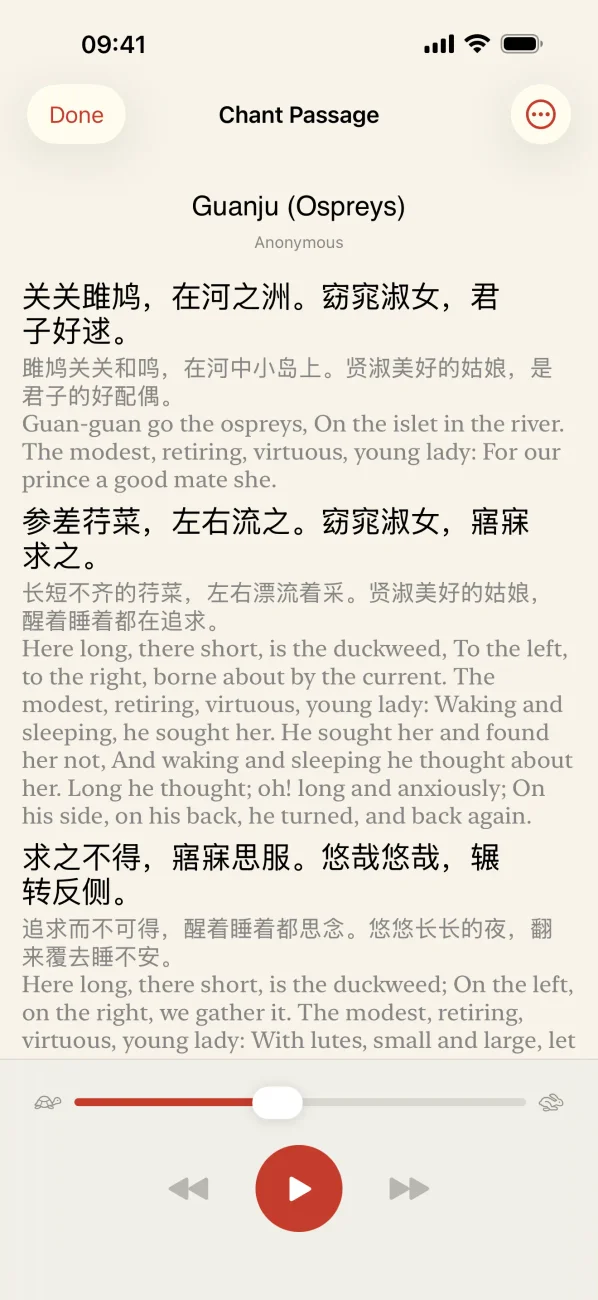
Line highlight while speaking; VoiceOver can announce the current line. Speed and voice adjust. Playback can speak original, vernacular, or English for title, author, and body. Background audio, Lock Screen, multi-passage queues, optional Live Activity, and a pause between items.
4. Classics Study
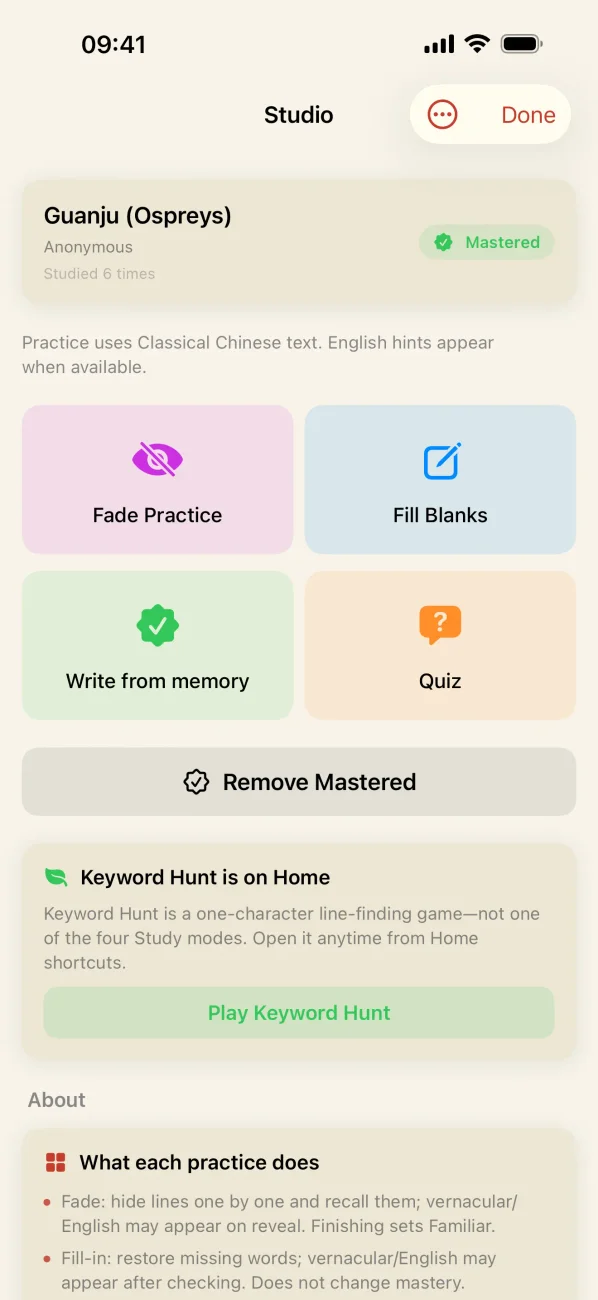
Fade, fill-in, self-check writing, and quiz, plus mastery. Practice one section of a long passage. Favorites and your lists can be studied or recited as a whole; browse, search, history, and notes can do the same. Keyword Hunt finds a line from one character. Practice still opens notes, glosses, and cards. Where Apple on-device models exist, ClassicAssist can summarize, explain, or answer locally; otherwise it hides. It never gives divination advice.
5. Today's Classic and the system
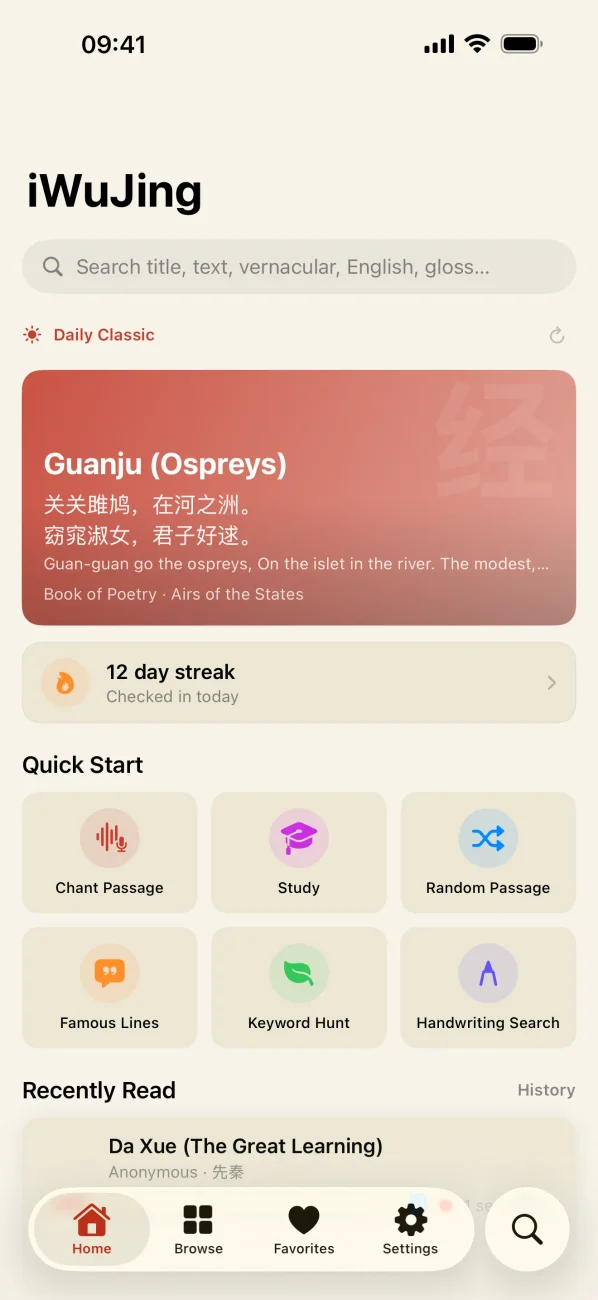
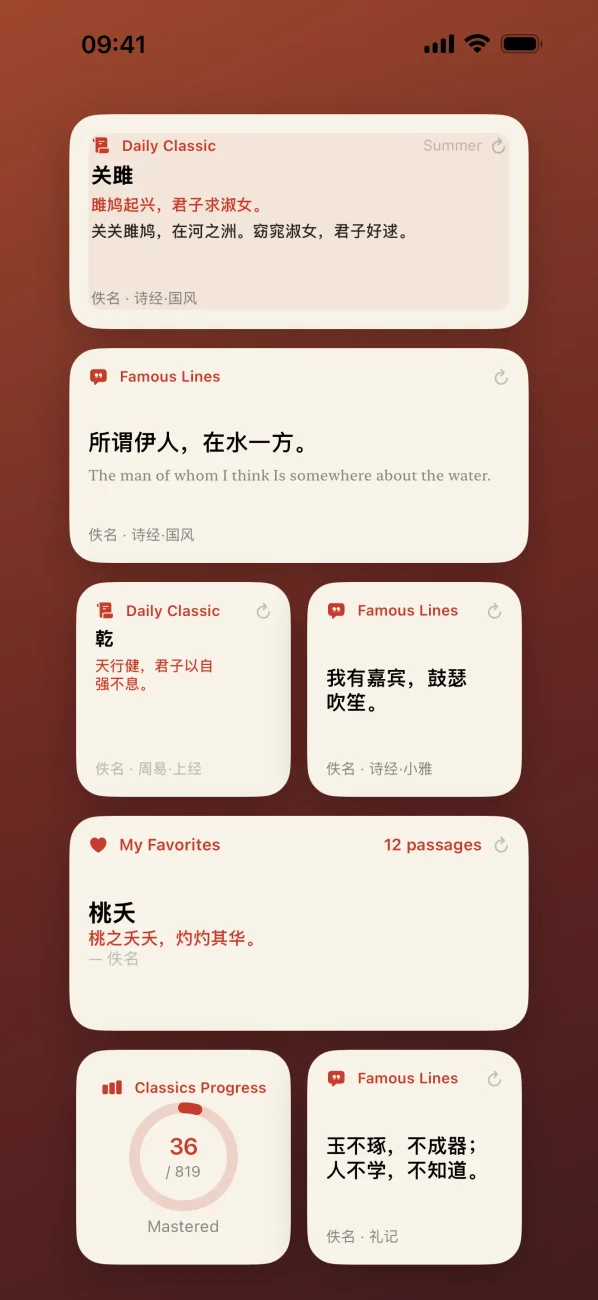
Optional solar terms, lunar festivals, and seasons. Daily and random pools can each be limited to one classic. Widgets and notifications follow those settings. A deep link can limit the book for one open without changing settings. Home has a streak and continue reading. Four widgets: today, famous lines, study progress, favorites (all hearts or one list). Lock Screen and StandBy supported. Control Center covers today, random, search, study, favorites, recite, famous lines, excerpts, browse, and hunt. Siri, Shortcuts, optional Spotlight, and deep links. Up to four Home Screen quick actions.
6. Search, handwriting, tracing
Search titles, text, vernacular, English, authors, aliases, and gloss heads. English matching folds spaces and hyphens. Hits show the field. iPhone and iPad: handwriting search on device. Tracing canvas saves a draft per passage. Classic cards export in several styles; lists can mint a card without opening detail.
7. Lists and backup
Favorites, custom lists, history, notes, mastery. JSON export and import (merge or replace) via Files or AirDrop. Optional iCloud key-value sync. Themes, accents, iOS alternate icons. Tabs can hide Browse or Favorites. Dynamic Type and VoiceOver included.
8. Privacy and Zhouyi
No account, ads, tracking, or third-party analytics. The Zhouyi is a Confucian text only: no casting, divination, fortune-telling, lots, random hexagrams, or prediction. Learning notes are study aids, not verdicts. Base texts and Legge English are public domain; About credits any corpus license.
iOS 17+; also macOS 14+. Handwriting, tracing, Lock Screen widgets, Control Center, StandBy, and Live Activities are iPhone or iPad. Start with today's classic.
Quyền riêng tư của ứng dụng
Những gì 天从 何 khai báo trên App Store về cách ứng dụng này xử lý dữ liệu.
-
Dữ liệu không được thu thập
Nhà phát triển không thu thập bất kỳ dữ liệu nào từ ứng dụng này.
Phương thức đảm bảo quyền riêng tư có thể khác nhau, chẳng hạn như tuỳ theo các tính năng bạn sử dụng hoặc độ tuổi của bạn.
Thông tin
- Người bán
- 天从 何
- Danh mục
- Giáo Dục
- Phiên bản
- 1.2.0
- Cập nhật
- 24/08/2026
- Phát hành
- 24/08/2026
- Kích thước
- 44,2 MB
- Yêu cầu
- iOS 17.0 trở lên
- Độ tuổi
- 4+
- Giá
- 29.000đ
- Mua hàng trong ứng dụng
- Có
- Ngôn ngữ
- Tiếng Anh, Tiếng Trung Giản thể, Tiếng Trung Phồn thể
- Bản quyền
- © @iHTCboy