
- Độ tuổi4+
- Danh mụcTiện Ích
- Nhà phát triểnTracivex LLC
- Ngôn ngữTiếng Anh
- Kích thước2,1 MB
Kestrel Sight hiện có thể không có trên App Store
Ở lần kiểm tra gần nhất, chúng tôi không truy cập được trang trên cửa hàng. Liên kết vẫn dẫn đến trang App Store chính thức.
Ảnh chụp màn hình


Giới thiệu
Nhà phát triển chưa cung cấp nội dung này bằng ngôn ngữ của bạn.
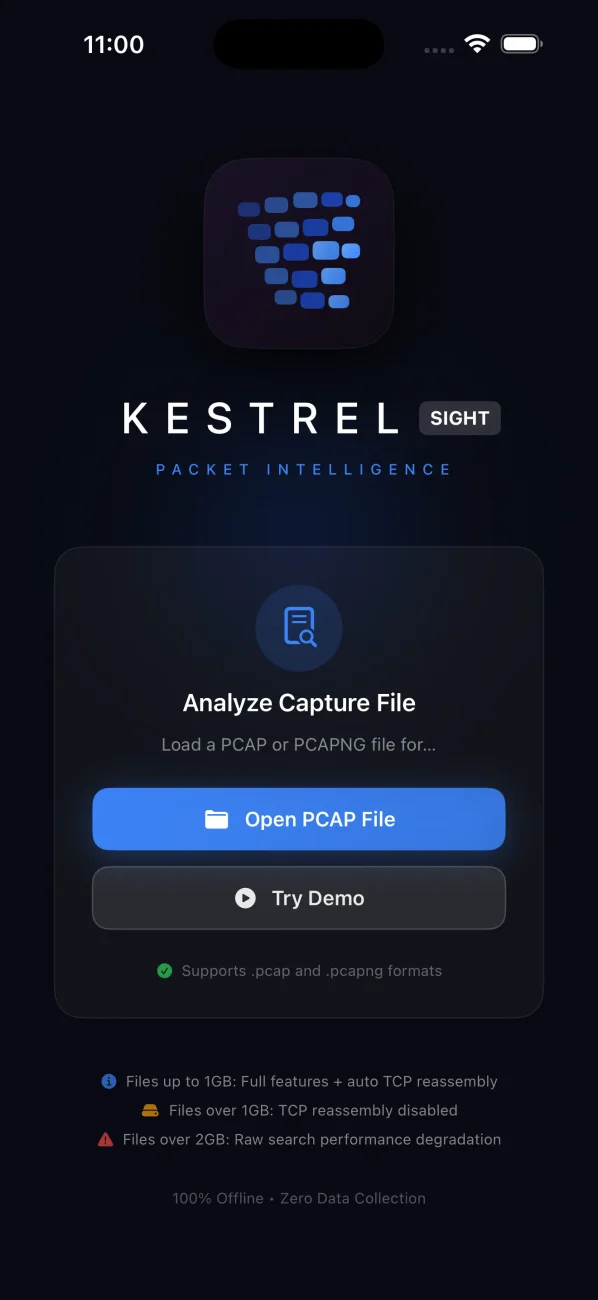
Kestrel Sight brings professional packet capture analysis to iPhone and iPad. Every byte is processed on-device — Kestrel makes no network connections, and collects no analytics.
WHAT'S NEW
CSV Export — Three profiles: Summary (Excel-ready, 9 columns), Detailed (every protocol layer, ~24 columns), Flow (one row per conversation). Export everything or just bookmarked packets, with bookmark notes preserved as columns. Filenames indicate scope at a glance.
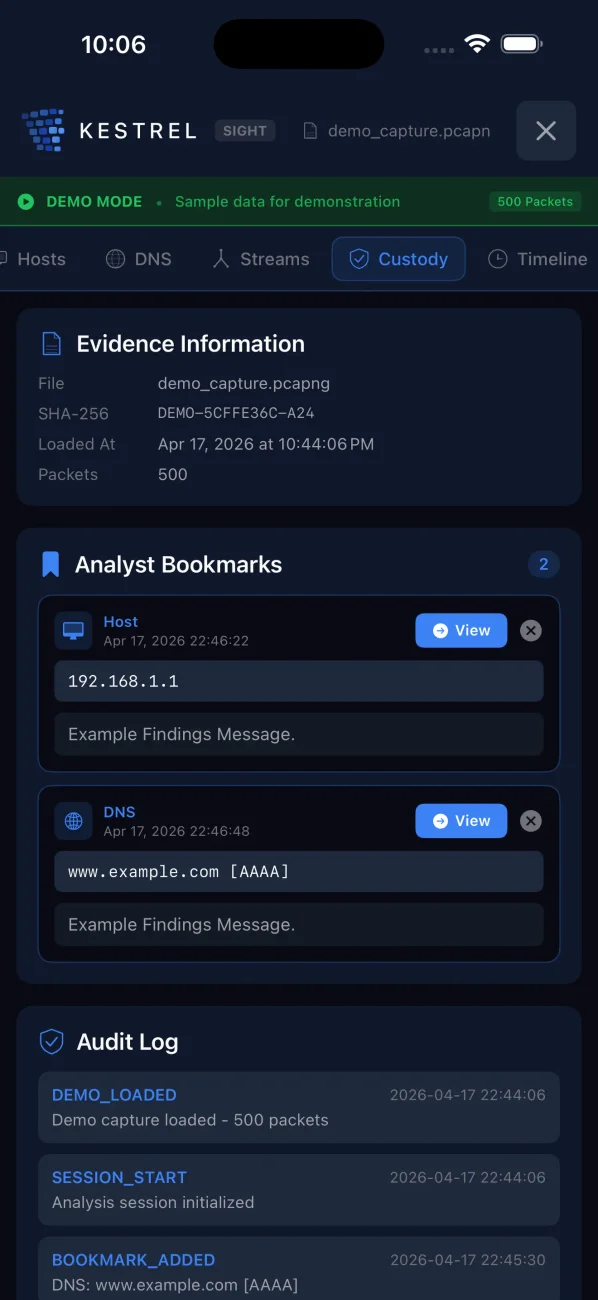
Smart Bookmarks — Bookmarking a flow, host, DNS query, or stream now resolves to all related packets in CSV exports. Tap "View" on any bookmark to jump straight to that data with the right filter applied.
Expanded Protocol Detection — Added classification for SMB, mDNS, DHCP, NTP, SNMP, SSDP, and QUIC.
Dashboard Navigation — Every dashboard widget is now interactive. Tap Total Packets to open Packets, tap a Top Talker to filter Hosts to that IP, tap "TCP" in Protocol Distribution to filter the Packets list, and so on. Subtle chevrons indicate what's tappable.
Haptic Feedback — Bike-spoke clicker feedback when scrolling lists. Crisp tap feedback on buttons.
Adjustable row density. New filter-bar toggle cycles between Classic, Compact, and Comfortable layouts in the Packets browser. Compact fits ~22 rows per phone screen; Comfortable mirrors iOS Mail's two-line look. On iPad, Classic uses a denser style single-line row.
App Switcher privacy. Sight now hides the analysis surface behind the Kestrel logo whenever the app leaves the foreground, so the iOS App Switcher thumbnail and AirPlay mirroring.
Faster first-tap haptic response and internal robustness improvements.
CORE FEATURES
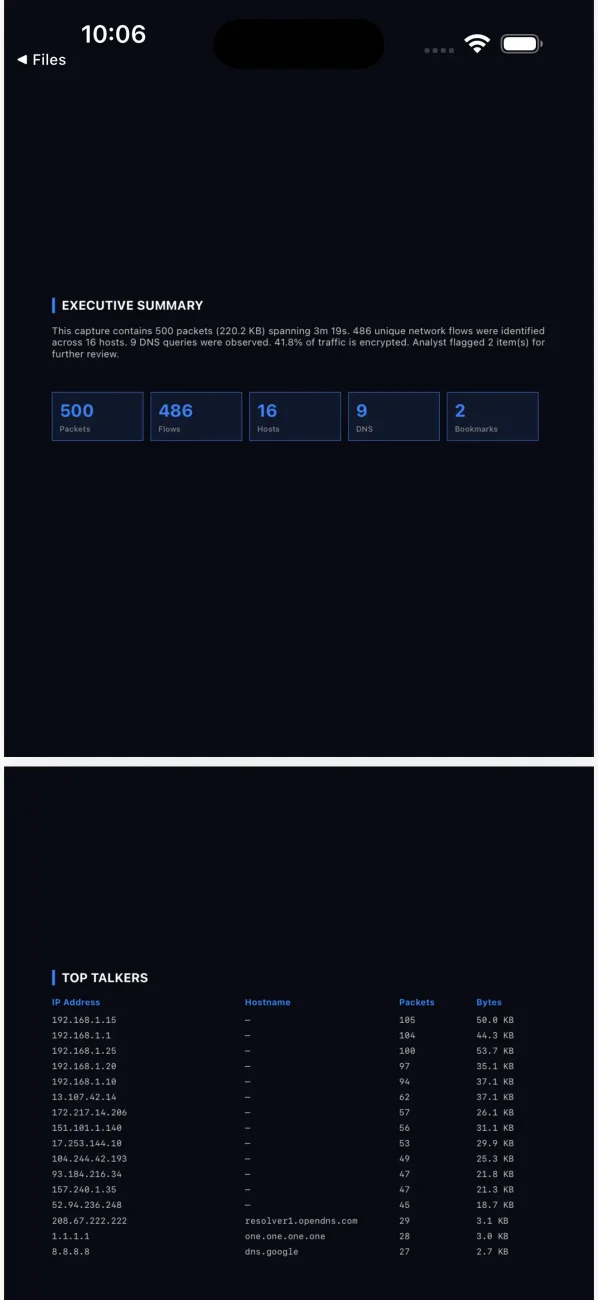
Dashboard — Protocol distribution, encryption stats, top talkers, session summary
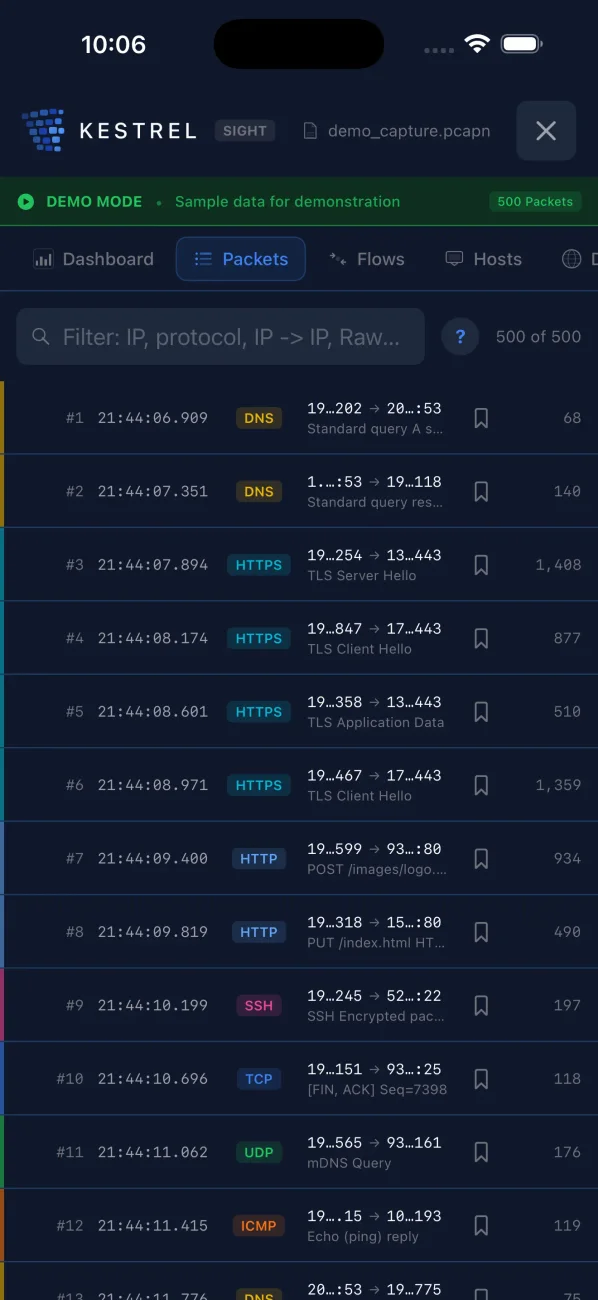
Packets — Browse and filter with detailed per-layer inspection
Raw Data Search — Query any byte sequence in its original form
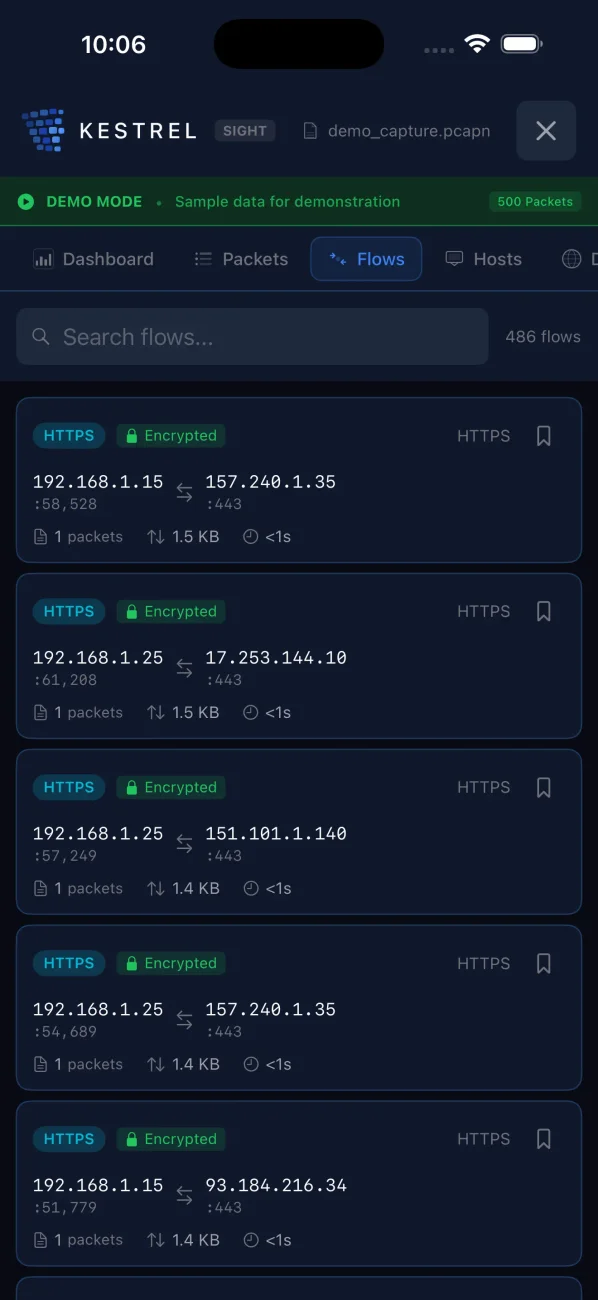
Flows — Bidirectional reconstruction with byte counts, packet counts, timing
Hosts — Per-IP profile with traffic stats, port activity, connection mapping
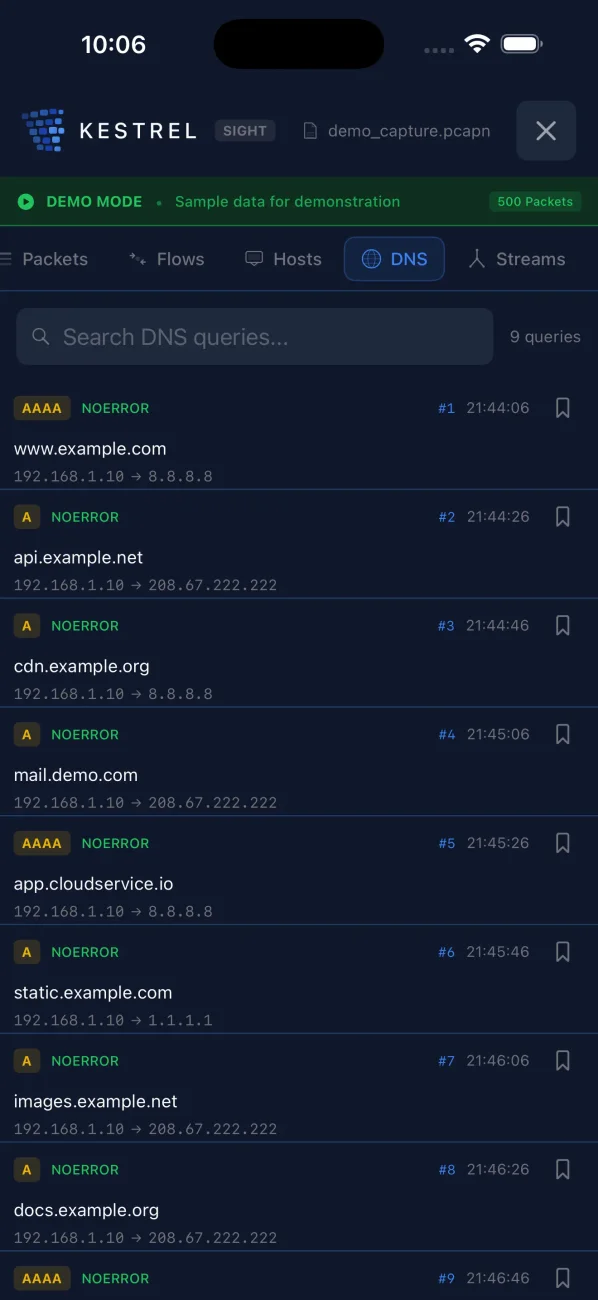
DNS — Extract and search all DNS queries and responses
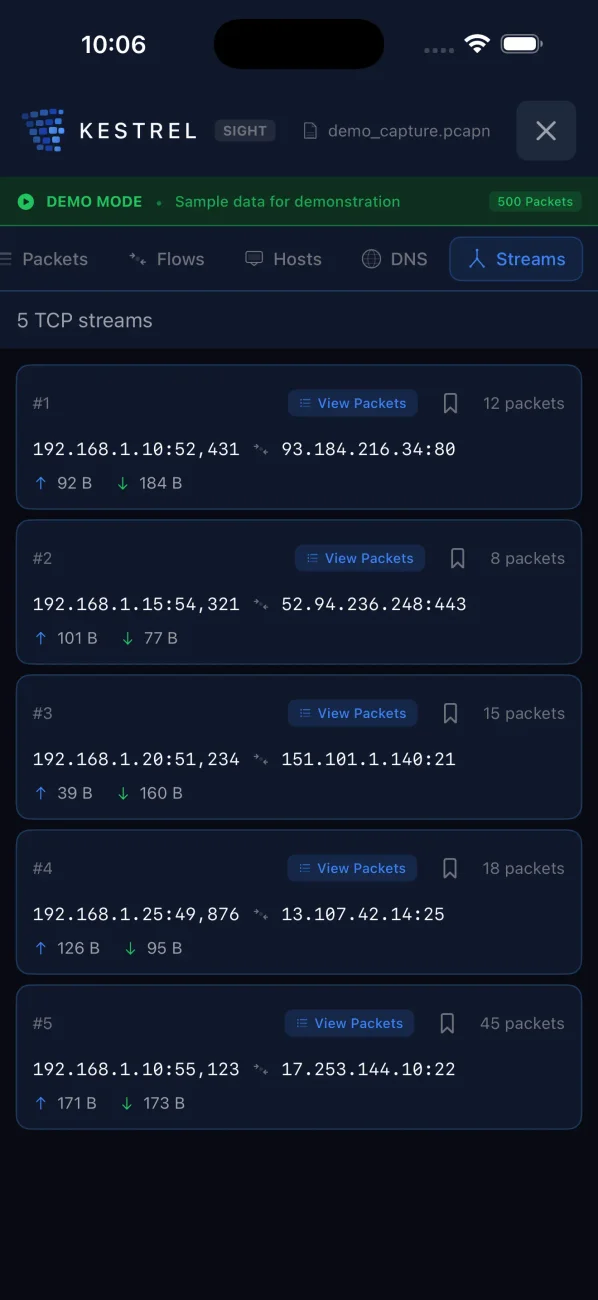
Streams — TCP stream reassembly with full-content viewer (auto-runs under 1 GB)
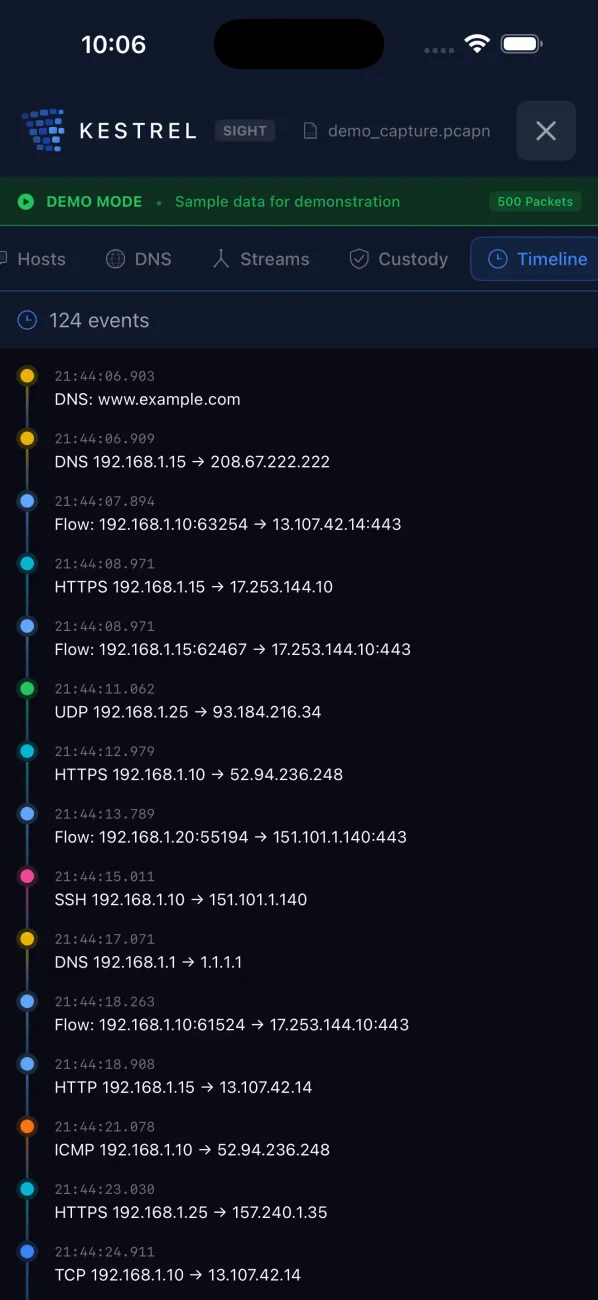
Timeline — Visual event timeline with filtering
Audit Log — SHA-256 file hashing and session audit log included in PDF exports
CAPACITY
Up to 1 GB — Full feature set with automatic TCP reassembly
Over 1 GB — TCP reassembly disabled; packets, flows, hosts, DNS, and timeline remain fully functional
Over 2 GB — Application performance may degrade
SUPPORTED FORMATS
PCAP, PCAPNG
IDEAL FOR
SOC analysts reviewing captures away from the workstation
Network administrators troubleshooting connectivity
Incident responders triaging captures in the field
Penetration testers reviewing engagement data
Educators and students learning protocol behavior
PRIVACY AND SECURITY
Zero network access — no outbound connections
No analytics, tracking, or advertising
Kestrel is designed as an analytical and educational starting point. Always verify findings independently before acting on them. No software can guarantee absolute security; follow your organization's evidence-handling procedures when working with sensitive captures.
IMPORTANT NOTES
Kestrel analyzes pre-captured PCAP files only — live capture is not permitted within iOS by the platform itself. Screenshots may combine demo and real data. Large captures may extend load times. Devices with 8 GB RAM or more are recommended for multi-gigabyte files. The demo uses fabricated sample packets.
Có gì mới
Phiên bản 1.2.2 · 28/10/2026
BUG FIXES & IMPROVEMENTS
• Fixed a crash when viewing TLS 1.3 handshake packets.
• Large captures now import in the background with a progress screen, so the app no longer freezes.
• Clear message when a capture is over the 4 GB limit or storage is low.
• Closing a capture while it is still loading now stops it immediately.
• Protocol tags in Host Details now wrap neatly and are sorted alphabetically.
• Improved stability when reading unusual or damaged capture files.
• Large application updates to come.
Quyền riêng tư của ứng dụng
Những gì Tracivex LLC khai báo trên App Store về cách ứng dụng này xử lý dữ liệu.
-
Dữ liệu không được thu thập
Nhà phát triển không thu thập bất kỳ dữ liệu nào từ ứng dụng này.
Phương thức đảm bảo quyền riêng tư có thể khác nhau, chẳng hạn như tuỳ theo các tính năng bạn sử dụng hoặc độ tuổi của bạn.
Thông tin
- Người bán
- Tracivex LLC
- Danh mục
- Tiện Ích
- Phiên bản
- 1.2.2
- Cập nhật
- 28/10/2026
- Phát hành
- 08/12/2025
- Kích thước
- 2,1 MB
- Yêu cầu
- iOS 18.6 trở lên
- Độ tuổi
- 4+
- Ngôn ngữ
- Tiếng Anh
- Bản quyền
- © 2026 Tracivex
Có thể bạn cũng thích
-
 DDisk: Permanent StorageTiện Ích
-
 Iron Switch: Dead Man SwitchTiện Ích
-
 Know My IPMạng: Speedtest & Công cụ
-
 Wi-Fi InfoTiện Ích
-
 Argly Remote DesktopTiện Ích
-
 PCAP Analyzer · File ReaderTiện Ích
-
 Zipinmail I Virtual MailboxTiện Ích
-
 IP Scanner UltraNetwork Scanner WiFi/LAN Mạng
-
 PCAP File Viewer · AnalyzerTiện Ích
-
 SDS RemoteTiện Ích