KN Network Toolkit
Scan, Ping, SSH, SMB & more
Được thiết kế cho iPhone, iPad
Miễn phí
- Độ tuổi4+
- Danh mụcTiện Ích
- Nhà phát triểnThomas Ntais
- Ngôn ngữTiếng Anh
- Kích thước11,1 MB
Liên kết đến trang App Store chính thức
Download.org không lưu trữ tệp nào của KN Network Toolkit. Nút này mở trang ứng dụng trên App Store, nơi Thomas Ntais phát hành ứng dụng. Trang được kiểm tra lần cuối: 12/11/2026.
Ảnh chụp màn hình

Giới thiệu
Nhà phát triển chưa cung cấp nội dung này bằng ngôn ngữ của bạn.
KN Network Toolkit puts the network tools you reach for into one app. Find every device on your Wi-Fi, check that a computer answers, open a terminal or a shared folder, and look into DNS, certificates and your internet speed. Free, with no ads and no account.
NETWORK SCAN
• Scans your Wi-Fi network and lists every device that answers, with its name and the services it offers (web, SSH, shared folders, remote desktop, printing and more)
• A guess of what each device is, from the ports it has open
• Remembers devices from earlier scans, so you see which ones are silent this time
• Tap a service to open it: a web page, a terminal, or the shared folders of that computer
TOOLS
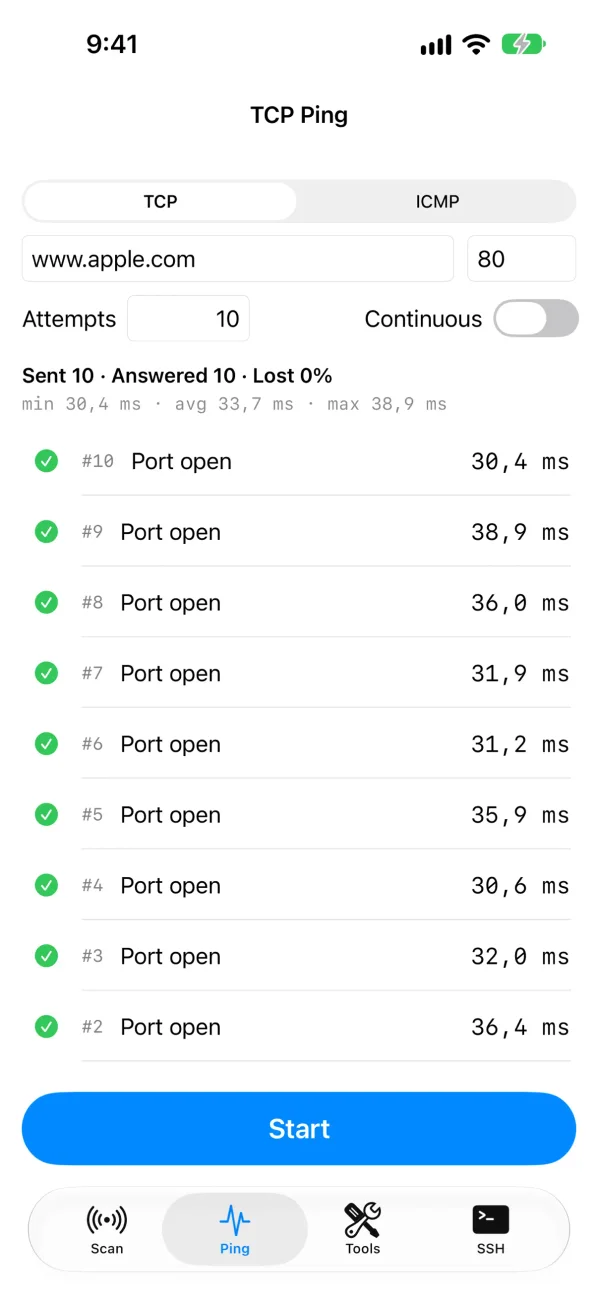
• Ping (TCP or ICMP) with minimum, average, maximum and loss
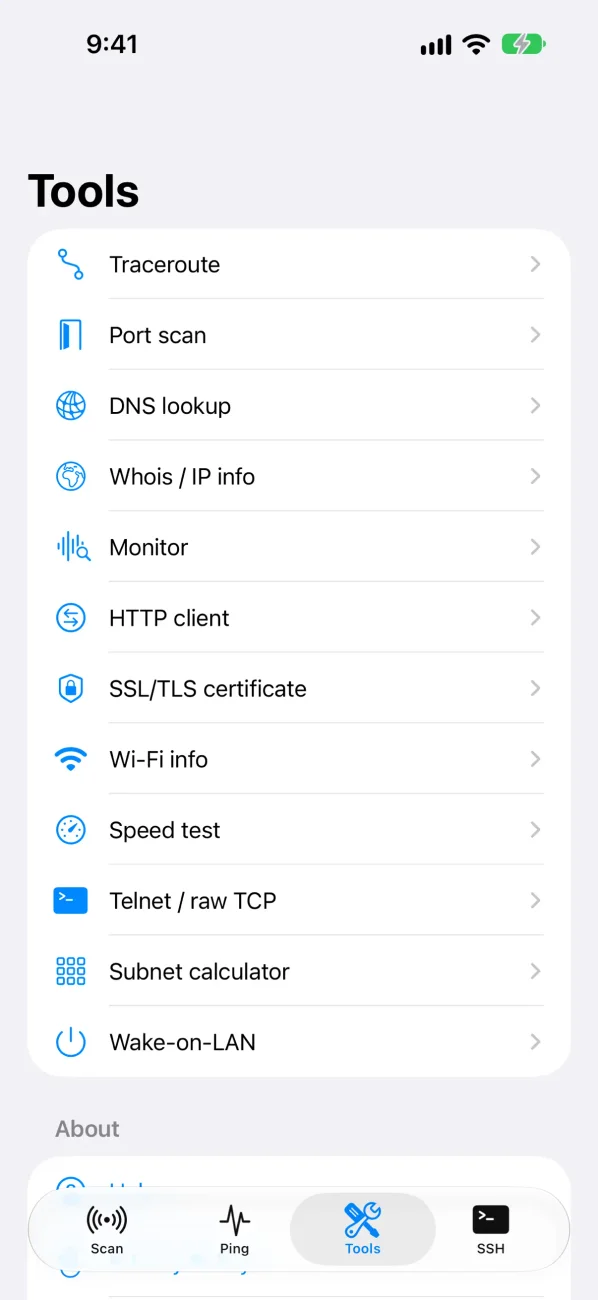
• Traceroute: the routers between you and a host
• Port scan: which ports of a computer are open
• DNS lookup against Cloudflare, Google, Quad9 or your own server
• Whois / IP info: where an address is and who owns it
• Monitor: watch computers and services and get a notification when one goes down
• HTTP client: status, timing and headers, with copy as curl
• SSL/TLS certificate check: validity, names, chain and fingerprint
• Wi-Fi info: your address, mask, router, DNS and network name
• Speed test: latency, download and upload, on the internet or against your own server
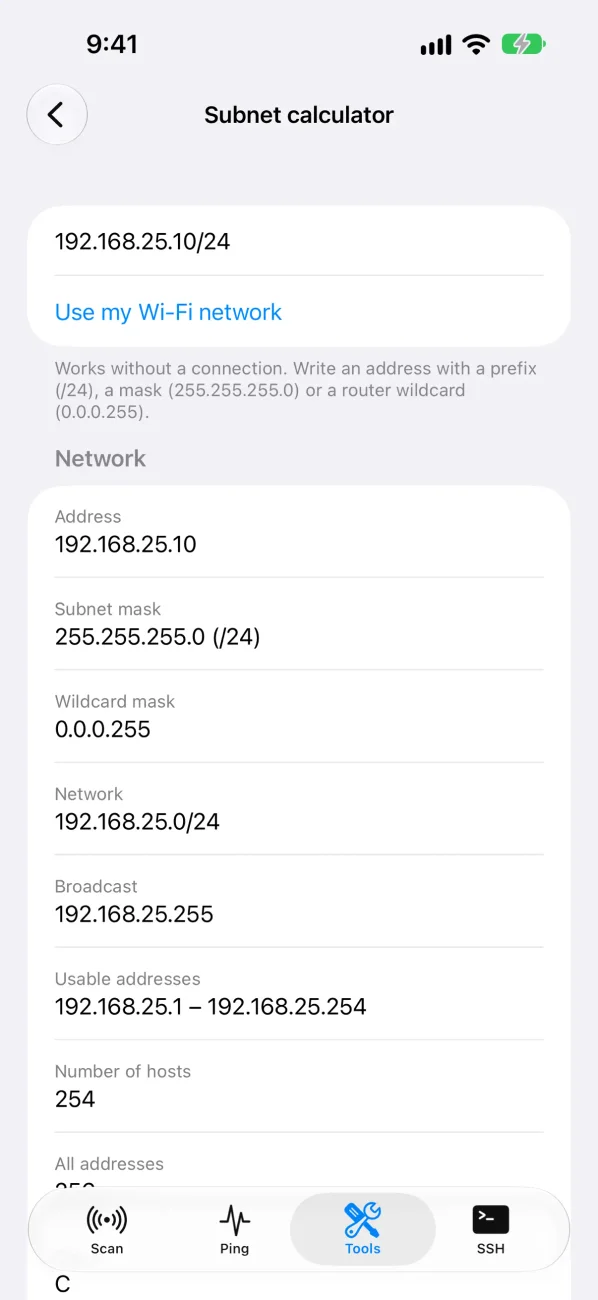
• Subnet calculator: mask, range, hosts, divide into smaller networks, works offline
• Wake-on-LAN: wake a computer with one tap
• Telnet and raw TCP terminal, for routers, switches and testing a service by hand
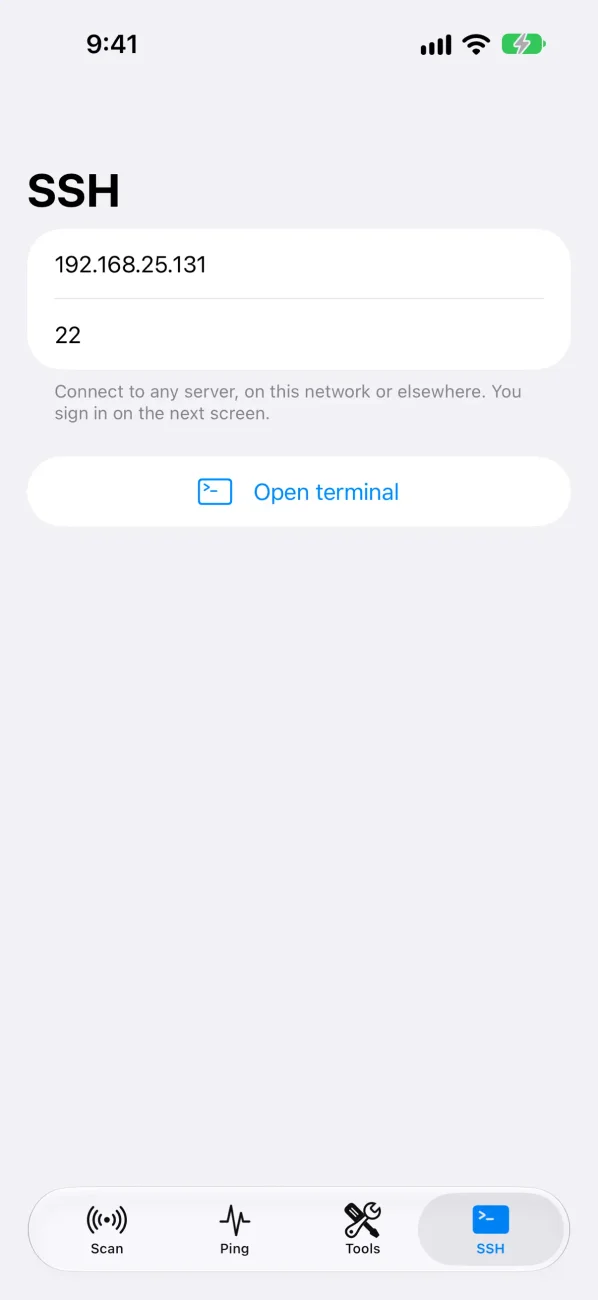
SSH
• A full terminal with Esc, Ctrl, Tab and arrow keys
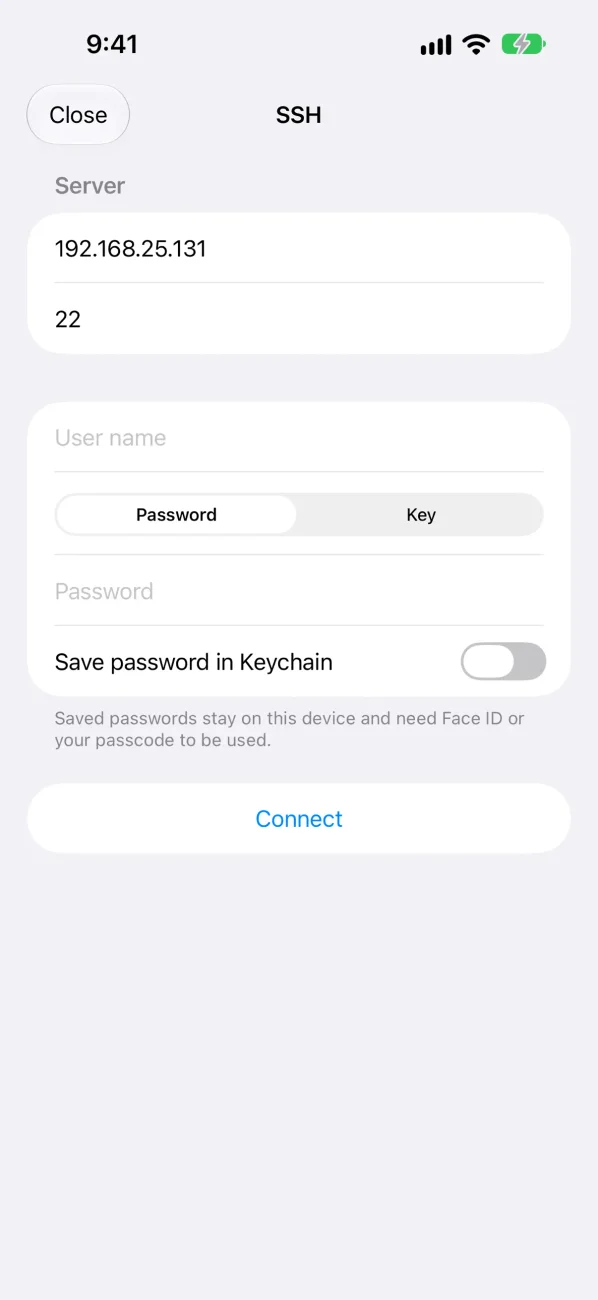
• Sign in with a password or an SSH key you create in the app
• Passwords and keys are kept in the Keychain and protected by Face ID
• Warns you if a server's identity changes
SHARED FOLDERS (SMB)
• Browse the shared folders of Windows, Mac and Linux computers and NAS drives like in the Files app
• Videos and music play straight from the computer, with no waiting for a download
• Text files open in the app, pictures and documents open with Quick Look
• SMB 2 and 3 with signing and encryption
PRIVATE BY DESIGN
There is no account, no advertising and no analytics. What you scan and save stays on your device. Only the tools that need the internet, such as Whois, Speed test and DNS lookup, contact the services they are made for, when you use them.
Telnet, plain TCP and plain http:// are not encrypted. Use SSH and https whenever you can.
Quyền riêng tư của ứng dụng
Những gì Thomas Ntais khai báo trên App Store về cách ứng dụng này xử lý dữ liệu.
-
Dữ liệu không được thu thập
Nhà phát triển không thu thập bất kỳ dữ liệu nào từ ứng dụng này.
Phương thức đảm bảo quyền riêng tư có thể khác nhau, chẳng hạn như tuỳ theo các tính năng bạn sử dụng hoặc độ tuổi của bạn.
Thông tin
- Người bán
- Thomas Ntais
- Danh mục
- Tiện Ích
- Phiên bản
- 1.0
- Cập nhật
- 22/10/2026
- Phát hành
- 22/10/2026
- Kích thước
- 11,1 MB
- Yêu cầu
- iOS 17.0 trở lên
- Độ tuổi
- 4+
- Giá
- Miễn phí
- Ngôn ngữ
- Tiếng Anh
- Bản quyền
- © 2026 Thomas Ntais