
Learn Thermal Engineering
Thermal Engineering Tutorials
Được thiết kế cho iPhone, iPad, iPod touch
99.000đ
- Độ tuổi9+
- Danh mụcGiáo Dục
- Nhà phát triểnMuhammad Umair
- Ngôn ngữTiếng Anh
- Kích thước80,7 MB
Liên kết đến trang App Store chính thức
Download.org không lưu trữ tệp nào của Learn Thermal Engineering. Nút này mở trang ứng dụng trên App Store, nơi Muhammad Umair phát hành ứng dụng. Trang được kiểm tra lần cuối: 17/11/2026.
Ảnh chụp màn hình


Giới thiệu
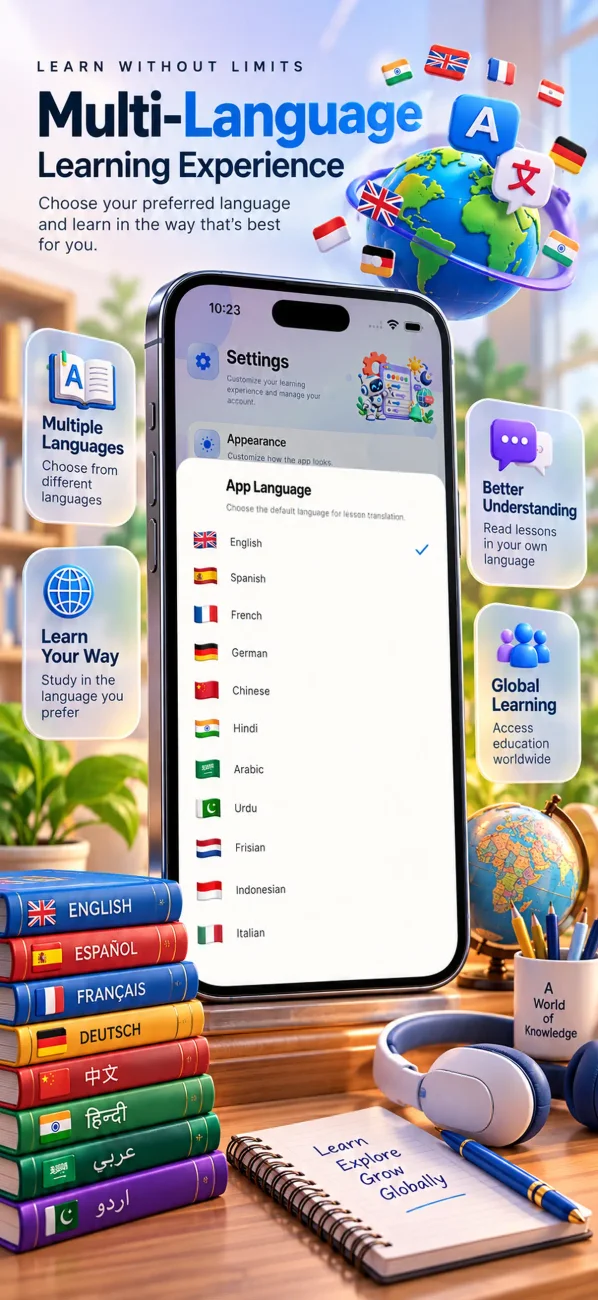
Nhà phát triển chưa cung cấp nội dung này bằng ngôn ngữ của bạn.
Learn Thermal Engineering brings organized lessons, chapter-based quizzes, study notes, and learning progress into one focused educational experience. Explore essential thermal engineering concepts at your own pace, revisit material, and keep track of your studies through a clear, practical interface.
EXPLORE STRUCTURED CHAPTERS
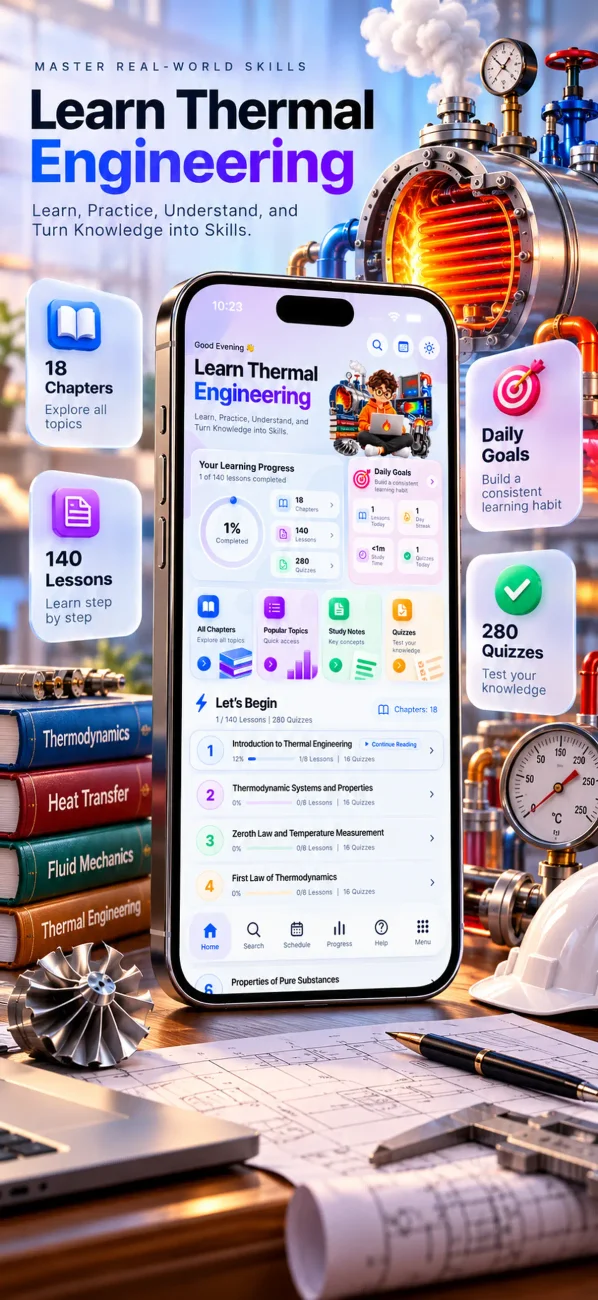
Navigate 18 chapters, 140 lessons, and 280 quiz questions shown in the app. Lessons are grouped by chapter so you can move through topics in an organized sequence. Open a chapter to see its lessons, reading information, quiz counts, and completion status. Continue reading unfinished material or return to a lesson you have already completed.
STUDY THERMAL ENGINEERING CONCEPTS
Explore the Introduction to Thermal Engineering, including Basic Concepts of Thermal Engineering, Thermodynamic Systems and Surroundings, Properties of Thermodynamic Systems, Temperature and Thermal Equilibrium, Pressure, Volume and Density, Energy, Work and Heat, and Units and Dimensions in Thermal Engineering.
Other visible chapter topics include Thermodynamic Systems and Properties, Zeroth Law and Temperature Measurement, First Law of Thermodynamics, and Properties of Pure Substances. The lesson-based layout lets you focus on one subject at a time and see how your study progresses.
PRACTICE WITH LESSON QUIZZES
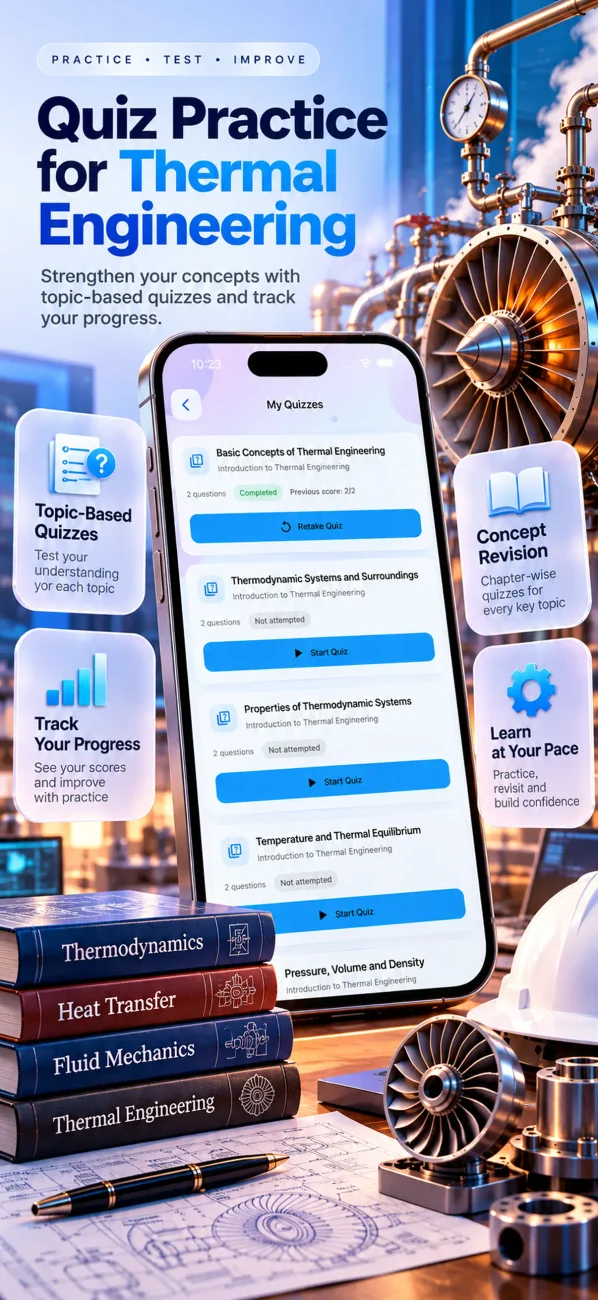
Use quizzes linked to lessons to check your understanding as you study. The My Quizzes screen shows quiz titles, the associated chapter, and question counts. Start an unattempted quiz, see completed status indicators, review your previous score, or choose Retake Quiz to practice again. These features make it simple to return to questions after reading a lesson.
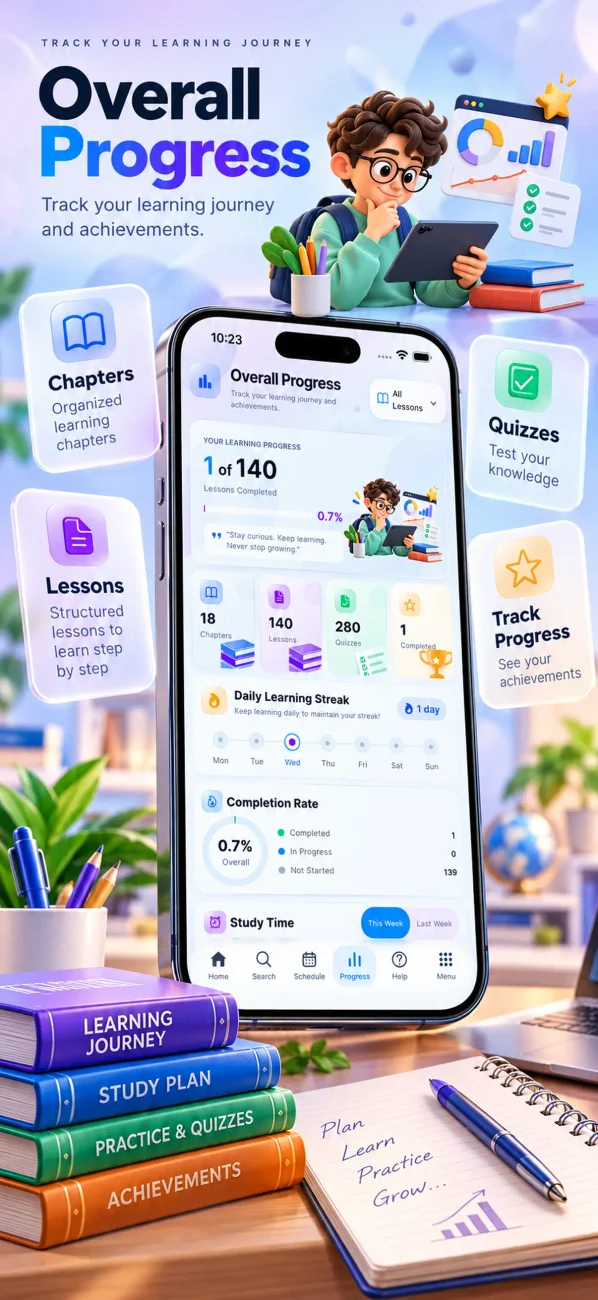
FOLLOW YOUR LEARNING PROGRESS
See overall completion information, completed lessons, and chapter progress at a glance. Individual lesson cards display completion percentages and reading details, helping you identify what you have finished and what remains. The home screen brings together chapter totals, lesson totals, and quiz totals for a convenient overview of your learning material.
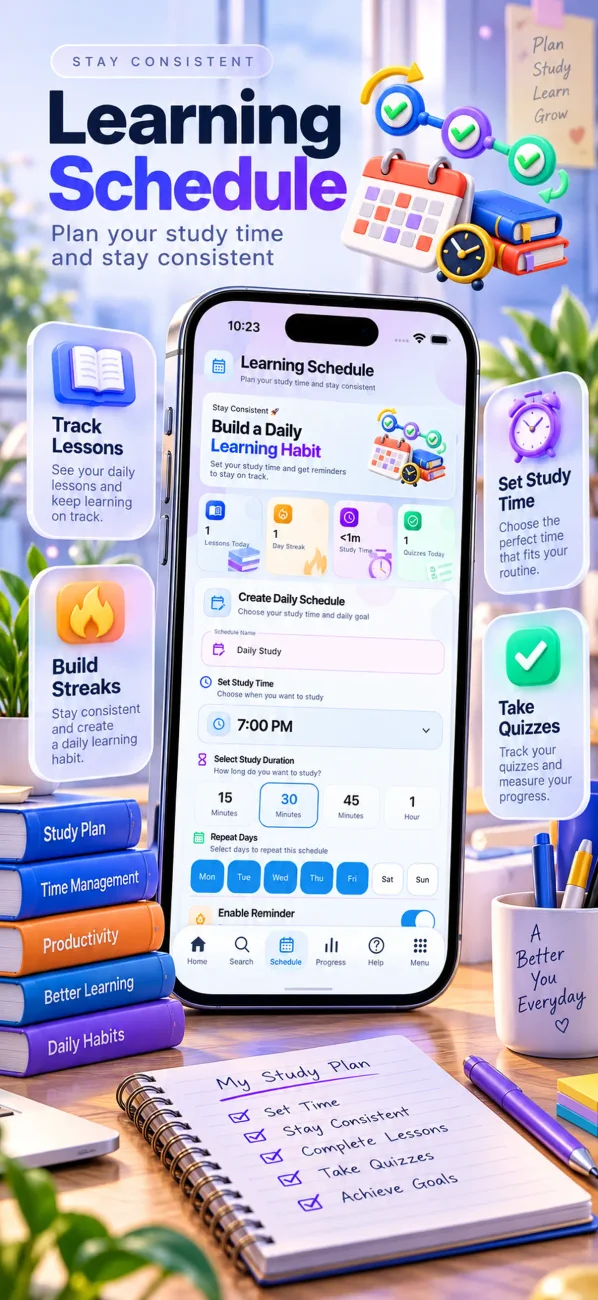
BUILD A REGULAR STUDY ROUTINE
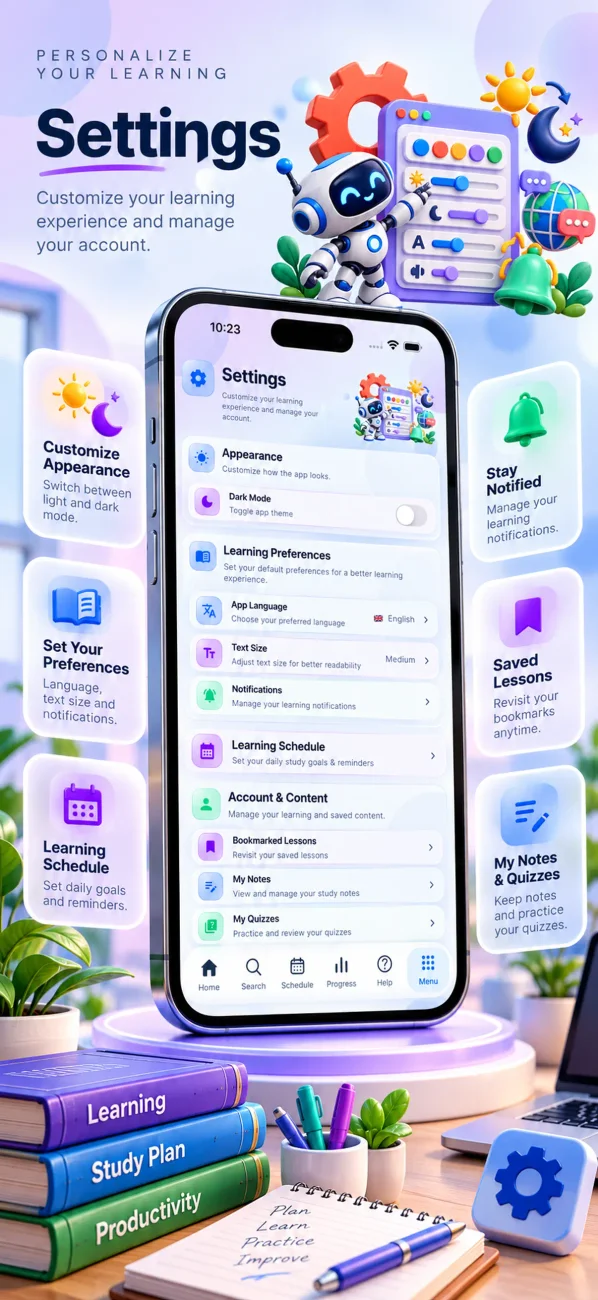
The Daily Goals area displays lessons completed today, your learning streak, study time, and quiz activity. Use these visible indicators to follow your daily learning activity. A dedicated Schedule section is also available from the app navigation, alongside Home, Search, Progress, Help, and Menu.
KEEP STUDY NOTES
Use Study Notes and Take Notes while reviewing lessons. Keep important concepts together so you can return to your own notes during future study sessions. Notes sit alongside the learning content rather than requiring a separate study workflow.
FIND AND REVIEW TOPICS
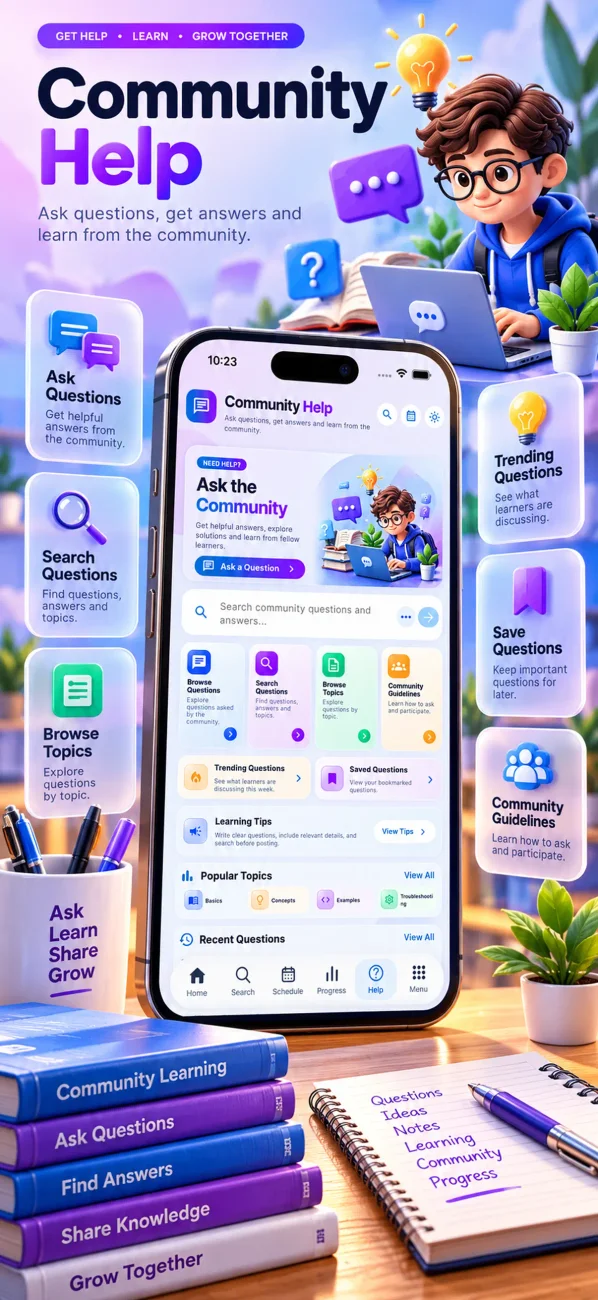
Browse All Chapters, visit Popular Topics for quick access, or use Search to navigate learning material. The app keeps lessons, quizzes, notes, and progress in distinct sections, making it easier to move between reading, practice, and review.
A CLEAR WAY TO LEARN
Learn Thermal Engineering is designed around a simple study cycle: explore a chapter, read a lesson, practice its quiz questions, take notes, and check your progress. Follow your own pace, revisit earlier topics, and use completion indicators to guide your next study session. Whether you are beginning with basic concepts or reviewing thermodynamic topics, the app provides an organized place to continue learning.
Explore lessons, practice questions, and monitor your progress with Learn Thermal Engineering.
LESSON DETAILS AT A GLANCE
Chapter screens show reading time, the number of lessons, quiz questions, and a progress bar. Lesson cards distinguish completed work from material still waiting to be read. The quiz list also separates attempted and unattempted quizzes, so you can choose where to practice next. Review the previous score shown for a completed quiz before trying it again. Use these simple details to plan your next reading or practice session without losing sight of your progress. Keep learning.
Có gì mới
Phiên bản 1.2 · 30/10/2026
New User Interface
Fixed Bugs
Added New Features
Quyền riêng tư của ứng dụng
Những gì Muhammad Umair khai báo trên App Store về cách ứng dụng này xử lý dữ liệu.
-
Dữ liệu không được thu thập
Nhà phát triển không thu thập bất kỳ dữ liệu nào từ ứng dụng này.
Phương thức đảm bảo quyền riêng tư có thể khác nhau, chẳng hạn như tuỳ theo các tính năng bạn sử dụng hoặc độ tuổi của bạn.
Thông tin
- Người bán
- Muhammad Umair
- Danh mục
- Giáo Dục
- Phiên bản
- 1.2
- Cập nhật
- 30/10/2026
- Phát hành
- 13/07/2023
- Kích thước
- 80,7 MB
- Yêu cầu
- iOS 15.6 trở lên
- Độ tuổi
- 9+
- Giá
- 99.000đ
- Ngôn ngữ
- Tiếng Anh
- Bản quyền
- © Muhammad Umair
Có thể bạn cũng thích
-
 CoursFox : PDF to CoursesGiáo Dục
-
 Journeyman Boilermaker QuizGiáo Dục
-
 Chem Formula Sheet by CS teamGiáo Dục
-
 RACHP Test (UK)Giáo Dục
-
 Grammarific: Danish GrammarGiáo Dục
-
 Collocations for IELTS testTham Khảo
-
 Heat & WorkGiáo Dục
-
 Woodcarving MagazineTham Khảo
-
 Learn Physics TutorialsGiáo Dục
-
 Thermodynamics CalculatorsGiáo Dục