LED Light Controller – Glow
Universal LED Strip Remote
Được thiết kế cho iPhone, iPad
Miễn phí
- Độ tuổi4+
- Danh mụcTiện Ích
- Nhà phát triểnOM SRI ROHITH RAJ YADAV THALLA
- Ngôn ngữTiếng Anh
- Kích thước10,2 MB
Liên kết đến trang App Store chính thức
Download.org không lưu trữ tệp nào của LED Light Controller – Glow. Nút này mở trang ứng dụng trên App Store, nơi OM SRI ROHITH RAJ YADAV THALLA phát hành ứng dụng. Trang được kiểm tra lần cuối: 26/11/2026.
Ảnh chụp màn hình
Giới thiệu
Nhà phát triển chưa cung cấp nội dung này bằng ngôn ngữ của bạn.
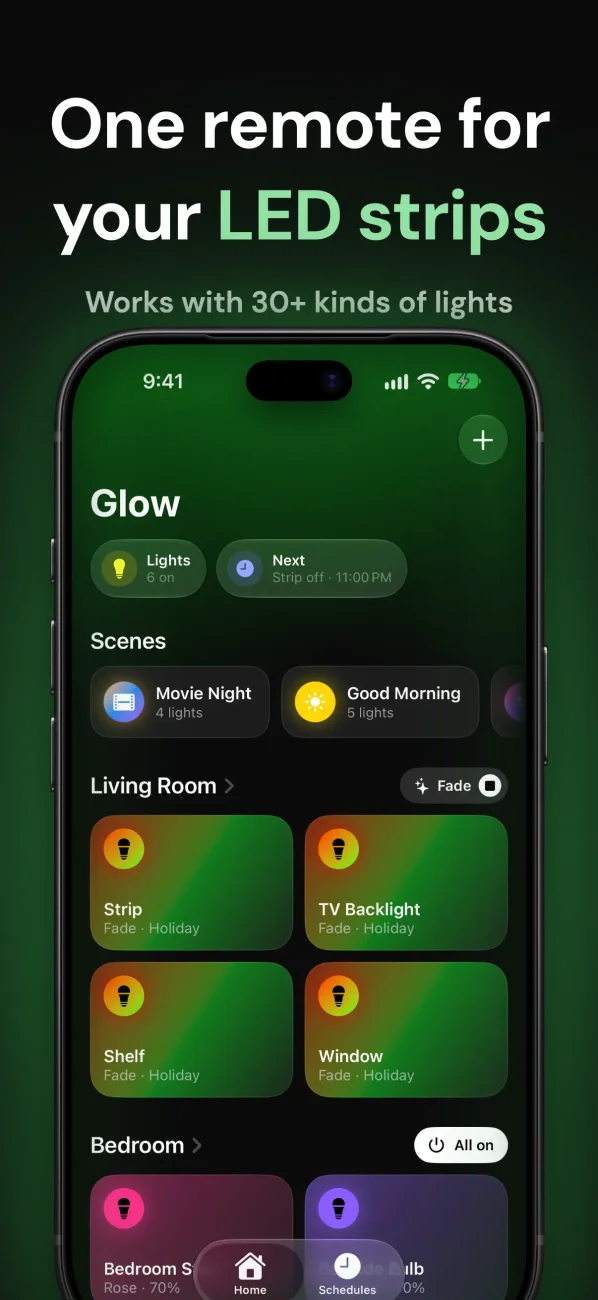
Glow is one beautiful remote for the cheap LED strips and lights around your home — without a different clunky app for every brand.
Designed to feel at home on iPhone, Glow shows your rooms and lights at a glance, and every light opens to a simple remote: power and brightness at the top, everything else one tap away. No account, no sign-up, no cloud. Open it and your lights respond.
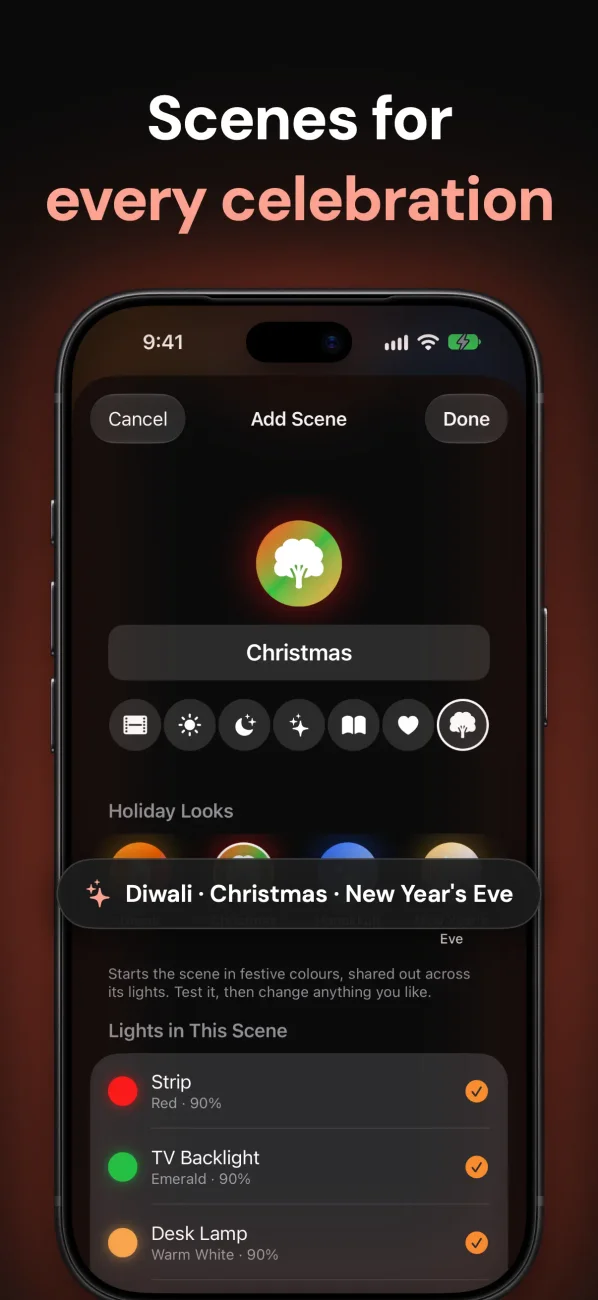
SCENES
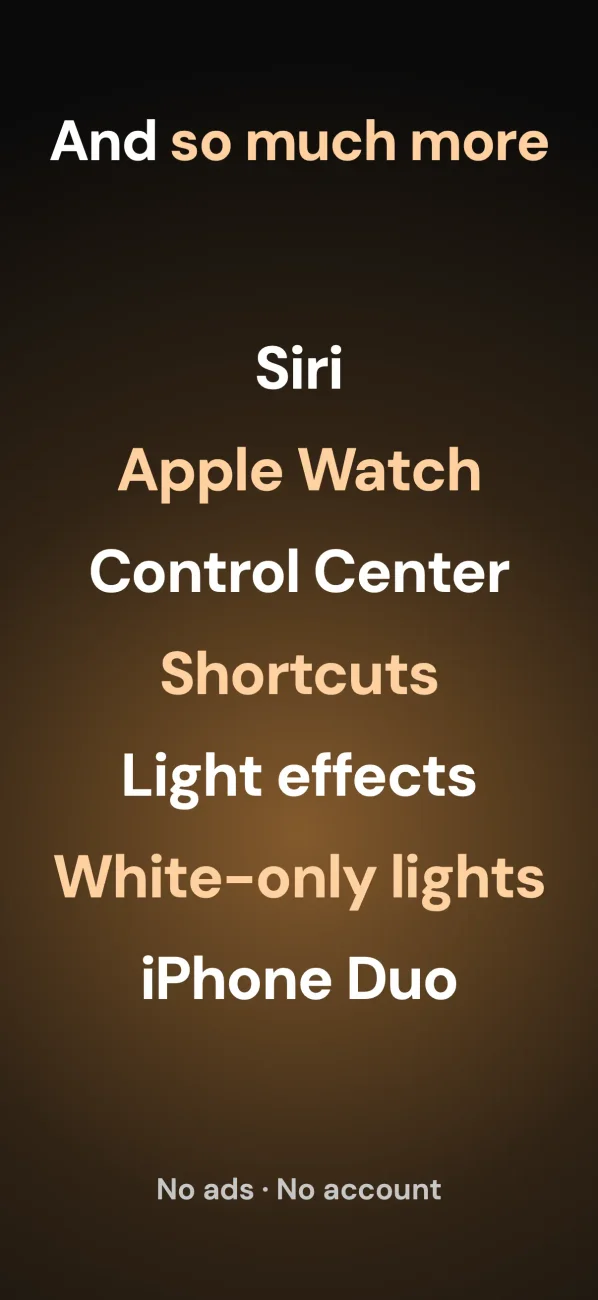
Save how your lights look, like a movie night or a slow morning, and bring them all back with one tap from the home screen, Siri, Control Center or your Apple Watch.
MUSIC
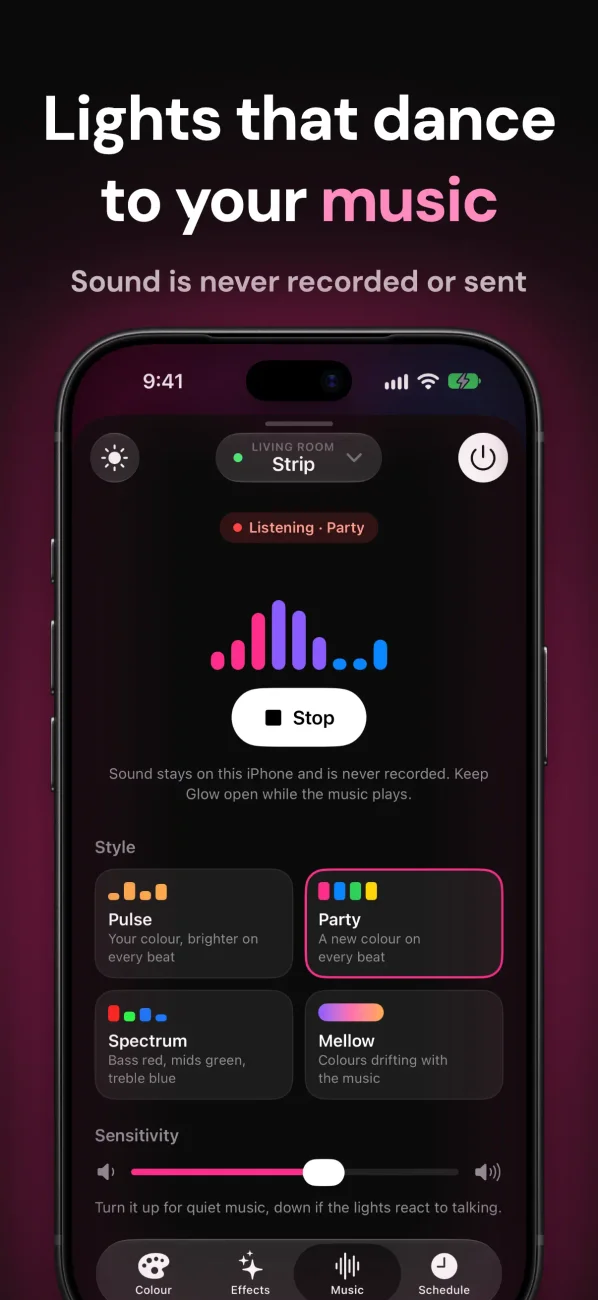
Your lights move with the music playing around you. Pick Pulse, Party, Spectrum or Mellow; in a room, Spectrum gives each light its own band. Sound is analyzed on your iPhone and is never recorded or sent anywhere.
ROOMS
Group your lights by room. Switch, dim, color and schedule a whole room at once — Glow sends each light what it can show, so a white-only bulb gets the nearest white.
ONE APP FOR MANY STRIPS
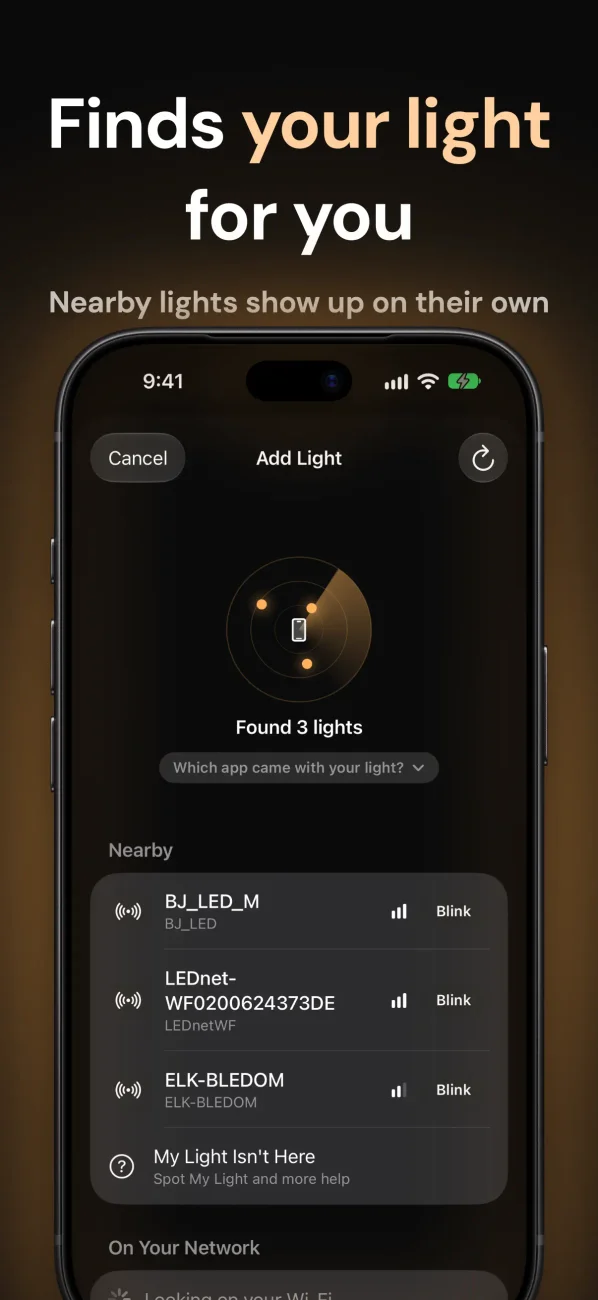
Glow finds nearby lights automatically and speaks their language.
• Bluetooth: ELK-BLEDOM, Keepsmile, BJ_LED, Triones, LEDnetWF, SP105E, SP110E, LEDDMX, HiLighting (L7161), iDeal LED and DayBetter, older Govee models, MiPow Playbulb, Moonside and Philips Hue Bluetooth bulbs
• Wi-Fi: WLED, Magic Home, WiZ, LIFX, Nanoleaf, Twinkly, Elgato, Shelly, Tasmota, ESPHome and Hyperion, Govee and Yeelight lights with LAN Control, TP-Link Kasa (original local protocol) and Tuya / Smart Life lights with a local key
• Hubs: Philips Hue Bridge, IKEA Dirigera and Home Assistant
• Apple Home: lights you've set up in the Home app, including Matter lights
When you add a light, Glow turns it red and asks if it did. If not, it tries other versions until one works. Strip not recognized? Find Light Type tries each kind of controller.
JUST WHAT YOUR LIGHT CAN DO
Color strips get the full color wheel. White-only lights get a warm-to-cool picker, lights with warm and cool whites get both, and dimmers and plugs get just brightness and power.
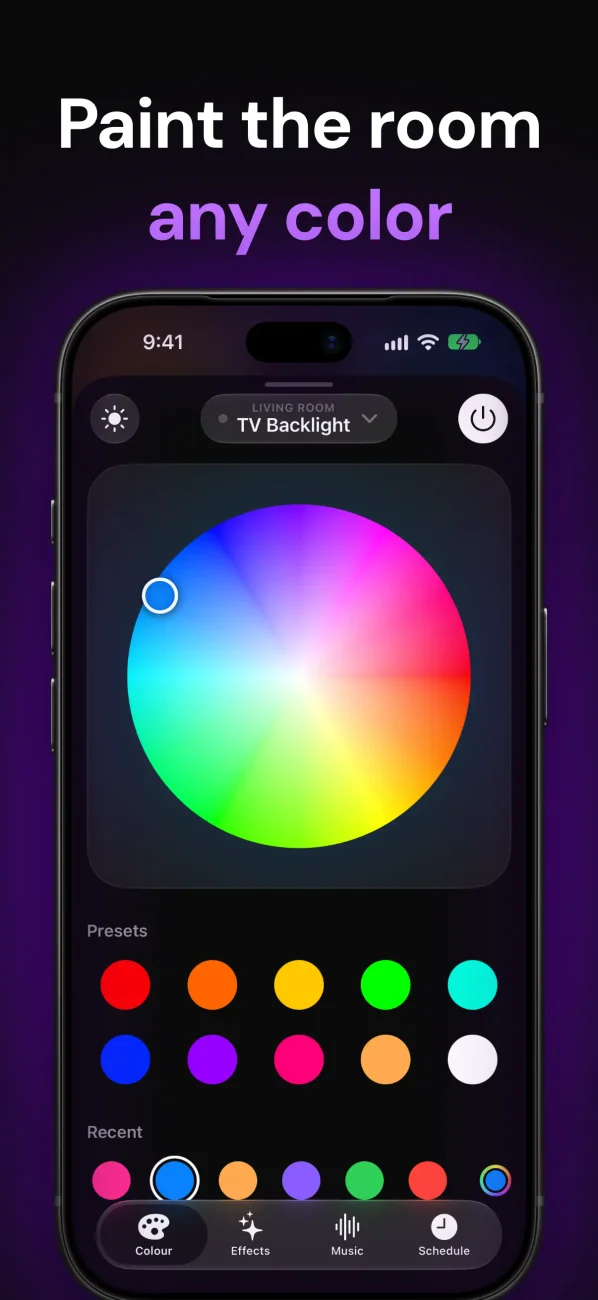
COLOR, YOUR WAY
A full color wheel that glows in the color you choose, ten one-tap presets and your recent colors.
LIGHT SHOWS
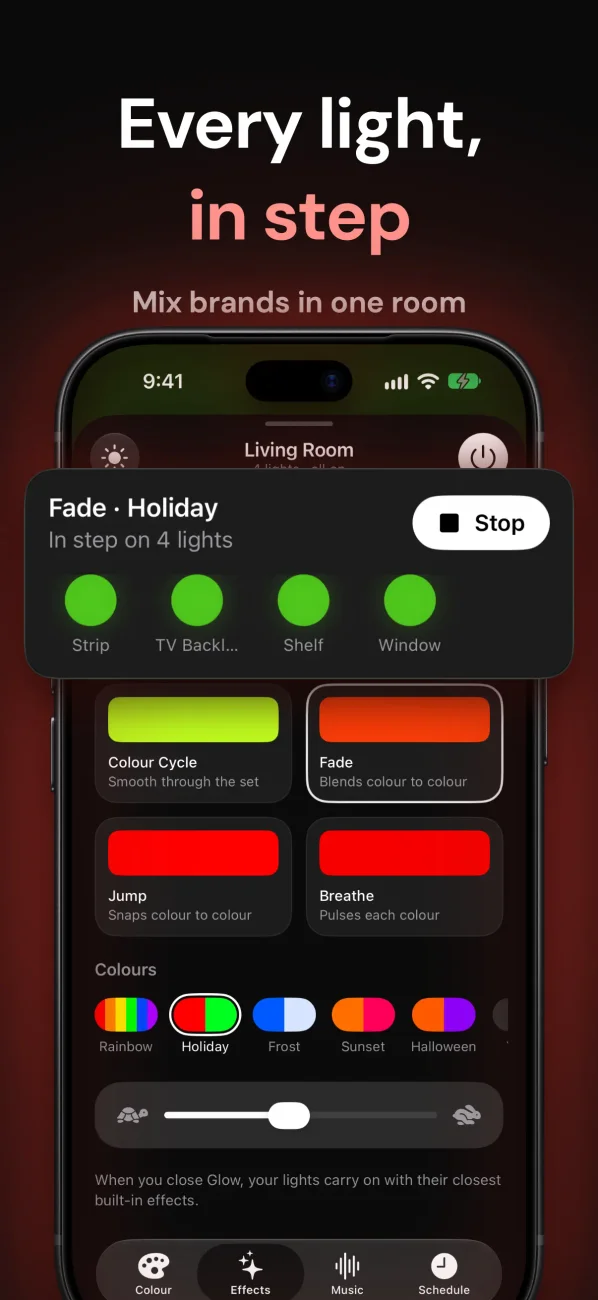
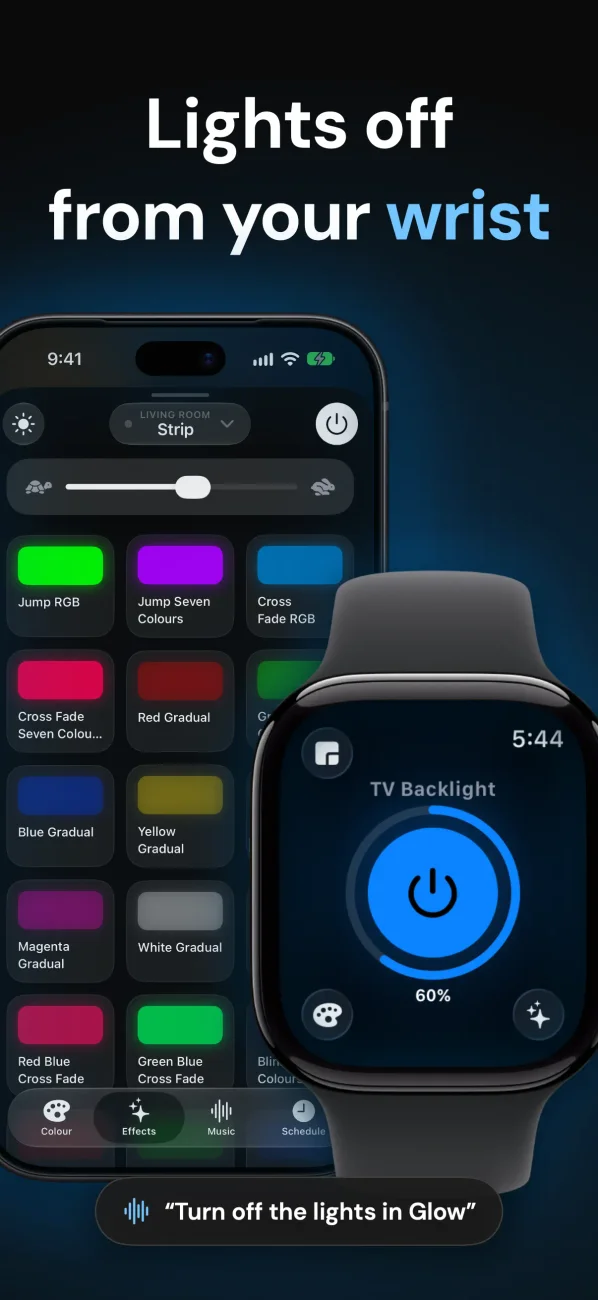
Play the effects built into your lights. When a strip has named effects, Glow shows animated previews. When it doesn't, Glow turns them into channels: flip through with ‹ and ›, watch your lights change, and star your favorites. Adjust the speed from slow to fast.
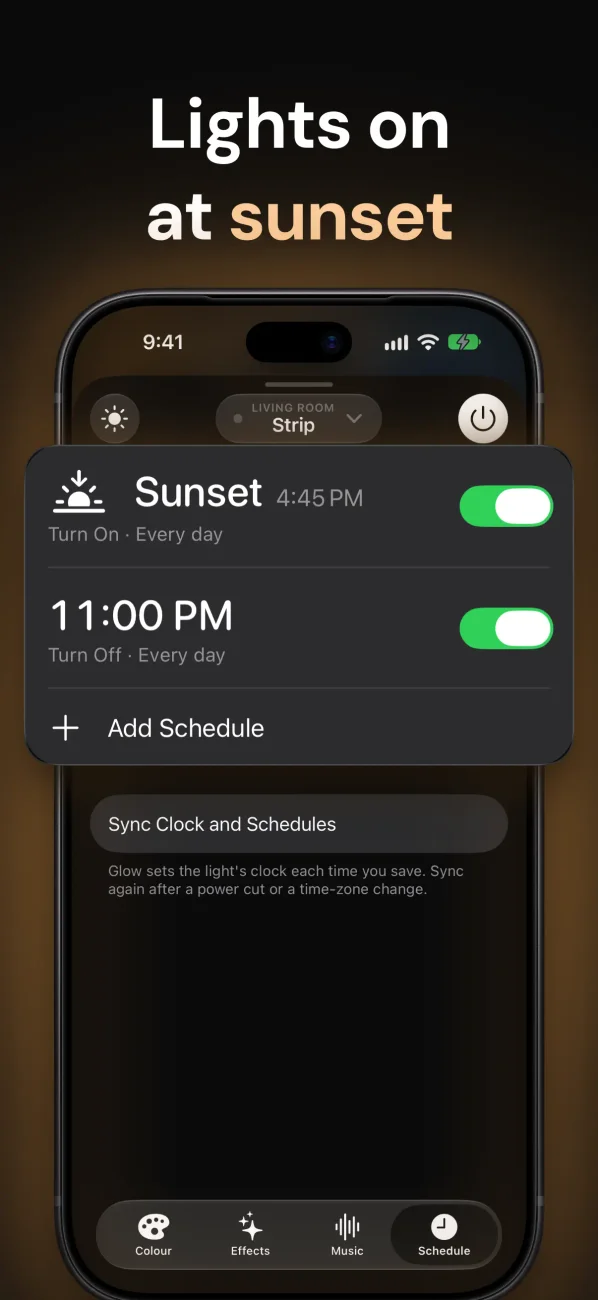
SCHEDULES
Wake up to light and let it switch off at night. On lights that keep their own clock, Glow saves the schedule onto the light itself, so it runs even when your phone is away. For other lights, Glow walks you through a one-time Shortcuts automation.
APPLE WATCH
A big power button tinted with your light's color. Turn the Digital Crown to dim. Colors, whites, effects and your rooms are one tap away — control one light or a whole room.
IPHONE DUO
On the big display, your rooms and the remote sit side by side, laid out around the fold in book and tabletop poses.
SIRI, SHORTCUTS & CONTROL CENTER
"Turn on the lights in Glow." "Turn on Movie Night in Glow." "Dim Glow." Add a Glow toggle to Control Center or the Lock Screen and choose which light it controls.
CHECK & FIX
Something not quite right? Check This Light walks through power, color, brightness and effects, asking a simple question after each. If red shows up green or the light ignores a command, Glow tries other settings until it responds correctly.
PLAYS NICELY
Most strips accept only one connection at a time. Glow connects when you use it and lets go when you're done, so your Watch, Siri or another phone can use the light too.
PRIVATE BY DESIGN
Glow talks to your lights directly over Bluetooth or your home Wi-Fi. It doesn't collect, store or share any of your data.
Glow is an independent app and isn't affiliated with or endorsed by any light manufacturer. Siri, Shortcuts and voice control need your iPhone to be within Bluetooth range of the light, or on the same Wi-Fi network.
Có gì mới
Phiên bản 1.5 · 25/11/2026
Finding and connecting your lights is much easier in Glow 1.5.
• Wi-Fi lights show up by themselves: Magic Home, WiZ, LIFX, Twinkly and Kasa lights on your network are found automatically.
• Help Me Connect: when a light won't connect, Glow listens for it and walks you through the fix, step by step.
• Can't find your light? Spot My Light now comes first: unplug the light, plug it back in, and Glow picks it out, whatever it's called.
• When Glow doesn't recognize a light's name, the closest unfamiliar devices are shown first, so you can pick yours.
• A QR code Glow doesn't know no longer stops you: Glow looks for your light anyway.
• A clearer setup: every screen has one obvious next step, and it all works at the largest text sizes.
• DayBetter Smart Light: colors now work.
• Slow Bluetooth lights get more time to connect.
• iDeal LED and Lemonbest lights are recognized from the QR code on the box and set up correctly.
• Magic Home Wi-Fi lights are found again when your router gives them a new address.
Quyền riêng tư của ứng dụng
Những gì OM SRI ROHITH RAJ YADAV THALLA khai báo trên App Store về cách ứng dụng này xử lý dữ liệu.
-
Dữ liệu không được thu thập
Nhà phát triển không thu thập bất kỳ dữ liệu nào từ ứng dụng này.
Phương thức đảm bảo quyền riêng tư có thể khác nhau, chẳng hạn như tuỳ theo các tính năng bạn sử dụng hoặc độ tuổi của bạn.
Thông tin
- Người bán
- OM SRI ROHITH RAJ YADAV THALLA
- Danh mục
- Tiện Ích
- Phiên bản
- 1.5
- Cập nhật
- 25/11/2026
- Phát hành
- 10/10/2026
- Kích thước
- 10,2 MB
- Yêu cầu
- iOS 18.0 trở lên
- Độ tuổi
- 4+
- Giá
- Miễn phí
- Ngôn ngữ
- Tiếng Anh
- Bản quyền
- © 2026 Rohith Raj Thalla
Có thể bạn cũng thích
-
 Lumo Remote: LED ControllerTiện Ích
-
 LED PROXTiện Ích
-
 Dieu Khien Den LED Day MauRemote LED RGB Thong Minh
-
 LED Lamp ‐ Light ControllerTiện Ích
-
 Lotus: Điều khiển đèn LED LampRemote dây đèn RGB và đèn ngủ
-
 Smart LED Light Controller |Tiện Ích
-
 LED light control homeTiện Ích
-
 Lotus Lantern - RGB ControllerTiện Ích
-
 RGB Smart LED Remote ControlTiện Ích
-
 LED Light Controller, Remote |Tiện Ích