
lire: RSS Reader
Full-text RSS
Được thiết kế cho iPhone, iPad, iPod touch
299.000đ · Mua hàng trong ứng dụng
- Độ tuổi17+
- Danh mụcTin Tức
- Nhà phát triểnKunal Sood
- Ngôn ngữTiếng Anh+ 7 ngôn ngữ khác
- Kích thước168,4 MB
Liên kết đến trang App Store chính thức
Download.org không lưu trữ tệp nào của lire: RSS Reader. Nút này mở trang ứng dụng trên App Store, nơi Kunal Sood phát hành ứng dụng. Trang được kiểm tra lần cuối: 20/11/2026.
Ảnh chụp màn hình
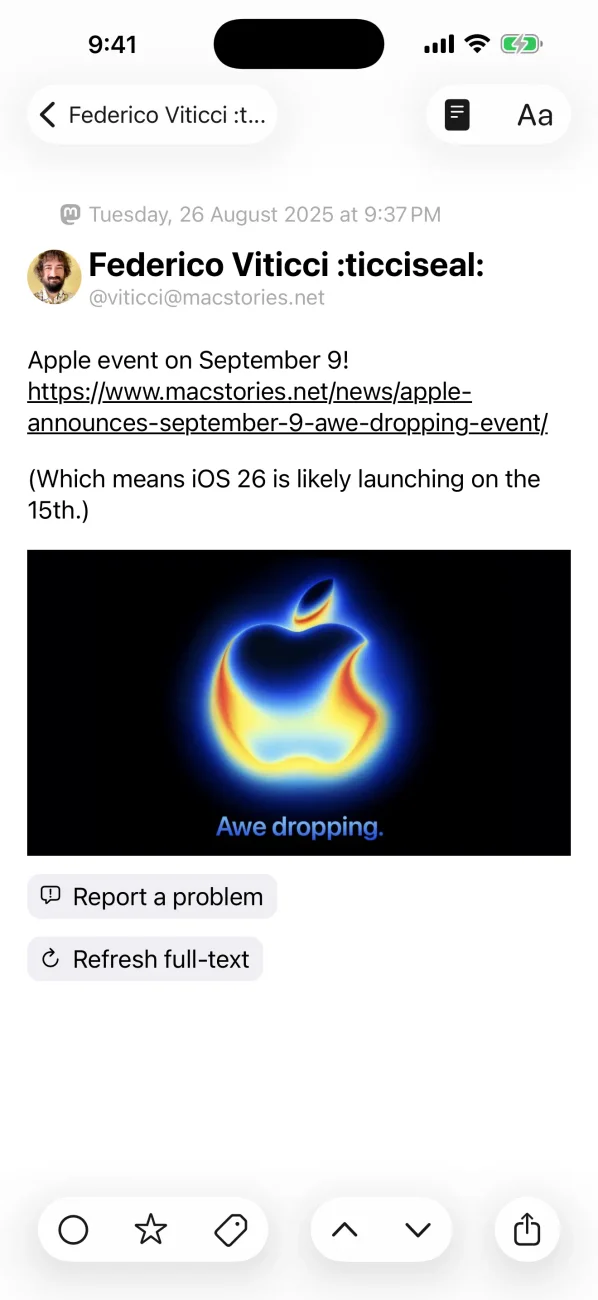
Giới thiệu
Nhà phát triển chưa cung cấp nội dung này bằng ngôn ngữ của bạn.
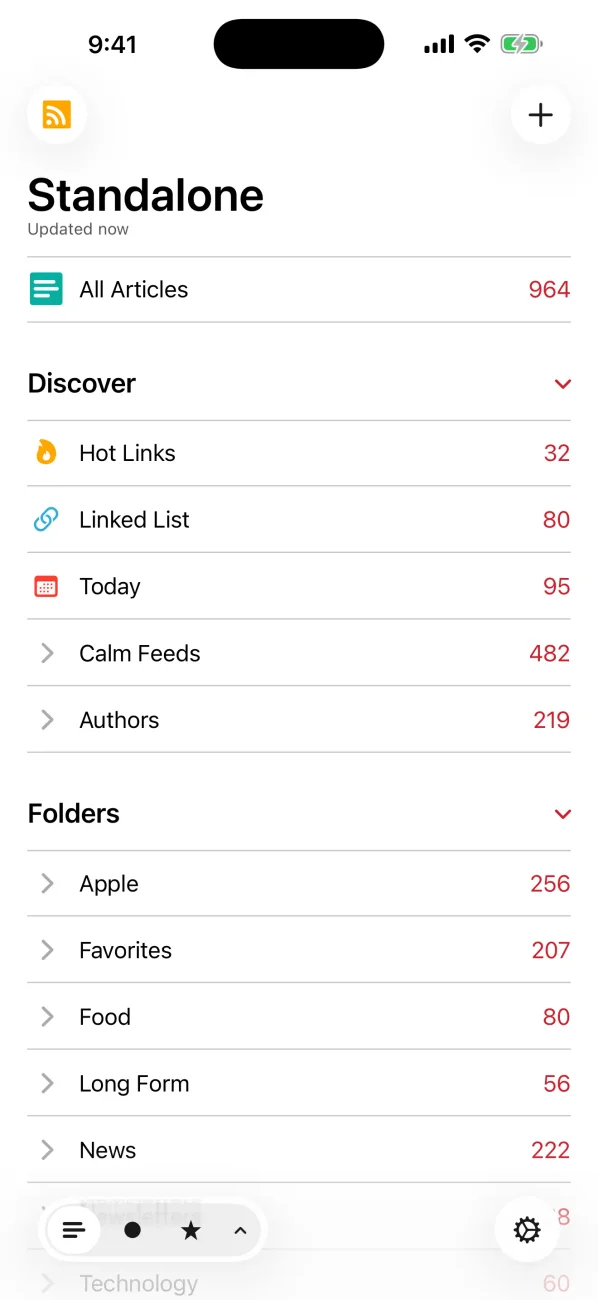
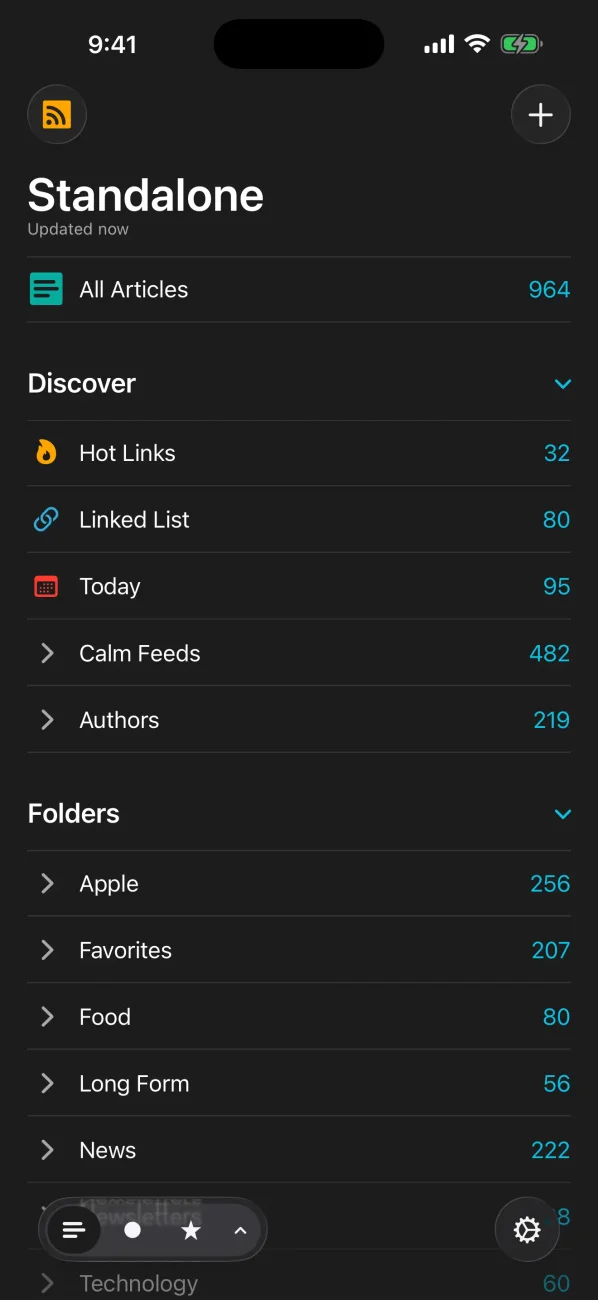
Love RSS feeds? So do we!!
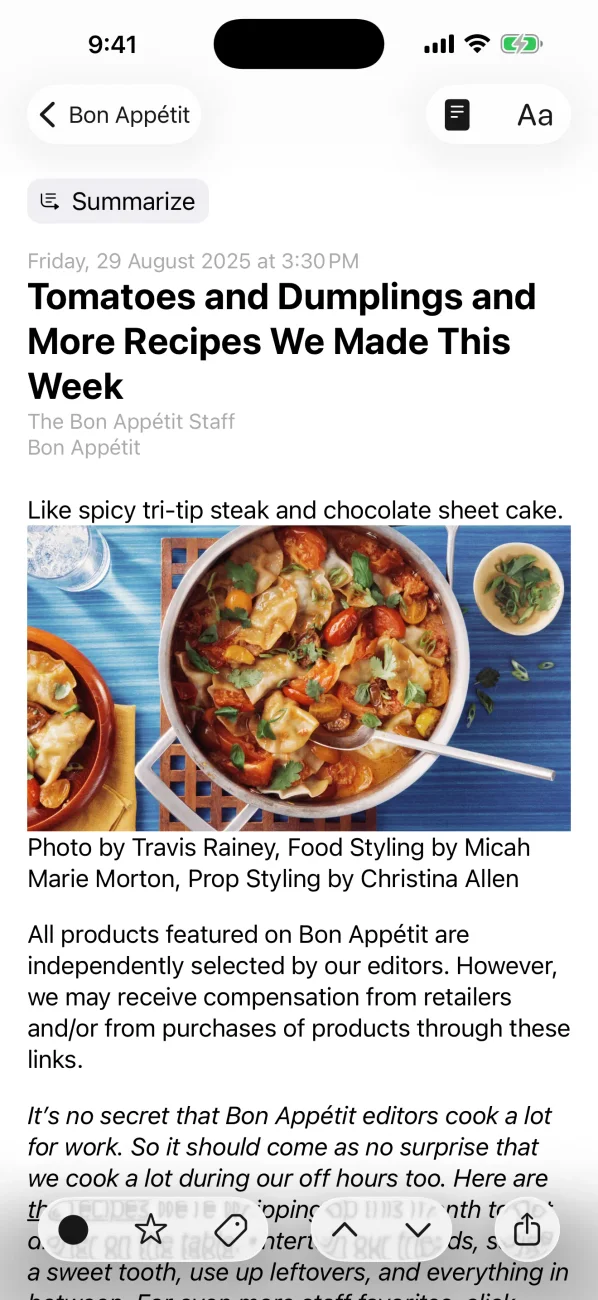
RSS feeds are a great way to follow updates on your favorite website. However, some sites set up their feeds to only show a portion of each entry, you know, to get you to click through to their actual website. We find that really annoying, and we're sure you do too.
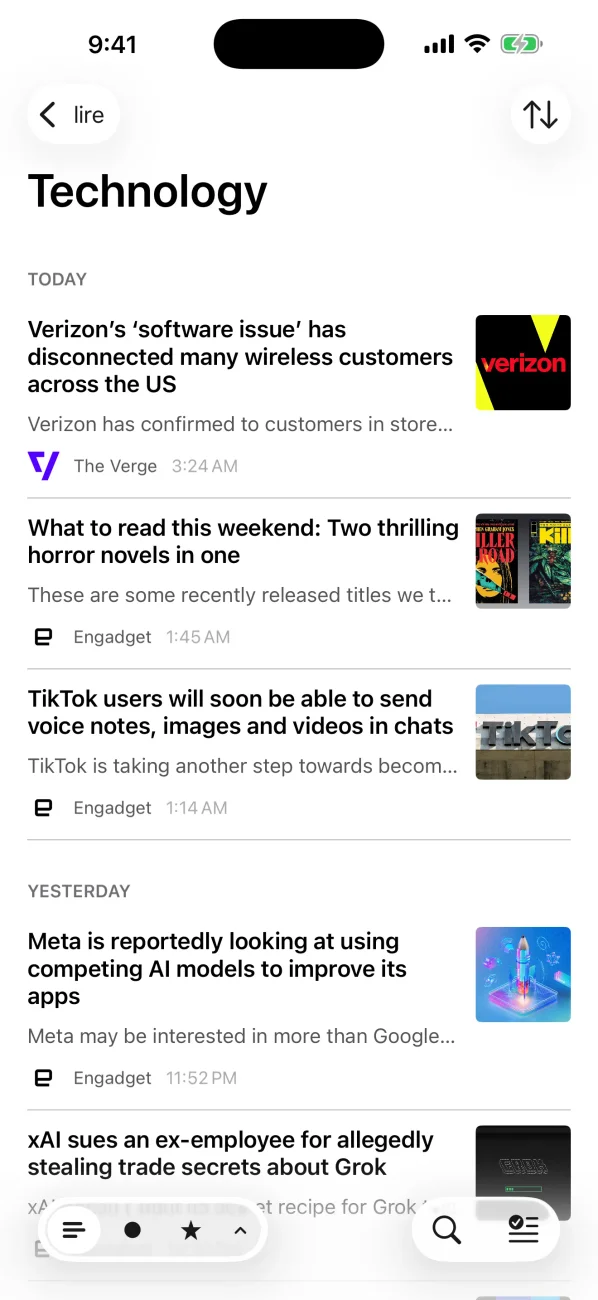
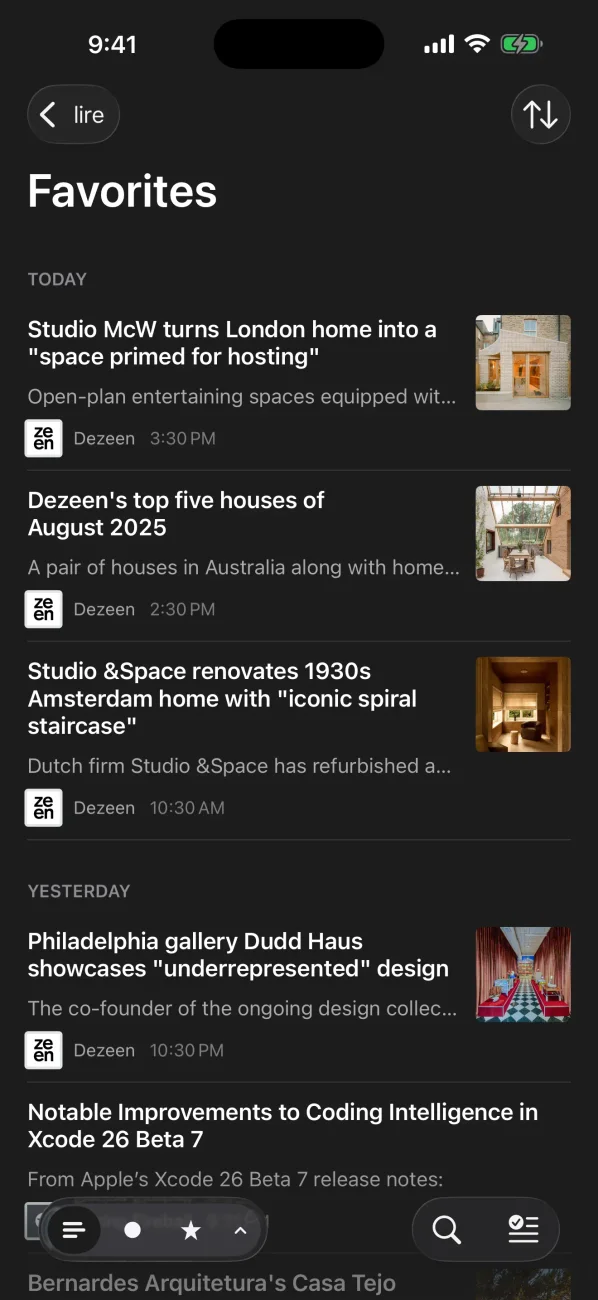
Which is why, unlike other RSS feed readers, that either push you into a browser (in-app or otherwise), or depend on third party text parsing services and require you to be online to fetch the full text of one article at a time (which makes it no different from having to click/tap through to a website), in lire, you get your favorite RSS feeds as they should've been. You don't need to click through to any website (though, you do still have the option to, if you really wanted). It takes your favorite partial feeds, does its magic, and converts them in to full feeds, so you don't have to click/tap on those annoying 'Read more' or 'Continue reading' links.
Once they're cached, you don't even need to be connected to read your full-text feeds.
Use as a standalone feed reader, sync with iCloud,
or,
sync with any of the several services: Feedly, Feedbin, FeedHQ, The Old Reader, Inoreader, BazQux Reader, Newsblur, Feed Wrangler, FreshRSS, Miniflux, Nextcloud News, Tiny Tiny RSS.
Có gì mới
Phiên bản 7.1.2 · 10/11/2026
Version 7.1.2
FIXED:
- A bug that could cause intermittent crashes while automatic full-text caching was in progress.
- Other minor bug fixes.
Previously in Version 7.1.1
FIXED:
- A bug that prevented videos inside embedded X (formally Twitter) & Instagram content from playing.
- A bug that caused a crash in some cases while syncing with some sync services.
- A bug that caused certain HTML entities to show up in some articles.
- Other minor bug fixes.
Version 7.1.0
NEW:
- Support for iPhone Duo.
- Extra Large Widgets (that occupy an entire page on the home screen) on iPhones running iOS 27 or later.
- Resizing when running iPhone Mirroring on Mac, on devices running OS version 27 or later (available in supported countries and regions).
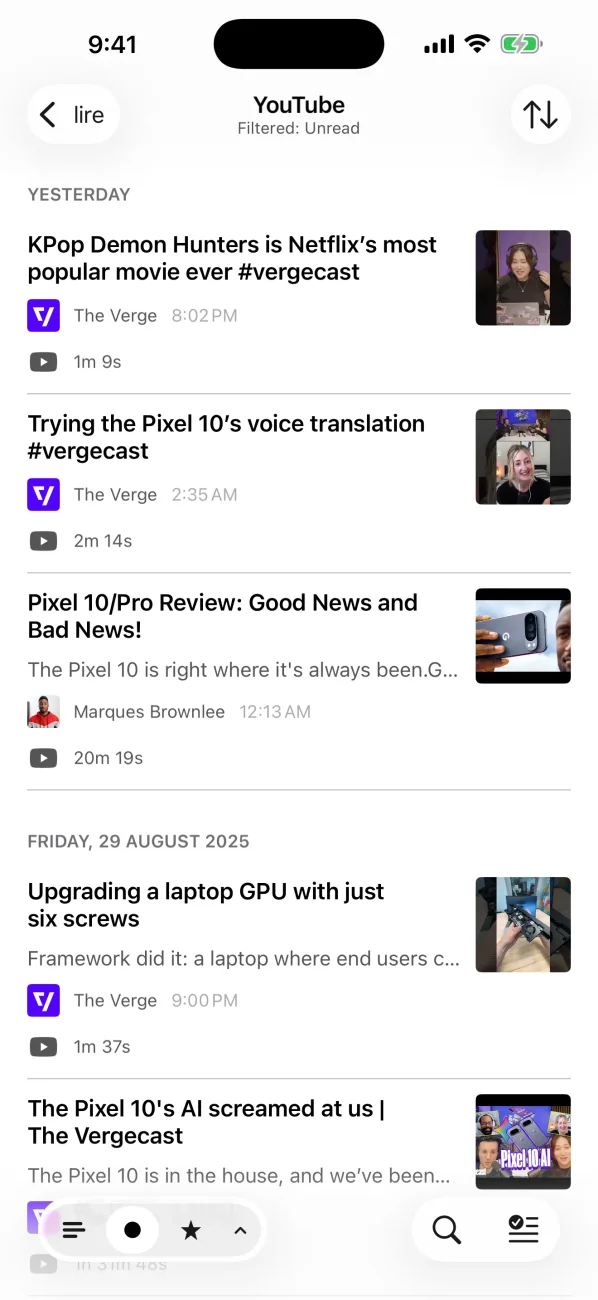
- Modernised article filter control, that feels more at home with the newest version of iOS and iPadOS.
- Tons of minor UI tweaks.
FIXED:
- A bug that could cause the app to crash during caching.
- Other minor bug fixes.
Version 7.0.2
FIXED:
- A bug that could cause the app to crash during caching.
- Other minor bug fixes.
Version 7.0.1
FIXED:
- A bug that could cause the app to crash during caching.
- A bug that prevented the options menu from being visible when using the app with VoiceOver.
- Other minor bug fixes.
Version 7.0.0
NEW:
- Updated for the iOS/iPadOS 27.
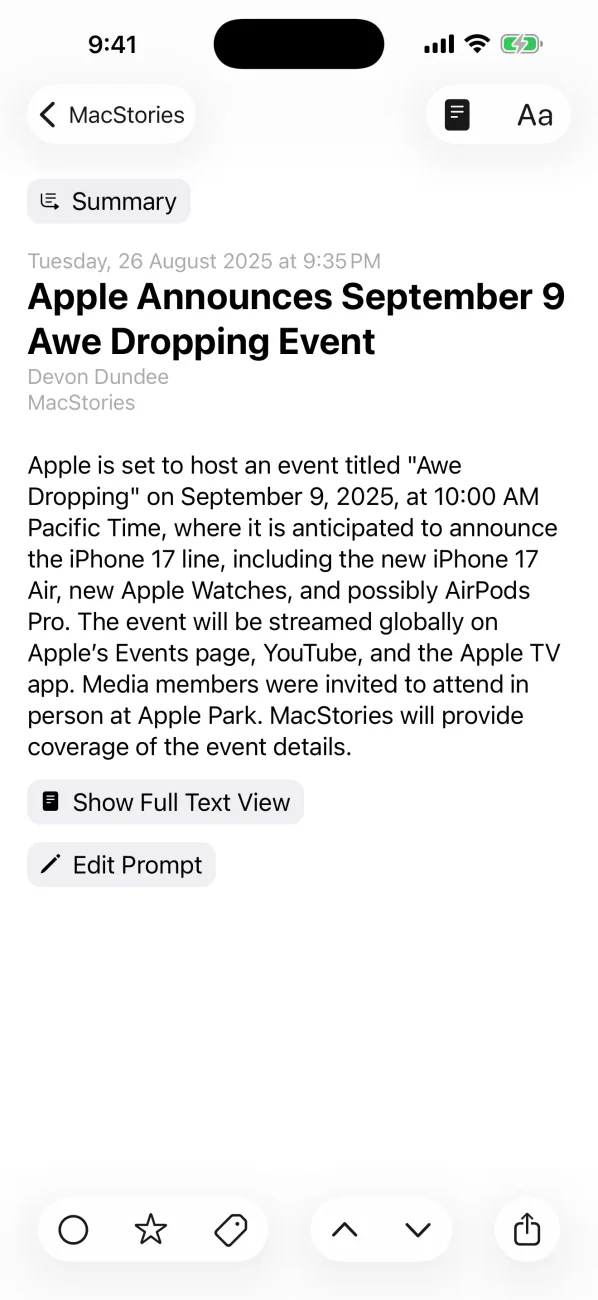
- On iOS/iPadOS 27, Summarization of articles using Apple Intelligence now uses Private Cloud Compute if available.
- On-device/Offline Translation of articles using Apple's translation models, available on iOS 18 and above. To translate an article you're reading, use the 'Aa' button on the top bar in the article reading view, and select 'Translate'. Tap & hold 'Translate' there to change the translation language. You can also change the translation language in Settings > Article > Translation Language.
- Log in to walled sites to get full-text of walled articles. Log in/Manage in Settings > Caching > Manage/Log in. You can also login to walled a site from the article reading view, by using the View Mode button (i.e. the page icon in the top), and selecting 'Log in' (only available in Full Text View).
- Overhauled text-extraction/caching engine. It should now work better on some sites where it previously failed.
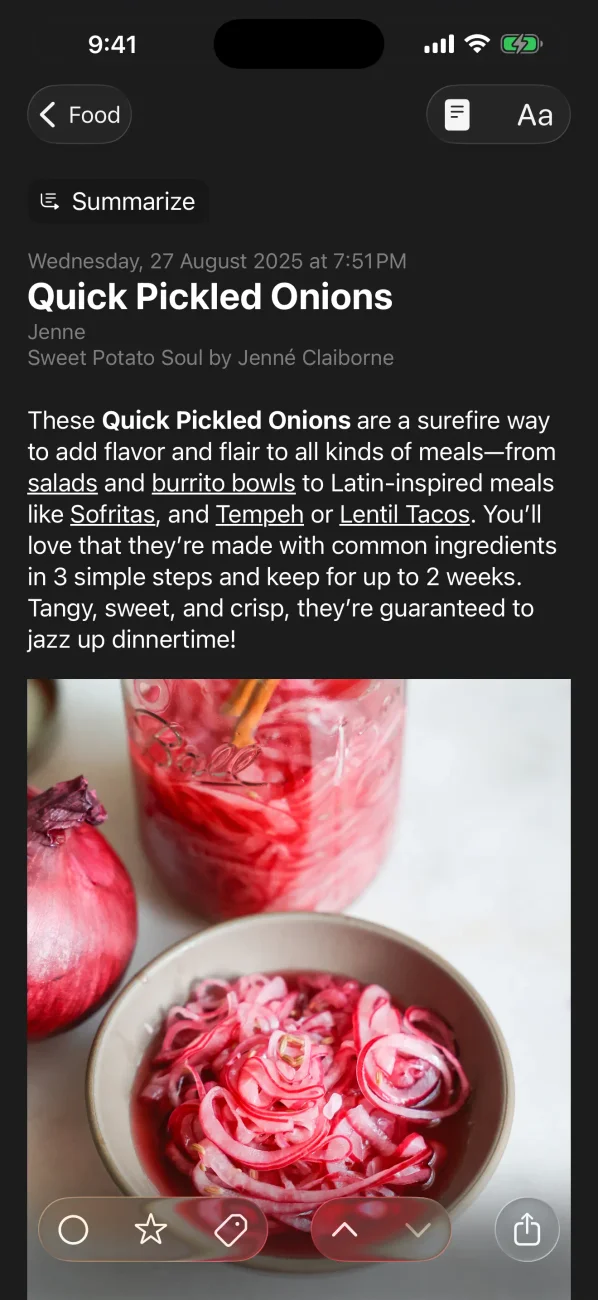
- New 'Modern' layout style for each item in article lists. Configure style in Settings > Article > Layout > Style.
- Ability to disable swipe navigation in article reading view. You can set this up in Settings > Article > Navigation, there select 'Buttons only'.
- 9 new modern app icons. Configure in Settings > Appearance > Icon.
If you enjoy using lire, please leave a review, or tell a friend about it. That helps a lot!
Quyền riêng tư của ứng dụng
Những gì Kunal Sood khai báo trên App Store về cách ứng dụng này xử lý dữ liệu.
-
Dữ liệu không được thu thập
Nhà phát triển không thu thập bất kỳ dữ liệu nào từ ứng dụng này.
Phương thức đảm bảo quyền riêng tư có thể khác nhau, chẳng hạn như tuỳ theo các tính năng bạn sử dụng hoặc độ tuổi của bạn.
Thông tin
- Người bán
- Kunal Sood
- Danh mục
- Tin Tức
- Phiên bản
- 7.1.2
- Cập nhật
- 10/11/2026
- Phát hành
- 16/09/2020
- Kích thước
- 168,4 MB
- Yêu cầu
- iOS 15.6 trở lên
- Độ tuổi
- 17+
- Giá
- 299.000đ
- Mua hàng trong ứng dụng
- Có
- Ngôn ngữ
- Tiếng Anh, Tiếng Séc, Tiếng Pháp, Tiếng Đức, Tiếng Hy Lạp, Tiếng Ý, Tiếng Trung Giản thể, Tiếng Tây Ban Nha
- Bản quyền
- © 2020 Kunal Sood
Có thể bạn cũng thích
-
 ReadKit - Reading HubTin Tức
-
 Unread: An RSS ReaderTin Tức
-
 Fiery Feeds: Trình đọc RSSTin cho người dùng nâng cao
-
 Current - RSS Feed ReaderTin Tức
-
 Reeder ClassicTin Tức
-
 FeedbinTin Tức
-
 GoodLinks: Read LaterTin Tức
-
 An Otter RSS ReaderTin Tức
-
 FeedFlow - RSS ReaderMinimal, fast, uncluttered
-
 NewsBlur: Trình đọc tin RSSTheo dõi web. Đọc điều bạn cần