- Độ tuổi4+
- Danh mụcTài Chính
- Nhà phát triểnSOLOMON TELEKOM COMPANY LIMITED
- Ngôn ngữTiếng Anh
- Kích thước23,1 MB
Liên kết đến trang App Store chính thức
Download.org không lưu trữ tệp nào của M-Selen. Nút này mở trang ứng dụng trên App Store, nơi SOLOMON TELEKOM COMPANY LIMITED phát hành ứng dụng. Trang được kiểm tra lần cuối: 14/11/2026.
Ảnh chụp màn hình




Giới thiệu
Nhà phát triển chưa cung cấp nội dung này bằng ngôn ngữ của bạn.
Mobile Money Wallet, Deposit, Send Money, Withdrawal, Mobile Topup and Payments.
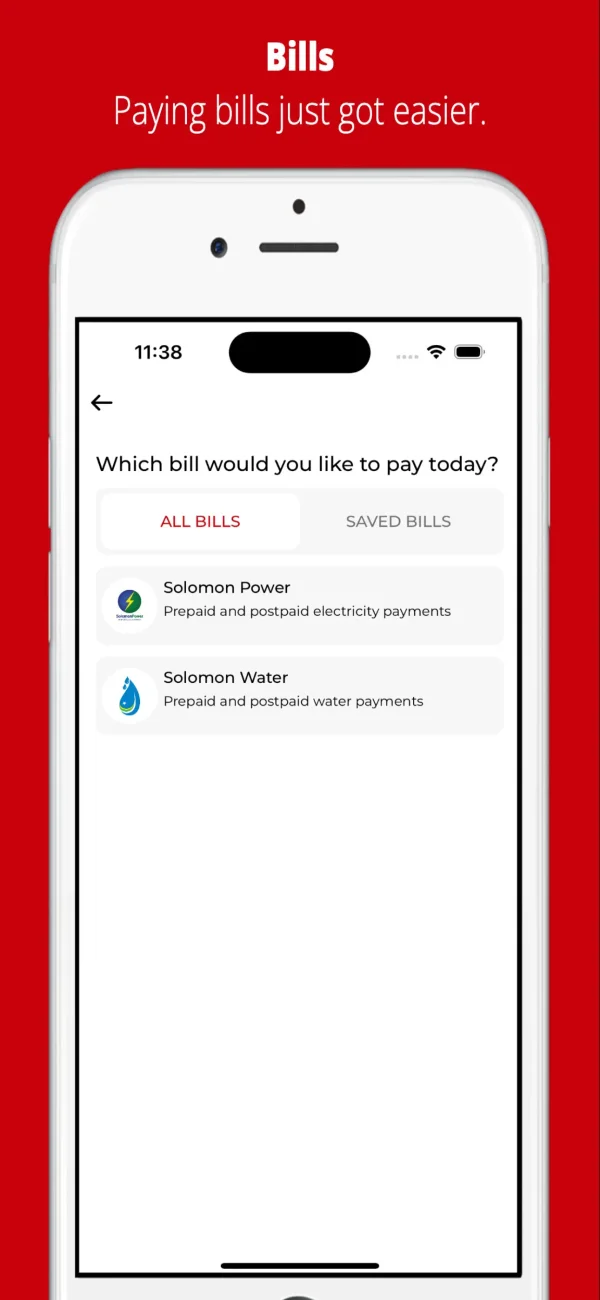
Introducing the M-Selen App, with a smart look and exciting features that make your life simpler and easier. Register an M-Selen wallet and deposit money right from an M-Selen Agent in just a few minutes and get started. Recharge your mobile balance and send money to anyone in the Solomon Islands, all in a highly secure mobile money app. Get suggestions from M-Selen on what services you can explore next.
FAST M-SELEN WALLET REGISTRATION
Don't have an M-Selen wallet? Just visit your nearest M-Selen Agent or Our Telekom Phone Shops. After providing a valid ID and completing any other registration requirements, you can register a new M-Selen wallet in just a few minutes.
DEPOSIT MONEY FROM M-SELEN AGENT
Now that you have an M-Selen wallet, you need money in it, right? Just visit any nearest M-Selen Agent and the Agent will support you to make the deposit to your M-Selen wallet in exchange for cash.
SEND MONEY HOME OR TO ANYONE
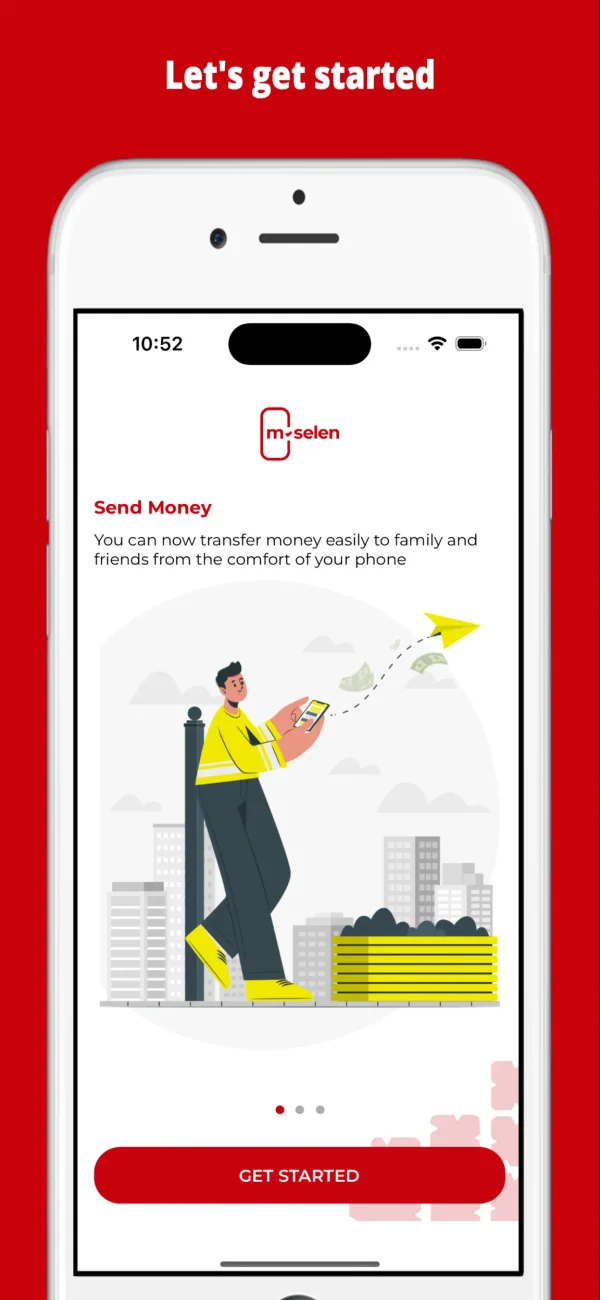
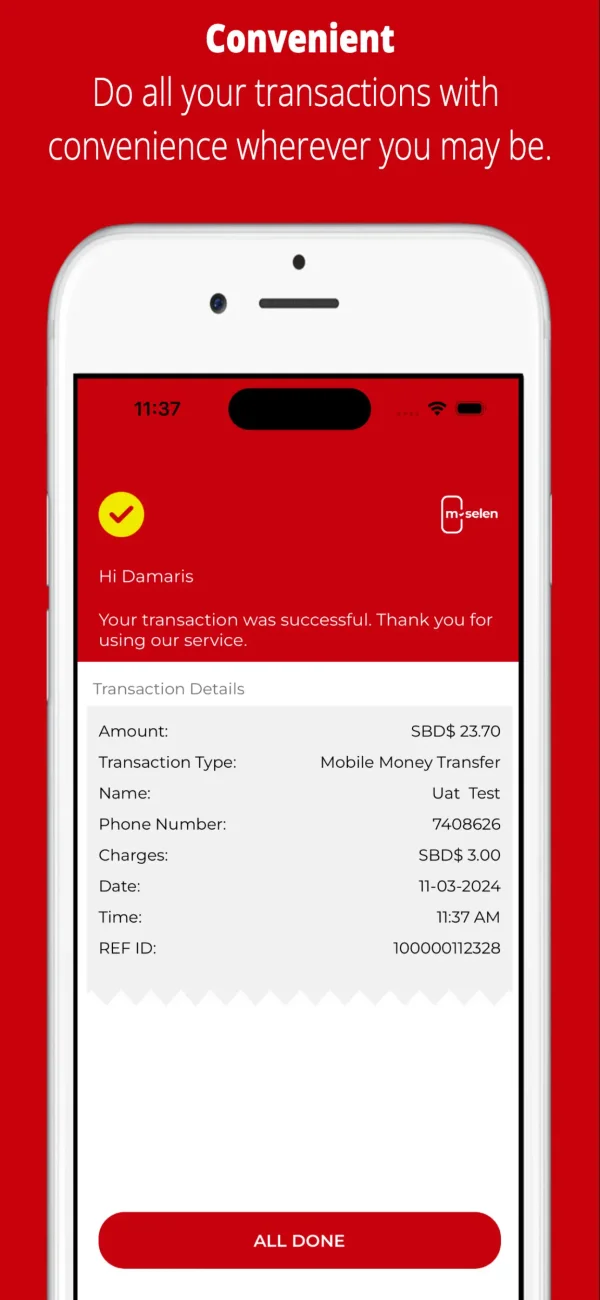
Now that you have money in your M-Selen wallet and would like to send money home or to anyone, use the Send Money option in the M-Selen App to transfer money to any other M-Selen wallet or to anyone who doesn't have an M-Selen wallet but has a cell phone number.
MONEY WITHDRAWAL FROM M-SELEN AGENT
Use the Cash Withdrawal option in the M-Selen App to withdraw money from your M-Selen wallet at any M-Selen Agent point.
MOBILE TOP-UP
Top up your Our Telekom mobile phone balance very quickly and without visiting any Top-up agent using the Mobile Top-up option in the M-Selen App. You can do mobile Top-up for yourself or others using your M-Selen wallet.
HIGHLY SECURE MOBILE MONEY
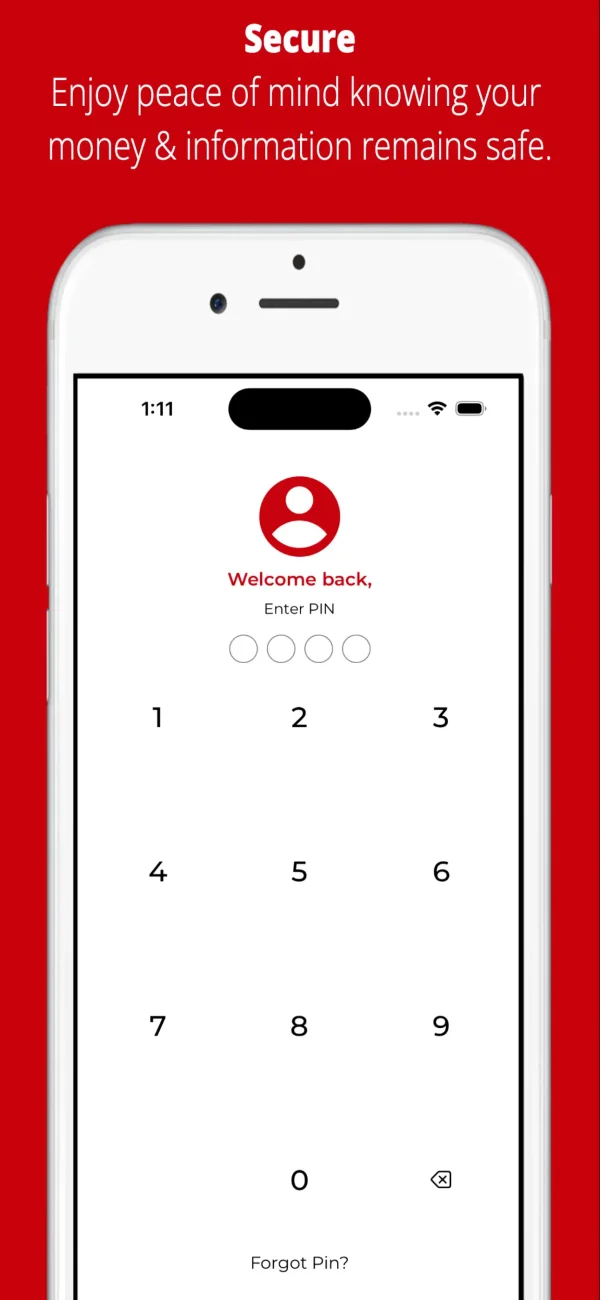
We take the security of your M-Selen wallet very seriously. We send you an OTP to verify your M-Selen wallet during your first log-in. The M-Selen App also asks for your PIN during both login and transactions.
STATEMENT
Exert greater control over your M-Selen wallet by accessing your detailed transaction history.
ONE-TAP BALANCE CHECK
Checking your balance is just a tap away. We also help protect your data by hiding the balance after a few seconds.
GREATER TRANSPARENCY & CONTROL
Have greater visibility over your M-Selen transactions. While entering the amount, you will see your available balance, the auto-calculated service charge, and the special Tap & Hold button allows you a few seconds to check everything in the very last moment, all before completing the transaction.
Có gì mới
Phiên bản 2.0.4 · 06/08/2026
• Fixed a bug when purchasing airtime for another number
• General performance improvements and minor fixes
Quyền riêng tư của ứng dụng
Những gì SOLOMON TELEKOM COMPANY LIMITED khai báo trên App Store về cách ứng dụng này xử lý dữ liệu.
-
Dữ liệu liên kết với bạn
Có thể được thu thập và liên kết với danh tính của bạn.
- Thông tin liên hệ
- Danh bạ
- Nội dung của người dùng
- Mã định danh
Phương thức đảm bảo quyền riêng tư có thể khác nhau, chẳng hạn như tuỳ theo các tính năng bạn sử dụng hoặc độ tuổi của bạn.
Thông tin
- Người bán
- SOLOMON TELEKOM COMPANY LIMITED
- Danh mục
- Tài Chính
- Phiên bản
- 2.0.4
- Cập nhật
- 06/08/2026
- Phát hành
- 20/03/2024
- Kích thước
- 23,1 MB
- Yêu cầu
- iOS 13.0 trở lên
- Độ tuổi
- 4+
- Giá
- Miễn phí
- Ngôn ngữ
- Tiếng Anh
- Bản quyền
- © Copyright Our Telekom 2024