- Độ tuổi4+
- Danh mụcẢnh & Video
- Nhà phát triểnGhost Collective LLC
- Ngôn ngữTiếng Anh
- Kích thước139,3 MB
Liên kết đến trang App Store chính thức
Download.org không lưu trữ tệp nào của ManualEdit. Nút này mở trang ứng dụng trên App Store, nơi Ghost Collective LLC phát hành ứng dụng. Trang được kiểm tra lần cuối: 12/11/2026.
Ảnh chụp màn hình

Giới thiệu
Nhà phát triển chưa cung cấp nội dung này bằng ngôn ngữ của bạn.
ManualEdit is a photo editor built like a darkroom, with a teacher beside you. Every tool explains itself in plain words, and every AI tool runs on your iPhone.
Darkroom tools
Print a photo the way darkroom printers do.
• Paper grade sets contrast like printing paper, with a separate grade for shadows and highlights
• Toning in selenium, sepia, gold, cyanotype, platinum and copper
• Lith prints with their deep, grainy blacks, on warm, neutral or cold paper
• Film: develop on a film stock, pushed, pulled or expired
• Grain, diffusion, halation, glow and atmosphere
• Paper finish: glossy, pearl or matte fiber, with a sheen when you tilt your iPhone
• Dodge & burn with an enlarger's soft light
Learn as you edit
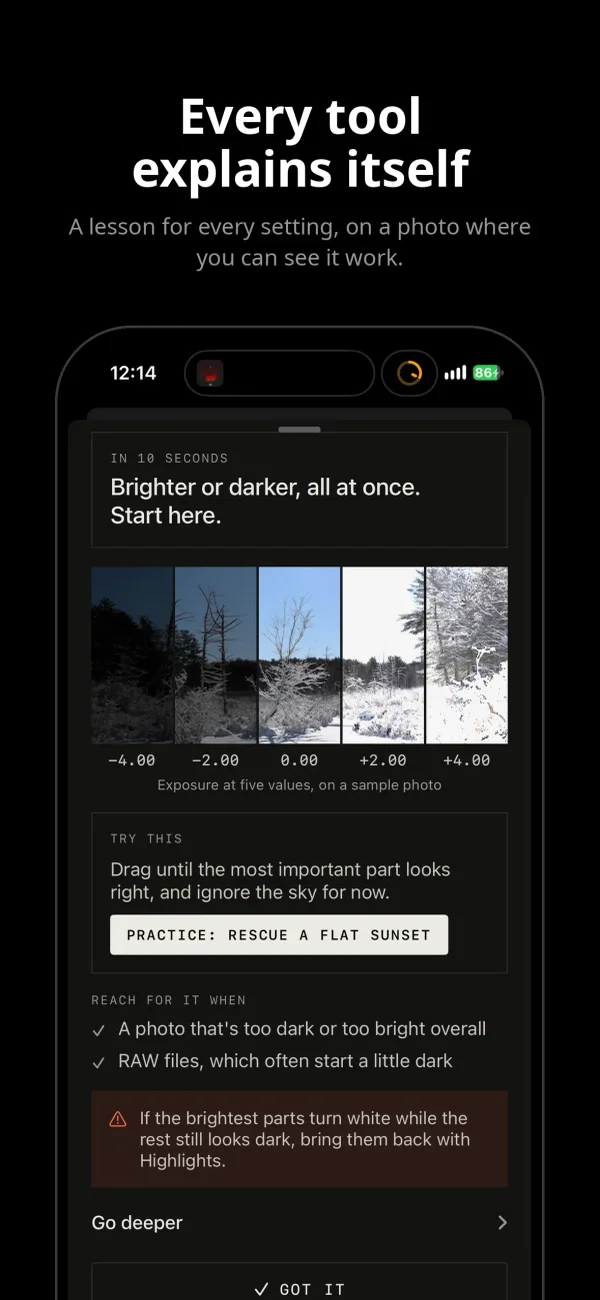
• A lesson for every tool, shown on a photo where you can see what it does
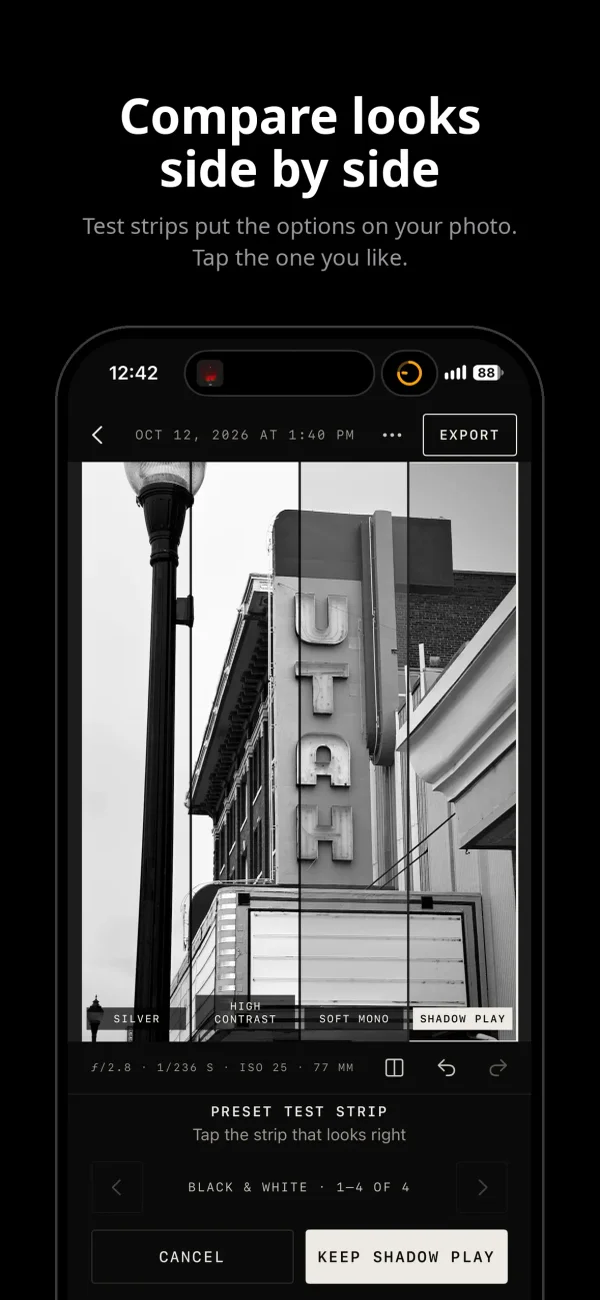
• Test strips: five steps of a setting side by side on your own photo
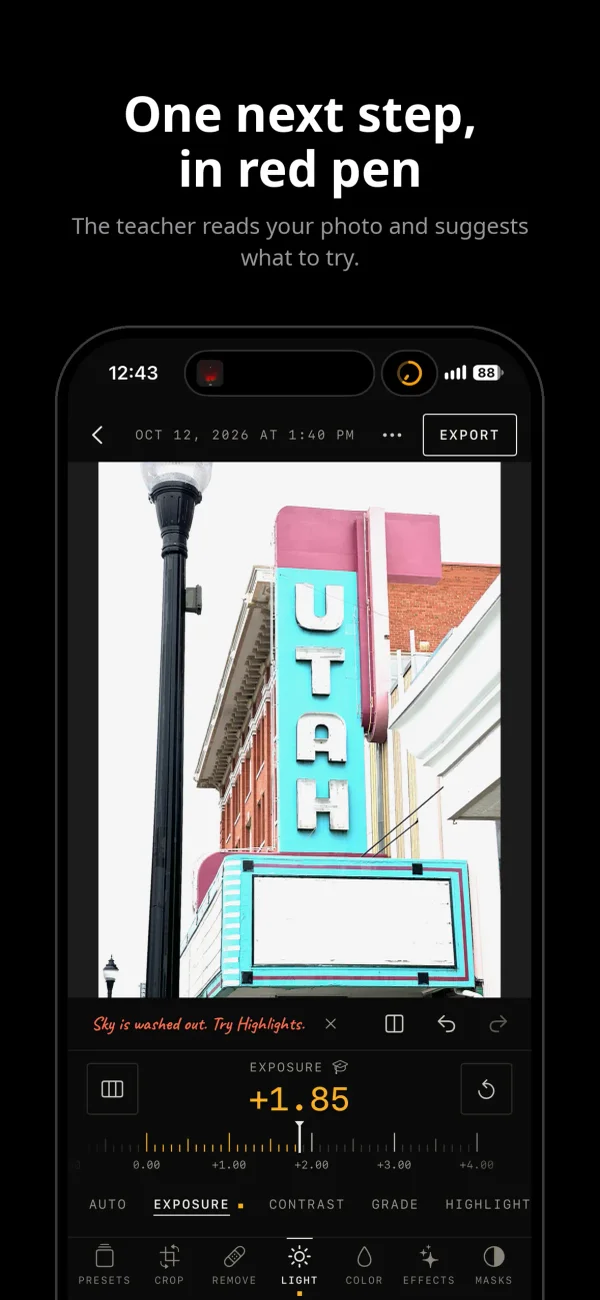
• The teacher's next step: one suggestion for this photo, in red pen
• Review my edit points out what to check, from clipped highlights to halos
• Edit-alongs, style guides and scenarios for portraits, weddings, night, food, travel and more
AI on your iPhone
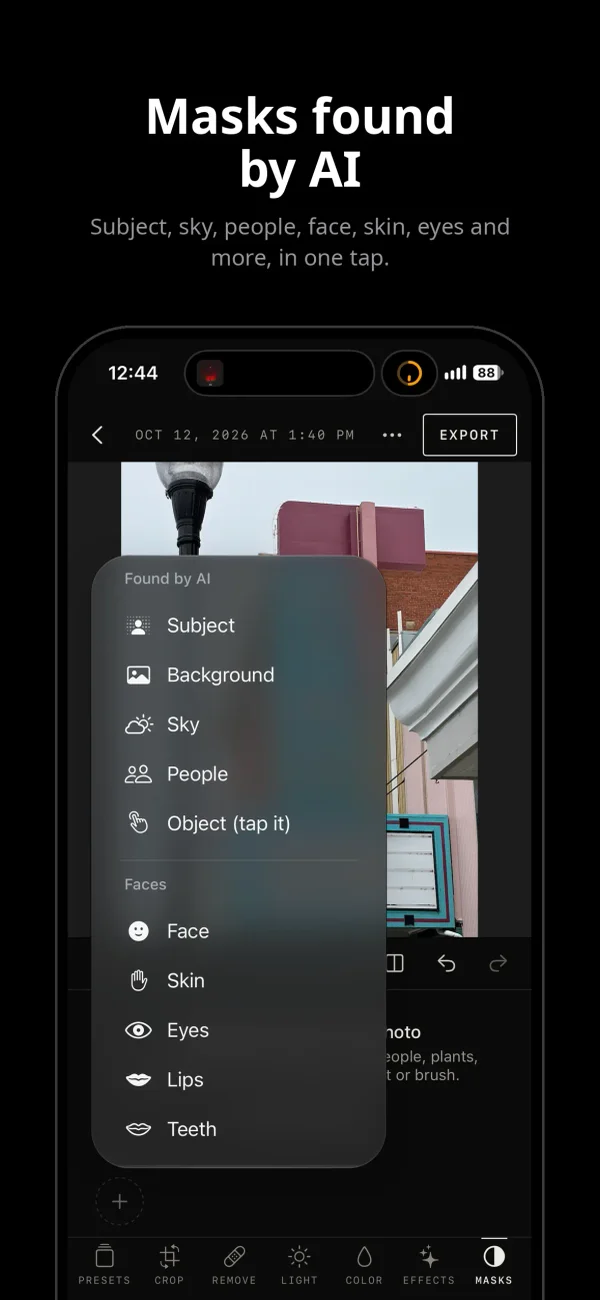
• Masks for the subject, sky, people and objects
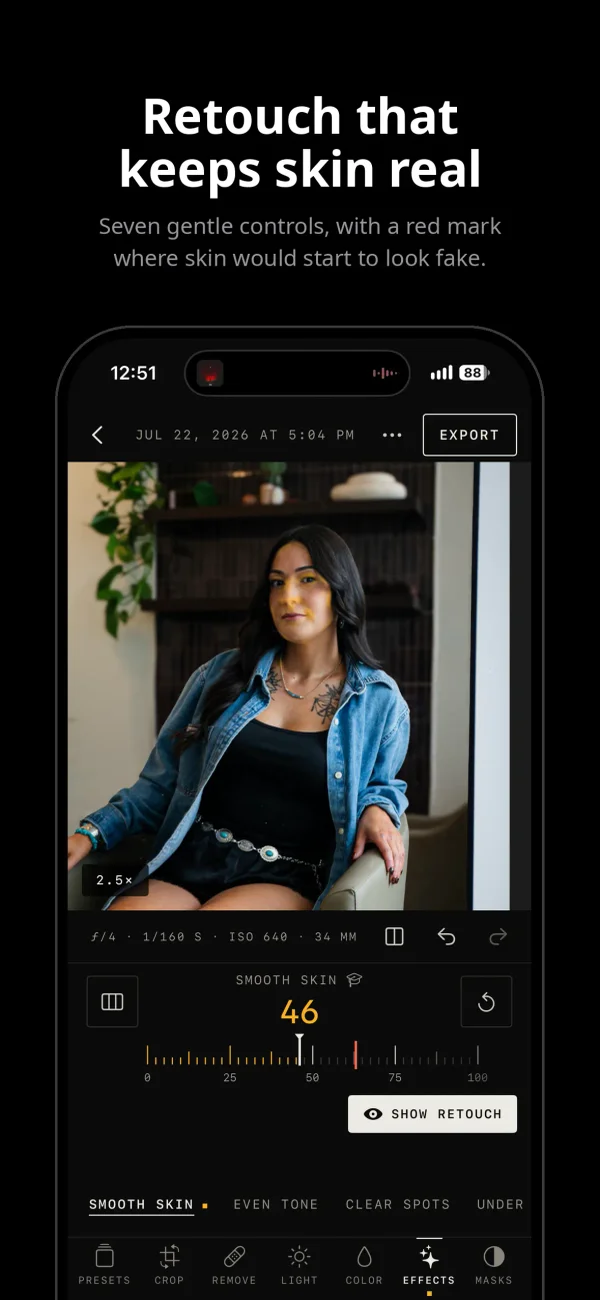
• Portrait retouch that keeps skin real: smooth skin, even tone, clear spots, under eyes, eyes, teeth and face light
• Remove, with Find distractions
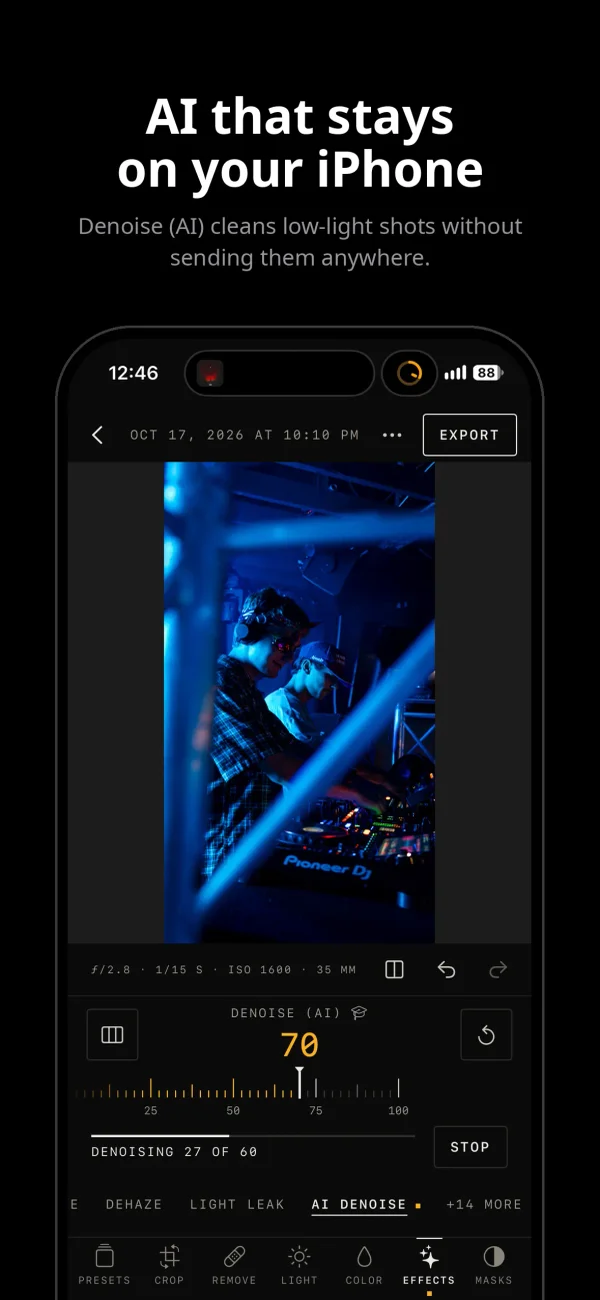
• Denoise (AI) for low light, and Enlarge 2×
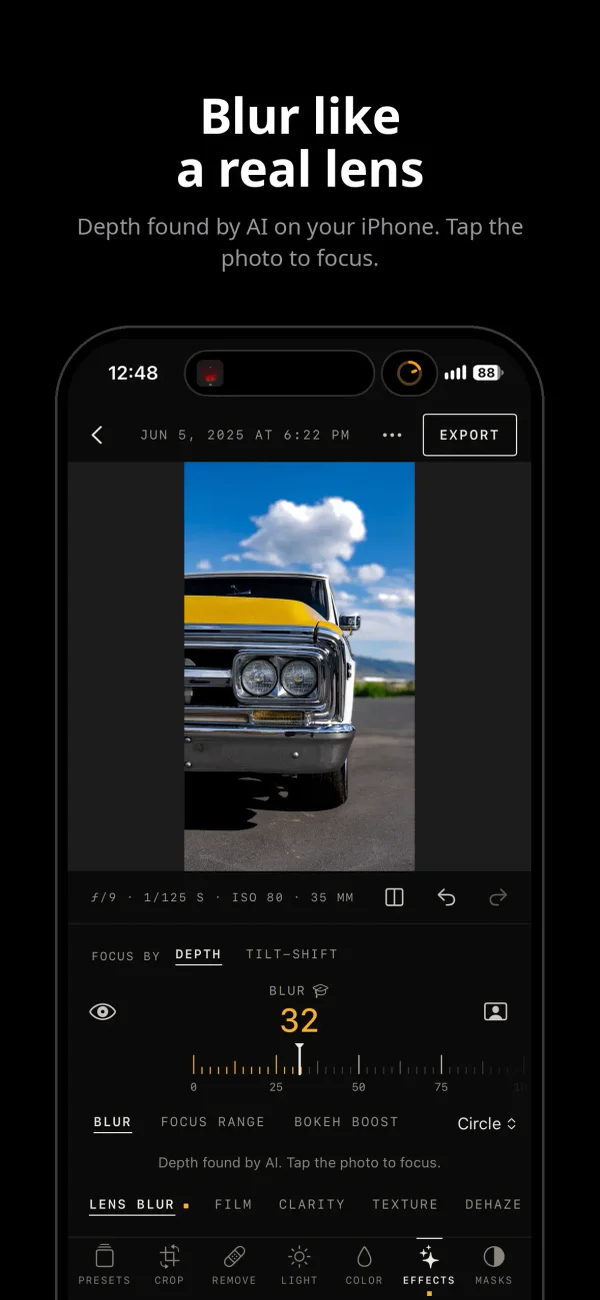
• Lens blur from the photo's depth, with round, six-blade, nine-blade, swirl and cat's-eye bokeh
No photo is ever uploaded: there are no servers and no accounts.
Presets
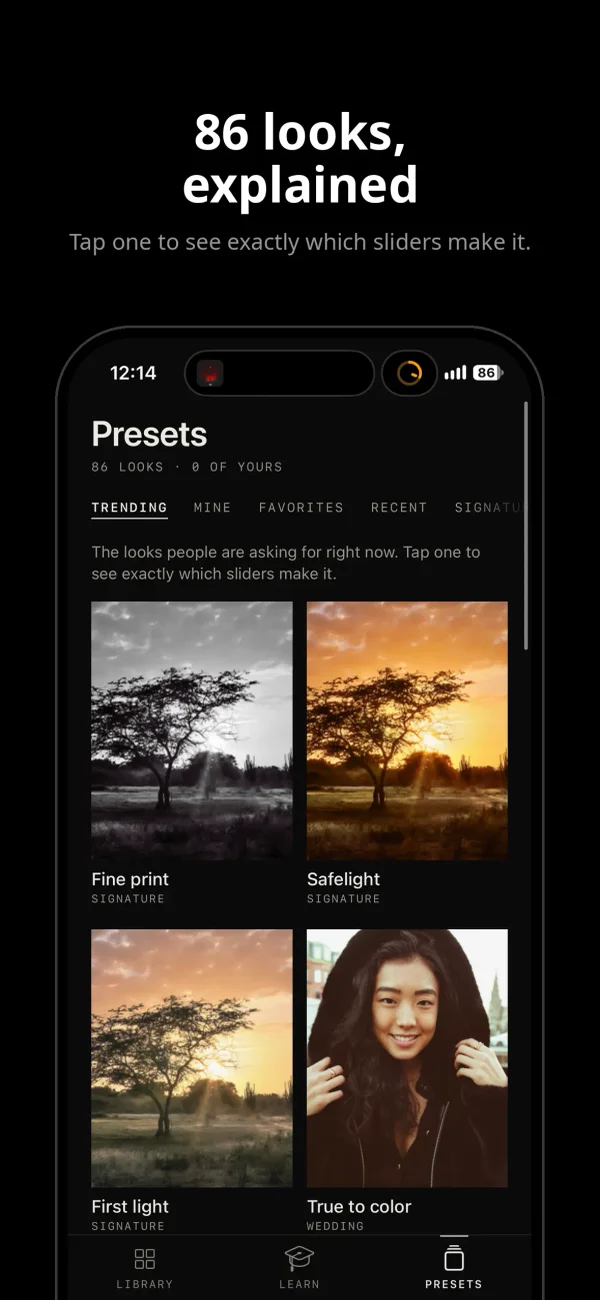
• 86 built-in looks, from clean to film, each explained step by step
• Adapt to this photo fits a look to your picture
• Make your own, share one as a recipe card with a QR code, or bring in .xmp preset files
Everything else you need
• RAW, ProRAW, HEIC and JPEG, with HDR output
• Light, color, curves, a color mixer, grading and spot color
• Crop, straighten and perspective
• Versions, copy and paste, and save many photos at once
• Export presets, before-and-after videos, and saving in place so Photos can revert to the original
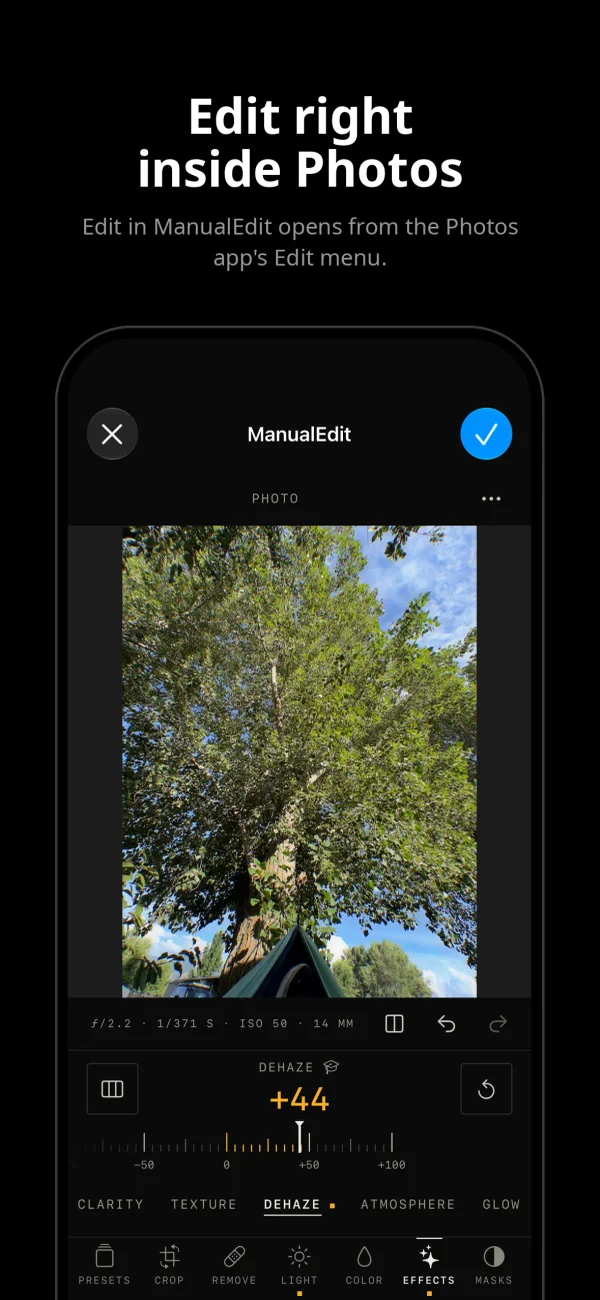
• Edit in ManualEdit right inside the Photos app
Works with ManualCam
ManualEdit pairs with ManualCam, the manual camera from the same maker: open a shot here in one tap and see how it was taken. ManualEdit never needs it.
Private by design
No account, no ads, no tracking. Your photos stay in your own Photos library.
Requires iOS 17 or later.
Có gì mới
Phiên bản 1.1 · 09/11/2026
Works hand in hand with ManualCam
• Photos you take with a look in ManualCam open as edits you can still change.
• Photo info shows the look, frame and long exposure each shot was taken with.
• RAW shots taken with a look offer "Start from it": the look and frame go on in one step.
Faster and steadier
• Dials stay smooth on heavy edits, Noise reduction and Lens blur included.
• Photos open faster and use less memory, with no wait for depth after an update.
• Big 48 MP exports now save, even with Dehaze and Atmosphere.
• Editing from the Photos app no longer goes black on heavy edits.
• Big libraries load faster, and the library no longer freezes on first launch.
• If you leave the app while it saves, nothing broken is saved, and ManualEdit asks you to try again.
• Fixed a crash when zooming in.
• Export adds Save as copy, and its messages now say what to do.
• Every dial retuned on iPhone for more natural results.
Quyền riêng tư của ứng dụng
Những gì Ghost Collective LLC khai báo trên App Store về cách ứng dụng này xử lý dữ liệu.
-
Dữ liệu không được thu thập
Nhà phát triển không thu thập bất kỳ dữ liệu nào từ ứng dụng này.
Phương thức đảm bảo quyền riêng tư có thể khác nhau, chẳng hạn như tuỳ theo các tính năng bạn sử dụng hoặc độ tuổi của bạn.
Thông tin
- Người bán
- Ghost Collective LLC
- Danh mục
- Ảnh & Video
- Phiên bản
- 1.1
- Cập nhật
- 09/11/2026
- Phát hành
- 07/11/2026
- Kích thước
- 139,3 MB
- Yêu cầu
- iOS 17.0 trở lên
- Độ tuổi
- 4+
- Giá
- Miễn phí
- Ngôn ngữ
- Tiếng Anh
- Bản quyền
- © 2026 Ghost Collective LLC
Có thể bạn cũng thích
-
 Real Headshot: Ảnh hồ sơBạn thật sự, không phải AI.
-
 Rubin: RAW & Open Gate CamẢnh & Video
-
 Pickogen CameraẢnh & Video
-
 Pro Camera - GramCameraẢnh & Video
-
 EMST CameraẢnh & Video
-
 Filmos - Analog Camera & VideoẢnh & Video
-
 BuzzCam - ProRAW Burst CameraẢnh & Video
-
 Chromagic Camera: Posa Vintagemáy ảnh film, bộ lọc cổ điển
-
 Fexer - Pro CameraẢnh & Video
-
 AcetateẢnh & Video