MarkLook - Markdown Reader
Read MD files beautifully
Được thiết kế cho iPhone, iPad, Mac
Miễn phí · Mua hàng trong ứng dụng
- Độ tuổi4+
- Danh mụcTiện Ích
- Nhà phát triển乙丑 蒋
- Ngôn ngữTiếng Anh+ 4 ngôn ngữ khác
- Kích thước18,3 MB
Liên kết đến trang App Store chính thức
Download.org không lưu trữ tệp nào của MarkLook - Markdown Reader. Nút này mở trang ứng dụng trên App Store, nơi 乙丑 蒋 phát hành ứng dụng. Trang được kiểm tra lần cuối: 13/11/2026.
Ảnh chụp màn hình



Giới thiệu
Nhà phát triển chưa cung cấp nội dung này bằng ngôn ngữ của bạn.
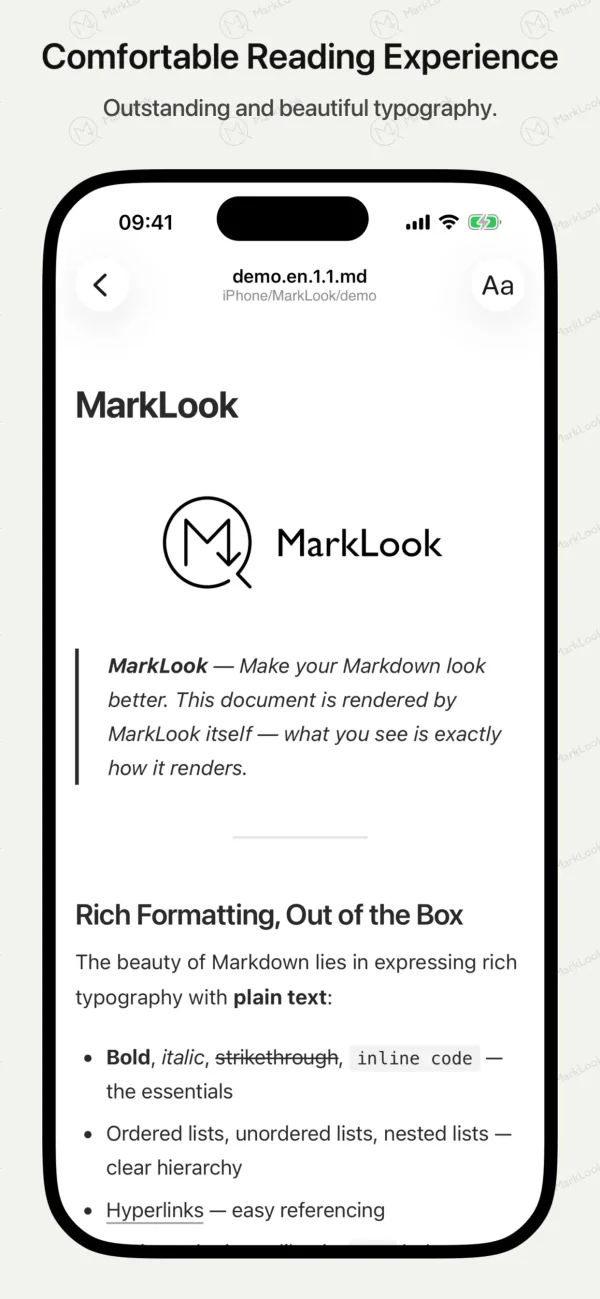
Open .md files on iPhone, iPad, or Mac, or paste raw Markdown from a social post or chat. MarkLook turns it into a clear, beautifully typeset document for reading.
MarkLook stores no files, offers no editor, requires no account, and has no monthly subscription. It is made for reading.
On iPhone and iPad, choose an .md file from the Files app or paste Markdown from the clipboard. On Mac, open files from Finder, Quick Look, or the Open With menu.
--- FIND YOUR FAVORITE READING VIBE ---
To cater to different reading habits and aesthetic preferences, we offer several built-in themes. For each theme, we've fine-tuned the typography, font sizes, and line spacing to ensure reading is effortless, while specifically optimizing the visual balance when mixing English and non-English text.
We have prepared several built-in appearances (themes) for you:
• Default: The cleanest, foundational system font typography.
• Essay: Looks like a meticulously typeset book, perfect for reading long articles.
• Typewriter: Recreates the monospace texture of a typewriter, bringing back classic manuscript styling.
• Notebook: A rounded, soft notebook style.
• GitHub: The classic style familiar to all programmers.
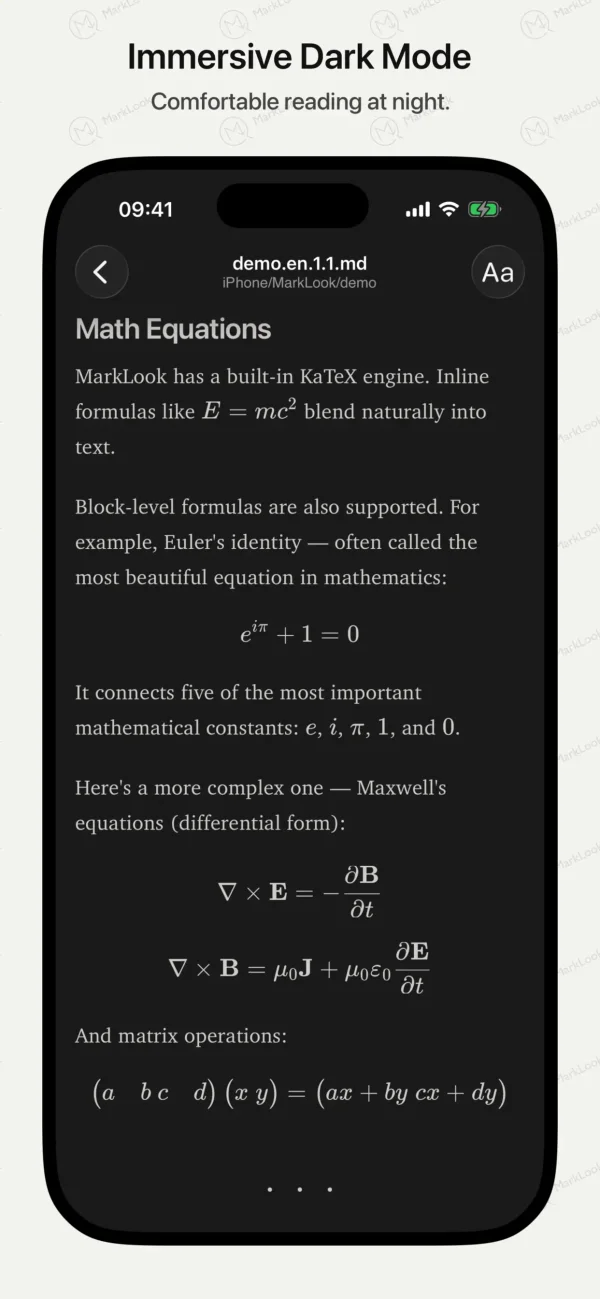
All built-in themes support Dark Mode.
If you are a loyal Typora user, you can also directly import your commonly used Typora theme packages (.zip or .css formats) to continue your most familiar reading experience.
--- OPTIMIZED MOBILE READING EXPERIENCE ---
Reading documents on mobile devices is often constrained by the system environment or narrow screen layouts. MarkLook has made targeted optimizations:
• Folder Browsing: Add a folder to browse Markdown and TextBundle documents from it and its subfolders in one place, with search by file name, path, or content.
• One-Tap Local Image Authorization: Due to iOS sandbox restrictions, apps cannot read external images by default. With a simple one-tap authorization of your document directory, images in your text appear instantly.
• Immersive Image Preview: Tap an image to go full-screen. Supports pinch-to-zoom and swipe gestures, allowing you to see every detail clearly even on a limited screen.
• Smooth Wide Table Scrolling: Optimized algorithms for narrow screens ensure complex tables are no longer crowded or distorted. Supports horizontal scrolling to view complete data, keeping the text looking as it should.
--- COMPREHENSIVE ADVANCED FEATURE SUPPORT ---
Beyond basic syntax, the following contents are also well-supported:
• Code Highlighting: Supports 180+ programming languages with clear logical presentation.
• Math Equations: Flawless support for LaTeX math, rendering even complex formulas quickly and elegantly.
• Flowcharts & Diagrams: Supports Mermaid flowcharts and sequence diagrams, which can be enlarged for full-screen viewing.
--- ONE-TIME PURCHASE, NO SUBSCRIPTIONS ---
The app offers both a free and a full version. The "Default" theme is completely free with a clean interface. When you try out other built-in themes, a subtle upgrade prompt will appear at the bottom of the preview page.
If you desire a more refined and pure experience, consider a one-time purchase to unlock the full version (no subscriptions, no ads):
• Unlock All Built-in Themes: Switch freely between your favorite typography styles without any prompt bars.
• Unlock Typora Theme Import: Bring in your custom community theme packages (.zip or .css formats).
One-time purchase, universal for iPhone, iPad, and Mac. Simply tap "Restore Purchase" on your other device.
We hope to provide you with a quiet, comfortable little tool for reading. If you happen to read Markdown files frequently, welcome to give it a try.
Có gì mới
Phiên bản 1.4.0 · 10/11/2026
• Added iPhone Duo support.
• The navigation bar now hides automatically as you scroll up while reading on iPhone.
Quyền riêng tư của ứng dụng
Những gì 乙丑 蒋 khai báo trên App Store về cách ứng dụng này xử lý dữ liệu.
-
Dữ liệu không được thu thập
Nhà phát triển không thu thập bất kỳ dữ liệu nào từ ứng dụng này.
Phương thức đảm bảo quyền riêng tư có thể khác nhau, chẳng hạn như tuỳ theo các tính năng bạn sử dụng hoặc độ tuổi của bạn.
Thông tin
- Người bán
- 乙丑 蒋
- Danh mục
- Tiện Ích
- Phiên bản
- 1.4.0
- Cập nhật
- 10/11/2026
- Phát hành
- 23/03/2026
- Kích thước
- 18,3 MB
- Yêu cầu
- iOS 16.2 trở lên
- Độ tuổi
- 4+
- Giá
- Miễn phí
- Mua hàng trong ứng dụng
- Có
- Ngôn ngữ
- Tiếng Anh, Tiếng Nhật, Tiếng Hàn, Tiếng Trung Giản thể, Tiếng Trung Phồn thể
- Bản quyền
- © 2026 EXphinx