Memoth: AI Note Taker
AI Notes for Real Life
Được thiết kế cho iPhone, iPad, Mac
Miễn phí · Mua hàng trong ứng dụng
- Độ tuổi4+
- Danh mụcHiệu Suất
- Nhà phát triểnRotem Doron
- Ngôn ngữTiếng Anh+ 7 ngôn ngữ khác
- Kích thước92,5 MB
Liên kết đến trang App Store chính thức
Download.org không lưu trữ tệp nào của Memoth: AI Note Taker. Nút này mở trang ứng dụng trên App Store, nơi Rotem Doron phát hành ứng dụng. Trang được kiểm tra lần cuối: 15/11/2026.
Ảnh chụp màn hình
Giới thiệu
Nhà phát triển chưa cung cấp nội dung này bằng ngôn ngữ của bạn.
Memoth is your personal AI note taker for everything you want to remember. Record a meeting, lecture, conversation, or spontaneous idea and turn it into a full transcript, clear summary, insights, and action items. Or skip the recording and type a note yourself.
In seconds, Memoth helps you understand what was said, what matters, what was decided, and what needs to happen next.
— HOW IT WORKS —
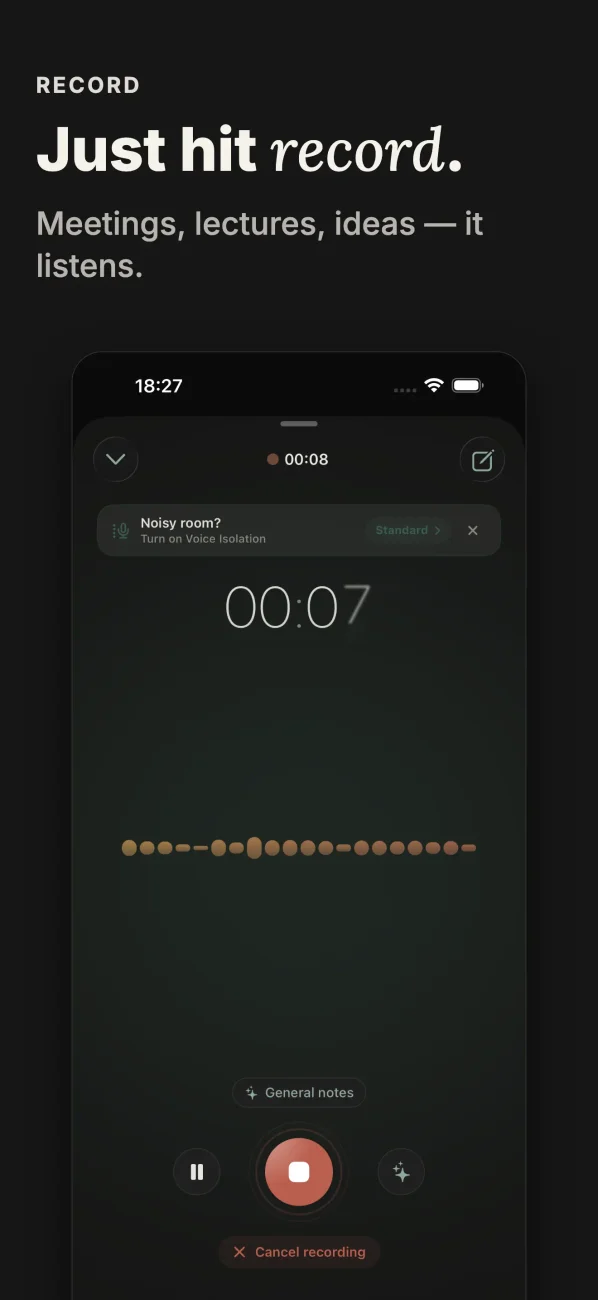
1. Tap record on your iPhone, iPad, Mac, or Apple Watch
2. AI transcribes and analyzes speakers, topics, decisions, and tasks
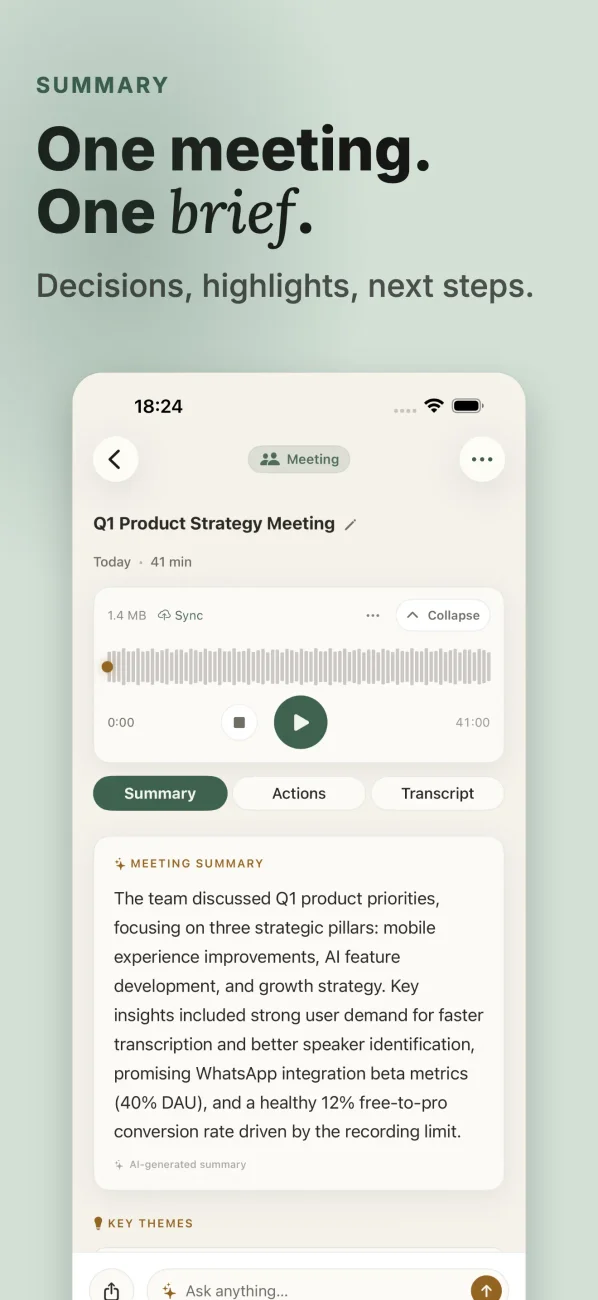
3. Get your transcript, summary, insights, and action items
No re-listening. No forgetting what was said.
— WHAT EVERY RECORDING INCLUDES —
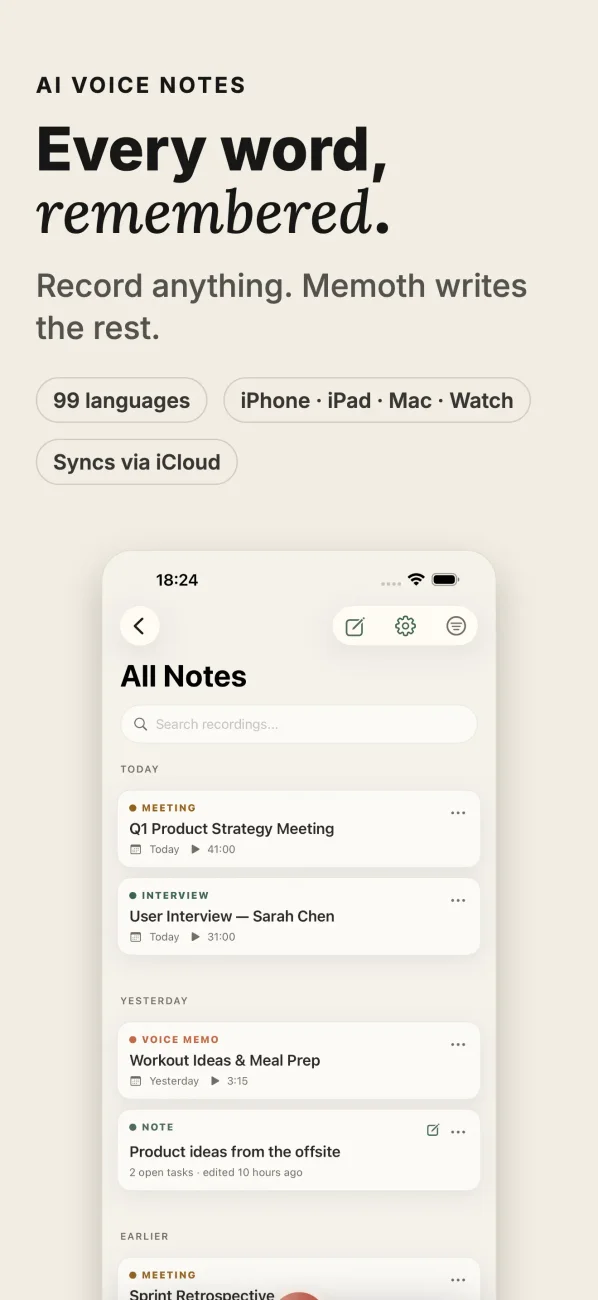
• Full transcript with speaker identification and timestamps
• Clear summary of key topics, decisions, and highlights
• Action items with due dates and reminders
• Smart title to keep your library organized
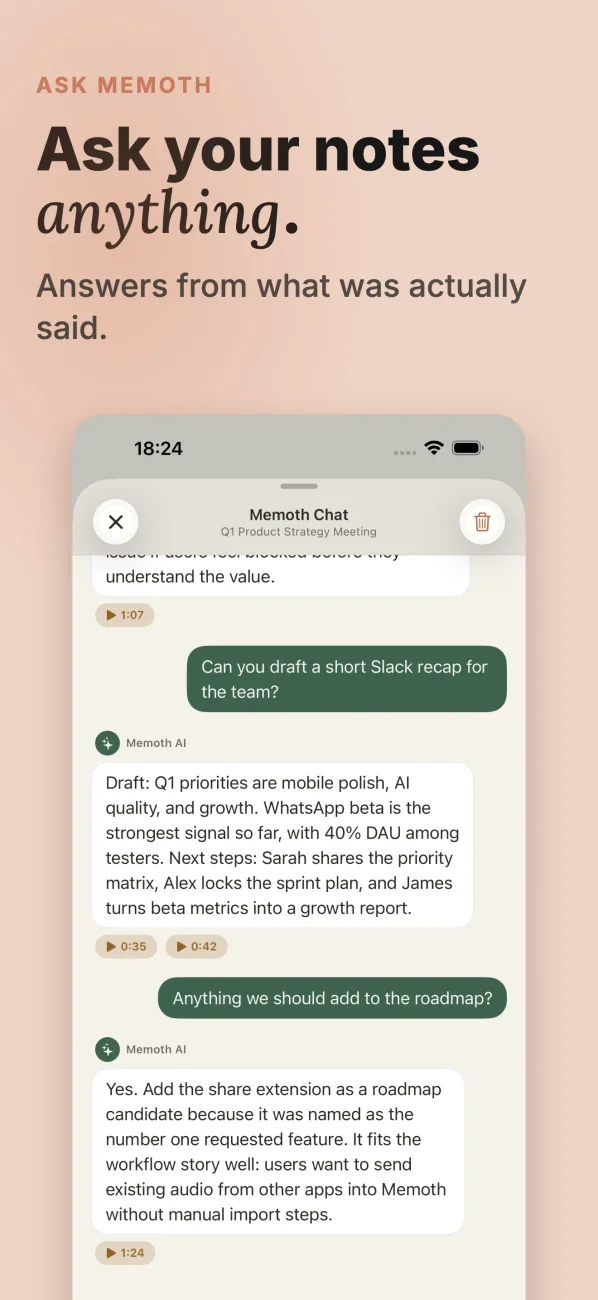
• Chat with the recording — ask anything and get answers from the transcript
— OR TYPE IT YOURSELF —
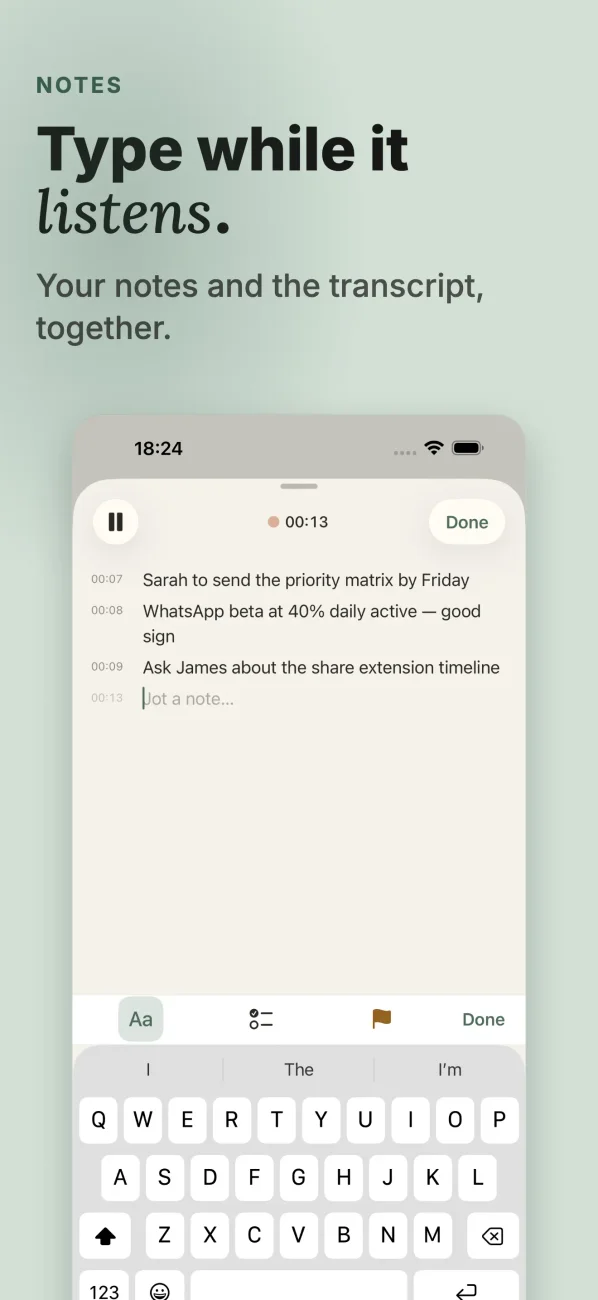
Prefer typing to talking? Create a note from scratch with a block editor — headings, lists, checklists, quotes, and images. Check off a checklist item and it becomes a task, synced with everything else.
— REAL-TIME TRANSCRIPTION —
Watch your words appear on screen live as you speak. Real-Time mode streams the transcript during meetings, lectures, and interviews — with live speaker labels, in 23 languages. Choose Fastest, Balanced, or Most accurate to tune speed against precision. A Pro feature.
— CHAT WITH ANY RECORDING —
Ask questions about your recording and get instant answers from the transcript. Request a shorter summary, find a specific decision, ask who said what, pull out a discussed task, or clarify something that came up in the conversation.
Instead of searching through a long transcript - just ask.
— RECORD ANYWHERE —
• In a meeting — start recording with one tap, even in the background
• At a lecture — capture every word while you focus on learning
• On a walk — save a quick idea from your Apple Watch
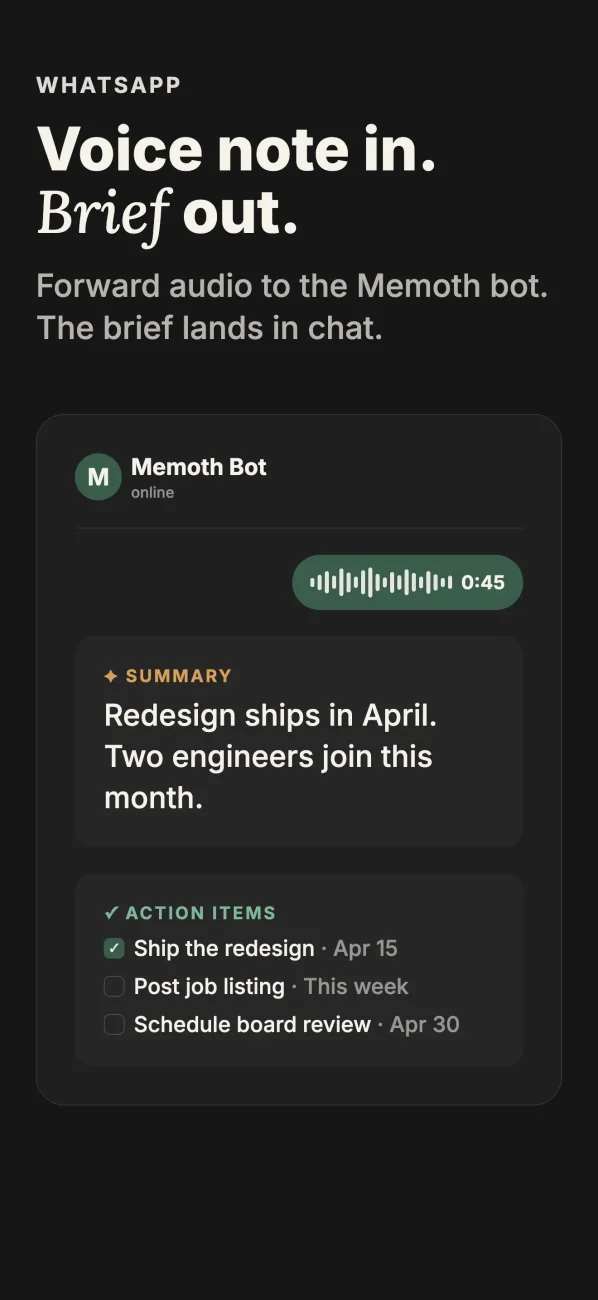
• From WhatsApp — forward a voice message to the Memoth bot and get a full transcript plus a clear summary
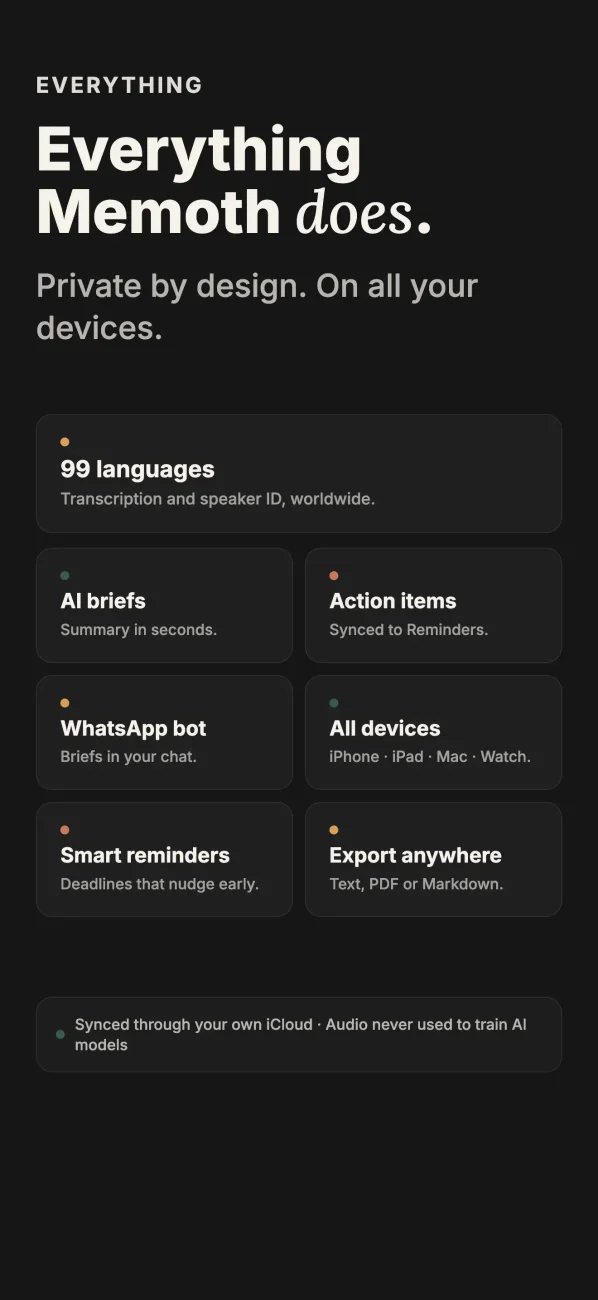
99 languages with automatic detection. Just speak.
— AUTOMATIC TRANSLATION —
Translate conversations, summaries, and transcripts into many languages with one tap. Record in one language and get the result in another — perfect for international meetings, lectures, interviews, voice messages, and conversations across languages.
— TASKS THAT WRITE THEMSELVES —
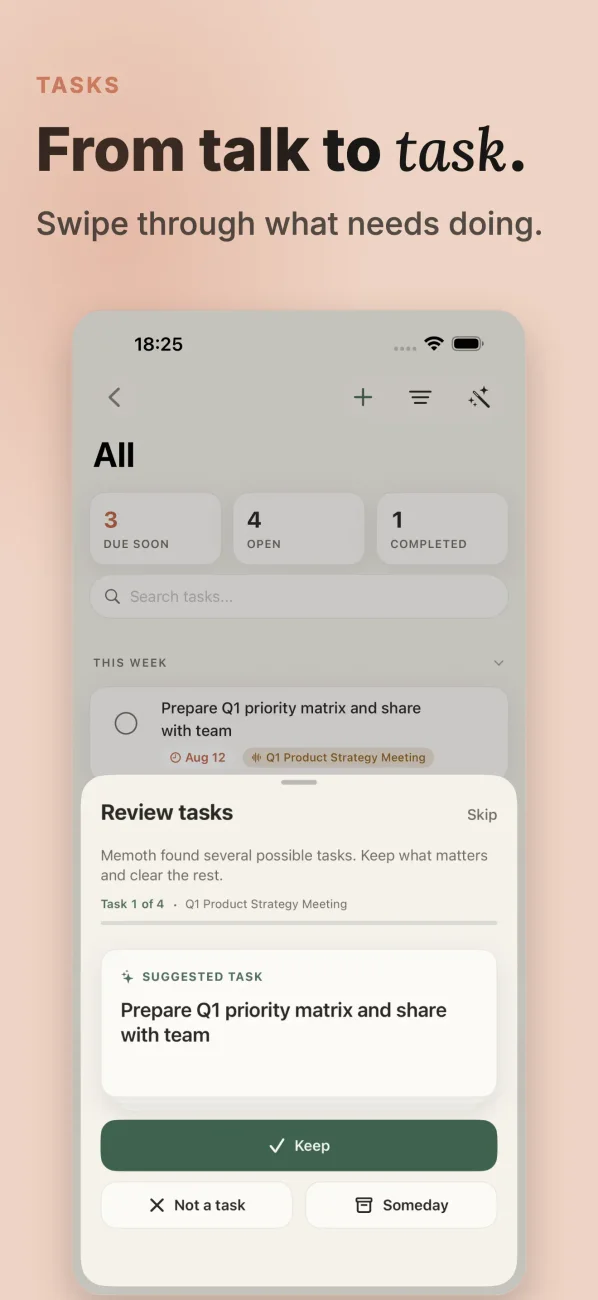
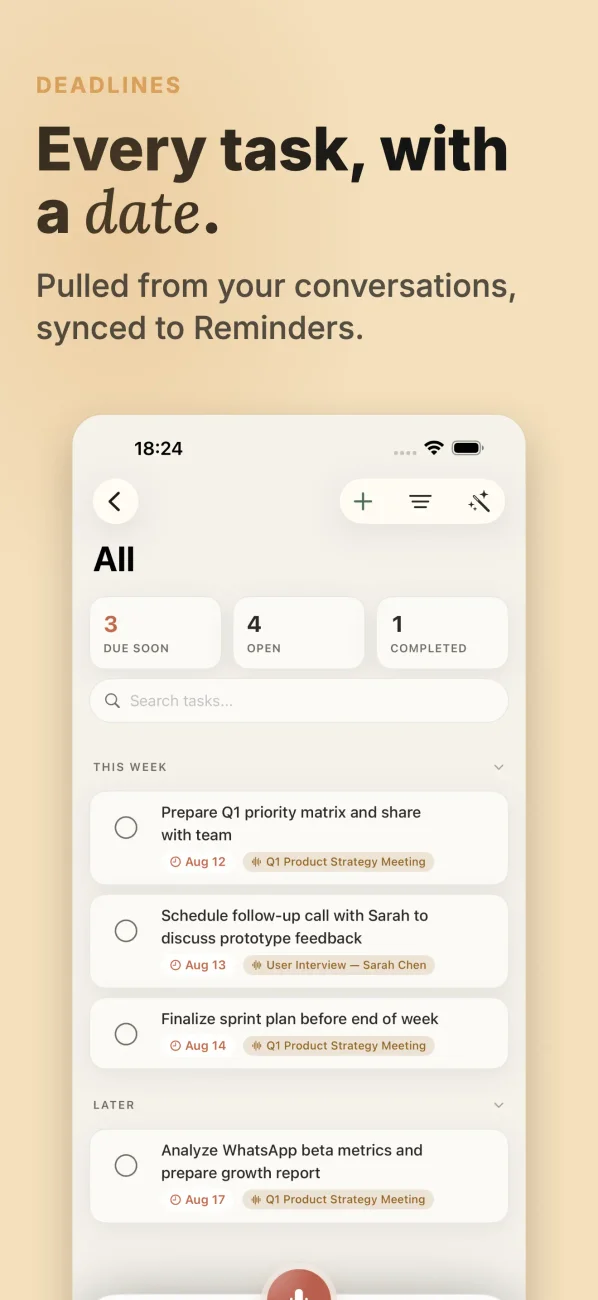
Every recording suggests action items — review each one and keep it, save it for later, or dismiss it. Confirmed tasks land in one place. Filter by overdue, today, or this week. Set early reminders and sync tasks with Apple Reminders.
Mark a task done in Reminders and it is done in Memoth too. And vice versa.
— WHATSAPP BOT —
Forward any voice message to the Memoth bot on WhatsApp. Get a full transcript, summary, and action items directly in the chat. No app switching. Perfect for long voice messages you do not have time to listen to.
— SYNCS EVERYWHERE —
iPhone. iPad. Mac. Apple Watch. Your recordings, notes, transcripts, summaries, and tasks sync through iCloud and follow you across your devices.
— PRIVATE BY DEFAULT —
Your recordings are stored locally on your device and can sync through your private iCloud account. If you use cloud processing features, audio is uploaded temporarily only to process transcription and then deleted.
• We do not use your recordings or notes to train AI models
• Delete means delete — removed from your devices
• Sync across devices through iCloud
— ALSO —
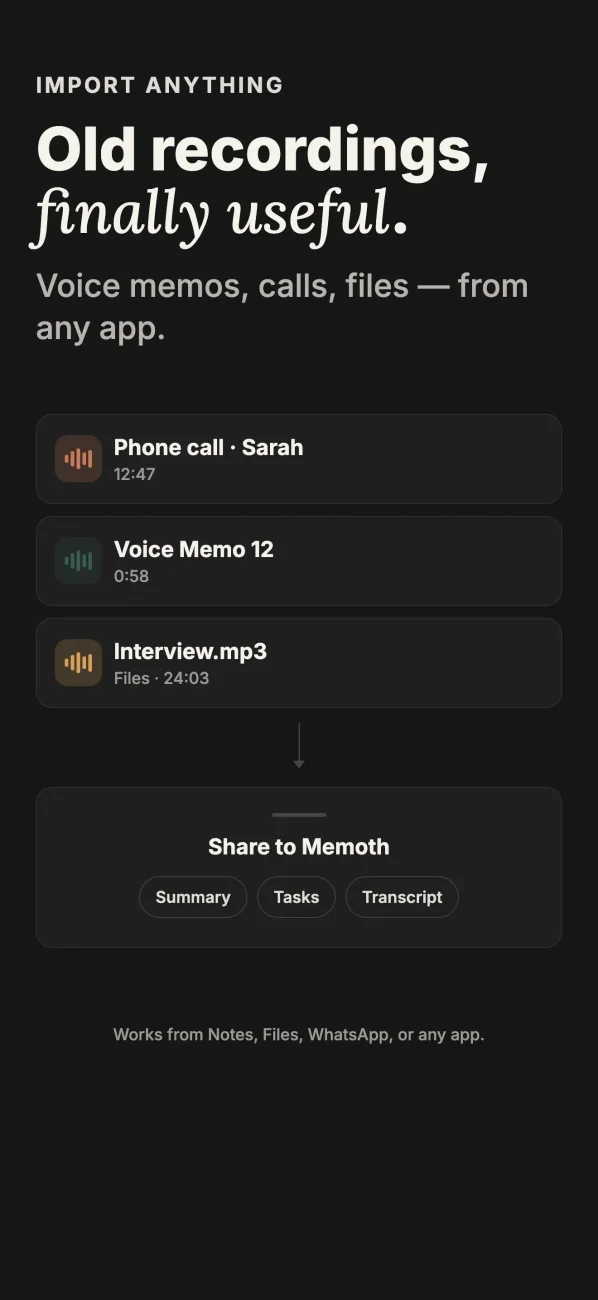
• Import audio files via Share Extension
• Export summaries, transcripts, and tasks
• Background recording
• Dark mode, light mode, or system mode
Stop scribbling notes. Just record — or type. Memoth handles the rest.
Terms of Service: https://memoth.com/terms-of-service
Có gì mới
Phiên bản 1.0.33 · 01/11/2026
Bug fixes and performance improvements.
Quyền riêng tư của ứng dụng
Những gì Rotem Doron khai báo trên App Store về cách ứng dụng này xử lý dữ liệu.
-
Dữ liệu liên kết với bạn
Có thể được thu thập và liên kết với danh tính của bạn.
- Dữ liệu sử dụng
- Chẩn đoán
-
Dữ liệu không liên kết với bạn
Có thể được thu thập nhưng không liên kết với danh tính của bạn.
- Thông tin liên hệ
- Nội dung của người dùng
- Mã định danh
- Dữ liệu sử dụng
Phương thức đảm bảo quyền riêng tư có thể khác nhau, chẳng hạn như tuỳ theo các tính năng bạn sử dụng hoặc độ tuổi của bạn.
Thông tin
- Người bán
- Rotem Doron
- Danh mục
- Hiệu Suất
- Phiên bản
- 1.0.33
- Cập nhật
- 01/11/2026
- Phát hành
- 05/05/2026
- Kích thước
- 92,5 MB
- Yêu cầu
- iOS 18.0 trở lên
- Độ tuổi
- 4+
- Giá
- Miễn phí
- Mua hàng trong ứng dụng
- Có
- Ngôn ngữ
- Tiếng Anh, Tiếng Pháp, Tiếng Đức, Tiếng Do Thái, Tiếng Ý, Tiếng Nhật, Tiếng Bồ Đào Nha, Tiếng Tây Ban Nha
- Bản quyền
- © 2026 Zero 2 One
Có thể bạn cũng thích
-
 Beck: AI Assistant for WorkHiệu Suất
-
 Super Ivy: Personal Voice AIHiệu Suất
-
 Bluedot AI Note TakerHiệu Suất
-
 Littlebird AIHiệu Suất
-
 Voiskey: AI Voice TypingHiệu Suất
-
 Willow Dictation & AI KeyboardHiệu Suất
-
 SuperwhisperHiệu Suất
-
 Nori - Family AIHiệu Suất
-
 Voicenotes AI Notes & MeetingsHiệu Suất
-
 Noted: Record Audio & NotesHiệu Suất