
- Độ tuổi4+
- Danh mụcSức Khỏe & Thể Dục
- Nhà phát triểnKentaro Yamauchi
- Ngôn ngữTiếng Anh+ 6 ngôn ngữ khác
- Kích thước7,8 MB
Liên kết đến trang App Store chính thức
Download.org không lưu trữ tệp nào của MindEntry. Nút này mở trang ứng dụng trên App Store, nơi Kentaro Yamauchi phát hành ứng dụng. Trang được kiểm tra lần cuối: 15/11/2026.
Ảnh chụp màn hình

Giới thiệu
Nhà phát triển chưa cung cấp nội dung này bằng ngôn ngữ của bạn.
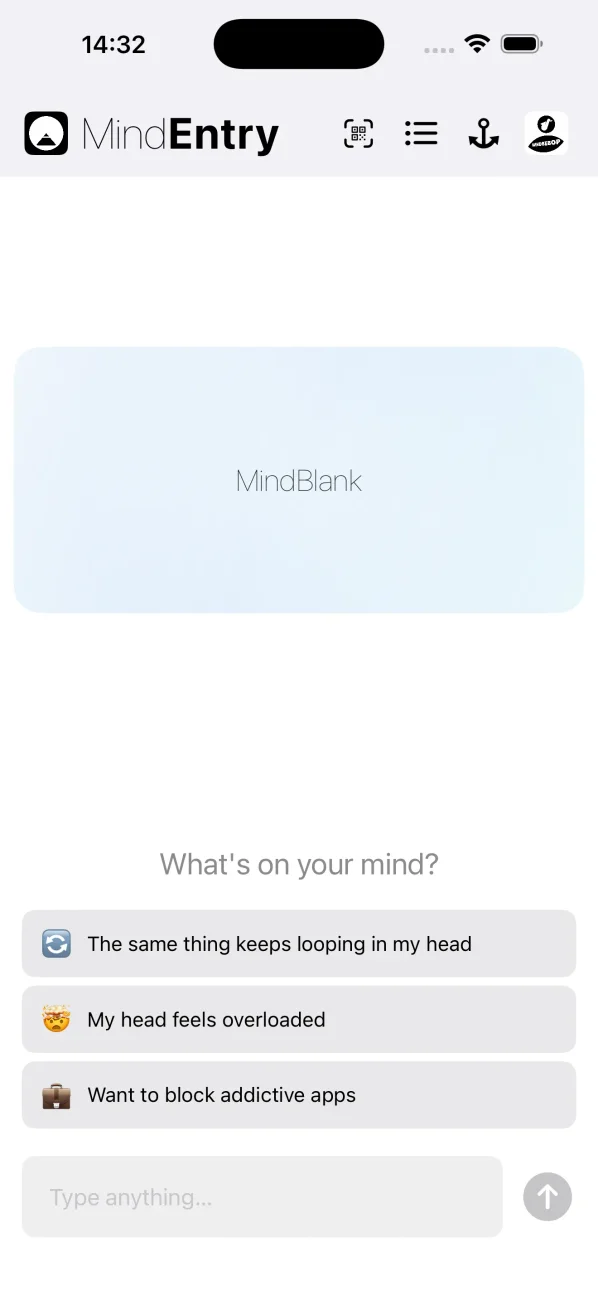
MindEntry is a guide for Mental Navigation as part of Mental Background OS.
Move from where you are now toward a Mental Destination, one Mental Step at a time. Change the path as you move.
MENTAL NAVIGATION
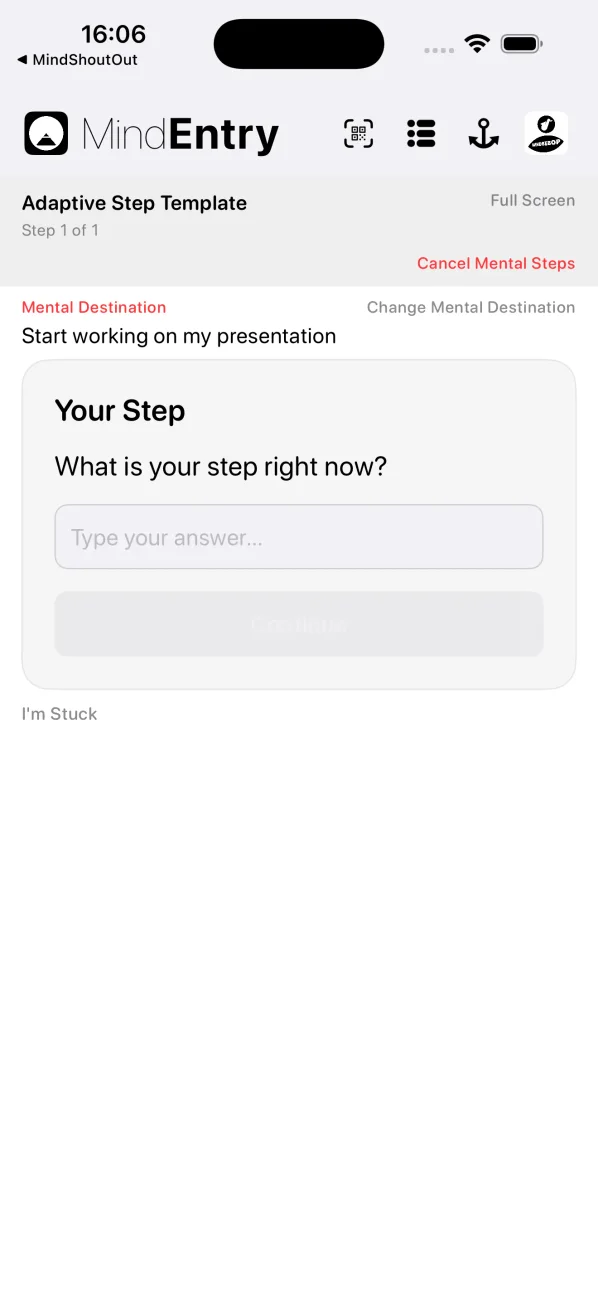
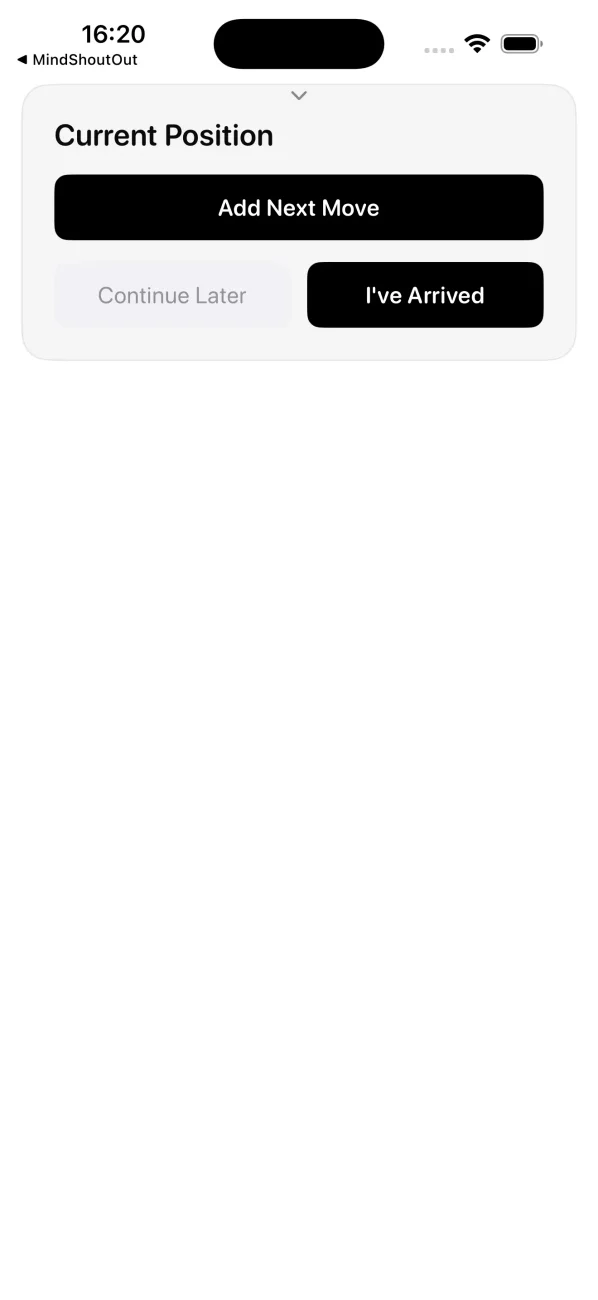
Set a Mental Destination. Take the Next Move, see your Current Position, and continue. The path doesn't have to be fixed before you begin.
MENTAL DESTINATION
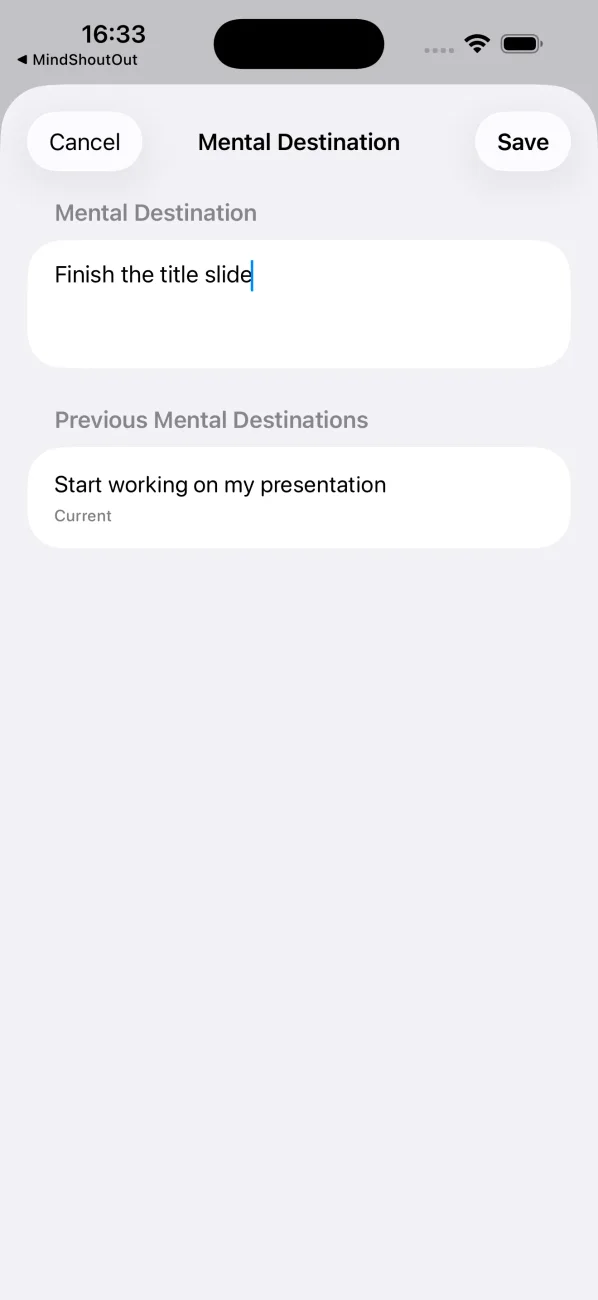
Your destination can be small or concrete. If it no longer fits, change it without discarding the navigation you've made.
MENTAL STEPS
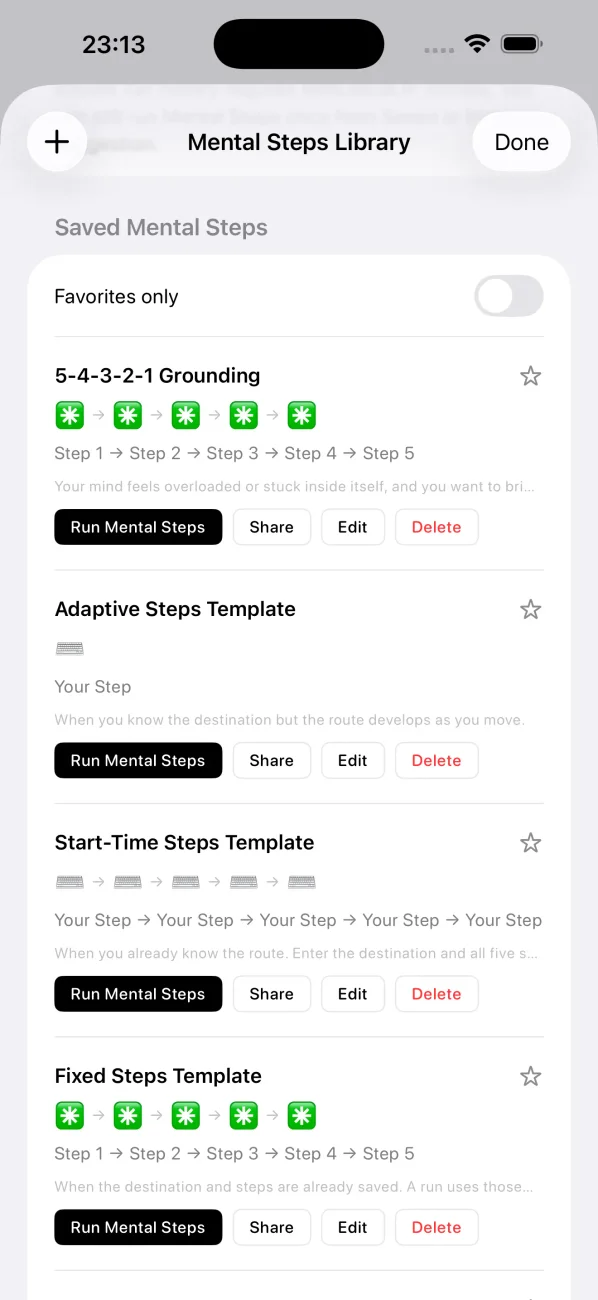
Mental Steps guide you one step at a time with instructions, questions, choices, Your Steps, or actions in other MINDBEBOP tools. Start with bundled Mental Steps or create your own.
ADAPT THE PATH
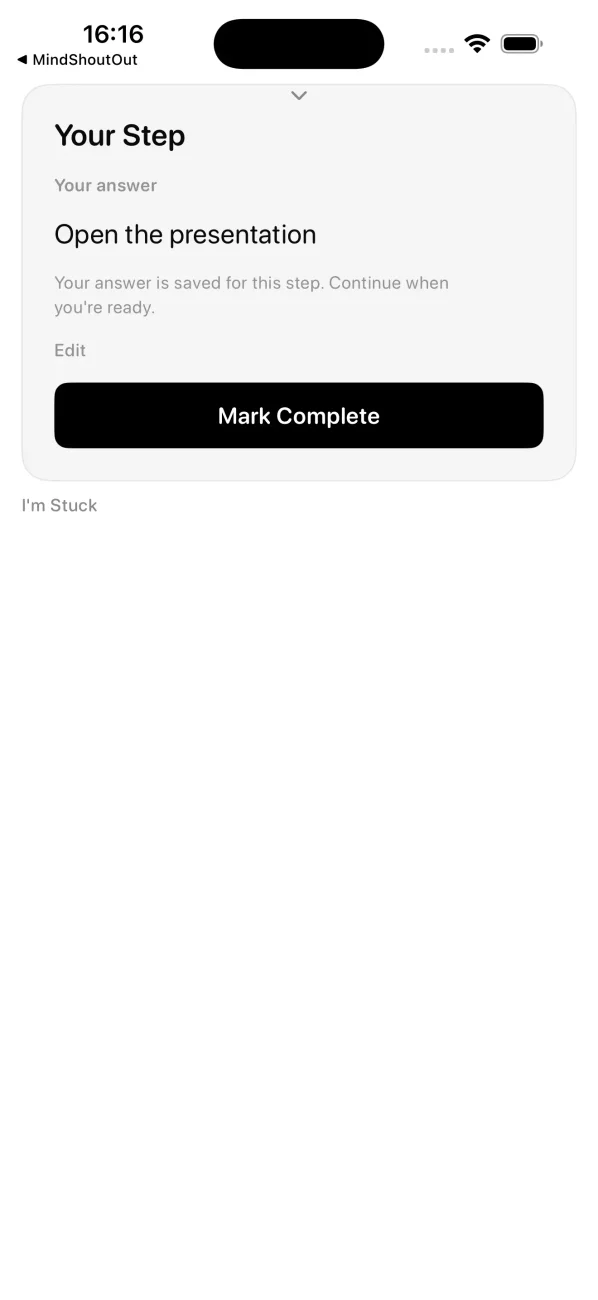
A step may change where you are. Your destination may become clearer, smaller, different, or unnecessary. Add a Next Move, edit Your Step answers, or change your destination while keeping your progress. The path can emerge as you move.
CONTINUE LATER
Leave and resume from where you stopped. MindEntry keeps your navigation together.
SCHEDULE AND REVEAL MENTAL STEPS
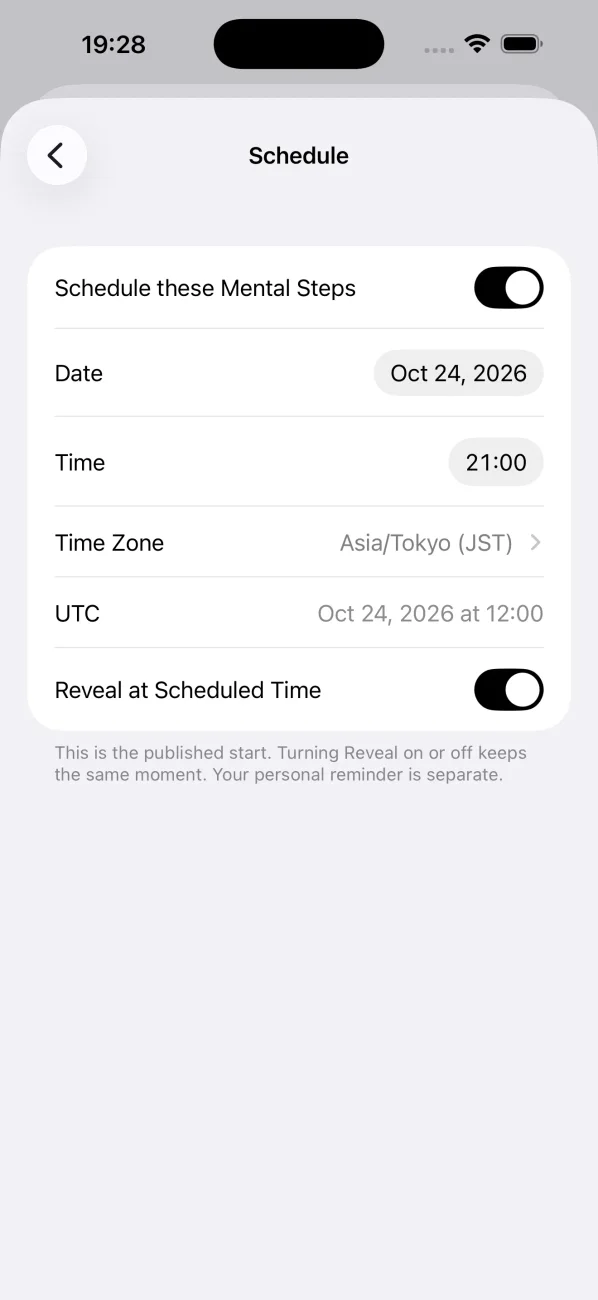
Set a publishing date and time for Mental Steps. When sharing them, optionally keep individual step instructions hidden from recipients until the scheduled reveal time. The title, Situation, Why, schedule, and number of steps remain visible. The creator can still view and run the original Mental Steps. Scheduling does not automatically start a navigation.
PERSONAL REMINDERS
Set optional one-time or daily reminders independently of a published schedule.
MINDPULSE
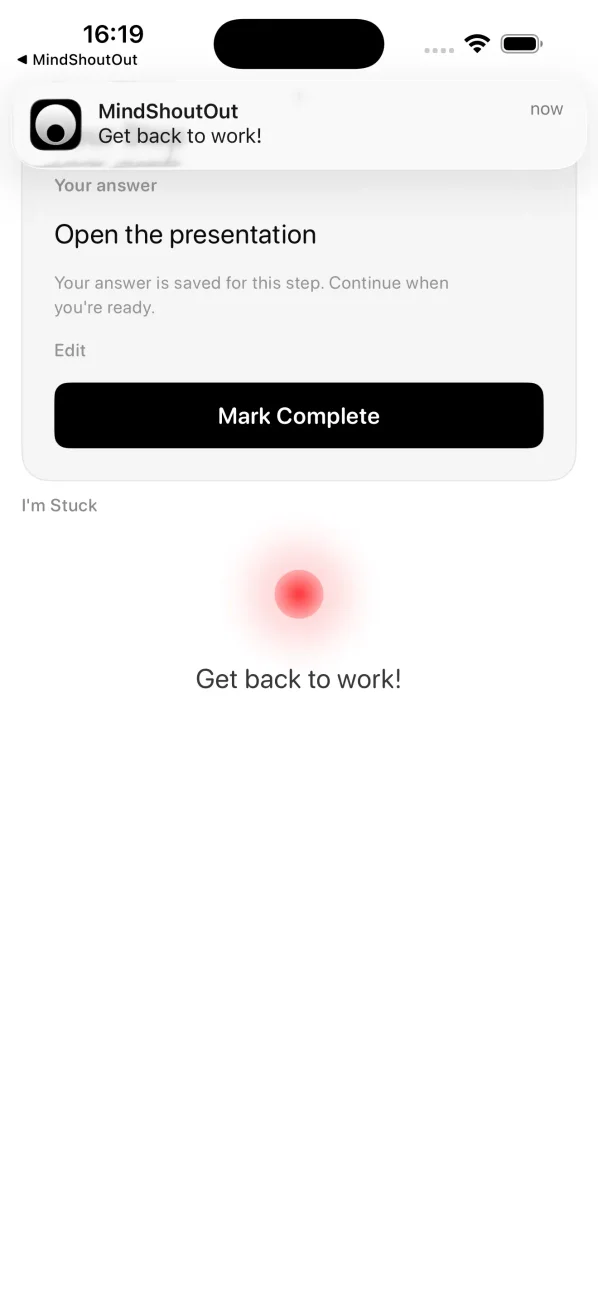
During an active Mental Step, MindPulse can provide periodic visual and haptic pulses, with optional notifications.
MINDBEBOP TOOLS INSIDE MENTAL STEPS
Mental Steps can open other MINDBEBOP tools when a thought needs a different kind of interaction:
• MindFlipOut — look at a recurring thought differently
• MindShoutOut — put aside a thought you don't need to carry right now
• MindZoneOut — give an overloaded mind a quiet moment
• MindBackOut — create some distance from selected apps
• MindBackyard — give attention room to move
Then return to the same Mental Step and continue.
THOUGHTS AND MENTAL STEPS
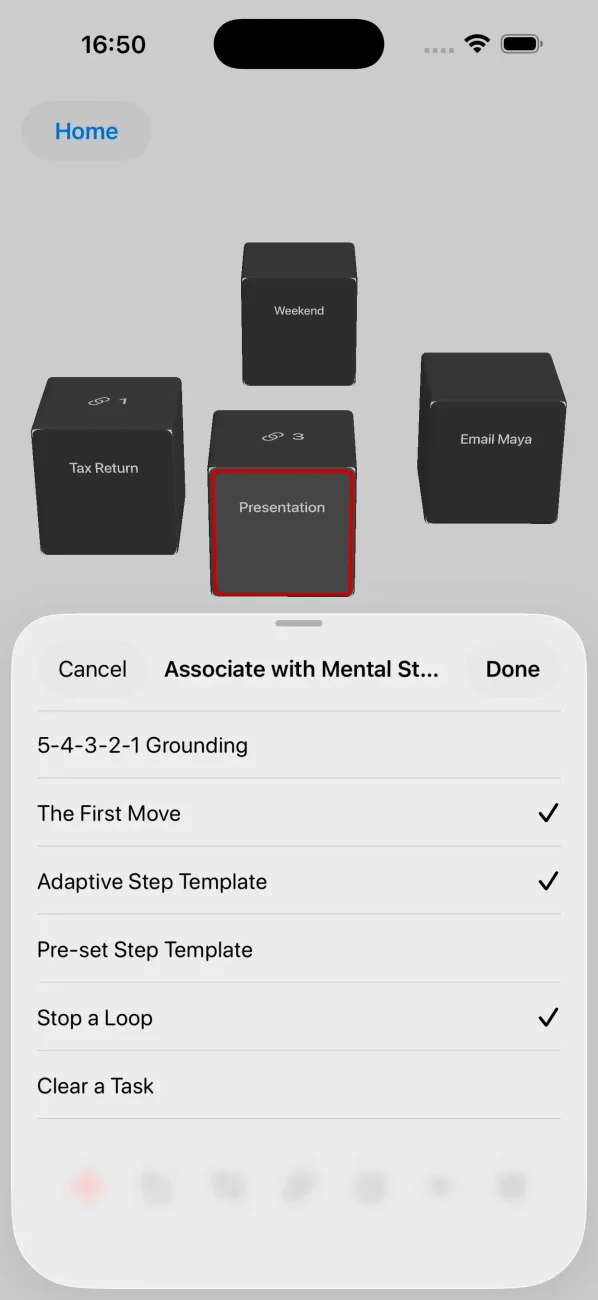
In MindBackyard, connect Mental Steps to Thought Blocks in Thought Space. A thought can stay where it is while possible paths remain available for later.
BUILT-IN MENTAL STEPS
Adaptive Steps Template lets the path develop step by step.
Start-Time Steps Template lets you determine the destination and steps immediately before navigation begins.
Fixed Steps Template uses a destination and steps already saved.
The First Move focuses on the smallest move you can take when the whole path feels like too much.
MINDANCHOR
After successful navigation, MindAnchor lets you capture something from the state you arrived in to return to later.
MINDEVENTS
MindEvents can bring a navigation back when a relevant event occurs. Nothing decides the next move for you.
CREATE AND SHARE MENTAL STEPS
Create, import, adapt, and share Mental Steps via QR codes or MER1, including published schedules and reveal settings.
SHORTCUTS, SHARE EXTENSION, AND UNIVERSAL LINKS
Bring content into MindEntry from other apps, Shortcuts, App Intents, Universal Links, or the Share Extension.
CROSS-DIMENSIONAL HANDSHAKE
Advanced users can connect meaningful state transitions to HTTPS webhooks.
PART OF MINDBEBOP
MINDBEBOP is a modular system designed to reduce Thought Noise, support Mental Navigation, and anchor successful mental states. MindEntry provides the navigation layer.
DESIGNED TO STAY LIGHTWEIGHT
• No required account
• No tracking
• No analytics
• Core data stays on your device
You don't need to know the whole path before you start.
Take the Next Move. See where you are. Navigate from there.
Terms of Use (EULA):
https://www.apple.com/legal/internet-services/itunes/dev/stdeula/
Có gì mới
Phiên bản 3.9 · 14/10/2026
• Set a publishing schedule for Mental Steps with a specific date and time.
• Optionally keep step instructions hidden until the scheduled reveal time.
• Share scheduled Mental Steps via QR codes or MER1, preserving their schedule and reveal settings.
• Improved Mental Steps Library synchronization and minor fixes.
Quyền riêng tư của ứng dụng
Những gì Kentaro Yamauchi khai báo trên App Store về cách ứng dụng này xử lý dữ liệu.
-
Dữ liệu không được thu thập
Nhà phát triển không thu thập bất kỳ dữ liệu nào từ ứng dụng này.
Phương thức đảm bảo quyền riêng tư có thể khác nhau, chẳng hạn như tuỳ theo các tính năng bạn sử dụng hoặc độ tuổi của bạn.
Thông tin
- Người bán
- Kentaro Yamauchi
- Danh mục
- Sức Khỏe & Thể Dục
- Phiên bản
- 3.9
- Cập nhật
- 14/10/2026
- Phát hành
- 11/04/2026
- Kích thước
- 7,8 MB
- Yêu cầu
- iOS 17.0 trở lên
- Độ tuổi
- 4+
- Giá
- Miễn phí
- Ngôn ngữ
- Tiếng Anh, Tiếng Pháp, Tiếng Đức, Tiếng Nhật, Tiếng Hàn, Tiếng Bồ Đào Nha, Tiếng Tây Ban Nha
- Bản quyền
- © 2026 MINDBEBOP
Có thể bạn cũng thích
-
 SCP Wellness StudioSức Khỏe & Thể Dục
-
 MyLifeInsight: AI Life TrackerSức Khỏe & Thể Dục
-
 Breath Fine PlusSức Khỏe & Thể Dục
-
 ヒビロク - 体調・健康・生活の記録Sức Khỏe & Thể Dục
-
 EpiJournalY Tế
-
 表情筋トレ:ゲームで楽しく美容習慣Sức Khỏe & Thể Dục
-
 Let Us BeSức Khỏe & Thể Dục
-
 ESRT StrongMindSức Khỏe & Thể Dục
-
 Zen Talk - Personal Life CoachSức Khỏe & Thể Dục
-
 STRIVee - Home Workouts !!Sức Khỏe & Thể Dục