
Morse Mania: Learn Morse Code
Learn & train Morse with fun!
Được thiết kế cho iPhone, iPad, iPod touch
Miễn phí · Mua hàng trong ứng dụng
- Độ tuổi4+
- Danh mụcGiáo Dục
- Nhà phát triểnXiang Dong
- Ngôn ngữTiếng Anh
- Kích thước28,8 MB
Liên kết đến trang App Store chính thức
Download.org không lưu trữ tệp nào của Morse Mania: Learn Morse Code. Nút này mở trang ứng dụng trên App Store, nơi Xiang Dong phát hành ứng dụng. Trang được kiểm tra lần cuối: 28/11/2026.
Ảnh chụp màn hình
Giới thiệu
Nhà phát triển chưa cung cấp nội dung này bằng ngôn ngữ của bạn.
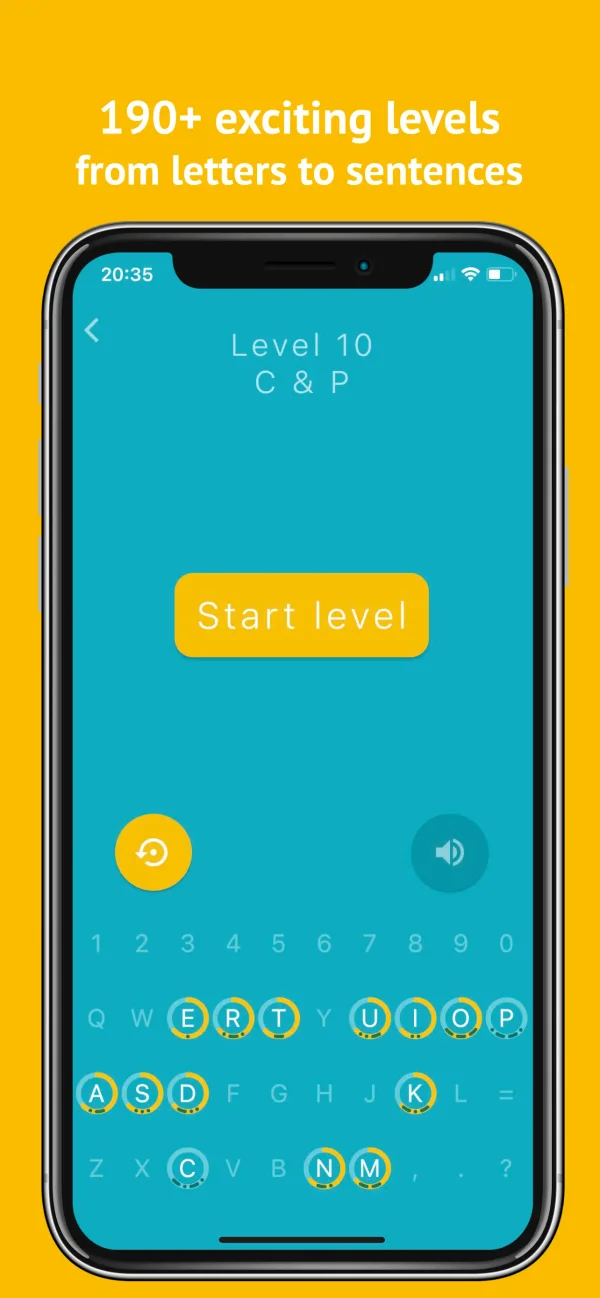
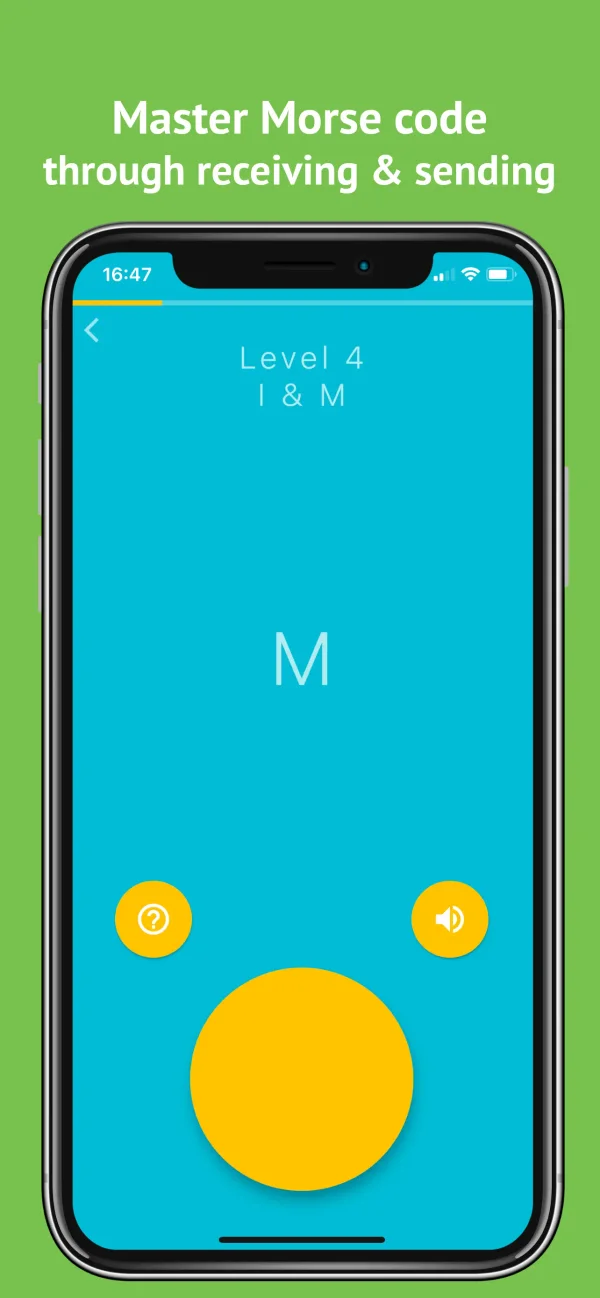
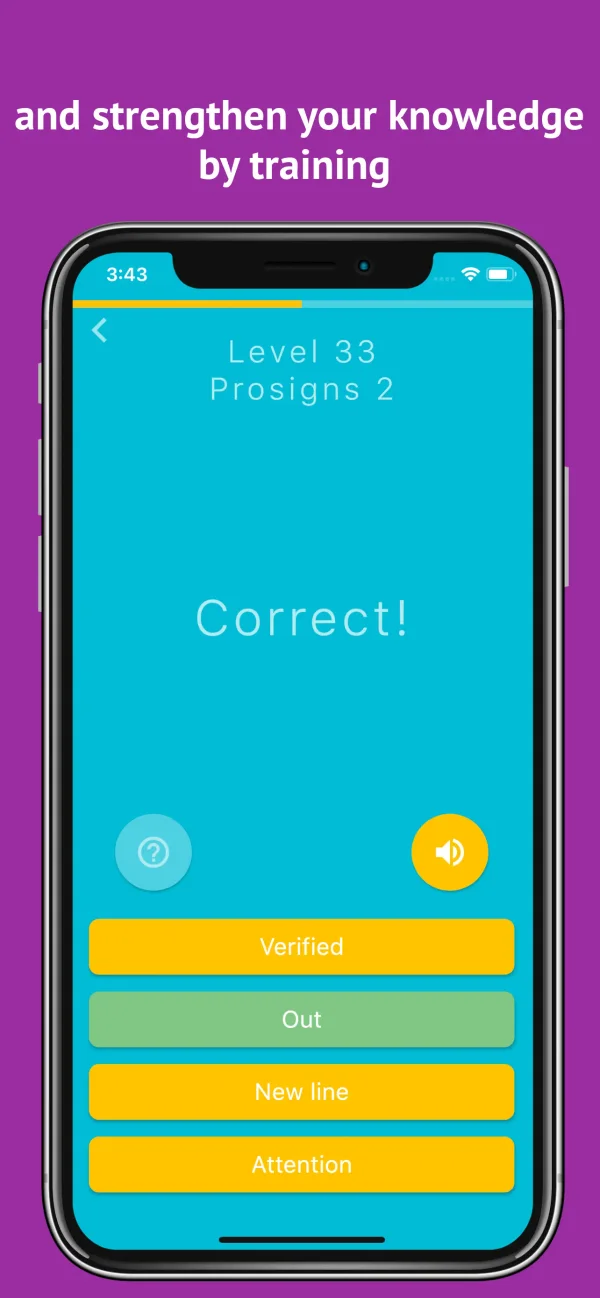
In both the receiving and sending modes, the app starts with the easiest letters (E and T) and moves to more complicated ones. Once you master all the letters, it teaches you numbers and other symbols, and then proceeds to Prosigns, Q-codes, abbreviations, words, Callsigns, phrases and sentences.
----------------------------
Features:
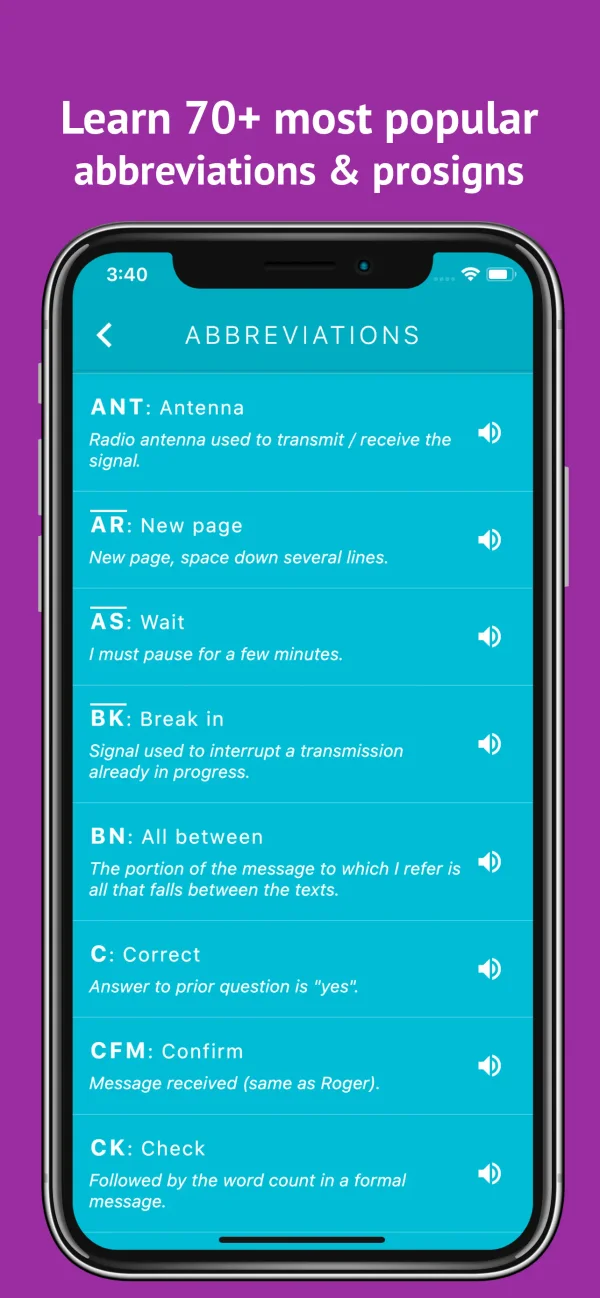
- 135 levels teach you to recognize (receive) 26 Latin letters, numbers, 18 punctuation marks, 20 non-Latin extensions, procedure signs (prosigns), Q-codes, most popular abbreviations, words, callsigns, phrases and sentences.
- Another 135 levels teach and train you to send the Morse code.
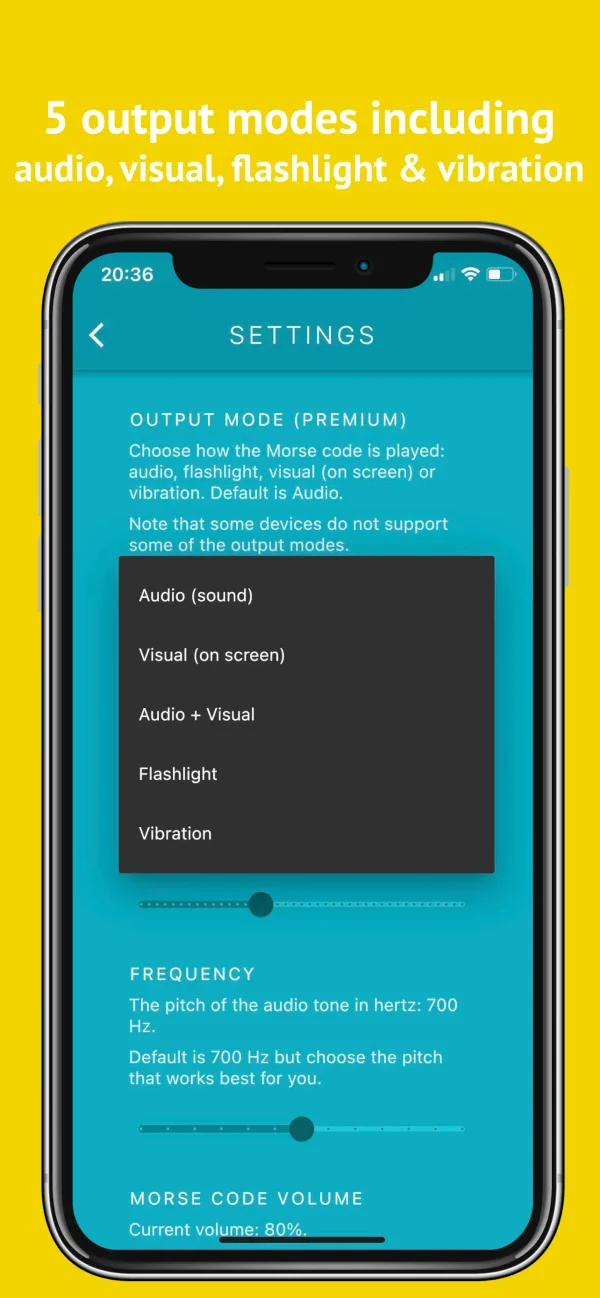
- 5 output modes: audio (default), blinking light, flashlight, vibration and light + sound.
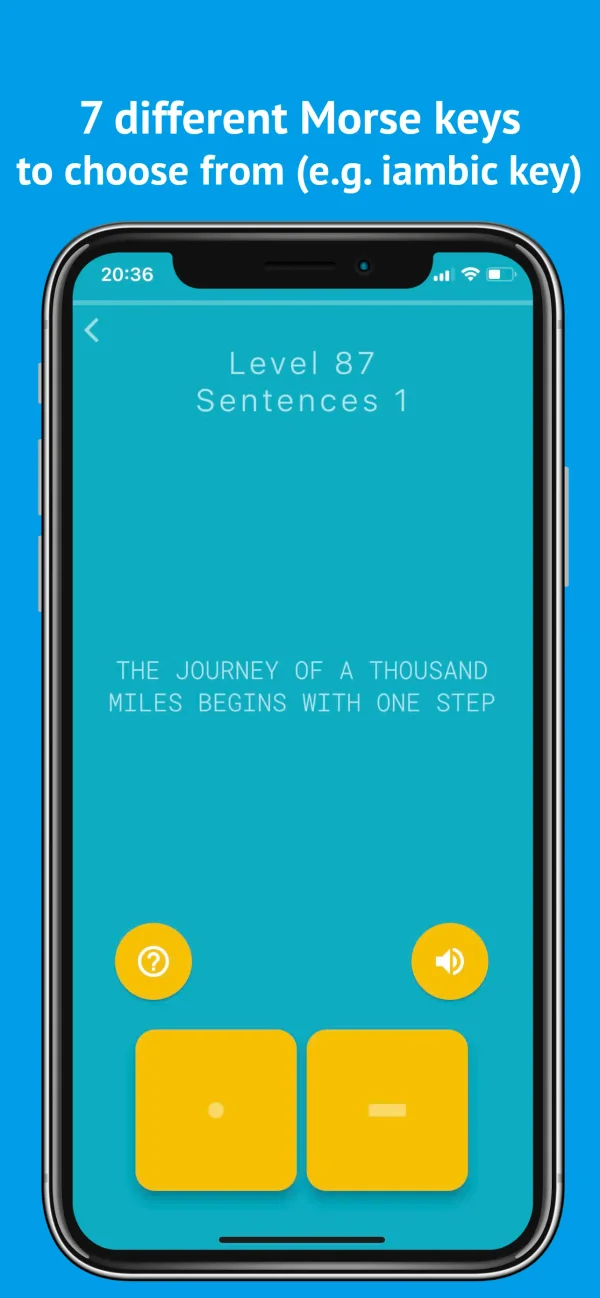
- 7 different keys for sending Morse code (e.g. iambic key).
- 52 challenge levels test and consolidate your knowledge.
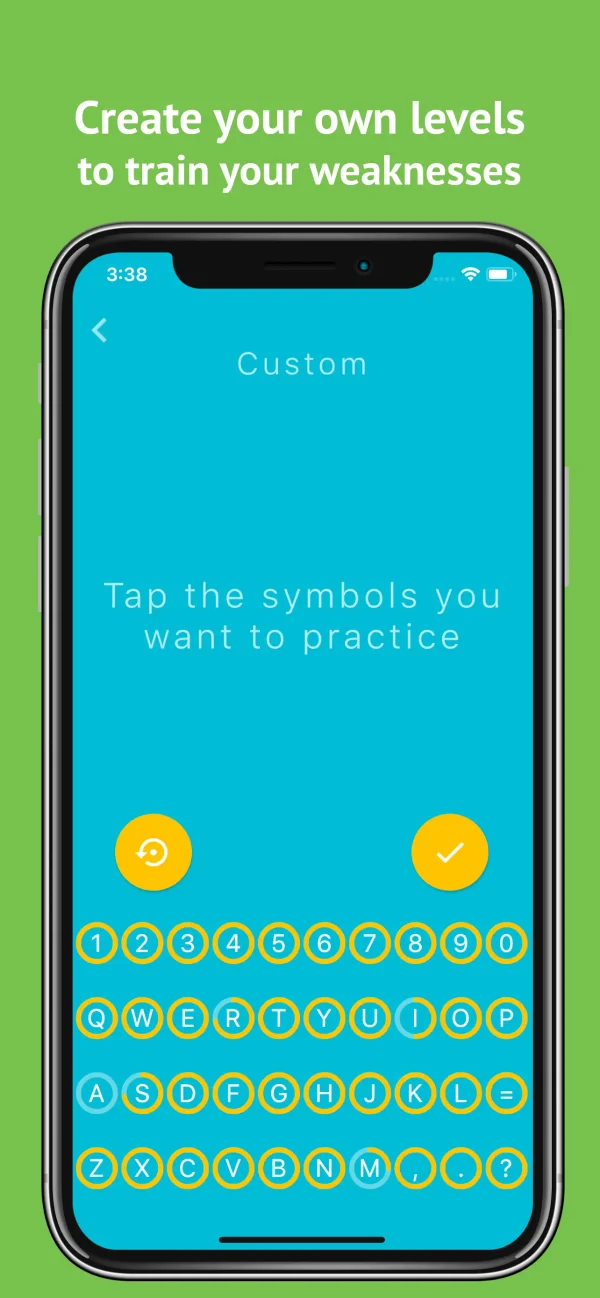
- Custom level: create your own level to practice symbols of your choice. Save your own list of symbols and load anytime.
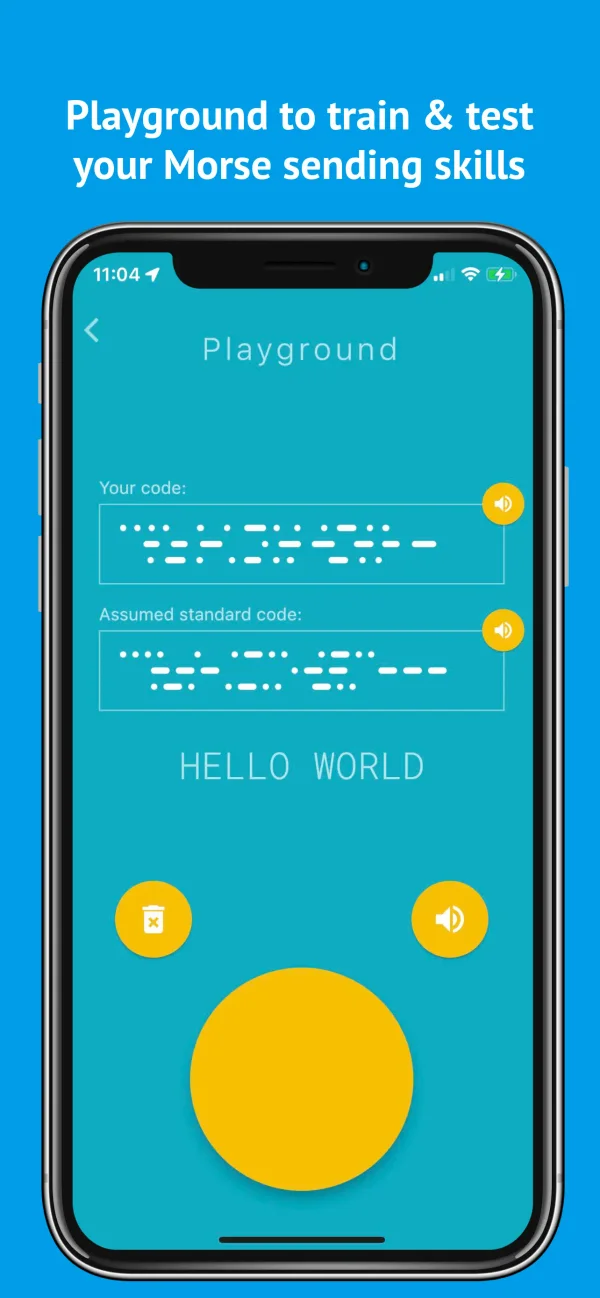
- NEW! “Playground” to test and train your Morse code sending skills.
- Smart learning: custom level choice is pre-populated with symbols where you made the mistakes most recently.
- Support for external keyboard.
- Hints (for free!) when you need help.
- Explore mode: if you want to hear the symbols, or see a list of prosigns, Q-codes & other abbreviations and hear their sound representation.
- 4 themes to choose from, from bright to dark.
- 9 different keyboard layouts: QWERTY, AZERTY, QWERTZ, ABCDEF, Dvorak, Colemak, Maltron, Workman, Halmak.
- Randomize letter/symbol positions for each level (to ensure you're not just learning the position of the symbols on the keyboard).
- Absolutely no ads.
- Works completely offline.
----------------------------
Completely customize the app:
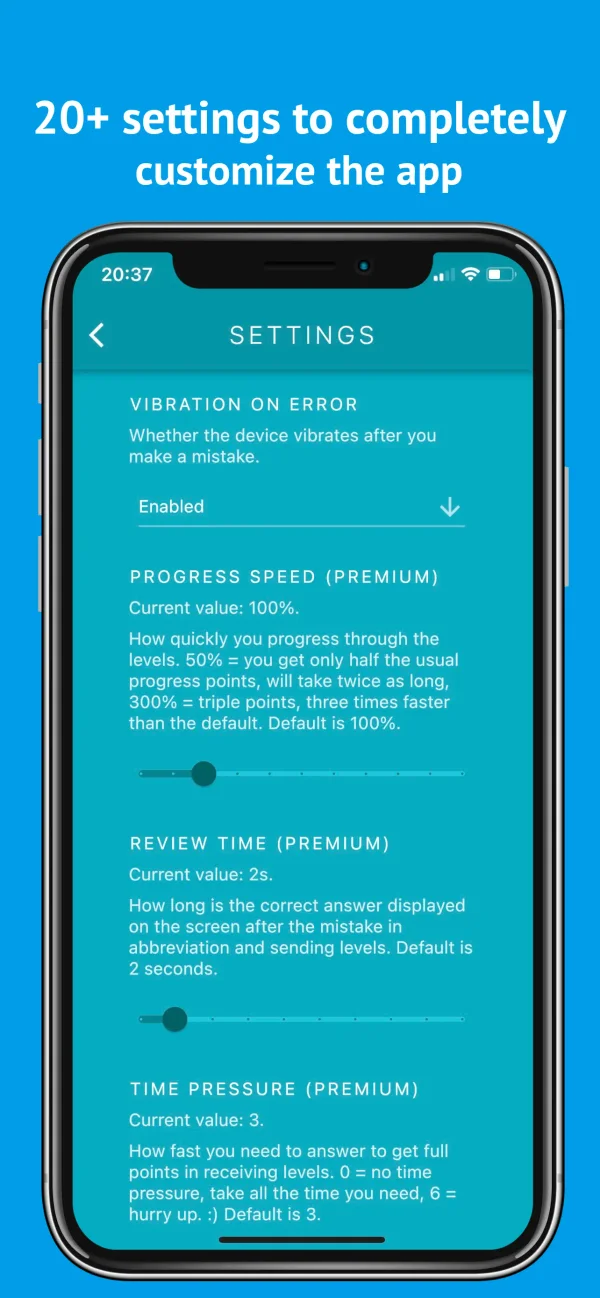
- Adjustable speed: from 5 to 45 WPM (words per minute). Less than 20 is not recommended though, as it doesn't help you to actually learn the language.
- Adjustable sound frequency: 400 to 1000 Hz.
- Adjustable Farnsworth speed: from 5 to 45 WPM. Determines how long are the spaces between letters.
- Adjustable difficulty level for sending the Morse code.
- Disable/enable the progress circle in Settings.
- Settings for progress speed, review time, time pressure and lives in challenges.
- Setting for background noise: to better support some Bluetooth earphones that keep disconnecting from the phone while you play, or just to make it more challenging.
- Ability to jump to the past levels to revise, or skip some if you're already familiar with certain characters.
- Ability to reset mistakes and levels.
----------------------------
Read our dedicated blog posts to get the most out of the game.
Have any comments, questions or advice? Don't hesitate to email us, we'll reply right away!
----------------------------
Links:
- Privacy Policy: http://morse.countrymania.net/privacy
- Terms of Use: http://morse.countrymania.net/tos
Have fun learning!
Có gì mới
Phiên bản 9.5.0 · 01/09/2025
- Support for other keyboard keys on a physical keyboard: left and right CTRL, 1 and 3, 9 and 0.
- Bug fixes and performance improvements.
Quyền riêng tư của ứng dụng
Những gì Xiang Dong khai báo trên App Store về cách ứng dụng này xử lý dữ liệu.
-
Dữ liệu liên kết với bạn
Có thể được thu thập và liên kết với danh tính của bạn.
- Mục mua
- Vị trí
- Mã định danh
- Dữ liệu sử dụng
- Chẩn đoán
Phương thức đảm bảo quyền riêng tư có thể khác nhau, chẳng hạn như tuỳ theo các tính năng bạn sử dụng hoặc độ tuổi của bạn.
Thông tin
- Người bán
- Xiang Dong
- Danh mục
- Giáo Dục
- Phiên bản
- 9.5.0
- Cập nhật
- 01/09/2025
- Phát hành
- 07/05/2020
- Kích thước
- 28,8 MB
- Yêu cầu
- iOS 13.0 trở lên
- Độ tuổi
- 4+
- Giá
- Miễn phí
- Mua hàng trong ứng dụng
- Có
- Ngôn ngữ
- Tiếng Anh
- Bản quyền
- © 2020 Xiang Dong
Có thể bạn cũng thích
-
 Morse Code - Morse MasterGiáo Dục
-
 RepeaterBookTham Khảo
-
 Ham Radio PrepGiáo Dục
-
 Signal - Morse Code PracticeGiáo Dục
-
 HamStudy.orgGiáo Dục
-
 Bài tập về mã MorseNghe, gõ và thành thạo CW
-
 Morse Code Trainer & PracticeGiáo Dục
-
 Mã Morse: Học & DịchGiải mã ánh sáng, SOS
-
 Morse Code - TutorialGiáo Dục
-
 ISS DetectorGiáo Dục