Muntrie: Focus Timer
Pomodoro, Scenes & Ambience
Được thiết kế cho iPhone, iPad, iPod touch
Miễn phí · Mua hàng trong ứng dụng
- Độ tuổi4+
- Danh mụcHiệu Suất
- Nhà phát triển娜 王
- Ngôn ngữTiếng Anh+ 19 ngôn ngữ khác
- Kích thước134,2 MB
Liên kết đến trang App Store chính thức
Download.org không lưu trữ tệp nào của Muntrie: Focus Timer. Nút này mở trang ứng dụng trên App Store, nơi 娜 王 phát hành ứng dụng. Trang được kiểm tra lần cuối: 11/11/2026.
Ảnh chụp màn hình


Giới thiệu
Nhà phát triển chưa cung cấp nội dung này bằng ngôn ngữ của bạn.
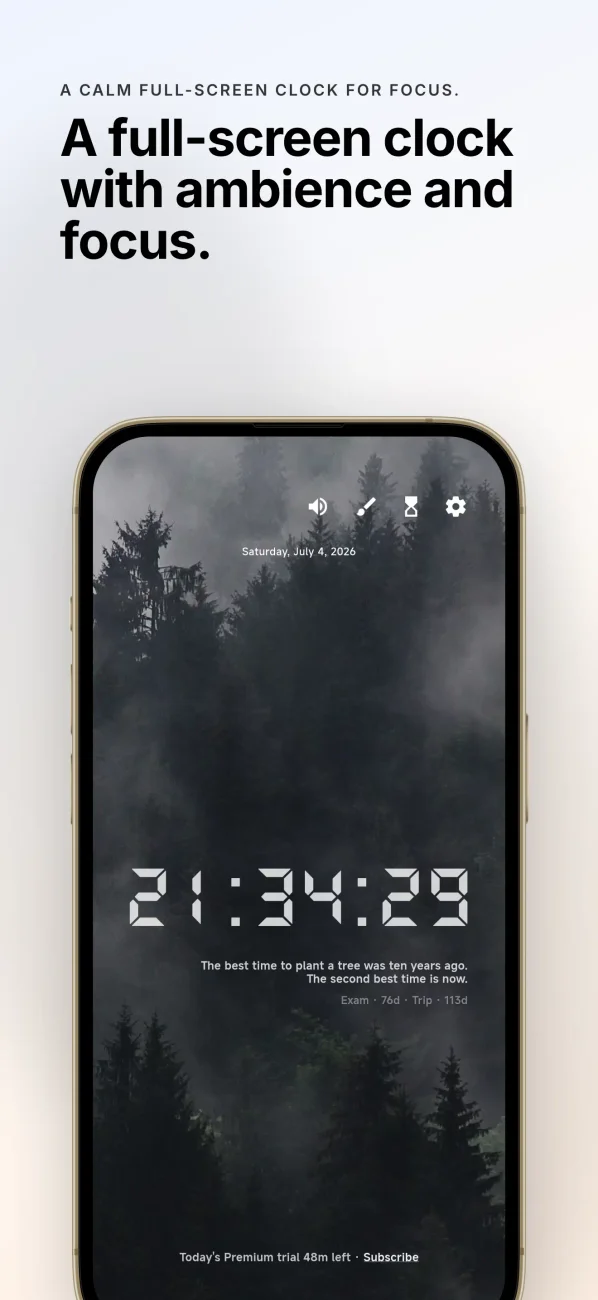
Muntrie turns your screen into one quiet, full-screen focus space. Time, calm scenes, ambient sound, and light planning stay in the same place, so you can begin without jumping between apps.
KEEP THE TIME IN FRONT OF YOU
- A full-screen digital clock that stays readable from across the desk.
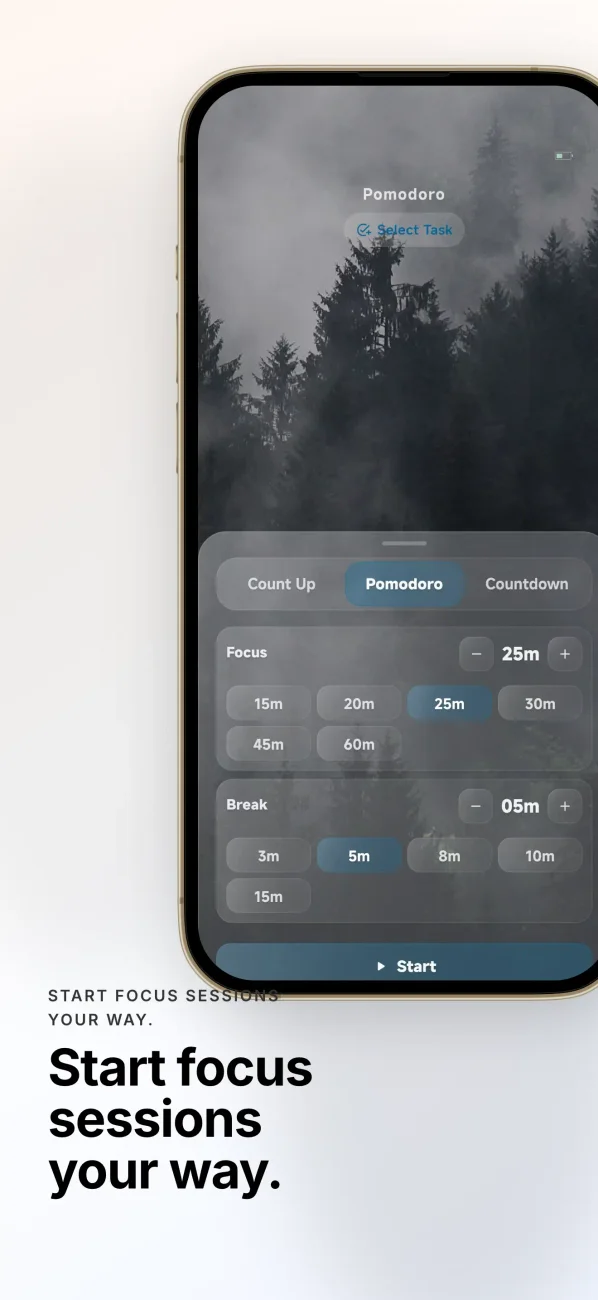
- Pomodoro that can move between focus and break periods automatically.
- Countdown and count-up sessions with one-tap durations.
- A soft chime when a period ends.
- Choose the clock color, add a motto line, and show battery or a date counting down beneath the time.
CALM SCENES AND SOUND
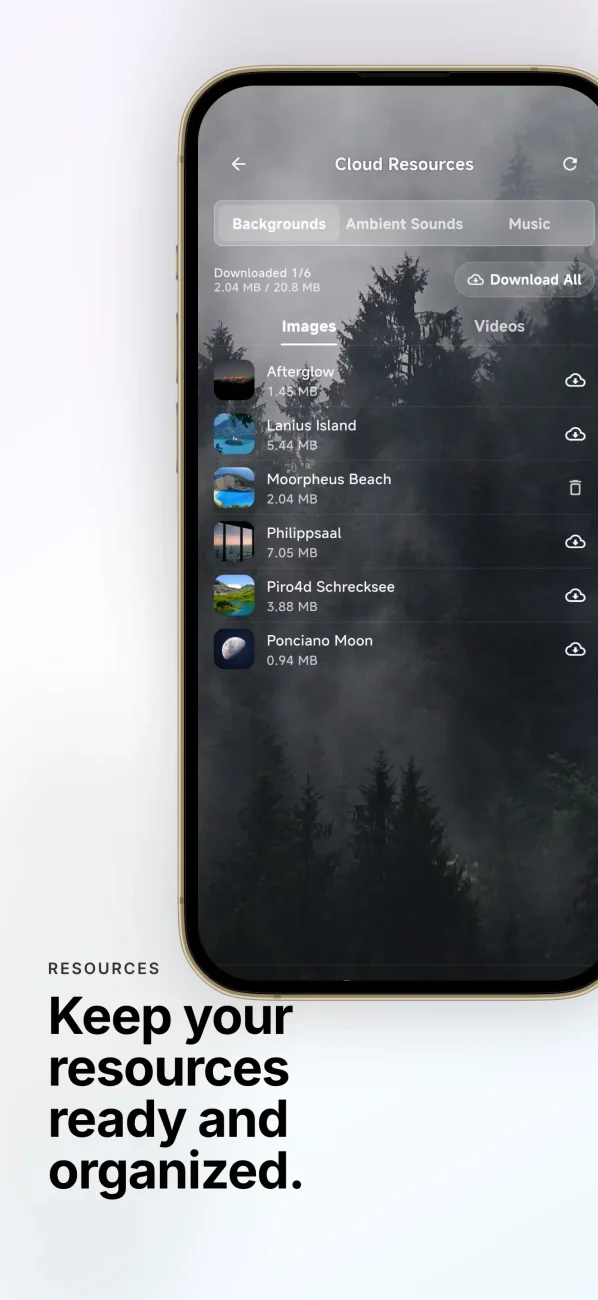
- Photographic scenes: fir forest, alpine and valley lakes, coastline, night sky, and city views.
- More than a dozen ambient loops, including rain, thunder, ocean waves, a river stream, birds, crickets, footsteps in a forest, soft wind, a crackling stove, and a city square.
- Adjust each ambient sound on its own.
- Focus music with repeat and shuffle order.
- Parallax: the background drifts gently as you tilt the device.
- Save a scene, ambient mix, and music together as a preset you can return to.
LIGHT PLANNING IN THE SAME SPACE
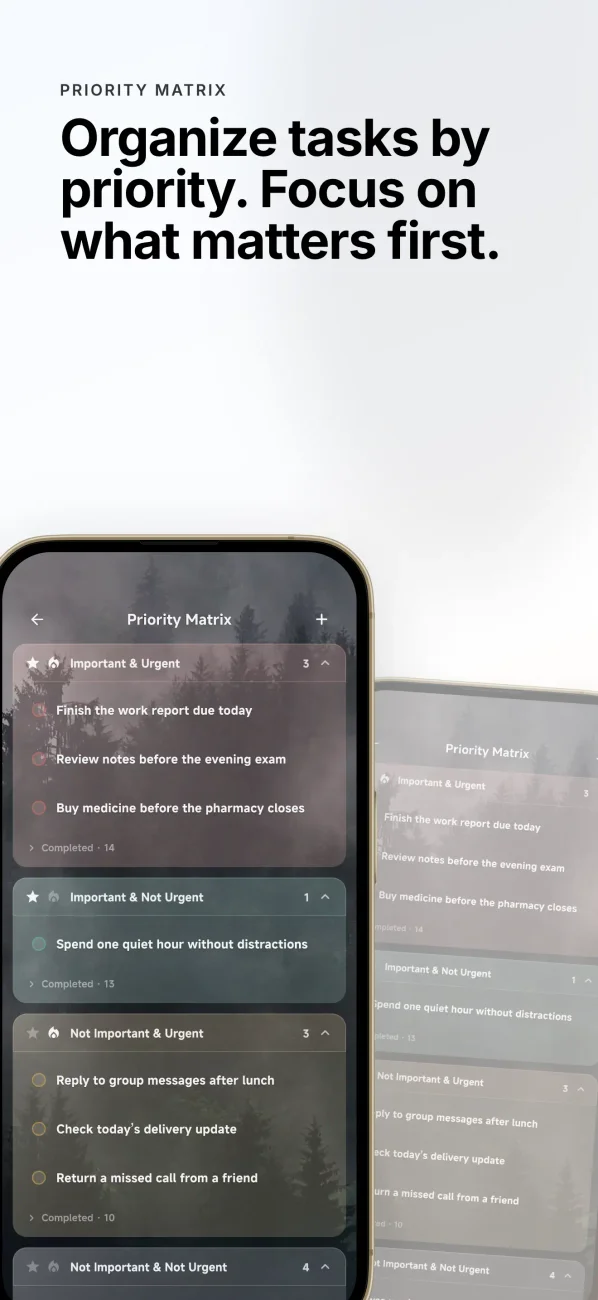
- Priority Matrix: sort tasks across four quadrants and start a focus session straight from a task.
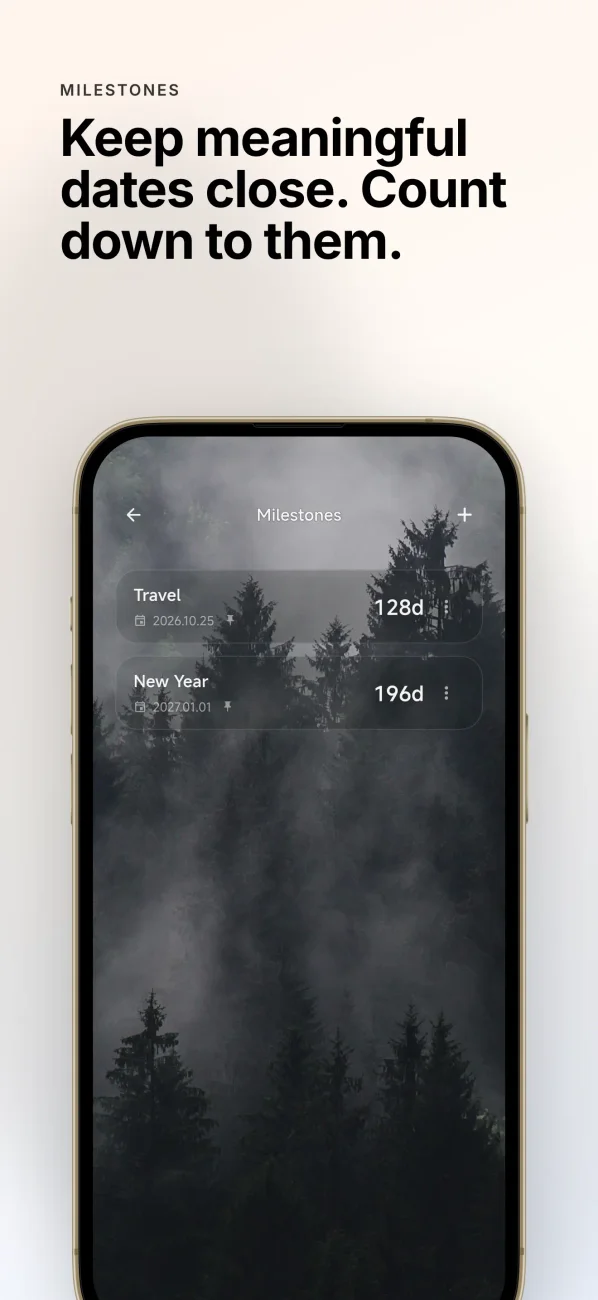
- Milestones: keep meaningful dates counting down, and pin one under the clock.
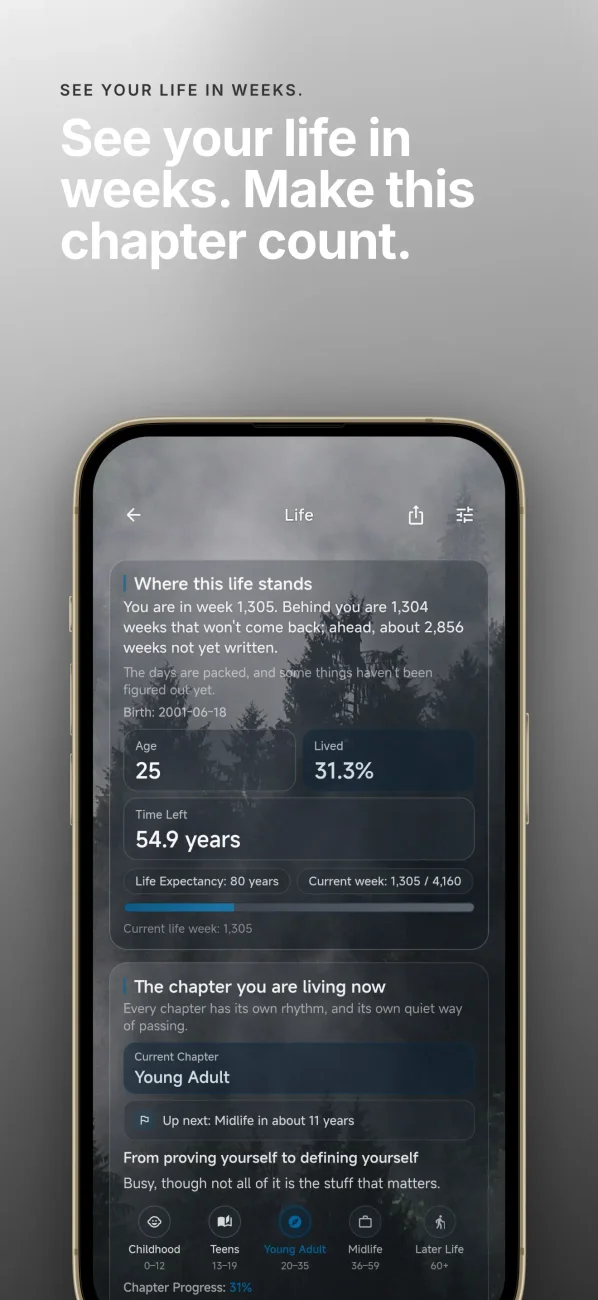
- Life: see the week you are in, the chapter you are living, and what the remaining time can still hold.
MORE WAYS TO USE THE SCREEN
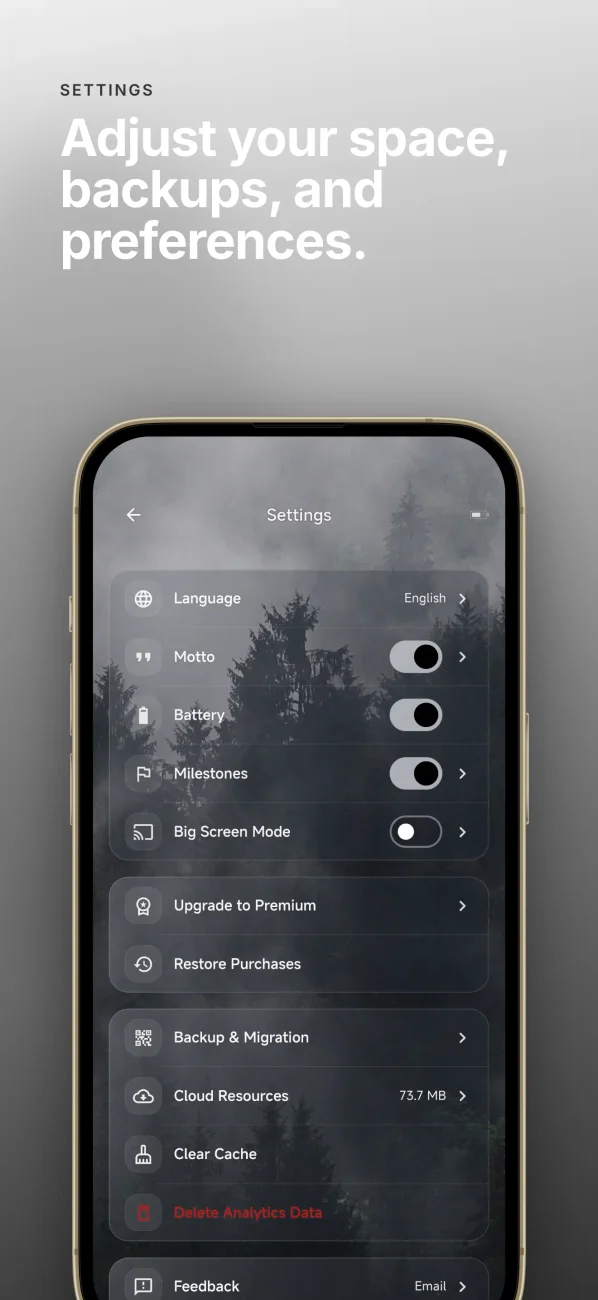
- Big Screen Mode: show Muntrie on a TV with AirPlay Screen Mirroring on an Apple TV or a compatible TV, and the display stays awake while Muntrie is in the foreground.
- QR Backup & Migration: move settings, presets, milestones, the priority matrix, and the current background between devices. The camera is used only to read transfer codes.
- Bring in your own images, ambient audio, or music through the system file picker.
- Eight languages, light and dark themes with a custom accent color, portrait and landscape layouts, and quiet care for OLED screens during long sessions.
COMPLETE EARLY-ACCESS EXPERIENCE
During early access, every Muntrie scene, ambient sound, focus track, Life view, and personal media import is directly available with no daily time limit.
Your real-world experience helps us keep improving Muntrie.
No account is needed. The clock, focus timers, built-in scenes and sounds, and your local settings work offline.
Let the screen settle. Start with what is in front of you.
Privacy Policy:
https://www.muntrie.com/privacy
Terms of Use:
https://www.apple.com/legal/internet-services/itunes/dev/stdeula/
Có gì mới
Phiên bản 1.7.5 · 07/11/2026
We never expected Muntrie to receive so much support, or so many thoughtful suggestions. Every kind word and piece of feedback helps us understand where Muntrie should go next.
The most requested improvements were to focus and task management. Thank you for waiting: this update is ready. We have listened carefully and hope these changes make daily planning and focus smoother.
Ideas and suggestions are always welcome at feedback@muntrie.com or through in-app feedback. I personally read and reply to every email.
The next most requested improvement was moving data between devices. We have added Google Drive and iCloud backup and restore. Muntrie remains local-first: by default, all data stays on your device. When changing devices, you can choose to save a backup to your own Google Drive or iCloud and manually restore it on the new device. This is manual backup and restore, not real-time sync.
Your data remains under your control. We do not proactively access, read or store your personal task data.
TASK MANAGEMENT
• New List and Board views share the same tasks with Matrix, so you can switch views.
• Task categories, daily planning, due dates and recurring tasks.
• Bulk actions and undo.
TASK REMINDERS AND FOCUS
• Task reminders with custom sounds and haptic feedback.
• Notification permission checks and a background reminder test.
• Open a reminder notification to locate its task, or snooze it.
• View and control focus timers through system notifications and Live Activities.
• Choose separately whether to complete the linked task after ending focus.
MOOD RECORDS
• Daily mood records with a calendar review and sharing.
• Mood and task home screen widgets.
DATA AND PRIVACY
• Complete .muntrie backup files, with data protection before restoring.
• Manual backup and restore through your own Google Drive or iCloud.
• Export personal data to spreadsheets, keeping imported media files too.
• Clear local data in Privacy & Data.
OTHER IMPROVEMENTS
• An interactive retro screensaver in the Toybox.
• New home display settings.
• Improved startup, task navigation, completion feedback and keyboard input.
• Improved layouts across different window sizes.
More flexible task management, richer daily records, and greater freedom to move your data—a new companion to your focus time in Muntrie.
Quyền riêng tư của ứng dụng
Những gì 娜 王 khai báo trên App Store về cách ứng dụng này xử lý dữ liệu.
-
Dữ liệu không liên kết với bạn
Có thể được thu thập nhưng không liên kết với danh tính của bạn.
- Chẩn đoán
Phương thức đảm bảo quyền riêng tư có thể khác nhau, chẳng hạn như tuỳ theo các tính năng bạn sử dụng hoặc độ tuổi của bạn.
Thông tin
- Người bán
- 娜 王
- Danh mục
- Hiệu Suất
- Phiên bản
- 1.7.5
- Cập nhật
- 07/11/2026
- Phát hành
- 10/09/2026
- Kích thước
- 134,2 MB
- Yêu cầu
- iOS 15.0 trở lên
- Độ tuổi
- 4+
- Giá
- Miễn phí
- Mua hàng trong ứng dụng
- Có
- Ngôn ngữ
- Tiếng Anh, Tiếng Ả Rập, Tiếng Hà Lan, Tiếng Pháp, Tiếng Đức, Hindi, Tiếng Indonesia, Tiếng Ý, Tiếng Nhật, Tiếng Hàn, Tiếng Ba Lan, Tiếng Bồ Đào Nha + 8 ngôn ngữ khác
- Bản quyền
- © 2026 Muntrie. All rights reserved.
Có thể bạn cũng thích
-
 Calm Focus: Pomodoro TimerHiệu Suất
-
 Garden Timer: Focus & GrowHiệu Suất
-
 Doro — Focus TimerHiệu Suất
-
 Pomodoro Flip Clock & TimerHiệu Suất
-
 Yonder - Focus AppHiệu Suất
-
 Planet Focus: Pomodoro TimerHiệu Suất
-
 iReadr — Speed ReaderHiệu Suất
-
 Stillroom FM: Lofi Study TimerHiệu Suất
-
 Lofi Study - Study with meLofi music, todolist, note
-
 Focus Time GoalsHiệu Suất