
NetOps: Network Toolkit
WiFi Device Scan, DNS & SNMP
Được thiết kế cho iPhone, iPad
149.000đ
- Độ tuổi4+
- Danh mụcCông Cụ Nhà Phát Triển
- Nhà phát triểnChad Neal
- Ngôn ngữTiếng Anh
- Kích thước7,8 MB
Liên kết đến trang App Store chính thức
Download.org không lưu trữ tệp nào của NetOps: Network Toolkit. Nút này mở trang ứng dụng trên App Store, nơi Chad Neal phát hành ứng dụng. Trang được kiểm tra lần cuối: 12/11/2026.
Ảnh chụp màn hình

Giới thiệu
Nhà phát triển chưa cung cấp nội dung này bằng ngôn ngữ của bạn.
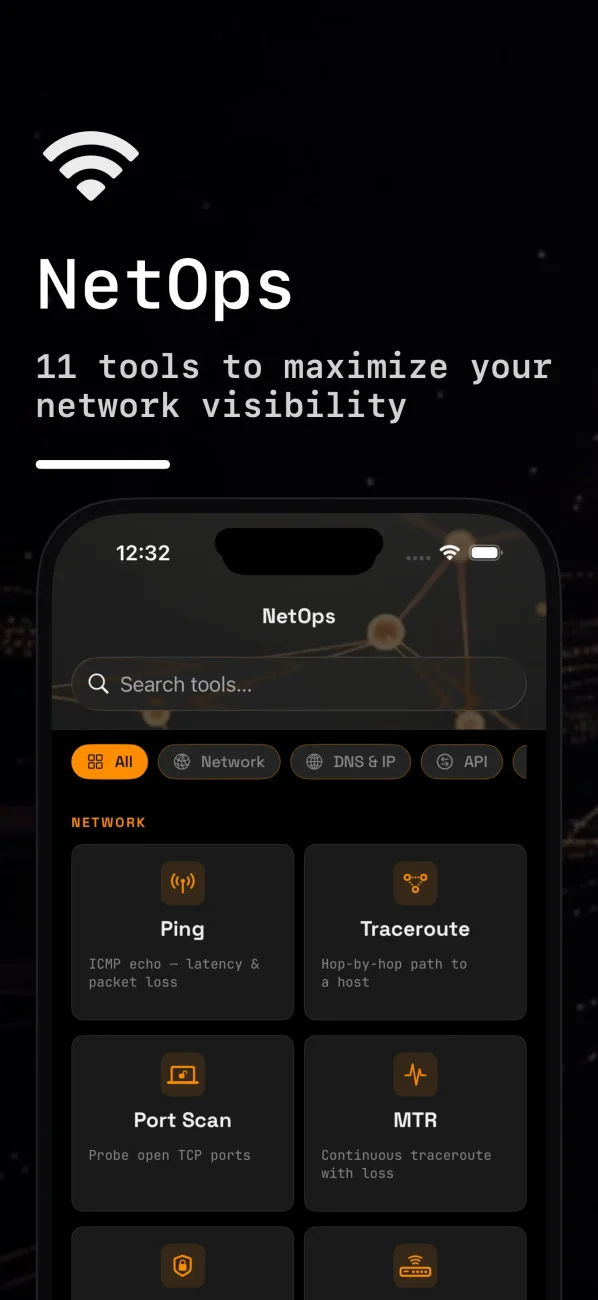
Twelve network tools in one app for sysadmins and developers. NetOps finds the devices on your Wi-Fi, maps a managed switch over SNMP, checks TLS certificates and DNS, and probes hosts and ports, on iPhone and iPad.
LOCAL NETWORK
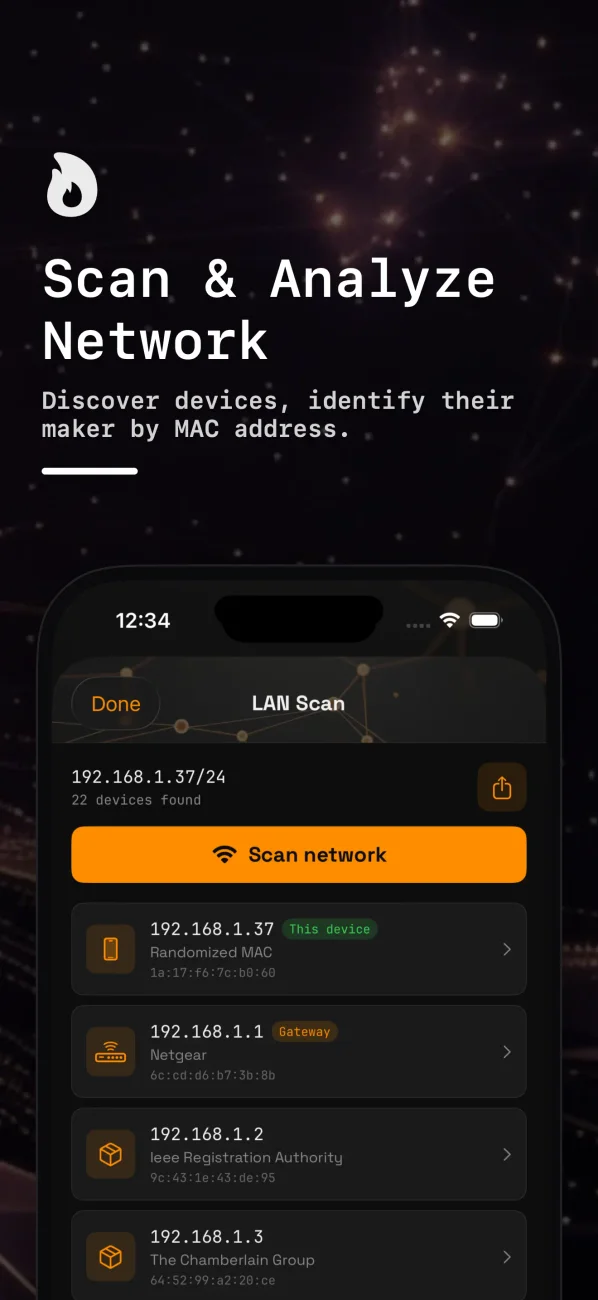
• LAN Scan — Sweeps your Wi-Fi subnet (up to 1,024 addresses), then reads the iOS ARP table to list each device's IP and MAC address, with the maker looked up from the MAC's OUI. Devices using a private (randomized) Wi-Fi address are marked as such. Export as CSV or JSON, or save a device to Hosts.
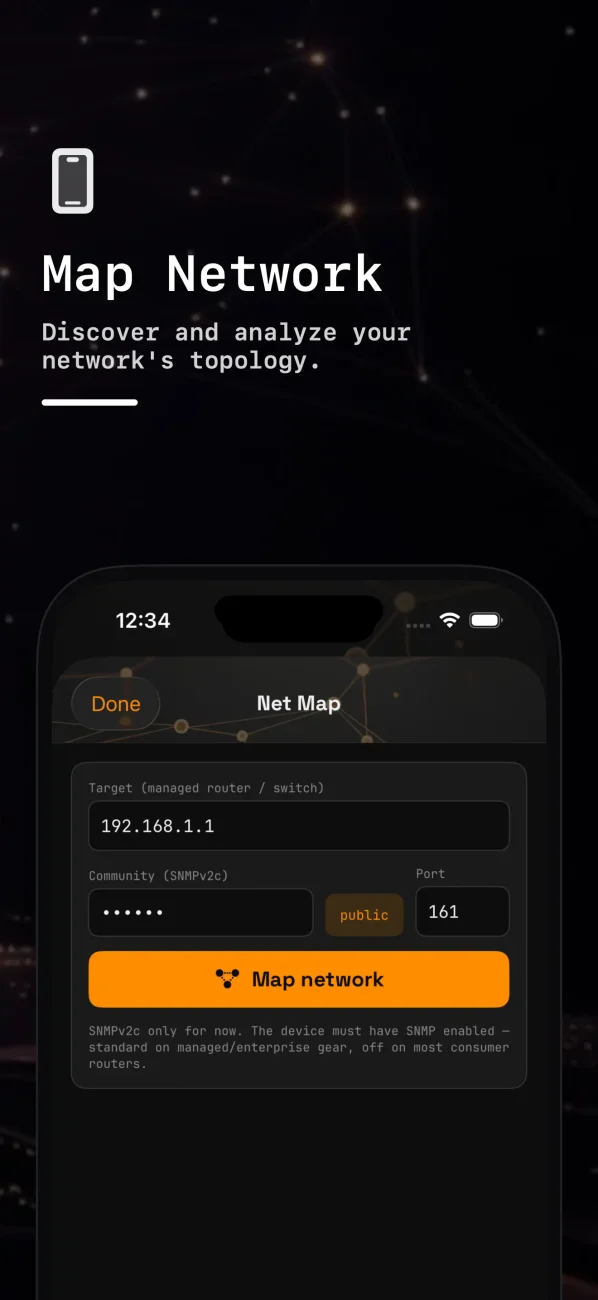
• Net Map — Point it at a managed switch or router that speaks SNMP v2c (GetBulk walks, read community). It reads system name, uptime and location; interfaces with status, speed and MAC; the ARP table with vendors; LLDP and CDP neighbors; MAC-to-switchport; and routed subnets. It reaches devices beyond your own subnet.
PROBES (TCP)
iOS gives apps no ICMP, so these tools time TCP connections, and say so on screen.
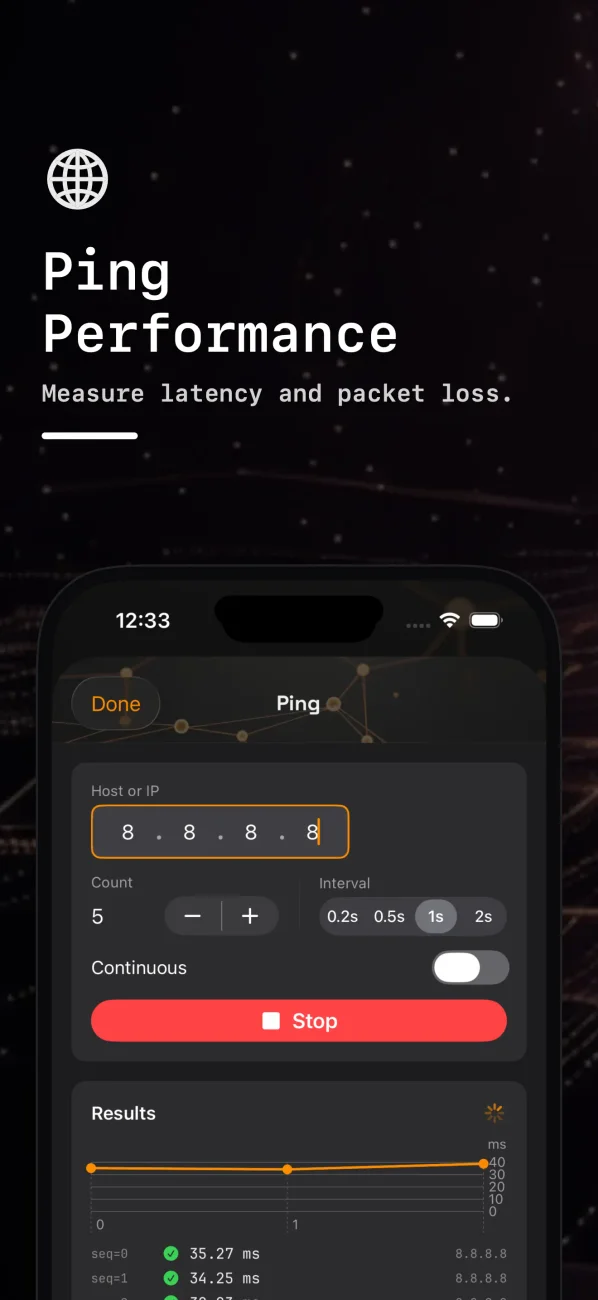
• Ping — TCP ping: each probe races connects to ports 80, 443, 53 and 22; an accept or a refusal counts as an answer. Count 1–100 or continuous, interval 0.2–2 s, with min/avg/max, jitter, loss and a latency chart.
• Traceroute — A TCP reachability check: up to 10 connect attempts to the destination, each waiting longer, until it answers. It does not list the routers in between.
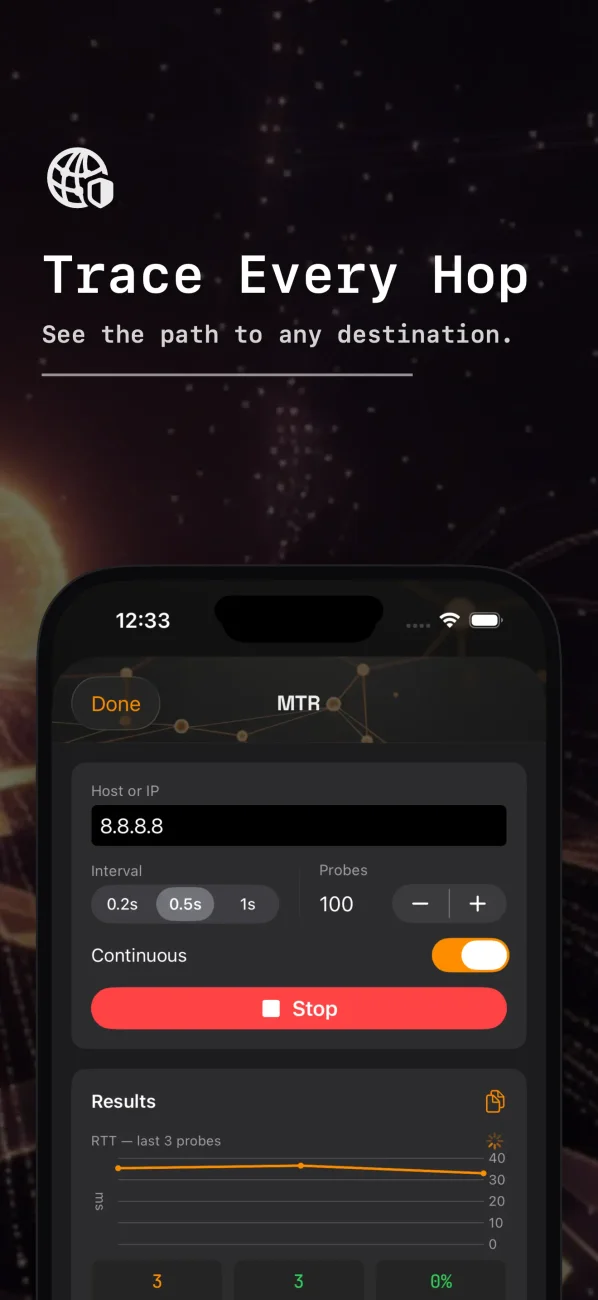
• MTR — A continuous TCP ping to one destination with live loss, best, average, worst and jitter. No per-hop table.
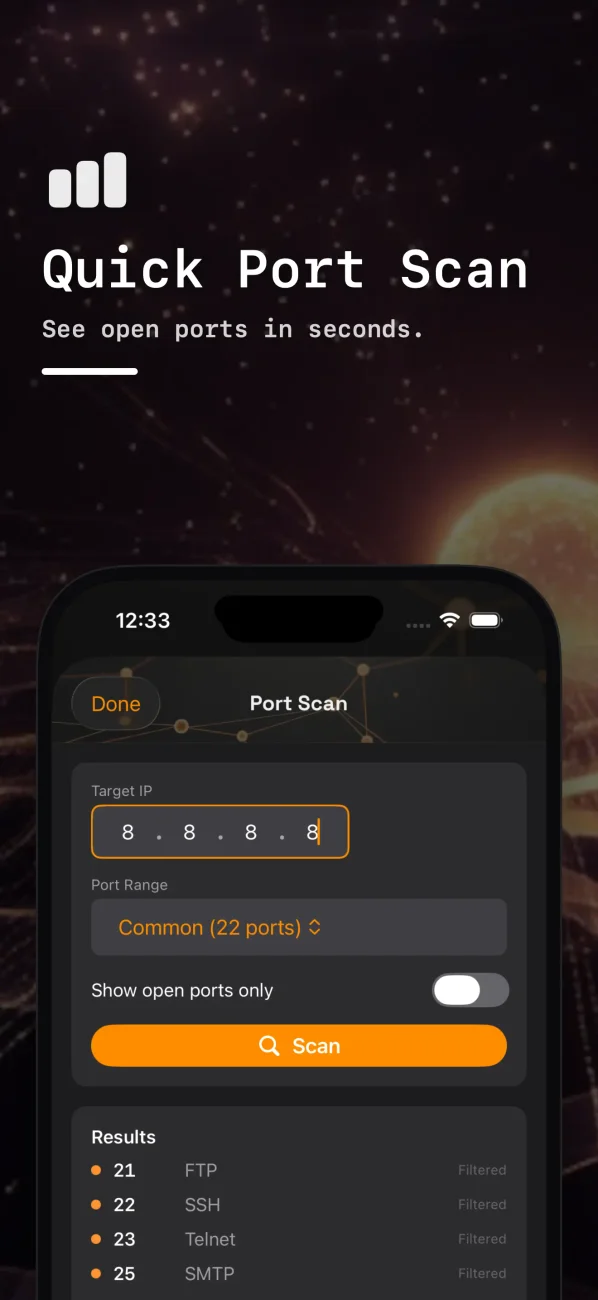
• Port Scan — TCP connect scan of a host name or IPv4/IPv6 address: a 22-port common preset, a top-100 list, ports 1–1000, or any custom range. Each port is open, closed (refused), filtered (no answer) or unreachable (no route), and IPv4 is tried first.
CERTIFICATES
• SSL Check — Any host and port: the full chain labelled leaf, intermediate and root, iOS's own trust verdict, whether the certificate covers the host name, the failure reason, days to expiry, issuer, SANs and serial. Expired, self-signed and wrong-host certificates are still shown.
DNS AND IP
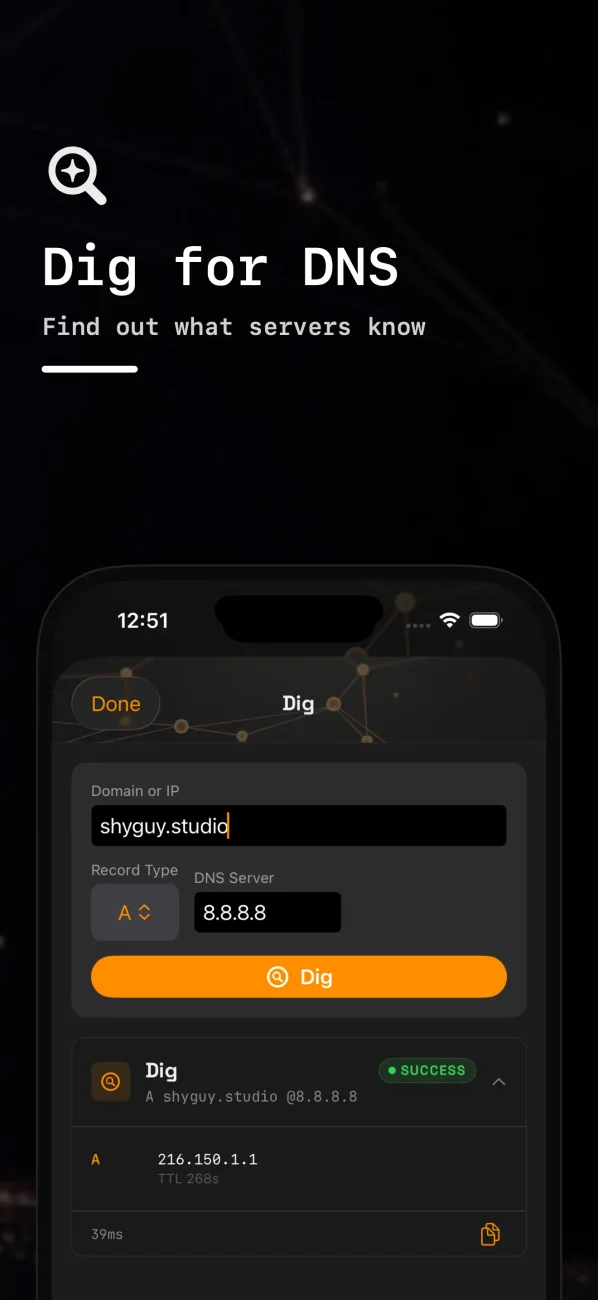
• Dig — Query A, AAAA, MX, TXT, CNAME, NS, SOA and PTR records from any resolver over UDP with EDNS0. The response code (NOERROR, NXDOMAIN, SERVFAIL, REFUSED) and a truncated answer are shown. SOA is printed in full and IPv6 in RFC 5952 short form.
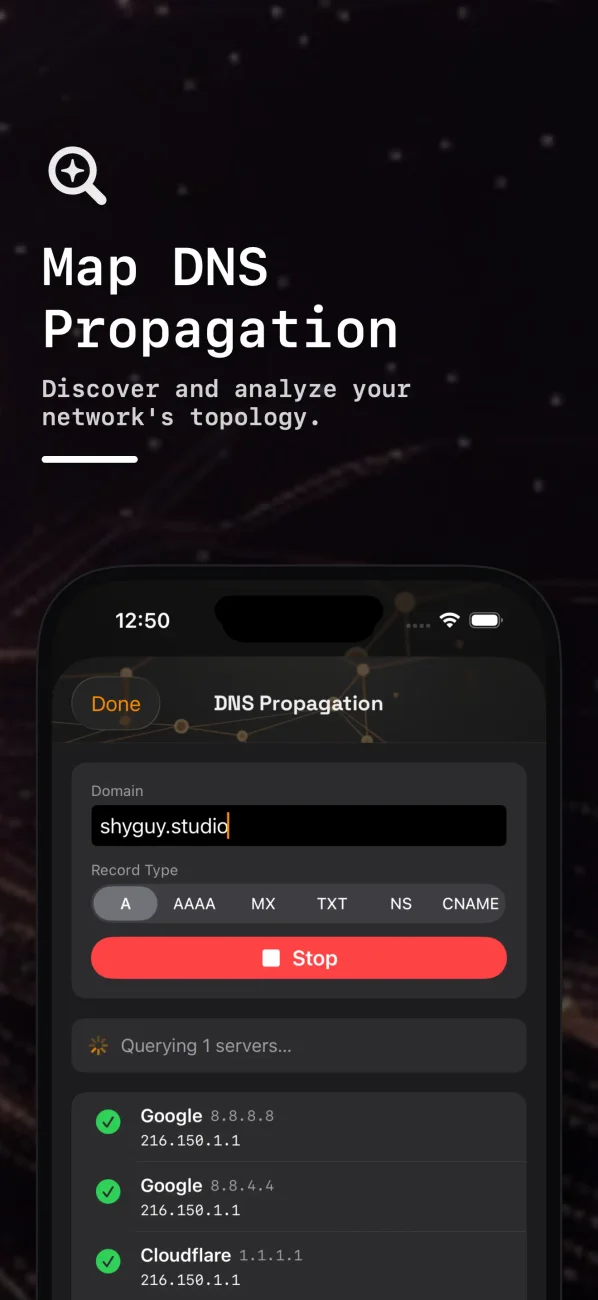
• DNS Propagation — One name and record type across eight public resolvers at once (Google, Cloudflare, Quad9, OpenDNS, DNS.WATCH, Yandex), flagging disagreement.
• WHOIS — Domain and IP registration data over RDAP: dates, status, name servers, network.
• Reverse Lookup — IPv4 address to host name via PTR.
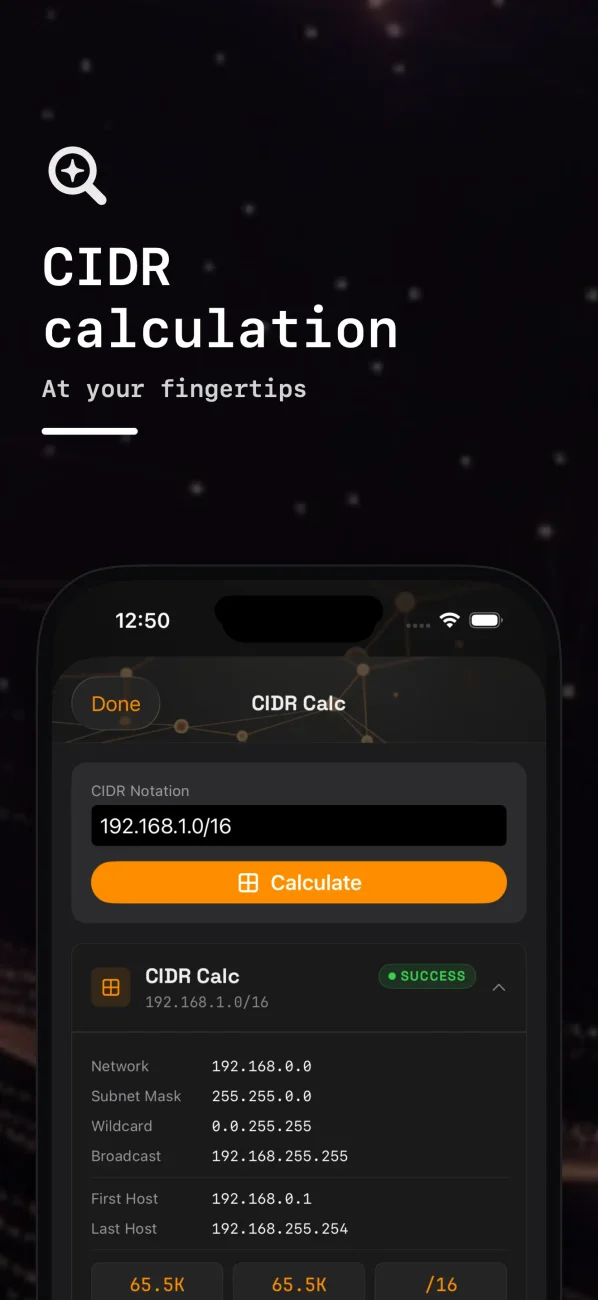
• CIDR Calculator — IPv4 subnet math: network, mask, wildcard, broadcast, first and last host, host counts, and whether an IP falls inside the block.
HOSTS AND HISTORY
• Hosts — Names, tags, notes and favorites. A host found by LAN Scan is matched by MAC, so it survives an IP change. Import from a CSV file, export to CSV, or sync from an HTTPS inventory API: any JSON list with dot-path field mapping (NetBox works), or an Ansible dynamic inventory, with an optional bearer token kept in the iOS Keychain.
• History — Every tool's runs are saved as text reports you can search, share or delete, kept 7, 30, 90 or 365 days.
WHAT IT DOES NOT DO
• No ICMP ping, hop-by-hop traceroute or per-hop MTR on iOS.
• No Wi-Fi signal survey or list of nearby Wi-Fi networks; LAN Scan finds devices on the network you are joined to.
• No SNMP v3, no SNMP writes, no SSH or Telnet client.
• No packet capture, and nothing runs in the background.
PRIVACY
No account, no analytics, no ads, no tracking. Hosts and history stay on your device. Probes go only to the hosts you enter; WHOIS queries go to rdap.org, DNS queries go to the resolvers you choose, and API sync goes to the URL you set.
PRICE
One purchase. No subscription, no in-app purchases, no upsells.
Published by SHYGUY LLC.
Có gì mới
Phiên bản 1.0.3 · 06/11/2026
Ping, Traceroute and MTR now say plainly that they measure with TCP connects, because iOS does not let apps send ICMP. SSL Check reports iOS's own trust verdict and whether the certificate covers the host name, and labels each certificate as leaf, intermediate or root. Dig shows NXDOMAIN, SERVFAIL and truncated answers, reads long TXT sets in full, prints the whole SOA record and writes IPv6 addresses in short form. Ping, Port Scan and Traceroute accept host names, and Port Scan tries IPv4 first and reports hosts it cannot reach instead of marking every port closed. Every tool now saves its run to History, which you can search, open, share and trim with the retention setting.
Quyền riêng tư của ứng dụng
Những gì Chad Neal khai báo trên App Store về cách ứng dụng này xử lý dữ liệu.
-
Dữ liệu không được thu thập
Nhà phát triển không thu thập bất kỳ dữ liệu nào từ ứng dụng này.
Phương thức đảm bảo quyền riêng tư có thể khác nhau, chẳng hạn như tuỳ theo các tính năng bạn sử dụng hoặc độ tuổi của bạn.
Thông tin
- Người bán
- Chad Neal
- Danh mục
- Công Cụ Nhà Phát Triển
- Phiên bản
- 1.0.3
- Cập nhật
- 06/11/2026
- Phát hành
- 02/03/2026
- Kích thước
- 7,8 MB
- Yêu cầu
- iOS 17.0 trở lên
- Độ tuổi
- 4+
- Giá
- 149.000đ
- Ngôn ngữ
- Tiếng Anh
- Bản quyền
- © 2026 Shy Guy LLC
Có thể bạn cũng thích
-
 PanelicaCông Cụ Nhà Phát Triển
-
 Local LLM Server ProCông Cụ Nhà Phát Triển
-
 kube-coderCông Cụ Nhà Phát Triển
-
 Network Analyzer - NetChat AICông Cụ Nhà Phát Triển
-
 Machete DGXCông Cụ Nhà Phát Triển
-
 Voice-CodeCông Cụ Nhà Phát Triển
-
 Termify - AI SSH TerminalCông Cụ Nhà Phát Triển
-
 Python Studio - Py CodeCông cụ phát triển
-
 Screenshot Studio - DesignerCustom Device Bezel Mockups
-
 UDP TCP Network UtilityCông Cụ Nhà Phát Triển